



Vizard AI vs OpusClip: Which AI Video Editor Fits Your Workflow Better?
Choosing an AI video editor depends on where the work slows down. Vizard AI and OpusClip AI take different approaches to finding moments, refining cuts, polishing footage, and publishing finished videos. Read this guide to find out which video editor fits your workflow better.
Vizard AI vs OpusClip: TL;DR
Decision point | Vizard AI | OpusClip AI |
|---|---|---|
| Best source material | Speech-led video where context matters | Speech-led or visual footage, including action and low-dialogue video |
| AI clip selection | Fewer, context-complete candidates | Broader moments found through speech, visuals, sound, and emotion |
| Browser editing | Free transcript and multi-track editor | Paid editing; Pro adds professional-editor handoff |
| Vertical reframing | Tracks speakers and shared screens | Adds moving-object and action tracking |
| Finishing emphasis | Caption styling and localization | Speech repair, B-roll, voiceover, and dubbing |
| Free-plan tradeoff | 720p export with editing included | Up to 1080p with watermark and no editing |
Vizard favors direct browser control. OpusClip favors automated finishing and professional handoff. Pollo AI becomes relevant when the job involves changing the visuals or producing complete footage.
What Is Vizard AI?
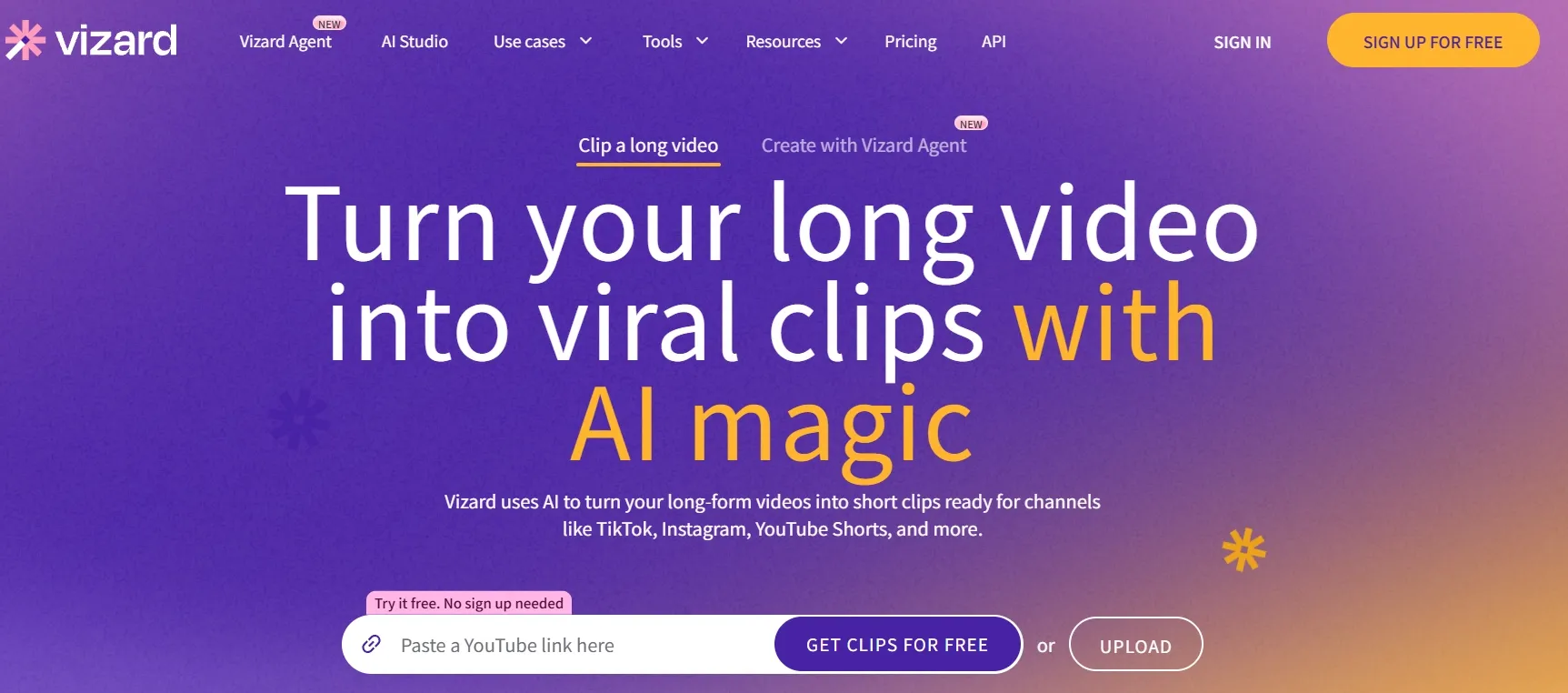
Vizard AI keeps clip discovery and hands-on editing inside one browser workspace. It combines long-to-short clipping with transcript changes, a multi-track timeline, brand templates, and publishing tools.
Model v2 builds clips around a complete setup, insight, and payoff instead of maximizing clip count. For a marketing team turning Monday’s webinar into a week of campaign content, that means fewer disconnected tools and less time rebuilding incomplete excerpts.
What Is OpusClip?
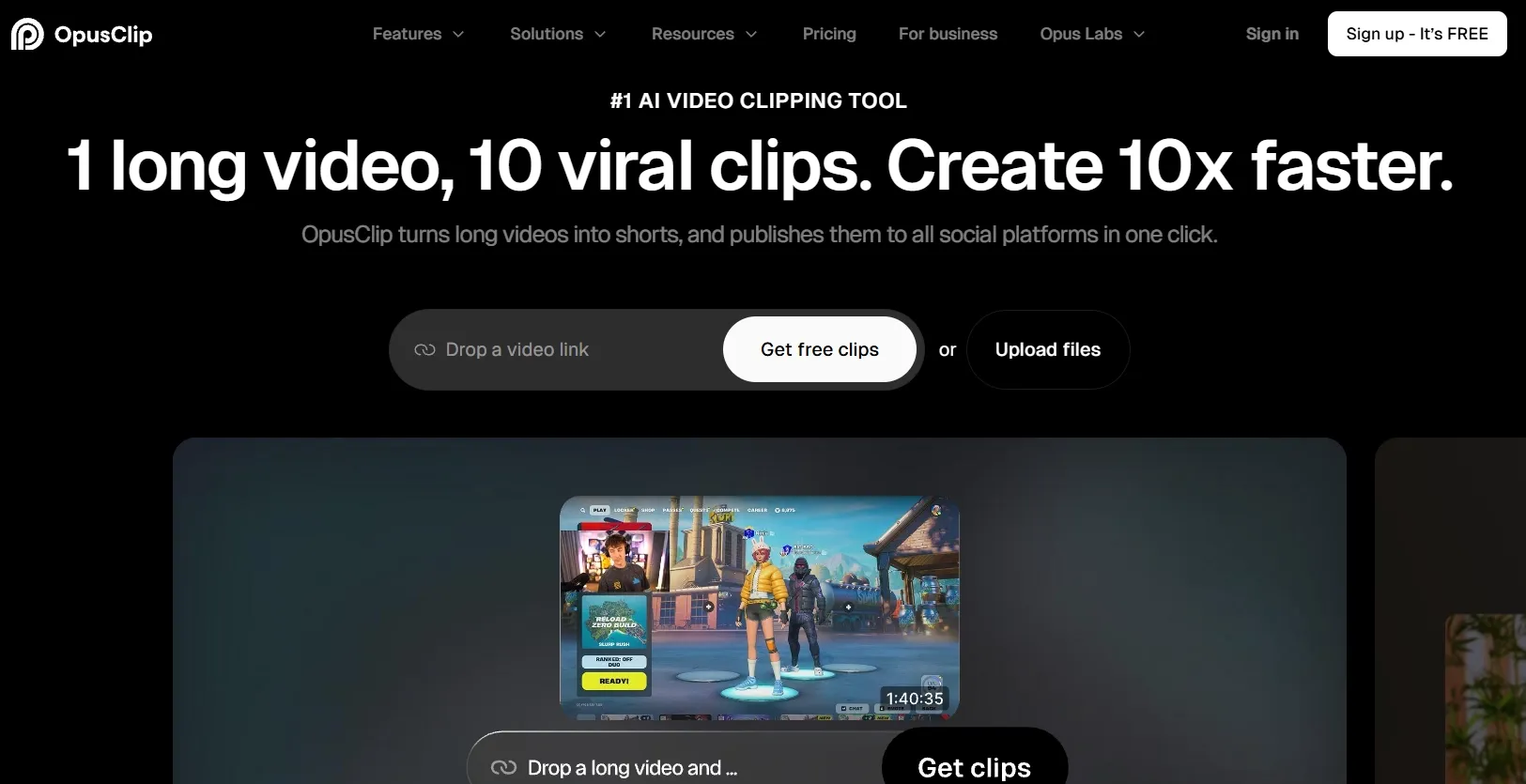
OpusClip pushes more automation into clip discovery and finishing. ClipAnything uses speech, visual objects, sound, and emotion, making it useful for editing videos like interviews as well as sports, gaming, and low-dialogue footage.
Captions, reframing, B-roll, speech cleanup, and publishing sit in the same flow. A creator can find a reaction, polish it, then send the project to Adobe Premiere Pro or DaVinci Resolve for detailed post-production.
This OpusClip AI overview covers the broader workflow.
How Do Vizard AI and OpusClip AI Differ Across the Editing Process?
Which Tool Finds Better Moments in Long Footage?
Vizard works better when a clip must preserve a complete spoken idea. Its Model v2 narrows an hour of source video to roughly 13 self-contained clips, keeping the setup and payoff together. A podcast producer can review fewer candidates without rebuilding incomplete excerpts.
OpusClip is more flexible when the strongest moment is visual or nonverbal. ClipAnything reads objects, action, sound, and emotion, helping it catch a goal, reaction, or gameplay sequence. Vizard fits dialogue-heavy webinars; OpusClip can surface more varied moments for a sports or event highlight video.
Which Editor Gives More Control Over the Final Cut?
Vizard provides the more accessible browser editor. Its free plan includes transcript and multi-track controls, letting a creator delete a wrong sentence, extend a clip, rearrange scenes, or add custom B-roll without leaving the workspace.
OpusClip begins manual refinement on a paid plan, but Pro exports segments, subtitles, and XML projects into Premiere Pro or DaVinci Resolve. A course team finishing training videos in the browser may prefer Vizard; an agency with a post-production editor may prefer OpusClip.
Which Tool Reframes Landscape Video More Reliably?
Vizard focuses on spoken presentations. It tracks faces, active speakers, and shared screens, reducing crop corrections when a webinar switches between a presenter and slides or when two podcast guests alternate speaking.
OpusClip tracks a broader range of moving subjects. Object tracking and genre-aware framing help when action travels across sports, demonstration, or gameplay footage. Vizard fits interviews and screen recordings; OpusClip better suits action-led social media content like TikTok videos where the focal point is not always the speaker.
Which Tool Handles Captions, B-Roll, and Audio More Completely?
Vizard is stronger at controlling how spoken content looks. Subtitles, highlighted words, emojis, translation, and AI-matched B-roll help turn a clean executive webinar into consistent clips for several markets. Its AI Edit also adds B-roll, zooms, and transitions.
OpusClip does more to repair how a recording sounds through filler removal, speech enhancement, voiceover, sound effects, dubbing, and AI or stock B-roll. It removes more cleanup from a hesitant remote interview. For localized talking-head videos, Vizard controls the on-screen style; OpusClip does more to rebuild the audio and supporting visuals.
Edit Videos for Every Use Case
Clean, restyle, and enhance videos for creative, marketing, and e-commerce needs.
Try Pollo AI Video Editor Free
Which Tool Better Supports Branded Publishing at Scale?
Vizard better fits an account-heavy publishing operation. Teams can reuse caption styles, layouts, fonts, logos, templates, and outros, then schedule across six major social platforms. Creator connects six accounts; Business expands to 20 and adds a shared workspace and brand kit.
OpusClip better fits a smaller team combining automation with professional post-production. Starter publishes to Shorts, TikTok, and Reels; Pro adds scheduling, six connections, two seats, collections, and XML export. An agency managing many client channels may prefer Vizard. A two-person team finishing branded social media videos in Premiere may prefer OpusClip.
Which One Is Better for Different Video Editing Use Cases?
Use case | Better choice | Why |
|---|---|---|
| Spoken explainer videos or webinars | Vizard AI | Preserves complete ideas and supports browser editing |
| Sports, gaming, or event highlights | OpusClip AI | Finds nonverbal action and tracks moving subjects |
| Browser-only team editing | Vizard AI | Includes transcript and multi-track controls free |
| Premiere Pro or DaVinci Resolve handoff | OpusClip AI | Pro exports XML, subtitles, and source segments |
| UGC video ads needing speech cleanup | OpusClip AI | Provides stronger repair, B-roll, and voice tools |
| Branded social video repurposing | Both | Both support captions, reframing, branding, and publishing |
Vizard is the more natural choice when the value sits in what people say. A webinar or training team can preserve the full point, correct the transcript, apply branding, and publish without leaving the browser.
OpusClip shines when action, sound, or rough speech matters as much as dialogue. It can surface a silent reaction or game-winning moment, clean the recording, then hand the project to a professional editor.
Vizard AI vs OpusClip AI Pricing
Plan level | Vizard AI | OpusClip AI |
|---|---|---|
| Free | $0; 60 credits; 720p; full editor | $0; 60 credits; up to 1080p; watermark; no editing |
| Individual | Creator: $29/month; from 600 credits | Starter: $15/month; 150 credits |
| Professional/team | Business: $39/month; from 600 credits | Pro: $29/month; team workspace and 100 GB |
| Higher volume | More credit tiers on Creator/Business | Business: custom quote |
The cheapest subscription is not automatically the lowest-cost workflow. OpusClip Starter can cover light weekly clipping, while Vizard Creator better suits several monthly webinars or podcasts. OpusClip Pro is easier to justify when XML export, speech cleanup, and B-roll replace separate tools.
Why Pollo AI Offers the More Complete Video Editing Route
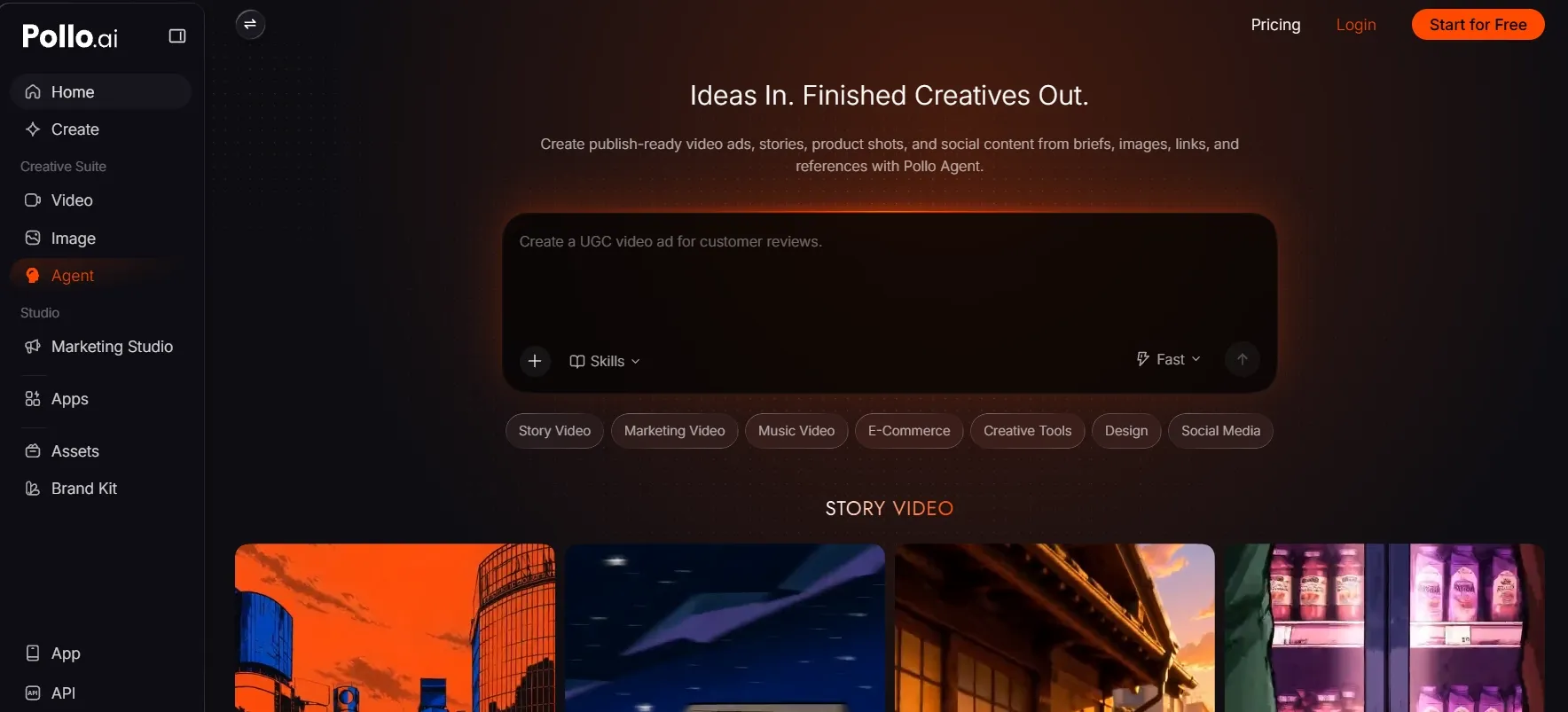
Edit What Appears Inside the Frame
A product clip may have the right performance but a distracting passerby and the wrong setting. Pollo AI’s video editor can remove unwanted elements or change the atmosphere, appearance, background, and effects through a prompt. It can also isolate the subject for a branded scene.
Finish Specific Editing Jobs Directly
When an agency inherits a finished export with burned-in captions—for example, an old campaign clip that needs to be reused in another language—Pollo AI’s video subtitle remover helps clear the old text before using its AI caption generator to add a localized version.
This lets the team prepare the clip for a new market without rebuilding the edit or layering fresh captions over the original ones.
Restyle Footage Without Recutting It
A music promoter may need one performance to support a festival teaser, fan post, and sponsor campaign. This video to video AI by Pollo AI preserves movement while applying styles such as anime, claymation, or pop art without rebuilding the edit shot by shot.
Move From a Brief to a Finished Video
A launch team may have a product page, several images, and a rough script but no complete footage. Pollo Agent reads those inputs as one brief, selects an appropriate video workflow for anime, story or marketing, and builds a cohesive multi-scene video with pacing, visuals, voice, music, captions, and sound effects already coordinated.
Its advantage becomes clearer during revision of AI-generated videos: the team can shorten the opening, strengthen the CTA, or change the visual direction without rebuilding the rest. Because Pollo Agent keeps the brief, assets, and earlier decisions in context, it can produce post-ready channel versions instead of disconnected clips that still need stitching.
Final Verdict
Vizard AI best fits long, speech-led recordings that need context-preserving clips, browser editing, and repeatable publishing. OpusClip AI better suits mixed or action-led footage that benefits from speech cleanup, automated B-roll, and a direct Premiere Pro or DaVinci Resolve handoff.
Pollo AI is more useful when editing goes beyond cuts and captions. It can change the frame, repair or restyle footage, and use Pollo Agent to turn briefs and assets into cohesive, post-ready videos. Whether you are a professional creator, a marketer producing campaign videos at scale, or a casual user exploring video editing, Pollo AI is the best all-around choice.
FAQs
What is the main difference between Vizard AI and OpusClip AI?
Vizard centers on context-preserving clipping and hands-on browser editing. OpusClip automates more of the selection and finishing process, including speech cleanup, B-roll, and professional-editor handoff.
Which editor gives beginners more manual control?
Vizard includes transcript and multi-track editing free, making hands-on learning easier. OpusClip automates more finishing, but manual editing requires a subscription.
Which free plan is better for testing an editing workflow?
Vizard is more useful for hands-on testing because its free plan includes transcript and multi-track editing, although exports are limited to 720p. OpusClip can render up to 1080p for free, but it adds a watermark and does not include manual editing.
What if the footage needs visual repair rather than a new cut?
If the timing and story already work but the footage contains grain, burned-in subtitles, distracting objects, or an outdated background, Pollo AI is the more relevant option. Its denoise video AI and other visual editing tools can clean or restyle the existing clip without forcing the creator to rebuild the cut.