



Vizard AI vs CapCut: Which Is the Better Video Editor
Vizard AI promises to mine hours of footage for scroll-stopping clips, while CapCut hands creators a packed editing desk. Read this Vizard AI vs CapCut comparison to see which editor better matches your workflow and ambitions.
Vizard AI vs CapCut: TL;DR
| Comparison | Vizard AI | CapCut |
|---|---|---|
| Core idea | Turn existing long videos into short, publishable content | Build and polish almost any video on a flexible timeline |
| Best for | Podcasts, webinars, interviews, and talking-head content | Reels, ads, vlogs, music edits, and layered productions |
| AI clipping | Context-aware highlight detection, prompt-based selection, and auto reframe | Auto Cut, scene detection, and script- or beat-led assembly |
| Manual control | Transcript editing plus a streamlined multitrack timeline | Keyframes, graphs, masks, speed curves, tracking, and color tools |
| Captions | Fast transcript cleanup and translation into 180+ languages | Strong styling, animation, batch formatting, and bilingual captions |
| Platforms | Primarily browser-based | Web, Windows, macOS, iOS, and Android |
| Publishing | Built-in calendar and multi-network scheduling | Direct sharing and cloud projects, but less publishing automation |
| Main limitation | Less comfortable for intricate, effects-heavy edits | More manual work when one long recording must become many posts |
Vizard AI is the sharper choice when the story is buried inside a long recording. It finds the moments, frames the speaker, adds captions, and moves the clips toward publication.
CapCut is a stronger everyday editor. More hands-on work buys control over timing, motion, layers, effects, color, and sound, so the result feels deliberately authored.
When the brief goes beyond cutting footage, Pollo AI has the edge. It can transform shots with prompts, handle focused cleanup, generate missing scenes, and coordinate complete, post-ready videos.
What Is Vizard AI?
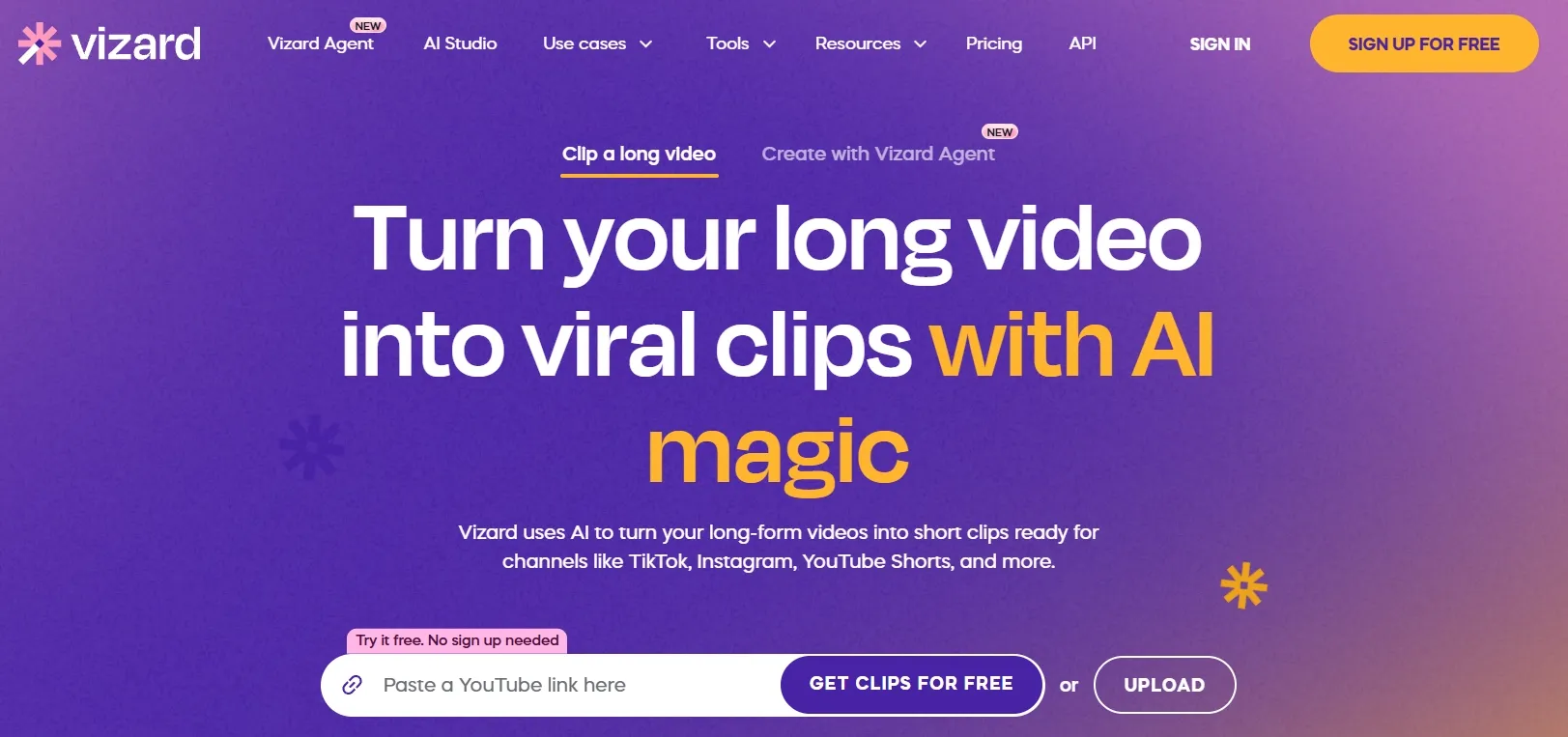
Vizard AI works like a content-mining machine. Feed it a long recording and it finds complete moments rather than arbitrary chunks, then reframes speakers and packages the results as vertical clips.
Editing starts from the words as much as the timeline. Creators can remove footage by deleting transcript text, request clips about a specific topic, insert scenes, add B-roll or music, and refine captions without scrubbing through every second of the source.
That suits podcasters, coaches, educators, and agencies sitting on hours of speech-led footage. One webinar can become a week of YouTube Shorts because Vizard handles the repetitive decisions.
What Is CapCut?
CapCut feels more like a well-stocked editing room. It gives creators multiple tracks, keyframes and graphs, masks, speed curves, motion tracking, color controls, transitions, templates, and a deep effects library across desktop, web, and mobile.
Its AI removes some duller jobs: captions, filler-word detection, voice isolation, background removal, smart search, reframing, and script-to-video. The creator still steers the edit rather than handing it to automation.
That balance suits vloggers, small businesses, and marketers building stylized Reels, product demos, music edits, or UGC video ads. CapCut is most convincing when footage needs personality, not just faster processing.
Edit Videos for Every Use Case
Clean, restyle, and enhance videos for creative, marketing, and e-commerce needs.
Try Pollo AI Video Editor Free
Vizard AI vs CapCut: Where Do Their Editing Workflows Really Differ?
Which Tool Turns Long Videos Into Shorts Faster?
Vizard wins this round decisively. It finds complete moments, reframes speakers, adds captions, and prepares several shorts. Creators can request a topic or reaction instead of hunting timestamps, then schedule the results.
CapCut can shorten footage with Auto Cut, transcript editing, and scene detection, but it remains an assistant inside an editor. Cuts follow beats, pauses, or a script; creators still do more choosing and packaging.
Best fit: Vizard is the clear pick for turning every podcast, webinar, or interview into a repeatable short-form content pipeline.
Which Editor Gives Creators More Precise Control?
CapCut is comfortably stronger for precision. Keyframes, graphs, and speed curves control motion; masking, chroma key, tracking, color tools, and multiple layers shape the frame itself.
Vizard has a multitrack timeline, scenes, transitions, B-roll, and music, but still nudges users toward fast, speech-led edits. It becomes cramped when a project needs choreographed movement or detailed compositing.
Best fit: CapCut is better for ads, music edits, branded Reels, and any product video requiring frame-by-frame direction.
Which Tool Handles Spoken Content and Captions Better?
Vizard is the stronger speech-production tool. Deleting transcript text removes the footage, while subtitle lines can be merged, split, corrected, and translated. Filler removal, keyword highlights, and styling stay in the same flow.
CapCut also supports transcript cuts and filler-word detection. Its advantage is cosmetic: word-by-word styles, animated text, effects, batch formatting, and bilingual captions can turn subtitles into part of the visual performance.
Best fit: Vizard is better for processing interviews, online lessons, and podcasts at volume. Choose CapCut only when the caption design is as important as the spoken message.
Which Platform Uses AI More Effectively Inside the Edit?
CapCut has the broader AI toolbox, while Vizard automates a narrower job more aggressively. Vizard’s AI Edit beta adds transitions, B-roll, and zooms to short vertical talking-head videos, but processes clips individually and lacks custom styles.
CapCut spreads AI across background removal, voice isolation, speech enhancement, auto reframe, smart search, scripts, and generated first cuts. Editing remains necessary, but fewer tedious jobs survive.
Best fit: CapCut is the more capable general-purpose AI editor. Vizard makes sense when fast, automatic polish for speech-led shorts is the entire brief.
Which Tool Is Better for Teams and Publishing?
Vizard has the stronger content-operations layer. Paid plans add brand assets, social accounts, scheduling, and shared workspaces, carrying clips beyond export and into a publishing calendar.
CapCut is better across devices. Projects move between phone, desktop, and browser, while team spaces support shared assets and review—but not a managed stream of scheduled posts.
Best fit: Vizard suits teams running an editorial calendar. CapCut suits creators who care more about where they edit than how posts are scheduled.
Which Editor Fits Each Video Task?
| Video task | Better choice | Why |
|---|---|---|
| Turn a one-hour podcast into ten vertical clips | Vizard AI | Context-aware clipping removes most searching and cutting |
| Find every answer about one webinar topic | Vizard AI | Prompts search the recording by meaning |
| Build a layered ad with animated graphics | CapCut | Keyframes, masks, tracking, and multiple tracks offer real control |
| Cut a montage tightly to the beat | CapCut | Speed curves, effects, and Auto Cut suit rhythmic editing |
| Publish recurring clips across social channels | Vizard AI | Scheduling and connected accounts share one workflow |
| Clean pauses and captions in a tutorial | Both | Vizard is faster; CapCut styles the result better |
The pattern is blunt: Vizard is a repurposing specialist; CapCut is a creative editor. Choose the tool that removes the work consuming the most hours.
Vizard AI vs CapCut Pricing
| Plan | Vizard AI | CapCut |
|---|---|---|
| Free | 60 credits/month; 720p; 10-minute exports; three-day project storage | Free editing; some AI tools, assets, 4K/60fps, and no-watermark options require Pro |
| Individual paid | Creator starts at 600 credits/month; adds 4K, no watermark, scheduling, and 100 GB storage | Standard and Pro; price varies by region, device, billing cycle, and promotion |
| Team | Business adds shared projects, brand kit, custom fonts, and extended storage | Teams pricing varies by seat count, region, and billing cycle |
Where Pollo AI Pushes Video Editing Further
Vizard finds clips; CapCut arranges them. Pollo AI goes further when editing requires changing the visual content itself—not merely choosing where to cut.
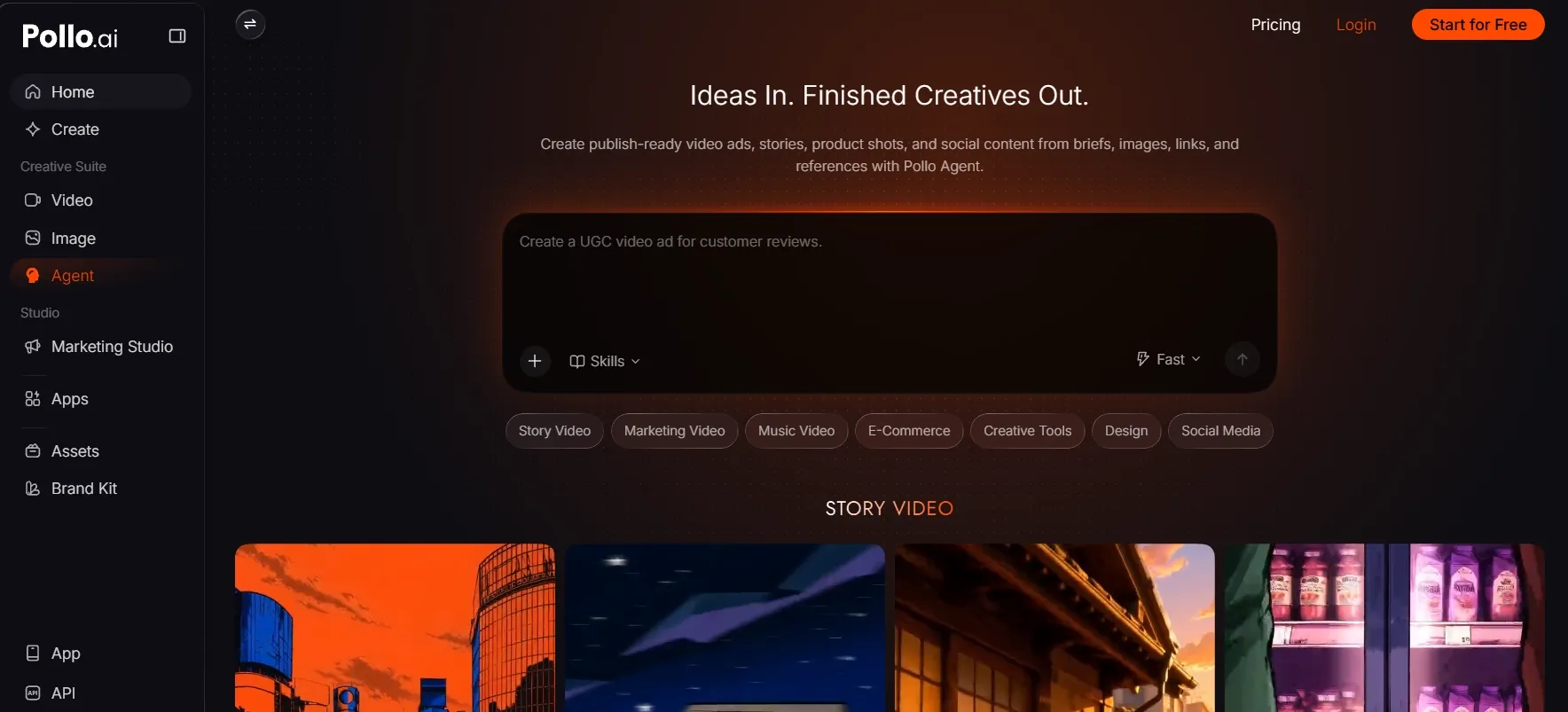
Change What Happens Inside a Shot With a Prompt
The Pollo AI video editor takes visual directions in plain language. A prompt can remove a person, replace a background, turn day into night, change a subject’s appearance, adjust the camera angle, or add an effect.
This AI video editor reconstructs the requested scene instead of asking the creator to trace masks or rebuild the shot manually. The original motion and surrounding composition can remain intact while the selected visual changes.
This gives marketers, sellers, and social creators a faster way to rescue footage that is almost right. A distracting prop, weak setting, or wrong atmosphere no longer has to trigger a reshoot.
Give Cleanup Jobs Their Own Fast Lane
Pollo AI separates common finishing jobs into focused tools: remove an object, replace a video background, remove baked-in subtitles, reframe footage, or use the video upscaler for sharper delivery.
Each tool starts with a clear outcome. Upload the clip, choose the repair, review the result, and move the finished asset back into the campaign.
That focused flow keeps small fixes from becoming full post-production sessions. Teams can clean social clips, product footage, and localized campaign assets without rebuilding an entire edit.
Move From Editing to a Complete Production
Beyond existing footage, Pollo Agent accepts a brief, script, link, image, or reference. It reads the goal, gathers the useful inputs, and maps the production path.
The Agent coordinates structure, pacing, scenes, visuals, and audio while keeping context through revisions. A creator can change one scene or direction without restarting the project.
The result is a coherent, multi-scene, post-ready video rather than a folder of fragments. That makes full production feel like one guided conversation instead of a chain of disconnected tasks.
Generate the Missing Footage Instead of Hunting for It
Pollo AI’s AI video generator reduces model lock-in with Seedance 2.5, MiniMax H3 Max and more top-tier models. Creators can match the model to the shot, style, duration, or audio needs.
Its Purpose-built workflows can turn an article into video or create ready-formatted TikTok videos. The deliverable becomes the starting point of your creativity.
Keeping these models and workflows together reduces subscriptions, exports, and repeated setup. Missing footage can be generated, reviewed, and folded into the wider project without scattering production across separate platforms.
Final Verdict
Choose Vizard AI when long recordings pile up faster than the team can repurpose them. It finds worthwhile moments, shapes them into shorts, and keeps the publishing calendar moving.
Choose CapCut when the edit itself is the creative work. More decisions buy better motion control, richer layering, stronger effects, and cross-device freedom.
Choose Pollo AI when edits must change what appears inside a shot or turn a rough idea into a complete video. Its prompt editor, cleanup tools, models, and Pollo Agent bridge creation and post-production.
FAQs
Is Vizard AI better than CapCut for podcast clips?
Yes. Vizard finds self-contained moments, reframes speakers, adds captions, and turns one episode into several social clips. CapCut can do it, but requires more manual selection and finishing.
Is CapCut better for detailed video editing?
Yes. CapCut provides stronger control over keyframes, masks, speed curves, motion tracking, color, layers, and effects. Vizard’s timeline is capable, but it is optimized for speed around speech-led content.
Which editor is better on mobile?
CapCut is the clear choice. Its dedicated mobile apps work alongside desktop and web versions. Vizard is more naturally used as a browser-based content-production workspace.
Why Is Pollo AI Stronger Than Vizard AI and CapCut?
Pollo AI covers more of the workflow in one place. It transforms footage with prompts, handles focused cleanup, generates new shots across leading models, and uses Pollo Agent to deliver complete, multi-scene videos—not just clips or timeline edits.