



Adobe Firefly vs Google Flow: Which AI Video Generator Fits Your Workflow?
Adobe Firefly and Google Flow both offer powerful ways to create AI videos. This comparison explores what each platform offers and helps you find the right fit for your creative needs.
Adobe Firefly vs Google Flow: Quick Overview
| Comparison | Adobe Firefly | Google Flow |
| Best if you need | Multiple video models and Adobe-connected editing | Google-native filmmaking and scene continuity |
| Generation methods | Text, images, keyframes, and model-dependent references | Text, frames, ingredients, video edits, and extensions |
| Model access | Firefly Video plus many partner models | Veo 3.1 variants and Gemini Omni Flash |
| Main control strength | Camera, composition, style, and motion control | Characters, ingredients, voices, and scene building |
| Editing workflow | Multitrack timeline with generation inside the editor | Natural-language edits, version stacks, and Scenebuilder |
| Audio | Native audio through select partners, plus separate audio tools | Veo native audio and Omni voice references |
| Main limitation | Controls and specifications change between models | Model selection stays within Google’s ecosystem |
Adobe Firefly offers greater flexibility for exploring different models and refining results within Adobe’s ecosystem. Google Flow, by contrast, provides a more unified path for turning ideas into connected stories. For creators seeking broader creative freedom and a smoother route to finished content, Pollo AI brings the entire workflow into one place.
What Is Adobe Firefly?
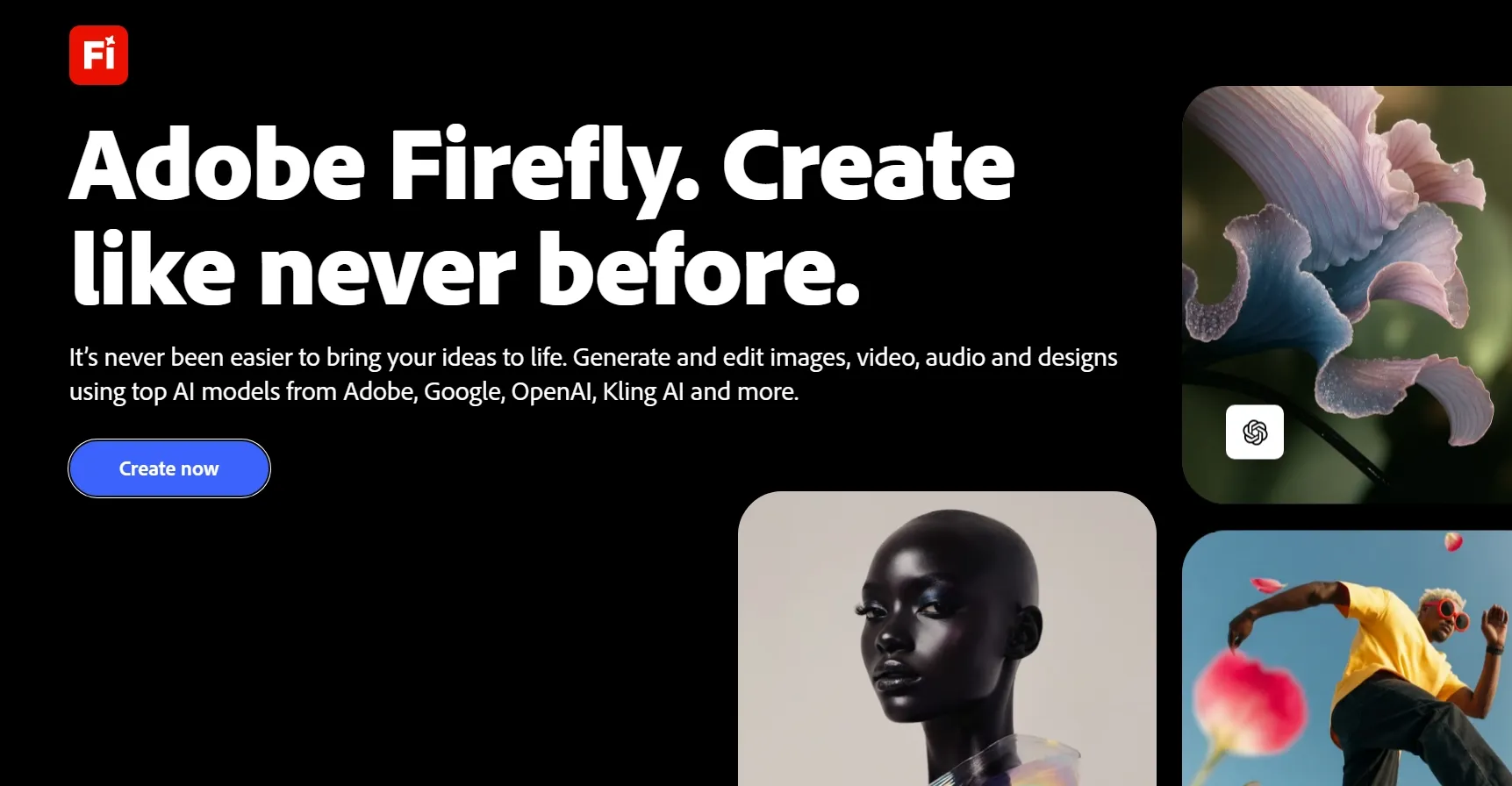
Adobe Firefly is a unified creative workspace for generating and editing images, video, and audio. Its video area combines Adobe’s Firefly Video Model with partner models, including Veo 3.1, Kling 3.0, and more.
You can create clips from text or images, set first and last frames, or guide composition with a reference video. The native model also provides shot size, camera angle, motion control, and style presets. However, available controls change when you switch models or add keyframes.
Firefly’s beta timeline lets you generate clips inside an editor, then trim, arrange, extend, or regenerate segments. You can also add voiceovers and sound effects. This combination suits creators testing several models or finishing assets inside Adobe’s ecosystem. Adobe also describes outputs from its own Firefly Video Model as commercially safe.
You can also read our Adobe Firefly review for a closer look.
What Is Google Flow?
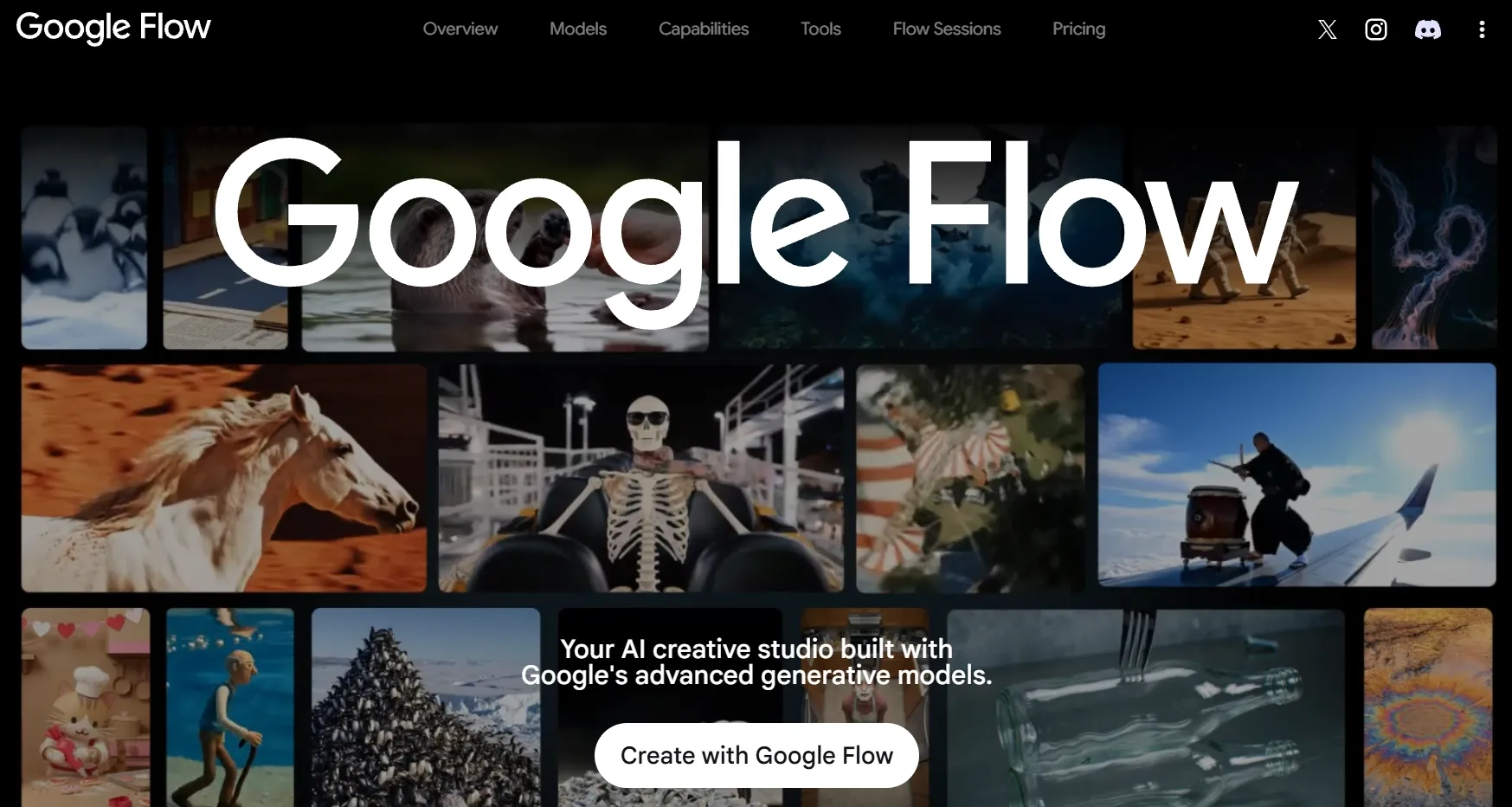
Google Flow takes a more concentrated approach. It is a creative studio built around Google models, including Veo 3.1 variants, Gemini Omni Flash, and Nano Banana for supporting images.
You can generate from text, first and last frames, visual ingredients, characters, avatars, and voice references. Veo handles cinematic clips and native audio, while Omni adds video editing and custom voices. That structure helps when a story needs recurring people, objects, or vocal identities.
Flow also includes an Agent for planning, prompting, batch generation, editing, and asset organization. Scenebuilder then lets you arrange, reorder, trim, preview, and download connected clips.
If you want to know more details, you can read our Google Flow review.
Turn Bold Ideas Into Standout Videos
Explore leading AI models and create your way without switching platforms.
Try AI Video Generator Free
Adobe Firefly vs Google Flow: Feature Comparison
The largest differences appear in model choice, reference handling, and how each platform turns clips into a connected project.
| Feature | Adobe Firefly | Google Flow |
| Text to video | Supported by Firefly Video and compatible partners | Supported by Veo 3.1 and Gemini Omni |
| Image to video | First-frame and model-dependent image workflows | Frames and ingredients across supported models |
| First and last frames | Available with Firefly Video and selected partners; some controls become disabled | Available across Veo 3.1 and Omni, with model-specific lengths |
| Reference to video | Composition, motion, and selected multi-image references | Ingredients, named characters, avatars, and voices |
| Model access | Adobe model plus Gemini, Kling, Luma, Runway, and Veo options | Google’s Veo 3.1 family and Gemini Omni |
| Camera and motion control | Shot size, angle, motion presets, and motion references | Camera position and motion tools on desktop |
| Character consistency | Reference support depends on the selected model | Reusable ingredients, named characters, avatars, and voice references |
| Editing | Video to video generation and partner-model workflows. A beta multitrack timeline supports trimming, sequencing, generating clips, and adding audio. | Omni edits uploaded or generated video segments up to 10 seconds through natural-language instructions. Version history tracks changes, while Scenebuilder supports arranging and trimming clips. |
| Audio | Veo audio plus generated voiceovers, music, and sound effects | Native Veo audio and Omni voice references or custom voices |
| Clip duration | Firefly Video defaults to 5 seconds; partners range from 4 to 10 seconds | Veo offers 4, 6, or 8 seconds; Omni reaches 10 seconds |
Which Is the Right AI Video Generator for Your Projects?
Your best option depends less on one headline feature than on what happens before and after generation. These scenarios reveal where each workflow feels more natural.
| If You Need | Better Choice | Why |
| Compare several model providers | Adobe Firefly | Its model picker spans Adobe and several outside providers |
| Finish work inside Adobe tools | Adobe Firefly | Firefly connects generation with a multitrack editor and Adobe apps |
| Build cinematic story videos | Google Flow | Ingredients, characters, native audio, and Scenebuilder support connected scenes |
| Keep recurring characters recognizable | Google Flow | Named characters and reusable ingredients carry references between clips |
| Develop audio-led music videos | Google Flow | Veo generates synchronized audio across supported creation modes |
| Extend and organize several shots | Google Flow | Veo extension and Scenebuilder support longer scene sequences |
| Test stylized anime videos | Adobe Firefly | Style presets and partner models provide more visual directions |
| Apply detailed timeline edits | Adobe Firefly | Its multitrack editor offers more conventional post-production control |
| Produce branded product videos | Adobe Firefly | Model variety and timeline controls suit iterative branded footage |
Which AI Video Generator Best Fits Your Budget?
Adobe Firefly and Google Flow take different approaches to pricing. Compare their plans below to see which offers better value for your workflow.
| Pricing Factor | Adobe Firefly | Google Flow |
| Free plan | Free daily generations | 50 daily Flow credits without a subscription |
| Entry-level plan | Standard: $9.99/month; 2,000 monthly credits; up to 20 five-second videos | Google AI Plus: $4.99/month; 200 monthly credits, plus daily credits |
| Mid-tier plan | Pro: $19.99/month; 4,000 monthly credits; up to 40 five-second videos | Google AI Pro: $19.99/month; 1,000 monthly credits, plus daily credits; optional credit top-ups |
| Advanced plan | Pro Plus: $49.99/month; 10,000 monthly credits; up to 100 five-second videos | Google AI Ultra: $99.99/month; 10,000 monthly credits; 4K upscaling |
| Top-tier plan | Premium: $199.99/month; 50,000 monthly credits; unlimited Firefly Video Model access | Google AI Ultra: $199.99/month; 25,000 monthly credits; 30 TB storage |
| Credit usage and rollover | Usage varies by model and feature; monthly credits do not roll over | Generation costs vary by model and settings; monthly credits do not roll over |
| Included extras | Higher plans include Adobe Express, Photoshop web and mobile, or other Adobe benefits | Higher plans include Gemini features, storage, and selected YouTube benefits |
Why Pollo AI Is the Better Choice for You?
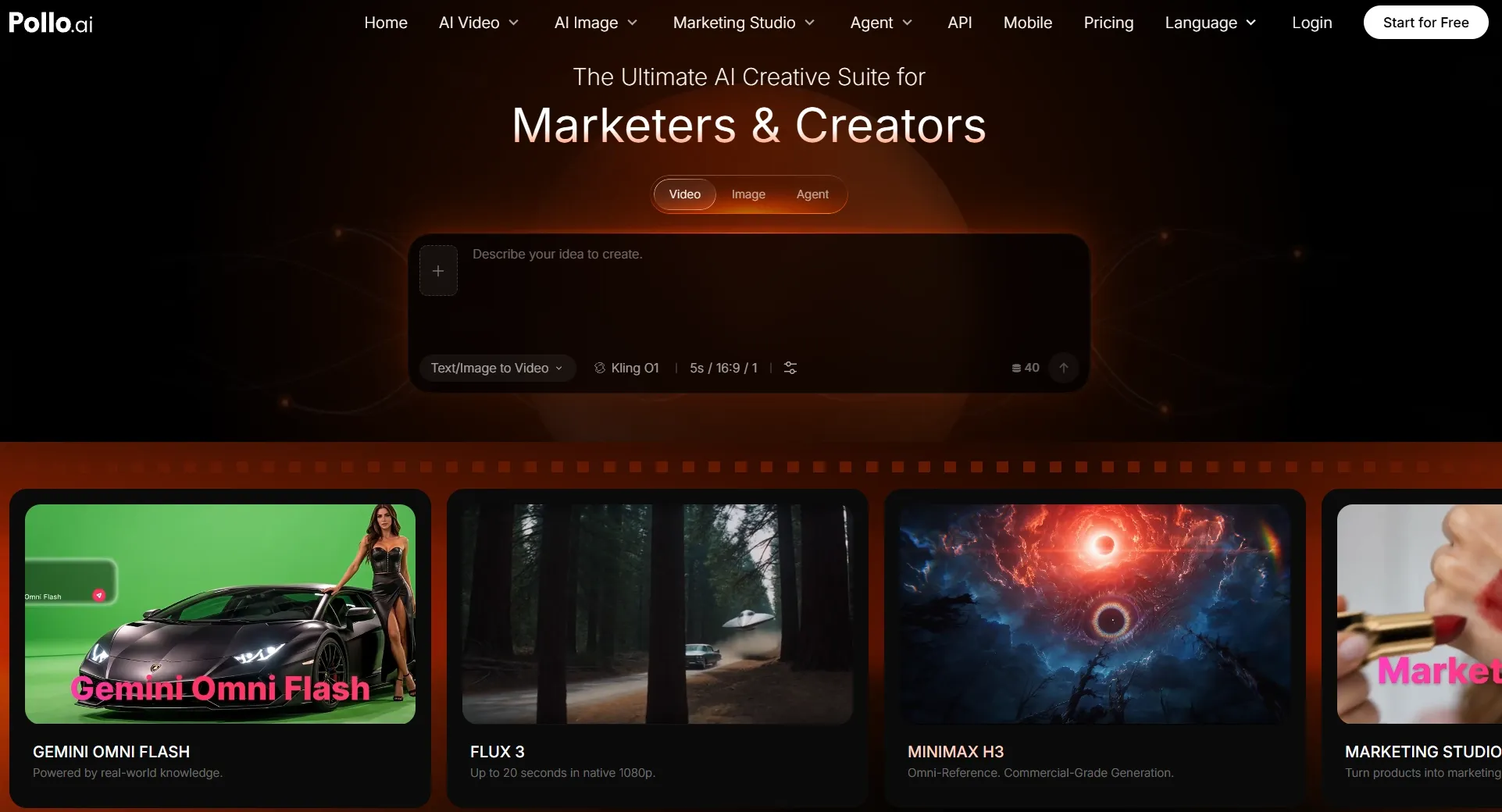
Firefly already offers strong model variety, while Flow builds a cohesive Google-native environment. Pollo AI is most useful when you want different model families, ready-made content workflows, and specialized finishing tools in one platform.
More Creative Directions Without Changing Platforms
Pollo AI gives you access to models beyond an Adobe-centered or Google-only selection. Current options include newly launched models like Seedance 2.5 and MiniMax H3.
That range lets you test different approaches to motion, realism, style, audio, references, and clip length. You can change the model when your first creative direction does not suit the brief, without opening another provider account.
Reach a Usable Format With Less Setup
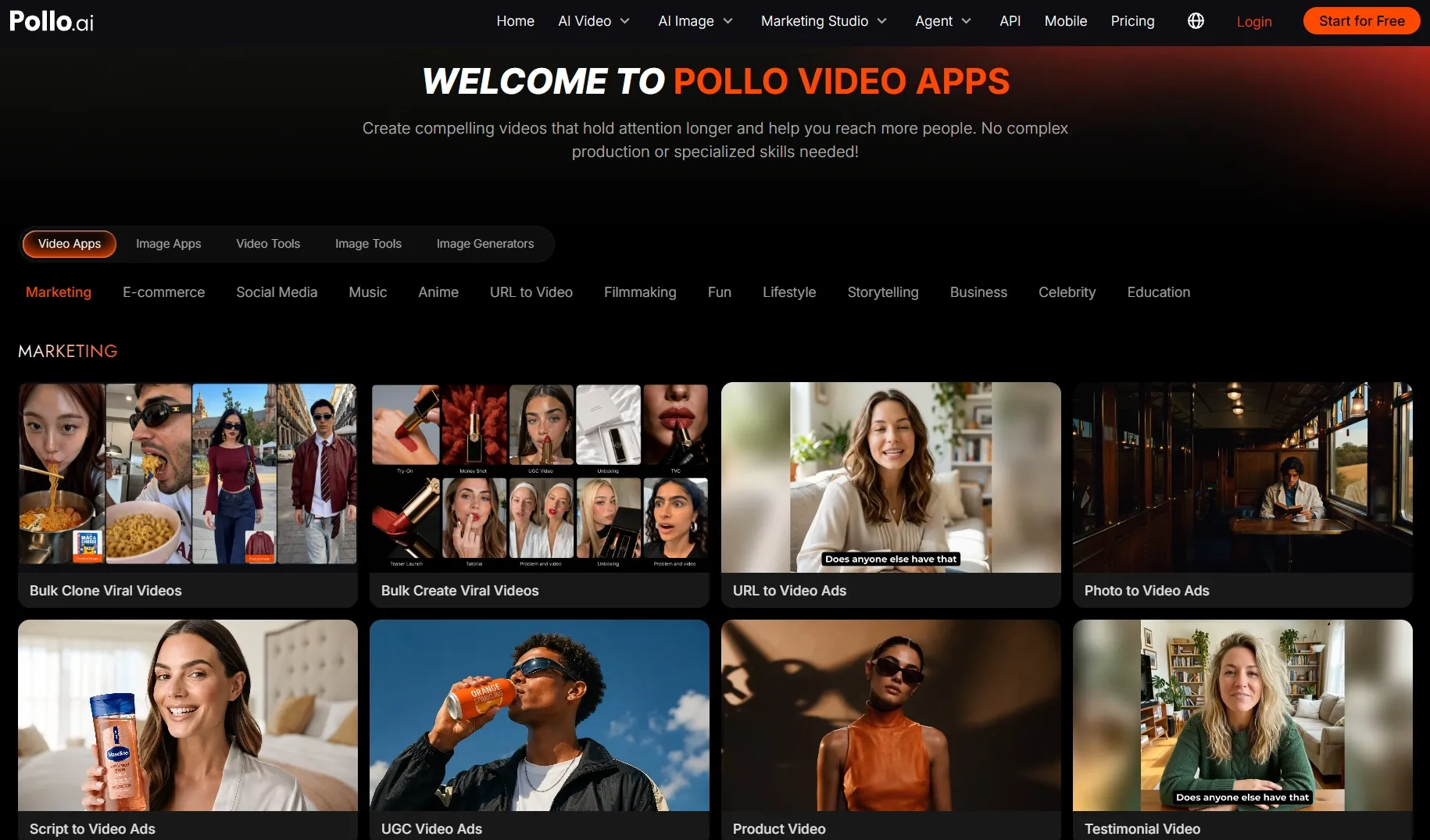
Firefly and Flow give you broad creative studios, but many projects still begin with workflow decisions. Pollo AI’s purpose-built video apps organize those decisions around a result, such as a story, product showcase, explainer, music video, or anime clip.
This approach reduces the time spent choosing tools, planning each production stage, and assembling a format manually. It is especially useful when your goal is already clear and you want a more guided route to a shareable result.
Create More Videos With Less Effort
Turn your ideas into share-ready videos with leading AI models and guided creative workflows.
Try Pollo AI for FreeRefine Your Videos Without Starting Over
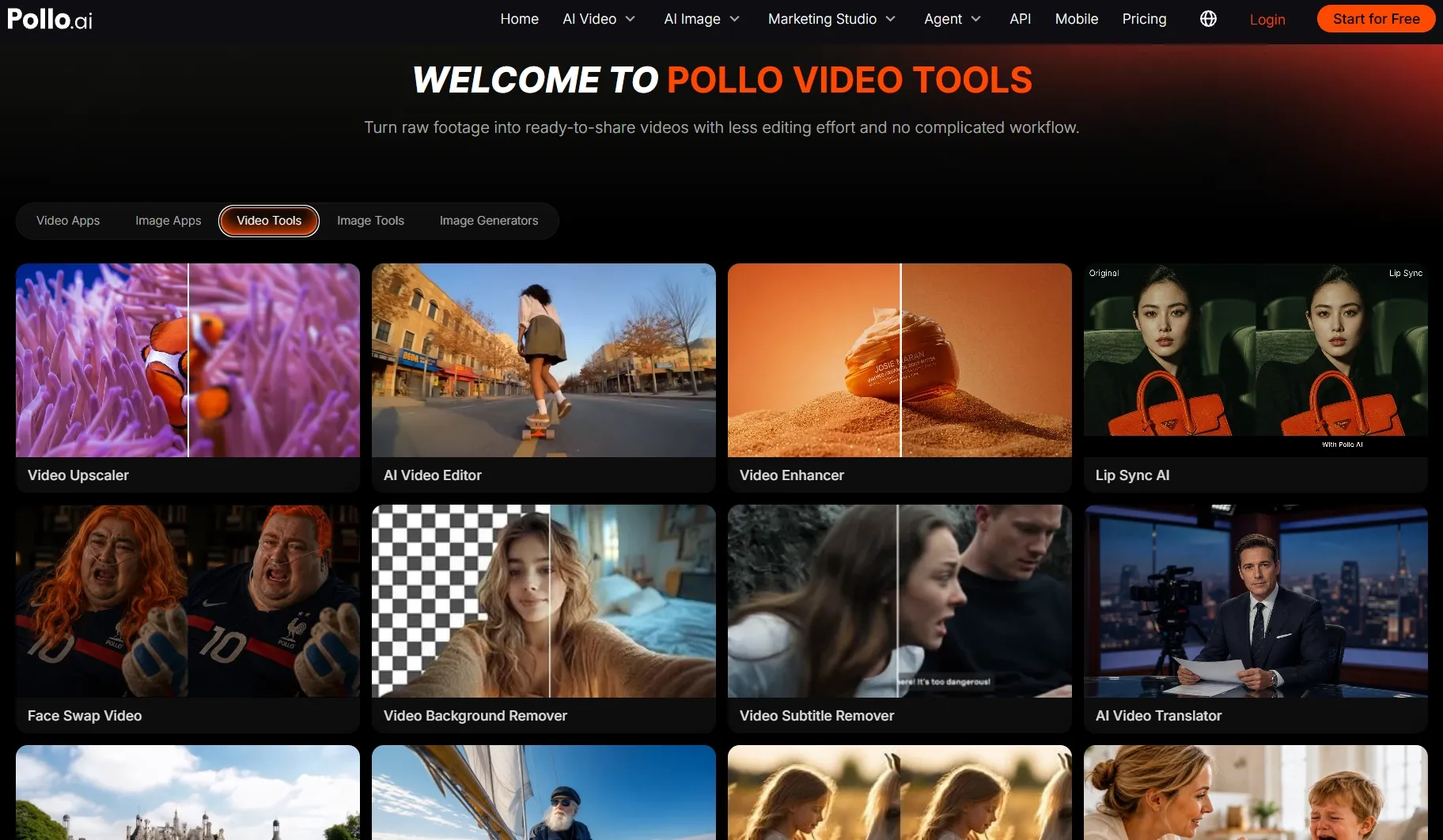
Generation is only one part of delivery. Pollo AI provides focused tools to enhance video, improve dialogue through AI lip sync, or reframe footage for another channel. To reach audiences in other languages, you can also use AI video translator to translate both speech and subtitles while preserving your speaker’s tone.
These tools help you fix specific issues while preserving the footage that already works. You can adapt the same video for different platforms and languages without repeating the entire production process. This saves time on revisions, helps you reach new audiences, and gives you more value from each video.
Make Post-Ready Videos With Pollo Agent
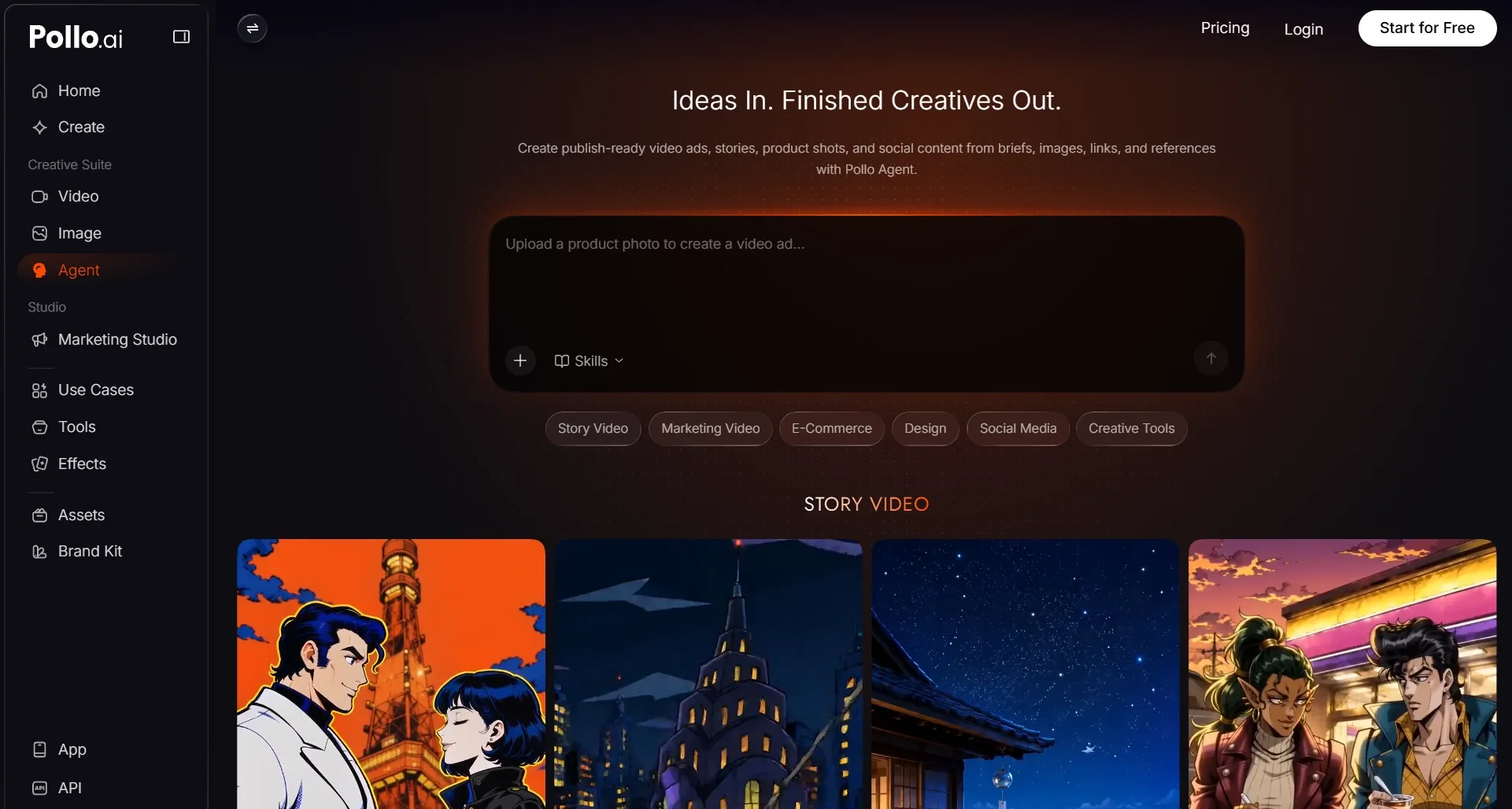
Pollo Agent turns ideas, links, images, scripts, and references into complete, post-ready videos. You can develop multi-scene story videos with recurring characters and connected narratives.
Purpose-built skills also support more focused formats. You can create UGC video ads with AI presenters and different campaign hooks. If you want detailed product communication like before and after videos, Pollo Agent will turn features and selling points into structured visual explanations.
With the Agent coordinating production, you spend less time managing tools, arranging shoots, and assembling individual clips. You can get a publication-ready video without any manual editing!
Final Verdict
There is no clear winner between Adobe Firefly and Google Flow. Firefly is the better fit if you value broader model choice, precise creative controls, and close integration with Adobe’s editing ecosystem. Adobe also positions its native video model as commercially safe.
Google Flow, meanwhile, is better suited to creators who prefer a cohesive, Google-native filmmaking process. Its tools work together to support consistent characters, coordinated scenes, and more connected storytelling.
Ultimately, both platforms go far beyond basic clip generation, but each remains tied to its own ecosystem.
If you want broader model access and greater flexibility throughout production, Pollo AI offers a more versatile alternative. Its guided workflows and refinement tools help you develop ideas into ready-to-share videos in one place. Try Pollo AI today and bring your next video idea to life!