



Adobe Firefly vs Higgsfield: Which AI Video Generator Should You Choose?
Not sure which AI video generator is right for you? Read our Adobe Firefly vs Higgsfield comparison, which covers their features, controls, results, and pricing to help you choose.
Adobe Firefly vs Higgsfield: Quick Overview
| Comparison | Adobe Firefly | Higgsfield |
|---|---|---|
| Best if you need | Branded videos, B-roll, and Adobe-based production | Cinematic scenes, social videos, and visual experimentation |
| Generation methods | Text to video and image to video | Text, image, and reference-driven video generation |
| Model access | Firefly Video and leading partner models | Multiple leading third-party video models |
| Main control strength | Editing, references, framing, and model switching | Cameras, lenses, motion, lighting, and character consistency |
| Editing workflow | Layered timeline and segment-level refinement | AI edits, restyling, object changes, and video enhancement |
| Main advantage | Connected generation and post-production | Detailed generation-time cinematic direction |
| Main limitation | Premium models and video generation can consume credits quickly | Numerous models and controls can complicate your workflow |
| Quick verdict | Better for connected professional production | Better for camera-driven cinematic creation |
Adobe Firefly is a natural fit if you want to generate and refine professional videos inside the Adobe ecosystem. Higgsfield gives you deeper camera and motion controls for more cinematic results.
But if you want broader model access and a faster path to finished videos, Pollo AI is the more complete choice, combining generation, editing, and agent-led production in one platform.
What Is Adobe Firefly?
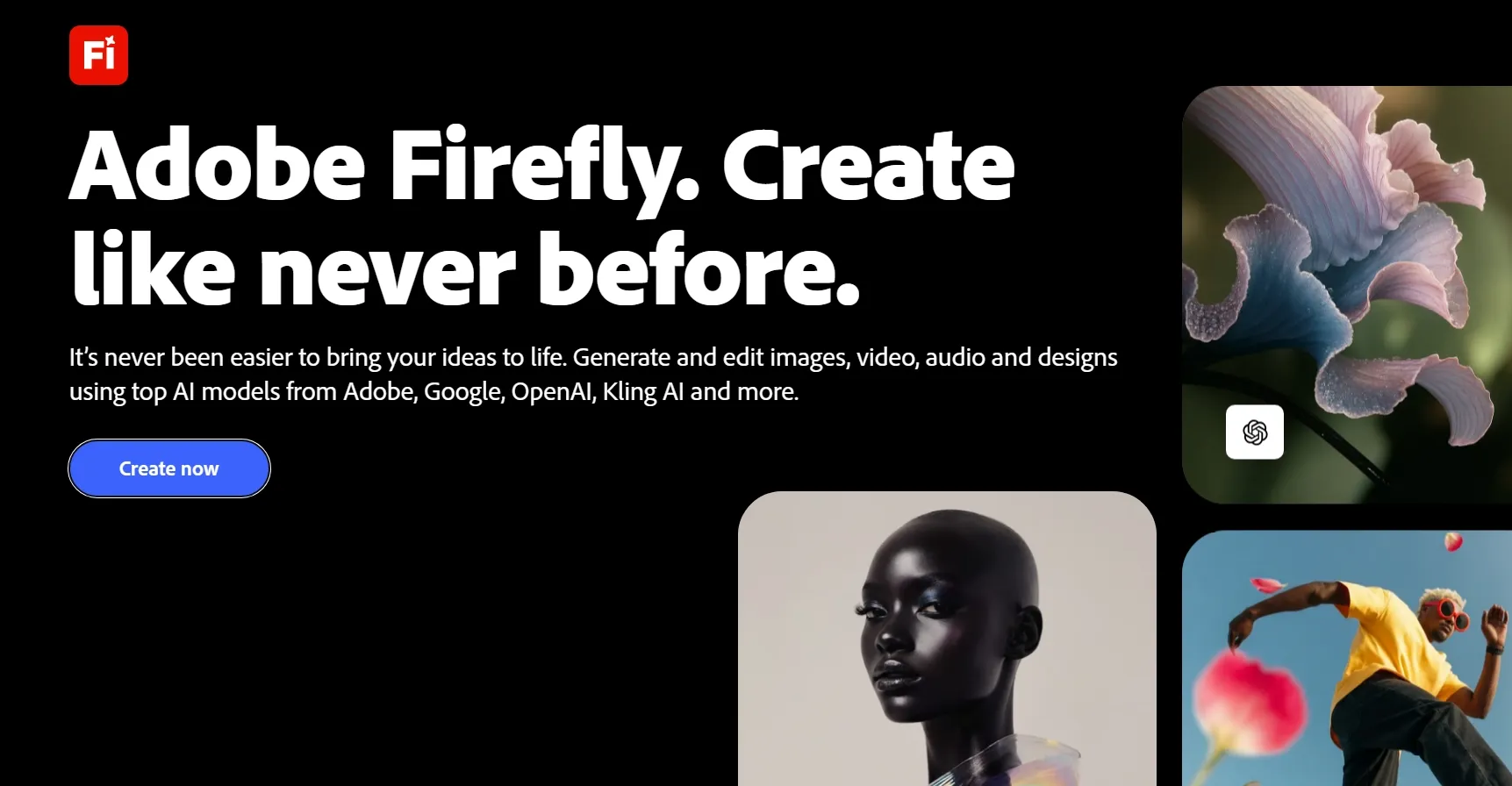
Adobe Firefly is a multi-model AI video generator built into Adobe’s wider creative ecosystem. You can turn text prompts or images into videos using Firefly Video or a partner model.
Available options include Veo, Kling, Runway, and Luma models. You can switch between them, compare variations, and refine your generated clips in one workspace.
Firefly also connects generation with video editing. You can trim clips, reorder scenes, regenerate sections, extend videos, and add audio. Your project can then continue through Adobe tools such as Premiere Pro and Creative Cloud.
Videos created with Adobe’s own Firefly Video Model are positioned as commercially safe. However, you should review the separate terms before using partner model outputs commercially.
You can learn more through our hands-on Adobe Firefly review.
What Is Higgsfield?
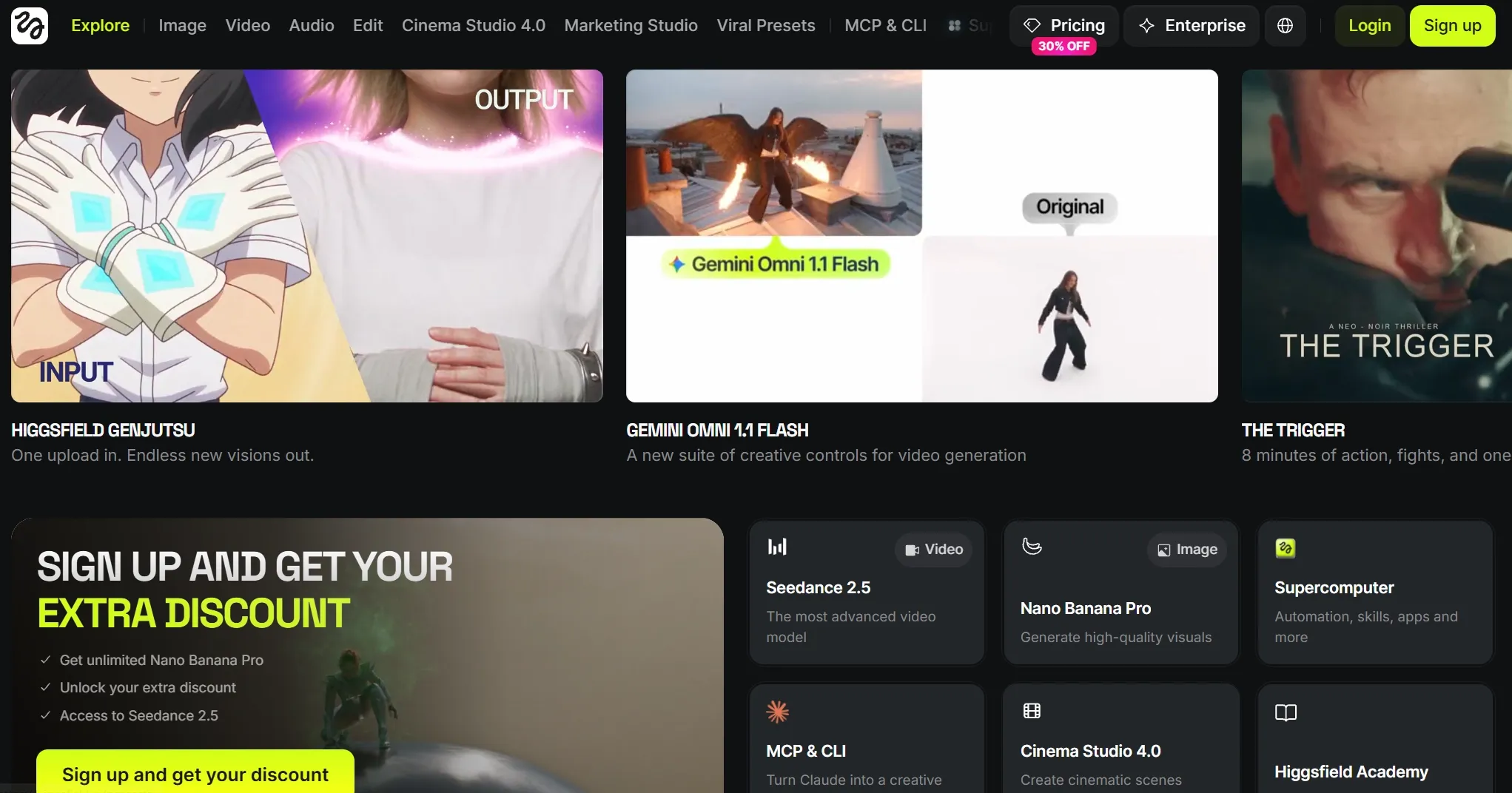
Higgsfield is an AI video generator designed around cinematic control and multi-model access. You can use models such as Seedance, Kling, Veo, Wan, and Sora.
You can generate videos from text prompts or reference images. You can also edit existing footage, use reference videos to control motion, and define your first and last frames.
Its defining feature is Cinema Studio. This workspace lets you control camera bodies, lenses, focal lengths, depth of field, lighting, and movement before generation.
Higgsfield also provides character-locking tools for recurring subjects. These controls can help you create cinematic ads, music videos, fashion content, and short films with a more consistent visual direction.
Turn Simple Ideas Into Striking Videos
Create polished videos from text or images with flexible models and creative controls in one place.
Try AI Video Generator for Free
Adobe Firefly vs Higgsfield: Feature Comparison
| Feature | Adobe Firefly | Higgsfield |
|---|---|---|
| Text to video | Yes | Yes |
| Image to video | Yes | Yes |
| First and last frames | Supported with model-dependent settings | Supported |
| Motion references | Supported with selected workflows | Reference videos can guide pace and gestures |
| Multi-model access | Firefly Video, Veo, Kling, Runway, Luma, and others | Seedance, Kling, Veo, Wan, Sora, and others |
| Camera controls | Angle, shot size, movement, and composition references | Camera body, lens, focal length, depth, and multi-axis motion |
| Character consistency | Depends on your selected model and references | Character locking, Soul ID, and reference controls |
| Video editing | Timeline editing, segment regeneration, extension, and AI video translation | Restyling, object replacement, refinement, and video enhancement |
| Audio | Voiceovers, music, sound effects, and translation | Native audio and lip sync |
| Aspect ratios | Standard social and widescreen formats | Standard formats and cinematic 21:9 |
| Commercial positioning | Strongest for Adobe’s own Firefly models | Depends on your selected model and subscription terms |
Which AI Video Generator Should You Choose?
Your best choice depends on the videos you want to create and how you prefer to work. The table below shows where each platform fits best.
| If You Need | Better Choice | Why |
|---|---|---|
| An Adobe production workflow | Adobe Firefly | Your projects connect more naturally with Adobe editing software |
| Segment-level video editing | Adobe Firefly | You can trim, extend, reorder, or regenerate individual clips |
| B-roll and branded assets | Adobe Firefly | Its workflow supports polished content for wider campaigns |
| A commercially positioned native model | Adobe Firefly | Adobe emphasizes commercial safety for Firefly-generated output |
| Branded product videos | Adobe Firefly | Controlled framing and Adobe editing help you refine product details |
| Structured explainer videos | Adobe Firefly | Timeline, voiceover, and sound tools support clearer explanations |
| Cinematic short videos | Higgsfield | Motion, lighting, and optical controls shape more dramatic scenes |
| Recurring AI characters | Higgsfield | Soul ID and character locking improve identity consistency |
| Detailed camera direction | Higgsfield | Cinema Studio provides deeper camera, lens, and movement controls |
| Multi-scene story videos | Higgsfield | Character controls and cinematic direction help connect narrative scenes |
| Music and fashion visuals | Higgsfield | Dynamic camera effects suit expressive and performance-led content |
Adobe Firefly vs Higgsfield Pricing: Which Offers Better Value?
Both platforms use credits for premium video generation. The credits you spend depend on your model, video length, resolution, and selected settings.
| Plan | Adobe Firefly | Higgsfield |
|---|---|---|
| Free | Limited daily generations | Limited free generations |
| Entry | Standard: $9.99/month with 2,000 credits | Starter: $15/month with 120 credits |
| Mid-range | Pro: $19.99/month with 4,000 credits | Plus: $49/month with 1,000 credits |
| Higher-volume | Pro Plus: $49.99/month with 10,000 credits | Ultra: $129/month with 3,000 credits |
| Top tier | Premium: $199.99/month with 50,000 credits | Higher credit configurations and enterprise options |
| Best value if you need | Adobe generation and connected editing | Cinematic models and advanced studio controls |
Why You Should Choose Pollo AI?
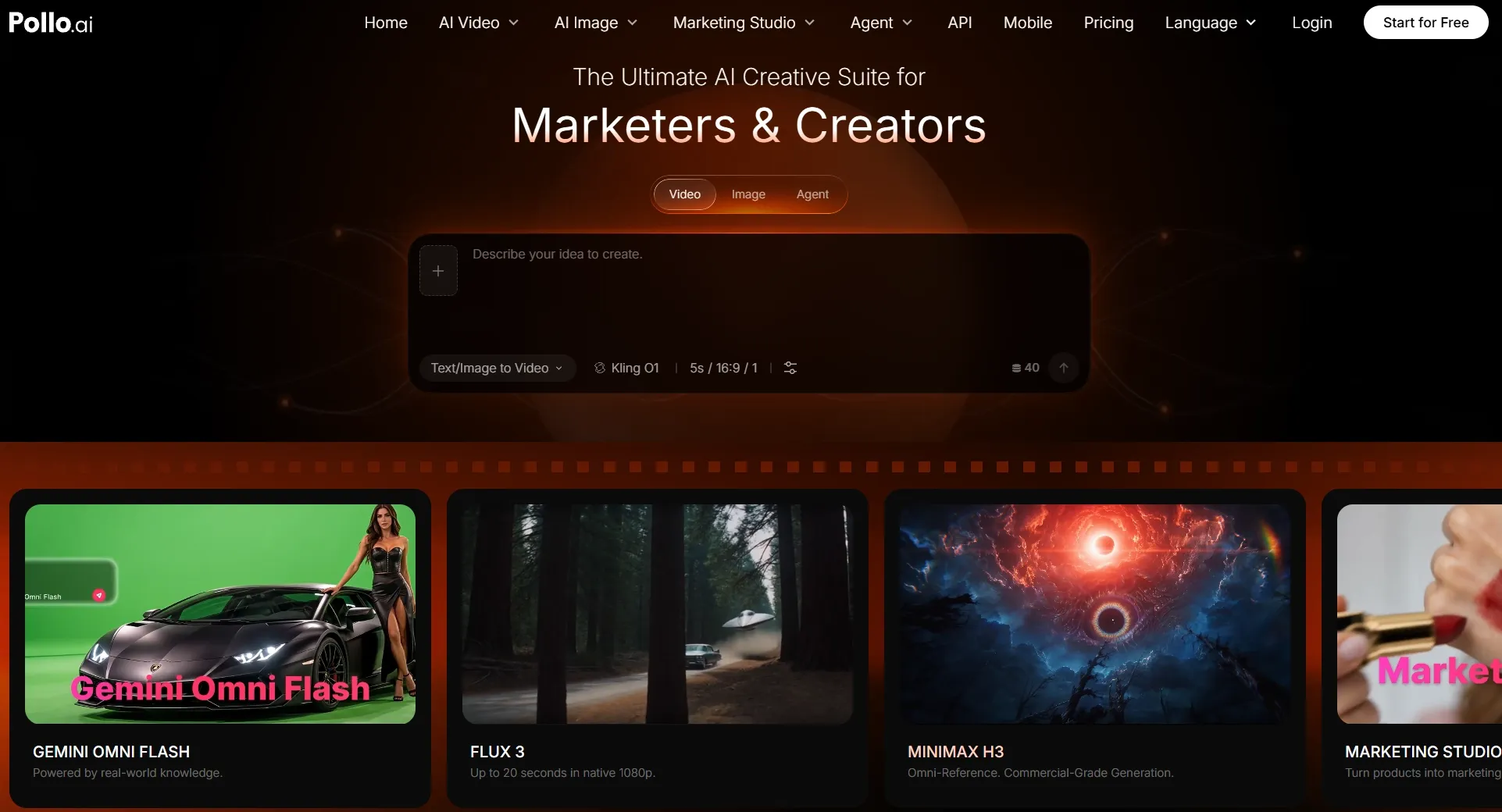
Adobe Firefly works best if your production already centers on Adobe. Higgsfield is strongest when cinematic camera direction takes priority.
However, you may need more than one isolated AI clip. Your workflow could also require different models, reference controls, editing, enhancement, advertising tools, and complete multi-scene production.
Pollo AI brings these capabilities into a more flexible AI video platform.
Stay Flexible as Your Video Needs Change
Keep your creative options open as each brief, audience, or scene changes. Pollo AI lets you compare leading models and generation methods in one place.
You can access 70+ leading AI video models, including Seedance 2.5 and MiniMax H3. Multiple models can support different priorities, including realism, motion, speed, and reference control.
You can test more directions, recover faster from weak results, and choose the output that fits your video best.
Finish Videos Without Switching Tools
Pollo AI’s video tools help you improve existing footage without regenerating the entire video. You can remove distractions, sharpen quality, sync speech, translate your video, or reframe videos while keeping your workflow connected. This reduces repeated exports and helps you reach a polished result sooner.
You can also use its specialized video apps to create specific content, including ads, before-and-after comparisons, skincare routine ads, social clips, music videos, stories, and explainers. Each app structures the process around your intended format, helping you reach more relevant results, test new ideas, and create for different audiences with less setup.
Get More Creative Freedom With Pollo AI
Turn your ideas into attention-grabbing videos faster without switching between multiple platforms.
Create Videos with Pollo AI for FreeMake Ready-to-Use Videos Faster With Pollo Agent
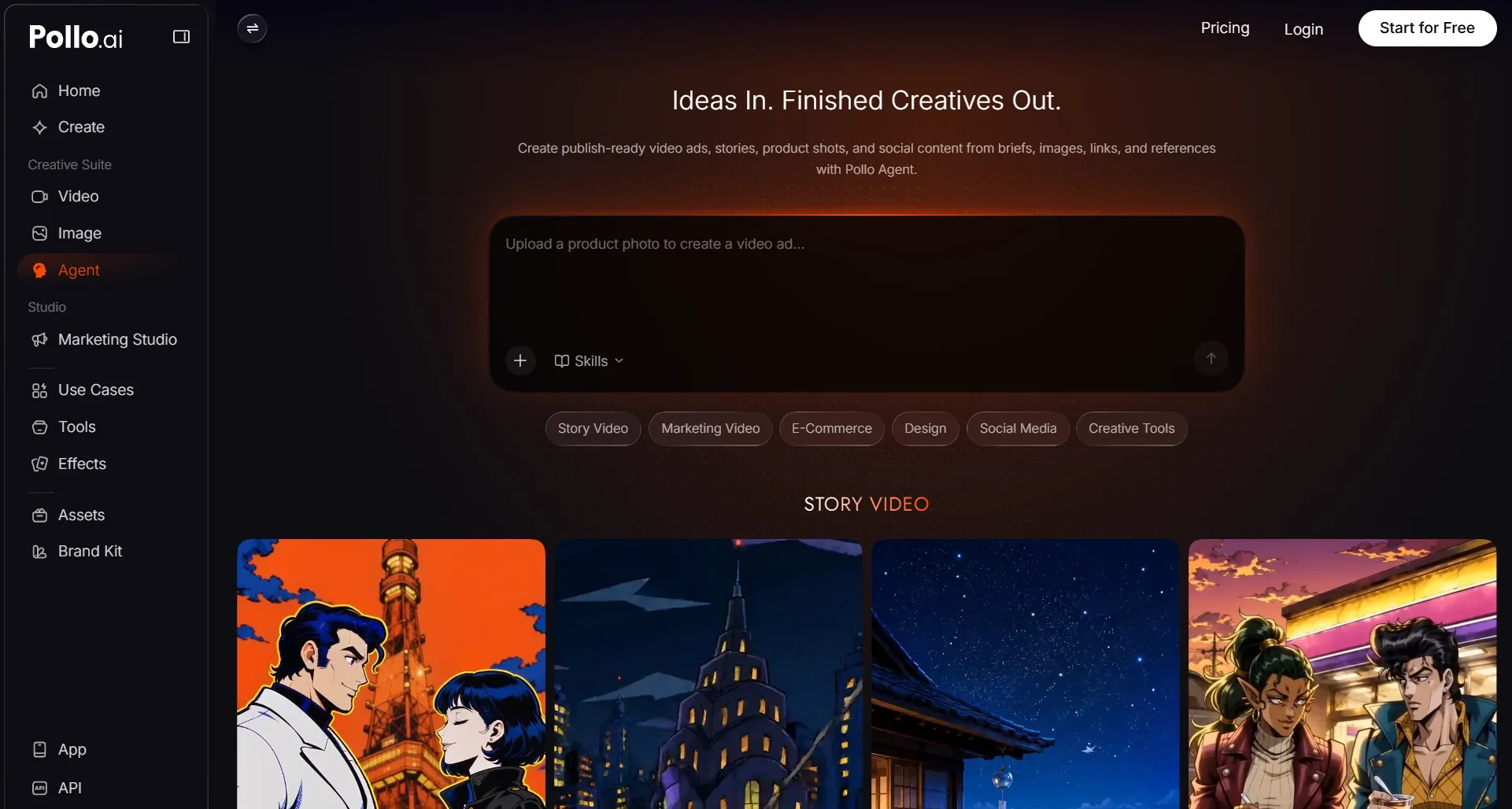
Skip the slow process of planning scenes, matching characters, and assembling every asset yourself. Pollo Agent turns your idea, script, reference, or URL into a connected video.
It keeps structure, pacing, visuals, and sound working toward the same message. You can revise one scene without losing context, helping you finish stories, explainers, and campaigns. No manual editing needed!
Create Marketing Videos With Clearer Goals
Build each video around the marketing result you want, whether that means more clicks, clearer product value, or stronger engagement.
Pollo AI’s Marketing Studio turns your product images into ad-ready content for product pages and social platforms. You can test more creative angles, adapt campaigns faster, and produce useful variations without increasing your production workload.
Final Verdict
Adobe Firefly makes the most sense when professional editing and the Adobe ecosystem already shape your workflow. It suits polished brand content, B-roll, and commercial projects that need reliable refinement.
By comparison, Higgsfield is better suited to camera-led creativity. Cinema Studio lets you shape lenses, lighting, movement, and recurring characters before generation begins.
Both platforms are strong in their respective areas, but neither covers every production need.
If you want greater flexibility from initial creation to final delivery, Pollo AI offers a more complete alternative. Its broad model access, practical video tools, Marketing Studio, and Pollo Agent help you turn early ideas into finished content in one place.