



8 Best Higgsfield AI Alternatives for Cinematic AI Video Generation (Features Compared)
Higgsfield AI is useful for cinematic AI visuals, camera movement, image-to-video effects, character-focused shots, and commercial-style video ideas. But it can feel limited when you need more editing depth, broader content formats, avatar workflows, production assets, or a smoother path from visual concept to finished content.
So I tested 8 Higgsfield AI alternatives across AI video generation, image-to-video, video editing, avatar videos, creative assets, character visuals, and social content workflows. These are the tools I’d actually use.
Best Higgsfield AI Alternatives: TL;DR
The best Higgsfield AI alternative is Pollo AI because it gives you more than cinematic shot generation. It helps you create, edit, animate, restyle, and adapt videos for social, marketing, product, avatar, and commercial use.
Higgsfield is still impressive for camera-driven visuals and cinematic AI clips. But if you want a broader AI video workflow, better editing support, more content formats, or stronger marketing output, the tools below are better suited for different creative needs.
8 Best Higgsfield Alternatives At a Glance
| Tool | Best For | Why I’d Use It Instead Of Higgsfield |
|---|---|---|
| Pollo AI | Best overall AI video workflow | Better for creating, editing, animating, restyling, and adapting videos for real content workflows |
| GoEnhance AI | Best for video restyling and animation | Better for video-to-video transformation, character animation, face swap, and stylized clips |
| Deevid AI | Best for fast AI video creation | Better for turning prompts, images, or ideas into short AI videos quickly |
| Dreamina | Best for social creative content | Better for quick image and video ideas, creator visuals, and social-first content testing |
| PixAI | Best for anime and character visuals | Better for anime-style images, character art, and visual concepts before video production |
| Vidnoz AI | Best for avatar and presenter videos | Better for talking avatars, presenter clips, business videos, and training content |
| Artlist | Best for creator asset workflows | Better for music, stock footage, templates, sound effects, and production resources |
| Cuty AI | Best for one-stop image and video creation | Better for creators who want a broad image-and-video toolkit instead of a camera-effects-first tool |
Why Look For A Higgsfield Alternative?
Higgsfield is strong when you want cinematic motion. As I found in my Higgsfield AI review, its camera effects and image-to-video tools make it useful for dramatic shots, character-focused clips, and polished visual experiments.
But a strong shot is not always a finished asset. Once a project moves into production, you may need editing, avatars, subtitles, music, product clips, social formats, and platform-specific versions.
That is where Higgsfield AI can feel narrow. It is good at camera-driven visual creation, but not every project is built around cinematic movement. Some creators need a fuller AI video workspace for UGC-style ads, product videos, training content, and campaign assets.
That is why I would look for a Higgsfield AI alternative. I want a tool that helps me finish the whole video, not just create one beautiful shot.
Go Beyond Cinematic AI Shots
Create, edit, animate, and finish videos for ads, products, social content, and more in one workflow.
Try Pollo AI for Free
Pollo AI: Best Overall Higgsfield AI Alternative
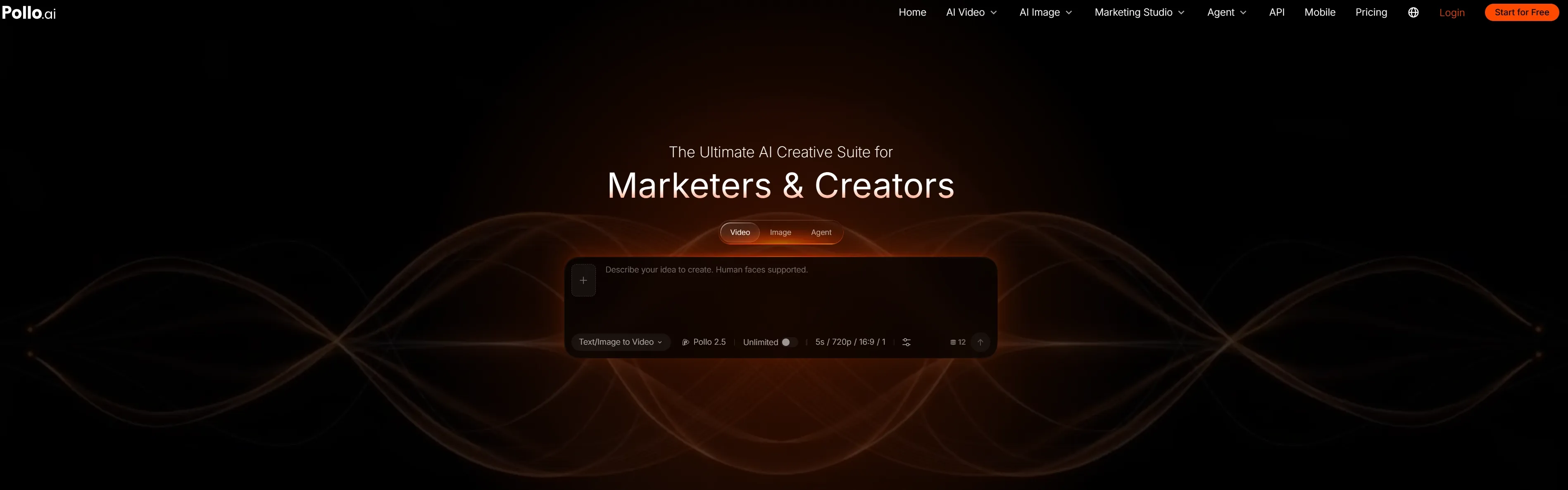
Pollo AI is the best overall Higgsfield AI alternative because it treats video as a complete production workflow, not just a cinematic shot generator. While Higgsfield excels at camera movement, Pollo AI offers unmatched practical control over your final content: from start to end frames, subject motion, and frame stability.
With Pollo AI, you get a full suite: text to video, image to video, video to video, and a built-in AI editor. This makes it effortless to move from raw idea to finished asset without relying on a single visual trick.
What stands out most is precise video control. You can guide keyframes for seamless transitions and reduce flicker, edge shaking, and subject drift. This matters heavily for commercial work—products maintain exact shapes, materials, and logos in motion, while characters can change expressions without losing their identity. Furthermore, you can instantly adapt any idea into realistic, anime, 3D, cinematic, or retro styles using the same workflow.
Beyond generation and editing, Pollo AI is designed for complete content production. Pollo Agent helps turn ideas, scripts, images, or references into publish-ready videos by handling elements like scene flow, pacing, visuals, and sound. For marketers and brands, Marketing Studio provides a more practical workflow for creating UGC video, product videos, and campaign assets without rebuilding the entire production process across different tools.
Finally, Pollo AI helps you finish the job. By easily adding sound effects and voiceovers, you turn silent motion tests into polished, publishing-ready social videos, e-commerce ads, and campaign assets.
Pros:
- Professional video control: Useful for start-and-end frames, smoother motion, lower flicker, and stronger subject consistency.
- Fuller AI video workflow: Supports generation, image to video, video to video, editing, avatars, sound, and voiceover use cases.
- Commercial fit: Strong for product videos, ads, social clips, e-commerce campaigns, and brand content.
- Style flexibility: Works across realistic, anime, illustration, 3D, cinematic, cyberpunk, retro, and other visual directions.
Cons:
- More depth than a camera-effects tool: Helpful for serious content work, but some users may only need cinematic presets.
- Creative choices take testing: A few prompt, model, or workflow choices may be needed to get the best result.
Best For: Creators, marketers, sellers, and brands that need controlled AI video creation for real content workflows.
Bottom Line: Pollo AI is the strongest Higgsfield AI alternative if you want to create, edit, animate, restyle, and finish AI videos with more control.
GoEnhance AI: Best For Video Restyling And Animation
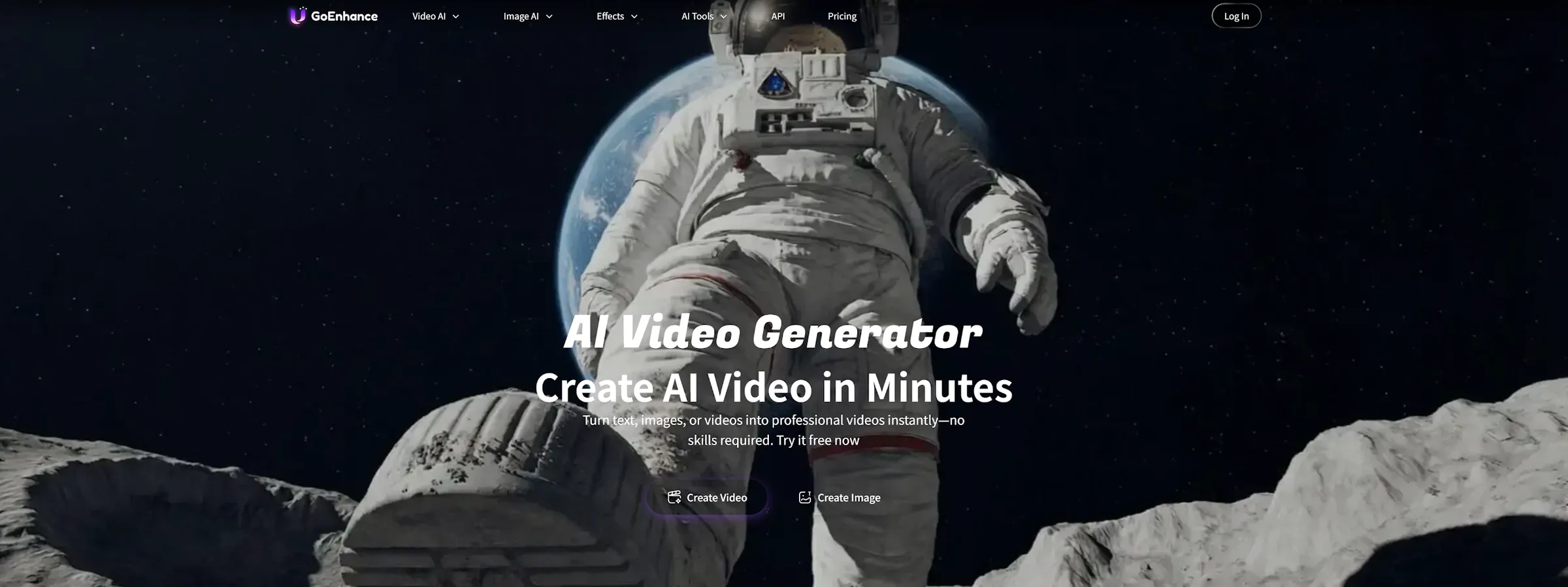
GoEnhance AI is a better Higgsfield AI alternative when the main goal is restyling existing footage.
Higgsfield AI is strong for creating cinematic movement from images and visual ideas. GoEnhance AI is more focused on video-to-video restyling, character animation, face swap, upscaling, and stylized transformation.
This makes it useful when you already have footage and want to turn it into anime, cartoon, cinematic, or creator-friendly visuals. I would use it for character clips, stylized social posts, fan-style videos, and quick visual experiments.
Pros:
- Video-to-video restyling: Good for transforming existing clips.
- Character animation: Useful for stylized character-led content.
- Face swap and enhancement: Helpful for creator videos and social experiments.
Cons:
- Less complete for editing: It may need another tool for subtitles, trimming, or final formatting.
- Output stability can vary: Complex scenes may need retries or extra review.
Best For: Creators who want to restyle existing videos or animate characters.
Bottom Line: Use GoEnhance AI when Higgsfield’s camera effects are not enough and you need stronger video transformation.
Deevid AI: Best For Fast AI Video Creation
Deevid AI is useful when speed matters more than cinematic control.
Higgsfield AI is built around polished camera movement and visual effects. Deevid AI is more direct. It is better for creators who want to turn prompts, images, or ideas into short videos without building a complex production process.
I would use Deevid AI for social concepts, short marketing clips, creator tests, and quick content experiments. It is not as camera-focused as Higgsfield, but it helps when the goal is to produce more ideas in less time.
Pros:
- Fast video creation: Useful for quick prompt-to-video or image-to-video tests.
- Simple workflow: Easier for creators who want speed.
- Good for short content: Practical for social and campaign experiments.
Cons:
- Less cinematic control: It may not match Higgsfield’s camera-effect strengths.
- Output still needs review: Fast generation does not always mean final-ready content.
Best For: Social creators, marketers, and teams testing short AI video ideas.
Bottom Line: Use Deevid AI when Higgsfield feels too specialized and you need faster video creation.
Dreamina: Best For Social Creative Content
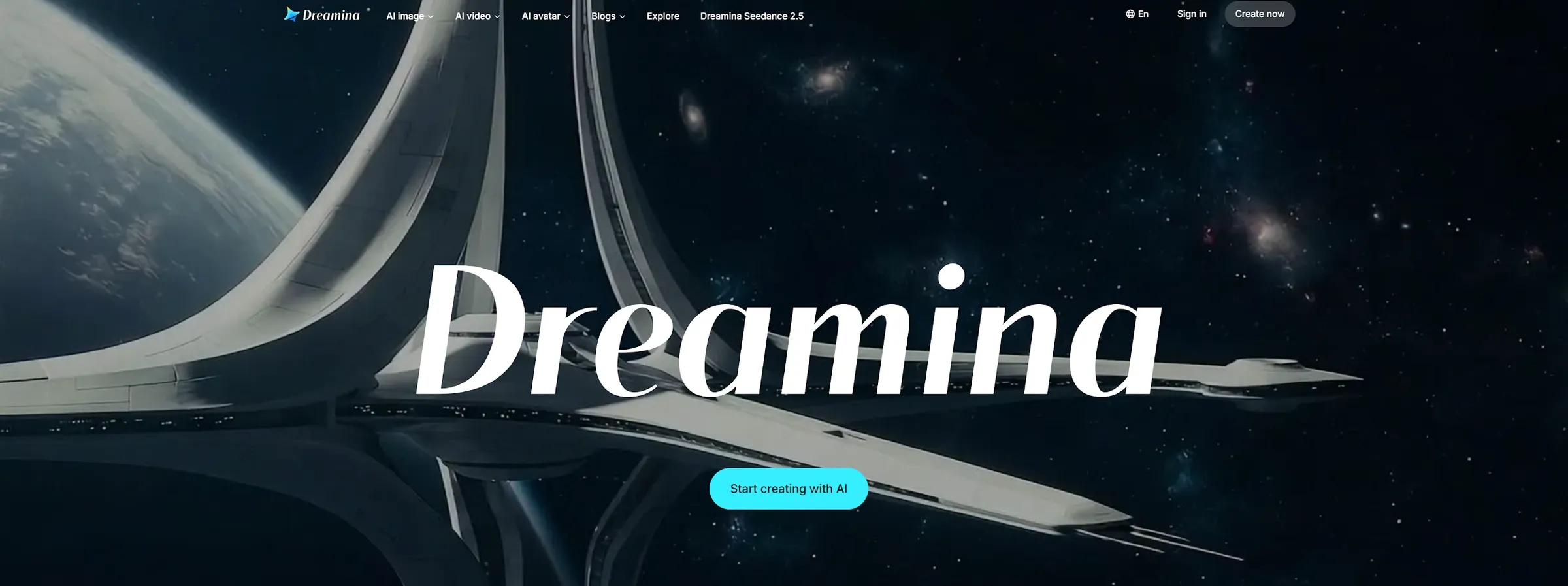
Dreamina is a practical Higgsfield AI alternative for creators who want fast image and video ideas for social content.
Higgsfield AI leans toward cinematic shots and camera movement. Dreamina feels more creator-friendly for quick visual concepts, image generation, short video ideas, and social-style creative testing.
I would use Dreamina when the project is still in the idea stage. It is useful for testing hooks, visual directions, thumbnails, short-form concepts, and lightweight campaign ideas before choosing a final production path, especially when I want to create image first.
Pros:
- Fast creative testing: Good for trying social content ideas.
- Image and video support: Useful when a project starts with still visuals.
- Creator-friendly workflow: Easier for quick experiments than production-heavy tools.
- Good fit for team workflows that need revision and control.
Cons:
- Less cinematic depth: It is not built around advanced camera movement.
- Not ideal for complex production: Larger campaigns may need stronger editing tools.
Best For: Social creators, marketers, and users testing early creative directions.
Bottom Line: Use Dreamina when Higgsfield AI feels too cinematic and you want faster social content ideation.
PixAI: Best For Anime And Character Visuals
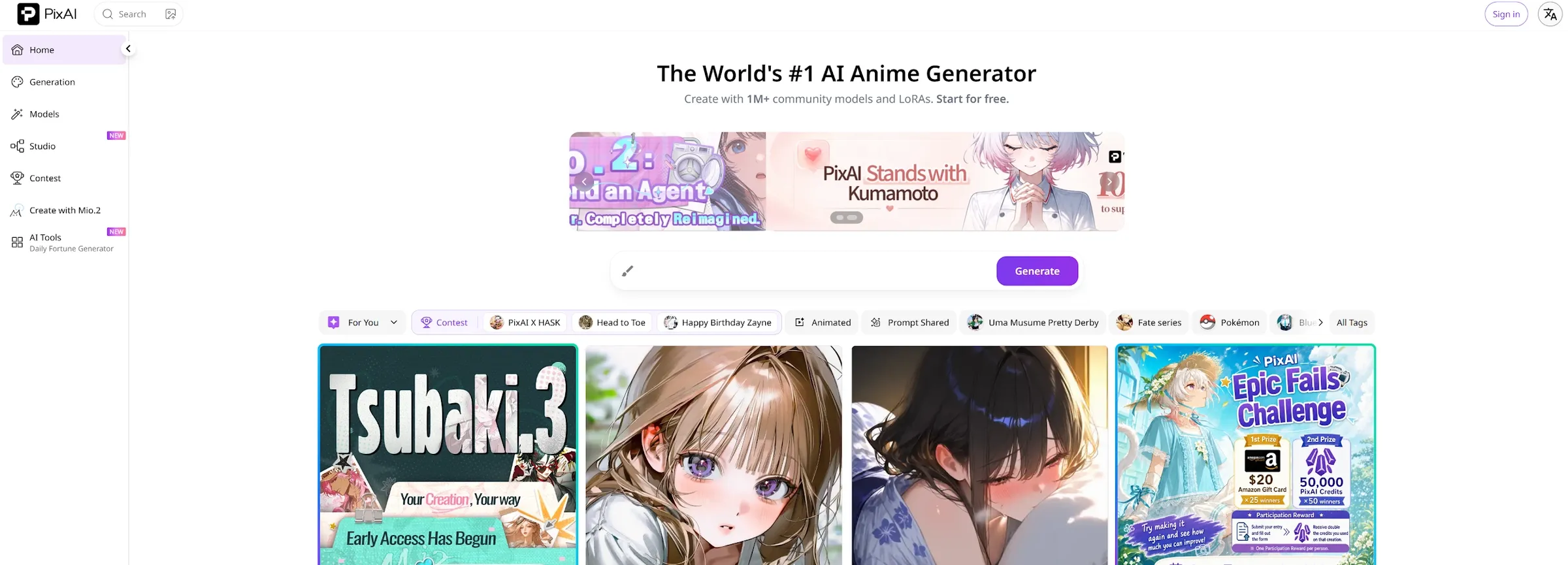
PixAI is a good Higgsfield alternative if your content starts with anime-style characters.
Higgsfield can support cinematic character visuals, but PixAI is more focused on anime art, character design, and style exploration. It is useful before video production begins, especially when the main challenge is defining the look of a character.
I would use PixAI for anime concepts, character portraits, fan-style visuals, and reference images that can later become animated or video content. It is not a full cinematic video tool, but it is strong for character-first projects.
Pros:
- Anime character focus: Good for stylized character visuals.
- Style exploration: Useful for testing character looks before video creation.
- Creative references: Helpful when building visual material for animation.
Cons:
- Less video-focused: It is stronger for image and character design than full video creation.
- Niche style range: Best fit for anime and stylized users.
Best For: Anime creators, character designers, fan-art creators, and visual storytellers.
Bottom Line: Use PixAI when Higgsfield AI feels too camera-focused and your real priority is anime character creation.
Vidnoz AI: Best For Avatar And Presenter Videos
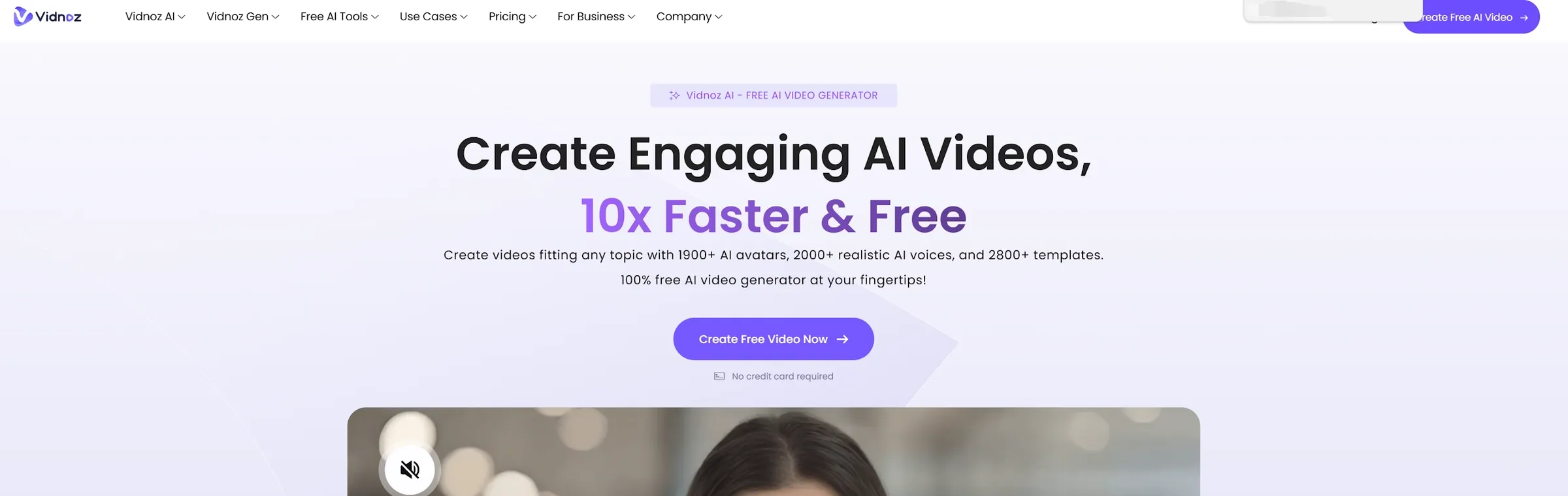
Vidnoz AI is the Higgsfield AI alternative I would choose when the video needs a presenter.
Higgsfield is good for cinematic movement and stylish AI clips. Vidnoz AI is more useful for talking avatars, training content, business explainers, and localized video messages.
I would use Vidnoz AI for onboarding videos, product explainers, internal training, sales videos, and simple avatar-led marketing. It is not trying to create cinematic camera shots. It solves the more practical problem of making a person or avatar speak on video.
Pros:
- Avatar presenter videos: Useful for business, training, and explainers.
- Localized content: Good for teams that need videos in multiple languages.
- Practical production: Helps create repeatable talking-head videos.
Cons:
- Less cinematic: It does not replace Higgsfield’s camera effects.
- Presenter-focused: Not ideal if the project needs dynamic visual storytelling.
- Repeated testing can become slower or more credit-sensitive than lightweight social video tools.
Best For: Businesses, educators, marketers, and teams creating avatar-led videos.
Bottom Line: Use Vidnoz AI when Higgsfield’s visual style is less important than presenter-based communication.
Artlist: Best For Creator Asset Workflows
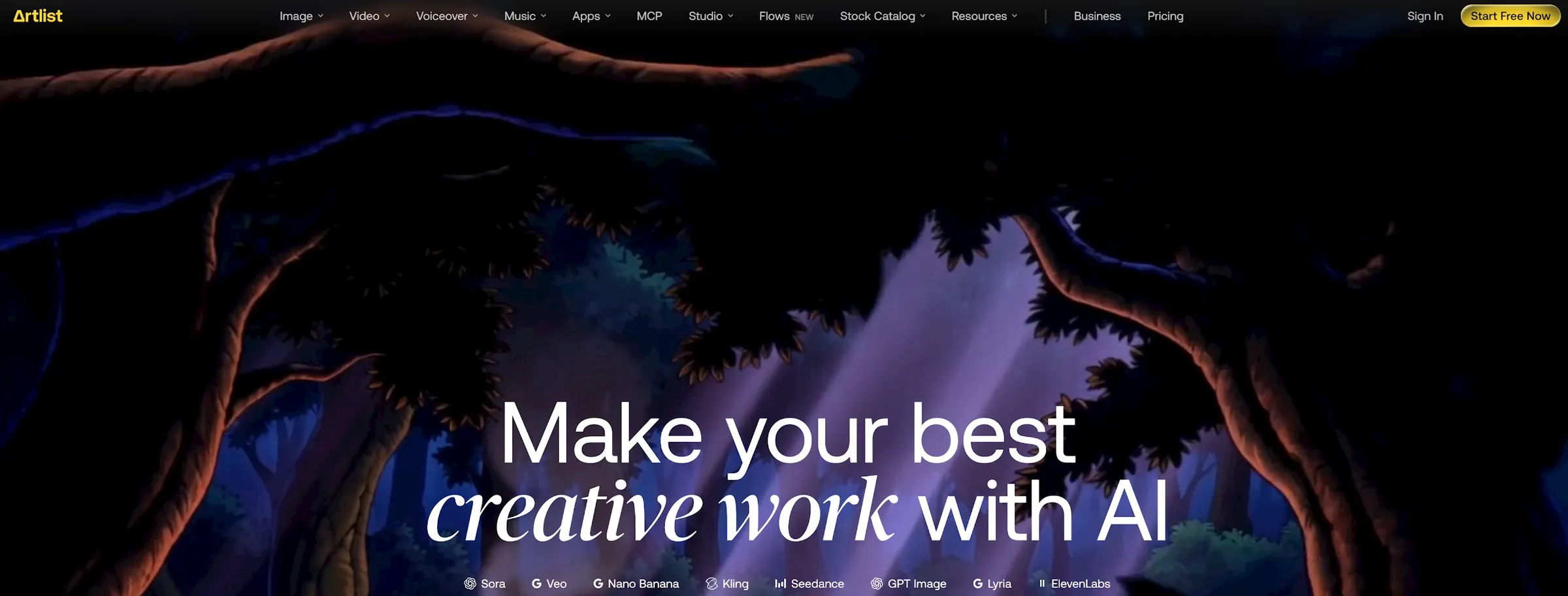
Artlist is not a direct Higgsfield replacement. It solves a different part of the production process.
Higgsfield AI helps create the shot. Artlist helps finish the production around that shot. It is useful for music, sound effects, stock footage, templates, and other creative resources that make a video feel more complete.
I would use Artlist when the project needs production assets, not just AI generation. A cinematic clip can look good on its own, but music, sound design, transitions, and supporting footage often decide whether it feels finished.
Pros:
- Production assets: Useful for music, stock footage, templates, and sound effects.
- Creator-friendly library: Good for YouTubers, filmmakers, and marketers.
- Completes the edit: Helps support AI-generated visuals with stronger production materials.
Cons:
- Not mainly an AI generator: It does not replace Higgsfield’s visual generation.
- Manual assembly required: You still need to build the final video.
- Repeated testing can become slower or more credit-sensitive than lightweight social video tools.
Best For: Filmmakers, YouTubers, agencies, and creators who need production resources.
Bottom Line: Use Artlist when Higgsfield gives you a shot, but you need the assets to turn it into a finished video.
Cuty AI: Best For One-Stop Image And Video Creation
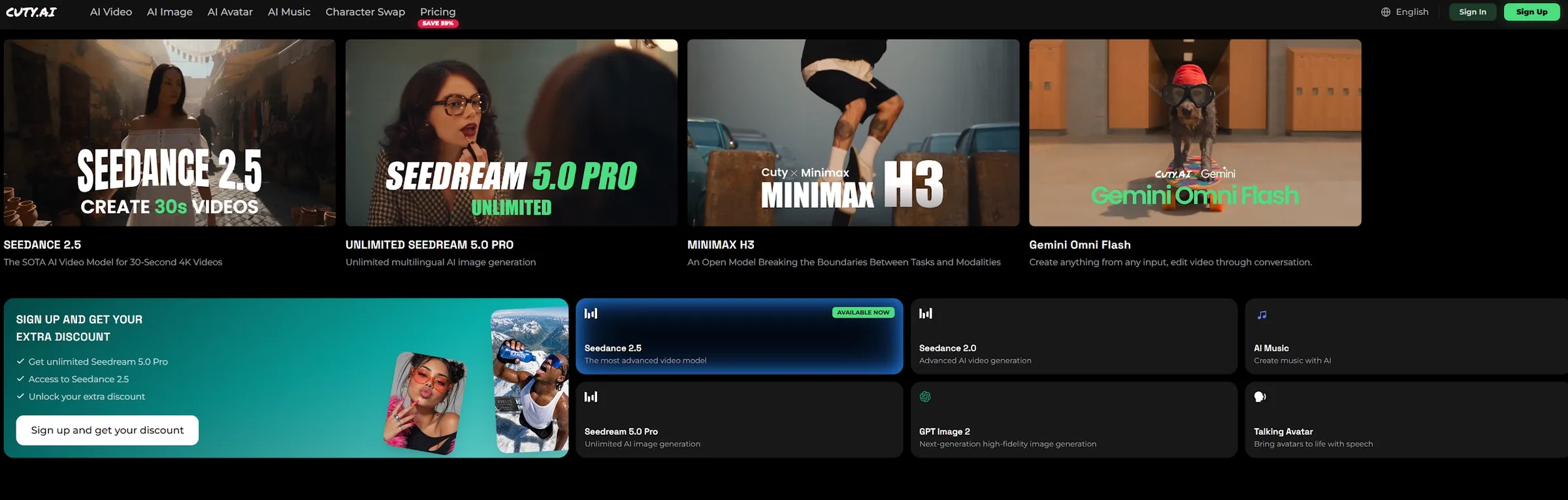
Cuty AI is a useful Higgsfield AI alternative if you want a broad creative platform for both images and videos.
Higgsfield is more specialized around cinematic effects and camera-driven video creation. Cuty AI is broader. It is positioned more like an all-in-one toolkit for creators who want image generation, video generation, and multiple AI creative tools in one place.
I would use Cuty AI when the project does not need Higgsfield’s specific cinematic style, but does need a flexible set of creative options. It is a practical choice for creators who want to test different formats without staying inside one visual lane.
Pros:
- One-stop creative platform: Useful for both image and video creation.
- Flexible tool range: Better for creators testing different content formats.
- Simple creative workflow: Good for users who do not want separate tools for every task.
Cons:
- Less specialized for cinematic camera effects: It may not match Higgsfield’s strongest visual angle.
- Broad toolsets can feel general: Users focused only on film-style video may want deeper control.
Best For: Creators who want broad image and video creation tools in one platform.
Bottom Line: Use Cuty AI when Higgsfield feels too specialized and you want a wider AI creation toolkit.
How I Tested These Higgsfield Alternatives
I tested each tool by looking at where Higgsfield can feel limited in real creative work.
Cinematic Video Creation: Can the tool create visually strong short videos, not just basic AI clips?
Image-To-Video Support: Can it turn still visuals into usable motion?
Editing And Finishing: Can it help refine, format, or complete the video after generation?
Character And Avatar Use: Can it support characters, talking avatars, or consistent visual subjects?
Commercial Fit: Can the result work for ads, product videos, e-commerce content, social posts, or brand campaigns?
Best Higgsfield Alternative For AI Video Workflows: Pollo AI
Pollo AI is the best overall alternative if you want to move beyond cinematic experiments and create publish-ready video content.
Its absolute strength is range. While Higgsfield focuses heavily on single cinematic shots, Pollo AI gives you a true all-in-one workspace. You can generate videos from text, animate still images, use AI avatars, and edit clips on a timeline. It provides access to multiple top-tier AI models—like MiniMax H3, Seedance 2.5, and Wan 3.0—allowing you to test different visual styles (from anime to photorealism) until you find the perfect fit.
To make production even faster, Pollo Agent that can automatically plan, generate, and assemble a fully edited, production-ready video from a single prompt. This makes Pollo AI incredibly practical for creating actual commercial assets like social ads, e-commerce clips, and product pages.
How I’d Choose For Specific Needs
If I were replacing Higgsfield, I would first define my exact production problem. If I need a full production studio that delivers professional-grade video quality, I go to Pollo AI. However, for other specific aspects, I would also look at these options:
- For editing control: Runway is the better option.
- For style transformation: GoEnhance AI makes sense if you already have footage.
- For faster short videos: Deevid AI is highly practical.
- For specific formats: Dreamina (early social ideas), PixAI (anime), and Vidnoz AI (presenter videos).
Final Verdict
I would use Higgsfield for cinematic camera movement, stylish image-to-video clips, and dramatic AI shots. It is useful when one scene needs to look visually impressive.
But I would not use it as my only AI creative tool. Once a project demands professional-level execution—such as seamless editing, stable product branding, voiceovers, and commercial-ready social formats—I immediately switch to Pollo AI.
Ultimately, Higgsfield feels like a cinematic shot creator. Pollo AI operates like a professional AI video production studio.