



PixelBin AI Video Generator
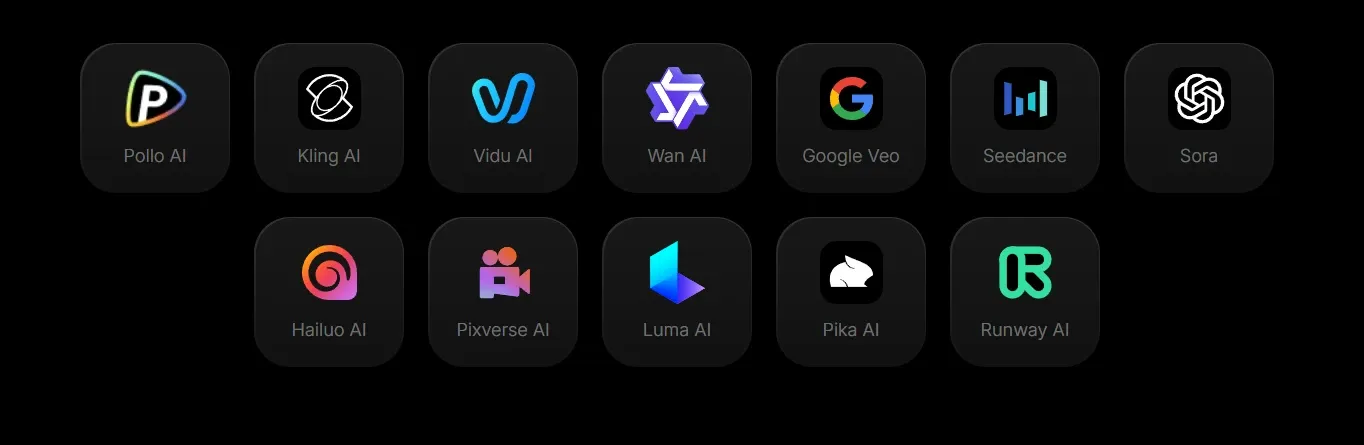
PixelBin's core positioning centers on high-volume, enterprise-grade media processing, offering real-time transformations, CDN delivery, and a robust API for developers. For video, PixelBin acts as a model aggregator, providing access to various third-party models like Google Veo, Kling, and LTX for short-form clips. While PixelBin excels at rapid asset transformation and short exploratory clips, Pollo AI delivers full-length, publication-ready videos with zero manual editing required. Try Pollo AI for Free Now!
Key Features of PixelBin
Multi-Model Video Generation : Access 11 specialized third-party video models, including Google Veo, Kling, and LTX, for varied creative exploration.Text-to-Video Creation : Generate short 2-to-12-second video clips from natural language descriptions, focusing on motion and scene progression.Image-to-Video Animation : Use a starting image to guide the AI, animating static visuals into short motion sequences.Magic Erase : Precisely identifies and removes unwanted elements or photobombers from video frames and static shots.AI Background Removal & Replacement : Specifically optimized for e-commerce to swap product backgrounds for high-conversion lifestyle settings.Centralized Digital Asset Management (DAM) : Store, organize, and retrieve all media files under one unified, cloud-based roof.Global CDN Delivery : Serve optimized images and videos globally with lightning-fast load times through integrated Content Delivery Networks.Developer API and SDKs : Integrate PixelBin's transformation engine directly into existing tech stacks using extensive developer documentation.
Multi-Model Video Generation
PixelBin operates as a hub for various third-party AI models rather than relying solely on a proprietary model. Users can select from models like Google Veo 3 for fast rendering, Kling 2.1 for cinematic visuals, or Seedance for quick, low-cost drafts. This gives creators the flexibility to test different algorithms depending on their specific needs for aspect ratio, duration, and fidelity.
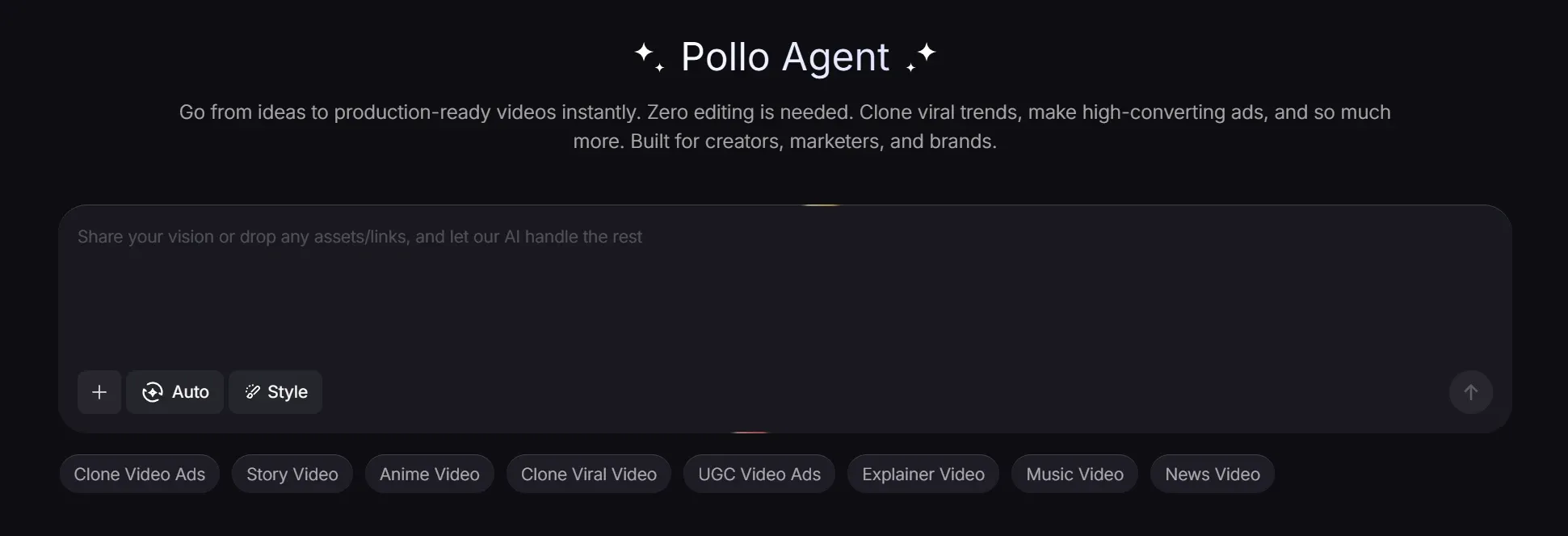
In contrast, Pollo AI offers access to a much broader spectrum of 100+ image and video models. More importantly, Pollo AI uses an intelligent agent to automatically sequence these outputs, delivering a finished, post-ready video that requires no manual stitching or timeline editing.
Text-to-Video Creation
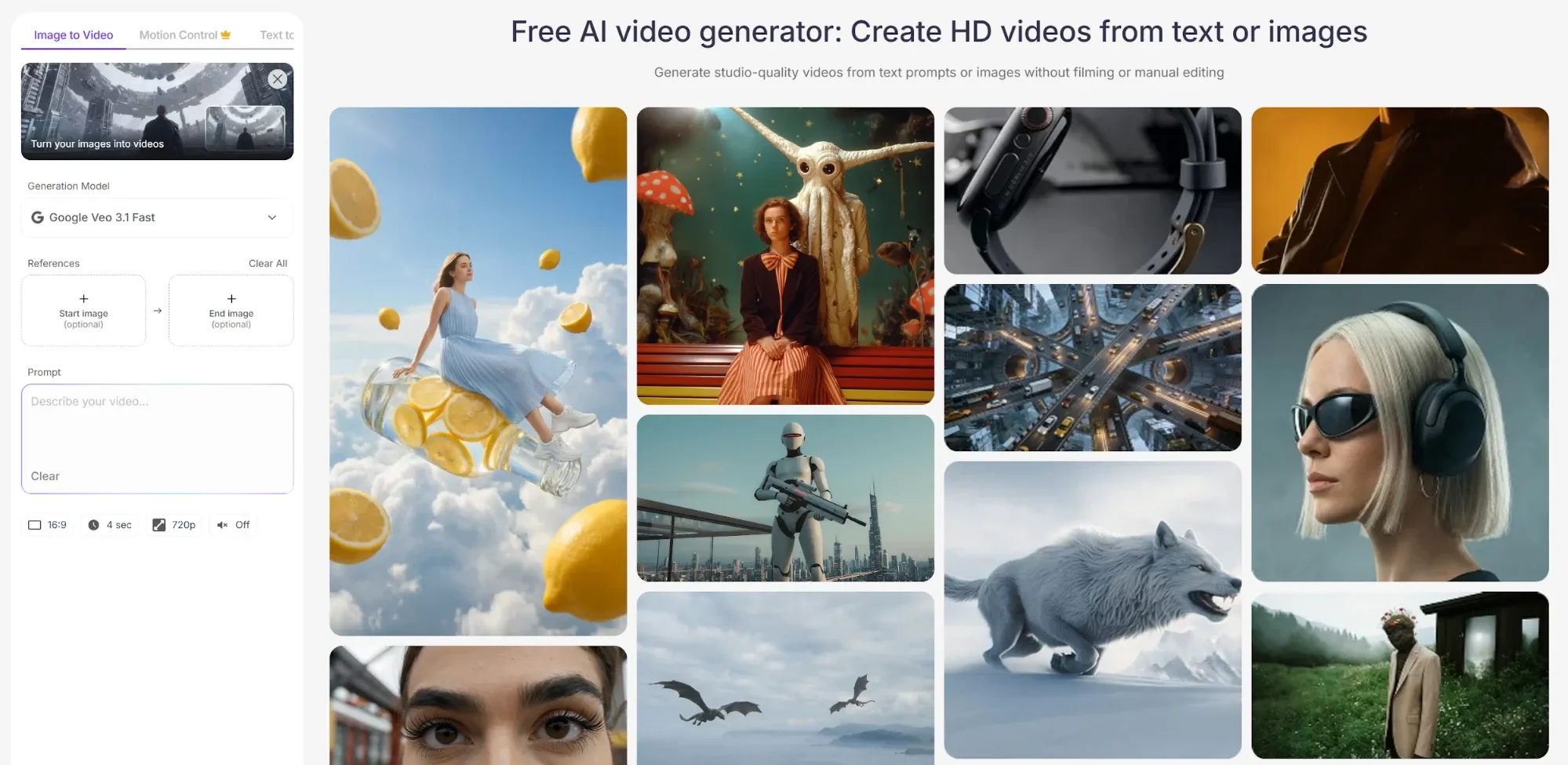
The text-to-video feature allows users to describe a scene, focusing heavily on motion and progression. PixelBin AI interprets the prompt to generate short clips ranging from 2 to 12 seconds. It is designed for rapid prototyping, social media snippets, and conceptual visualization, requiring users to carefully craft prompts with temporal language to get the best motion results.
Image-to-Video Animation
For users needing visual consistency, the image-to-video tool uses a provided start image as the first frame. PixelBin AI then animates the scene based on the text prompt. Some models within PixelBin even support an end image, allowing for controlled transitions or before-and-after style motion, which is highly useful for product demonstrations or visual storytelling.
AI Object Removal (Magic Erase)
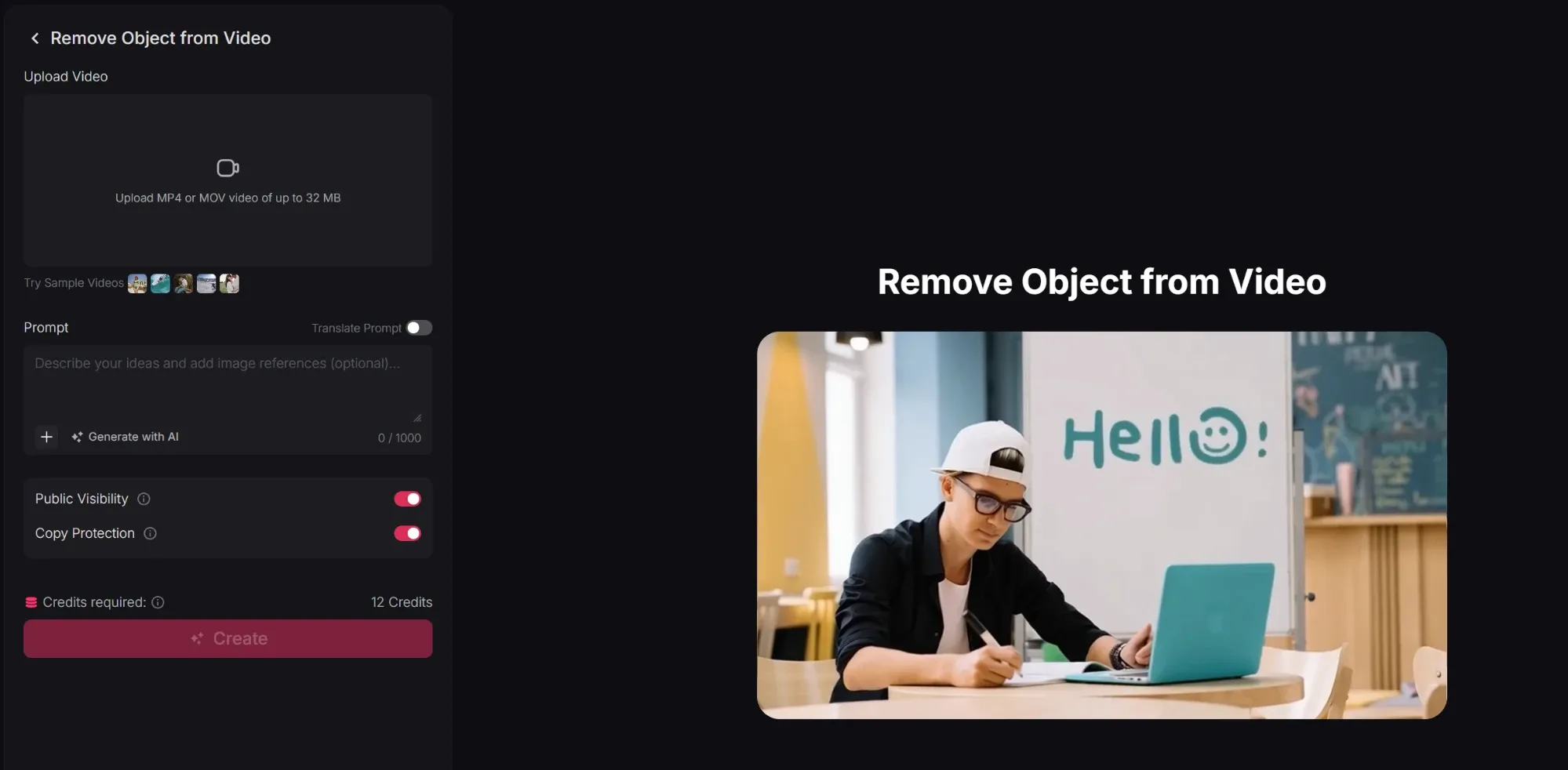
PixelBin AI's generative fill technology allows for the seamless removal of distracting elements from a scene. Whether it is a stray cable in a product shoot or a person in the background of a lifestyle video, PixelBin replaces the removed area with contextually accurate textures that match the surrounding environment.
Pollo AI also provides an advanced AI object remover that goes beyond simple patching. Our tool maintains temporal consistency across every frame of a video, ensuring that the background remains perfectly stable and free of "ghosting" artifacts even during complex camera movements.
AI Background Removal and Environment Swap
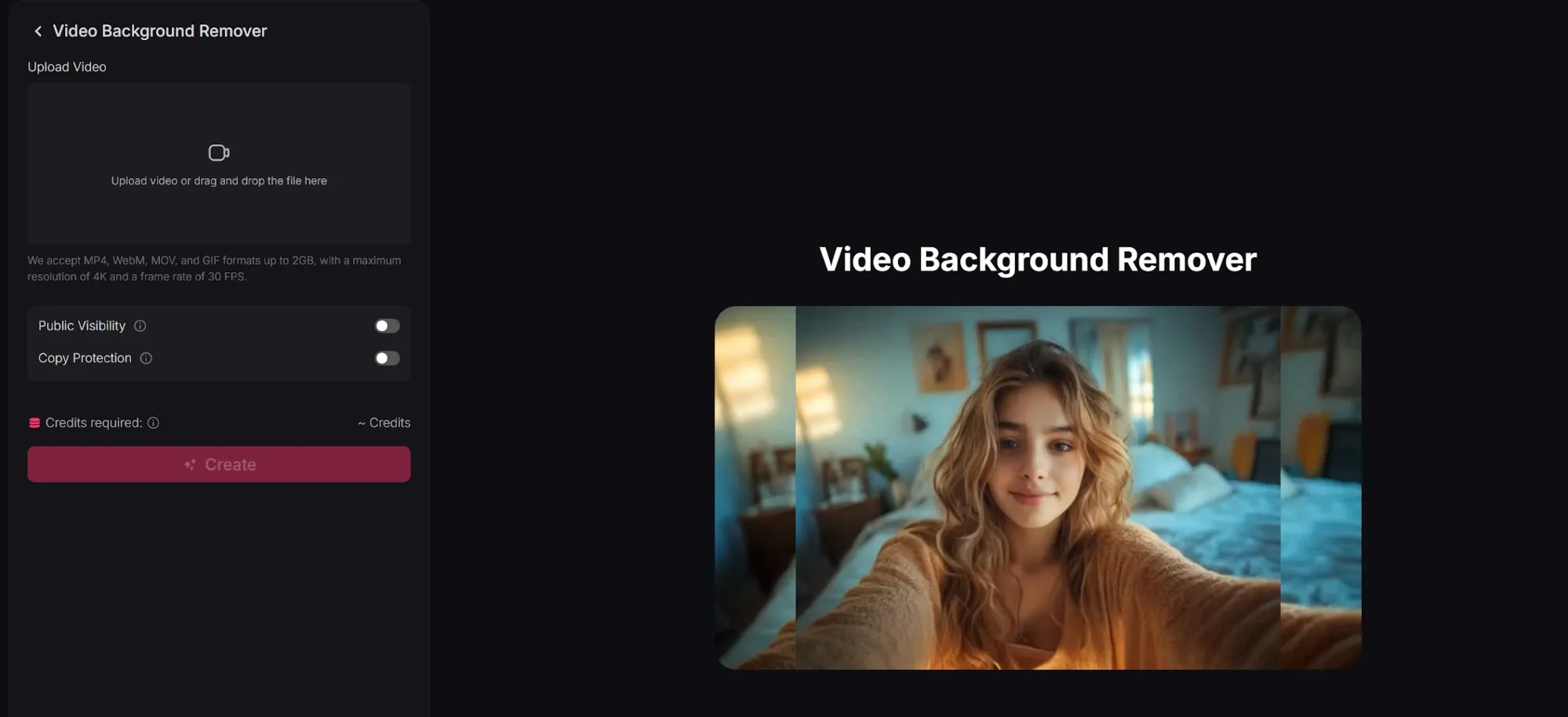
Optimized for the "D2C" (Direct-to-Consumer) market, PixelBin identifies the subject of a video or image with pixel-perfect accuracy. It allows creators to replace dull studio backgrounds with vibrant, AI-generated environments—like a kitchen for a blender or a mountain trail for hiking boots—greatly increasing click-through rates on social ads.
The Pollo AI video background remover offers a more sophisticated solution for professional marketers. While PixelBin focuses on simple replacement, Pollo AI uses lighting-aware synthesis to make the subject’s shadows and reflections blend naturally with the new environment.
Centralized Digital Asset Management (DAM)
Beyond generation, PixelBin functions as a robust storage solution. The centralized DAM allows large teams and enterprises to keep all their visual assets unified. It eliminates the need to juggle multiple platforms, providing a single source of truth for marketing materials, product catalogs, and generated AI content.
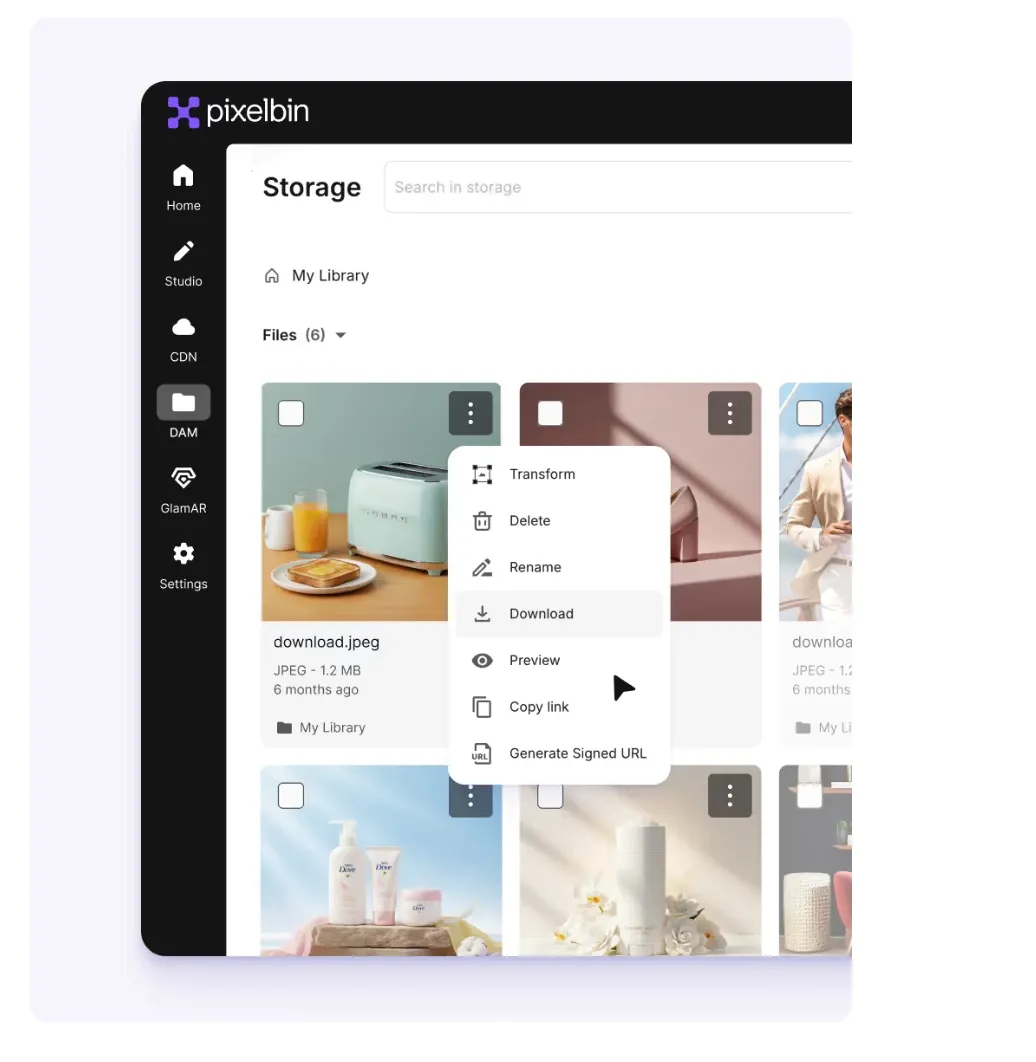
Global CDN Delivery
To ensure that the transformed and generated media reaches end-users instantly, PixelBin integrates global CDN delivery. When an image or video is requested, it is served from the node closest to the user, drastically reducing website load times. This is critical for e-commerce sites where page speed directly impacts conversion rates.
Developer API and SDKs
PixelBin is heavily tailored toward developers and enterprise integration. It offers extensive SDKs across major backend, frontend, and mobile languages. This allows technical teams to automate workflows, such as automatically optimizing user-uploaded images or generating dynamic video content programmatically through their own applications.
While PixelBin focuses on transformation commands, the Pollo AI API Platform provides an "Agentic API." This allows businesses to trigger the generation of entire, multi-shot narratives via code, rather than just isolated clips, making it a superior choice for automated, high-volume storytelling.
PixelBin Product Positioning & Background
PixelBin was officially launched to the market in December 2022, and it was developed by Shopsense Retail Technologies Limited, the parent company of the prominent Indian omnichannel platform Fynd (which was founded in 2012).
Originally, PixelBin started as an internal tool designed to manage Fynd's massive, resource-heavy product image pipeline. Realizing its broader utility, the team spun it out into a standalone multimedia transformation platform.
PixelBin AI's market positioning is a hybrid: it is both a utilitarian infrastructure tool (DAM, CDN, API) and a creative AI suite (image and video generation). Unlike pure creative tools, PixelBin's technical architecture is built around scalability and workflow optimization. Its differentiation lies in this dual nature—it not only generates the asset but also stores, optimizes, and delivers it globally.
Practical Use Cases of PixelBin
- E-commerce Catalog Optimization: Retailers use the bulk editor to instantly remove backgrounds and standardize aspect ratios for thousands of product photos, ensuring a clean, uniform storefront.
- Social Media Ad Prototyping: Marketing teams utilize the multi-model video generator to quickly create 5-second B-roll clips or conceptual motion graphics for Instagram and TikTok campaigns.
- Automated Developer Workflows: Software engineers integrate the API to automatically compress, resize, and deliver user-generated images via CDN, improving app performance.
- Virtual Product Photography: Brands use the generative background creator to place isolated product shots into diverse, AI-generated lifestyle environments, saving on physical photoshoot costs.
PixelBin Review: What Users Actually Say about PixelBin AI
On platforms like Product Hunt and G2, PixelBin generally receives high praise for its speed and utility. It is widely viewed as a massive time-saver for e-commerce and development teams.
However, a significant pain point emerges regarding billing, support, and the reliability of its generation features.
On Trustpilot, users have reported severe issues with the credit system and video generation stability. One user explicitly noted: "I was trying to create a video and I clicked 'generate', and then my screen froze!!... Don't use this website".
Another user mentioned that the tool consumes credits even when the rendering fails or crashes, stating: "Sometimes it would work well other times it doesn't actually render any result. But each time it consumes credits".
Pollo AI addresses the inconsistency and technical instability seen in tools like PixelBin with a highly stable, agent-driven infrastructure. Instead of gambling credits on isolated clips that might crash or fail to render properly, the Pollo Agent manages the entire production pipeline reliably. It ensures that every generation results in a cohesive, full-length, publication-ready video, providing a dependable workflow you can actually trust for your content calendar.
Feature Comparison: PixelBin vs. Runway Gen-3 vs. Pollo AI
| Comparison Factor | PixelBin | Runway Gen-3 Alpha | Pollo AI |
| Output Type | Isolated 2-12 second clips requiring manual assembly. | Highly realistic 5-10 second clips. | Publication-ready, post-ready videos. |
| Technical Edge | Bulk image processing, CDN delivery, and extensive APIs. | Industry-leading photorealism and precise camera control. | Contextual understanding & multi-model integration via the Pollo Agent. |
| Editing Effort | High. Users must stitch short clips together in external software. | High. Requires external editing for narrative compilation. | Zero. The Agent delivers a cohesive, finished narrative. |
Why Creators Are Switching to Pollo AI
True Video Agent
Pollo Agent automatically handles structure, pacing, visuals, and audio to output a video that is ready to post.
100+ Specialized Workflow Apps
Access a massive library of apps designed for specific marketing tasks. From UGC ads to viral trend cloning, with no editing required.










 5000+ reviewsTrustscore 4.4
Loved by 10M+ Creators and Marketers Globally
Thousands of satisfied users have shared their Pollo AI experiences on Trustpilot, rating us as "Excellent." See what they love about our platform.
Liz Cassidy Dec 15, 2025Richard QuickOct 15, 2025armourdudeNov 19, 2025
 DuduJan 14, 2026
 Ray WarnesDec 30, 2025
 lawless clanNov 22, 2025
Discover More AI Video Generators on Pollo AI
FAQs
What is PixelBin used for?
PixelBin is a multimedia transformation platform used for storing, optimizing, and delivering digital assets. It provides AI tools for bulk image editing, background removal, and short-form video generation using various third-party models.
Can I generate long videos with PixelBin?
No, PixelBin's video generation is currently limited to short-form clips, typically ranging from 2 to 12 seconds, depending on the specific AI model selected.
Does PixelBin offer an API?
Yes, PixelBin is highly developer-focused. It offers extensive APIs and SDKs across multiple languages, allowing businesses to integrate image transformation and CDN delivery directly into their tech stacks.
What video models does PixelBin support?
PixelBin acts as an aggregator, supporting 11 specialized models including Google Veo 2/3, Kling 2.1/2.6, LTX-2, Seedance, and Wan, allowing users to choose based on their speed and quality needs.
How does PixelBin handle bulk image editing?
Users can create custom presets (e.g., remove background, resize to 1080x1080, add watermark) and apply them to thousands of images simultaneously, making it ideal for e-commerce catalogs.
Does PixelBin include audio in its generated videos?
It depends on the model selected. Models like Google Veo 3, Kling 2.6, and LTX-2 support automatic sound generation, while faster or older models like Seedance 1.0 Fast do not.

Stop Patching Fragments and Start Creating Stories with Pollo AI
Start crafting full-length, professional narratives with a true video agent that understands context and pacing!