



Unlucid AI Video Generator
Unlucid AI offers video effects and fewer content restrictions for flexible, visually striking creation. But Pollo AI goes further with 70+ advanced models and Pollo Agent for publish-ready videos. Try Pollo AI for free!
Key Features
Text-to-Video Generation : Create videos directly from text prompts without needing images or footage.Image to Video Conversion : Turn a single image into a short animated video in seconds.Viral Effects for Social Content : Use ready-made viral-style templates to create attention-grabbing videos instantly.Prompt Enhancer for Better Generation : Automatically refine prompts to improve video quality and output clarity.Unrestricted Creative Mode : Create videos with fewer content limitations for more flexible expression.
Text to Video Generation
Unlucid AI supports text-to-video generation, allowing users to describe a scene and turn it into a video output. This removes the need for existing visual assets and enables idea-driven creation from scratch.
This is especially helpful in early-stage content creation. For instance, a marketer can describe a product concept or scenario and quickly generate a visual draft for testing ideas before investing in full production.
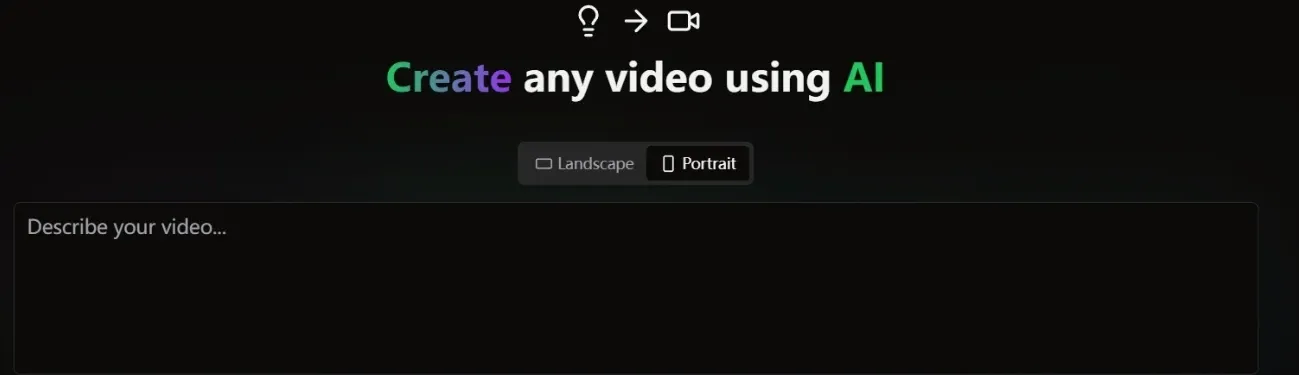
Unnlucid AI’s outputs are typically single-clip and depend on predefined styles.
Text to video AI from Pollo AI goes further by generating fully realized videos with scenes, motion, and style already structured, often with higher visual quality and coherence, while also supporting multiple models for better flexibility and results.
Image-to-Video Conversion
Unlucid AI allows users to convert static images into moving videos without needing raw footage. The system applies motion and transformation directly to the start image, turning it into a dynamic visual output.
This is especially practical when video assets are limited. For example, a Shopify seller can take a product image and quickly turn it into a short promo clip for TikTok or Instagram ads without filming anything.
The result of Unlucid AI often stays at a simple transformation level without much depth or structure.
Pollo AI takes image to video AI further by turning a single image into multi-scene videos with consistent subjects and guided motion, using the image to reference how the video unfolds, so the output feels closer to a complete, usable piece rather than just an animated clip.
Viral Effects for Social Content
Unlucid AI offers a set of pre-built effect templates designed around popular short-form video trends.
Instead of generic visual effects, these templates follow recognizable viral patterns, including motion styles, pacing, and visual transformations commonly seen on platforms like TikTok.
This makes content creation much more targeted. For example, a creator can take a simple portrait or product image and turn it into a trend-style video that feels native to social feeds, helping it stand out and capture attention while users scroll.
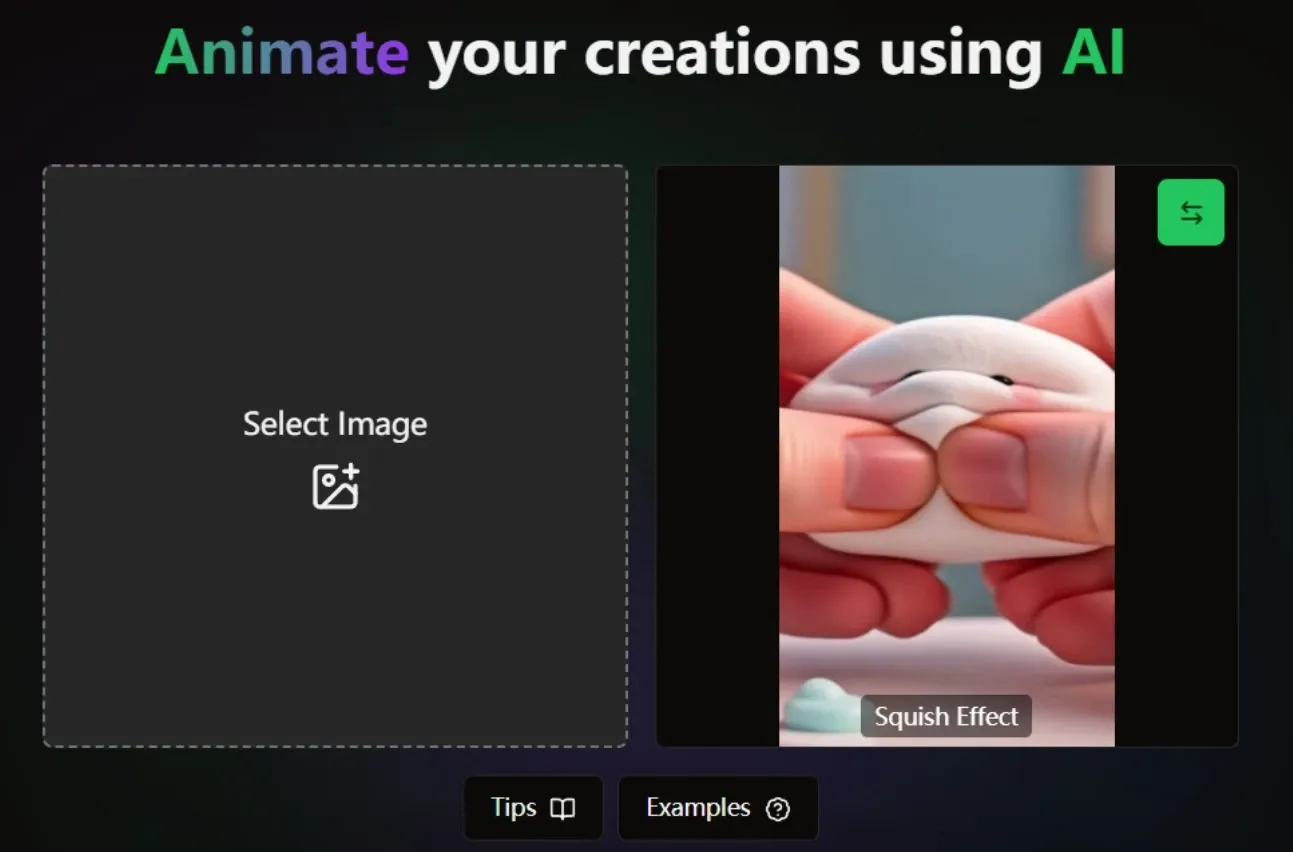
Pollo AI has a broader range of video effects, including mimic motion that brings subjects to life with more natural movement, along with more flexible effect styles.
This allows creators to move beyond fixed templates and create videos that feel more dynamic, varied, and tailored to different content needs.
Prompt Enhancer for Better Generation
Unlucid AI has an experimental orompt enhancer that helps expand or optimize user input before generation. Instead of relying on raw prompts, the system adjusts wording to produce more structured and visually coherent results.
This is useful for users who are not familiar with prompt writing. A beginner can enter a simple idea like “a cat dancing,” and the system enhances it into a more descriptive prompt, resulting in a more detailed and visually engaging video.
Unrestricted Creative Mode
Unlucid AI includes an optional mode that allows users to generate content with fewer restrictions, enabling a wider range of creative directions compared to standard AI tools. Instead of heavily filtering outputs, it gives users more freedom in how ideas are visualized.
This can be useful for creators exploring niche or unconventional concepts.
For example, an artist or content creator can experiment with bold visual themes or stylized concepts that may not be supported in more restricted platforms, allowing for more personalized and boundary-pushing content creation.
Who Actually Uses Unlucid AI Videos
Social media creators
Turn a single photo or short clip into multiple effect-driven videos for TikTok or Instagram.
Unlucid is often used for quick, eye-catching content where motion and novelty matter more than narrative, helping creators produce short-form videos without editing skills.
Marketers
Use existing product images or assets to generate multiple video variations for ads.
This is useful for testing hooks or visuals quickly, especially in early campaign stages when teams need fast iteration instead of full production workflows.
Designers or Digital Artists
Bring still visuals or artwork to life with motion effects to preview ideas or enhance presentations.
This helps designers experiment with animation styles and visual storytelling without building full animation sequences from scratch.
Unlucid AI vs Revid AI vs Pollo AI: Video Features Comparison
| Feature | Unlucid AI | Revid AI | Pollo AI |
| Core Focus | Effect-based videos | Social video generator | Full video creation workflow |
| Video Input | Image + prompt | Script/prompt | Text, image, link, assets |
| Output Type | Short effect clips | Social-ready videos | Structured, polished videos |
| Video Effects | 15+ | 100+ | 200+ |
| Editing Required | No editing | Light editing/script control | No editing needed |
| Viral Content | Effect-driven templates | Optimized for TikTok & IG | Built for multi-use, like ads, UGC, campaigns |
| Agent Capability | No | No | Pollo Agent (Idea to post-ready content) |
Unlucid AI focuses on effect-driven clips, while Revid AI turns scripts and URLs into social-ready videos optimized for platforms like TikTok and Reels.
Both are built for fast generation, but outputs often remain single-format and require further iteration.
In contrast, Pollo AI goes beyond generators by using Pollo Agent to turn ideas into structured, ready-to-publish videos in one complete workflow without any editing steps.
Is Unlucid AI As Easy to Use As It Looks
The limited feedback available suggests Unlucid AI is easy to use, with a clean interface that helps users access its generative features quickly, even without prior experience.
At the same time, the only visible review mentions a lack of free credits, which may restrict early exploration. However, with just one user review currently available, it’s difficult to draw a fully reliable conclusion.
Overall, while first impressions point to strong usability, more user feedback is needed to assess its performance in real-world use.
Is Unlucid AI Built for Fun or Full Video Creation
Unlucid AI leans toward fast, effect-driven creation rather than full video production.
Its focus on viral-style templates and instant visual transformation makes it a tool for quick, eye-catching content, not structured storytelling or multi-scene videos. It fits users who want speed and simplicity over control.
In the current market, Unlucid sits closer to lightweight creative tools than professional video platforms. It works well for experimentation and short-form content, but it is not designed for building polished, ready-to-publish videos at scale.
Want More Than Quick Effects? Try Pollo AI!
If Unlucid AI is mainly built for fast visual effects, Pollo AI offers a broader creative system.
Pollo AI brings multiple leading AI models, like GPT Image 2 and Kling AI, into one platform. It gives users more flexibility to choose the right model for different image and video tasks instead of staying locked into one approach.
On top of that, Pollo Agent turns an idea, image, or URL into a ready-to-post video in one flow, with structure, pacing, and visuals handled automatically, so there’s no editing required.
Pollo Agent also extends into real content scenarios.
For example, a marketer can paste a product link to generate a complete AI UGC video, a founder can turn a feature description into a polished explainer video, and a creator can quickly produce social-ready content without editing timelines or stitching clips.
The result is not just generated footage, but content built for actual use.
What makes Pollo AI stand out from Unlucid AI
Multi-Model Access
Access various image and video models, such as Seedance 2.5 and Kling 3.0, on a single platform for more flexible creation.
Scenario-Based Video Agents
Create ads, story videos, and explainers without manually building each workflow.
AI Avatar Video Creation
Turn portraits into talking avatars for UGC, presentations, and product videos.










 5000+ reviewsTrustscore 4.4
Loved by 10M+ Creators and Marketers Globally
Thousands of satisfied users have shared their Pollo AI experiences on Trustpilot, rating us as "Excellent." See what they love about our platform.
Liz Cassidy Dec 15, 2025Richard QuickOct 15, 2025armourdudeNov 19, 2025
 DuduJan 14, 2026
 Ray WarnesDec 30, 2025
 lawless clanNov 22, 2025
FAQs
What is Unlucid AI?
Unlucid AI is an AI-powered video and image creation tool focused on effect-driven content. It allows users to turn images or text prompts into short videos using viral-style templates, visual effects, and simple generation workflows. Its main strength lies in fast, eye-catching content creation without editing, making it popular for short-form and experimental visuals.
How does Unlucid AI work?
Unlucid AI works by applying predefined motion effects or templates to your input, such as an image or text prompt. Instead of building videos step by step, it generates the final output in one go. This makes it quick to use, but also means you have less control over structure, scene flow, or detailed customization.
What kind of videos can Unlucid AI create?
Unlucid AI mainly creates short, effect-driven videos, often inspired by viral formats seen on platforms like TikTok or Instagram. These include animated portraits, transformation clips, and stylized motion effects. It is best suited for quick visual content rather than longer, structured videos.
Is Unlucid AI good for marketing videos?
It can be useful for testing visual ideas or creating attention-grabbing clips, especially in early-stage campaigns. However, since outputs are usually short and effect-focused, they may require additional editing or tools to become complete marketing videos. Some creators look for more structured outputs, where tools like Pollo AI can generate full videos with scenes, pacing, and messaging already in place.
Does Unlucid AI require video editing skills?
No, Unlucid AI is designed to work without manual editing. Users simply choose an input and effect, and the system generates the video automatically. This makes it beginner-friendly, but also limits how much you can fine-tune the final result.
What are the limitations of Unlucid AI?
The main limitations include limited control over video structure, reliance on predefined effects, and outputs that are often short and single-format. For users who need multi-scene videos or content ready to publish, additional tools may be required. In those cases, platforms like Pollo AI offer a more complete workflow, handling structure, and output in one step.

Create Videos with Pollo AI
Go beyond Unlucid AI video effects with structured, ready-to-publish videos, no editing required.