Brand Content Teams
Clean Product Footage
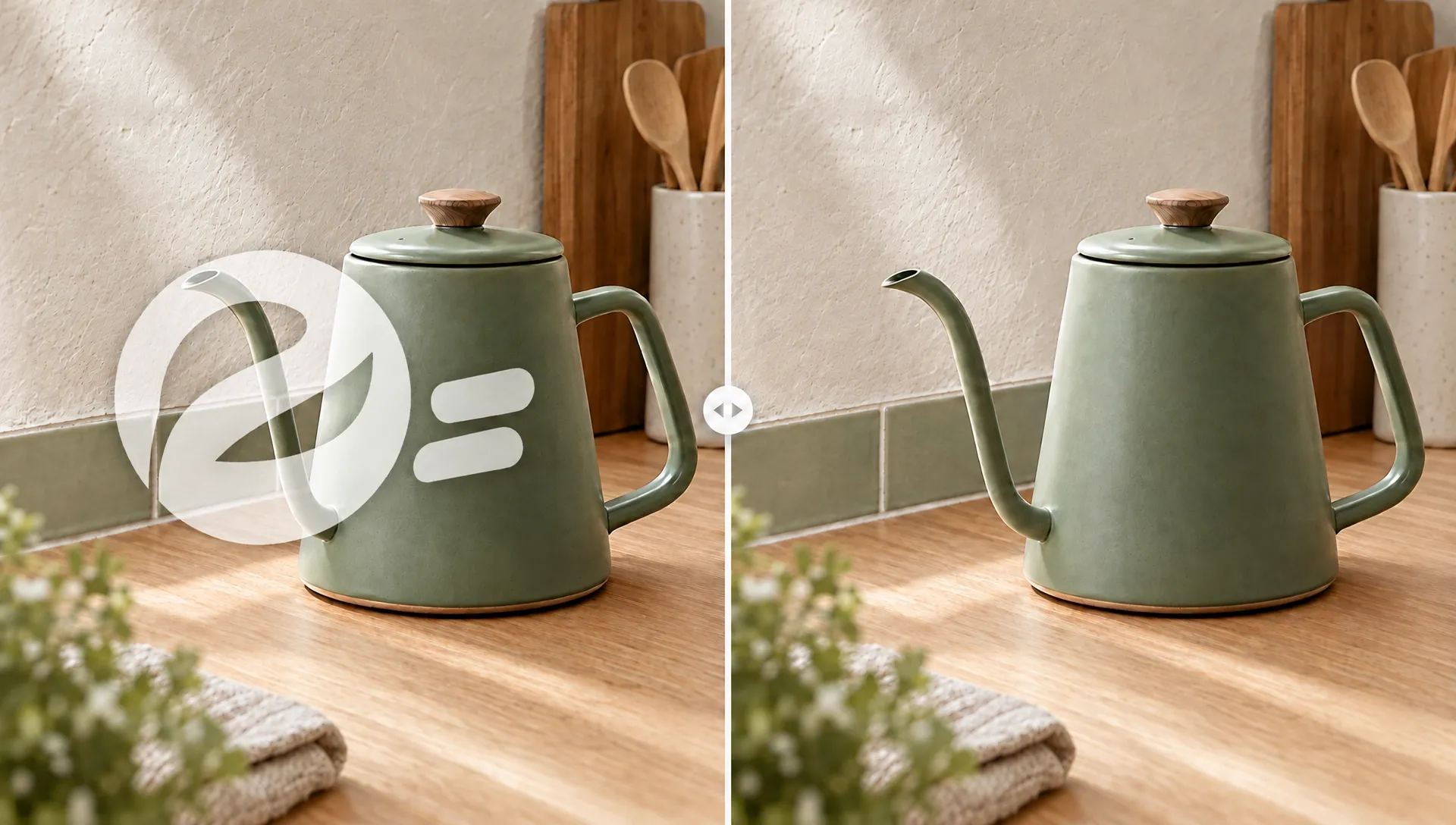
Clear an expired offer from your filmed product shot while keeping its demonstration useful for the next campaign. Then reframe the clean clip for another placement.
AI Video
Transform text and images into cinematic videos with lifelike avatars and studio-quality SFX.

AI Image
Turn ideas and images into stunning visuals, or perfect any photo with a complete suite of AI tools.

Agent
Create production-ready videos with SFX, consistent characters, and polished scenes. No Editing.

Marketing Studio
Built for marketers and sellers to create winning ads, UGC videos and product visuals faster.

Seedream 5.5
Consistent Editing Across 100 Rounds.
Seedance 2.5 Flash
40% OFF. Close to Seedance 2.5 quality. 2× the speed.
Kling 4.0
Up to 10 keyframes. Impressive performance.
Keep the moment you captured and clear the words that date it. Upload an existing clip, select the fixed title, price, or message, and let Pollo AI rebuild the covered picture. You get a clean version for new campaigns or localized lessons without cropping out the action that makes the footage useful.
Clear the expired offer and launch your next message with the filmed shot.
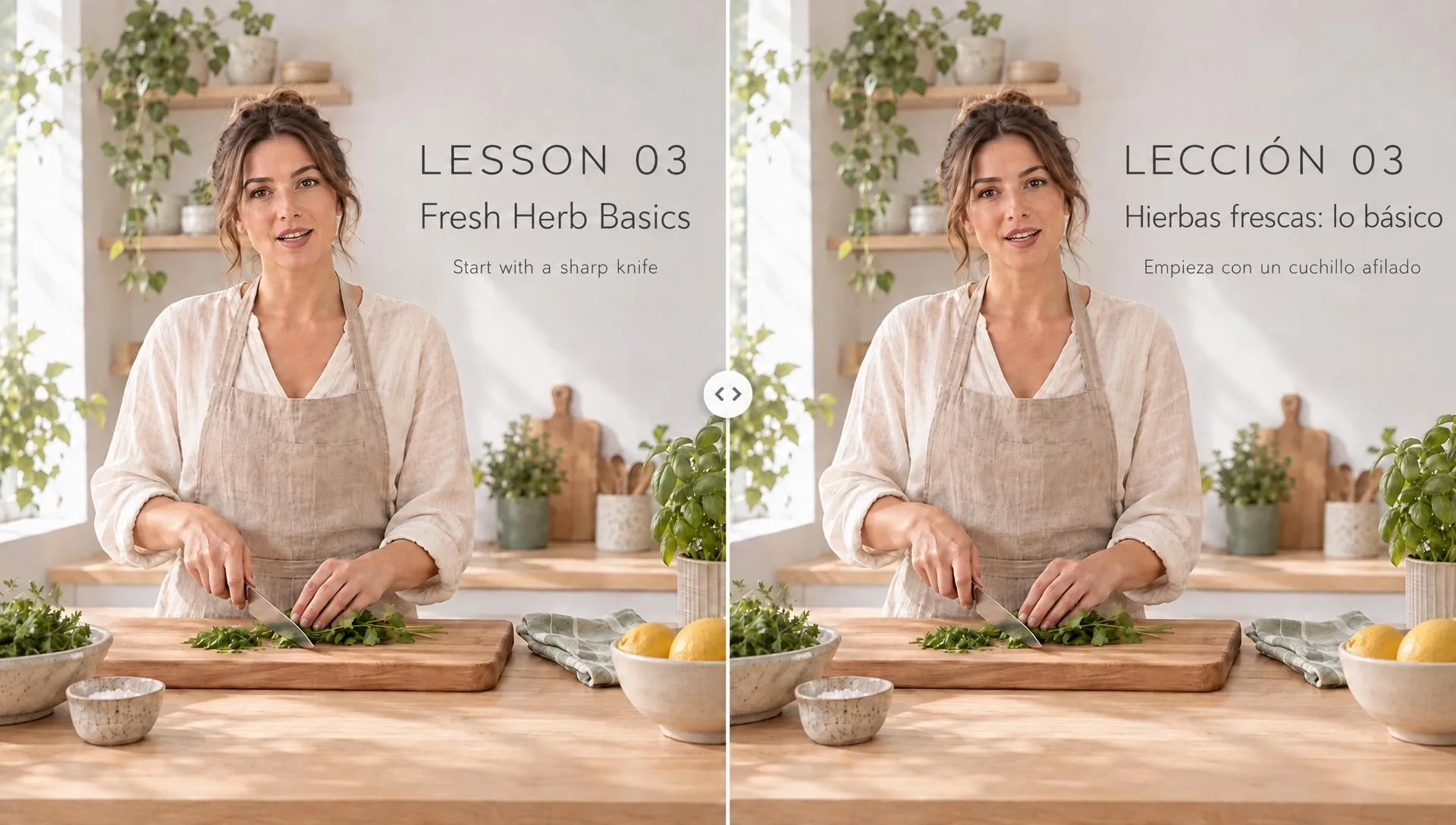
Remove fixed wording before giving the same demonstration a new language layer.
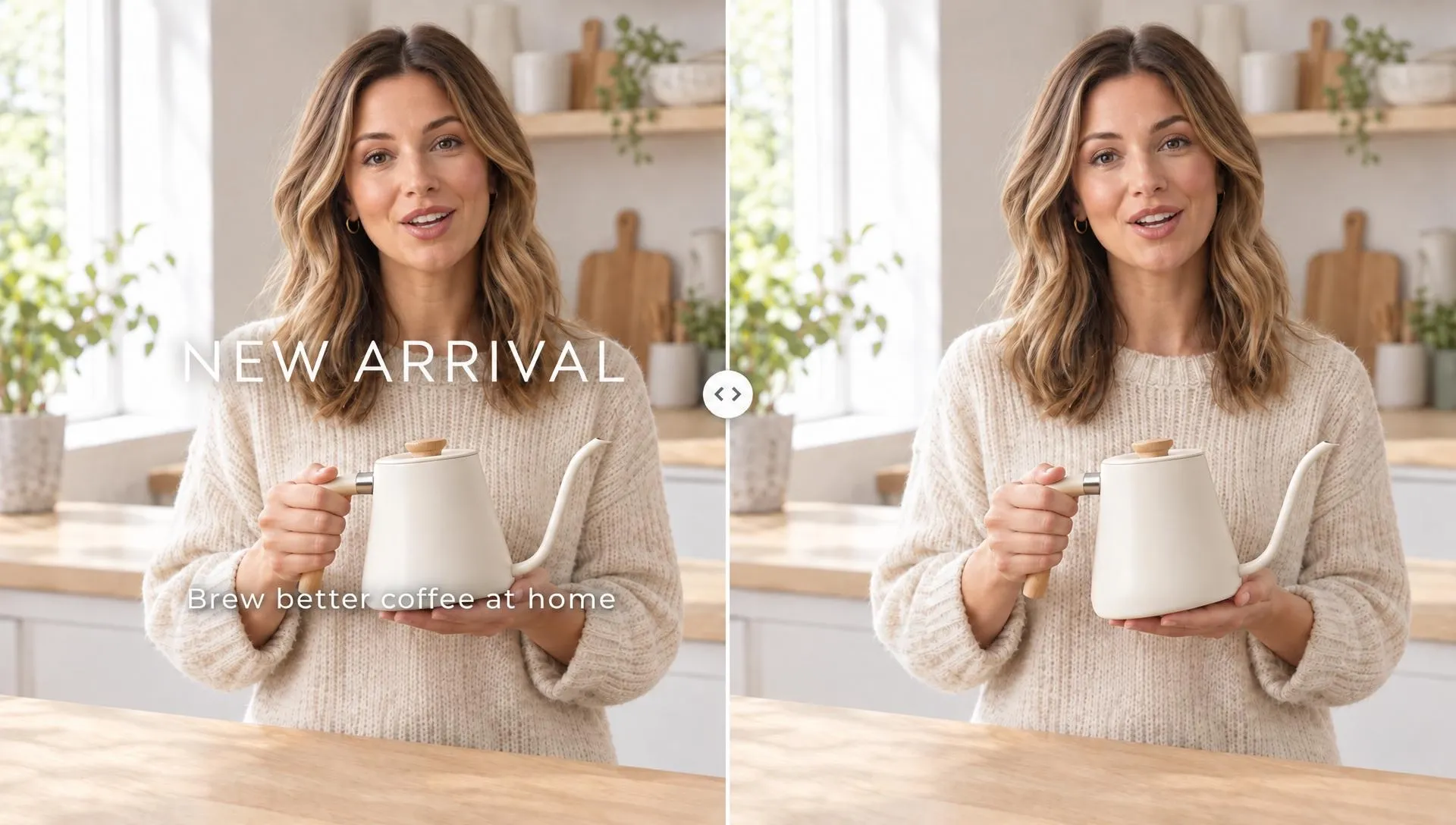
Take away the words while viewers still see the product or presenter.

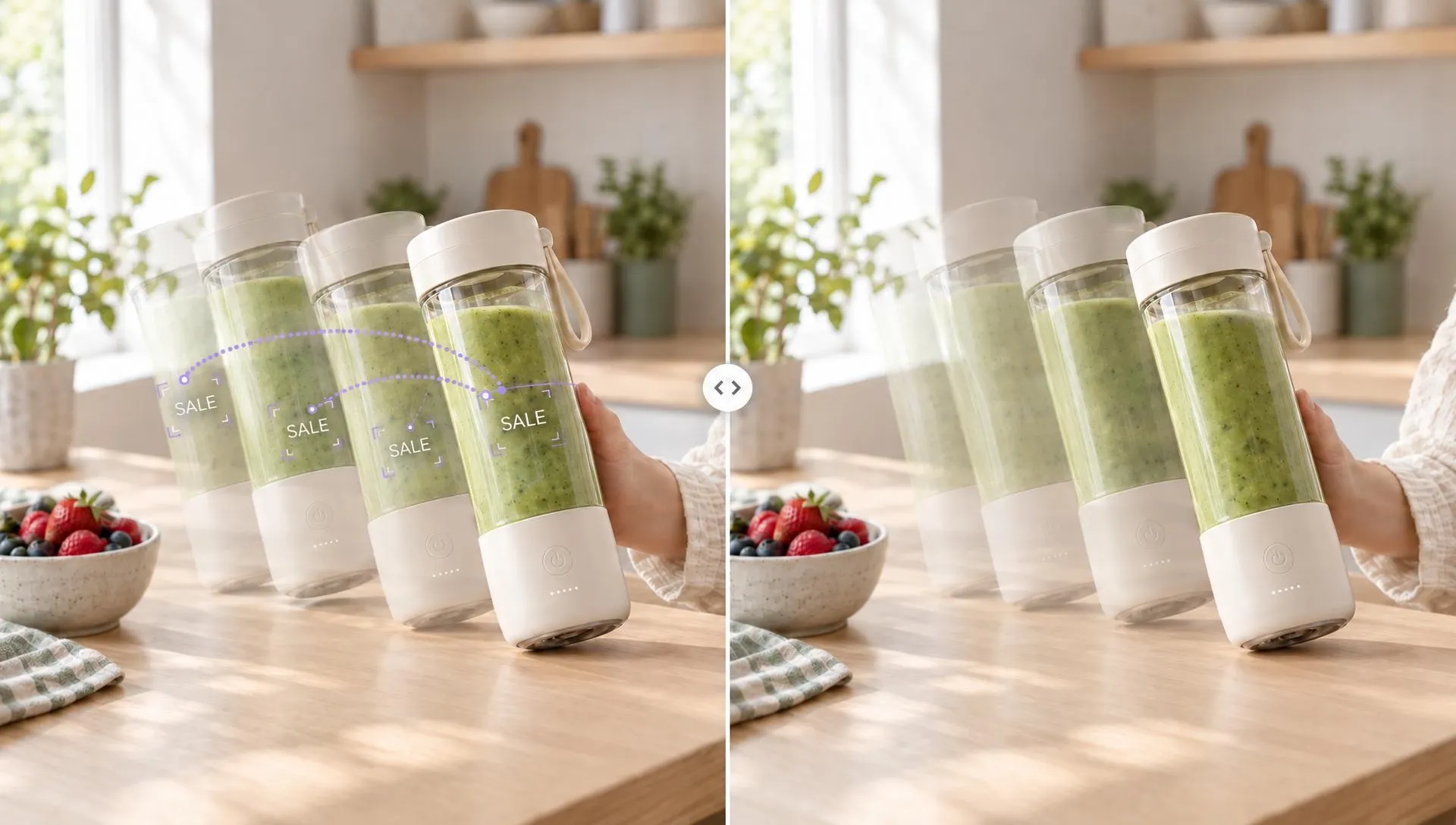
Clear an expired offer from your filmed product shot while keeping its demonstration useful for the next campaign. Then reframe the clean clip for another placement.
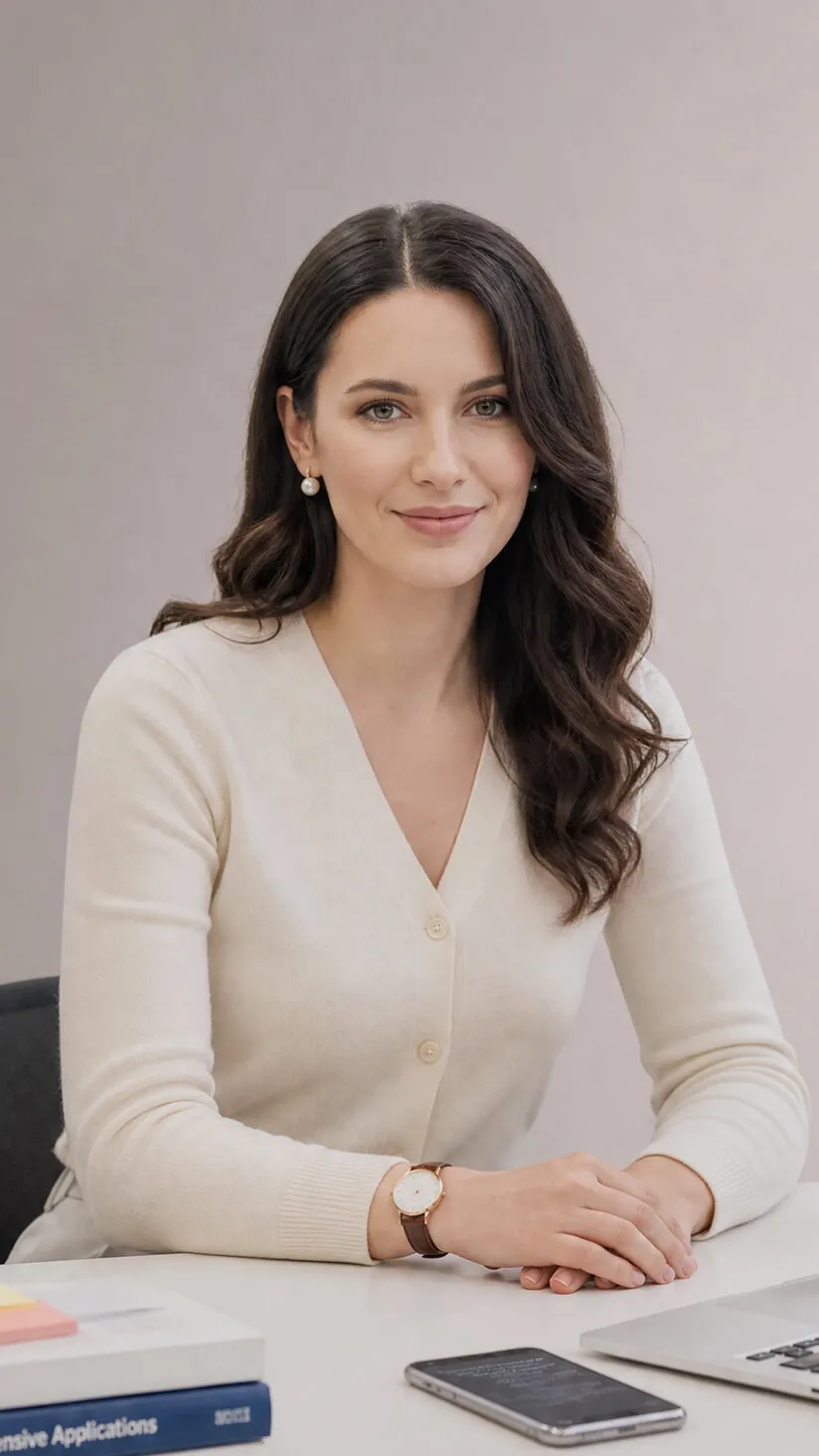
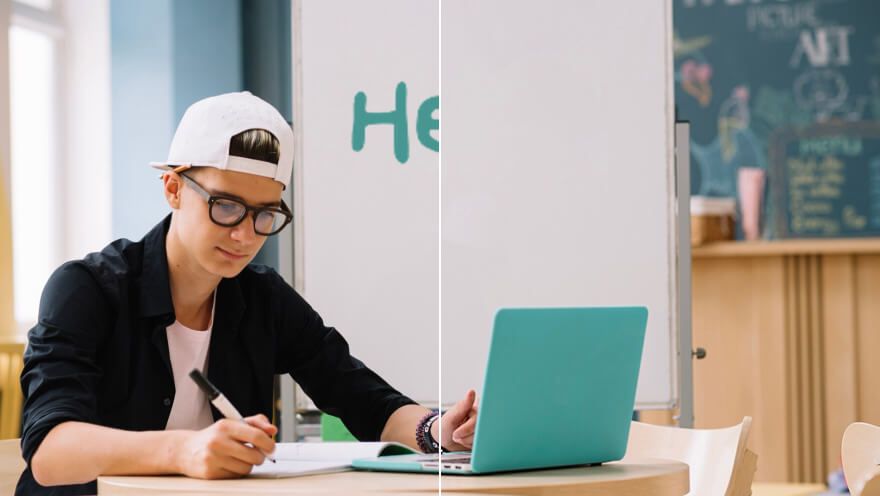
Remove text from videos for localization, leaving the recorded lesson's action visible and its outdated wording gone. Put that clean demonstration into a new education video.
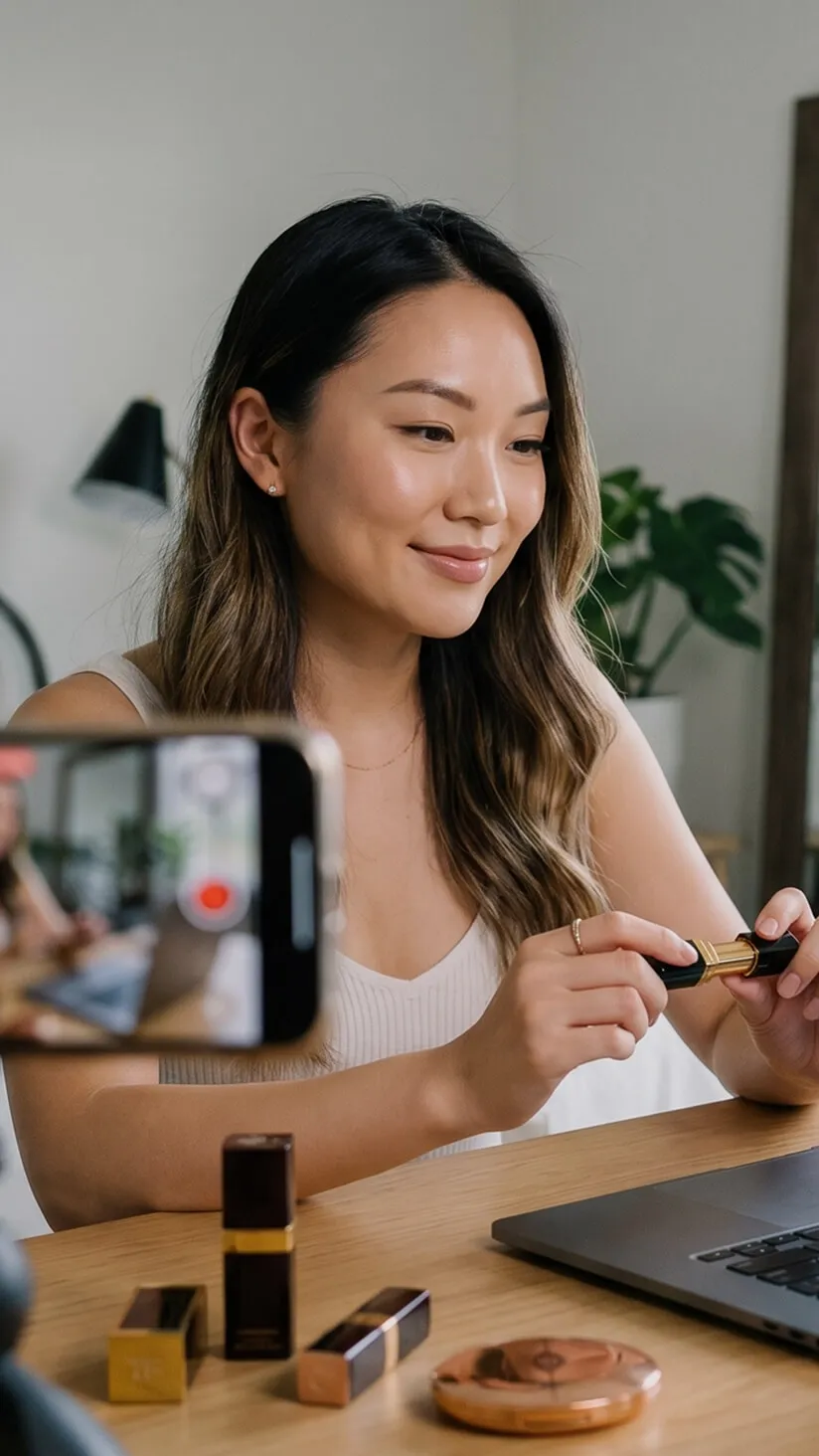
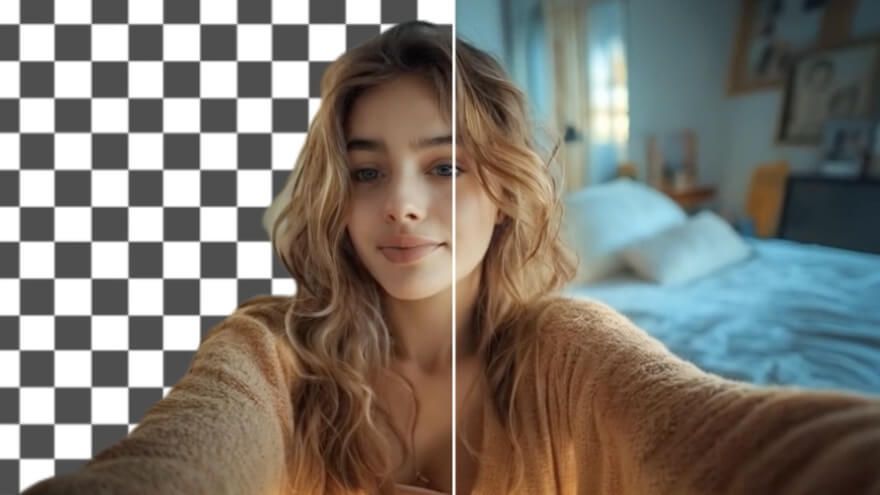
Remove text from TikTok video footage you filmed, keeping the useful reaction or reveal. Give that moment a fresh message for a new TikTok video.

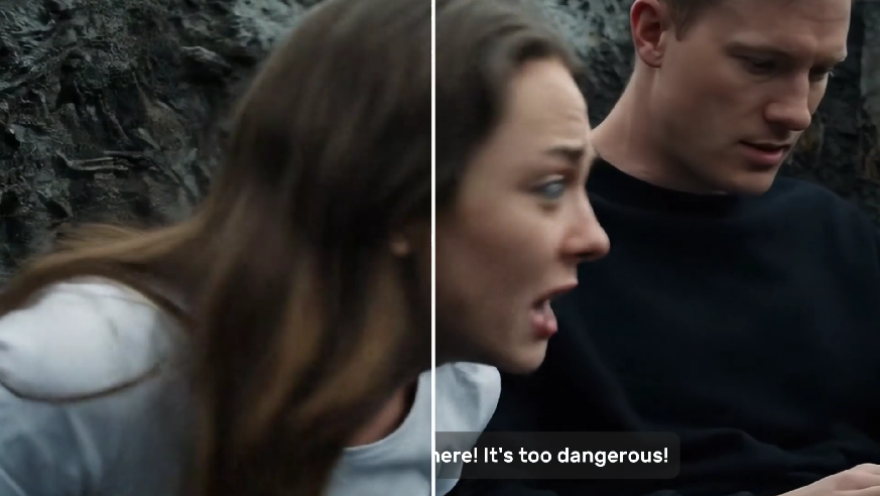
Remove fixed wording from a client's authorized clip and deliver a clean master that keeps the useful shot. Build new product showcase videos from that cleaned material.
Upload the filmed video with the old wording you want to clear.
Let AI detect the text or brush over its exact location.
Check the repaired picture through the clip, then download the clean version.
Go from basic scripts to high-converting content. Seamlessly transition between automated AI agents, presenter-led avatars, sound design, and tailored video apps.
Bring your still images to life with cinematic motion and depth. Create captivating short video stories from your photos for a new level of visual storytelling.
Turn simple text prompts into stunning cinematic sequences. Generate highly detailed, smooth-motion video clips ready for any professional timeline.
The ultimate multi-modal video generator. Combine text, images, or audio to produce complete, production-ready video content in minutes.
Elevate your visuals with studio-quality audio. Generate natural-sounding speech and custom sound effects to perfectly match your video's mood.
Create engaging presenter-led videos instantly. Generate hyper-realistic AI spokespersons with natural voices, fluid gestures, and precise lip-sync for your brand.
Explore a library of purpose-built video apps. Instantly generate YouTube intros, invitation videos, and formatted promo videos with ready-to-use apps.








Using Pollo AI to Create and Inspire
An AI video text remover clears lettering embedded in an existing video and rebuilds the covered area. You select the words you want gone. The rest of the recorded action stays in the shot for another edit or campaign.
Pollo AI's video text remover is the best video text remover because it targets selected on-screen words, follows text that moves through the shot, and repairs the hidden background so the original action remains useful.
Yes. You can remove text from video for free with credits on your Pollo AI account. More processing or higher usage limits depend on your current plan.
Select the moving words and review the full shot. Tracking carries the selected area across frames while scene filling repairs what the lettering covered. Use an AI video editor to add fresh wording afterward.
Yes. Text cleanup removes the selected lettering, but it does not add resolution to a soft recording. Use video upscaling for a separate resolution pass when the clean clip needs a larger display.
No. A public video is not automatically yours to edit. Work with footage you own, are licensed to modify, or have permission to use, and honor any attribution or platform conditions that apply.

Clear old on-screen words and put the shot you already filmed to work in a new campaign.