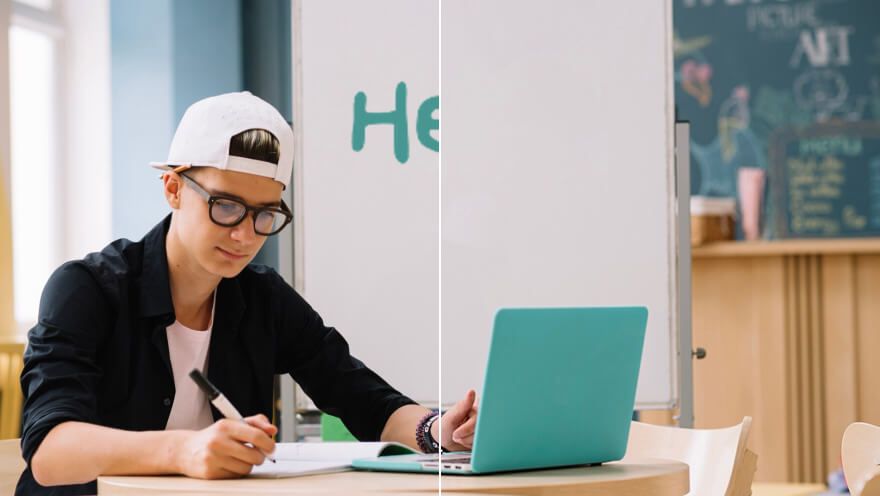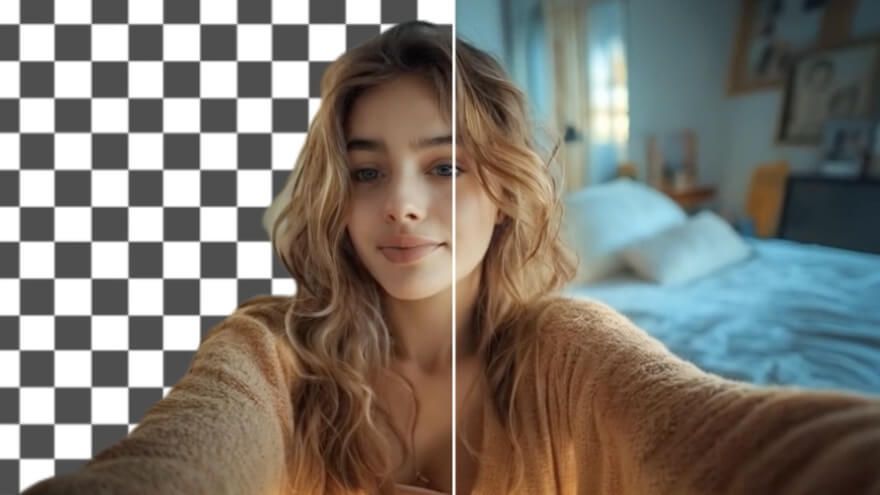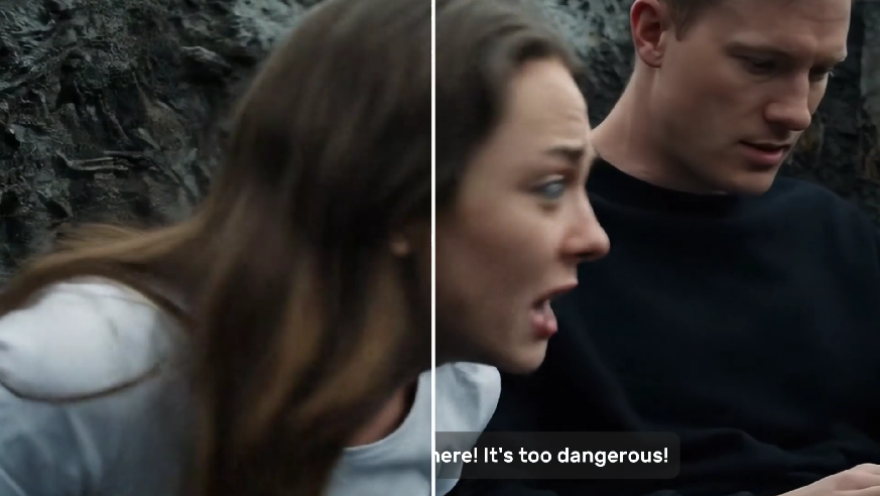
Remove Watermark from Video, Keep Your Shot

Bring an older branded clip into a new release without losing the scene you filmed. Select the watermark or logo, then let Pollo AI repair the area it covered. The clean video keeps its subject and framing for a product launch, client delivery, or another channel version.

  • Bring Your Old Branding Up to Date

    Remove a retired logo while keeping the product shoot ready for relaunch.

  • Keep the Product in Frame

    Clear a corner mark without cutting away the detail buyers came to see.

  • Reuse Branded Footage Across Channels

    Clean your own branded clip before preparing its next platform version.
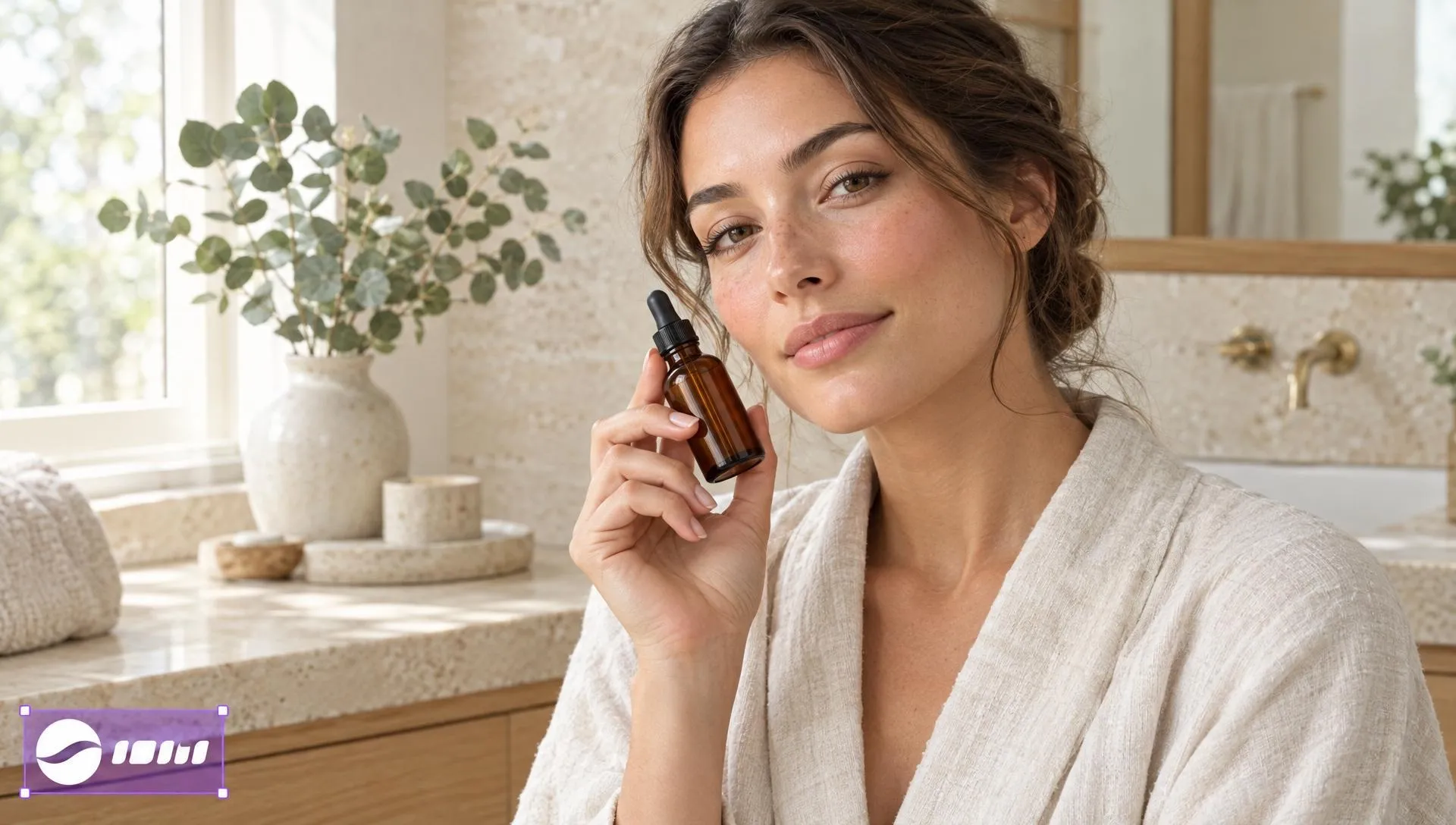
Select the Exact Mark to Erase

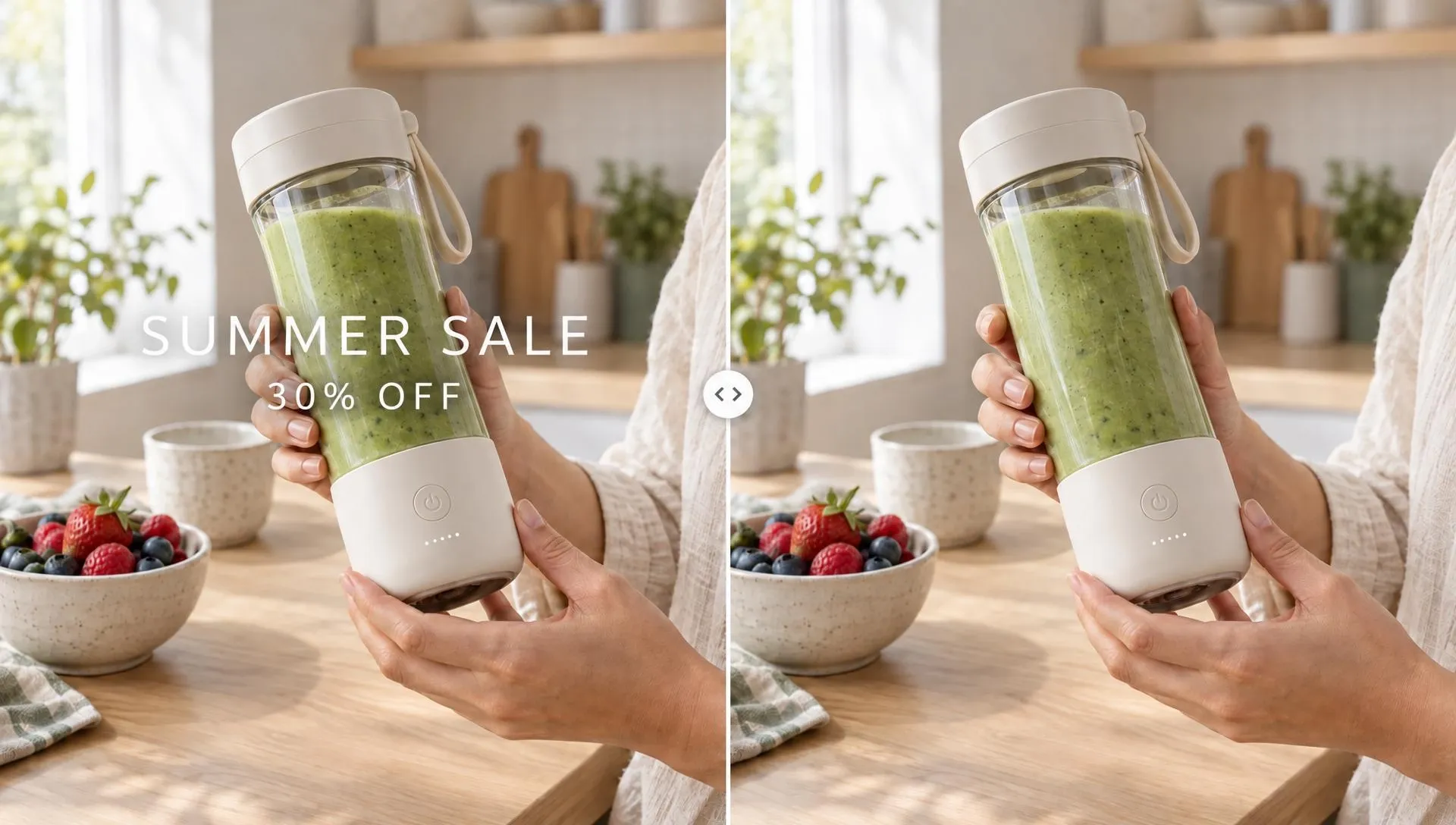
Choose the logo or channel mark that no longer belongs in your clip. Our video logo remover detects it or lets you brush over the area, keeping the shot intact. Full backdrop changes call for video background removal.

Select the Exact Mark to Erase

Clear Moving Logos Across the Whole Clip

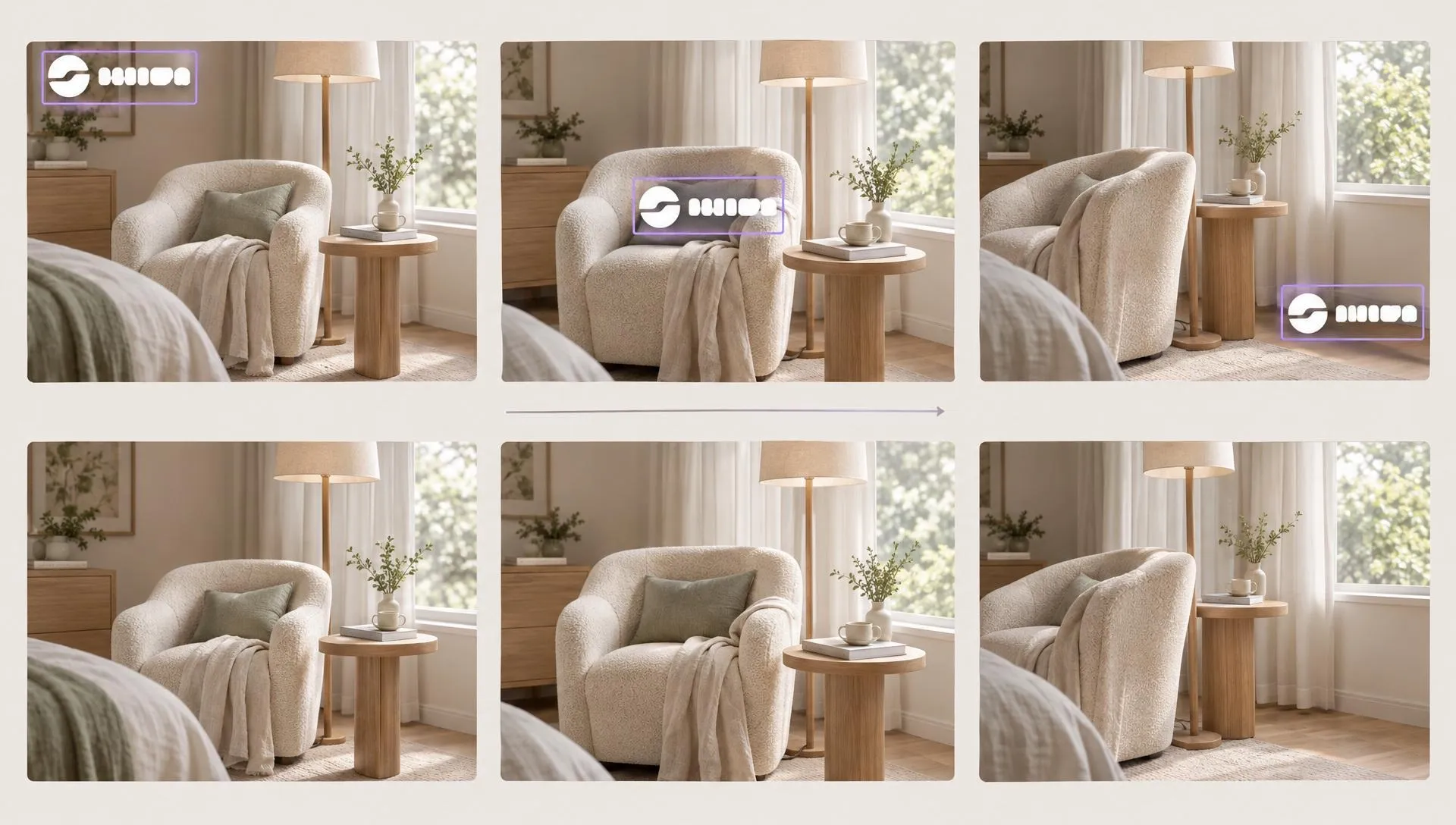
Remove watermarks from videos even when a logo shifts with the camera. Pollo AI follows the mark through the clip, so it does not flash back a few seconds later. Then reframe the clean video for another channel.

Clear Moving Logos Across the Whole Clip

Restore the Picture Behind the Logo

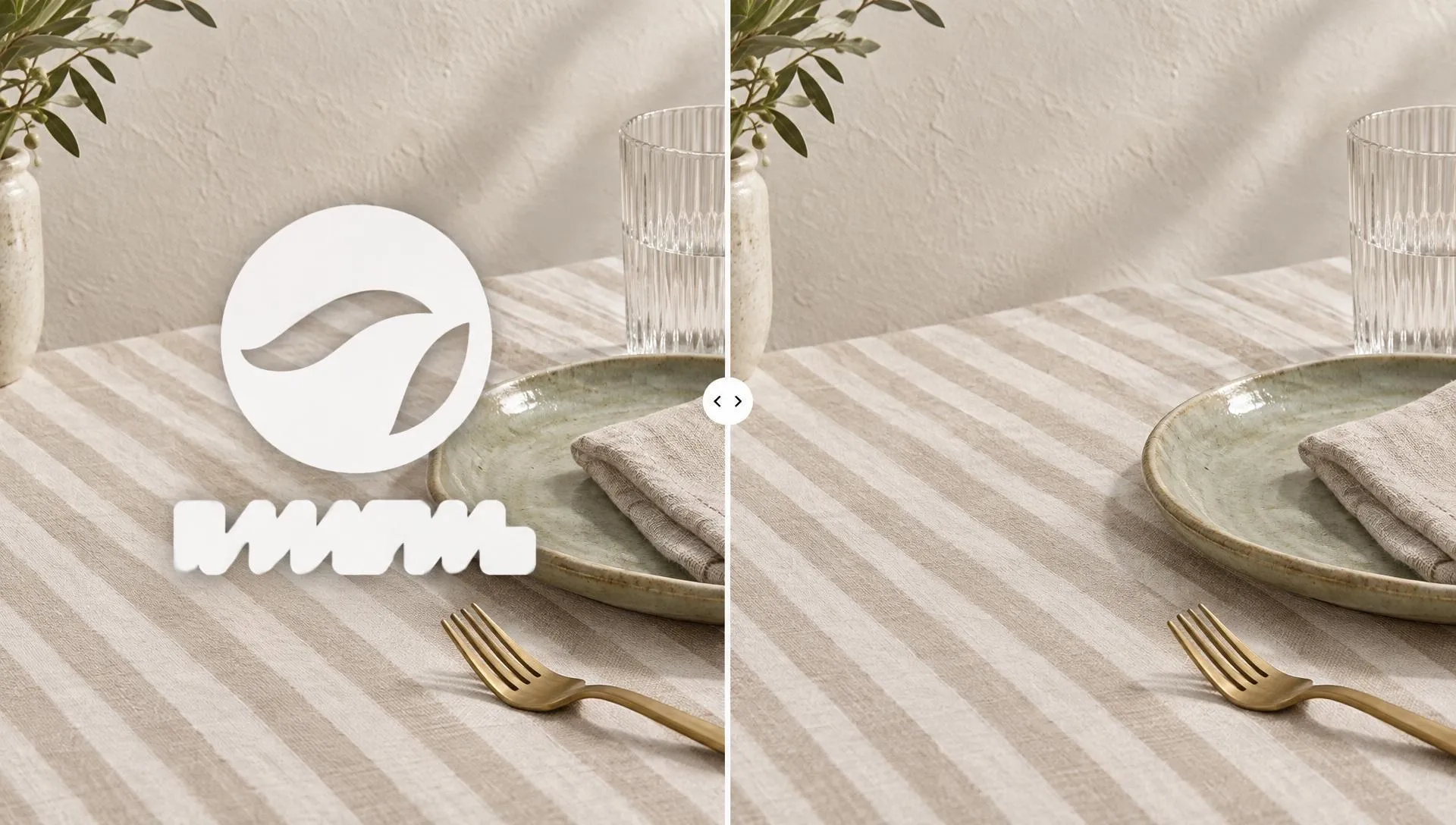
Clear the logo without leaving a blurred patch over your product. Pollo AI fills the hidden area using the surrounding picture, so the shot remains useful for another release. If the source is soft, a video enhancer can sharpen it.

Restore the Picture Behind the Logo

Start From Footage You Already Shot

Upload an existing clip from your device or library and clear its outdated mark without rebuilding the edit. Get a clean master for the next release. Video to video restyling can change its look later.

Start From Footage You Already Shot

Reuse Branded Footage Across Your Work

Clean Launch Footage
Brand Design Teams

Clean Launch Footage

Remove logo from video when your brand identity changes, clearing the old mark without losing the filmed product reveal. Build an updated promo video around that clean shot.

Social Video Versions
Social Media Managers

Social Video Versions

Removing watermark from video keeps the filmed subject and framing intact without its old corner mark. Carry the clean shot into a social video version for another channel.

Clean Client Masters
Client Video Editors

Clean Client Masters

Remove watermark from videos your client has cleared for reuse, keeping the product shot and its full framing. Supply the clean master for a new product video ad.

Reusable Archive Footage
Content Archive Teams

Reusable Archive Footage

Erase logo from video in your archive and recover a scene from an earlier campaign. If that older shot also looks grainy, clean it with video denoising before reuse.

How to Remove Watermark from Video

Step 1

Add the existing clip with the logo or watermark you need to clear.

Step 2

Let AI find the mark or brush over its position yourself.

Step 3

Check the repaired area across the clip, then save the clean version.

The All-in-One AI Video Creation Platform

Go from basic scripts to high-converting content. Seamlessly transition between automated AI agents, presenter-led avatars, sound design, and tailored video apps.

Animate Photos Into Motion

Bring your still images to life with cinematic motion and depth. Create captivating short video stories from your photos for a new level of visual storytelling.

Try Image to Video Free

Transform Text Into Visual Stories

Turn simple text prompts into stunning cinematic sequences. Generate highly detailed, smooth-motion video clips ready for any professional timeline.

Try Text to Video Free

Create Professional Video From Any Concept

The ultimate multi-modal video generator. Combine text, images, or audio to produce complete, production-ready video content in minutes.

Try AI Video Generator Free

Generate Realistic AI Voiceovers & SFX

Elevate your visuals with studio-quality audio. Generate natural-sounding speech and custom sound effects to perfectly match your video's mood.

Try AI Voice Generator Free

Cast Lifelike Avatars Without a Camera

Create engaging presenter-led videos instantly. Generate hyper-realistic AI spokespersons with natural voices, fluid gestures, and precise lip-sync for your brand.

Try AI Avatar Generator Free

Use Purpose-Built Apps For Instant Videos

Explore a library of purpose-built video apps. Instantly generate YouTube intros, invitation videos, and formatted promo videos with ready-to-use apps.

Explore All Video Apps

TRUSTED BY LEADING BRANDS WORLDWIDE

Sony
Mercedes-Benz
Coca-Cola
Microsoft
Nike
P&G
Lancôme
Zoom
Pollo AI creators using text to video tools

10M+Users

Using Pollo AI to Create and Inspire

Chosen by 10M+ Creators and Marketers Worldwide

Thousands of satisfied users have shared their Pollo AI experiences on Trustpilot, rating us as "Excellent." See what they love about our platform.
  • Liz Cassidy
    Dec 15, 2025
    Easy to use, great results for short videos
    I’ve been using Pollo AI mainly for short videos and quick image-to-video tests. The interface is straightforward and it works well even with simple prompts, which is a big plus compared to tools that need long, complicated instructions. The results can be really impressive, and it’s honestly been fun to experiment with. I’d love a bit more consistency on faces when there’s movement, but overall it’s been a solid experience for what I needed.
  • Richard Quick
    Oct 15, 2025
    Awesome website
    Awesome website. loads of options and a great way to learn how to work with 'AI' my reasoning for 5 stars is based upon price, versatility and ease of use. Also I would like to add, Pollo AI runs a lot of promos on different AI products as well. I rate their customer service at 5 stars, when I purchased my first subscription my computer crashed the following weekend and I lost all my data and info passwords you name it I lost it, contacted pollo by email they responded quickly and found my info/username and account, and I was able to restore my account.
  • armourdude
    Nov 19, 2025
    I have been using Pollo AI for short…
    I have been using Pollo AI for short videos. It is easy to use and works well with simple prompts. Other generators seem to need long drawn out complicated explanations to get even close to what I want.
  • Dudu
    Jan 14, 2026
    I'm just amazed by the level of quality…
    I'm just amazed by the level of quality output that Pollo AI can produce from a simple image. The motion, the realism, It's too good!!
  • Ray Warnes
    Dec 30, 2025
    A fabulous journey
    I find Pollo easy to use, it gives me great results and I'd recommend it to anyone. It has been a wonderful experience for me.
  • lawless clan
    Nov 22, 2025
    i tried 220 online img to vid in 2…
    i tried 220 online img to vid in 2 months, and this is the best online video.I will subscribe for a year; there are many reasons. But freedom is the most important.
  • Istvan Lajos
    Dec 10, 2025
    Thanks
    Thanks, This is the Best A.I. site in the net! I can try it with free coin, and if I like it I subscribe.And alwas have free limited oportunities.You are the Best.
  • Santiago Saenz
    Nov 20, 2025
    Amazing
    I use it for multiple angles and they always have revolving deals that help so much its a great tool
  • Gen Zee
    Dec 14, 2025
    Great and accurat to propmt
    Great and accurat to propmt, wonderfull experience till now as compared to other ai sites.thank ypu.
  • 萱兒
    Dec 23, 2025
    It replaced Pixverse V4.5 Fusion
    Since Pixverse axed the best ever Fusion V4.5, i was upset. And now I found Pollo AI perform better. TQ
  • Norma Ponce
    Mar 21, 2026
    AI Chicken is excellent
    AI Chicken is excellent, easy to use, and delivers unbeatable results.
  • Sarah Stokes
    Mar 20, 2026
    Fabulous so glad I used it amazing
    Fabulous so glad I used it amazing
  • Sudipta Saha
    Mar 20, 2026
    Perfect image editor
    Perfect image editor
  • Luiz Guyz
    Mar 19, 2026
    Excelent app the videos os Very good
    Excelent app the videos os Very good
  • Swishadoptme Swishadoptme
    Mar 18, 2026
    Very cool experience
    Very cool experience

FAQs

What is an AI video watermark remover?

A watermark remover for videos clears a selected logo or watermark from existing footage and rebuilds the picture behind it. Pollo AI lets you target the mark without cropping away the filmed subject or recreating the whole scene.

What is the best video watermark remover?

Pollo AI's video watermark remover is the best video watermark remover because it selects the old mark, follows it when it moves, and repairs the covered background while keeping the original shot useful for another release.

Can I try a free video watermark remover?

Yes. You can remove watermark from video for free with credits in your Pollo AI account. Longer jobs or higher usage limits depend on your current plan.

How do I delete watermark from video when it moves?

To remove watermark from video online when it moves, select the mark and review frames along its path. Tracking follows its position while the hidden background is rebuilt. Add current branding afterward in an AI video editor.

Will clearing a logo crop or lower the video quality?

To remove logo from video online, target its covered area without cropping the whole frame, leaving the original subject visible. For low-resolution footage, video upscaling can prepare the clean clip for larger displays.

Can I remove someone else's watermark from their video?

No. Public availability does not give you permission to remove another creator's mark. Work with footage you own or are licensed to edit, and keep any attribution or client conditions that apply.

Give Old Footage a New Release on Pollo AI

Clear outdated logos and watermarks so a useful filmed moment can serve your next release.