Step 1
Enter a prompt or upload a photo, character image, or visual reference.
AI Video
Transform text and images into cinematic videos with lifelike avatars and studio-quality SFX.

AI Image
Turn ideas and images into stunning visuals, or perfect any photo with a complete suite of AI tools.

Agent
Create production-ready videos with SFX, consistent characters, and polished scenes. No Editing.

Marketing Studio
Built for marketers and sellers to create winning ads, UGC videos and product visuals faster.

Generate personalized Twitch emotes in seconds, with no drawing or design skills needed.
Kling 4.0
Up to 10 keyframes. Unlimited for 10 days with Ultra.
Create Twitch emotes to bring more energy to your content. Enter a prompt or add an image, and our AI Twitch emote maker will generate custom Twitch emotes in your preferred style. Perfect for stream chats, creator communities, social profiles, etc. You can build a recognizable visual identity and give your audience expressive ways to connect.
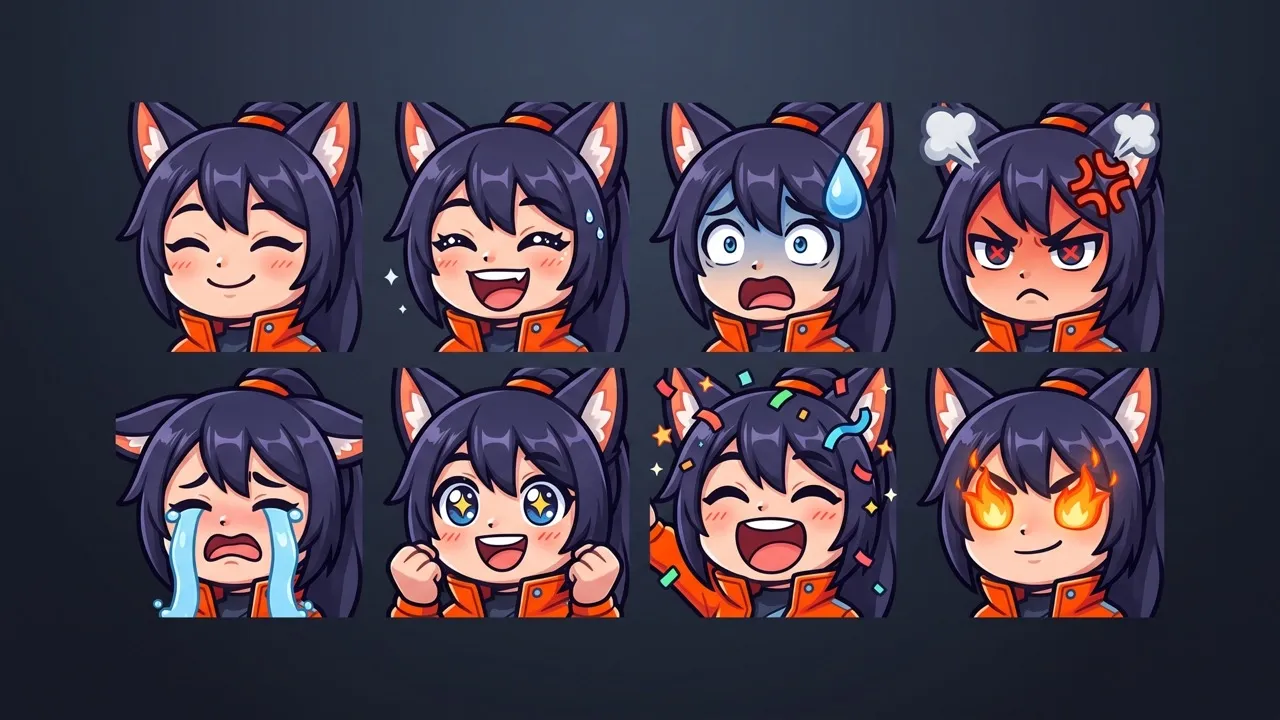
Create Twitch emotes from prompts or photos without drawing manually.
Explore anime, chibi, cartoon, pixel art, mascot, and more for your Twitch emote.
Generate more Twitch emote variations faster from the same idea within a few seconds.
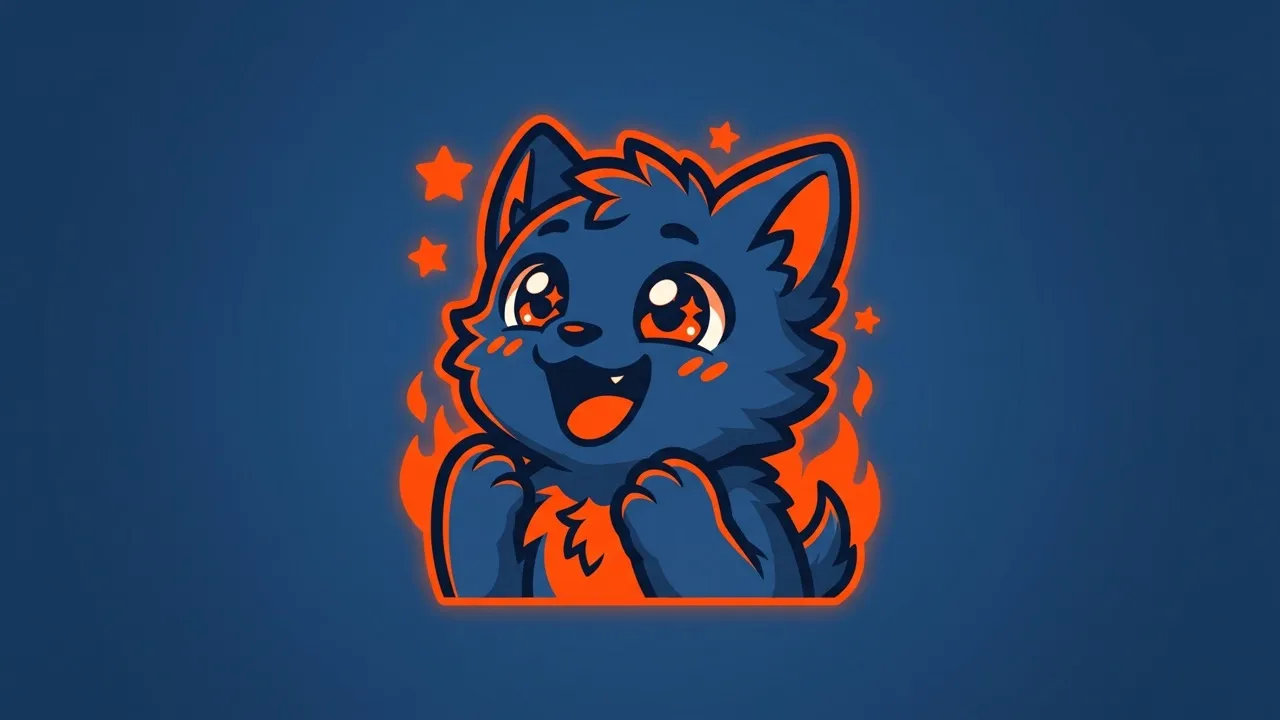
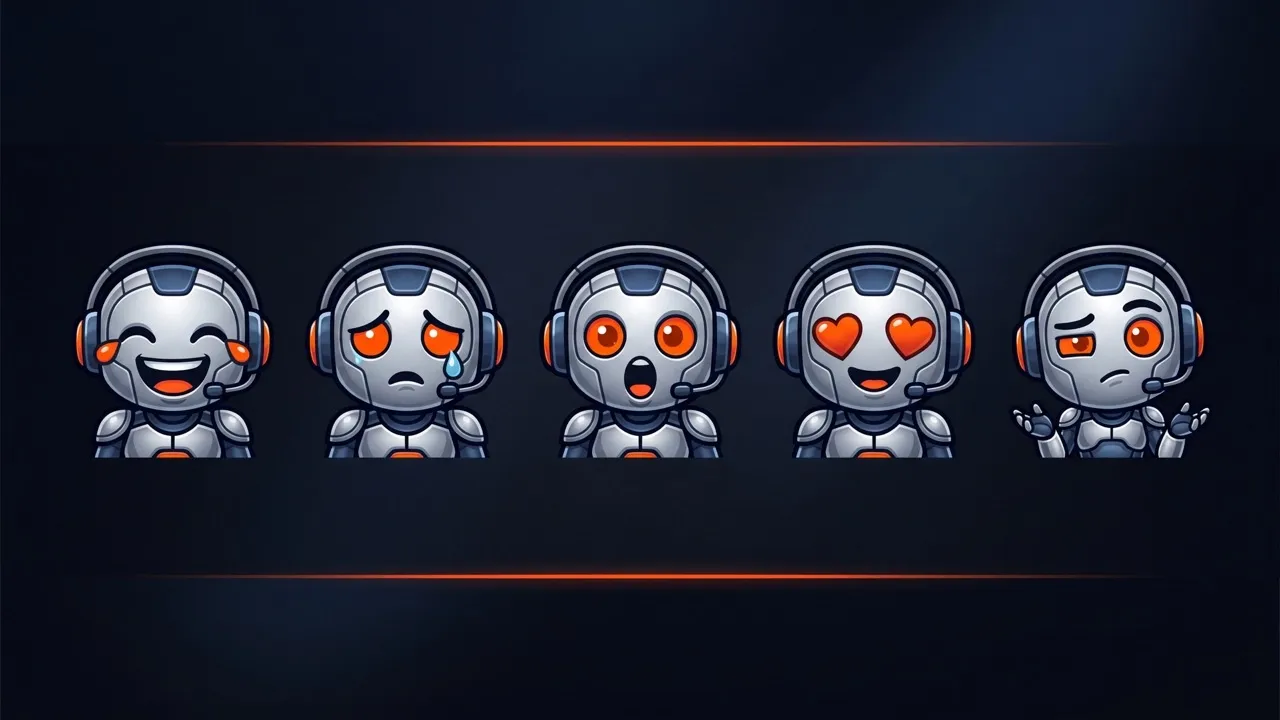
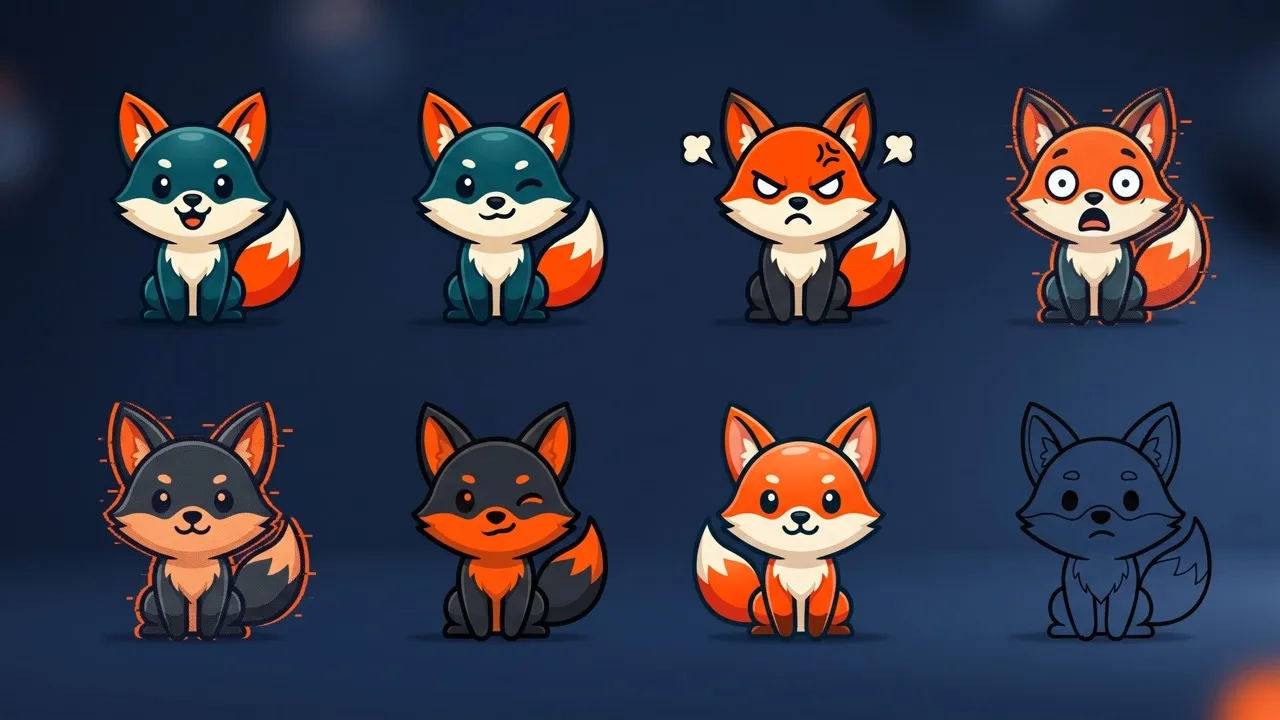
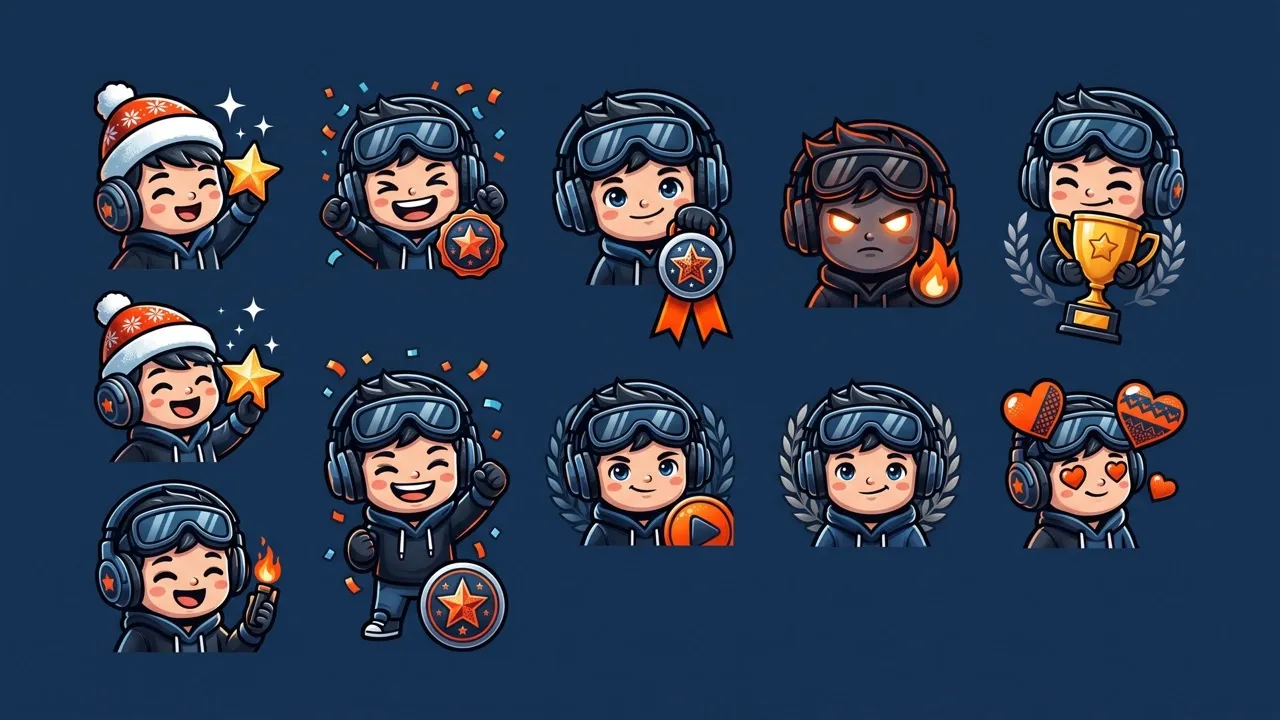
Create expressive emotes for Twitch based on your face, mascot, pet, or recognizable channel logo. A cohesive set helps your community react naturally while making every chat moment feel more connected to your stream.

Turn DnD characters and campaign personalities into Twitch emotes for live sessions, actual-play streams, and party chats. Character-specific reactions make conversations more immersive and help every campaign develop a stronger shared identity.

Convert your fandom phrases, recurring jokes, and decorative word art into Twitch emotes for watch parties, fan streams, and group chats. Shared references make conversations more expressive and reinforce the sense of belonging around your community.

Make your Twitch emote from heroes, creatures, or game sprites, ideal for development streams, playtests, and launch events. Familiar character reactions help players connect with your game world and make community conversations more memorable.
Enter a prompt or upload a photo, character image, or visual reference.
Describe the expression, style, colors, background, and other important details.
Pollo AI creates your Twitch emote automatically. Download and use it wherever you like.
Explore the full range of AI image tools on Pollo AI, built to streamline your entire creative workflow.
Create photorealistic images from text instantly. Achieve cinematic quality and flawless typography with zero photography required.
Create custom pixel art, outfit designs, chibi avatars, and other niche visuals for your audience.
Maintain perfect structural fidelity while recreating photos. Apply cinematic styles and 4K upscaling for production-ready assets.
Clean up images, remove backgrounds, remove objects, and enhance fine details with precise AI editing tools.
Create ready-to-use image assets for business cards, YouTube banners, menus, and other campaign needs with diverse image apps.
Turn a text brief into polished, production-ready visuals with an AI agent that handles the creative workflow for you.









Using Pollo AI to Create and Inspire
AI Twitch emote maker turns text prompts, uploaded images, or visual references into custom reaction emotes for Twitch. This AI image generator can help you develop expressive faces, mascots, pets, characters, and meme-inspired designs while reducing the drawing and editing needed to explore each new concept.
Pollo AI is the best AI Twitch emote maker because it combines an easy workflow, flexible style control, high-quality image generation, and creative freedom. You can use prompts or visual references to personalize characters, compare reaction styles, and create matching Twitch emote concepts without any design skills.
If you want to refine the result, you can also use AI photo editor to adjust details, colors, backgrounds, or other visual elements.
The best Twitch emote size is 112 × 112 pixels in a square format. Pollo AI creates memorable emotes for Twitch from your prompt or reference image, with expressive reactions and recognizable details that stay clear when displayed at smaller Twitch sizes.
Yes. Pollo AI lets you try the AI Twitch emote maker with free credits, so you can explore the workflow and generate a unique, personalized Twitch emote before choosing a paid plan.
No. You can begin with a simple description or an existing image rather than drawing your emotes for Twitch manually. Clear details about the expression, character, and style help guide the result. Pollo AI handles the initial generation, while optional editing tools support further refinement when needed.

Turn your ideas into expressive Twitch emotes that capture your style and bring every reaction to life.