Step 1
Enter a prompt or upload a selfie, logo, mascot, or reference image.
AI Video
Transform text and images into cinematic videos with lifelike avatars and studio-quality SFX.

AI Image
Turn ideas and images into stunning visuals, or perfect any photo with a complete suite of AI tools.

Agent
Create production-ready videos with SFX, consistent characters, and polished scenes. No Editing.

Marketing Studio
Built for marketers and sellers to create winning ads, UGC videos and product visuals faster.

Create polished YouTube profile pictures for gaming, beauty, education, business, reaction channels, and more. Get a clean square channel icon designed around YouTube profile picture size. No manual editing needed.
Is your channel icon easy to remember? Pollo AI’s YouTube profile picture maker helps you turn a prompt, selfie, logo idea, or brand concept into a polished square avatar for your channel page, comments, Shorts, livestreams, and community posts. Make good YouTube profile pictures with clear contrast, strong identity, and less manual design work.
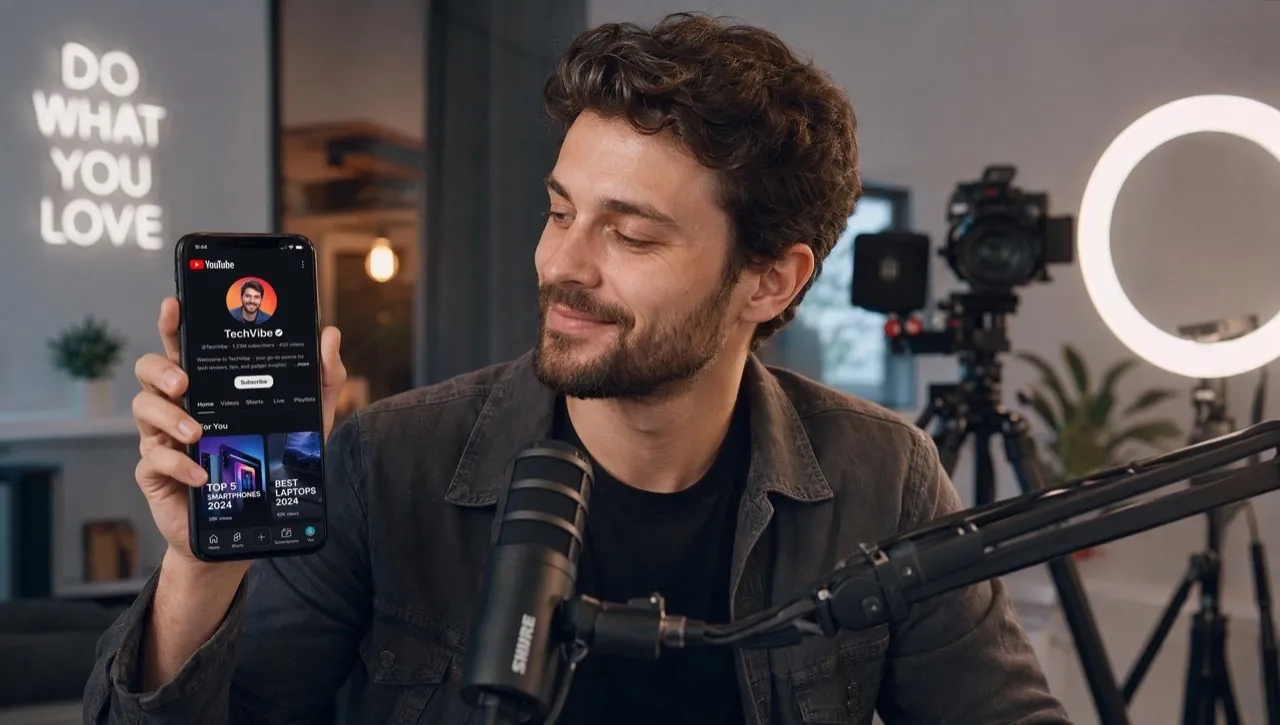
Create clean channel icons for gaming, education, beauty, business, podcasts, and more.
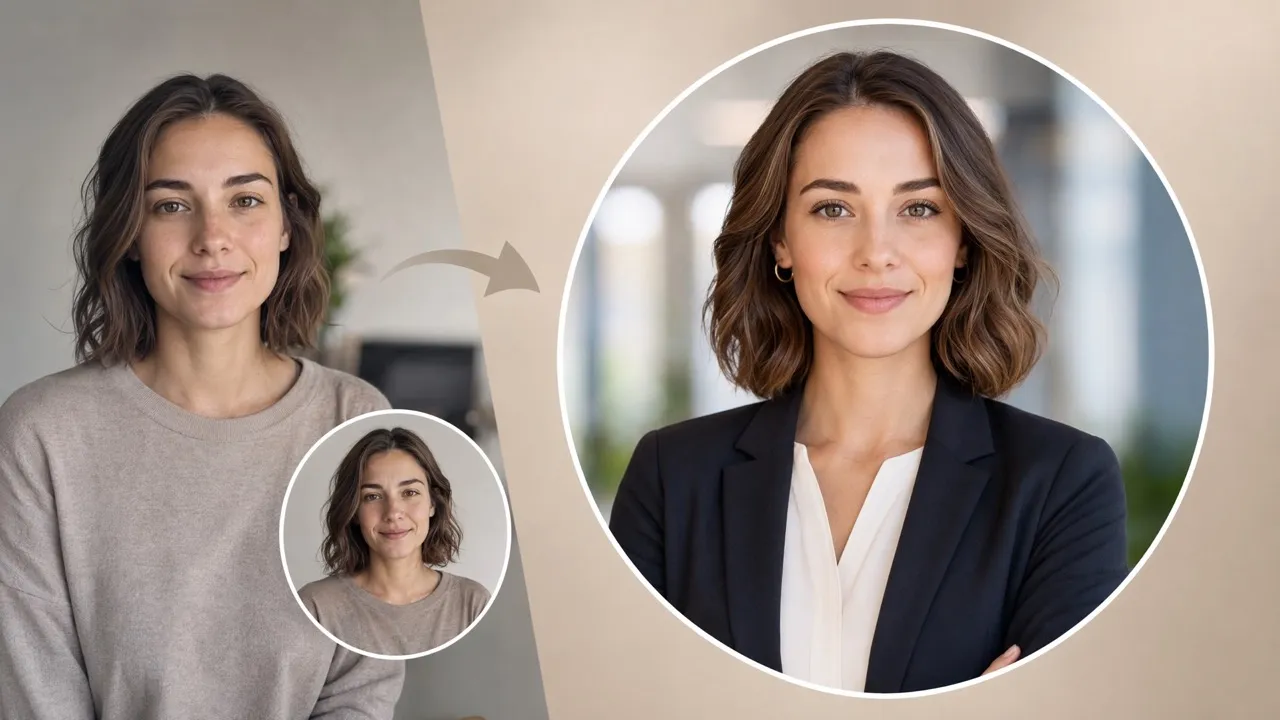
Generate centered images that stay readable after YouTube’s circular crop.
Turn prompts, selfies, logos, or references into polished channel images quickly.
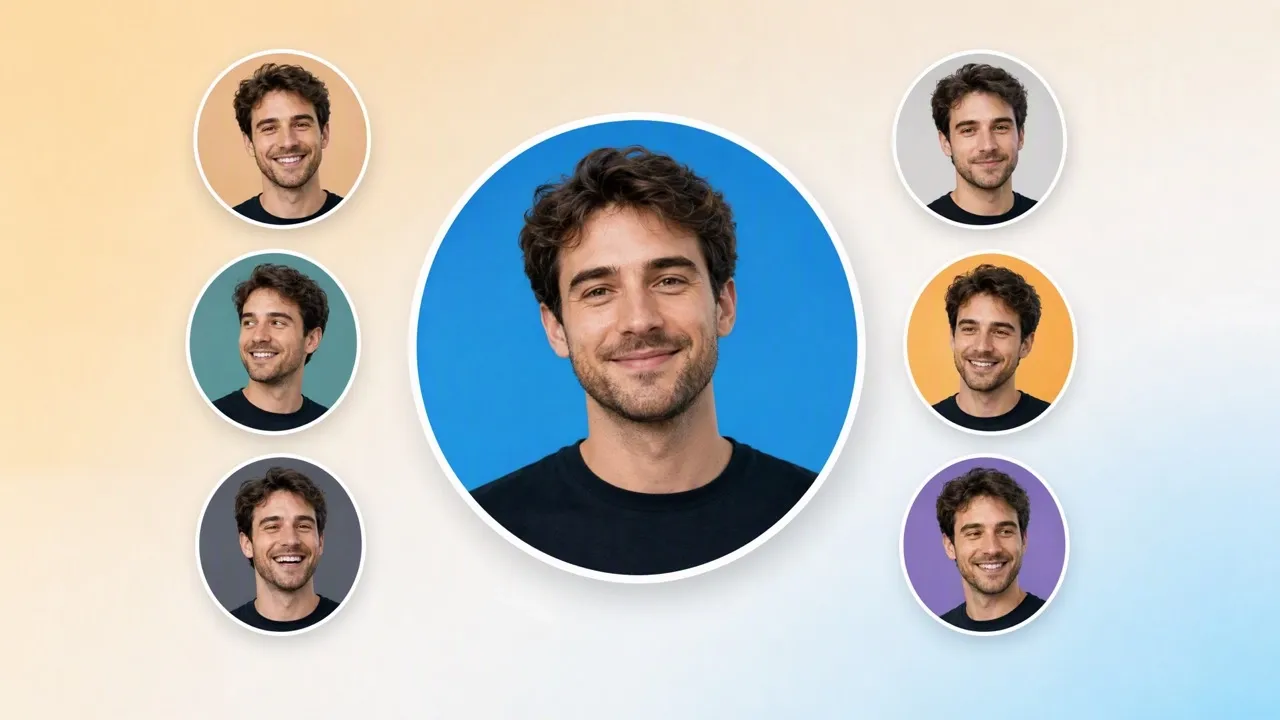

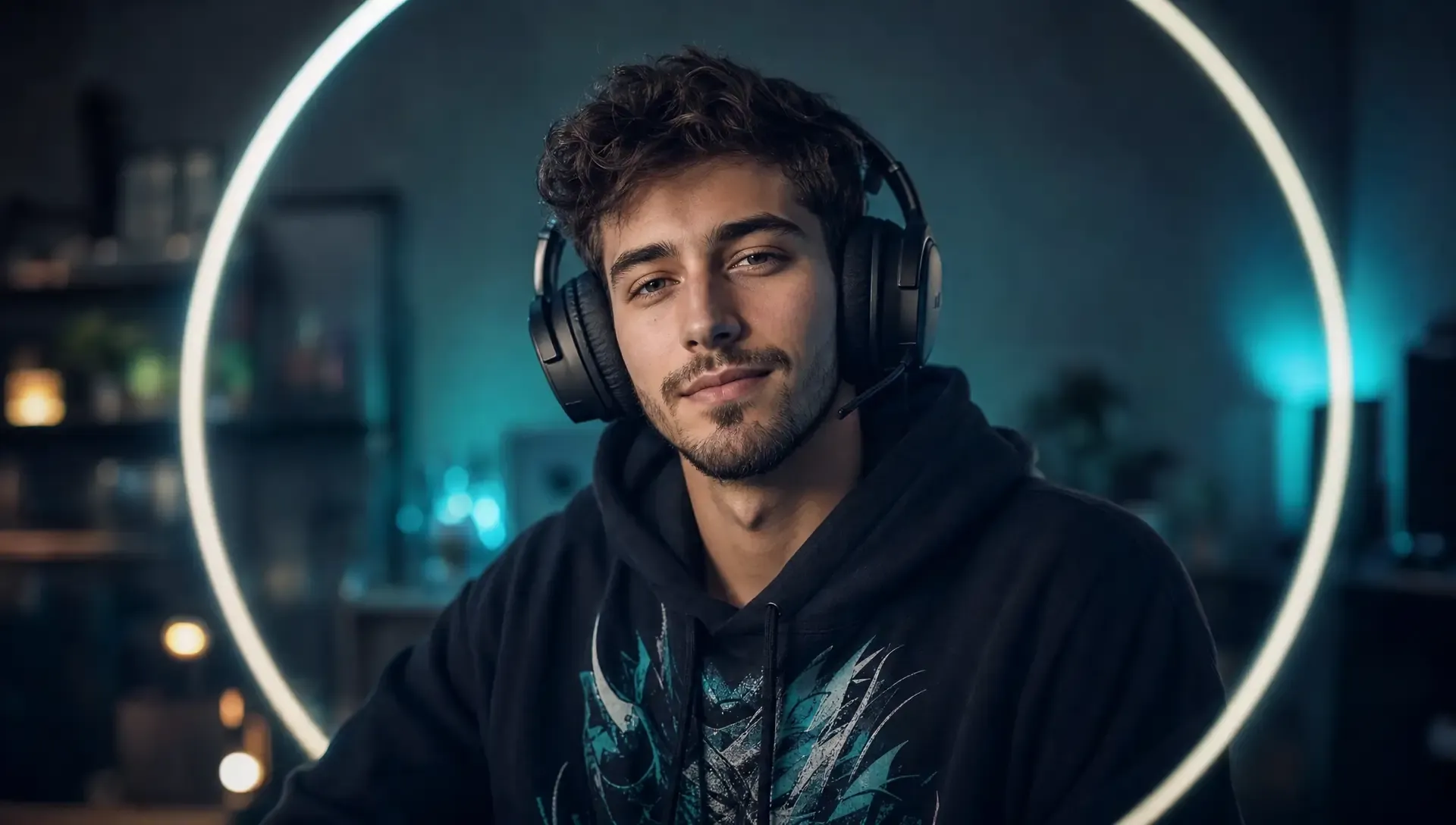
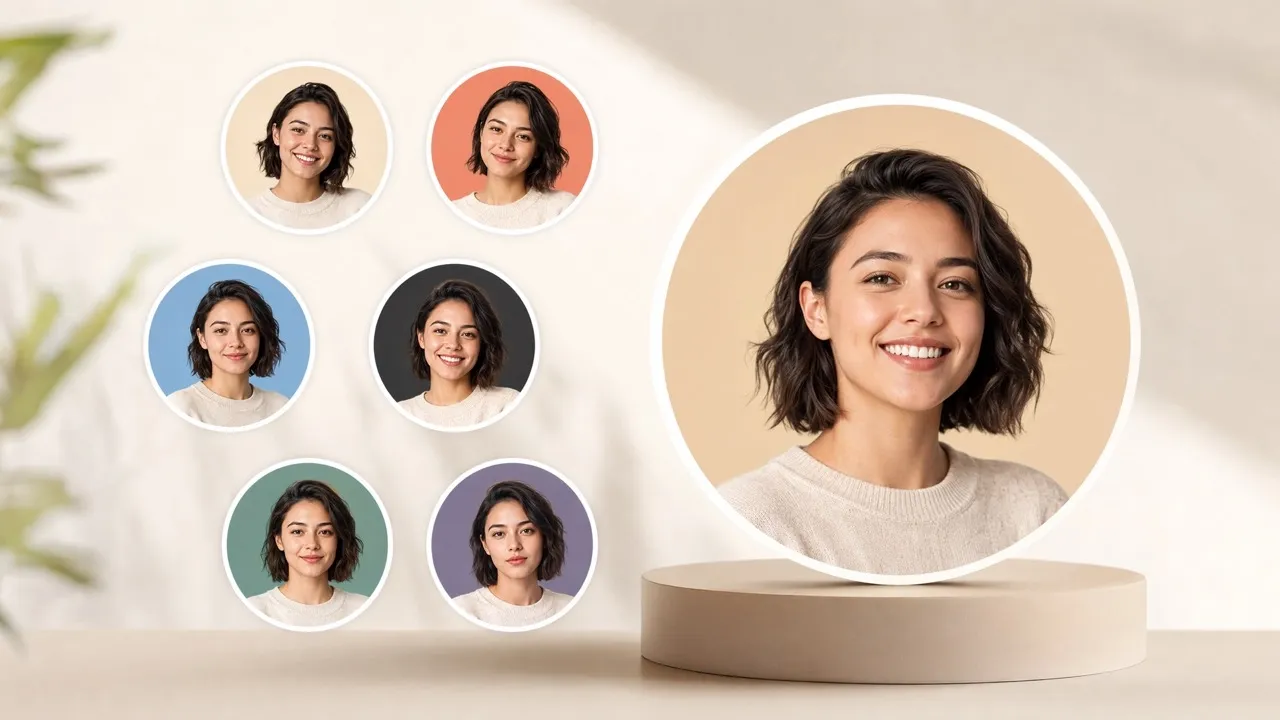
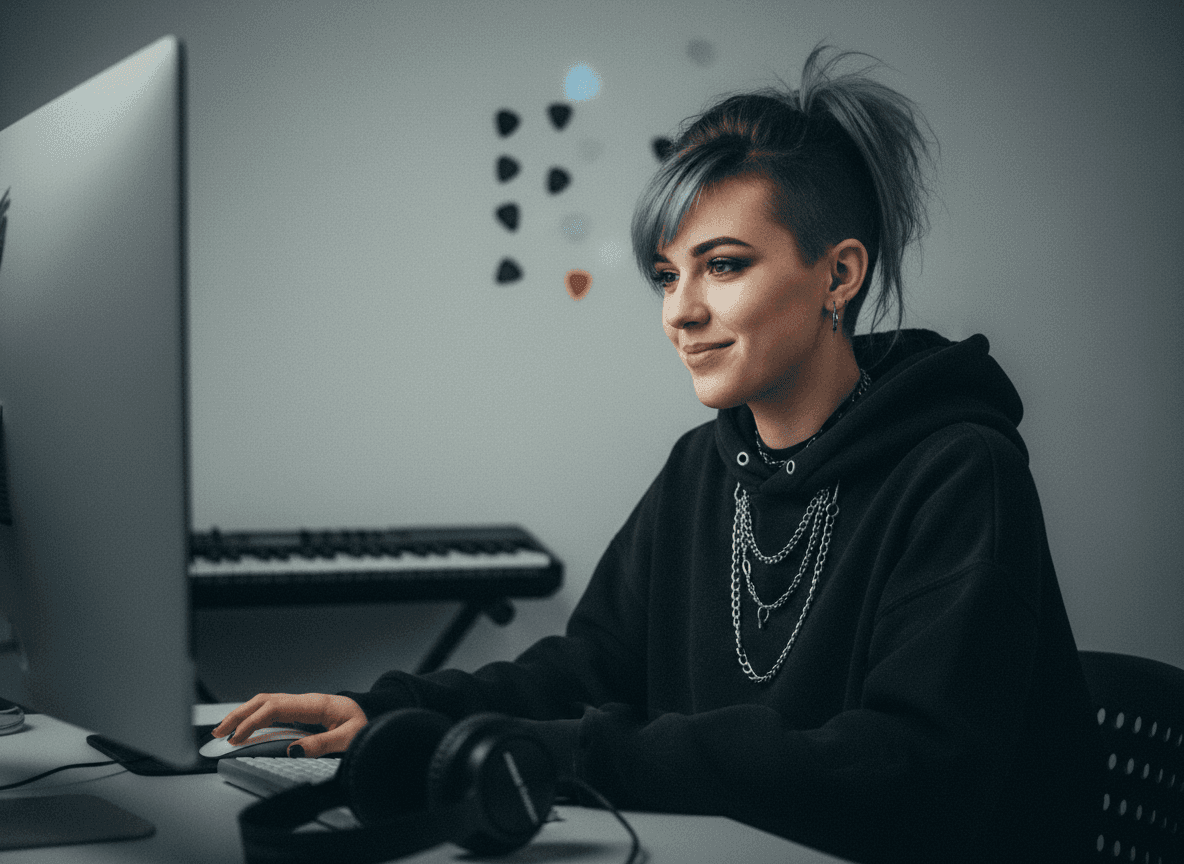
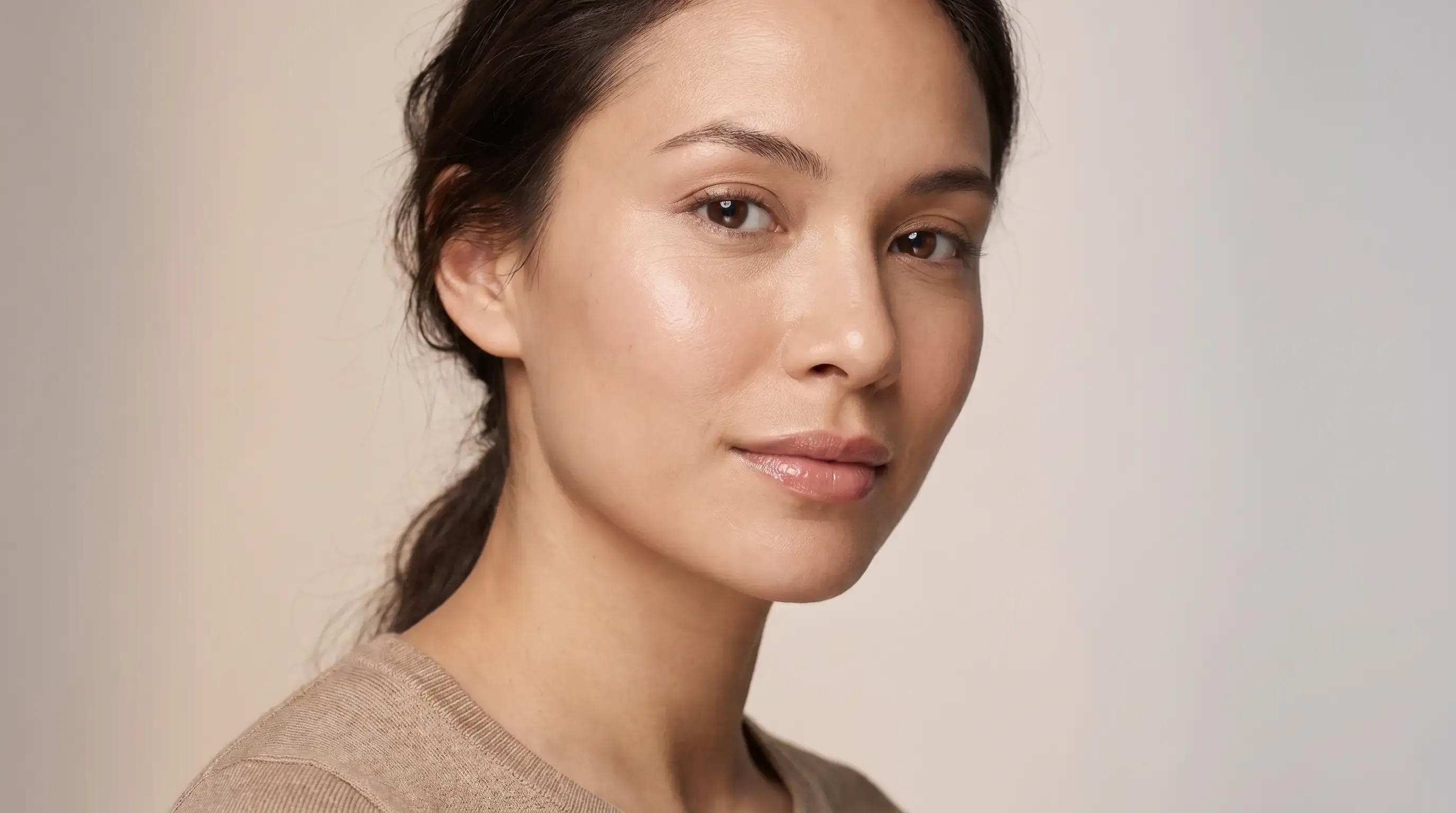
Create profile pictures for YouTube that viewers can remember after one comment, Short, or homepage visit. If your face is your brand, generate an AI portrait that feels clean, friendly, and unmistakably yours.
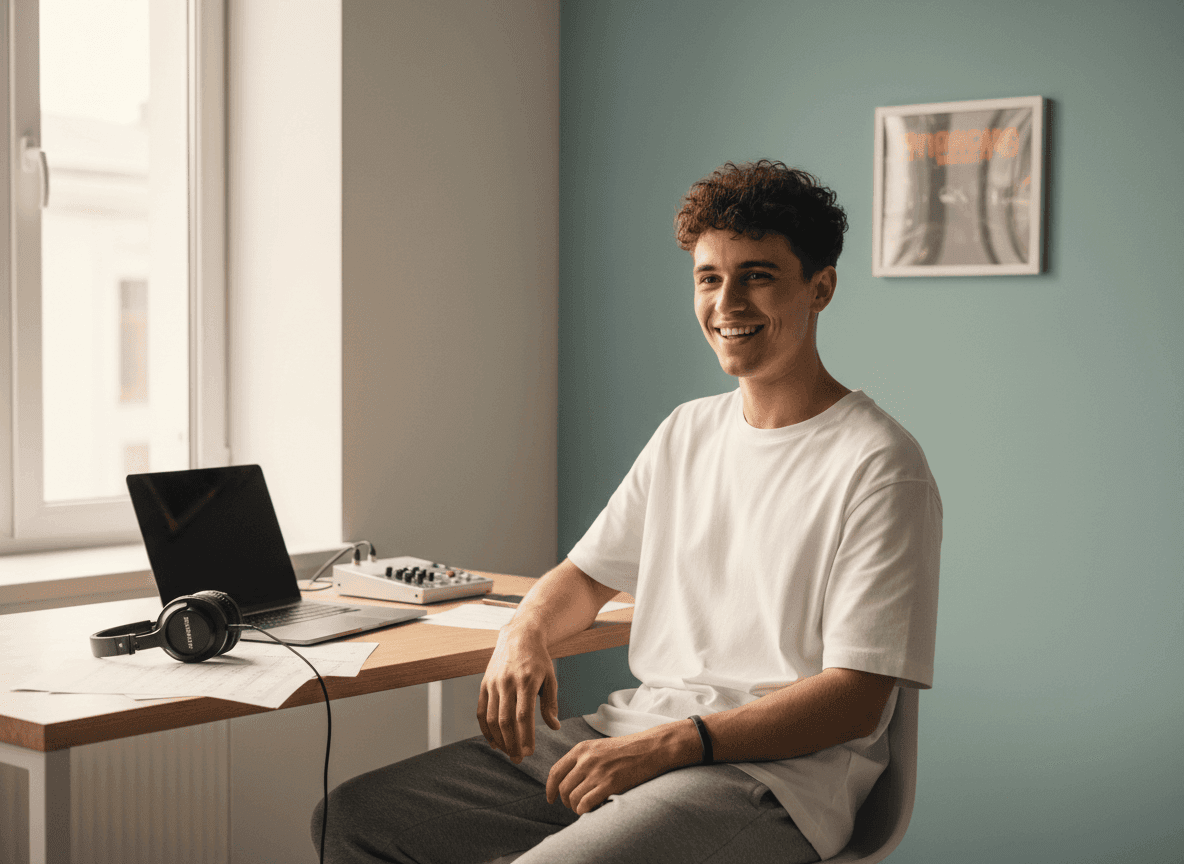
Cool YouTube profile pictures help gaming channels feel energetic before viewers click. Create a mascot, neon initials, or a stylized character, then use a cartoon avatar look to keep your identity playful and consistent.

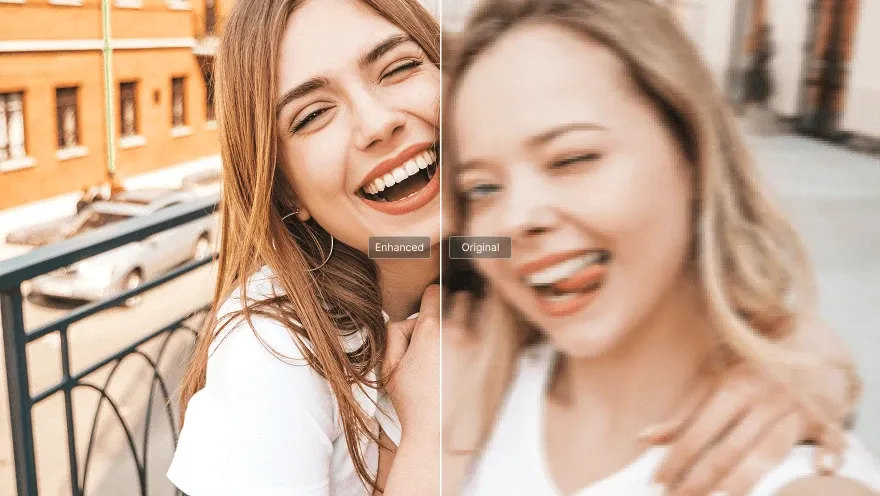
Make a warm, readable icon that supports tutorials, explainers, reviews, and course content. When a real headshot matters, upscale your image so your profile picture stays sharp in small placements.
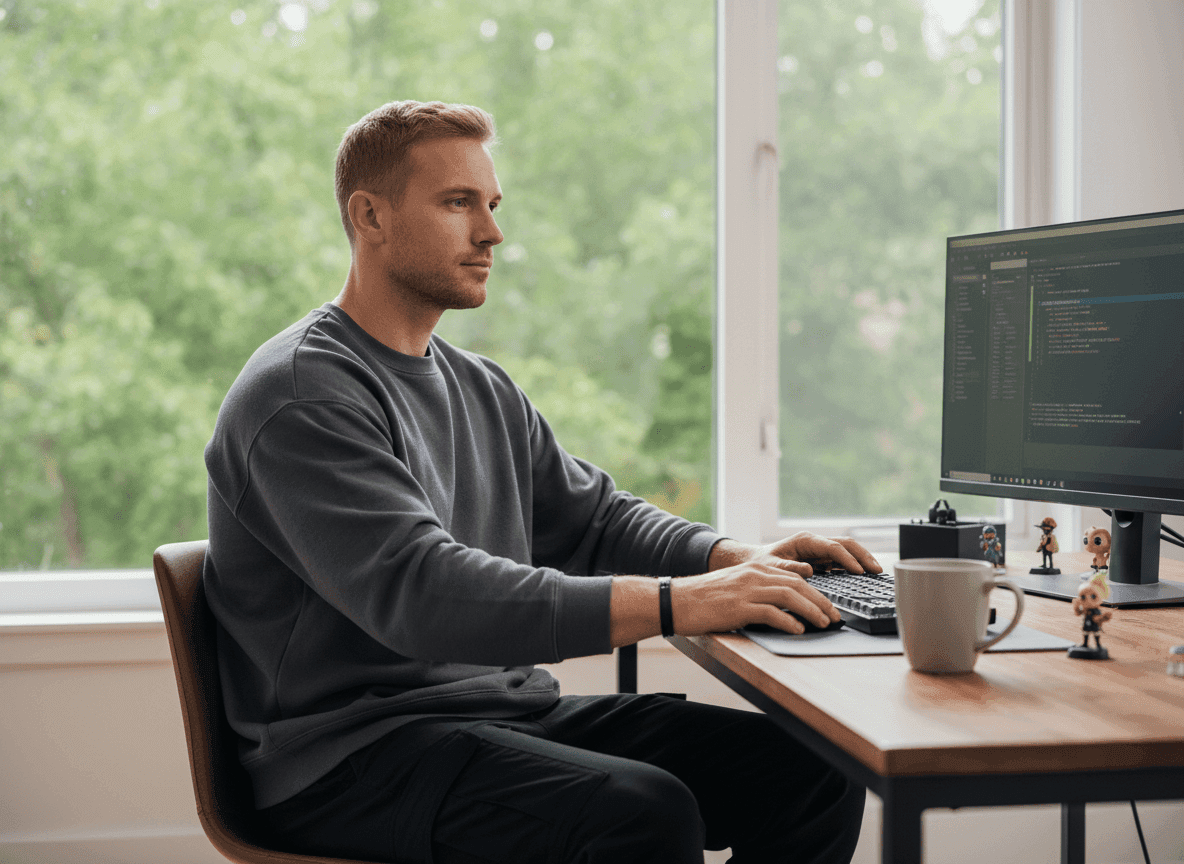
Turn a campaign color, product theme, or logo idea into a clean square icon for launches, product demos, and social proof. A simple AI logo can support a stronger channel identity.
Enter a prompt or upload a selfie, logo, mascot, or reference image.
Let AI generate square profile picture options with your chosen style and mood.
Download your favorite image, then use it to change your YouTube profile picture.
Go from initial idea to ready-to-publish designs. Instantly access AI image generators, precise photo editing, and professional image tools.
Turn creative briefs into breathtaking visuals instantly. Generate photorealistic marketing assets, flawless typography, and bespoke art without a camera.
Generate stunning visuals through natural conversation. Simply chat to brainstorm concepts, refine intricate details, and create perfect artwork instantly.
Reimagine your existing photos with advanced style transfer. Protect core subject identity while upgrading lighting, textures, and native 4K details.
Access an all-in-one AI image editing suite for limitless creativity. Retouch details, reimagine entire scenes, and polish visuals into flawless masterpieces.
Bring your static images to life with cinematic motion. Seamlessly transition from AI photos to fluid, high-framerate video sequences in just seconds.
Simplify your design process with versatile utilities. From magic erasers to transparent backgrounds, access everything needed to refine raw assets quickly.









Using Pollo AI to Create and Inspire
A YouTube profile picture maker is an AI tool that helps you create channel icons from prompts, selfies, logos, or style ideas. Pollo AI helps you make polished YouTube profile pictures that fit your channel identity.
Enter your channel niche, preferred style, colors, and any key details. Then let Pollo AI generate profile picture options, choose your favorite, download it, and upload it to your YouTube channel.
A square image is best. YouTube says profile pictures render at 98 x 98 px, and uploads can be JPG, GIF, BMP, or PNG under 15 MB. You do not need to worry about sizing manually. Pollo AI automatically generates a YouTube-friendly square profile picture with centered framing, so your icon looks clean after upload.
Pollo AI is the best YouTube profile picture maker for creators who want polished channel icons quickly. Its AI image generator helps you create square images from prompts, selfies, logos, or brand ideas.
Use a centered face, logo, mascot, or initials with strong contrast and minimal clutter. You can also remove backgrounds to make the main subject clearer.
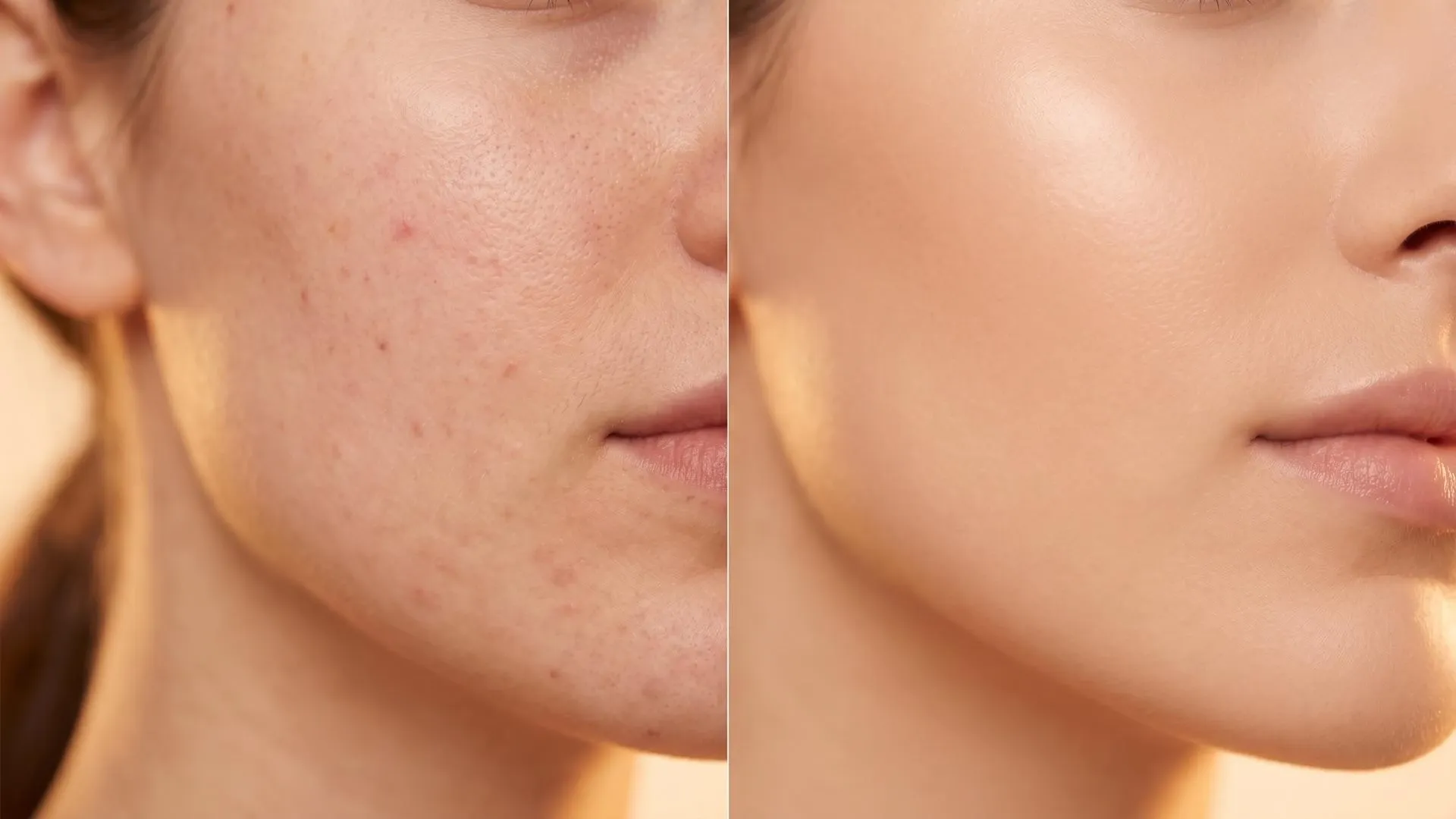
Upload your current channel icon and use Pollo AI to adjust the style, background, colors, framing, or overall clarity. You can also edit photos to clean up small details before using the refined image on YouTube.
Go to YouTube Studio, open Customization, choose Profile, click Change, upload your image, adjust the crop, and save or publish the update.

Start with a simple idea and turn it into a polished icon for your YouTube channel. Make every comment, video page, and channel visit more recognizable with Pollo AI today!