



Higgsfield MCP Review: What It Gets Right and Where It Stops
Is Higgsfield MCP worth paying for? If you want cinematic shots, consistent characters and motion control inside Claude, yes, it is one of the most capable AI video connectors out there. If you want a finished video you can post, it leaves more work than you might expect. Higgsfield's docs describe a strong set of generation tools and skills, but no clear export path for a finished, edited video, and you cannot even connect without a paid plan. This review explains what it does, what it costs, and when another tool is the better fit.
Our verdict in brief
- Good at: single cinematic shots from 30-plus models, Soul characters, Kling 3.0 Motion Control, upscaling to 4K, reframing, voice tools and a large skill catalog.
- Weak spots: paid subscription required, credits on every MCP job (even on Unlimited plans), no published timeline tools or finished-video export, and no audio in ChatGPT.
- Who should skip it: marketers, sellers and creators who want a ready-to-post video, especially talking head videos. Pollo MCP is the better fit there.
Like Higgsfield's Shots? Get the Whole Edit Too
Pollo MCP generates, cuts, captions and exports your video without leaving the chat.
See Pollo MCP
What is Higgsfield MCP?
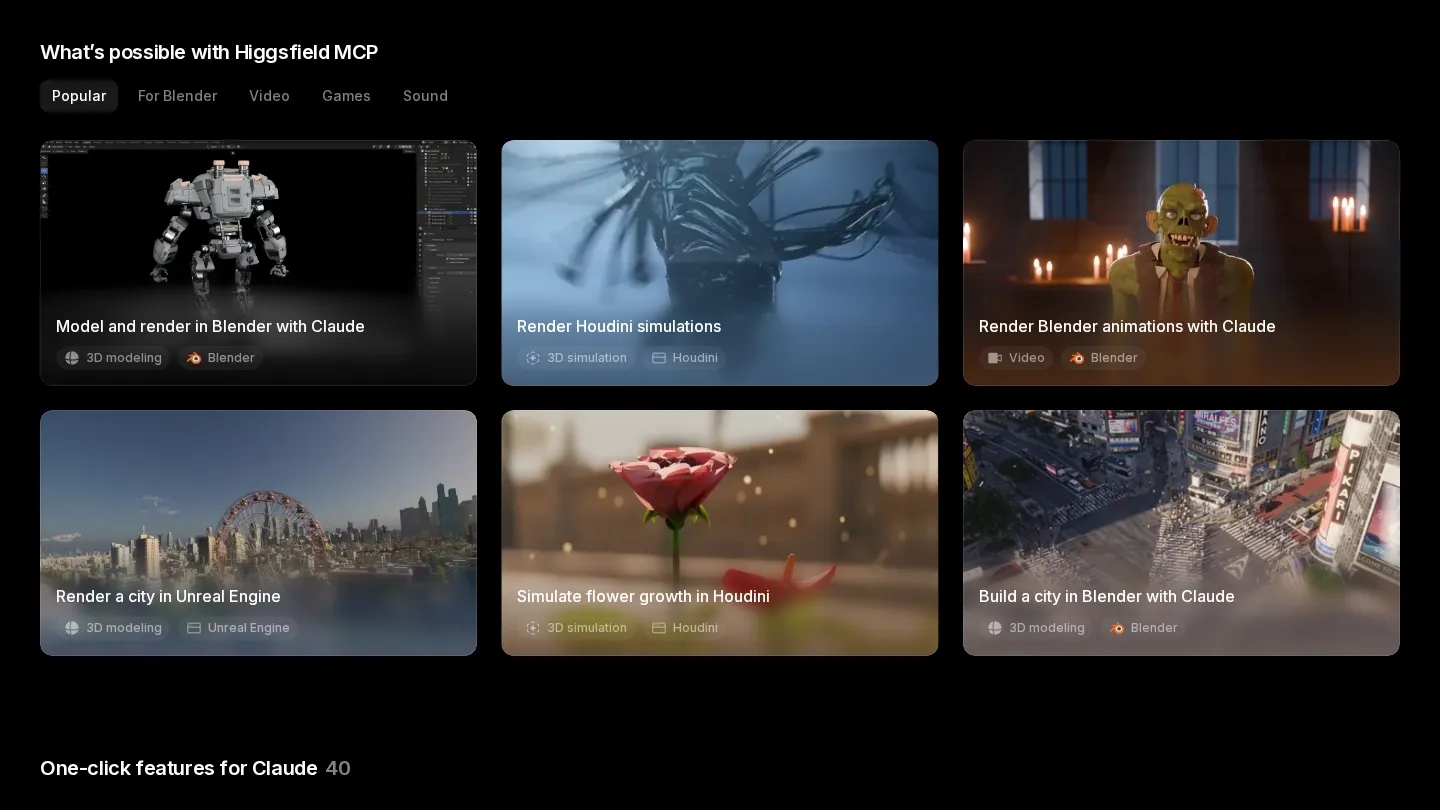
Higgsfield MCP is a connector that links your Higgsfield account to an AI agent. The agent can then make images, videos, characters and audio with Higgsfield's models and spend your plan's credits. It is not the Higgsfield API. You do not need an API key, and there is no per-request developer billing.
Setup takes a minute or two. Paste mcp.higgsfield.ai/mcp into a new custom connector in Claude (browser or desktop) and sign in. ChatGPT uses Higgsfield's official plugin instead, Cursor users find it in the marketplace, and coding agents like Claude Code, Hermes and OpenClaw set up the Higgsfield CLI on their own. The MCP page also has tabs for Telegram and other MCP clients. Everything you make lands in your Assets on higgsfield.ai, tagged as an MCP job, usually within a minute.
Learn more: our review of the full Higgsfield AI platform
Walking through a test brief
Feature lists only tell you so much, so we used one realistic brief and checked, step by step, what Higgsfield's own docs say happens. The brief: *a 20-second teaser for a new running shoe, with three shots, a short voiceover, captions and a 9:16 version for TikTok.* We did not make up results. Below is what an editor checks at each stage, and what the answer is.
Can you connect without paying?
No. Higgsfield only lets subscribers connect. A free account includes zero credits per month, and the entry plan, Starter, is $19 a month for 270 credits.
Can you get the product photo in?
Yes, but not by dragging it into the chat. Higgsfield explains that the agent can't see chat attachments, so it pops up its own upload window, or pulls the picture in from a direct image link. After that, you can save the shoe as a reference Element and reuse it.
Which models can make the shots?
This is a strength. On video, the MCP page highlights Kling 3.0, Seedance 2.5 and Google Omni Flash, and for stills it shows Seedream 5.0, GPT Image 2.5 and Nano Banana Pro. The help center talks about 30-plus models, while the MCP page has moved up to "35+ models and tools". Leave the model out of your prompt and the agent chooses for you.
How much control do you have over each shot?
A lot. You can keep a face consistent with Soul characters, copy motion from a reference video with Kling 3.0 Motion Control, upscale images and video up to 4K, remove backgrounds, outpaint an image and reframe a video to a new aspect ratio. Reframing should cover the 9:16 version.
Can it add the voiceover?
In Claude, Cursor and the CLI agents, yes: voiceover, voice cloning, voice change and dubbing are all listed. In ChatGPT, audio generation is not available.
Will it assemble the three shots into one video?
Partly, and this is the step to watch. Higgsfield's newer skills include Editing Room, which edits a sequence shot by shot, and Hook Multiplier, which promises complete edited versions with different openings. But the help center's list of MCP operations does not mention trims, transitions, subtitle styles or music beds. So check what the skill returns before you plan a deadline around it.
What file do you get at the end?
Higgsfield doesn't say. Results are saved to Assets, but there is no mention of an MP4 or other delivery file for a full edit, or of captions burned into the picture.
What does it cost?
Every generation uses credits at standard rates, including on models your plan makes unlimited on the website. Nothing stops a long session from draining your balance except your own instruction. Higgsfield's advice is to tell the agent up front to confirm the price before each job.
Result for our brief: Higgsfield covers the shots and the voice well, but you should expect to finish the edit yourself.
Higgsfield MCP pricing: is it free?
No. Higgsfield's plans are paid. The free plan comes with 0 monthly credits and cannot connect to MCP. Starter costs $19 a month for 270 credits. Plus gives 1,200 credits for $59 a month, or $30 a month billed yearly. Ultra plans start at 3,000 credits, and Team and Scale plans are priced per seat. The key point for agent users is that unlimited and free generations only work on higgsfield.ai, not through MCP, the CLI or Canvas.
Pros and cons
Pros:
- Deep shot control: Soul characters, Elements, motion control, 4K upscaling and reframing
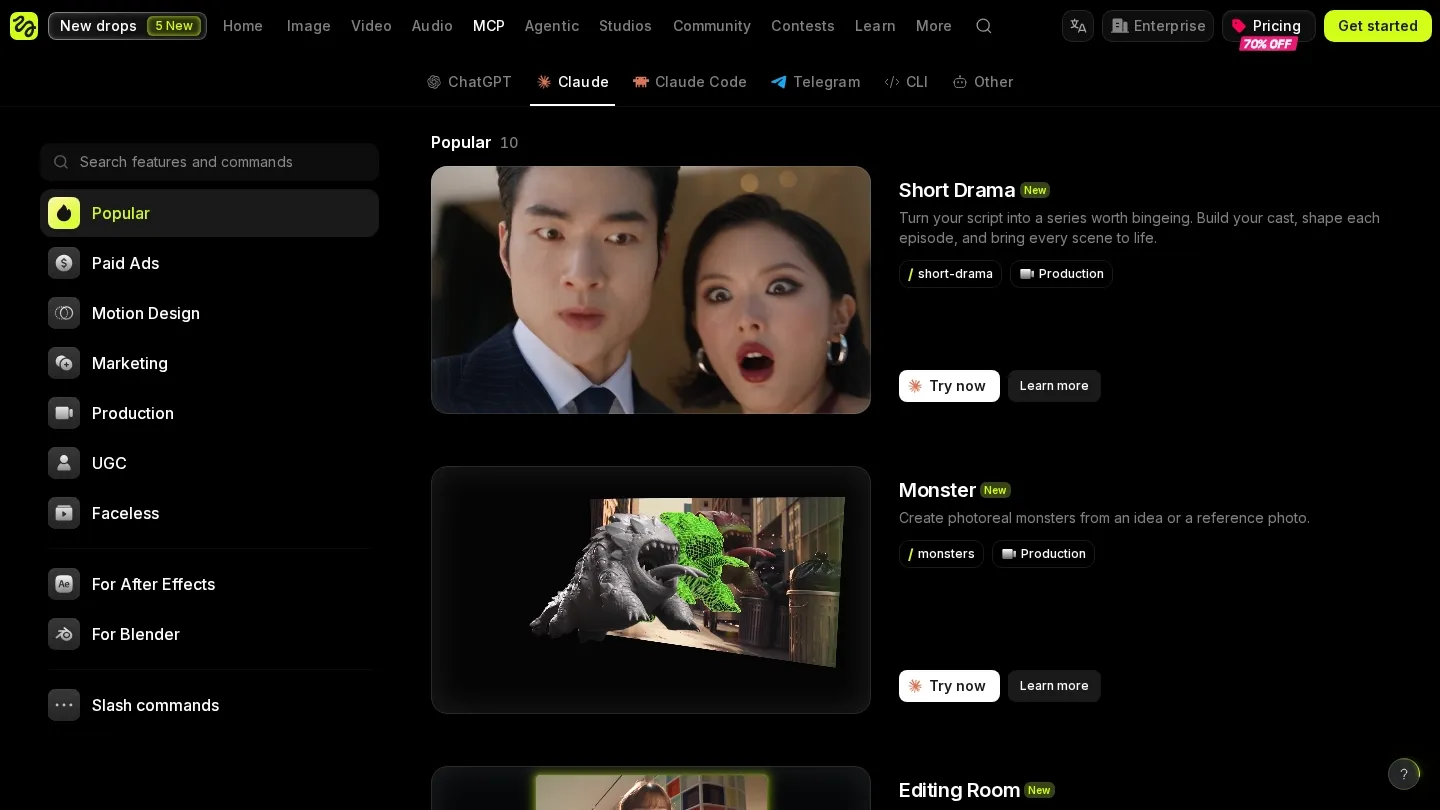
- A large catalog with 40 one-click features and 42 slash commands, including Short Drama, ad, UGC and faceless skills
- Works in Claude (web and desktop), ChatGPT, Cursor, Telegram and coding agents, with no API key
- Advanced skills for Blender, After Effects, Premiere Pro and DaVinci Resolve, plus cloud GPU computers
Cons:
- Paid subscription required; no free MCP access
- Credits on every MCP job, even on Unlimited plans
- No published timeline tools or finished-video export format
- No audio or website skill in ChatGPT; images attached to the chat need a separate upload step
How Higgsfield MCP compares with other AI video MCPs
Here is where Higgsfield sits among the main options, based on each vendor's own pages as of November 25, 2026.
| Tool | Main job | Editing after generation | Free way in |
|---|---|---|---|
| Higgsfield MCP | Cinematic shots, images, audio; 30+ models | Editing Room skill; no tool list or export format | None; paid plan required |
Pollo MCP | Finished video from a brief, link or clip; 100+ models | Trim, split, 23+ transitions, AI subtitles; MP4, MOV, WebM | 20 bonus credits on connect |
| invideo MCP | Live editing on a pro timeline | Full NLE; Premiere, Final Cut, DaVinci project export | None found; Basic 190 credits/mo |
| ChatCut | Editing your own footage | Multitrack timeline; XML export; free local export | Free plan |
| CapCut × Codex | CapCut drafts from ChatGPT desktop | Edit draft in chat or CapCut | No MCP pricing listed |
| Runway MCP | Gen-4.5 and other models | None stated | None; credits on every job |
| OpenArt MCP | Ad skills, Smart Shot planning | Edit skills (captions, relight, dub); no timeline tools | None found; 7-day 10% off on some plans |
| ImagineArt MCP | 99 tools for images, video, audio | None stated | 100 credits a day, basic image models only |
A better fit for finished videos: Pollo MCP
If our test brief stalled for you at steps 1, 6 or 7, Pollo MCP covers exactly those steps. It brings the Pollo AI platform into the chat app you already have open, whether that is Grok, Gemini, Cursor, ChatGPT or Claude in a browser or on the desktop. Terminal users get it through the Pollo CLI in Hermes, OpenClaw, Codex, Claude Code or Cursor.
Step 1, paying to start: you do not need a subscription. Hooking up MCP gives you 20 credits on the house, which Pollo says is enough for 4 videos or 20 images. After that, plans start at $12 a month.
Step 2, getting material in: Pollo MCP accepts links as raw material. Point it at a shop page, a YouTube or TikTok video or a paragraph of web copy, and it becomes the script and shot list, which is how the web-based AI ad generator builds product ads too.
Steps 3 and 4, models and shot control: Pollo MCP has 100+ video, image and audio models. Try the Seedance 2.5 video model for multi-shot scenes, or the GPT Image 2.6 image model for product stills, with Kling 4.0, Veo 3.1 and Nano Banana 3 also available. Inputs can be a prompt, a still, start and end frames, a set of references or a clip. Saved Elements stop faces and packaging from drifting between shots, and one batch takes up to 12 jobs.
Steps 6 and 7, assembly and export: this is the main difference. The assistant edits on a real timeline, with speed control, audio fades, AI subtitles, 23+ transitions, trims, splits and version history. It then exports a watermark-free MP4, MOV or WebM.
Pollo MCP is also built for talking head videos. Hand it an unedited take or a voice recording. It takes out the filler and the long gaps, captions the speech, adds B-roll, and in replicate mode it borrows the pacing and look of a video you point it to. That is the job Higgsfield's docs do not cover at all.
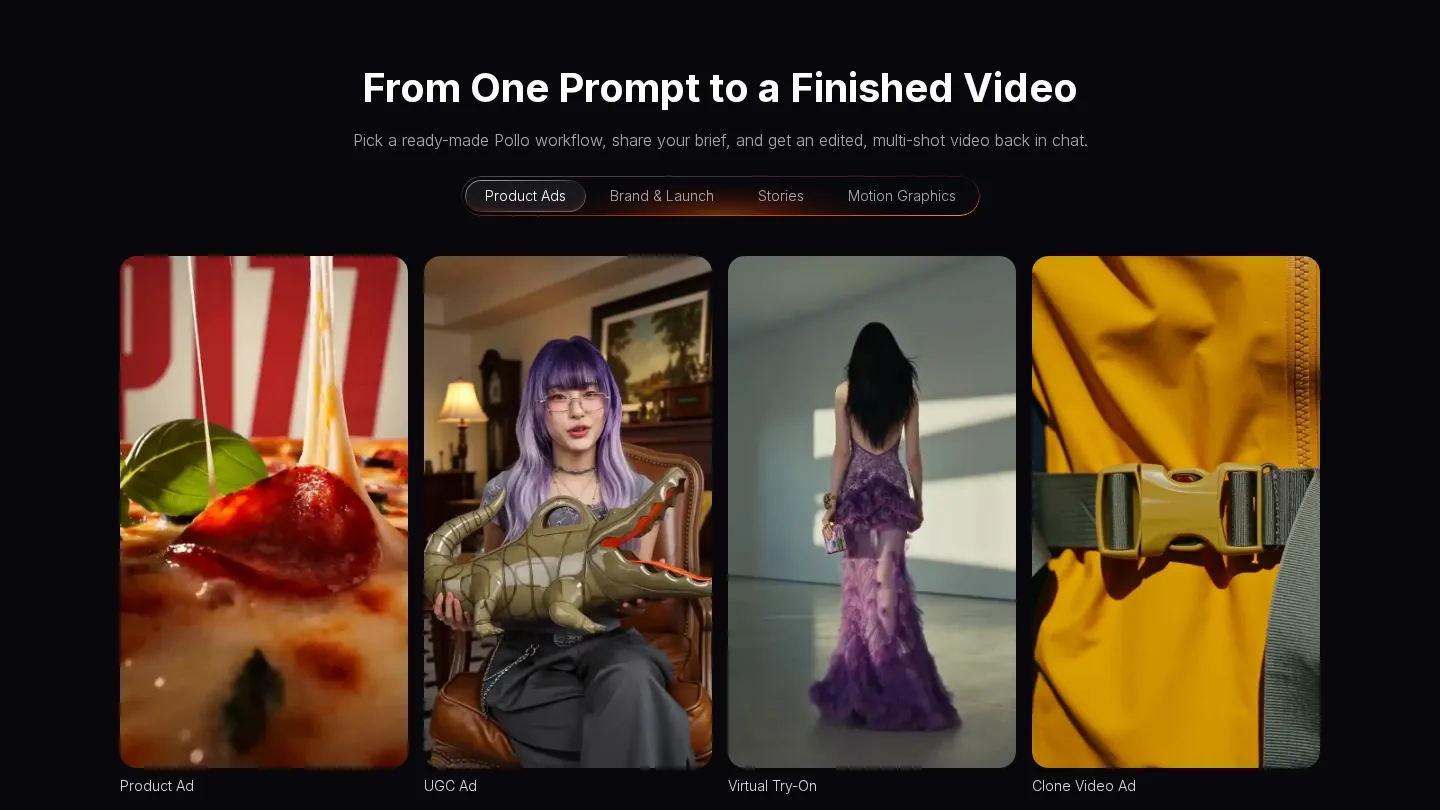
Two more things make the output feel finished. First, Pollo Library: separate built-in libraries for transitions, captions, animation, camera shots and sound effects, which is why one edit can stack up to 23 sound effects and a remake keeps the feel of its source. Second, 73 built-in workflows give a proven structure to ads, short dramas, explainers, long-to-short clips and motion graphics such as logo reveals, data stories, animated charts and software demos. Your work is stored in a Pollo Space shared with pollo.ai and Pollo Agent, and you can open Pollo Director for scene-by-scene changes.
Pollo MCP use cases worth trying
- Adapt a long video: pull several vertical shorts from a podcast or webinar, the same job as the long video to short video tool.
- Talking head videos: clean up a webcam take, caption it and match a creator's style.
- One video, four platforms: export versions sized for TikTok, Reels, Shorts and YouTube.
- Voice memo to explainer: turn a recording into a narrated short. You can add subtitles in other languages too, much like an AI caption generator.
- A series from one sentence: a whole animated mini-series from a single idea.
- Travel photos into a story: a short with a clear arc, not a slideshow.
- Bring a photo to life: add natural motion to a still, as with the image to video tool.
- Photo beat-sync: line up still photos with the beats of a song you pick.
- Motion graphics: turn numbers, a product walkthrough or your logo into short animated pieces.
From Raw Take to Post
Talking head clips, ads and shorts, edited and exported by Pollo MCP. Plans from $12 a month.
Start with Pollo MCP
How we reviewed Higgsfield MCP
We reviewed Higgsfield MCP the way an editor checks a tool before recommending it to a team. We read the MCP page, the skill pages, every connection guide in the help center and the full pricing page. Then we took one real brief, the running shoe teaser above, and checked what each step needs, what it costs and what the docs promise at the end. We left out any outputs or numbers that Higgsfield does not publish. All facts were checked on November 25, 2026.
FAQ
Is Higgsfield MCP good?
Yes, for shot-level work. It has 30-plus models, Soul characters, motion control and a large skill catalog. It is less suited to people who need a finished, edited video, because its docs do not describe timeline tools or a finished-video export.
Is Higgsfield MCP free?
No. You need an active paid Higgsfield subscription to connect, and every MCP generation uses credits. Starter costs $19 a month for 270 credits. Pollo MCP gives 20 bonus credits on connect.
How do I connect Higgsfield MCP to Claude?
In claude.ai or Claude Desktop, go to Settings, then Connectors, add a custom connector named Higgsfield with the URL mcp.higgsfield.ai/mcp, and sign in to authorize.
Does Higgsfield MCP work with ChatGPT?
Yes, through the official Higgsfield plugin. Audio generation and the website building skill are not available in ChatGPT.
Can Higgsfield MCP edit a video?
Its Editing Room skill edits a sequence shot by shot, and Hook Multiplier makes edited hook versions. The help center does not list timeline tools such as transitions or subtitle styling. Pollo MCP includes trim, split, 23+ transitions, AI subtitles and export.
What should I use instead of Higgsfield MCP?
Pollo MCP, if you want a finished video: 100+ models, 73 workflows, Pollo Library, timeline editing and watermark-free MP4, MOV or WebM export, in five chat apps.