



Best CapCut MCP Alternatives for Creators and Sellers (2026)
CapCut's ChatGPT plugin is a good start for anyone who already edits in CapCut. You describe a video, it builds an editable draft, and you finish it in the CapCut app. But it has clear edges. Most of its tools need ChatGPT on a desktop, Claude and Gemini users are left out, and the result is a draft rather than a file you can post right away. If any of that gets in your way, the seven tools below are worth a look. We ranked them for people who post short videos often: store owners, UGC creators, coaches and small brand teams.
Quick picks
- Best overall: Pollo MCP. Ready-to-post videos with no watermark in Claude, Gemini, ChatGPT, Cursor and Grok, powered by 100+ models and 73 workflows.
- Best if you still want a CapCut draft: ChatCut. It edits your footage on its own timeline, and its blog says it can hand the result to CapCut.
- Best for pro editors: invideo MCP, with export to Premiere Pro, Final Cut and DaVinci Resolve.
- Best for ad skills: OpenArt MCP.
- Best for cinematic single shots: Higgsfield MCP.
- Best free daily credits: ImagineArt MCP, with 100 credits a day.
- Best for Gen-4.5 fans: Runway MCP.
Not Just for ChatGPT Desktop
Pollo MCP brings 100+ models and a built-in video editor to Claude, Gemini, ChatGPT, Cursor and Grok.
Explore Pollo MCP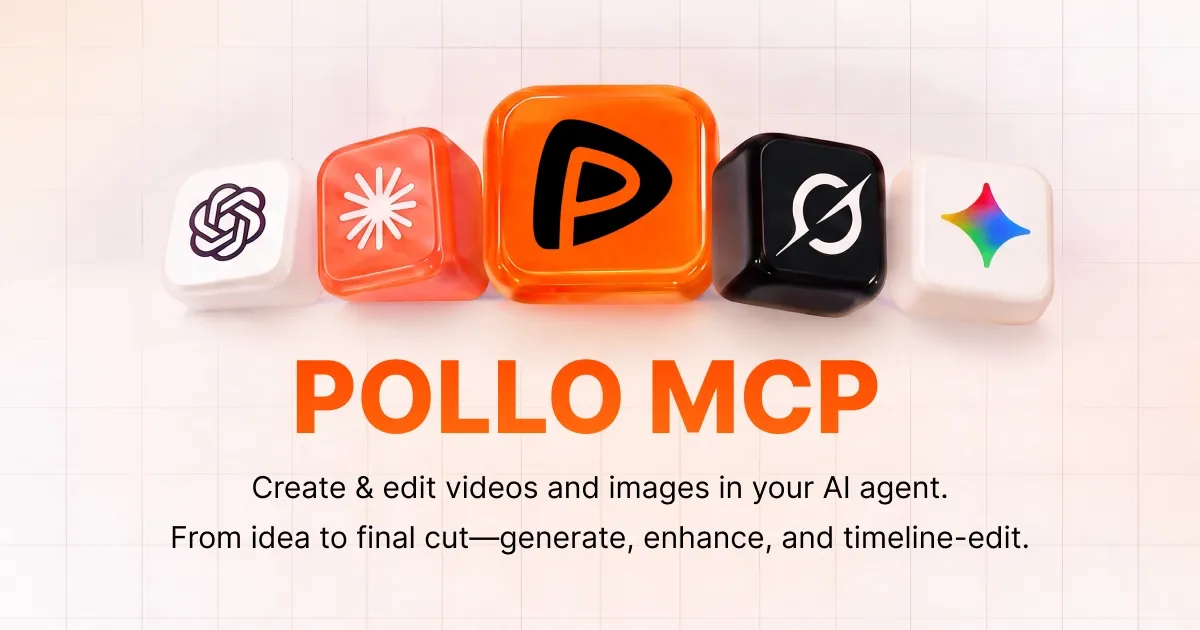
Why creators look past CapCut MCP
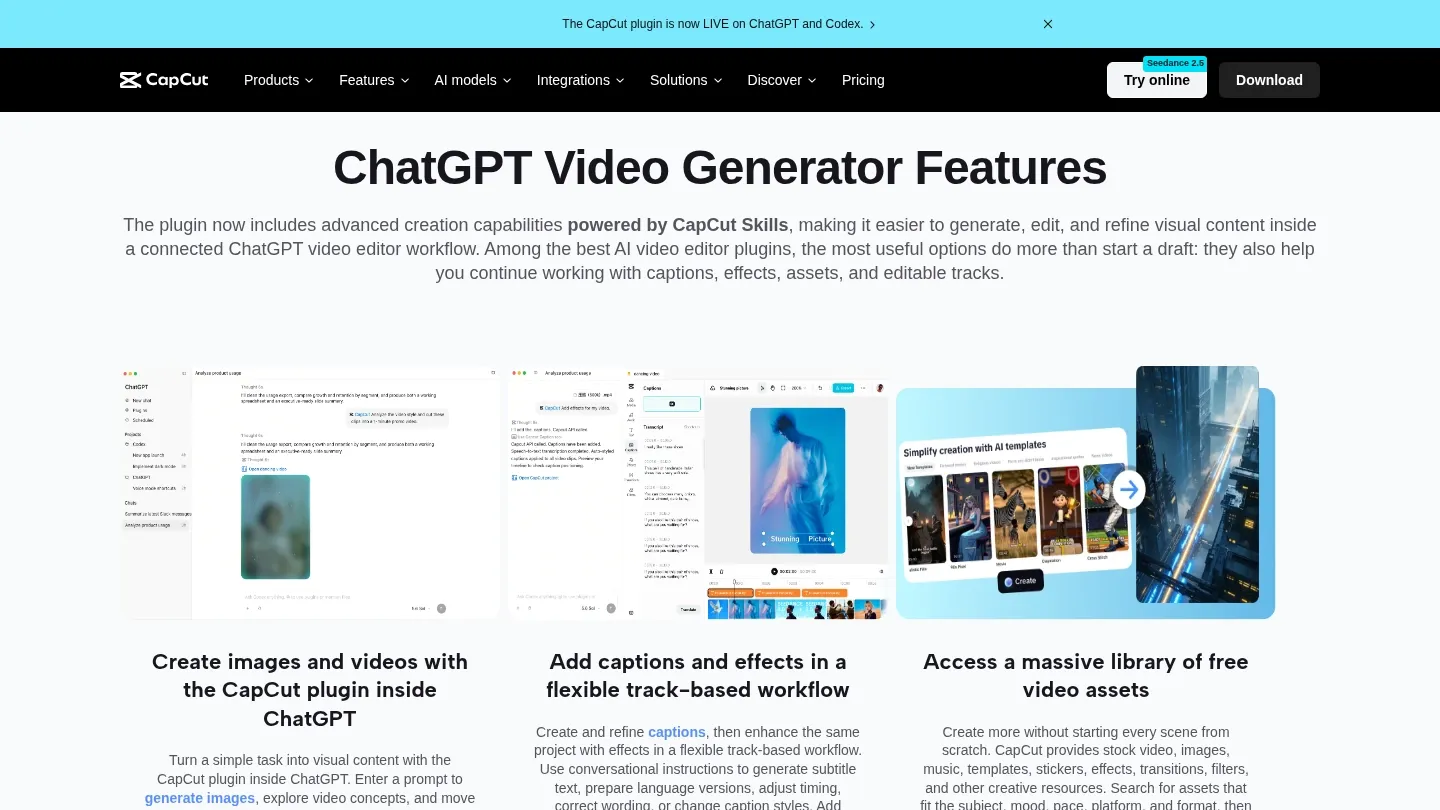
To be clear, CapCut's plugin does some things very well. Its template and asset library is huge, and every result stays editable on a CapCut timeline. The reasons people look for an alternative are mostly practical:
- App support. You install CapCut's plugin from the ChatGPT desktop app or Codex. On a phone or in a browser, it can only do two things: turn your clips into a rough cut and look up templates. Claude, Cursor, Gemini and Grok are not mentioned.
- The last step. CapCut calls generation "a starting point" and says CapCut remains the workspace for inspection and export. If you want to approve and post from the chat, that is an extra stop.
- Cost clarity. Some plugin features are gated by a plan, credits or both. CapCut Pro is USD 19.99 a month, yet the plugin itself has no price list.
If you like what CapCut does in the editor itself, see our overview of CapCut. If you want the assistant to do more of the work, read on.
The seven alternatives compared
Every row comes from that vendor's own MCP page, help docs and pricing, checked on November 25, 2026. CapCut sits in the table for reference.
| Tool | Best for | Works in | Free way in |
|---|---|---|---|
Pollo MCP | Finished social videos from a brief, link or clip | ChatGPT, Claude, Cursor, Grok, Gemini; CLIs | 20 bonus credits on connect; plans from $12/mo |
| CapCut MCP (for reference) | Editable CapCut drafts and trend templates | ChatGPT (full features on desktop), Codex | Some features need plan or credits; 7-day trial |
| ChatCut | Editing your own footage on a timeline | Web, desktop, Claude Code, Codex, Cursor | Free plan; paid from $25/mo |
| invideo MCP | Live editing with pro NLE export | Claude, ChatGPT, Cursor, Gemini; coding agents | None found; Basic 190 credits/mo |
| OpenArt MCP | Ad skills and Smart Shot planning | ChatGPT, Claude, Cursor, Kimi | None found; 10% off MCP jobs |
| Higgsfield MCP | Cinematic shots; 30+ models | Claude, ChatGPT plugin, Cursor, Telegram | None; Starter $19/mo |
| ImagineArt MCP | 99 tools for images, video, audio | ChatGPT, Claude, Grok, Manus, Cursor, Codex | 100 credits a day |
| Runway MCP | Gen-4.5 and other Runway models | ChatGPT, Claude, Cursor, Replit, Muse | None; credits on every job |
1. Pollo MCP: best overall CapCut MCP alternative
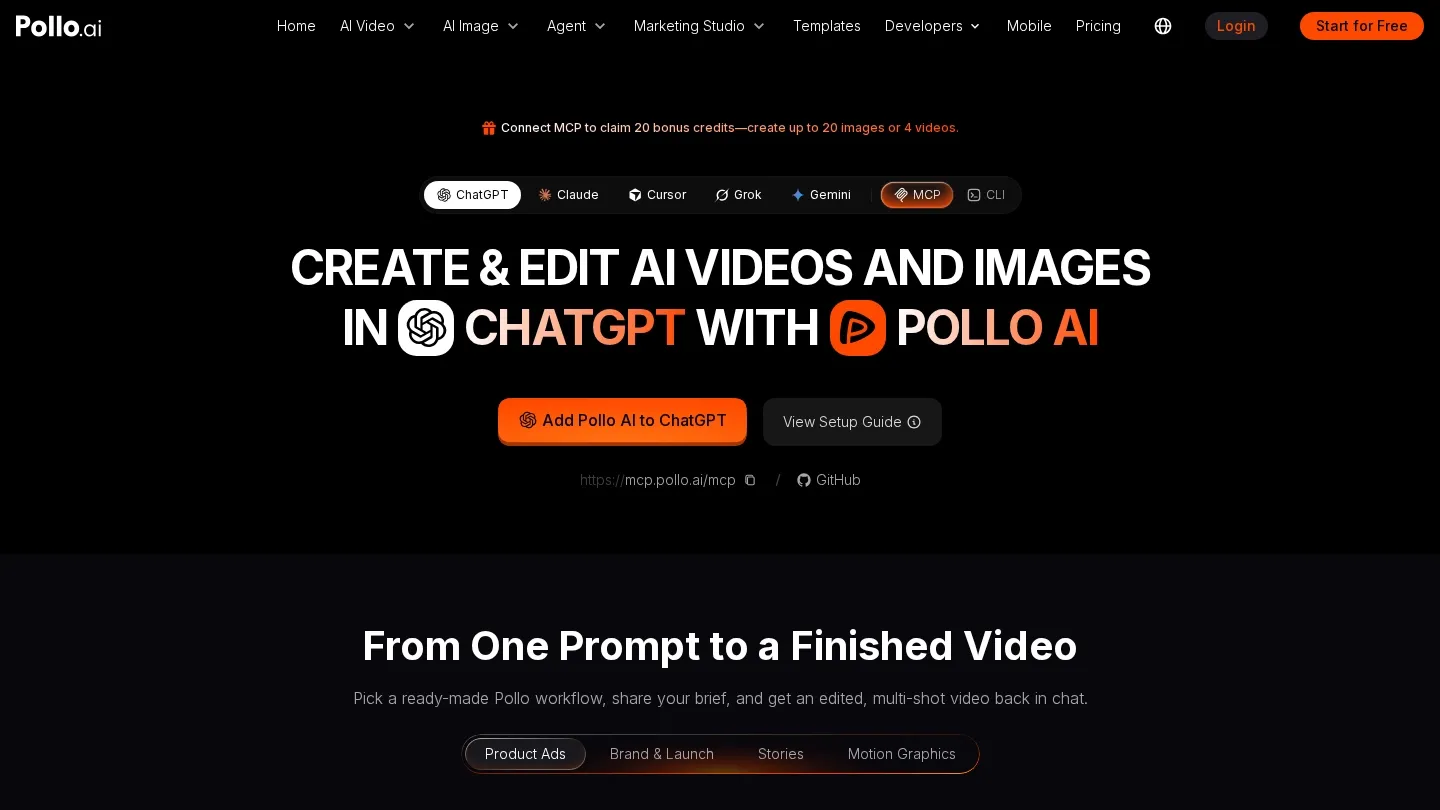
Pollo MCP is the closest thing to "ask for a video, get a video" across the most chat apps. Claude (web or desktop), Gemini, ChatGPT, Cursor and Grok can all use it, and terminal users get the Pollo CLI for Hermes, Codex, Cursor, Claude Code and OpenClaw. Setup is a browser sign-in; no keys involved.
How it differs from CapCut's plugin
The main difference is where the work ends. With CapCut, you leave the chat with a draft. With Pollo MCP, your assistant writes the plan, makes the footage, assembles the edit and returns a clean file (MP4, MOV or WebM) without a watermark. Speed changes, audio fades, AI subtitles, more than 23 transitions, trims, splits and a version history are all built in, so small fixes take one sentence: "make the hook two seconds shorter" or "swap the second transition".
The second difference is what you can feed it. Besides text, photos and clips, Pollo MCP accepts links too: product URLs, TikTok and YouTube links, and plain web copy. Paste a listing, and the ad comes back with its own script, footage, music and captions.
The third is model choice. You can call on over a hundred models for video, images and audio. Pick the Seedance 2.5 video model when a story needs several cuts, and run up to 12 jobs in a batch to test different openings.
Pollo Library, workflows and Space
Pollo Library is what keeps the edits from feeling flat. Its five collections (shots, sound effects, captions, transitions and animation) feed into every project, and one video can use as many as 23 sound effects. Recreate a reference ad and its rhythm and audio carry over closely.
There are 73 built-in creative workflows as well, covering explainers, product ads, long-to-short edits and short dramas. Motion Graphics has its own group: Animated Chart, Logo Animation, Data Story and Software Demo. All of it is stored in one Space that your chat app, the pollo.ai site and Pollo Agent share.
Talking head videos
This is a big reason sellers and coaches switch. Drop in a selfie video or an audio memo. Pollo MCP strips the hesitations and gaps, puts subtitles on screen and slips B-roll over each cut. Replicate mode works from a sample: give it a post whose style you like and your footage is edited to match.
What people make with it
- A short animated series from a single sentence.
- A travel story built from a folder of holiday photos.
- A moving photo: bring a portrait or product shot to life, like the animate a picture tool.
- A beat-synced slideshow of photos cut to a song.
- An explainer from a voice memo, much like the AI explainer video maker.
- A batch of vertical shorts clipped from a podcast or livestream.
- Four platform versions of the same video, sized and captioned for each app.
- A talking head clip with filler words gone and captions on, in replicate mode if you share a reference.
- Motion graphics such as a logo reveal, a data story or a software demo.
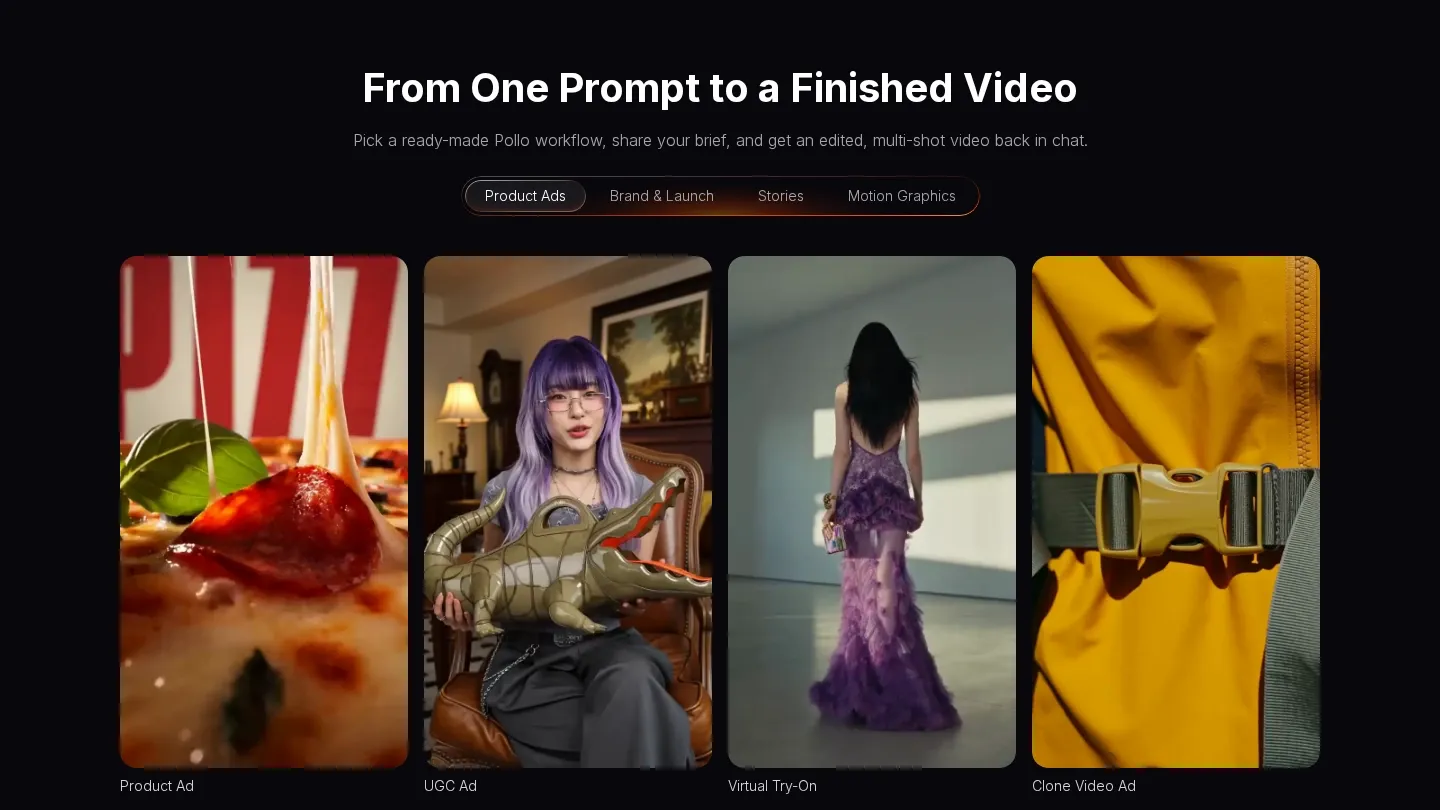
Price: your first connection unlocks 20 bonus credits; Pollo's MCP page puts that at 4 videos or 20 images. Paid plans then start at $12 a month.
Good to know: if you prefer to fine-tune by hand, every project also opens on pollo.ai.
One Clip In, Four Platform Cuts Out
Pollo MCP resizes, captions and exports the same video for four apps in one request. Plans from $12 a month.
Get 20 Free Credits
2. ChatCut: best if you still want a CapCut draft
ChatCut is an AI video editor with its own multitrack timeline. You use it on the web, in ChatCut Desktop for macOS and Windows, or as a plugin for agents such as Claude Code and Codex. It is strongest when you already have footage. There is a Free plan with the core editor, captions and local export at no cost; paying starts at $25 monthly for 100 credits. ChatCut's own blog describes a route where Claude Code edits in ChatCut and sends the timeline to CapCut as an editable draft, which is handy if your team insists on finishing in CapCut. It is less focused on generating new footage from a link.
3. invideo MCP: best for editors who use pro software
invideo MCP opens a live timeline that you and the assistant edit together. Its standout feature is export: projects can move to Premiere Pro, Final Cut and DaVinci Resolve. That suits agencies more than solo sellers. There is no free MCP tier that we could see. Basic, the entry plan, comes with 190 monthly credits. For background on the main product, see our invideo AI page.
4. OpenArt MCP: best for ready-made ad skills
OpenArt MCP brings image and video generation into ChatGPT, Claude, Cursor and other agents, plus a set of skills for ad videos. Smart Shot helps plan multi-shot sequences. OpenArt takes 10% off generations made through MCP, though we saw no free MCP tier. Its docs do not describe a timeline editor or a finished export, so plan to assemble the ad elsewhere.
Learn more: the best OpenArt alternatives
5. Higgsfield MCP: best for cinematic single shots
Higgsfield is built for filmmakers who care about each frame. Its MCP lists 30-plus models (its page says "35+ models and tools"), motion control, consistent characters and a long list of one-click skills. It works in Claude, Cursor, a ChatGPT plugin and more. An active paid plan is required, with Starter at $19 a month. Results go to your Higgsfield assets rather than coming back as a finished social cut.
Learn more: our Higgsfield AI review
6. ImagineArt MCP: best free daily credits
ImagineArt MCP gives agents 99 tools covering images, video, audio and avatars. Its free tier refreshes 100 credits every day. That makes it a cheap way to test ideas. It is aimed at single assets, though, and does not describe editing or export of a full video.
Learn more: our ImagineArt review
7. Runway MCP: Gen-4.5 inside your chat
Runway MCP lets your assistant call Gen-4.5 and Runway's other models. The quality is strong, but you get single clips, not edited posts, and every job uses credits from a Runway plan. It fits teams who already pay for Runway's video tools and want them in chat.
Choosing in under a minute
- Want a finished, captioned post from any major chat app? Pollo MCP.
- Already shoot your own footage and want a timeline that can go to CapCut? ChatCut.
- Hand off to Premiere or DaVinci? invideo MCP.
- Need many ad concepts as raw assets? OpenArt MCP.
- Care most about cinematic frames? Higgsfield MCP.
- On a zero budget for now? ImagineArt MCP for daily credits, or Pollo MCP's 20 bonus credits for a full video.
How the ranking works
Our test case was a normal week for a small online brand: two product reels, one talking head tip and a few cut-downs from a livestream. For each tool we went through its MCP landing page, setup guide and price list, noted which chat apps it supports, and traced how far each tool's own documentation takes that week's work. Tools that end with a finished file in the chat ranked higher than tools that end with clips or a draft. We gave extra weight to free ways in, talking head support and the ability to start from a link. Where a vendor did not state something, we say so rather than guess.
FAQ
What is the best CapCut MCP alternative?
Pollo MCP. It reaches more chat apps than CapCut's plugin, edits on a timeline without leaving the conversation and gives you the final file with no watermark.
Is there a CapCut MCP for Claude?
Not an official one. CapCut built its plugin for Codex and ChatGPT on desktop. Pollo MCP, invideo, OpenArt, Higgsfield, Runway and ImagineArt all connect to Claude, and ChatCut works with Claude Code.
Is there a free CapCut MCP alternative?
For single assets, ImagineArt MCP's 100 daily credits go a long way. Pollo MCP's 20 bonus credits on connect cover about 4 full videos. ChatCut's free plan suits editing footage you already shot.
Which alternative can still give me a CapCut project?
ChatCut. Its blog describes exporting a ChatCut timeline as an editable CapCut draft.
What should I use for talking head clips?
Pollo MCP. It deletes the ums and silences, captions what you say, hides cuts with B-roll and can mirror the editing style of a sample clip.
Can these tools make ads from a product link?
Pollo MCP can. Paste the product page and it writes, generates and edits the ad. Runway MCP also accepts a product link, but it returns single assets rather than an edited ad.