



ImagineArt AI vs Higgsfield: Which Is Better for AI Image Creation?
From quick social graphics to polished campaign visuals, ImagineArt AI and Higgsfield take different approaches to image creation. Here’s how their tools, models, and pricing compare.
ImagineArt vs Higgsfield: TL;DR
Comparison | ImagineArt AI | Higgsfield |
|---|---|---|
| Main focus | Image creation, editing, and design | Cinematic and fashion-led visuals |
| Best for | Designers and marketing teams | Fashion, portrait, and character work |
| Model examples | GPT Image 2, Flux 2 Pro, Midjourney V7 | Soul 2.0, Nano Banana Pro, Seedream 5 |
| Image editing | Canvas, inpainting, outpainting | Visual editing, inpainting, layers |
| Style control | Style references and saved assets | Custom looks and saved color palettes |
| Character consistency | Face and image references | Reusable character profiles |
| Resolution | Up to 4K on supported models | Up to native 4K on supported models |
| Ease of use | More tools, but more to explore | Quicker for style-first creation |
| Starting price | $13/month | $15/month |
| Quick verdict | Better for varied design work | Better for polished people and fashion |
ImagineArt AI gives creators a wider design workspace. Higgsfield feels more focused, with bold visual styles and stronger tools for keeping people consistent.
Looking beyond the two, Pollo AI brings creative guidance, specialized generators, leading models, and batch editing under one roof. It is a compelling choice for turning rough ideas into polished, ready-to-use visuals with fewer steps.
What Is ImagineArt?
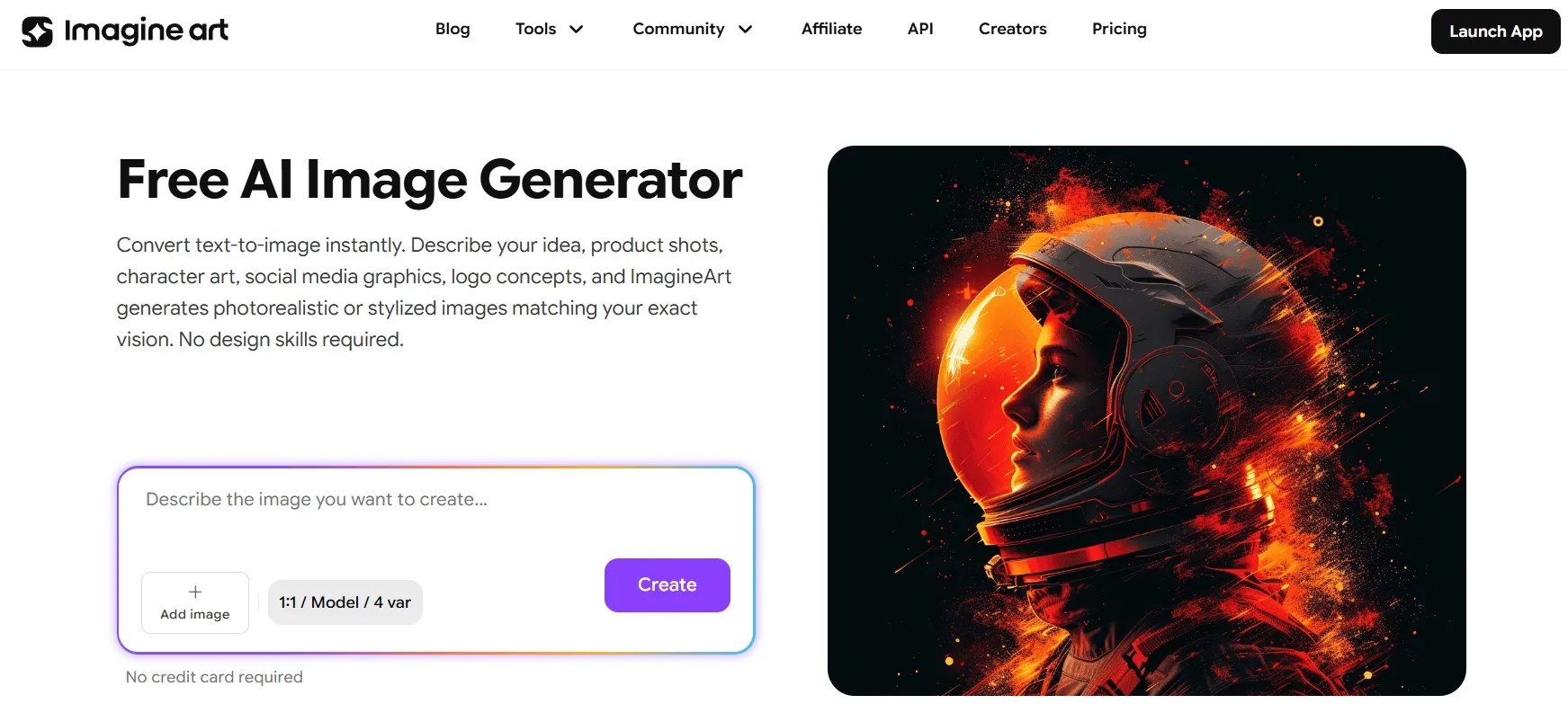
ImagineArt AI feels like a well-stocked digital design studio. Its Image Studio brings generation, editing, background changes, upscaling, assets, and a flexible canvas into one workspace.
Creators can choose from more than 30 models, including GPT Image 2 and Midjourney V7. They can quickly turn one idea into campaign graphics, product visuals, or regular social content like an Instagram post.
ImagineArt also supports repeatable workflows. This helps teams produce many related assets without rebuilding the process every time.
For a closer look at its features, output quality, and limitations, read this ImagineArt AI review.
What Is Higgsfield?
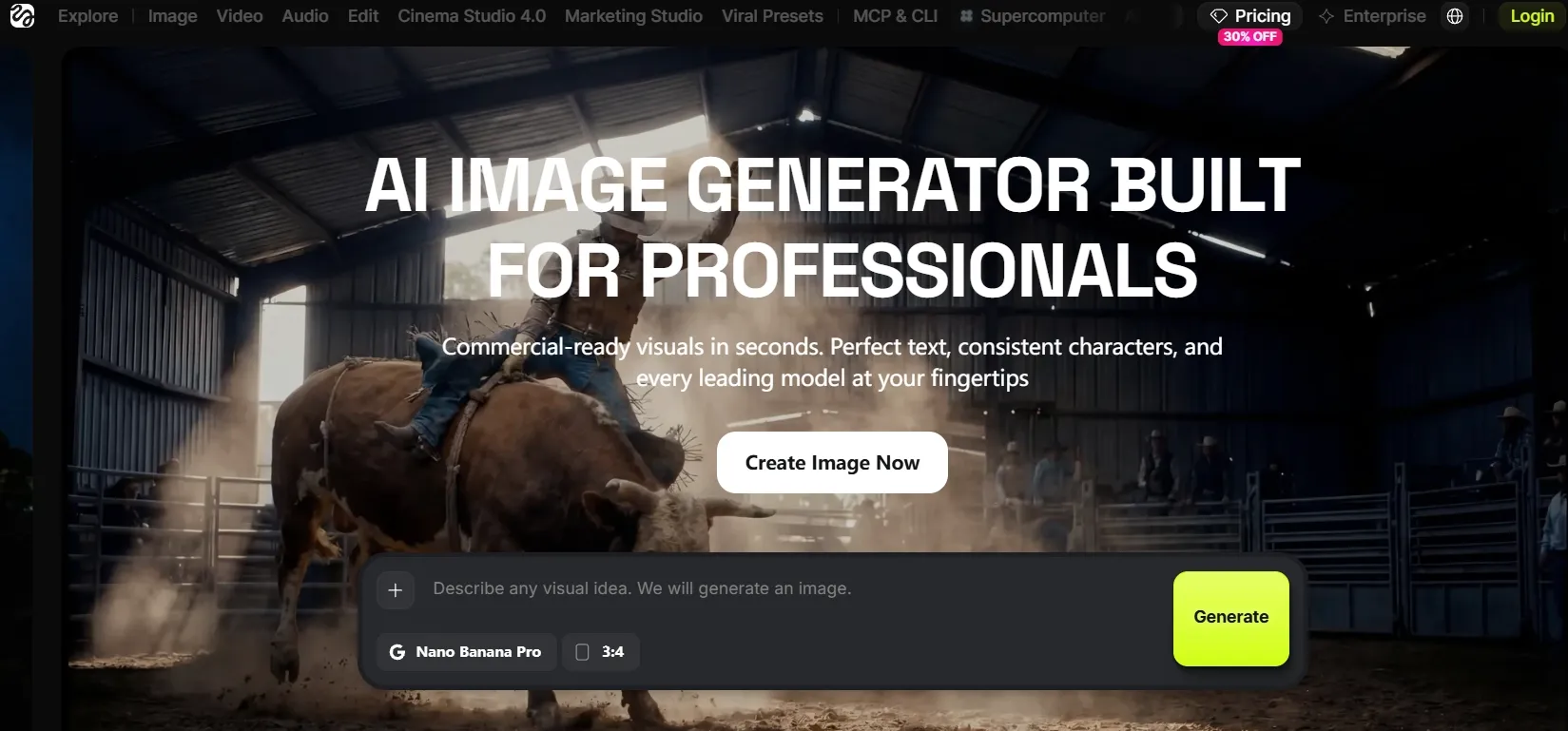
Higgsfield feels closer to a virtual fashion set. Its image workspace is built around striking portraits, stylish people, cinematic lighting, and strong visual identity.
The platform offers more than 15 models, including Soul 2.0 and Nano Banana Pro. Users can start with ready-made styles, reference images, saved color looks, or a reusable character profile.
You can edit image details, work with separate layers, and upscale the result for a sharper finish. These options work especially well for glossy fashion campaigns and polished product photos.
ImagineArt AI vs Higgsfield: Feature-by-Feature Comparison
Image Generation and Model Choice
ImagineArt puts variety front and center. Its 30+ models include GPT Image 2 for precise infographics, Seedream for polished commercial work, and Midjourney V7 for richly styled art. Switching between them is quick.
Higgsfield offers 15+ choices, such as Nano Banana Pro, Seedream 5, and its own Soul 2.0. Its library is smaller, yet carefully shaped around portraits, fashion, text, and cinematic scenes.
ImagineArt gives creators more room to experiment with illustrations or logo concepts. Higgsfield delivers a clearer signature look.
Best fit: ImagineArt is better for creators who want to test more models and visual styles. Higgsfield is a better fit for cinematic portraits and fashion-focused images.
Image Editing and Canvas Tools
ImagineArt’s Canvas is roomy and practical. Users can mix images, text, stickers, and effects. You can also expand a frame, replace selected areas, edit backgrounds, and sharpen a final image.
Higgsfield makes editing more visual. Users can mark a specific area, describe the change, and add a reference. The platform then blends the new detail into the original lighting and perspective.
Both workflows are handy when creators need to remove an unwanted object or refresh part of a campaign visual. ImagineArt offers more design options; Higgsfield keeps targeted edits refreshingly direct.
Best fit: ImagineArt suits users building detailed layouts or multi-step designs. Higgsfield works better for quick, targeted image changes.
Character and Style Consistency
ImagineArt uses face references, style references, reusable assets, and brand kits in AI image creation. These features make it easier to carry one visual direction across a larger campaign.
Higgsfield takes a more specialized approach. A creator can save a person’s look, build a custom visual style from reference images, and reuse a chosen color mood. This is ideal for recurring portraits.
The main catch is extra setup. A saved person may need to be created again when the user switches to another Higgsfield model. Even so, the workflow is useful for fashion projects that need quick clothes changes in photos.
Best fit: Higgsfield is better for projects that reuse the same person across many images. ImagineArt fits campaigns that mix different branded assets.
Ease of Use and Workflow
ImagineArt is generous with options. Everything from generation to editing and asset management sits within one broad workspace. That depth is useful, although the interface may feel busy at first.
Higgsfield starts more quickly. A ready-made visual style or reference image can replace a long, detailed prompt. Advanced character controls still take time to learn, but the first steps feel lighter.
ImagineArt suits detailed production plans. Higgsfield moves faster when the goal is a stylish portrait, an image ad, or polished product staging.
Best fit: Higgsfield suits beginners who prefer ready-made styles. ImagineArt is better for experienced users who want a deeper creative workflow.
Which One Is Better for Different Image Use Cases?
Use case | Better choice | Why |
|---|---|---|
| Graphic design | ImagineArt AI | Broader Canvas and editing tools |
| Fashion portraits | Higgsfield | Strong visual styles |
| Batch production | ImagineArt AI | Repeatable workflows |
| Recurring characters | Higgsfield | Better identity reuse |
| Product images | Both | Different but capable workflows |
ImagineArt is the more natural choice for ads, presentation graphics, and YouTube thumbnails. Its open-ended workspace can adapt one idea across many formats.
If ImagineArt comes close but does not fully match your workflow, explore these ImagineArt alternatives for more image creation options.
Higgsfield shines when people are the focus. It is better suited to portraits, fashion campaigns, and consistent AI character designs with a cinematic finish.
Create Better Images for Every Use Case
Generate polished visuals for creative, marketing, and product needs in one place.
Try Pollo AI Image Generator Free
ImagineArt vs Higgsfield: Pricing Comparison
Plan | ImagineArt AI | Higgsfield |
|---|---|---|
| Free | Available | Limited access |
| Starter | $13; 3,000 credits | $15; 200 credits |
| Mid-tier | $30; 8,000 credits | $49; 1,000 credits |
| Higher tier | $50; 16,000 credits | $129; 3,000 credits |
| Billing | Monthly | Monthly |
Credits are not equal across the two platforms. Model choice, image quality, and settings affect the real cost of each result. ImagineArt offers more credits for image-heavy work, while Higgsfield includes special free or unlimited access for selected models.
Why Pollo AI May Be the Better Alternative?
ImagineArt is broad. Higgsfield is stylish. Pollo AI brings another option: a flexible image workspace that can guide the project, generate art, switch models, and refine the final asset.
Turn a Simple Brief Into Finished Images With Pollo Agent
Imagine starting with one short request instead of opening several tools. Pollo Agent can take a brief, product image, link, or visual reference and turn it into product shots, Facebook posts, and other design assets like posters.
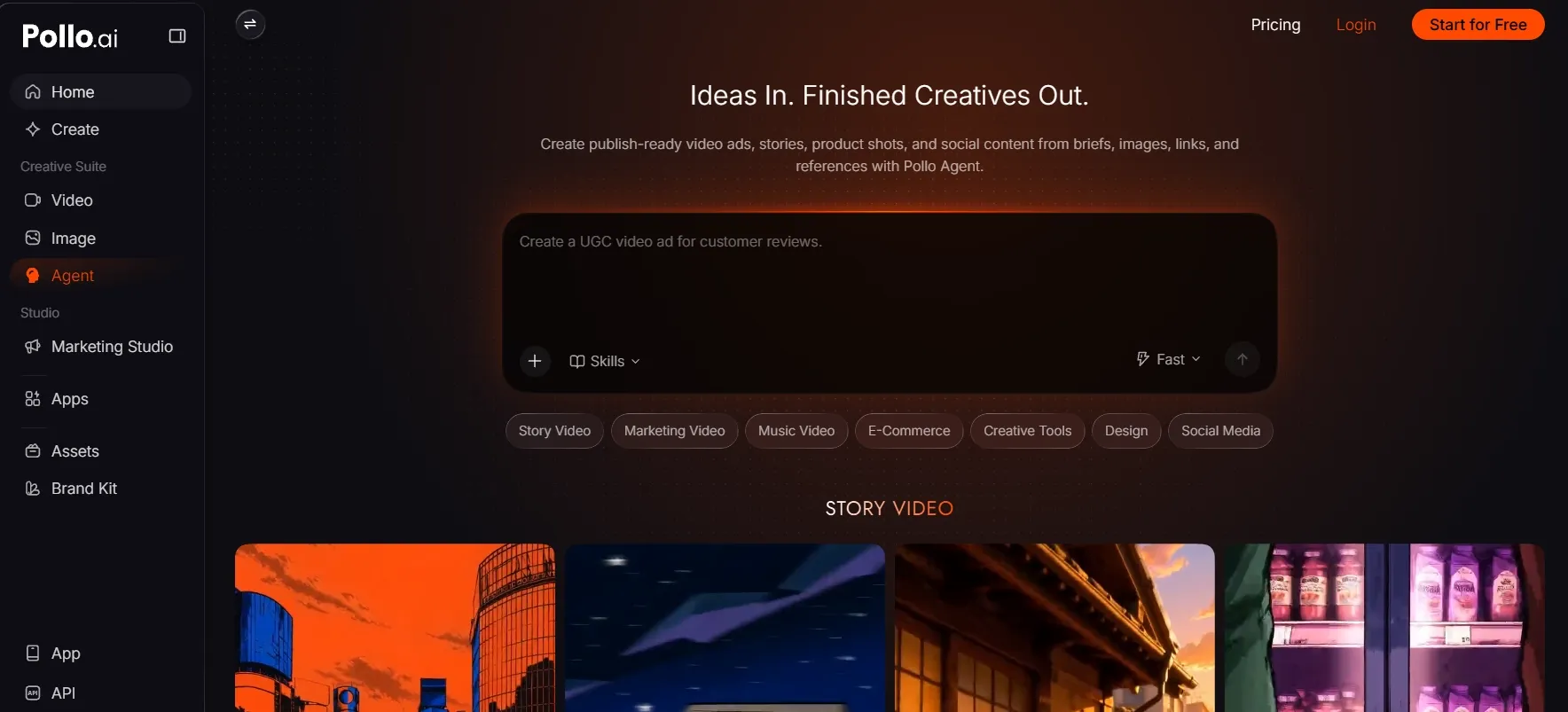
It also keeps the creative direction connected. A user can ask for a brighter background, a cleaner layout, or a fresh campaign angle without explaining the whole project again. Approved images and references remain available for the next step.
This makes Pollo Agent especially valuable for ongoing campaigns. A seller can develop a family of product visuals like product listing images and virtual try-ons. A marketer can explore several creative angles. A designer can quickly refine the strongest direction through natural conversation.
The result is a smoother, more guided process. Less time is spent choosing tools and rewriting prompts. More time goes into shaping images that feel clear, consistent, and ready to use.
Explore More Creative Styles With Dedicated Image Generators
Pollo AI goes beyond a general prompt box. It offers purpose-built image generators for creators who already know the visual direction they want.
A game artist can quickly shape heroes, creatures, and magical worlds with its AI fantasy art generator. Designers can turn a rough idea into a clean AI-generated sketch, while game creators and retro-art fans can build detailed pixel art from a simple description.
These focused generators make the creative process feel faster and less technical. Users can choose a clear style, describe the idea, and start creating without testing a long list of models or complex settings.
Match Every Need With a Better-Fitting Image Model
No single image model is perfect for every task. Pollo AI gives creators access to different models, so they can choose the right balance of speed, detail, consistency, and control.
Nano Banana 2 is a strong choice for fast 4K creation, readable text, and consistent characters across several images. It also works well with multiple references, making it useful for campaigns, storyboards, and product collections.
Seedream 5.0 Pro is better suited to complex prompts, precise edits, detailed layouts, and polished commercial visuals. It can keep key subjects and styles consistent while producing sharp, high-resolution results.
Creators can switch based on what the current brief actually needs instead of forcing every project through the same image engine.
Match Every Brief With a Better-Fitting Image Model
Pollo AI brings many industry-leading image models into one workflow. Creators can switch between options such as Nano Banana 2 and Seedream 5.0 Pro based on the style, speed, detail, or editing control each brief needs—all without moving between separate platforms.
Polish the Final Image Without Leaving Pollo AI
A promising image often needs a final round of cleanup. Pollo AI keeps that work in the same creative flow.
Its AI photo editor can adjust details, change styles, or edit full batches through simple text instructions. Users can apply the same changes across product shots or campaign assets while keeping the look consistent.
For images that look soft, dull, or slightly unfinished, its AI image enhancer can improve sharpness, color, brightness, and overall clarity. This helps creators turn early results into cleaner, more professional assets without opening another editing platform.
Final Verdict: ImagineArt AI vs Higgsfield
ImagineArt AI is the stronger pick for designers who want a broad, flexible studio. Its large model library, Canvas, editing tools, and reusable workflows suit varied creative production.
Higgsfield is the more exciting option for cinematic portraits, fashion visuals, and recurring digital people. Its focused style system makes polished character-led images easier to create.
Pollo AI offers the most rounded workflow of the three. Pollo Agent can guide a full image project, while dedicated generators, leading models, and practical editing tools handle the creative details. It is an appealing choice for creators, marketers, and sellers who want vivid ideas and finished assets in one smooth workflow.
FAQs
Is ImagineArt AI or Higgsfield easier to use?
Higgsfield offers a quicker start through ready-made styles and visual references. ImagineArt takes longer to explore, but its broader workspace gives users more flexibility later.
Which platform is better for image editing?
ImagineArt is better for broad canvas design and multi-step editing. Higgsfield is stronger for fast, focused changes made with marks, references, and short instructions.
Which one is better for consistent characters?
Higgsfield has the more focused system for saving and reusing a person’s appearance. ImagineArt offers useful face references but is less centered on recurring characters.
Is Pollo AI useful for business image design?
Yes. Pollo AI can create product images, social graphics, posters, logos, and practical assets such as business card designs. Its guided and direct tools suit regular business content.
Why choose Pollo AI over ImagineArt AI and Higgsfield?
Pollo AI offers a more complete image workflow. It combines guided creation through Pollo Agent, specialized art generators, leading image models, and batch photo editing in one place.