



10 Best Bylo AI Alternatives for Image Generation I Actually Tested
I like Bylo AI for quick AI image work. It is fast for generating without opening heavy software. But when I pushed it into product visuals and repeatable brand assets, its workflow control could not keep up.
After comparing it with other AI image tools, I found Bylo AI alternatives that give me stronger model choice, cleaner editing, better style control, and more reliable final visuals.
TL;DR
Pollo AI is my most recommended Bylo AI alternative for most image creators. Its AI image generator, image to image workflow, prompt-based photo editing, model variety, and specialized image generators gave me more room to reach a polished result.
Why I Looked for Bylo AI Alternatives
Bylo AI positions itself as a free online AI image generator and photo editor with access to models like GPT-4o, Nano Banana, and more. But for campaign visuals, product images, and polished social assets, I still need to modify multiple times to achieve the result I want.
I'm not alone here. Other users are facing the same problem. Many Trustpilot reviews mentioned poor generation results, which completely matches my experience. It’s handy for casual image generation, but definitely not reliable for brand visuals and full production workflows.
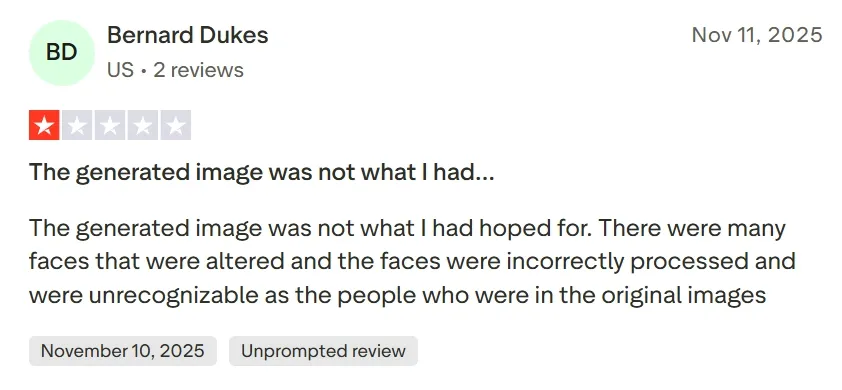
After checking Bylo AI review, I focused these Bylo AI alternatives for image generation workflows on model flexibility, prompt adherence, image to image control, photo editing depth, product visuals, style consistency, and commercial-ready output.
Bylo AI Alternatives at a Glance
| Rank | Bylo AI Alternative | Best For | My Quick Take |
| 1 | Pollo AI | Overall AI image workflows | Best mix of model choice, editing depth, specialized generators, and production-ready visuals. |
| 2 | Adobe Firefly | Professional design editing | Best for Adobe users who need generative fill and brand-safe creative workflows. |
| 3 | Leonardo AI | Concept art and creative exploration | Best for characters, worlds, props, and stylized visual direction. |
| 4 | Canva AI | Layout-first image design | Best when an AI image needs to become a social post, slide, or branded graphic. |
| 5 | Pixlr | Browser-based editing | Best for quick photo edits, generative fill, and lightweight design fixes. |
| 6 | Getimg AI | Inpainting and canvas control | Best for hands-on users who want to refine images step by step. |
| 7 | Magnific AI | Upscaling and detail enhancement | Best when a good image needs sharper texture, higher resolution, and richer detail. |
| 8 | Fotor AI | Casual image generation | Best for beginners, avatars, portraits, and simple style presets. |
| 9 | Picsart AI | Mobile-friendly creative edits | Best for social creators who want effects, cutouts, and quick remixing. |
| 10 | PixAI | Anime and 2D character art | Best for anime-style images, character prompts, and fan-art style exploration. |
1. Pollo AI - Best Overall Bylo AI Alternative for Image Creation
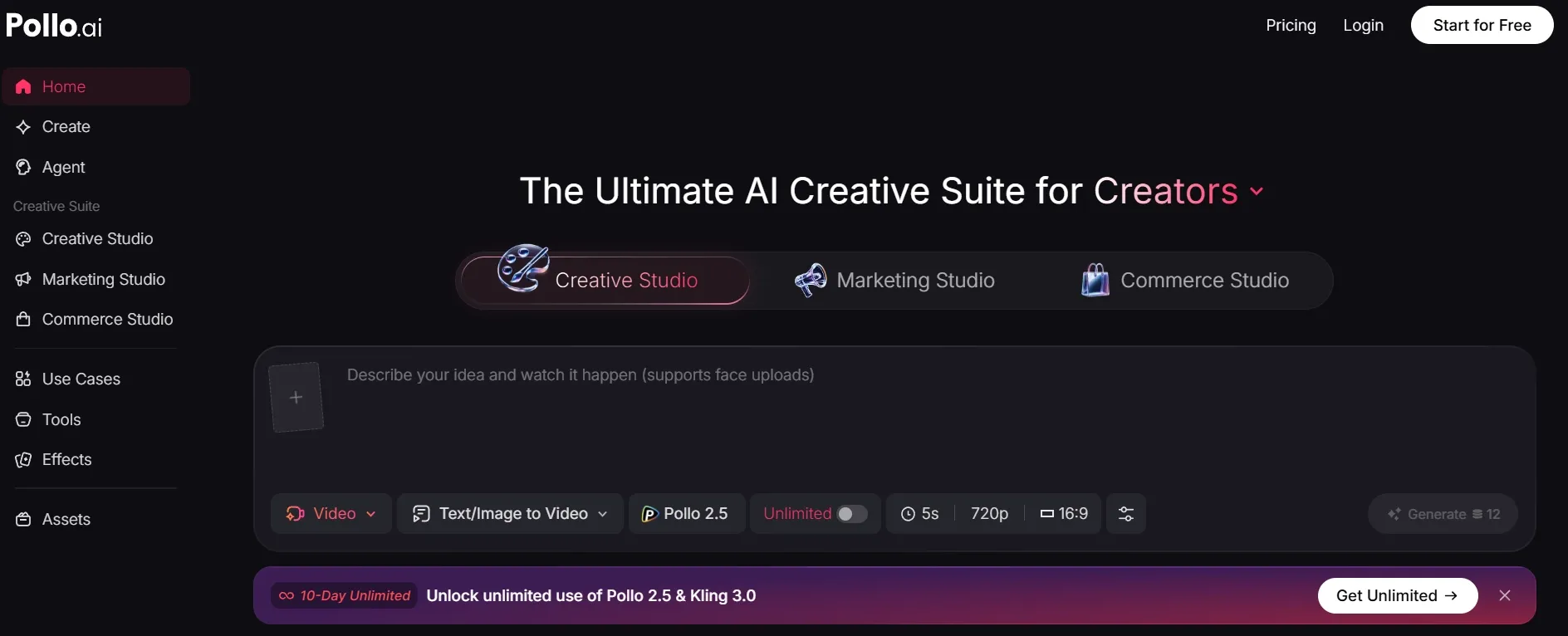
Pollo AI is my top Bylo AI alternative because it feels like a full creative suite, not just an image generator. Bylo AI is convenient for quick outputs, but Pollo AI gave me a clearer path from an idea to a usable creative asset.
Pollo AI integrates many advanced AI models, including GPT Image 2, Seedream 5.0 Lite, and more. That helps with image quality, but it is not the main reason I put it first.
The bigger reason is the studio structure. Creative Studio is useful when I want to create images, videos, audio, avatars, and other creative assets in one place instead of jumping between tools.
I also liked the image to image generator. It helped when I wanted to keep a pose, object, or composition while changing the style or direction of the image.
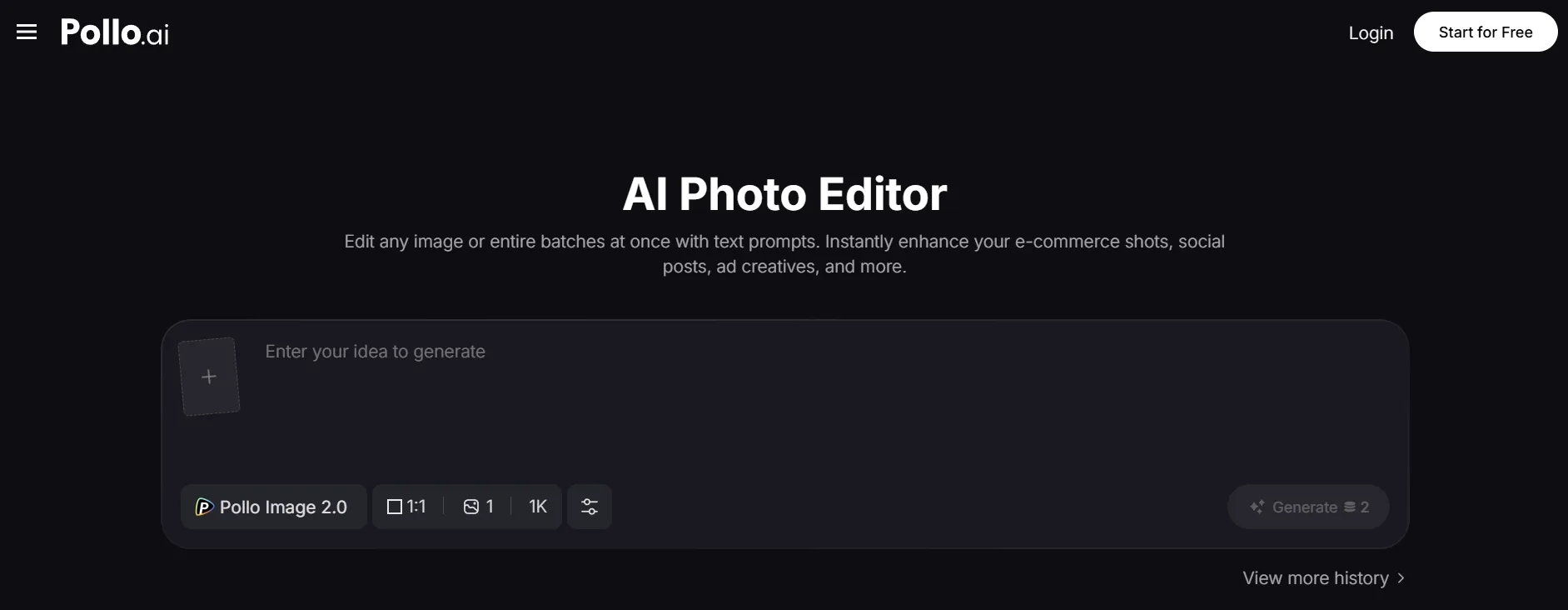
The AI photo editor is the feature I kept coming back to. I could remove objects, change backgrounds, adjust styles, and clean up weak areas with simple prompts, which matters when the first generation is close but not final.
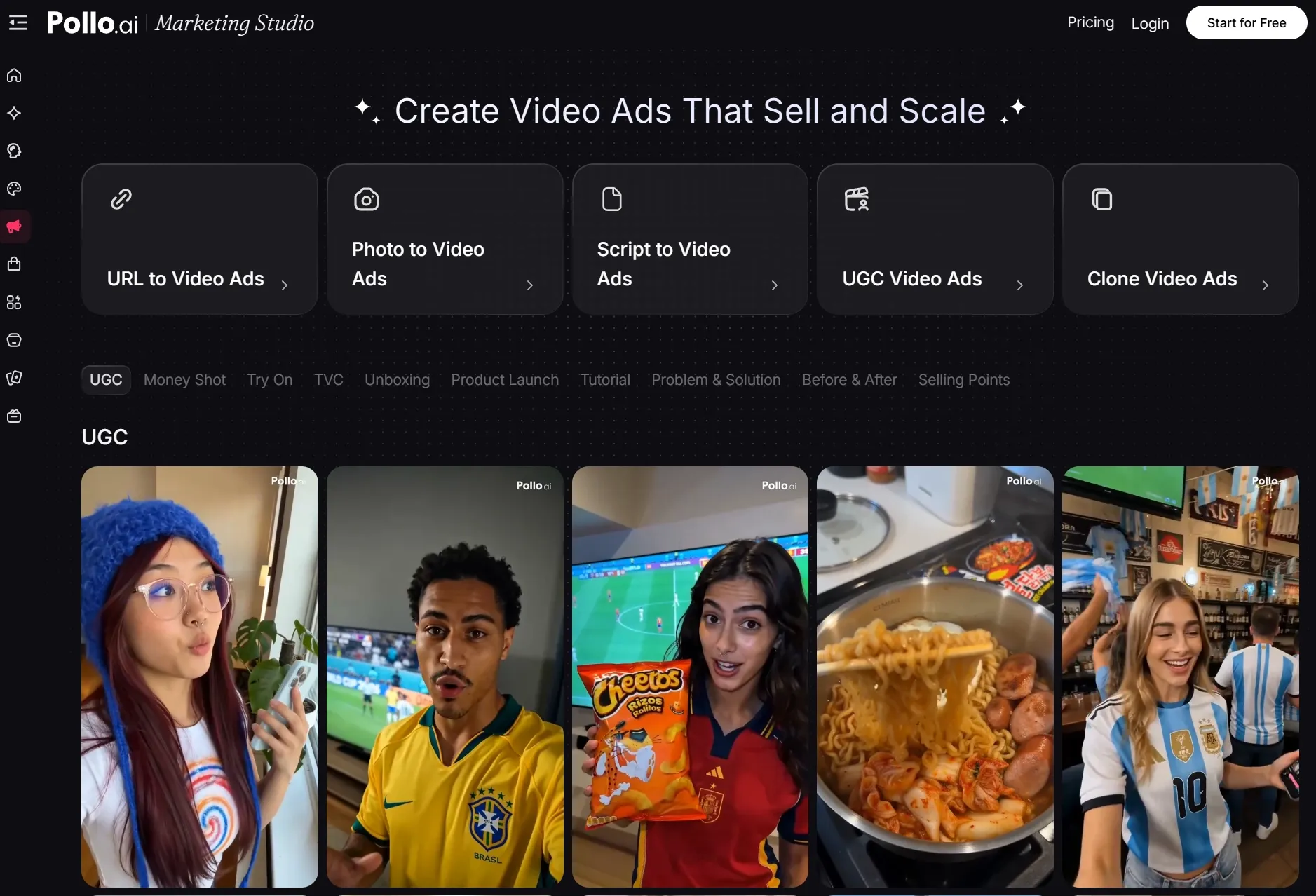
For my marketing work, Marketing Studio was a useful next step. I could turn a finished image into ad creatives, product demos, or UGC-style campaign material instead of exporting it and rebuilding elsewhere.
Key Features:
- Multi-model AI image generation: Switch models when one output misses the target style, detail level, or prompt behavior.
- Scenario-based image generators: Create product visuals, posters, anime images, portraits, characters, and social graphics faster.
- Image to image workflow: Use an existing image as a reference for variations, restyles, or controlled creative direction.
- AI photo editor: Refine generated images with prompt-based cleanup, object removal, background changes, and style edits.
- Marketing Studio: Extend finished images into ads, UGC-style campaigns, and product demos.
Pros:
- Stronger model choice than Bylo AI.
- Better for controlled image to image work.
- Prompt-based editing helps fix near-perfect outputs.
- Specialized image generators make real use cases faster.
- Useful for product images, campaign visuals, posters, and social content.
Cons:
- It may feel broader than needed for one tiny edit.
- Best results still depend on choosing the right model or generator.
My Take
Pollo AI beats Bylo AI on image generation and editing because it gives me more ways in one platform to recover weak outputs and generate post-ready results.
2. Adobe Firefly - A Bylo AI Alternative for Adobe Users
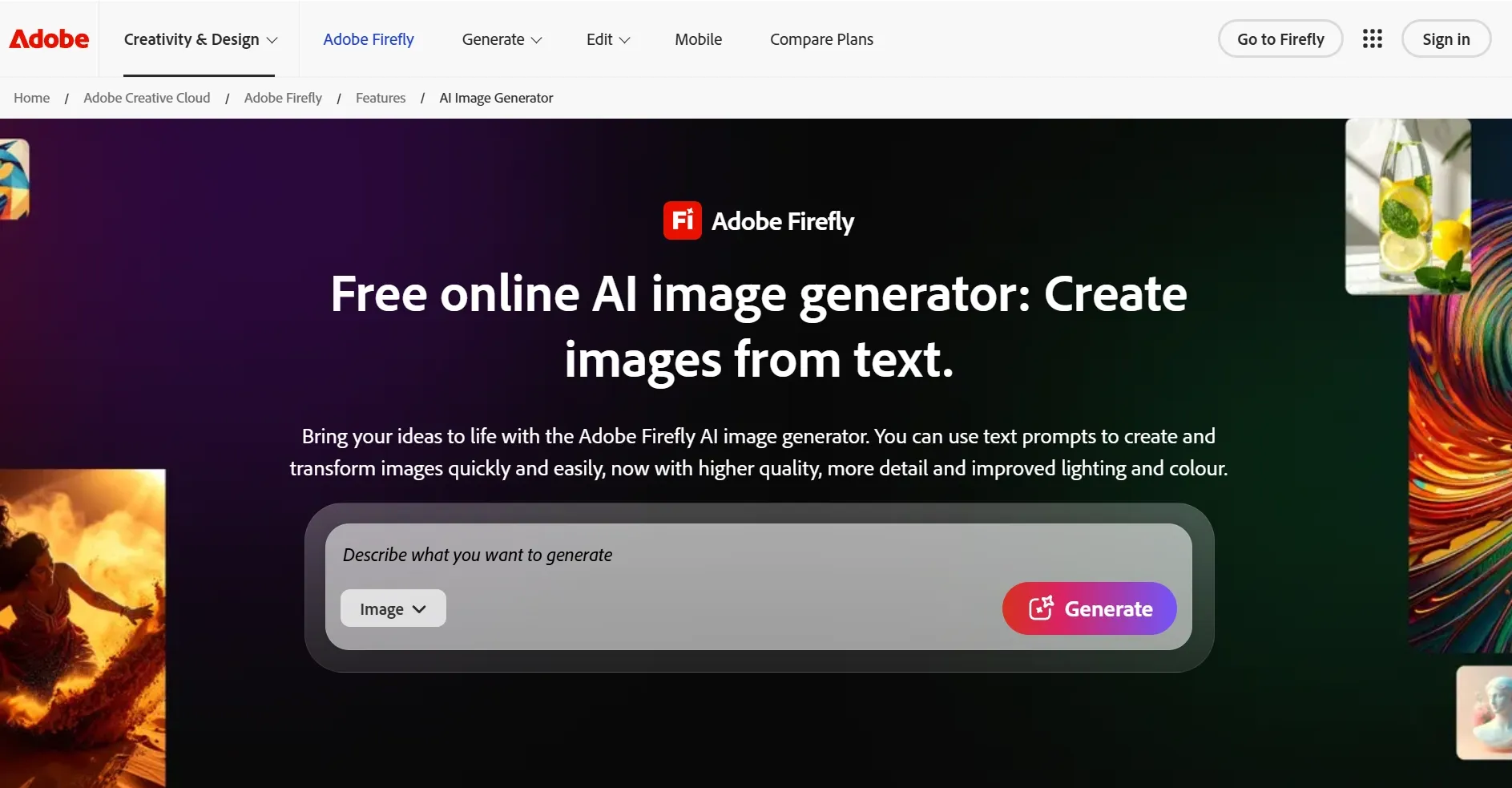
Adobe Firefly is the Bylo AI alternative I would choose if I already lived inside Photoshop, Illustrator, or Adobe Express. It is strongest when generative edits need to fit into a professional design workflow.
Generative Fill is still the main reason to use it. It works well for extending backgrounds, removing objects, and adjusting parts of an image when the rest of the composition already works.
Firefly feels less like a casual image toy and more like a design assistant. But if I wanted broad model choice and editing in one image workflow, I would still look beyond Adobe.
Pros:
- Strong generative fill workflow.
- Good fit for Adobe users.
- Useful for background extension and object changes.
- Better for design teams that already use Adobe tools.
Cons:
- Best value comes inside the Adobe ecosystem.
- Less flexible than a multi-model image platform.
- Many outputs still need manual design cleanup.
My Take
Firefly is a better Bylo AI alternative for Adobe users than for casual creators who want broad image experimentation.
See the Adobe Firefly review for more details.
3. Leonardo AI - Better Bylo AI Alternative for Concept Art
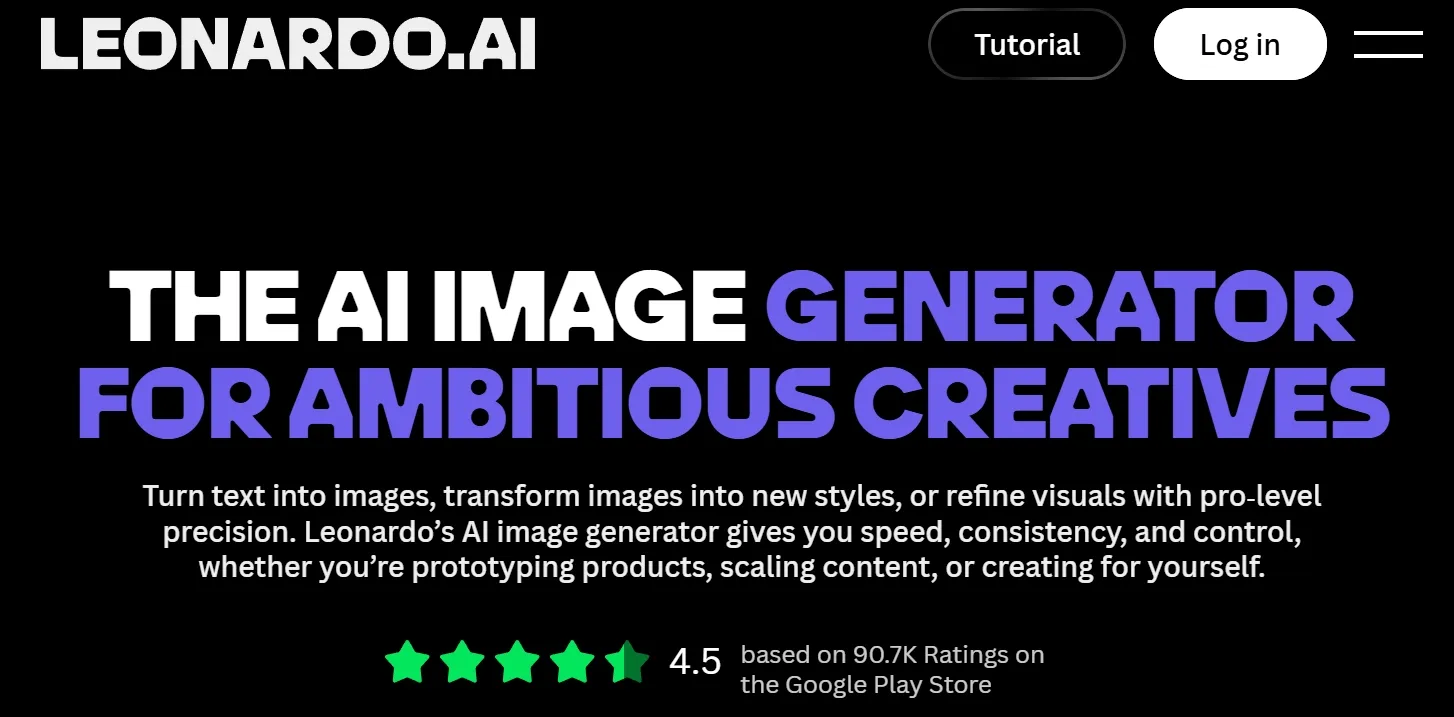
Leonardo AI is the Bylo AI alternative I would use for creative exploration. It is especially strong for characters, props, fantasy worlds, game assets, product concepts, and stylized art directions.
Its biggest advantage is iteration. Instead of only typing one prompt and hoping, I can explore a visual direction through style choices and art creation.
I would choose it when the brief is visual exploration, not fast image cleanup. It takes more setup than Bylo AI, but it gives more room to search for a distinct art direction.
Pros:
- Strong for stylized and concept-heavy visuals.
- Useful for characters, props, and worldbuilding.
- Good for browsing multiple creative directions.
- More art-focused than Bylo AI.
Cons:
- Fine details can still drift.
- Style consistency may take several attempts.
- It can feel more complex than a simple image generator.
My Take
Leonardo AI is one of the best Bylo AI alternatives for image generator users who care about concepts, worlds, and stylized direction.
Open our Leonardo AI review if you want the details.
4. Canva AI - Better Bylo AI Alternative for Template-Based Design
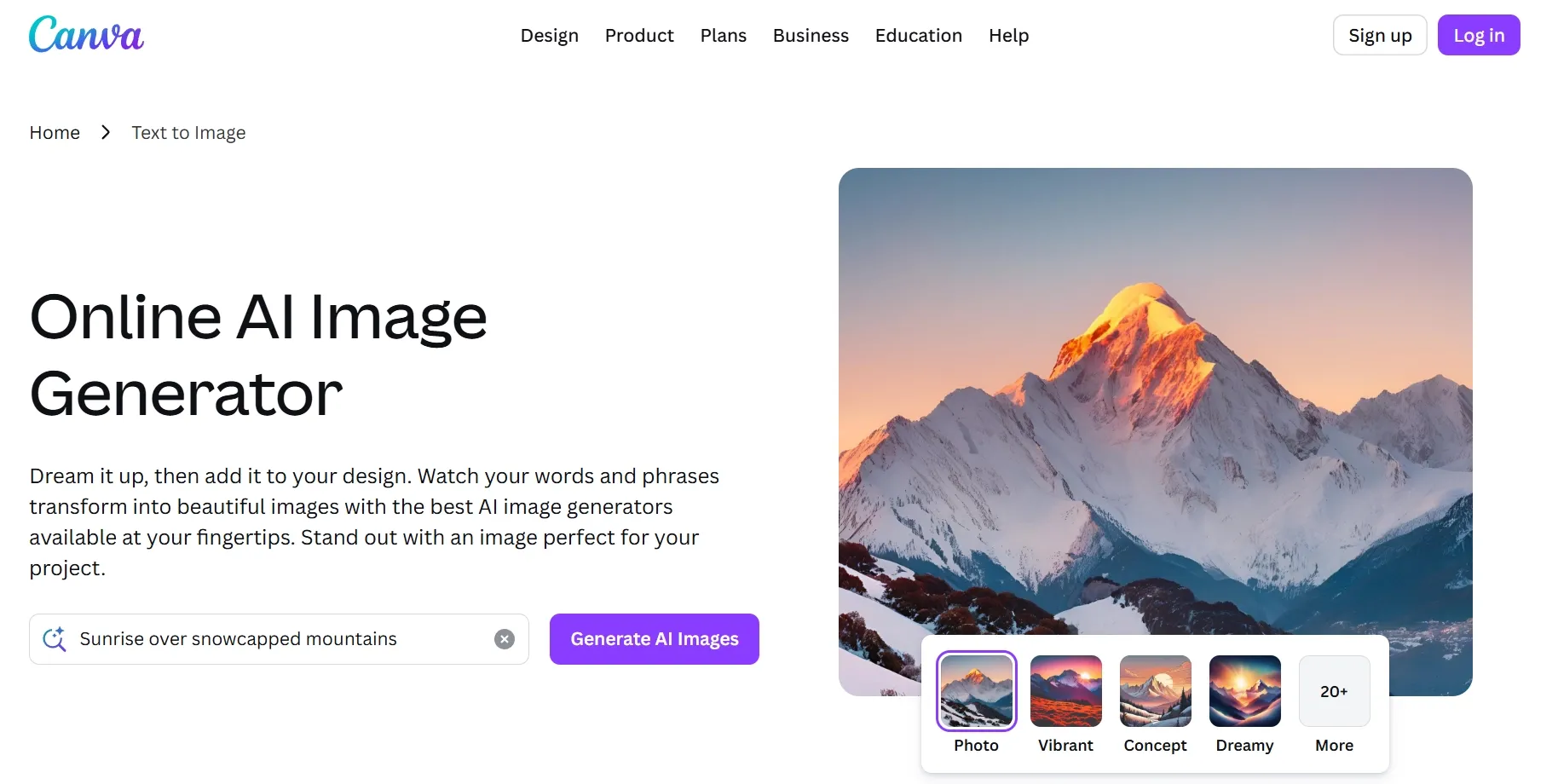
Canva AI is the Bylo AI alternative I would choose when the final image needs to become a designed asset. It is useful for social posts, thumbnails, presentations, banners, and posters.
The AI image tools are helpful, but Canva's real advantage is layout. Templates, brand kits, Magic Edit, and design exports make it easier to turn fresh image ideas into something publishable.
That said, Canva is not my top choice for deep model control. If the generated image is close but needs fine cleanup, Canva can feel more like a design wrapper than a dedicated image refinement tool.
Pros:
- Excellent templates for non-designers.
- Strong for social, business, and education visuals.
- Brand tools help keep layouts consistent.
- Easy to turn an image into a finished design.
Cons:
- Complex image prompts can lose detail.
- AI outputs may feel template-heavy.
- Less flexible for advanced image generation.
My Take
Canva AI is excellent for turning an image into a designed asset. I would not choose it over Pollo AI for deeper AI image generation, but I would choose it for fast branded layouts.
Read our Canva AI image generator review to know more.
5. Pixlr - Best Bylo AI Alternative for Browser Editing
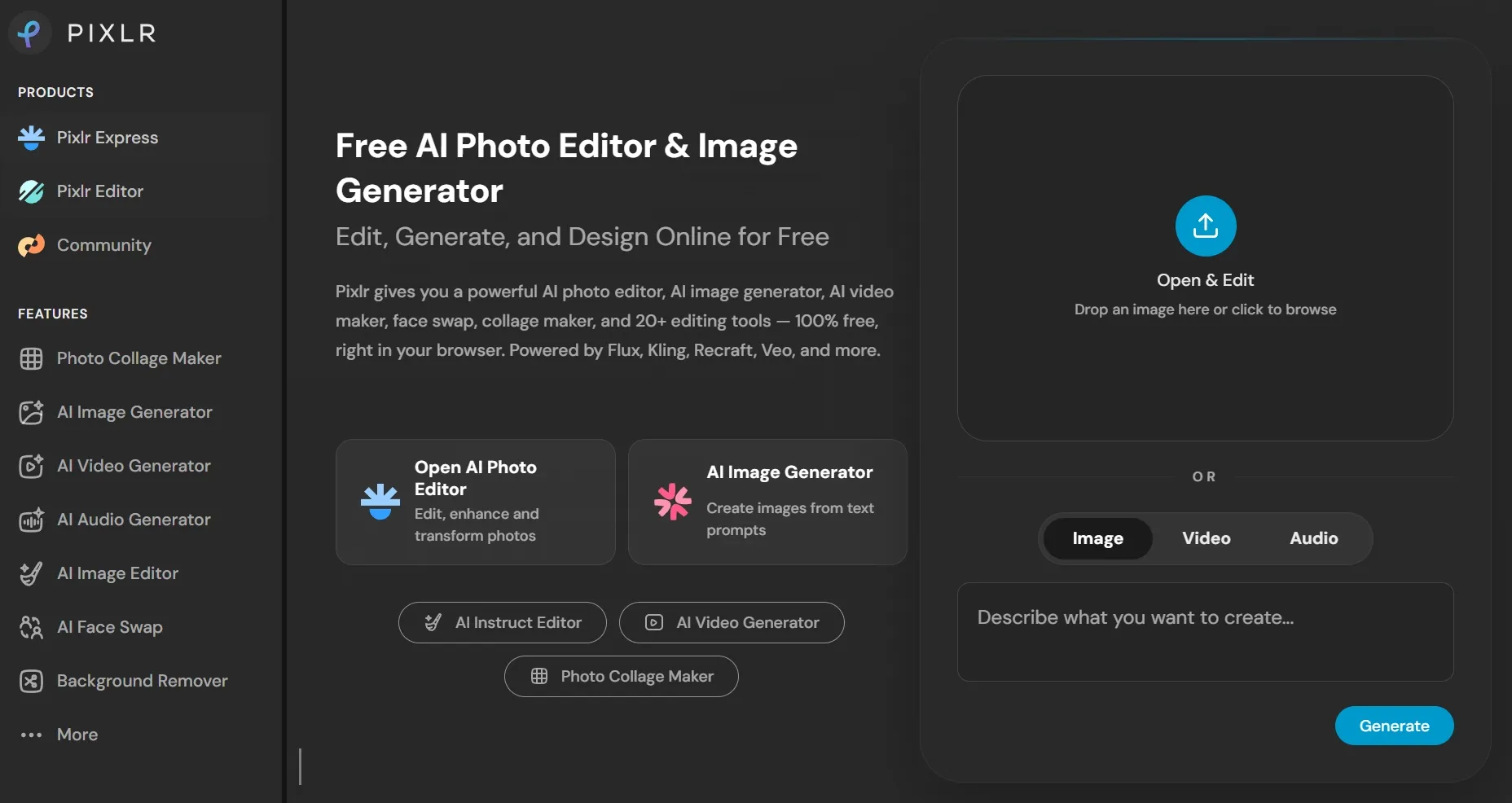
Pixlr is the Bylo AI alternative I would use for quick browser-based image editing. It is useful when I need to adjust, expand, clean up, or redesign an image without opening heavier creative software.
Compared with Bylo AI, Pixlr feels more editor-led. It is better for hands-on fixes, especially when I already have an image and need a fast change, background adjustment, or generative fill.
For AI-first workflows, Pixlr still feels narrower than a dedicated generator platform. It works best when the image already exists and I only need quick edits, expansion, or design cleanup.
Pros:
- Fast browser-based photo editing.
- Useful generative fill and image expansion.
- Familiar editing layout for casual users.
- Good for quick fixes and light design work.
Cons:
- Not as strong for model variety.
- Can feel limited for repeatable campaign visuals.
- AI features are not as deep as specialist tools.
My Take
Pixlr is a good alternative to Bylo AI if editing speed matters more than model depth.
Check our Pixlr AI image generator review for the full notes.
6. Getimg AI - Best Bylo AI Alternative for Canvas Control
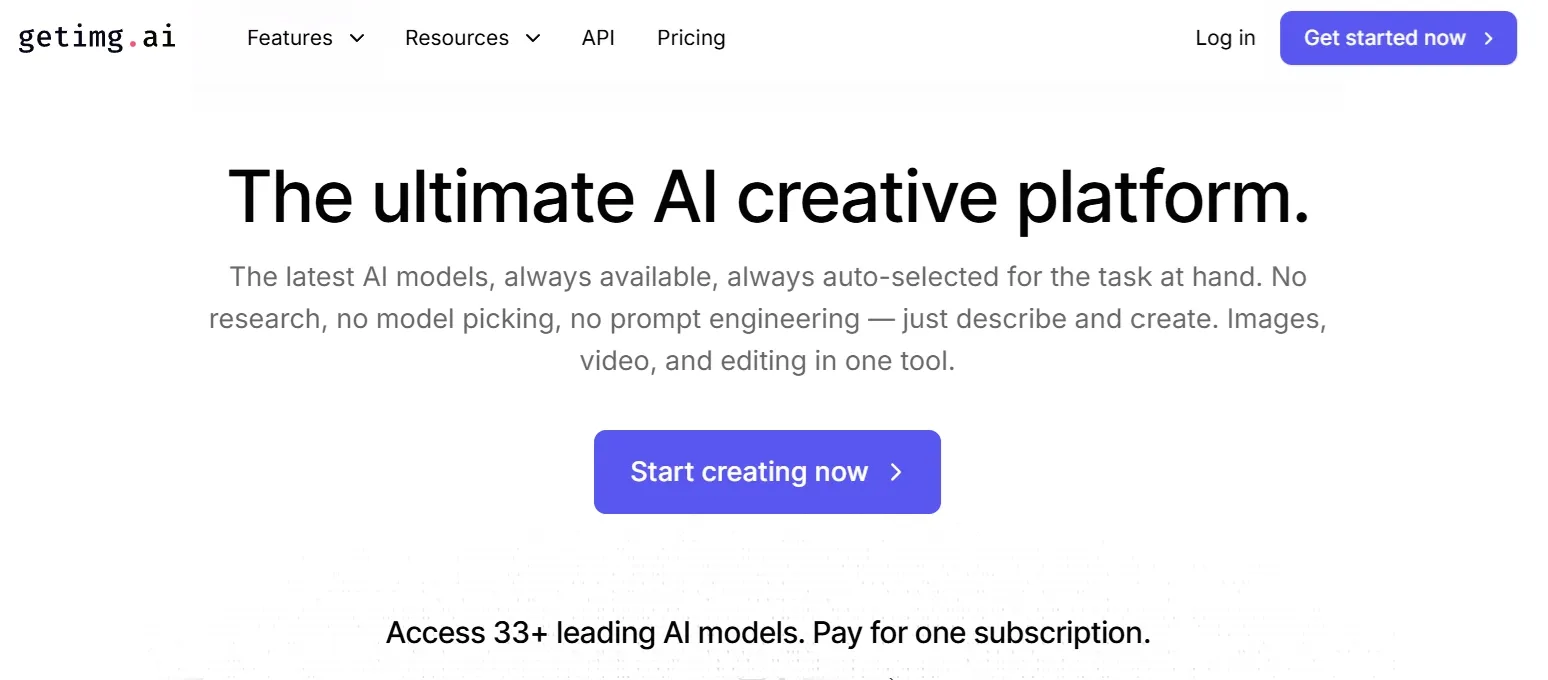
Getimg AI is the Bylo AI alternative I would choose for inpainting, outpainting, and step-by-step image refinement. It gives more hands-on control than a simple text to image generator.
The canvas workflow is its biggest appeal. I could enhance an image, replace weak areas, and reshape a composition instead of treating each output as final.
I would choose Getimg AI when I want to work directly on the canvas. It is less instant than Bylo AI, but it gives more control over specific parts of an image.
Pros:
- Strong for inpainting and outpainting.
- Good for canvas-based refinement.
- Useful for object edits and expansion.
- Better for hands-on AI image creators.
Cons:
- More technical than beginner-friendly tools.
- Failed outputs can burn credits.
- Polished results often take several passes.
My Take
Getimg AI is a good Bylo AI alternative if you enjoy controlling the canvas. I would not call it the easiest option, but it is strong for detailed image refinement.
See our Getimg AI review for more details.
7. Magnific AI - Best Bylo AI Alternative for Image Upscaling
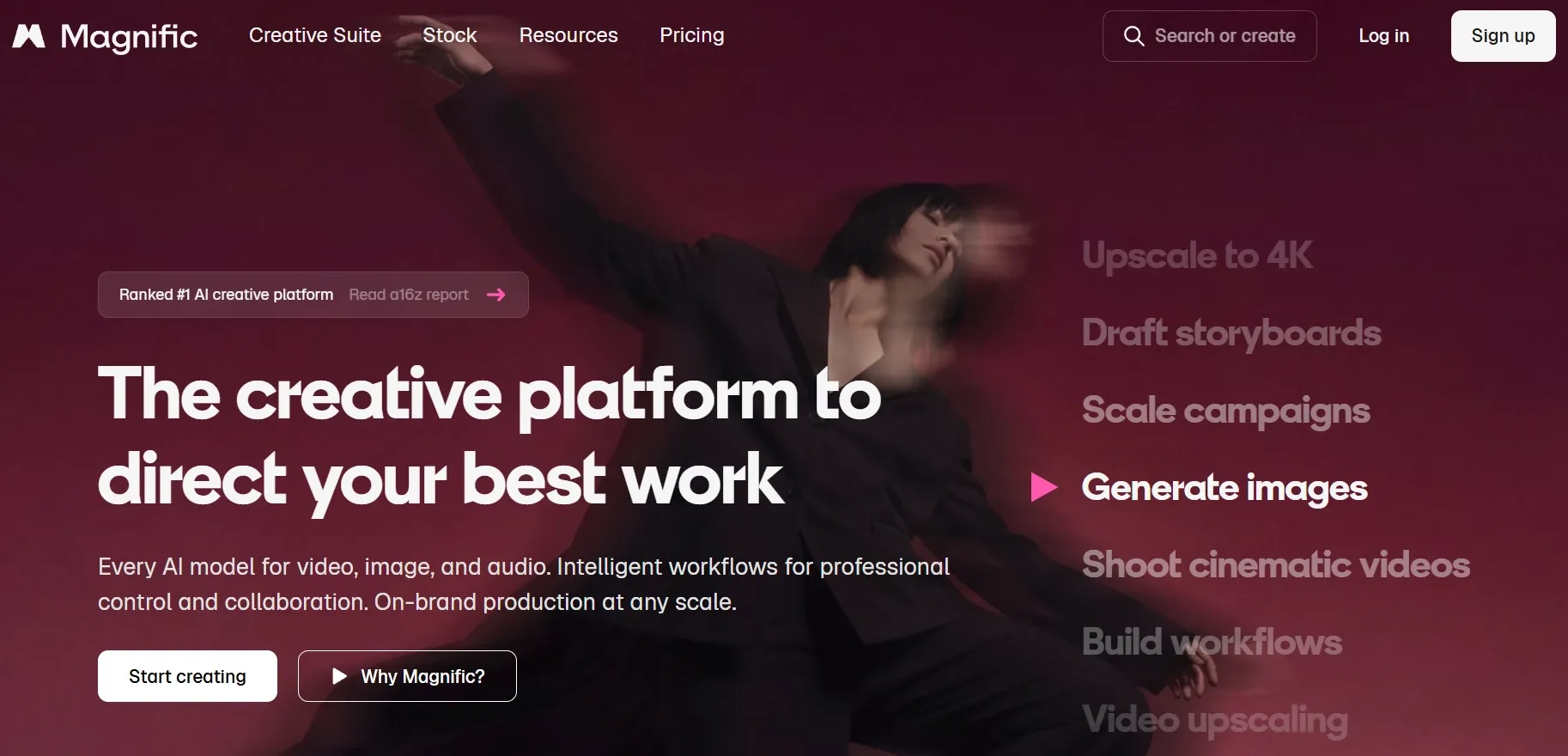
Magnific AI is the Bylo AI alternative I would use when the first image is good, but not sharp enough. It is strongest for upscaling, texture enhancement, and adding believable detail to already-promising visuals.
The practical value is finishing quality. If I have a low-resolution product image, concept frame, or AI-generated visual that feels flat, Magnific can help push it toward a more detailed final asset.
I would not treat Magnific as a full generator replacement. It makes the most sense as a finishing tool after an image already has the right subject, composition, and style.
Pros:
- Strong for upscale and detail enhancement.
- Useful when the base image is already close.
- Helps sharpen texture, clarity, and perceived resolution.
- Good for concept art and product images.
Cons:
- It can amplify flaws in the source image.
- It is not a full replacement for image generation.
- Creative enhancement can change details if settings are pushed too far.
My Take
Magnific AI is a useful Bylo AI alternative when your main problem is resolution and detail, while Pollo AI is stronger for generating, editing, and refining the whole image workflow.
8. Fotor AI - Best Bylo AI Alternative for Casual Creators
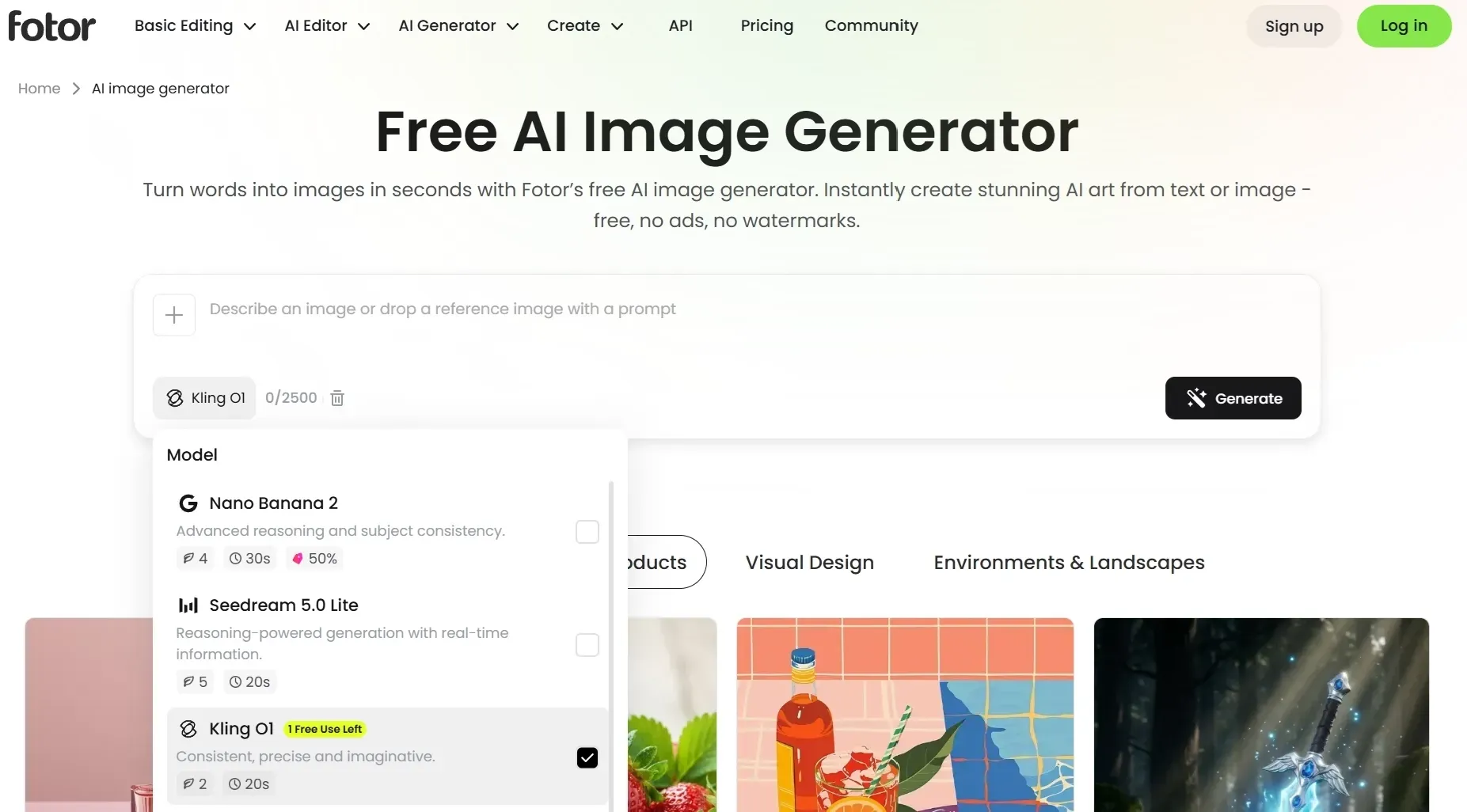
Fotor AI is the Bylo AI alternative I would recommend to beginners. It is friendly for simple AI images, avatars, portraits, style presets, and light editing.
It does not feel as deep as Pollo AI, Firefly, or Leonardo, but that is part of the point. Fotor works when someone wants a quick image without learning models, seeds, or advanced controls.
For portrait and avatar-style work, Fotor is easy to understand. But if the brief requires stricter brand consistency or layered editing after generation, it can start to feel too simple.
Pros:
- Easy for beginners.
- Good for avatars, portraits, and simple images.
- Style presets are approachable.
- Useful for casual content creation.
Cons:
- Not ideal for strict brand consistency.
- Detailed prompts can miss small requirements.
- Some useful features may need credits.
My Take
Fotor AI is a comfortable alternative to Bylo AI for casual image work. I would use it for simple creative needs, not high-control commercial visuals.
Check our Fotor AI image generator review for the full notes.
9. Picsart AI - Best Bylo AI Alternative for Social Image Editing
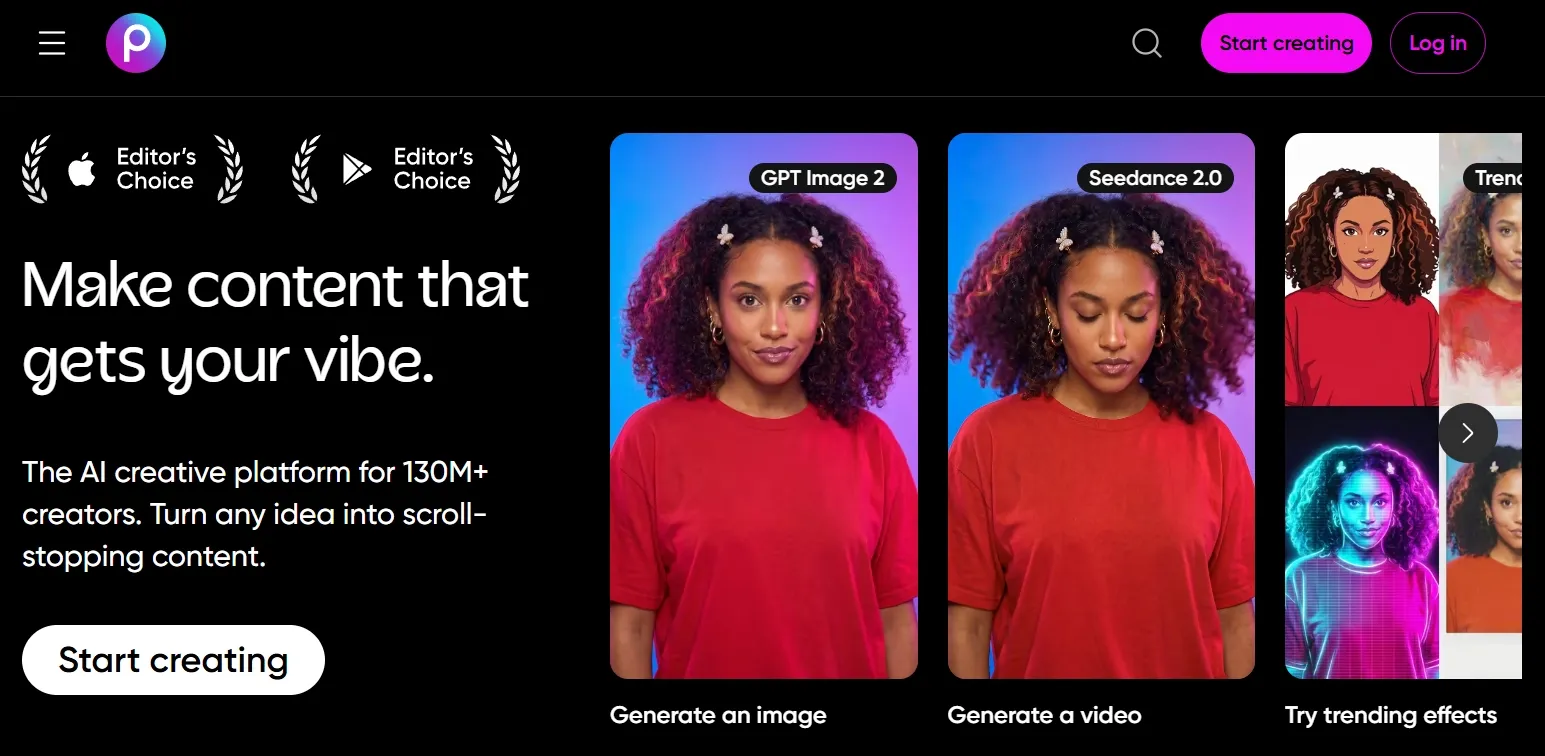
Picsart AI is the Bylo AI alternative I would pick for social-first creative edits. It is good for effects, cutouts, stickers, backgrounds, quick remixes, and mobile-friendly image changes.
The strength is not raw model power. It is the ability to take an image and quickly make it feel more like a shareable social asset.
I would use Picsart when the final destination is a social feed. For stricter product, campaign, or brand images, its remix-first style can feel less controlled.
Pros:
- Strong for social creators.
- Useful cutout, effect, and remix workflows.
- Good mobile-friendly editing feel.
- Easy to make quick visual variations.
Cons:
- Less suitable for high-control image generation.
- Some outputs can feel overly filtered.
- Not my first choice for product or brand consistency.
My Take
Picsart AI is a good Bylo AI alternative when your image needs social energy more than production control.
Read our Picsart AI review to know more.
10. PixAI - Best Bylo AI Alternative for Anime Art
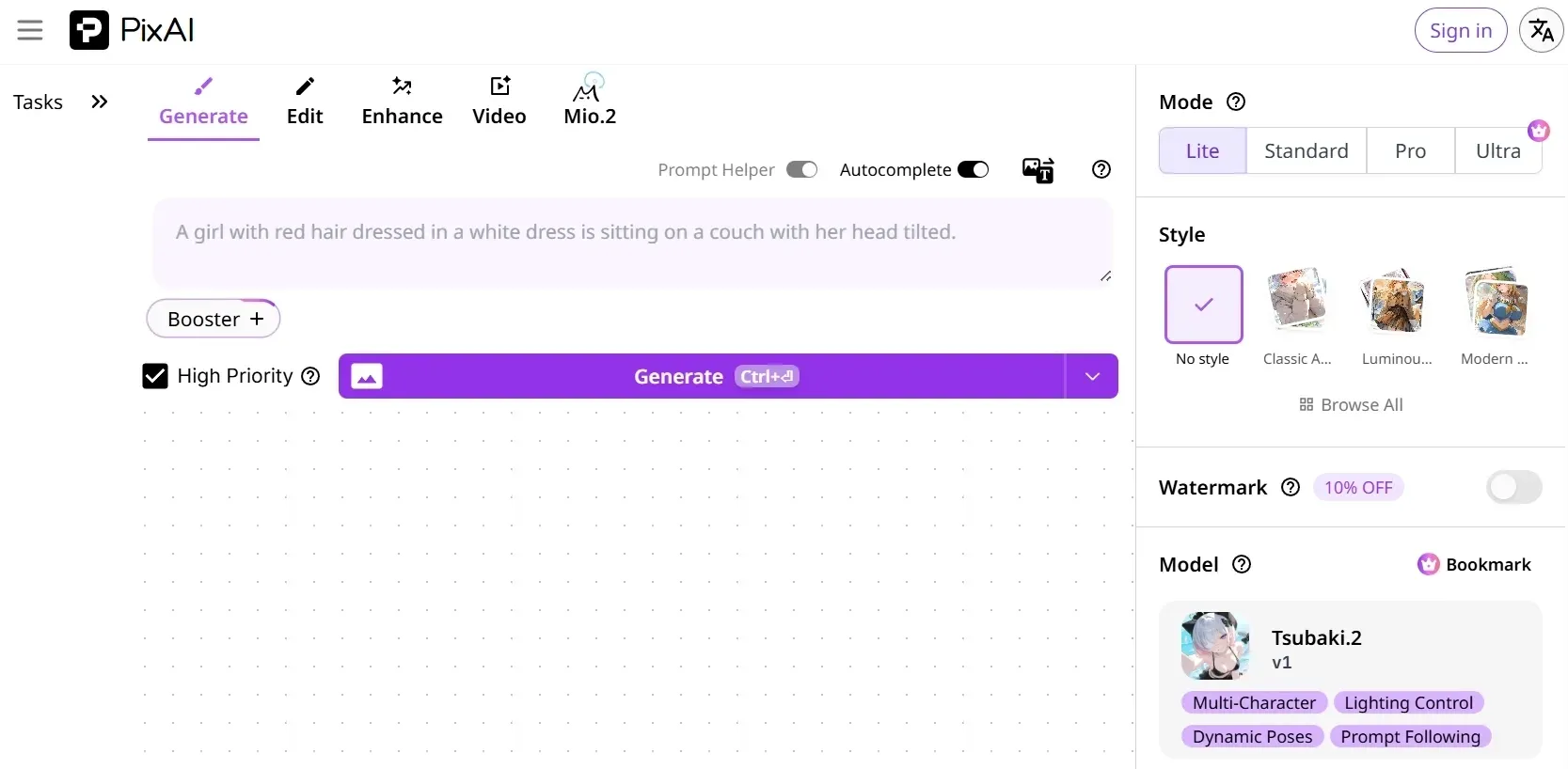
PixAI is the Bylo AI alternative I would choose for anime-style visuals. It is more niche than the other tools here, but it makes sense if your main work involves cartoon characters, anime prompts, and stylized artwork.
The community and style focus are the appeal. PixAI is not trying to be a general business design platform; it is better for people who know they want anime-first output.
I would choose PixAI if anime is the whole point of the project. If I need broader image styles in the same workflow, it becomes too specialized.
Pros:
- Strong anime and 2D style focus.
- Good for character-driven prompts.
- Useful for stylized visual exploration.
- More focused than Bylo AI for anime art.
Cons:
- Too niche for general marketing images.
- Not ideal for photo-real product visuals.
- Style control can still require prompt testing.
My Take
PixAI is easy to recommend if anime is the main use case. If anime is only one style among many, I would choose a broader image platform.
Open our PixAI AI art generator review for more details.
Evaluation Criteria for Bylo AI Alternatives
To ensure an objective and thorough assessment, each tool was ranked based on the following criteria:
- Image-First Performance: Evaluation centered on output quality, prompt adherence, style flexibility, reference support, and the amount of required post-generation manual repair.
- Workflow Efficiency: Consideration was given to ease of use and learning curves. Top-ranked tools minimised "dead ends" and streamlined asset generation.
- Prompt Precision Control: Assessed the tool’s ability to correctly interpret negative prompts and handle complex, layered layout instructions with high fidelity.
- Multi-Model Ecosystem: Evaluated whether the platform offers seamless switching between leading industry models to match diverse project aesthetic requirements.
- Commercial & IP Compliance: Examined copyright safety, pricing transparency, and the availability of high-resolution, watermark-free downloads suitable for professional brand publishing.
Why Pollo AI Ranked First
Pollo AI secured the top spot due to its superior, all-in-one workflow integration. Rather than excelling at just one feature, it consistently delivered across the entire pipeline: combining high-quality AI image generation, precise image to image control, prompt-based editing, and multi-model flexibility within a single platform.
Which Bylo AI Alternative Should You Choose?
The easiest way to choose is not to memorize the full ranking. I would start with the point where Bylo AI feels too limited, then pick the tool that solves that specific problem.
| Use Case | I Would Choose | Why |
| All-in-one creative workflow | Pollo AI | Creative, marketing, and commerce |
| Prompt-based image editing | Pollo AI | Cleanup, restyling, object edits |
| Adobe design workflow | Adobe Firefly | Photoshop and Express integration |
| Concept art direction | Leonardo AI | Characters, props, worlds |
| Social layout design | Canva AI | Templates, brand kits, exports |
| Browser photo editing | Pixlr | Quick edits and generative fill |
| Image refinement | Pollo AI | Inpainting control |
| Upscaling and detail | Magnific AI | Sharper texture and resolution |
| Beginner image creation | Fotor AI | Simple portraits and presets |
| Social remixing | Picsart AI | Effects, cutouts, mobile edits |
| Anime art | PixAI | 2D characters and anime styles |
Extra Note: What If You Need Video Ads After the Image?
I did not use video or campaign production as the primary reason for ranking Pollo AI above Bylo AI. Bylo AI is an image tool, so the fair comparison is image generation and image editing.
But after careful comparison, Pollo AI's broader creative workflow is still worth mentioning as an extra extension. Once an image is ready, you can head to Marketing Studio to turn polished visuals into ad creatives, product demos, and UGC-style ads.
Final Verdict
Bylo AI is still useful. But for a stronger image-first upgrade, I would pick Pollo AI. It handles the full image workflow better than the rest. Start with the AI image generator, refine the best result with the AI photo editor, and use the specialized generators when you need a visual built for a real scenario instead of another one-off experiment.
That difference matters most when the image has a real job. For product visuals, social images, and ad-ready campaign assets, I felt Pollo AI gave me a cleaner path from rough idea to usable final image.
Pollo AI also gives me broader model choice and scenario-based studio workflow that feels better suited to polished ads, product visuals, posters, and social images.
If you want a Bylo AI alternative that can help you handle everything from generation to editing to campaign-ready visuals, try Pollo AI today to streamline your workflow instantly.