



ImagineArt vs OpenArt: Which Is Better for AI Image Creation?
Need to automate a complex image pipeline or simply make a sharp edit fast? ImagineArt and OpenArt solve the same creative pressure in very different ways.
ImagineArt vs OpenArt: TL;DR
| Comparison | ImagineArt | OpenArt |
|---|---|---|
| Main approach | Modular image workflows | Direct generation and editing |
| Best for | Teams building repeatable pipelines | Artists and character creators |
| Model examples | GPT Image 2, Flux.2 Pro, Midjourney V7 | GPT Image 2, Nano Banana Pro, Seedream 5 |
| Editing style | Canvas and connected workflow nodes | Prompts, area selection, and annotations |
| Character consistency | References and reusable assets | Dedicated character training |
| Batch production | Strong workflow automation | Fast parallel generations |
| Maximum resolution | Up to 4K on supported models | Up to 4K through editing tools |
| Free access | 100 daily credits | Free starter credits |
| Starting price | $13/month | $14/month |
| Quick take | Better for custom production systems | Better for quick, direct creation |
ImagineArt fits creators who want to build and reuse a detailed image creation process. OpenArt feels more natural for fast generation, focused edits, and recurring characters.
For users who want both less manual setup and more polished image output, Pollo AI offers a third route. It combines guided image creation, advanced model choice, batch editing, and practical image workflows in one place.
What Is ImagineArt?
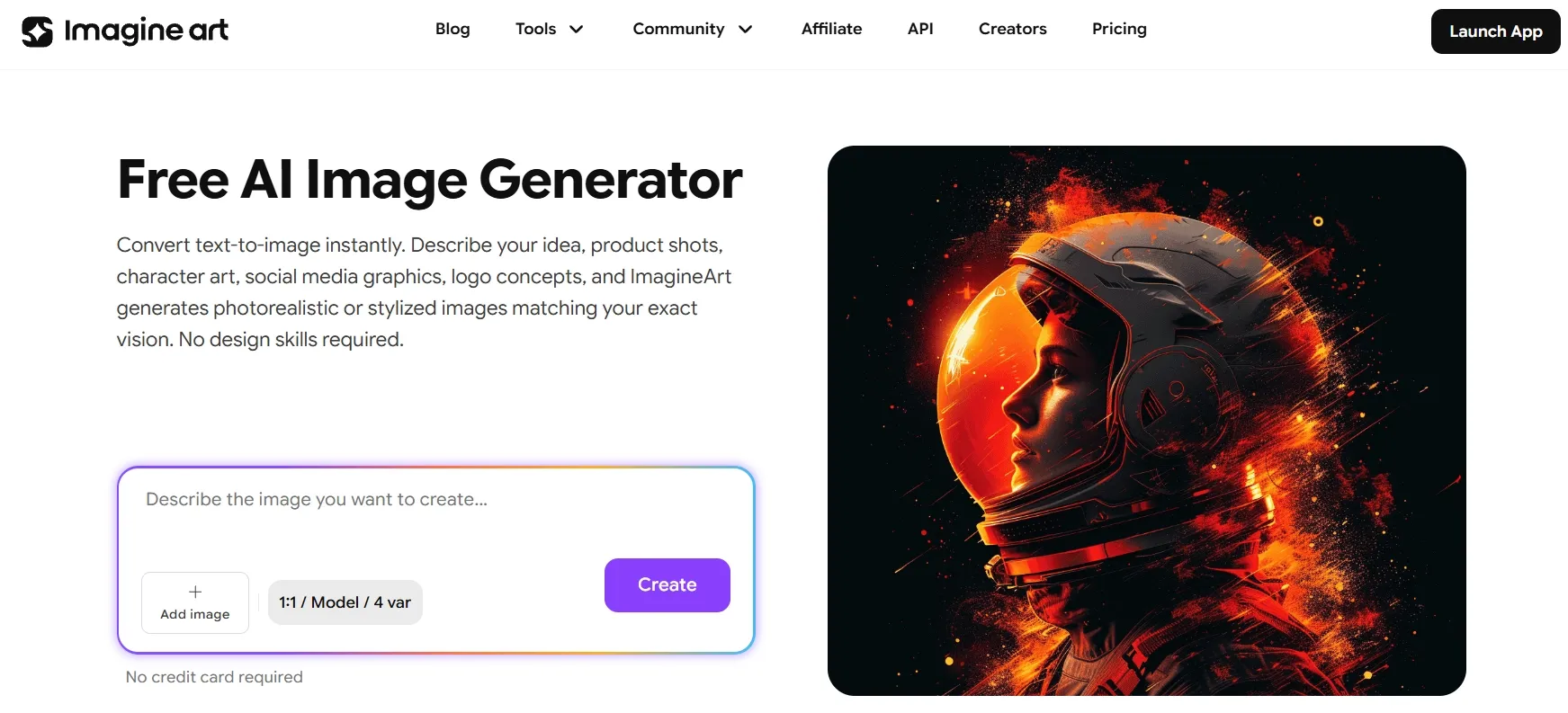
ImagineArt works like a modular digital studio. It brings image generation, editing, upscaling, reusable assets, brand kits, and connected workflows into one workspace.
Users can access includes more than 30 models in its image generator, such as GPT Image 2 and Midjourney V7. Beyond creating one AI image at a time, users can connect several steps and save the process for later. A team can then run new inputs through the same setup to produce related campaign assets, including multiple image ads.
For a deeper look at its strengths and limits, read this hands-on ImagineArt review.
What Is OpenArt?
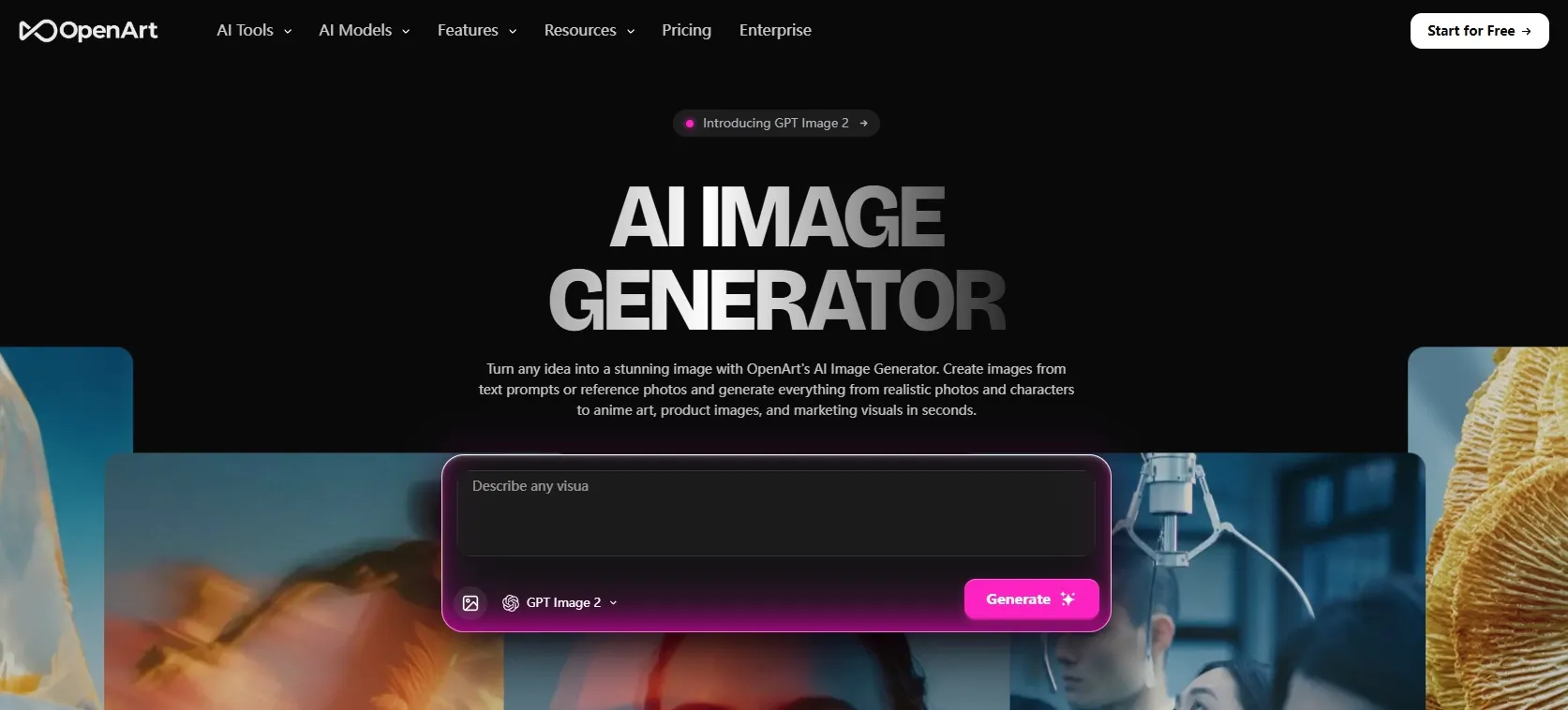
OpenArt takes a more direct approach. Users can begin with a prompt or reference image, pick a model, generate variations, and continue editing without building a visual pipeline.
Its model selection includes Nano Banana Pro and Seedream 5.0. Once an image is ready, users can edit selected areas, mark changes with arrows or shapes, upscale the result, or train a recurring character. These options make OpenArt appealing for comic strips and detailed manga artwork, where the same character may appear in different scenes.
The Big Split: ImagineArt's Built Workflows vs OpenArt's Direct Creation
More Models or a Faster Way In
ImagineArt puts model variety and configuration front and center. Creators can move between more than 30 image models, including Nano Banana 2 and Ideogram V4. They can also control references, resolution, and the steps each image passes through.
OpenArt provides plenty of choice as well, but the starting process is lighter. Users select a model, add a prompt or reference, and generate without first arranging a larger workflow.
Best fit: ImagineArt suits creators who want to build a reusable production system, while OpenArt feels quicker for testing visual ideas such as movie poster concepts.
Build the Pipeline Editor or Describe the Edit
ImagineArt treats image editing as part of a connected production process. A user can link generation, editing, upscaling, and export steps, then run the same sequence again with new material. The initial setup takes longer, but it can save time on recurring work.
OpenArt keeps each edit more immediate. Users can describe the change, select one area, or mark the image with arrows and shapes. The AI then follows that direction without requiring a full workflow.
Best fit: ImagineArt suits multi-step automation. OpenArt works better when a creator needs to quickly replace a selected part of an image.
Keeping Characters and Products on Track
ImagineArt helps teams organize a wider visual system. References, reusable assets, and brand kits can carry colors, logos, product visuals, and creative direction across a campaign.
OpenArt focuses more closely on recurring characters. After training a character, users can place that identity into new poses, expressions, and settings. This removes some of the repeated work involved in rebuilding the same person.
Best fit: OpenArt suits projects that need the same character in new poses and scenes. ImagineArt is better for organizing products, brand assets, and recreated product images across a wider campaign.
From One Image to Repeatable Output
Teams can scale image production by automating repeated steps or generating more options at once.
ImagineArt focuses on automated image creation workflow. Users can save a sequence of generation, editing, upscaling, and export steps, then run new images through the same process.
OpenArt emphasizes parallel creation, helping users test more concepts or character variations at once. For sellers who instead need ready-made product listing images, a focused workflow can create main shots, close-ups, and lifestyle scenes from one product image.
Best fit: ImagineArt suits repeatable production pipelines. OpenArt is better for exploring many visual directions quickly.
Which One Is Better for Different Use Cases?
| Use case | Better choice | Why |
|---|---|---|
| Automated campaign pipelines | ImagineArt | Connect and reuse several steps |
| Quick prompt-based edits | OpenArt | Less setup before editing |
| Recurring characters | OpenArt | Dedicated character training |
| Batch image transformations | ImagineArt | Strong node-based automation |
| Multi-model experimentation | Both | Broad model choice |
ImagineArt suits teams that already know how their production process should run. Once that process is built, it can handle similar projects more efficiently.
OpenArt better serves artists who want to generate, edit, and explore without designing a process first. Its lighter setup makes it easier to move quickly from one idea to the next.
However, neither approach suits every user. Some teams want repeatable output without building a node graph, while others want more guidance than a collection of individual tools provides.
Take Image Creation Beyond One Workflow
Create, revise, and scale polished visuals with Pollo AI.
Create AI Images Free
ImagineArt vs OpenArt Pricing
| Plan | ImagineArt | OpenArt |
|---|---|---|
| Free | 100 daily credits | Free starter credits |
| Starter | $13; 3,000 credits | $14; 4,000 credits |
| Mid-tier | $30; 8,000 credits | $34; 12,000 credits |
| Higher tier | $50; 16,000 credits | $56; 24,000 credits |
| Top tier | $250; 100,000 credits | $240; 106,000 credits |
OpenArt includes more credits at each comparable paid level. That does not automatically make every project cheaper, though. Model choice, image settings, edits, and the number of connected steps all affect the cost of a finished asset.
For ImagineArt users, one project may run through several paid workflow steps. OpenArt users may instead spend more credits generating and refining individual variations. The better value depends on how the images are produced.
Pollo AI: Let Your Idea Lead Image Creation
Keep the Creative Direction Connected With Pollo Agent
Pollo Agent can start from a brief, reference image, product link, or existing asset. It interprets the goal, creates the required visuals, and keeps the same direction in place as the project develops.
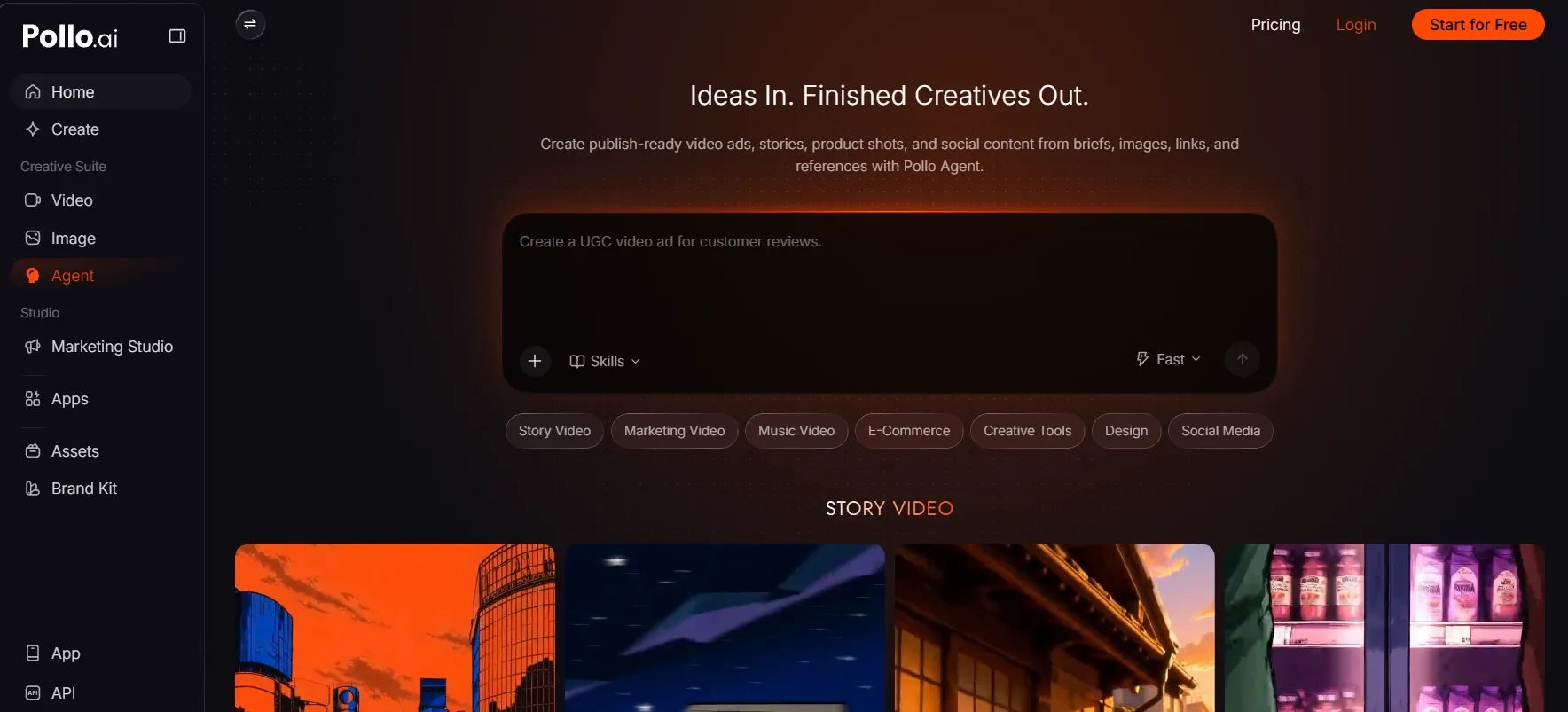
Because the context stays connected, users can request changes without restarting. A marketer might ask for a stronger hero image, refine its campaign angle, and then create matching supporting assets. A seller can explore several product looks for A+ content while keeping the item and brand mood recognizable.
For lighter image tasks, Pollo AI’s chat to image provides a similar conversational experience. Users can create an image, respond to the result, and continue refining it through natural instructions.
Restyle and Refine Without Rebuilding the Workflow
Not every project needs a complex pipeline. Sometimes the starting image is already useful and only needs a new direction.
Pollo AI’s image to image can develop a sketch, product photo, or early concept into fresh variations while preserving the important parts of the source.
When several images need the same treatment, its AI photo editor can apply consistent changes across a full batch. This helps teams keep lighting, backgrounds, colors, and style aligned without repeating the same edit file by file.
Choose the Model Without Changing Platforms
Different briefs call for different image strengths. One may need precise text and detailed instructions, while another depends more on flexible visual editing.
Pollo AI keeps those industry-leading models inside the same workflow. Creators can move between AI image models like GPT Image 2 and Imagen 4 according to the task, without rebuilding the project around another platform.
Final Verdict: ImagineArt vs OpenArt
ImagineArt is the better fit for teams that want reusable, multi-step image pipelines. Its visual workflows, batch processing, and reusable apps provide deeper automation once the initial system is in place.
OpenArt suits creators who prefer direct generation and editing. Its visual annotations, character training, and lighter setup make quick experimentation feel more natural.
Pollo AI offers a more guided route between those two approaches. Pollo Agent keeps the project context connected, while conversational creation, image-to-image transformation, batch editing, and flexible model access help users move from a brief to finished visual assets with less setup.
FAQs
Is ImagineArt better for connected image workflows?
Yes, ImagineArt is the stronger option for connected image workflows. Its visual canvas can link generation, editing, upscaling, and export steps into a process that teams can save and reuse.
Is OpenArt better for quick local edits?
OpenArt makes focused changes easier. Users can write an instruction, select the relevant area, or annotate the image without building a full workflow first.
Which platform is better for character-driven projects?
OpenArt is better for character-driven projects, it provides dedicated character training for repeated poses, expressions, and scenes. ImagineArt is better suited to wider campaigns that combine several kinds of brand assets.
Will the same AI model give identical results on both platforms?
Not necessarily. Even when ImagineArt and OpenArt support the same model, their default settings, prompt handling, reference controls, and editing tools can shape the final result differently.
When does Pollo AI make more sense?
Pollo AI is useful when a user wants guided creation and connected revisions without building a detailed node workflow. It also provides batch editing and many top-tier image models like GPT 2, Seedream 5.0 Pro, within the same process.