



Best 10 ImagineArt Alternatives for AI Image Generation I’ve Used
ImagineArt is helpful if you want a broad AI creative platform for quick visual experiments. It can handle many creative tasks in one place, but I found that its workflow may not be sufficient if I need deeper editing, more consistent output quality, or greater control.
In this article, I tested 10 ImagineArt alternatives to see which tools work better for usable images and design-ready outputs.
TL;DR: What Is the Best ImagineArt Alternative?
Pollo AI is the best ImagineArt alternative overall. It gives me the strongest balance of image generation, editing depth, and practical workflow value.
Fotor and Picsart fit quick edits and social graphics. Leonardo AI, SeaArt, NightCafe, Getimg AI, and Gencraft offer richer paths for art or concept exploration. Craiyon and Bing AI work better for simple, low-pressure image experiments.
Why Look for ImagineArt Alternatives?
ImagineArt has a clear appeal because it gives me a wide creative toolkit. I could explore several image creation modes without moving between platforms.
But the tradeoff became clearer when I moved beyond quick experiments. When I needed the tool to follow detailed prompts, keep character details consistent, or reach a usable result without repeated attempts, the workflow felt less predictable.
I’m not alone. Some users on Trustpilot say finding the right workflow takes tutorials and trial and error. Others report inconsistent results or spending credits before reaching a usable image.
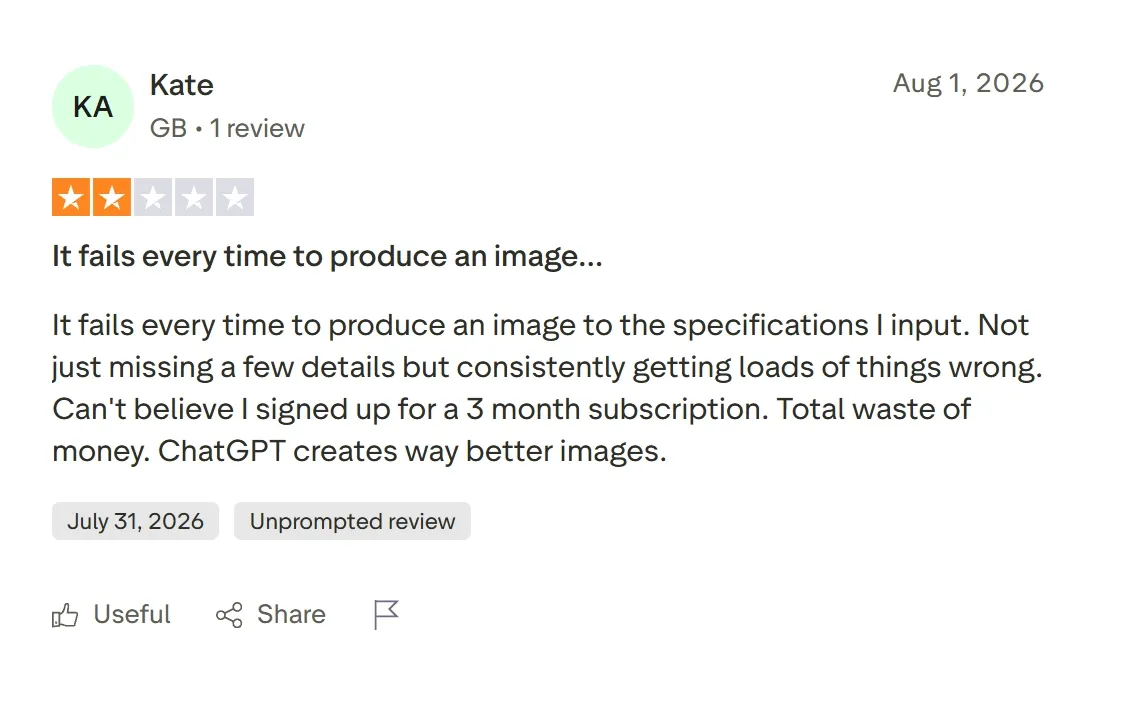
That is why I started comparing ImagineArt alternatives that offer clearer creative control, more dependable results, and a smoother path from prompt to finished image.
10 Best ImagineArt Alternatives at a Glance
| Alternatives | Best For | Pricing |
|---|---|---|
| Pollo AI | Marketers, creators, and sellers that need design-ready images and broader creative workflows | Pricing starts at $15/month |
| Fotor AI | Everyday creators that need quick edits, portraits, and simple design visuals | Pricing starts at $8.99/month |
| Picsart AI | Social media creators that need AI images plus casual editing tools | Pricing starts at $15/mo |
| Leonardo AI | Artists and game creators that need concept art and polished creative images | Pricing starts at $12/month |
| Getimg AI | AI creators that need multi-style image generation and model flexibility | Pricing starts at $10/month |
| SeaArt AI | Anime fans and stylized art creators that need character-heavy images | Pricing starts at $5.99/month |
| Gencraft AI | Casual creators that need fast creative image ideas and avatar-style visuals | Pricing starts at $7.99/month |
| NightCafe AI | Community-focused artists that want challenges, styles, and AI art sharing | Pricing starts at $5.99/month |
| Craiyon AI | Beginners that need simple AI image experiments from text prompts | Pricing starts at $12/month |
| Bing AI | Casual users that need quick AI images through a Microsoft account | Free with a Microsoft account |
Pollo AI: Best ImagineArt Alternative Overall
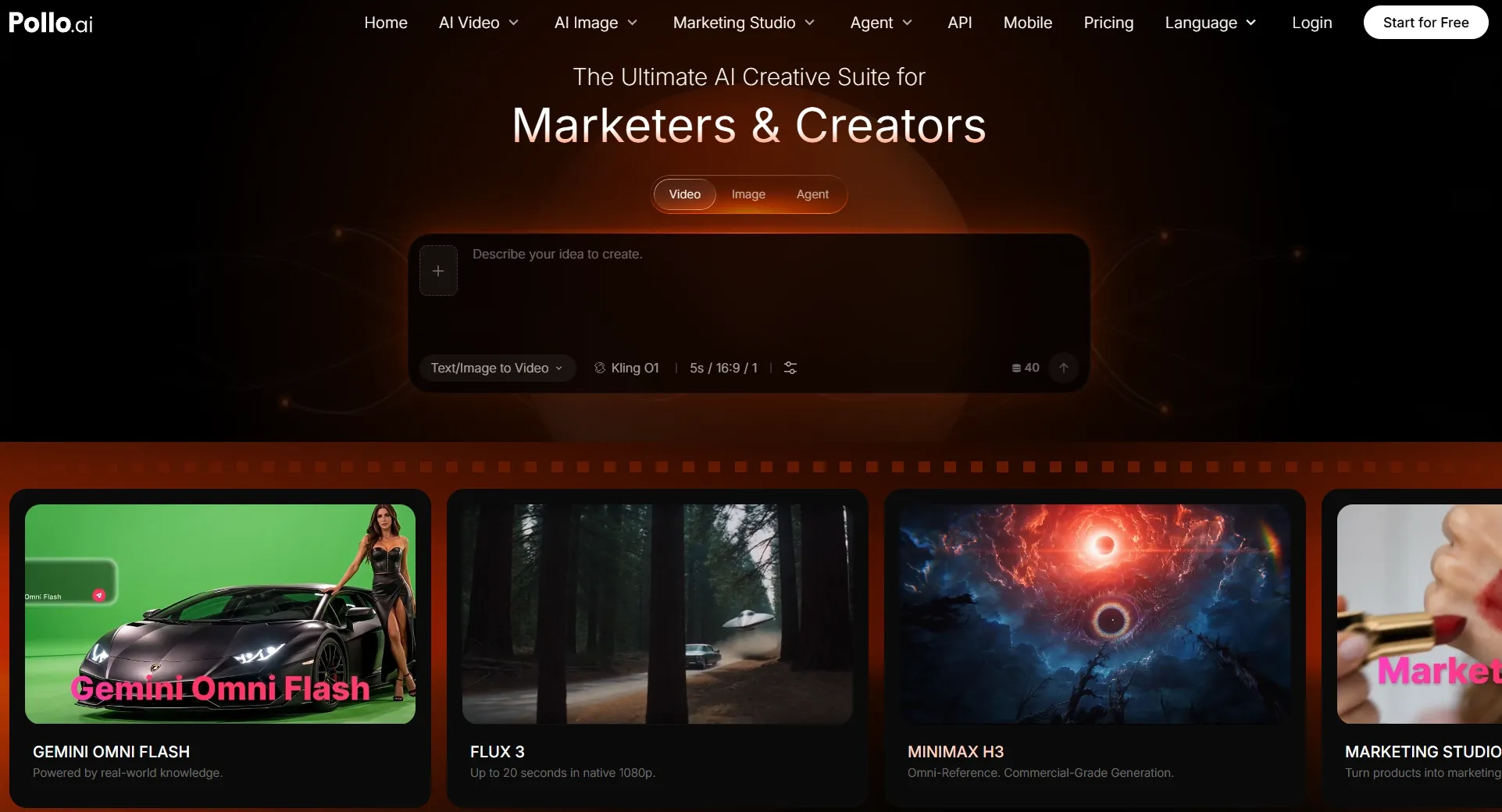
Pollo AI is my top ImagineArt alternative because it gives me a more complete AI image workflow, not just another place to generate pictures from prompts.
What makes Pollo AI stand out is its creative range. I can generate from text or references, explore top models such as GPT Image 2 and Nano Banana 2, and refine the result with built-in tools.
That breadth makes Pollo AI more flexible than single-purpose tools. I can move from realistic portraits and product visuals to anime art, branded graphics, and social images while matching each output to its project.
The editing workflow is another reason I prefer it. If an image needs a cleaner background, a different style, object removal, or relighting, I do not have to restart the whole idea from scratch. I can keep improving the image inside the same creative environment.
Key Features
- Flexible image generation: Create images from text or image references for portraits, products, concepts, social visuals, and creative artwork.
- Multiple visual styles: Explore realistic, anime, artistic, branded, commercial, and character-based image directions in one platform.
- AI photo editor: Refine images by changing styles, removing objects, adjusting backgrounds, or improving details without starting over.
- Specialized image generators: Use focused tools for different image types, from avatars and posters to anime, characters, and commercial visuals.
- Marketing Studio: Turn product ideas and assets into polished, sales-ready visuals that showcase value clearly and help shoppers buy with confidence.
Best For
- Creators who want to generate and refine different image styles in one place.
- Marketers who need campaign visuals, ad concepts, posters, and branded graphics.
- E-commerce sellers who need product images, AI model visuals, and commercial assets.
- Design teams that need faster drafts, polished visuals, and post-generation editing tools.
Pros:
- More complete than basic image generators because it covers generation, editing, and commercial visual creation.
- Strong creative range for portraits, anime images, product visuals, posters, and branded graphics.
- Useful post-generation tools help improve near-good images instead of restarting from scratch.
Cons:
- More tools to explore than a simple prompt-to-image generator.
- Some detailed outputs may need regeneration when faces, hands, text, or product details must be exact.
- Advanced workflows take practice if users want to combine image generation, editing, and Commerce Studio features.
Turn Every Idea Into Usable Creative Work
Create and refine polished visuals for creative, marketing, and product needs in one place.
Try Pollo AI for Free
Fotor AI: Best ImagineArt Alternative for Quick Edits and Everyday Image Creation
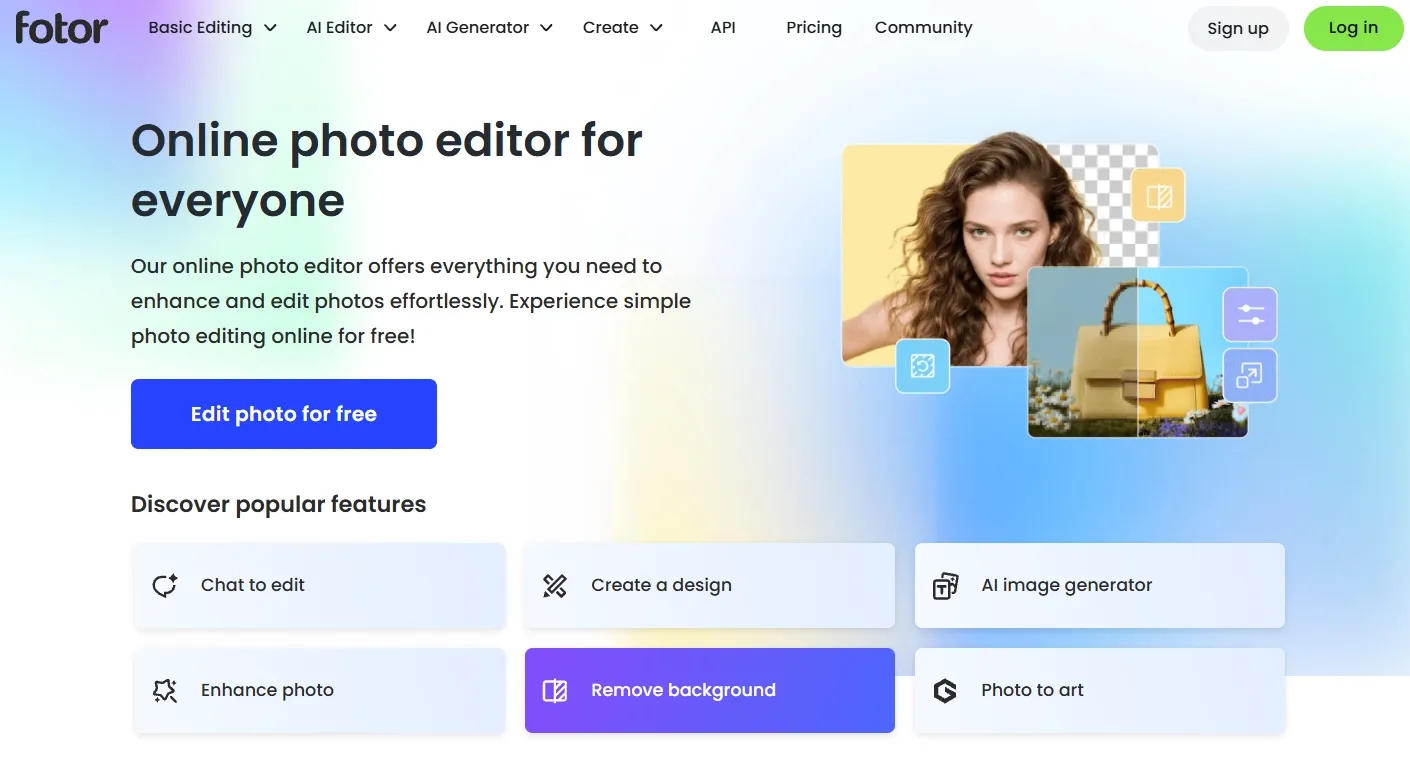
Fotor fits users who want AI generation to sit close to familiar photo editing tools. It feels more like a quick visual workspace than a deep AI art lab.
I found it most useful for profile images, social graphics, and simple promotions. I could move from generation to cleanup quickly when speed mattered more than precise art direction.
Editing is the main reason I would consider Fotor. After generating or uploading an image, I can retouch, enhance, remove backgrounds, and make quick adjustments without moving to another workspace.
But the editor could only compensate so much when the generation missed my brief. Detailed compositions, exact object placement, and consistent variations sometimes required more prompting and cleanup than I expected.
Read our Fortor review to know more about its features.
Key Features
- AI image generation: Create prompt-based visuals for social posts, portraits, and simple design ideas.
- Photo editing tools: Clean up images with retouching, background tools, and enhancement options.
- Template library: Build quick graphics without starting every design from a blank canvas.
- AI portrait tools: Create or polish portraits for profiles, branding, and personal visuals.
Best For
- Solo creators who need fast social graphics and simple visual edits.
- Small business owners who want quick posters, profile images, or promotional visuals.
- Bloggers who need lightweight image creation and retouching.
- Beginners who prefer a simple editing-first experience.
Pros:
- Easy to learn for users already familiar with photo editors.
- Quick editing tools help polish generated or uploaded images.
- Useful for portraits and everyday visuals without a heavy workflow.
Cons:
- Detailed prompts may need several attempts.
- Fewer model options leave less room to match different visual directions.
Picsart AI: Best ImagineArt Alternative for Social Visuals
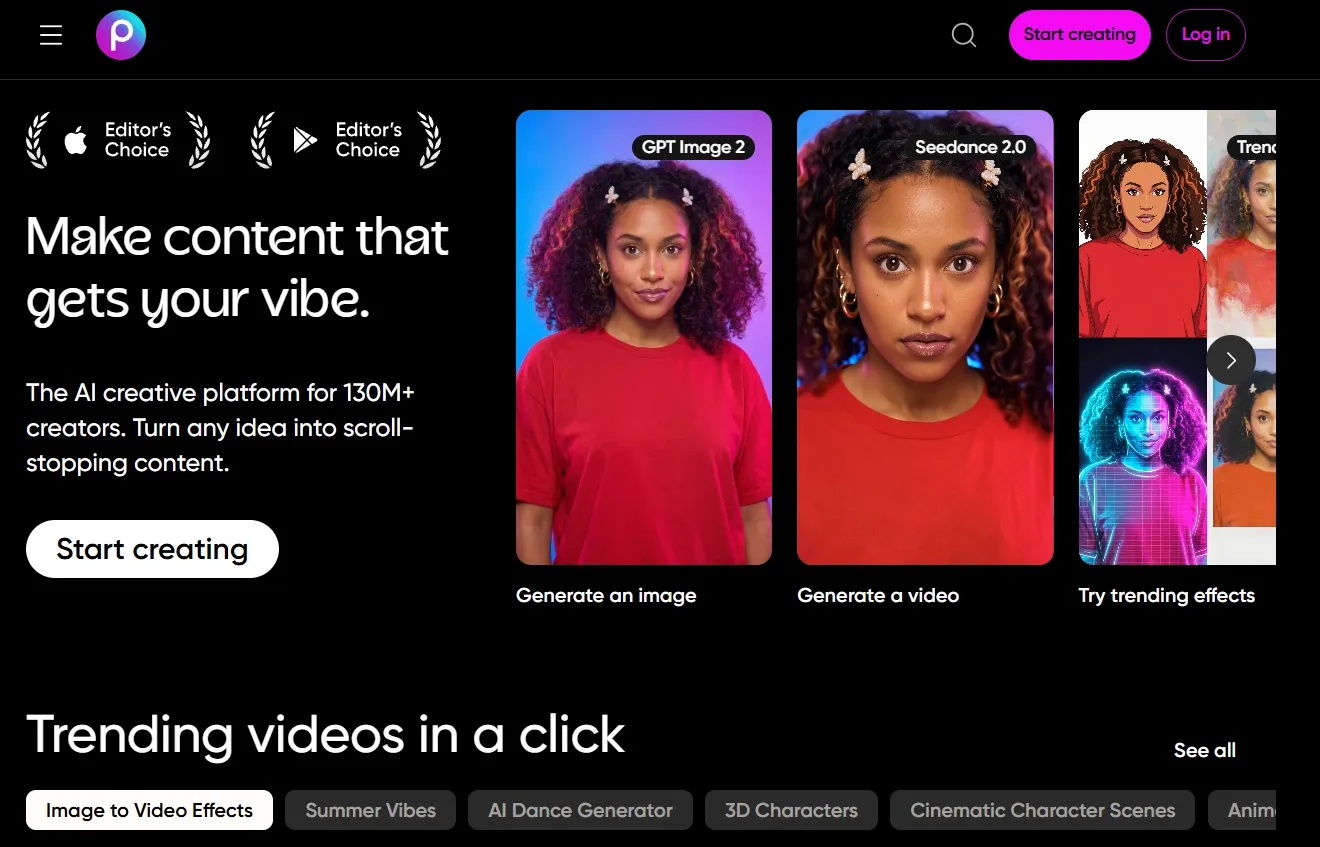
Picsart works best when AI images need to become social-ready graphics quickly. It combines generation with the kind of editing tools many creators already expect from a mobile-friendly design app.
Social formats are where Picsart AI feels most natural. I could generate an Instagram post or YouTube thumbnail, then reshape it with text, effects, stickers, and other design elements.
What impressed me was how readily a generated image could become a finished social asset inside the same editor. That practical transition matters more than generation alone.
The experience became less direct when I wanted tighter control. Its large collection of effects, templates, and design elements could distract from precise generation, while keeping related visuals aligned required more manual adjustments.
Check out our Picsart review for more details about the tool.
Key Features
- Text-to-image generation: Create AI visuals from prompts for social and design use.
- Photo editor: Edit generated visuals with a broad set of creative tools.
- Design templates: Build posts, banners, and graphics faster.
- AI tools: Use image generation, background tools, and creative effects in one editor.
- Community assets: Add stickers, fonts, shapes, and stock-style elements to designs.
Best For
- Social media creators who need images, edits, and post-ready graphics.
- Influencers who want quick backgrounds, thumbnails, and profile visuals.
- Small brands that need casual campaign graphics.
- Mobile-first users who prefer editing on the go.
Pros:
- Social editing workflow works well for quick post creation.
- A large creative asset library includes stickers, fonts, templates, and effects.
- Easy for casual creators who want generation and editing together.
Cons:
- The feature-rich editor can feel crowded during focused image generation.
- Subjects and styles may shift when creating several related visuals.
- Fine details often need manual cleanup before an image feels complete.
Leonardo AI: Best ImagineArt Alternative for Concept Art
Leonardo AI suits creators who care about art direction, worldbuilding, and polished visual concepts. Its workspace feels more deliberate than many casual prompt tools.
I got the most dependable results from fantasy art, game-style characters, environments, and cinematic concepts. When I needed a moodboard or early concept with a defined visual direction, Leonardo AI gave me useful starting material.
Its variation controls also gave me more room to develop characters, compare styles, or shape early visuals for games, stories, and creative pitches.
That creative control came with a steeper learning curve. Comparing models, adjusting settings, and monitoring token use slowed smaller projects, while promising concepts sometimes needed another finishing step before I could use them.
See our Leonardo AI review to explore its capabilities further.
Key Features
- Concept art generation: Create characters, environments, props, and visual ideas for creative projects.
- Model and style options: Explore different looks for game, fantasy, cinematic, or realistic images.
- Canvas-style workflow: Refine ideas visually instead of only relying on prompt changes.
- Token-based plans: Use monthly tokens to manage generation volume.
- Creative asset support: Build inspiration images, design drafts, and visual directions.
Best For
- Game creators who need characters, worlds, and prop concepts.
- Artists who want polished fantasy, cinematic, or stylized images.
- Designers who need early visual exploration for creative pitches.
- Story creators who need scene concepts and character looks.
Pros:
- Concept art quality works well for fantasy, games, and stylized visuals.
- Style control helps creators shape a clearer visual direction.
- Creative iteration is useful for exploring scenes, characters, and worlds.
Cons:
- The range of models and settings takes time to understand.
- Testing numerous variations can consume tokens faster than expected.
- Concept images may need additional tools for final refinement.
Getimg AI: Best ImagineArt Alternative for Multi-Style AI Image Creation
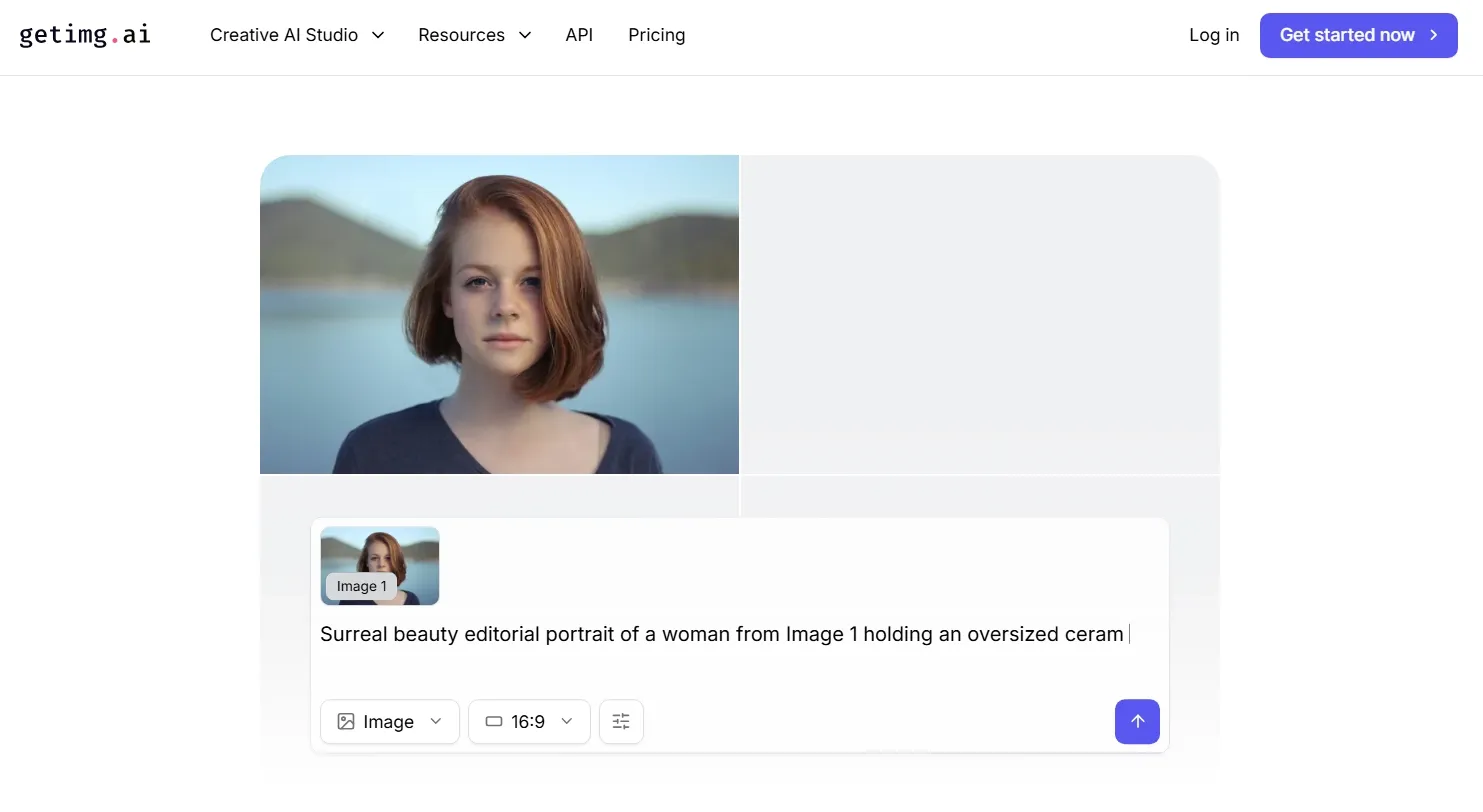
Getimg AI is a strong pick when I want to compare models and styles before committing to one visual direction. It offers more experimentation room than a basic prompt generator.
During testing, I used it for realistic images, stylized concepts, early design drafts, and edited variations. Moving between those options felt flexible without making the process overly demanding.
Built-in editing and image upscaling made the workflow more practical. I could refine an existing result, improve its resolution, or take the image in a new direction without starting over.
The model selection was valuable, but finding the right combination could become technical. Comparing settings and variations took time and credits before I reached an image that was ready for refinement. And for polished product staging and other campaign assets, Pollo AI gave me a more direct path to usable results.
Visit our Getimg AI review for a closer look at its features.
Key Features
- Multiple image models: Test different models for different styles and output types.
- Image editing tools: Adjust or improve results instead of regenerating everything.
- Upscaling options: Improve output resolution for sharper final visuals.
- Credit-based plans: Match usage to generation volume and model choice.
- Commercial rights: Use paid plan outputs for more serious content needs.
Best For
- AI creators who want to compare different styles and models.
- Design testers who need quick variations before choosing a direction.
- Freelancers who need flexible image drafts for client concepts.
- Visual experimenters who want more control than basic tools provide.
Pros:
- Model flexibility helps with exploring different image styles.
- Editing and upscaling tools make outputs easier to improve.
- Clear fit for AI creators who want more than one model.
Cons:
- Can feel technical for beginners who want a simple creative flow.
- Not as commerce-focused for product photos and e-commerce posters.
- Workflow depth is narrower than Pollo AI’s full creative suite.
SeaArt: Best ImagineArt Alternative for Anime and Stylized AI Images
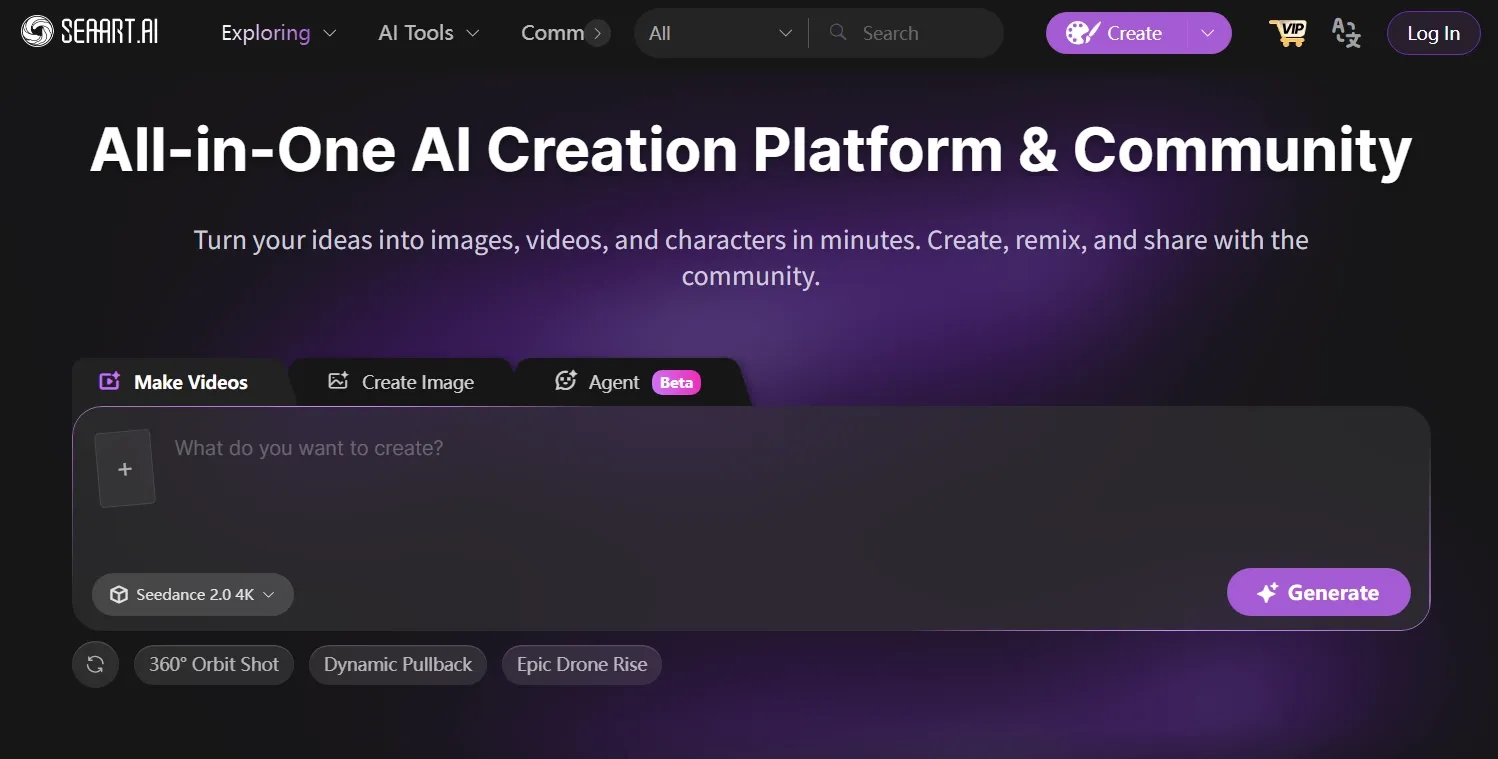
SeaArt felt like a natural fit when I wanted anime artwork, character concepts, or inspiration from a visual community. Its focus leans more toward expressive AI art than practical business design.
Character creation was its strongest area during testing. I found it well suited to cartoon characters, fantasy scenes, dramatic figures, and other concepts where a distinctive style mattered.
The community gallery added another useful layer. Browsing shared work helped me see how different prompts, aesthetics, and character directions could translate into finished images.
But the community-led experience could become busier when I had a specific result in mind. Strong stylistic influences could pull an output away from my prompt, and character details sometimes shifted between related variations.
Learn more about the platform in our SeaArt AI review.
Key Features
- Anime-style generation: Create characters, portraits, and stylized art with strong visual personality.
- Community inspiration: Explore shared creations and remix visual ideas.
- AI image editing: Use tools for image enhancement, background changes, and creative effects.
- Model switching: Try different models for style and quality control.
Best For
- Anime creators who need stylized characters and expressive portraits.
- Fan artists who want dramatic scenes, character art, and fantasy visuals.
- Community-driven users who like remixing and browsing examples.
- Hobbyists who want a playful creative environment.
Pros:
- Anime and stylized output works well for character-led images.
- Community discovery helps with prompts, styles, and inspiration.
- More creative tools than a basic text-to-image generator.
Cons:
- Less suitable for polished product photography.
- Style-heavy outputs may need refinement.
- The interface can feel busy when I only need image generation.
Gencraft AI: Best ImagineArt Alternative for Fast Creative Image Ideas
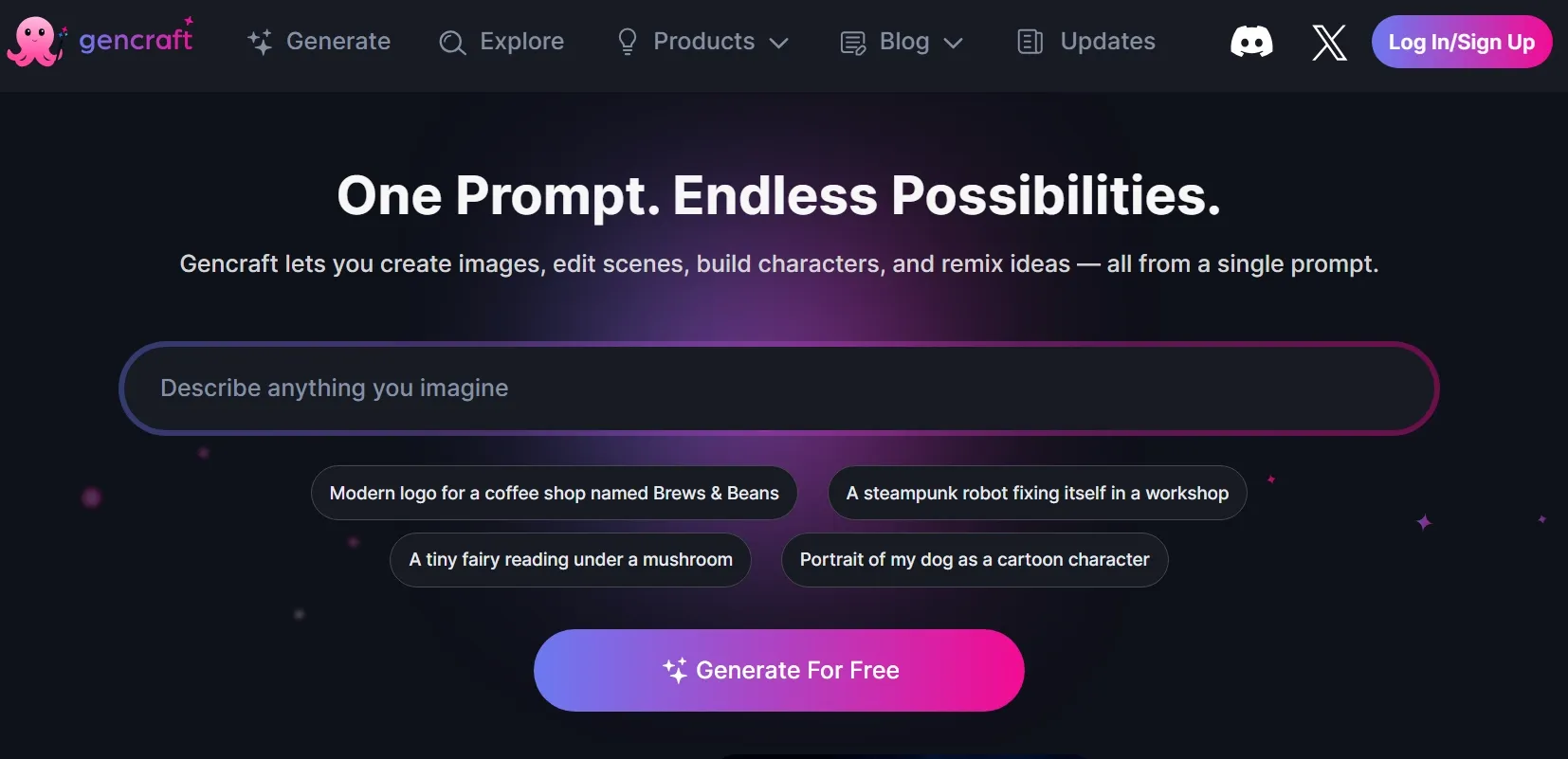
Gencraft made the most sense when I needed quick inspiration rather than detailed visual production. It was easy to use for an early image concept, avatar-style visual, or general mood.
Its lightweight workflow kept experimentation approachable. I could try a new aesthetic or sketch out a portrait concept without turning a simple task into a larger production.
Speed was the main advantage during brainstorming. It helped me judge whether a creative direction was worth developing before I invested more time in the final image.
Speed worked in Gencraft’s favor until my prompt became more specific. Precise layouts, smaller subject details, and continuity between versions often required repeated generation, with fewer tools available to rescue a near-good result.
Read our Gencraft AI review to find out more about its tools.
Key Features
- AI art generation: Create images from prompts across different styles and themes.
- AI photo creation: Generate portrait-style and photo-inspired visuals.
- Avatar-style images: Create profile visuals and character-like images.
- Image variations: Explore different versions of the same idea.
- Mobile access: Use the app for quick creation without a desktop workflow.
Best For
- Casual creators who want fast image ideas without a complex setup.
- Avatar users who need profile images or stylized portraits.
- Content planners who need rough visuals for brainstorming.
- Hobbyists who want easy AI art creation.
Pros:
- Fast idea generation for casual creative projects.
- Avatar and stylized image options are easy to explore.
- Simple enough for beginners who want quick results.
Cons:
- Not built for deep editing workflows after generation.
- Prompt accuracy can vary with detailed scenes or specific characters.
- Less reliable for commercial visuals that need strong consistency.
NightCafe AI: Best ImagineArt Alternative for Community Art
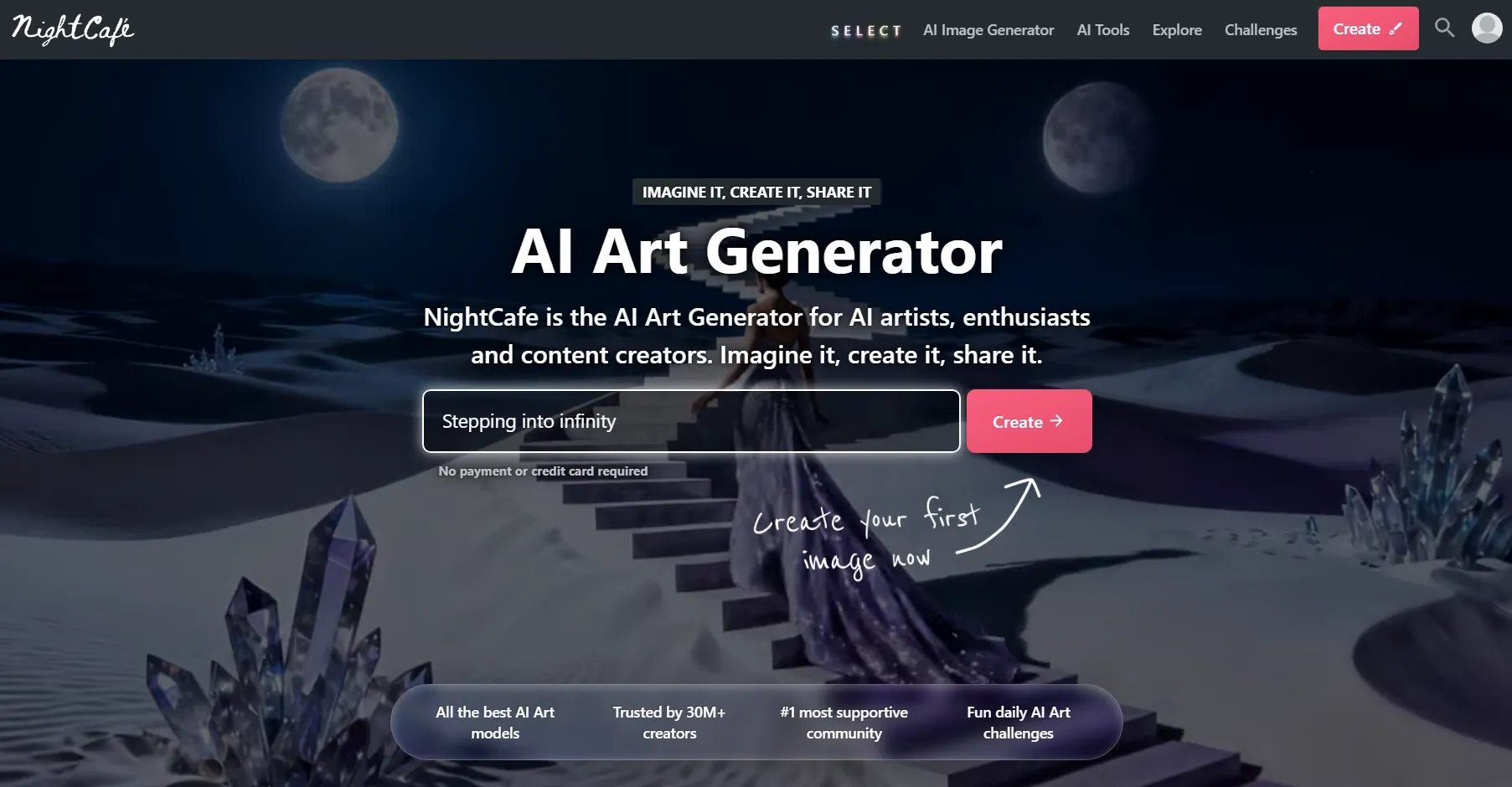
NightCafe stood out to me as a place to explore AI art, rather than simply generate an image and leave. I found it most appealing for creative challenges, shared work, and fresh inspiration.
Daily challenges gave that exploration more purpose. They encouraged me to experiment with portraits, dark fantasy imagery, abstract art, and stylized concepts I might not have tried on my own.
Public creations also made the platform more approachable for beginners. Studying how other users paired prompts with results offered a practical way to compare techniques and develop a clearer creative direction.
That community-led experience was less suited to business production. For consistent brand visuals, polished product graphics, or product listing image sets, Pollo AI offered a more controlled workflow built around usable commercial assets.
Key Features
- AI art generation: Create images from prompts using different AI art styles.
- Community challenges: Join creative contests and discover user-made images.
- Style exploration: Test artistic looks for portraits, scenes, and fantasy visuals.
- Credit system: Use credits to manage generation and advanced options.
- Sharing tools: Publish creations and interact with other AI art users.
Best For
- AI art hobbyists who enjoy community challenges and shared prompts.
- Beginner artists who want inspiration from public creations.
- Fantasy creators who need stylized portraits, scenes, and experiments.
- Prompt learners who want to study how other users create images.
Pros:
- Community experience helps with learning and inspiration.
- Artistic experimentation feels fun across many visual styles.
- Daily creative challenges can keep hobby projects active.
Cons:
- Less focused on business-ready visuals for e-commerce or ads.
- Credit management can interrupt testing when exploring many ideas.
- Not ideal for precise brand consistency across image sets.
Craiyon AI: Best ImagineArt Alternative for Simple AI Image Experiments
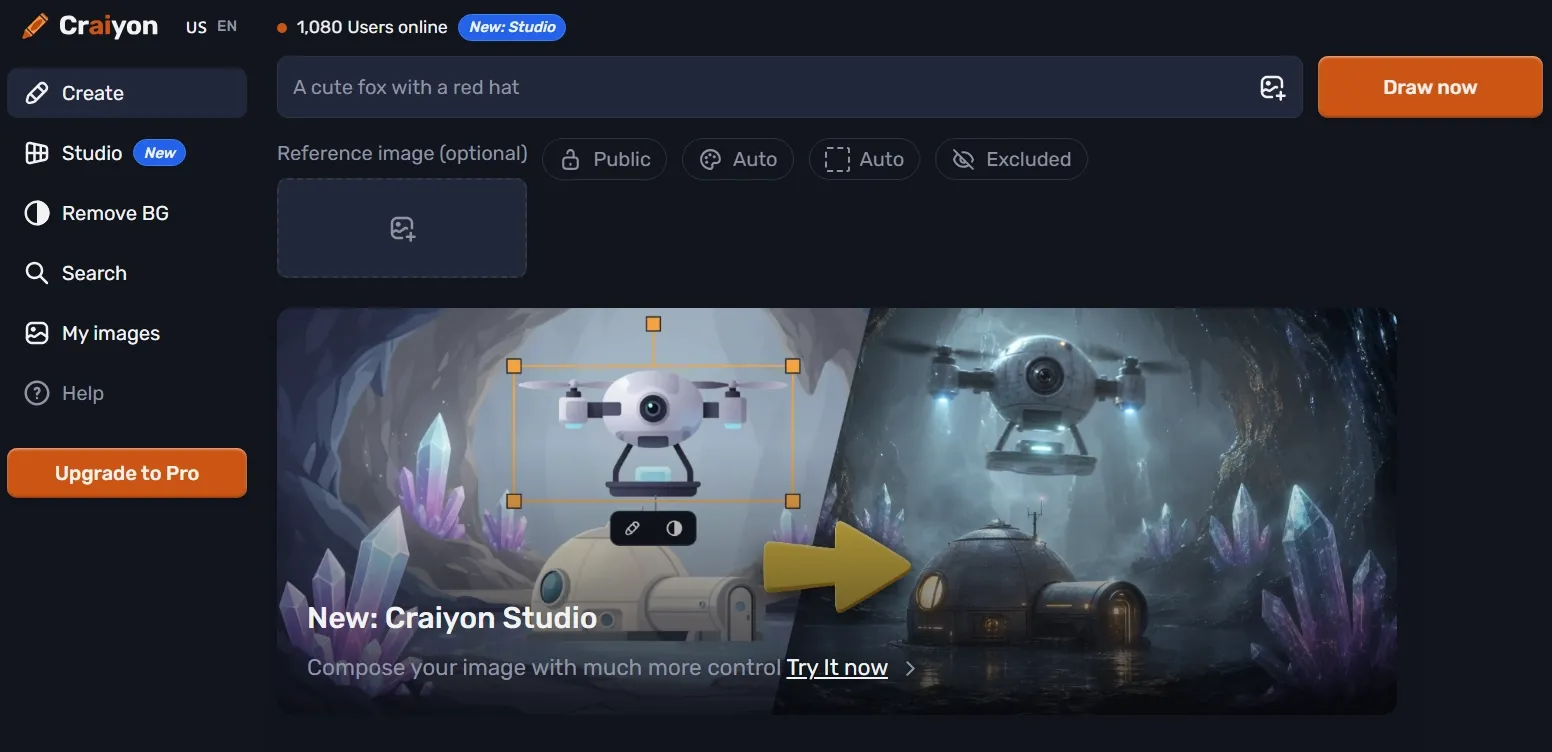
Craiyon kept AI image creation as simple as possible. I found it best suited to playful prompts, rough concepts, and low-pressure experiments where refinement was not the priority.
That simplicity lowered the barrier to getting started. I could enter a prompt and see an image without working through model choices or advanced settings. The immediate feedback helped at the earliest stage of a project. It showed me whether a concept had enough visual potential to develop in a more capable workspace.
That low-friction experience reached its ceiling quickly. Faces, object relationships, and complex compositions often looked rough, while the limited controls left me with few options beyond rewriting the prompt and generating again.
Check out our Craiyon review for additional details about the tool.
Key Features
- Simple prompt generation: Create images from text with minimal setup.
- Free image creation: Test ideas without committing to a complex paid workflow.
- Basic editing credits: Use edit credits when retouching or using image input.
- Quick concept testing: Explore rough ideas before developing them elsewhere.
- Beginner-friendly interface: Start creating without learning advanced settings.
Best For
- Beginners who want to try AI image generation for the first time.
- Students who need rough idea visuals or creative experiments.
- Casual users who want funny prompts, memes, or quick concepts.
- Brainstormers who need early visual directions before refining elsewhere.
Pros:
- Very easy to start for new AI image users.
- Rough experiments are quick and low-pressure.
- Simple prompt workflow works well for casual ideas.
Cons:
- Image quality is less polished than stronger creative tools.
- Not ideal for commercial use when visuals need precision.
- Limited post-generation workflow compared with Pollo AI.
Bing AI: Best ImagineArt Alternative for Casual AI Image Creation
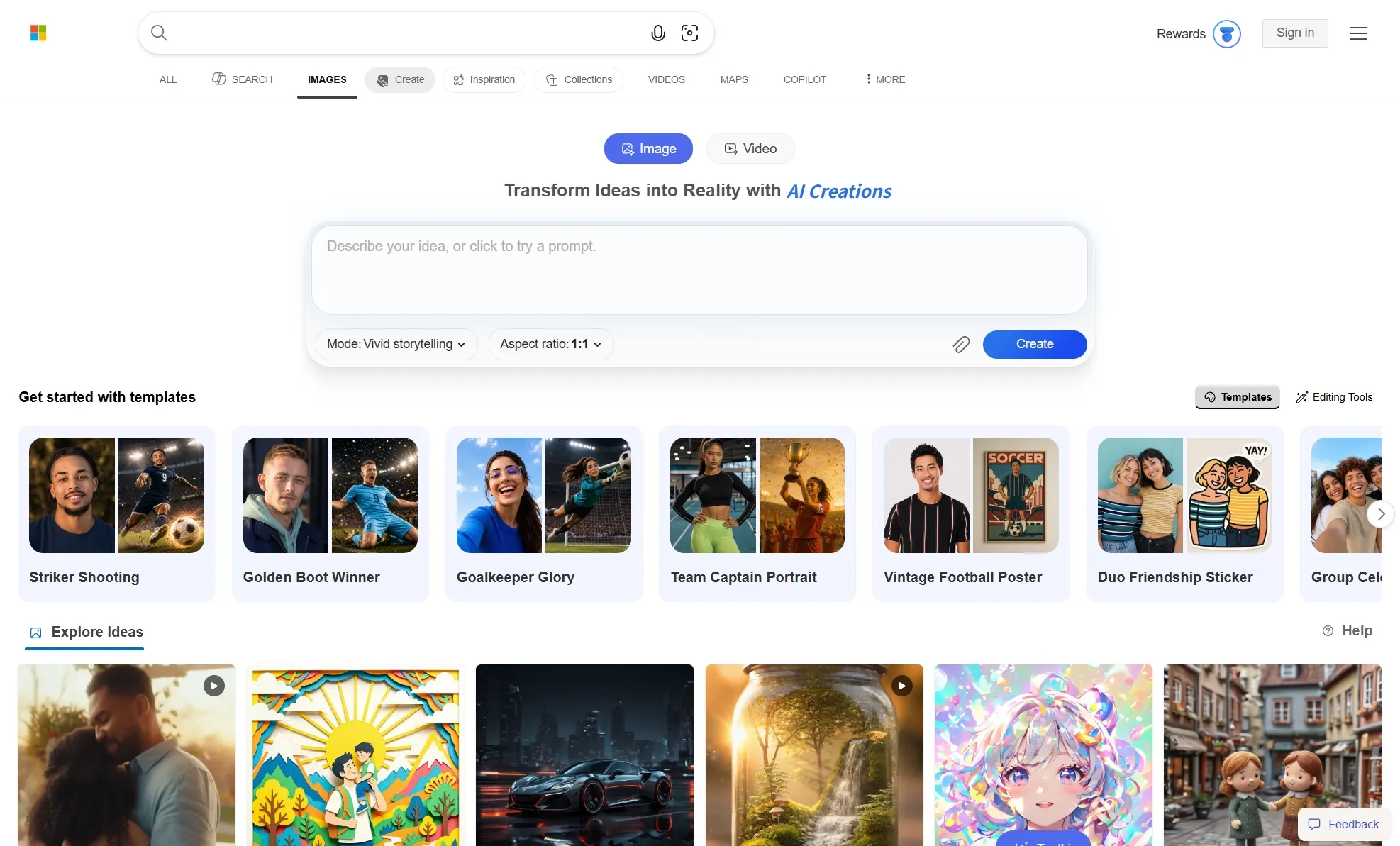
Bing AI fit naturally into my workflow when I was already using Microsoft products. Its familiar setup made image generation approachable without introducing a separate creative workspace.
I found it practical for quick concepts, straightforward prompts, classroom visuals, and casual experiments. It suited situations where I wanted an image without moving to another dedicated creative platform.
The available model options added useful range. They let me explore different styles and prompt-driven concepts, although the experience still felt geared toward general-purpose image creation.
Its limitations became clearer once the brief grew more demanding. For flat lay visuals, precise edits, consistent brand assets, or commercial campaigns like coupons and flyers, I had fewer ways to fine-tune composition, preserve a specific direction across variations, or repair individual details after generation.
Key Features
- Prompt-to-image creation: Turn simple text prompts into AI images quickly.
- Microsoft account access: Create images through a familiar account system.
- Multiple model options: Use available models for different image styles and outputs.
- Daily fast generations: Use fast creations before switching to slower standard speed.
- Basic image editing: Edit uploaded images through supported image models.
Best For
- Casual users who want quick images without a new creative subscription.
- Students who need simple visuals for ideas, drafts, or inspiration.
- Microsoft users who prefer tools connected to an existing account.
- Prompt beginners who want an easy way to test image ideas.
Pros:
- Easy access through a Microsoft account.
- Quick casual images are simple to create from prompts.
- Model options make it more flexible than many basic tools.
Cons:
- Not built for advanced creative workflows or commercial visual production.
- Usage limits can affect speed after fast creations run out.
- Less editing depth than dedicated AI image platforms.
How Did I Test These ImagineArt Alternatives?
I evaluated the full image creation process, not only the first generated result. A promising preview matters less if the platform cannot help me refine, resize, edit, or adapt it for practical use.
I also tested each option against the work it claims to handle best. Product visuals, anime characters, concept art, social graphics, and casual experiments demand different strengths, so I did not judge every platform by one identical ideal.
| Testing Area | What I Checked |
|---|---|
| Prompt understanding | Whether the tool followed the subject, style, composition, mood, and visual details. |
| Image quality | Sharpness, lighting, realism, texture, anatomy, and overall polish. |
| Style control | Whether the tool handled realistic, cinematic, anime, product, editorial, or branded looks. |
| Consistency | Whether faces, hands, objects, text, and repeated subjects stayed stable. |
| Editing value | Whether the tool supported inpainting, background changes, upscaling, retouching, or variations. |
| Workflow value | Whether the tool helped move from image generation to usable creative output. |
| Use-case fit | Whether the tool was better for product images, ads, portraits, social posts, concept art, or ecommerce visuals. |
My Final Verdict
Pollo AI is the best ImagineArt alternative overall because it gives me a stronger balance of image quality, creative flexibility, and workflow depth.
Its biggest advantage is flexibility. Access to models such as GPT Image 2 and Nano Banana 2 lets me match the right model to each brief instead of pushing every idea through one option.
More importantly, the first output does not have to be the final stop. I can refine a near-good image with editing tools and reshape it toward a clearer visual direction. Its AI photo editor allows me to change any elements with simple prompts.
Pollo Agent makes broader creative projects easier to manage. I can start with a rough brief, choose a purpose-built skill, and let the AI Agent plan the workflow, generate the images I need, and keep every supporting asset connected.
This gives me a clearer route from an initial direction to product shots, campaign designs, and other publish-ready creatives without coordinating each step myself.
That combination makes Pollo AI a more complete long-term choice than a lightweight generator. Bring your next idea to Pollo AI and turn it into a visual that is ready to test, refine, and publish.