



Kling 4.0 Prompt Guide: Turn Your Ideas Into Directed Scenes
When creating an AI video, have you ever thought of a question: “What must the viewer see, and how should the scene unfold?
This Kling 4.0 prompt guide breaks down three video examples into practical writing choices you can use on Pollo AI. If you're new to the model, our guide to what Kling 4.0 is introduces its features before you start shaping your own scenes.
TL;DR
Build your Kling 4.0 prompt around the subject, action, setting, camera, and details to preserve. For reference-based scenes, explain what the reference should control. Add lighting and sound that support the scene, then review the result before expanding the brief.
Scenario 1: Directing POV Motion With a Clear Visual Anchor
For an immersive POV scene, establish where the viewer is and what stays in frame. “A fast rollercoaster ride” leaves the camera position open. A first-person view with the front car visible tells the model how the viewer should experience the movement.
I would keep this kind of text to video focused on one continuous experience. Specify the route, surrounding environment, and sense of speed, then keep the camera attached to that viewpoint. A separate aerial shot would interrupt the feeling of being on the ride.
Video Example: Cloud Coaster
Video Format: Approximately 10 seconds, 9:16.
Vague Direction: “An exciting rollercoaster in the sky.”
| Condensed Prompt: |
| First-person POV from the front of a rollercoaster, racing down a steep drop into thick clouds. Keep the metallic nose of the car visible at the bottom of the frame, reflecting the sunset. The track twists through an endless cloud ocean under orange, pink, and golden light. Add realistic camera vibration and motion blur at the edges. Keep the surrounding world entirely sky and clouds, with no visible terrain. Maintain one continuous, immersive ride. |
What Makes the Direction Useful:
- The viewpoint is specific. The camera belongs at the front of the car, with a visible foreground anchor.
- The motion has a route. A drop followed by twisting track gives the movement more shape than “go fast.”
- The environment has a boundary. Keeping terrain out protects the idea of a ride suspended in the sky.
Key Insight
Anchor the viewpoint before adding speed; the visible car gives the ride a consistent perspective.
Create UNLIMITED Kling 4.0 Videos Now
Turn your ideas into compelling videos with expressive characters, dynamic motion, and sound with Kling 4.0 on Pollo AI.
Start Creating Free
Scenario 2: Building a Longer Story With Timed Beats
For a story video with several shots, explain what happens in each part and what connects the parts. A character, destination, or recurring object can hold the story together while the camera changes position. Without that connection, attractive shots may still feel unrelated.
The alpine journey uses a clear assignment: deliver the mail. The red uniform distinguishes the postman against the snow, while the letters give his journey a purpose. I would preserve those decisions before adding more scenery, camera moves, or descriptive language. To explore camera, color, and lighting choices through visual controls, try Pollo Cinema.
Video Example: The Alpine Postman
Video Format: 30 seconds, 16:9.
Vague Direction: “A cinematic postman walking through snowy mountains.”
| Condensed Prompt: |
Create a 30-second, 16:9 live-action alpine journey with centered symmetry, flat lateral shots, and crisp cuts. One postman wears a red wool coat, matching cap, white gloves, and a weathered red mailbag against white snow and glacier-blue shadows. 0–9s: Establish the mountain pass and ALPINE POST No. 7. He sorts letters, checks his route map, and packs one distinct red envelope. 9–19s: He travels left to right along a snowy ledge, descends a mountain road, knocks three times at a cottage, and delivers a white envelope. Cut to footprints in the snow. 19–24s: At a red outpost, he signs the logbook and posts the final red envelope. 24–30s: He faces the valley with his empty bag; end on a sunrise mountain panorama. Preserve his appearance, bag, and letter continuity. Audio: snow crunches, paper, knocks, wind, restrained strings, and a final horn. |
What Makes the Direction Useful:
- Each beat advances the assignment. Preparing, traveling, delivering, and finishing give the sequence a readable progression.
- The style becomes visible instructions. Symmetry, lateral views, red clothing, and blue shadows describe the intended aesthetic.
- The objects have continuity rules. The final red envelope remains distinct until its delivery, and the bag is empty at the end.
Key Insight
Give every shot a job, and use recurring characters and objects to connect the journey.
For more ideas to turn into a structured brief, explore these Kling 4.0 use cases.
Scenario 3: Guiding Reference-Based Scenes With Consistent Characters
When a reference video supplies the structure, state which parts of it should guide the result. Shot order, framing, gestures, and editing rhythm are separate decisions. Naming them makes the intended relationship clearer than simply asking for a scene “like the reference.” For a separate workflow that reuses a video's motion and pacing with your own subjects, explore Pollo Recast.
To keep two characters consistent, establish their positions and distinguishing features before describing the performance. In this example, the dark outfit on the left and pale outfit on the right help communicate who is who. Then keep the actions small enough for the short sequence.
Video Example: Victorian Afternoon Tea
Video Format: 7 seconds, 16:9.
Vague Direction: “Two elegant Victorian women having tea.”
| Condensed Prompt: |
Create a 7-second, 16:9 Victorian tea-room sequence following the supplied reference video's shot order, framing, gestures, and editing rhythm. Woman A sits left in a dark lace dress and black feathered hat; Woman B sits right in a pale blue-gray dress and ivory hat. Preserve their faces, costumes, gloves, and table objects. 0–1.8s: Close-up of A sipping tea, with a gentle push-in. 1.8–3.5s: Cut to B stirring tea and lifting her eyes with a faint smile; slight rightward camera movement. 3.5–7s: Cut to one complete two-shot. They lift their cups and exchange a quiet look as the camera slowly pulls back, then settles. Dark carved wood, lace tablecloth, silver teapot, warm lamplight, cool window light, and subtle film grain. Audio: porcelain, stirring, room ambience, distant carriage, and soft strings. No dialogue, narration, or split screen. |
What Makes the Direction Useful:
- The reference has an explicit role. It supplies the visual sequence and performance rhythm.
- The characters remain distinguishable. Position, costume color, and hat style clarify the two roles.
- The ending brings the scene together. A complete two-shot establishes that both women share one room and table.
Key Insight
Name what the reference controls, then keep character positions, gestures, and shared objects clear across cuts.
A Quick Sheet for Clearer Kling 4.0 Prompts
Choose phrases that describe an observable result. I find it useful to separate camera, performance, and appearance when drafting, then combine them into a natural brief. Each phrase should help answer a creative question about the shot you actually want. If you already have a still image, start with image to video and focus your prompt on how the scene should move.
| What You Want | Direction to Use |
|---|---|
| An immersive ride | First-person POV; visible foreground anchor; forward movement |
| A composed visual style | Centered framing; symmetrical composition; crisp cuts |
| Clear travel direction | The character crosses the frame from left to right |
| A quiet reaction | A small smile; a brief glance; restrained gestures |
| A unified period setting | Warm lamplight mixed with cool window light |
| Consistency between shots | Preserve the same costume, prop, and character position |
Practical Tips for Better Kling 4.0 Prompts
Before generating, I’d check whether every instruction helps define the scene. Use these tips to keep your brief focused:
Give each shot one main action.
Let the viewer follow a clear movement or gesture before introducing the next beat. If a shot feels crowded, simplify it or split the sequence.
Separate subject movement from camera movement.
“The postman walks left to right” describes the performance; “the camera stays locked” describes how you film it. Specify both when the distinction matters.
Name the details that must stay consistent.
Identify the costume, prop, or screen position that connects the shots. In the tea scene, that means keeping each woman’s appearance and place at the table clear.
Explain what each reference controls.
State whether it guides character appearance, composition, motion, or shot order. Avoid asking the model to infer every role from “follow the reference.”
Check for conflicting directions.
A locked camera and an orbiting camera cannot describe the same shot. Keep movement, timing, and framing instructions compatible.
Refine one issue at a time.
Review the result, identify the most distracting mismatch, and revise that instruction first. Keep the rest of the brief stable so you can judge the effect of your change.
Put Your Kling 4.0 Prompts to Work on Pollo AI
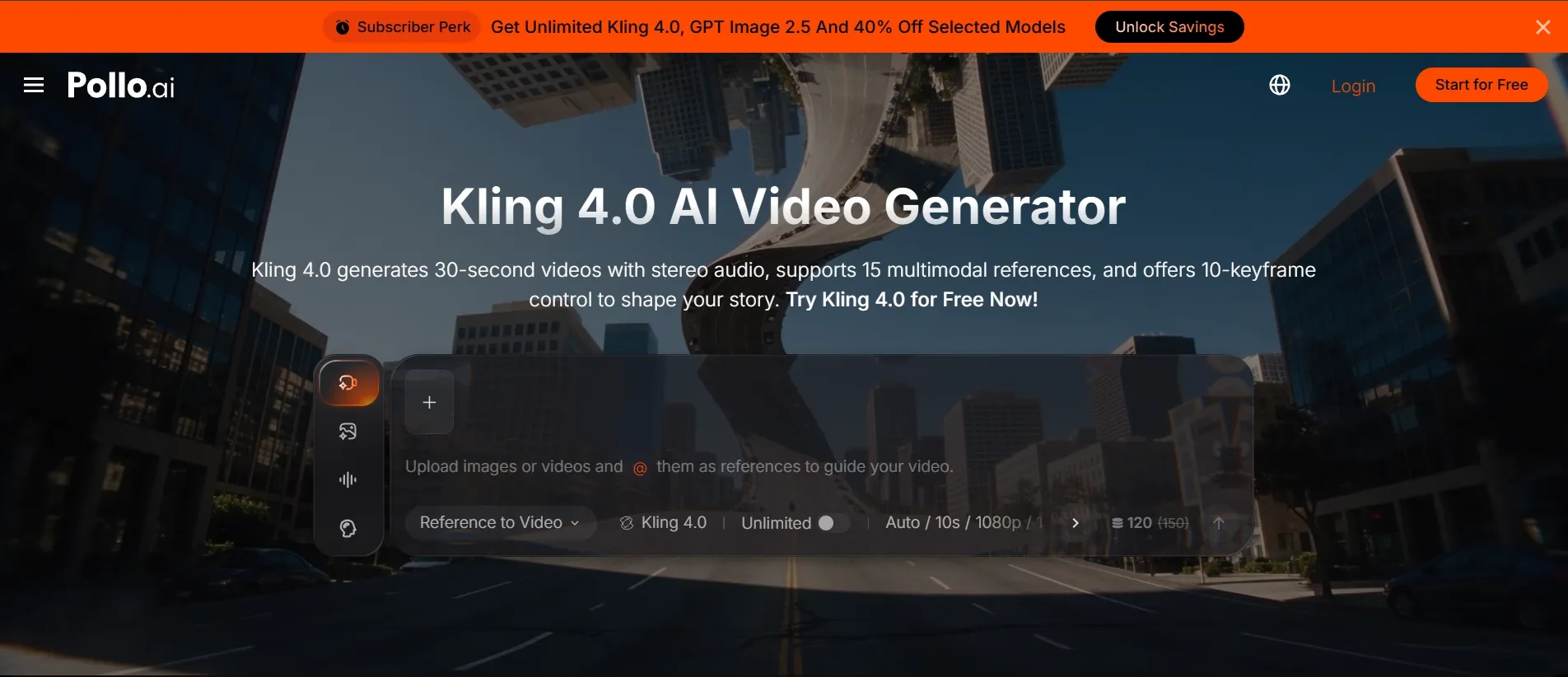
Start with the example closest to your idea, then adapt its subject, setting, and essential movements. Open Kling 4.0 on Pollo AI and choose the workflow that fits your inputs. For setup instructions, follow our guide on how to use Kling 4.0.
Generate your first version with Kling 4.0. Choose one scene from this guide and make it your own on Pollo AI.
FAQs About Kling 4.0 Prompts
How Detailed Should a Kling 4.0 Prompt Be?
Include the details that define the scene: subject, action, setting, camera, and anything that must stay consistent. A continuous POV ride can use one paragraph. A story with several cuts benefits from a short timeline, while a reference-based scene needs clear asset instructions.
Do I Need Timestamps in Every Prompt?
No. Use timestamps when the sequence or pacing matters, such as a delivery journey or a series of character close-ups. A continuous ride can be described without them. Keep the timeline consistent with your chosen duration and review the generated timing.
Can I Shorten a Detailed Prompt?
Yes. Remove repeated adjectives, combine overlapping constraints, and group related actions into clear beats. Keep the instructions that determine identity, motion, shot order, and continuity.
How Do I Keep Characters Consistent Across Shots?
Define the characters clearly and reuse the same appearance details throughout the sequence. When supported, add suitable visual references. Specify which clothing, props, and positions matter, then check those details at each cut rather than judging only the opening frame.
Can I Use the Same Prompt With Other Video Models?
Yes—as a starting point. Keep the subject, main action, and visual goal consistent, then adapt reference instructions, timing, and audio directions to each model’s supported workflow. If you’re choosing between Kling 4.0 and other models, our model comparison can help you decide where to start.