



MagicShot Review: I Tested It for 2 Weeks And Here’s What I Found
I decided to review MagicShot because AI video tools are getting crowded, and many now promise fast videos from simple inputs. I wanted to see whether MagicShot’s video workflow was useful beyond quick demos.
For two weeks, I focused on its video side, especially short social clips, ad drafts, product promos, and quick visual concepts. My goal was to see whether it could help me move from an idea to a usable video draft faster.
MagicShot AI Review: TL;DR
MagicShot is useful for quick video drafts, especially when I just want to explore an idea without opening traditional editing software.
I would use it for early concepts and simple social clips. I would not rely on it as my main workflow for polished ads, product videos, or repeatable campaign content.
| Review Point | My Take |
| Best for | Fast video drafts and early social concepts |
| Strongest part | It gives beginners guided video starting points |
| Less ideal for | Finished campaigns, consistent product videos, and polished brand content |
| Biggest limitation | The workflow feels better at generating clips than finishing videos |
| My verdict | Worth trying for quick experiments, but not enough for serious video production |
What Is MagicShot AI?
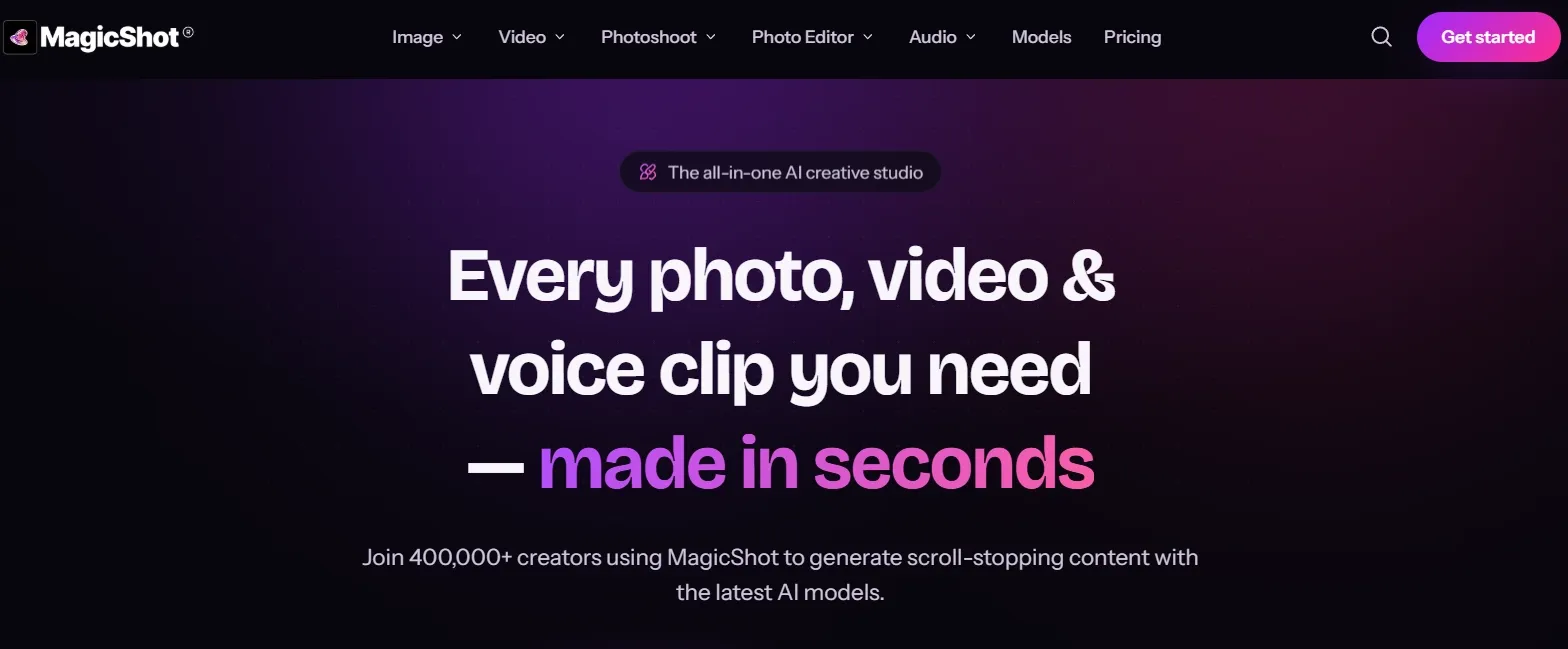
MagicShot AI is an AI video generator with a set of video tools and effects for short-form content, ads, product promos, and social media clips.
Its video features are designed for creators and businesses that want a faster way to create visual content without building every shot manually in editing software.
Key Features of MagicShot I Tested
Text-Based Video Creation
The most basic part of MagicShot’s video workflow is creating a clip from a written idea. I found this most useful when I had a simple visual moment in mind, like a short atmosphere shot, a product scene, or a quick opener.
For me, this worked better as a way to explore direction than as a full video-making workflow. I could see it helping with b-roll video ideas when I needed extra footage quickly.
I would keep the prompt simple here. The more I expected it to handle story, pacing, and message at the same time, the less dependable the workflow felt.
Turning Existing Assets Into Short Videos
MagicShot also lets users work from existing visuals, which is useful when the starting point is already there. For example, a product image, a brand visual, or a listing photo can become a short moving clip.
I liked this more than starting from nothing because it gives the tool a clearer visual direction. It makes sense for Instagram Reels ads, social posts, and simple motion tests.
That said, motion alone does not make a video feel finished. It can help create a draft for a product video, but I still found myself thinking about what would happen next: the hook, the pacing, the copy, and the final edit.
UGC-Style Video Generator
MagicShot’s UGC-style workflow is aimed at brands that want creator-style ads without arranging a full shoot. I understand the appeal, especially for small teams that need several rough ad angles quickly.
My take is that it can help with early UGC video ad concepts. It gives the format a starting point, which is useful when I want to test a message or compare a few simple directions.
But I would not confuse that with a complete UGC ad system. A story UGC video ad still needs a believable script, a sharp opening, a reason to keep watching, and a clear product point.
Business and Listing Video Generator
MagicShot’s more task-based video tools are meant for practical business content rather than abstract creative experiments. I found that direction sensible because business videos usually need some structure from the start.
For example, a real estate listing video has to guide attention through a space, while a product promo has to make the offer easy to understand. MagicShot can help create a quick first version of those ideas.
I would use this for drafts, not final campaign work. The output still needs a stronger sense of order and purpose before I would feel comfortable publishing it.
Motion and Effect Controls
MagicShot includes controls and effect-style options for shaping how a clip moves or how attention is created in a short video. This is useful because motion is often where AI video starts to look awkward.
I found these tools most helpful for small adjustments or quick social experiments. They can make a clip feel more active and less static.
The tradeoff is that effect-driven videos can feel disposable. I would use them for a quick post or trend test, but not for content that needs to stay useful for a longer campaign.
MagicShot Real Use Cases
| Use Case | How MagicShot AI Fits |
| Short-form social ads | I would use MagicShot AI for quick hook drafts and UGC video ads ideas before building a fuller campaign. |
| Cinematic b-rolls when I need quick extra footage. | I can see it being useful for quick b-roll video ideas, especially when I need extra visual material for a short edit. |
| Real estate listing videos | MagicShot AI’s real estate video generator fits fast listing drafts where the goal is to make property visuals feel more dynamic. |
| Explainer openings | I would use it to test visual concepts for an explainer video, especially at the early idea stage. |
| Trend-based clips | It works for quick social experiments when I want to try a format without spending too much time on setup. |
Where MagicShot AI Falls Short
MagicShot AI is fine when I only need a fast draft. It can help me get a clip started, test a visual idea, or turn a static asset into motion.
The problem starts when I need the video to feel complete. A publishable video needs structure, a hook, scene order, captions, music, and a way to refine what almost worked. MagicShot does not support that full process strongly enough.
Create Full Videos with Pollo AI
Join 10M+ creators using Pollo AI to generate cinematic videos with every top model.
Create Videos with Pollo AI Free
This is where Pollo AI becomes the stronger option. Pollo Agent, Pollo AI’s AI video agent, can turn an idea, asset, URL, or reference into a more complete post-ready video with structure, pacing, music, captions, and opening hooks handled more directly.
MagicShot’s Pros and Cons
Pros:
- Easy to start
- Useful for quick drafts
- Good for simple social concepts
- Existing assets can be reused
Cons:
- Output feels clip-first
- Refinement feels limited
- Weak for serious ad production
- Consistency is hard to maintain
- Effects can age quickly
Where Pollo AI Fits Better in My Workflow
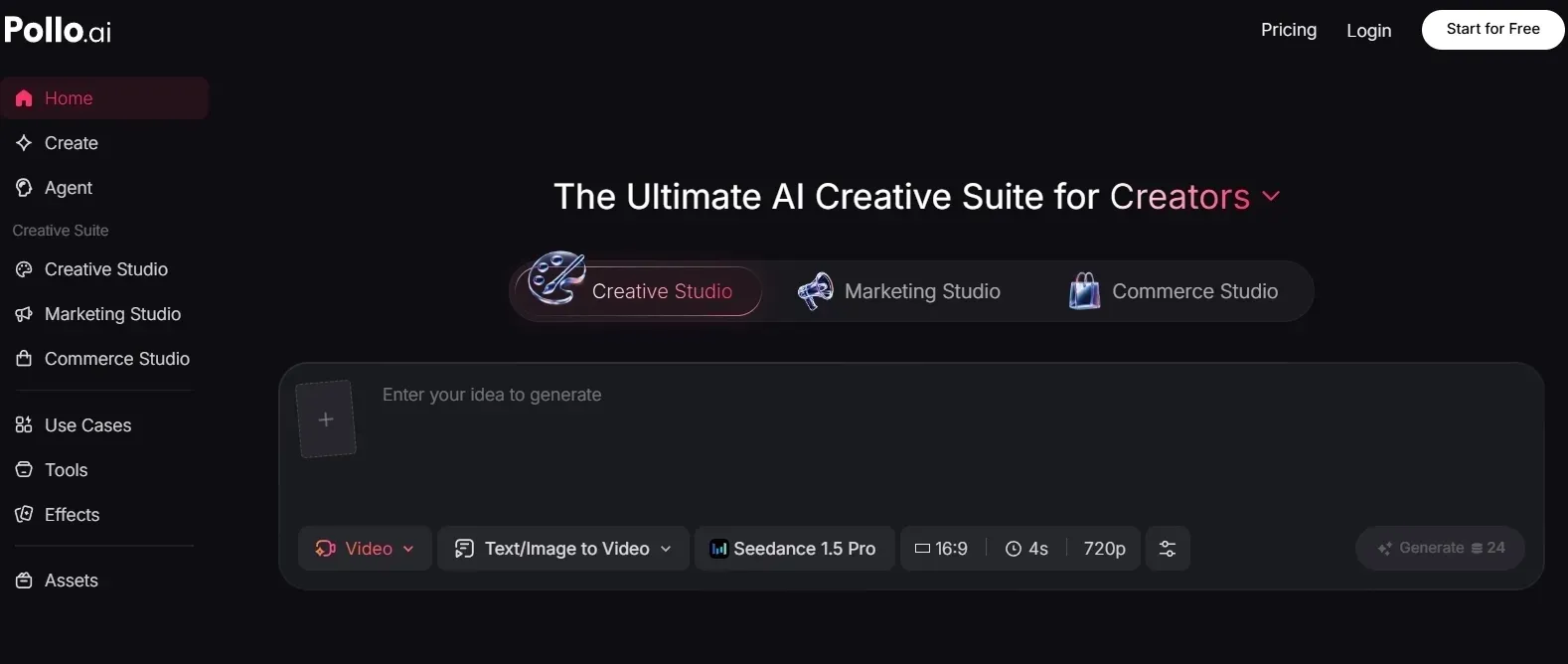
1. Pollo AI gives me more flexible video creation paths
Pollo AI gives me more ways to start, guide, and refine a video. I can work from text, images, existing clips, or references, depending on what I already have, powered by industry-leading video models like Seedance 2.0. If the result is close but still needs adjustment, I can keep improving it with Pollo AI’s AI video editor.
That flexibility matters in real work. Sometimes I need a fast concept. Sometimes I need to keep a character, product, or visual direction consistent. And sometimes the first clip is almost right, but not ready to publish. MagicShot feels more limited once the first draft does not land.
2. Pollo Agent is better for post-ready videos
Pollo Agent is what I would use when I do not want to manually turn separate clips into a complete video. It helps create post-ready videos with structure, pacing, music, captions, and stronger opening hooks.
That is the biggest practical difference for me. MagicShot can help create video fragments. Pollo Agent is more useful when I want the whole video to come together.
3. Marketing Studio is stronger for ads
For ad work, I would choose Pollo AI Marketing Studio. It supports input formats like URLs, text, images, or media assets to create ready-to-post marketing content like virtual try-on videos, TVC ads, and unboxing video ads for brands, social managers, and online sellers.
That makes it more useful when I need campaign variations, not just a clip that looks interesting.
4. Commerce Studio is better for product video work
For e-commerce, Pollo AI Commerce Studio is the stronger fit. Product videos need to show value clearly, not only add motion to an asset.
That is where MagicShot feels too light. It can help me draft product visuals, but Pollo AI Commerce Studio is more focused on commercial video content for stores, ads, and product pages.
How I Reviewed MagicShot AI
I reviewed MagicShot AI from the perspective of someone who needs video content regularly, especially for social media and marketing. I focused on three questions:
- Can it help me create short social videos faster without making the result feel too generic?
- Can it support ad or product-style videos beyond a rough first draft?
- When the first result is close but not finished, does the workflow give me enough control to improve it?
My Personal Take
After reviewing MagicShot AI, I can see why people would try it. It makes quick video drafts easier, especially when I only have a rough idea and want to see something move fast.
But compared with Pollo AI, I would not rely on MagicShot AI for videos that need stronger structure, consistency, or polish. For me, it feels more like a quick draft tool than a production workflow.
For early social ideas or simple ad directions, MagicShot AI can still be useful. But for product videos, campaign assets, or content I need to publish with confidence, I would rather work inside Pollo AI.
MagicShot Review FAQs
What is MagicShot AI used for?
MagicShot AI is used for creating short AI videos, including prompt-based clips, motion from existing visuals, UGC-style ads, product promos, listing videos, and effect-based social clips.
Is MagicShot AI good for AI video creation?
It is good enough for quick drafts and simple experiments. I would not use it as my main workflow for complete video production.
Is MagicShot AI good for professional video work?
Not as a full production tool. It can help with early ideas, but professional work needs a stronger structure, consistency, and refinement.
What are MagicShot AI’s main limitations?
Its main limitations are clip-first output, limited refinement, weak campaign consistency, and not enough support for finished ad or product video workflows.
Is MagicShot AI good for UGC ads?
It can help create rough UGC-style drafts, but I would not rely on it alone for serious ad testing. UGC ads still need strong hooks, scripts, pacing, and product logic.
What is the best MagicShot AI alternative?
The best MagicShot AI alternative for video is Pollo AI because it offers stronger video creation workflows, Pollo Agent, Marketing Studio, and Commerce Studio.