



MiriCanvas Review: I Tested Its Template Design Workflow
MiriCanvas is an online design workspace that helps non-designers assemble templates, text, graphics, photos, and AI-assisted image assets into publishable layouts.
I wanted to see how far those templates could carry a real graphic, because solving the blank canvas does not automatically solve a weak central image or an ordinary visual idea.
My Verdict:MiriCanvas is a strong fit when spacing, hierarchy, and format are the main obstacles; it is less useful when the project first needs an original hero image or substantial source-asset repair.
MiriCanvas Review: TL;DR
| Area | My Take |
|---|---|
| Category | Template-led online design tool |
| Core input | Template, copy, images, graphics, and brand elements |
| Key mechanics | Large template library, design elements, AI Redesign, product photography, background removal |
| Output shape | Social graphics, posters, banners, and promotional layouts |
| Better alternative | Pollo AI for creating and refining source images before layout |
What Is MiriCanvas?
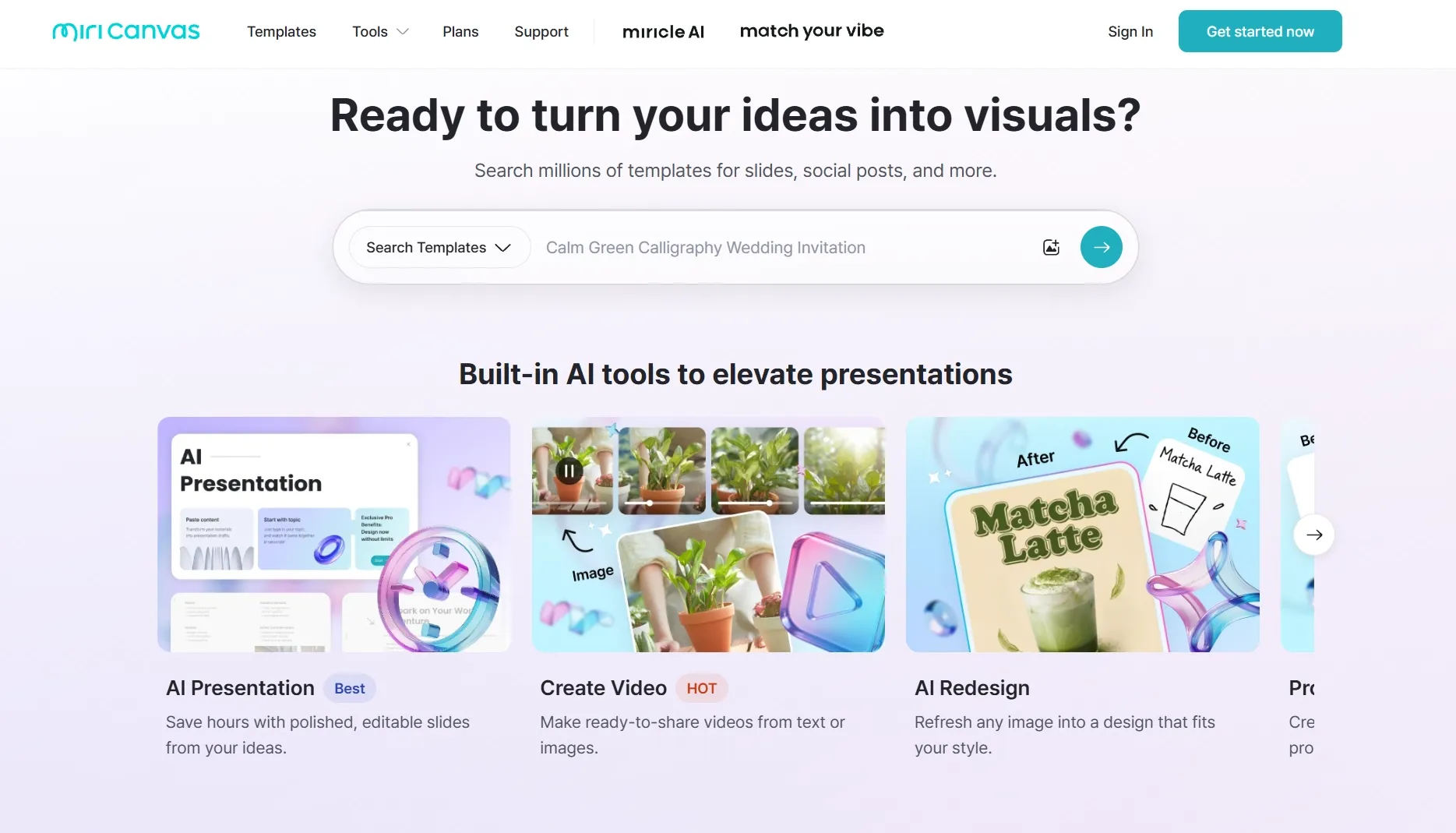
MiriCanvas is a browser-based design tool built around ready-made templates and a large content library for image outputs such as social posts, posters, banners, and promotional graphics.
The workflow begins with format and arrangement rather than with an AI image generator. A user searches for a template, replaces the copy and visuals, adjusts the layout, and exports a finished graphic from the workspace.
MiriCanvas reports more than 10 million design elements and offers AI Redesign, Product Photography, an AI Image Generator, and Background Remover alongside the template editor. Those additions help prepare assets, but the template remains the organizing logic of the product.
How I Evaluated MiriCanvas
I evaluated MiriCanvas around everyday graphics that usually expose non-designers: a recurring social post, a promotional banner, a text-heavy poster, and a small product campaign layout.
I checked whether the template solved hierarchy and spacing, then looked at the image-prep step: crop, subject placement, and background removal all affect whether the source visual can sit naturally inside the chosen design.
Key Feature Review
Template library
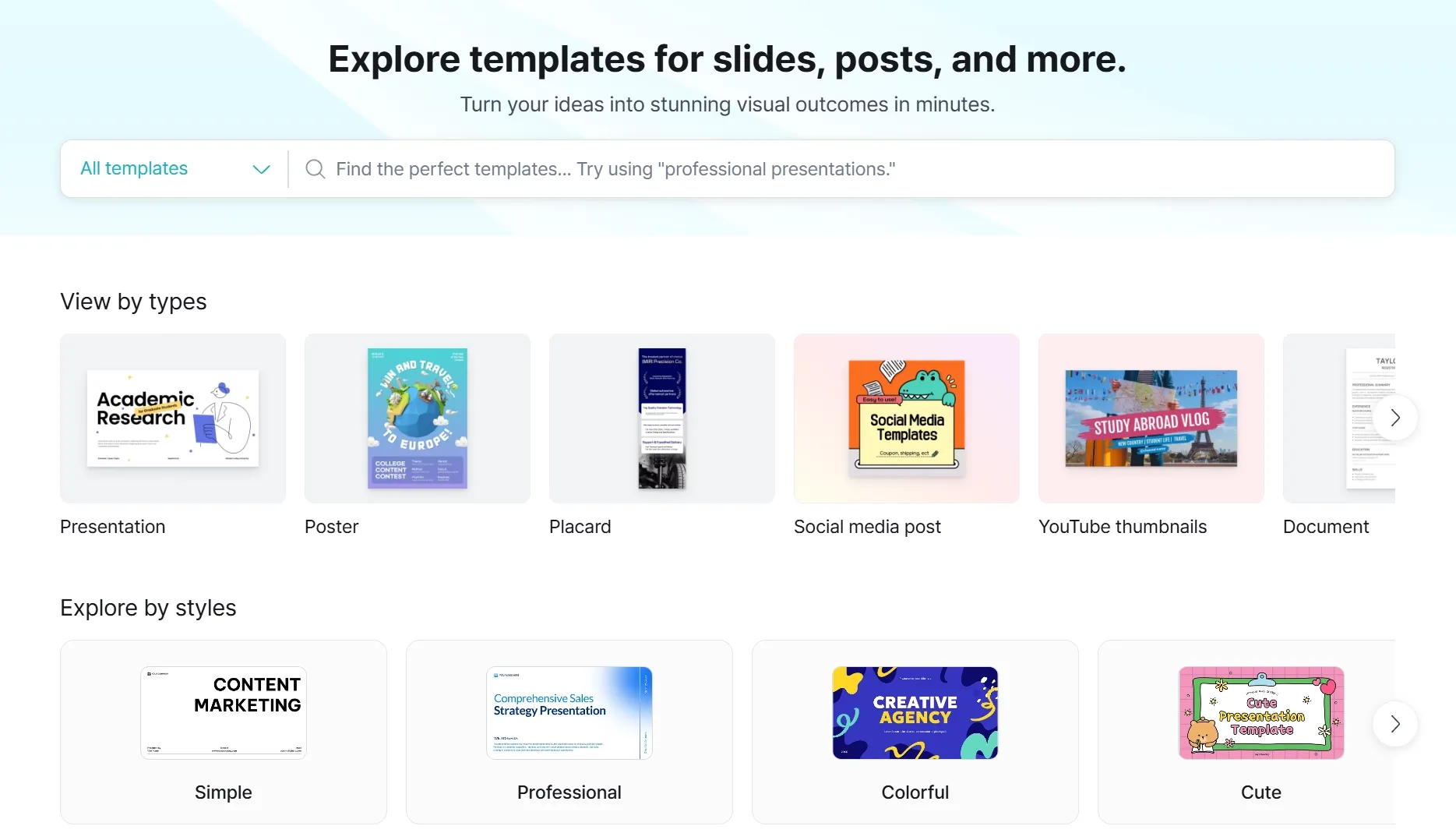
MiriCanvas documents a library of more than 50,000 templates. That volume gives users a practical starting point by output type instead of asking them to invent a layout grid.
For recurring banner creation, I can see the time saving immediately: the dimensions, spacing, and text hierarchy are already in place. I would still change more than the headline and photo, because staying close to the default can leave very different brands with nearly interchangeable graphics.
Design elements and brand assembly
The platform's library combines photos, icons, graphics, fonts, and other visual elements, with the homepage advertising more than 10 million items. In practice, that means I can assemble a complete graphic without stopping to source every small component elsewhere.
For small businesses, this supports lightweight brand work around colors, symbols, and logo generation. It does not create a distinctive identity on its own; a clean arrangement of familiar elements can still feel generic if the visual system has no strong point of view.
AI Redesign and image fit
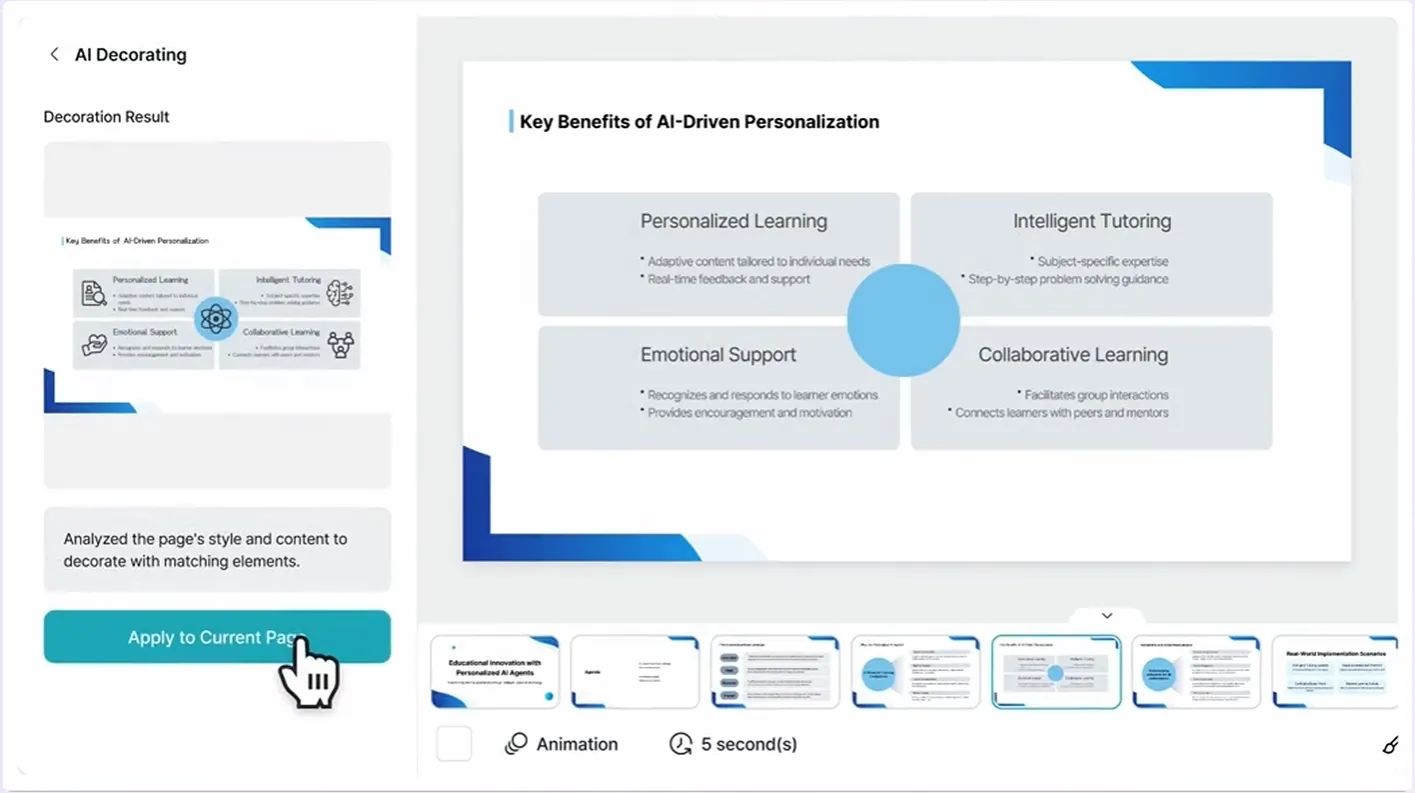
AI Redesign reframes an existing image as a design that fits a chosen style, while Background Remover helps isolate a subject for placement. These tools address a real template problem: the image may be usable but wrong for the available space.
This kind of AI photo editing is helpful when the layout is already decided. It becomes less convincing when the project needs a hero visual that does not exist yet, because restyling or cropping a weak source cannot supply a stronger concept.

Product photography and promotional layouts
MiriCanvas includes Product Photography and promotional templates, so sellers can create a product scene and place it inside a designed offer. That closes more of the gap between raw product asset and final graphic than a template library alone.
The workflow is useful for a simple AI product poster when the product image, headline, and offer are already clear. It struggles when packaging text, product geometry, or shadows need exact correction before the layout stage.
MiriCanvas Use Cases: Who Should Use It?
MiriCanvas fits users who know the format they need and want structure more than open-ended art direction.
- Recurring social graphics: for social teams maintaining a recognizable post format across announcements and campaigns.
- Promotional banners and posters: for non-designers who need clear text hierarchy and correct dimensions without building a grid from scratch.
- Creator profile assets: for users combining a clean profile portrait with supporting text and brand elements.
- Small product promotions: for sellers who already have usable product photos and need a clear offer layout around them.
What I Liked
I liked that MiriCanvas makes format a first-class decision. Choosing a social post, banner, or poster before editing reduces the number of layout choices a non-designer has to make at once.
I also liked being able to judge the source image inside the final layout. Because background removal and redesign sit beside the templates, users can see whether the subject leaves enough room for copy before they export.
Where MiriCanvas Falls Short
The result I would be most cautious about is a design that looks organized but still has no focal point. A template can fix the alignment, yet that polish makes a dull source image feel even more obviously dull.
- Default choices create familiar-looking work: users need to change more than the headline and photo if the asset should feel owned by the brand.
- A weak source image stays weak: cropping and redesign cannot always replace detailed cleanup such as object removal around the subject.
- Product accuracy comes before layout: packaging text, edges, proportions, and shadows need to be right before the design can safely carry a sales message.
Pros and Cons
Pros:
- Large template and content library
- Clear starting point for non-designers
- AI Redesign and image-prep tools
- Useful product and promotional routes
Cons:
- Default layouts can feel familiar
- The user still needs a visual point of view
- A weak source asset limits the result
- Product accuracy needs separate review
Beyond MiriCanvas
I would still finish the layout in MiriCanvas; that is what it does well. The place I would bring in Pollo AI is earlier, when the template is ready but the central image is missing, too weak, or sitting in the wrong environment.
Pollo AI is a broader AI creative suite, and its Creative Studio is useful at that earlier stage because it starts with the image rather than the layout. I can create or repair the main visual there, then bring the result into MiriCanvas for the typography, spacing, and final arrangement.
- Create the missing hero visual: Pollo AI's image models can generate a new composition when the template has space for an image that the user does not yet own.
- Change the environment deliberately: Pollo AI's AI background changer can keep the subject while creating a setting that leaves room for copy and matches the design tone.
- Improve a usable but weak source: Pollo AI's image enhancer can prepare a clearer asset before the template crops, scales, and combines it with text.
Create Better Source Images with Pollo AI
Build the hero visual before you arrange the layout.
Try Pollo AI for Image Creation
Final Verdict
The most useful way to think about MiriCanvas is as a structure multiplier. Strong copy and imagery become easier to publish; weak copy and imagery become neatly arranged but not more persuasive.
Use MiriCanvas when the main challenge is arranging a social graphic, poster, banner, or product promotion. Use Pollo AI before layout when the project lacks an original image, needs a cleaner source, or requires a new environment around the subject.