



OpusClip vs CapCut: Which Video Editing Workflow Fits Your Content Better
A long interview can become ten social clips in minutes. It can also become a carefully paced brand video with music, color, and motion graphics. OpusClip and CapCut handle these jobs in very different ways.
OpusClip vs CapCut: TL;DR
| Comparison | OpusClip | CapCut |
|---|---|---|
| Main focus | Repurposing long or raw footage into short clips | Full timeline editing with AI tools |
| Best for | Podcasts, interviews, webinars, and social teams | Vlogs, ads, tutorials, and creator edits |
| Core AI tools | AI clipping, captions, auto-reframe, filler-word removal, AI B-roll | Script to Video, Smart Search, Auto Captions, Auto Reframe, Auto Cutout |
| Editing approach | Text-based editing with a simple timeline | Multitrack timeline with deeper manual controls |
| Finishing tools | B-roll, voice-over, speech enhancement, brand templates | Effects, transitions, keyframes, color grading, music, text-to-speech |
| Publishing | Social scheduler, auto-posting, platform-ready ratios | Flexible export, templates, cloud workflow, direct sharing |
| Free plan | 60 credits/month, 1080p, watermark, no editing, exports expire after 3 days | Free web, desktop, and mobile editing |
| Paid plan | Starter: $15/month; Pro: $29/month or $174/year | Pro: $19.99/month or $179.99/year |
| Best overall fit | Fast short-form repurposing | Hands-on editing and visual polish |
OpusClip is better when one long recording needs to become many short posts. CapCut is better when the edit itself needs creative direction.
For projects that need deeper AI editing and a complete production path, Pollo AI goes further with prompt-based video changes, Pollo Agent for brief-to-video production, and Pollo Director for structured, multi-scene generating and editing.
What Is OpusClip?
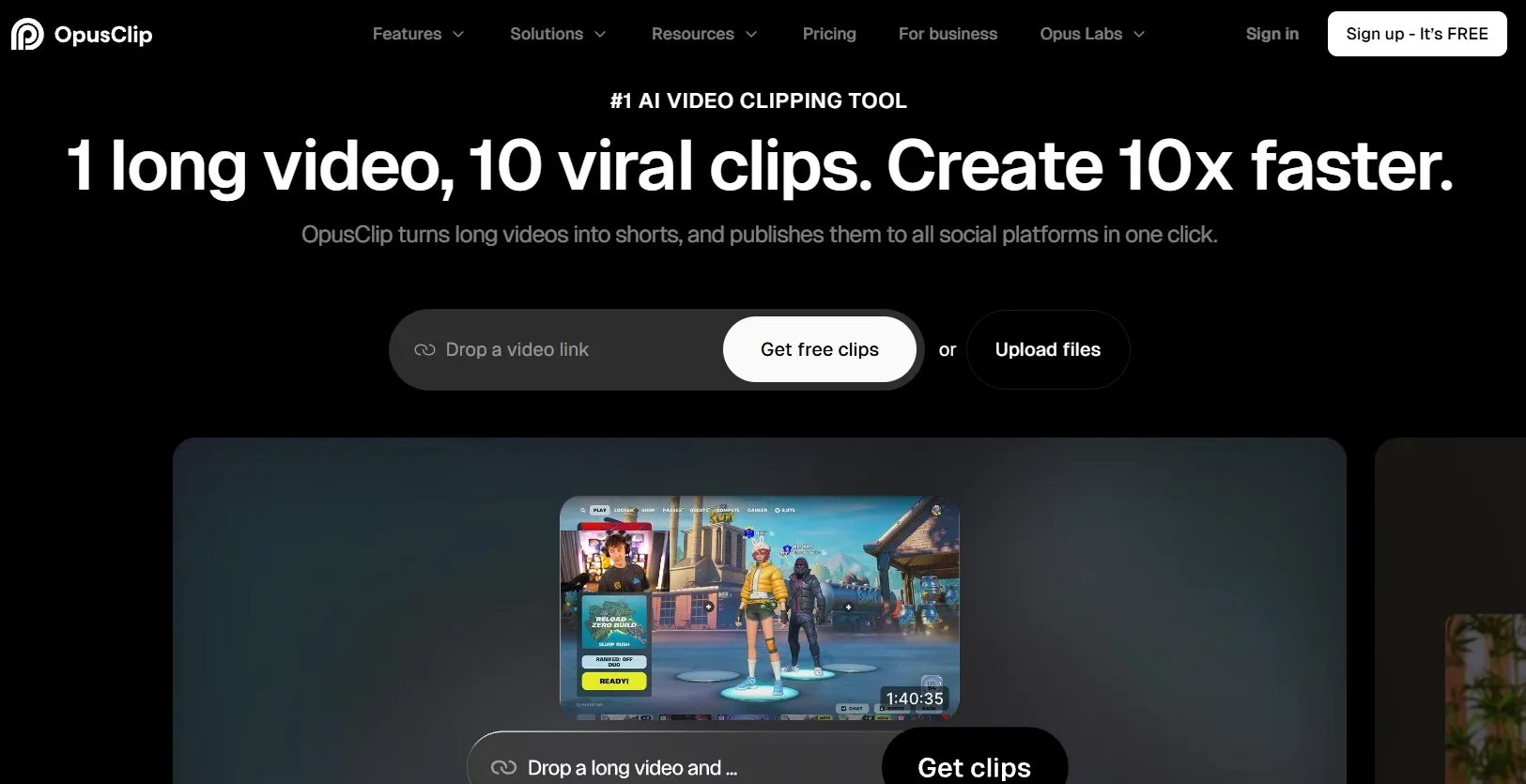
OpusClip starts with footage you already have. Its AI finds strong moments, turns them into clips, reframes the shot, and adds captions.
The platform can also remove filler words, improve speech, add B-roll, create voice-overs, and apply brand templates. It supports podcasts, interviews, webinars, vlogs, gaming videos, sports footage, and explainers.
OpusClip is made for content teams that publish often. A podcast team can turn one episode into several highlight videos, schedule them, and send selected exports to Premiere Pro or DaVinci Resolve.
For a more detailed look at OpusClip, read our OpusClip review.
What Is CapCut?
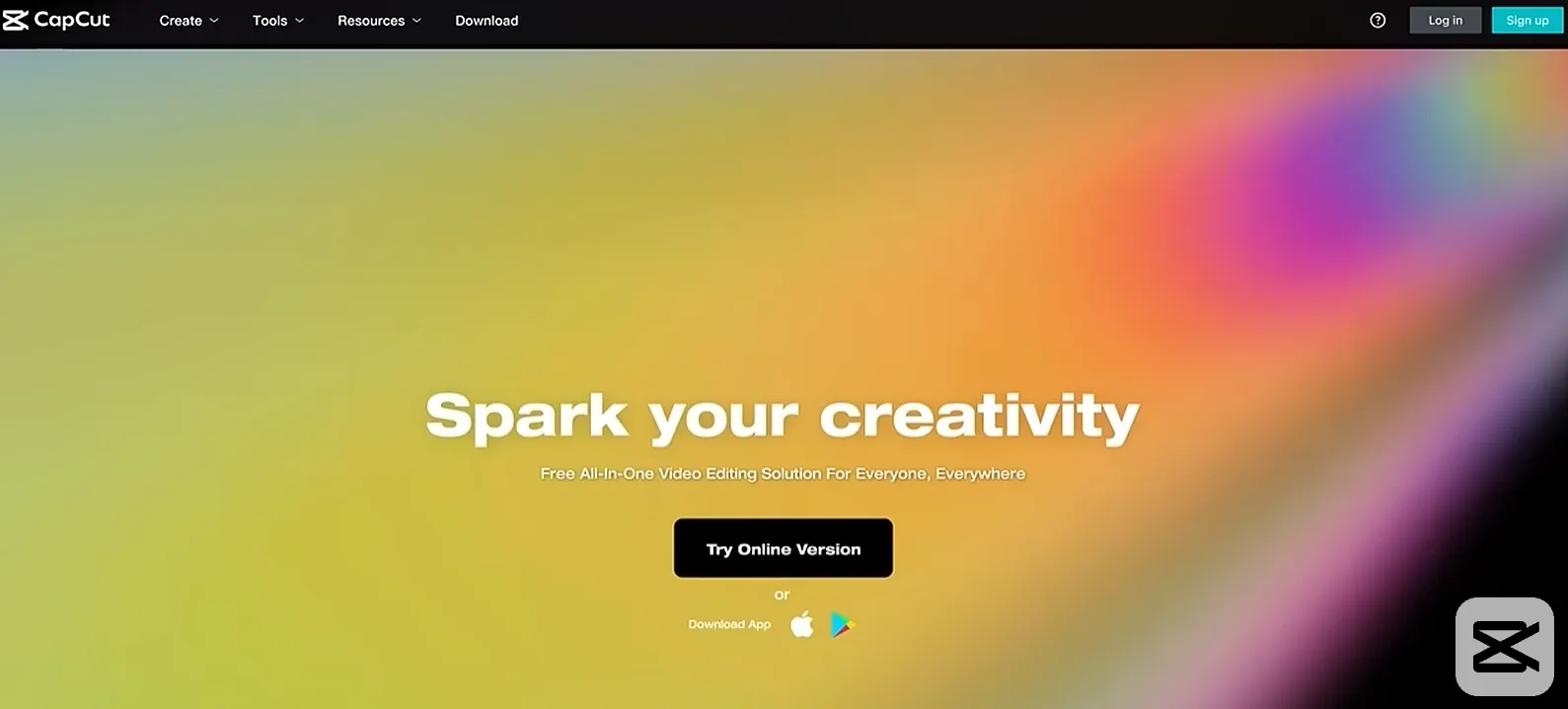
CapCut feels like a full editing studio. It lets users arrange clips on several tracks, add text and music, and control the timing of every scene.
Its AI tools speed up repetitive work. Smart Search finds people, objects, dialogue, and scenes. Auto Captions creates subtitles. Auto Reframe adjusts the composition for different platforms. Auto Cutout removes backgrounds.
CapCut suits vloggers, marketers, and small businesses that want more than fast clipping. It works well for product videos, music edits, tutorials, and ads that need a clear visual identity.
Edit Videos for Every Use Case
Enhance and restyle videos for creative, marketing, and e-commerce needs.
Try Pollo AI Video Editor Free
OpusClip vs CapCut: Which One Actually Edits Better?
Which tool turns long videos into Shorts faster?
OpusClip wins this category. It is built to find useful moments inside long recordings and turn them into short videos with minimal searching.
CapCut can shorten long footage with Auto Cut, scene detection, and transcript tools. The creator still spends more time deciding which moments to keep and how to package them.
Best fit: OpusClip is the better choice for podcasts, webinars, interviews, and other content libraries. It is also a natural fit for teams producing YouTube Shorts every week.
Which editor gives more creative control?
CapCut is much stronger when the editor knows exactly what the video should look like. Keyframes, speed curves, masks, motion tracking, color controls, and multiple layers give the user real control over the frame.
OpusClip keeps the process simpler. Its text editing, captions, B-roll, and reframing tools are useful for social clips, but they do not replace a deeper creative timeline.
Best fit: CapCut suits ads, branded videos, and projects that need detailed visual direction. This matters most when creating polished product ads.
Which one handles captions, audio, and polish better?
OpusClip is stronger for spoken content. It removes filler words, improves speech, adds animated captions, and inserts supporting B-roll.
CapCut offers more ways to design the whole video. It includes text-to-speech, music, sound effects, filters, transitions, background removal, color tools, and more elaborate text treatments.
The difference is clear. OpusClip makes speech content publishable. CapCut lets the editor build a visual style around the speech.
Best fit: Choose OpusClip for caption-heavy social clips. Choose CapCut when sound, color, motion, and effects matter just as much as the dialogue.
Which Tool Fits Each Video Task?
| Video task | Better choice | Why |
|---|---|---|
| Turn a two-hour podcast into Shorts | OpusClip | Finds highlights and formats them quickly |
| Edit a vlog with music and transitions | CapCut | Gives more control over pacing and style |
| Produce branded clips every week | OpusClip | Templates and publishing tools are built in |
| Build a product ad from several sources | CapCut | Handles layers, effects, text, and audio better |
| Create several aspect-ratio versions | OpusClip | Reframing and social exports are central |
| Collaborate on a polished social campaign | Both | OpusClip handles volume; CapCut handles custom finishing |
OpusClip vs CapCut Pricing
| Plan | OpusClip | CapCut |
|---|---|---|
| Free | $0; 60 credits/month, watermark, 1080p, no editing, exports expire after 3 days | Free editing on web, desktop, and mobile |
| Monthly individual plan | Starter: $15/month | Pro: $19.99/month |
| Annual individual plan | Pro: $174/year | Pro: $179.99/year |
| Team option | Pro includes a two-seat workspace; Business is custom | Team plans start at $24.99/month per seat on CapCut’s published comparison page |
| Extra benefits | Social scheduling, captions, reframing, B-roll, brand templates | Premium effects, templates, advanced tools, and 100 GB cloud storage |
CapCut pricing varies by region, device, taxes, and promotions, so the final checkout price may differ. In this comparison, I use $19.99 per month and $179.99 per year as the reference prices for CapCut Pro.
I compare OpusClip and CapCut based on how their plans support real editing workflows. OpusClip focuses on processing credits and feature limits, while CapCut focuses on premium tools, assets, storage, and export options. I would compare both plans with my expected monthly workload before choosing.
Pollo AI: A Better Option for Video Editing and Full Video Production
OpusClip finds clips. CapCut arranges them. Pollo AI goes further when editing means changing the footage itself or creating new footage for the project.
Change a shot with a simple prompt
Pollo AI video editor can remove objects, replace backgrounds, change the weather, alter a subject’s appearance, adjust the atmosphere, and add visual effects.
This is useful when a shot is almost right but still needs a visual fix. A marketer can remove a distracting object from a product clip. A creator can turn a daytime scene into a night scene without rebuilding the edit.
Handle focused cleanup jobs faster
Pollo AI also provides individual tools for common finishing tasks. Users can remove distracting objects or upscale finished footage.
These tools help when the timing already works but the footage needs repair. A localized campaign can remove old captions first, then add new text in the target language.
Turn a vague brief into a finished video
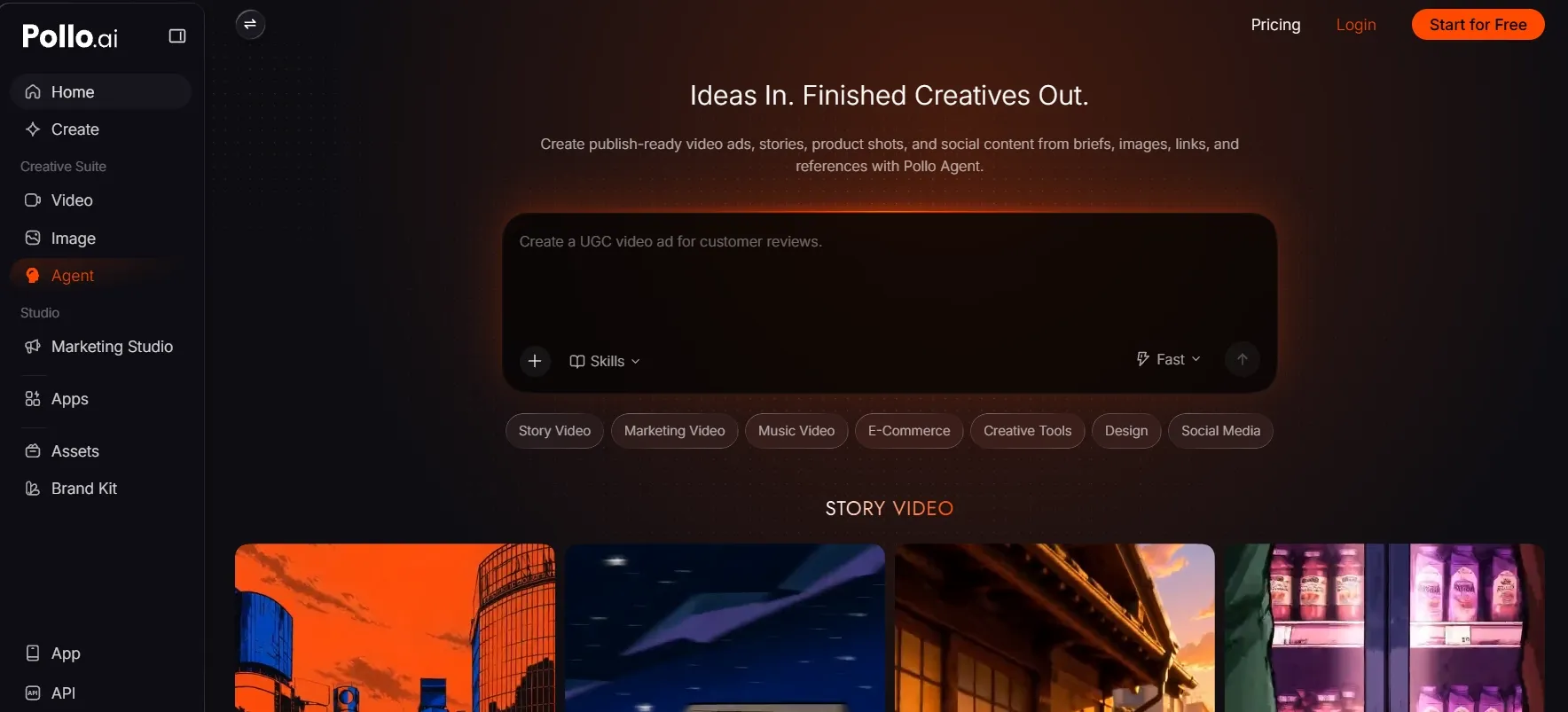
Pollo Agent is most useful when the project starts with a loose idea rather than a finished script. Give it a product page, a few images, a reference video, or a rough direction, and it can shape the concept, structure the story, and work out the production path of AI videos.
The real advantage is that the whole video stays connected. Pollo Agent can develop the hook, scenes, visuals, voice, music, captions, and sound effects around the same goal. This makes it useful for product launches, social campaigns, explainers, and ads that need more than a few isolated clips.
Revisions also feel more natural. You can ask it to strengthen the opening, replace a weak scene, change the pacing, or adapt the video for another audience without repeating the entire brief. It remembers the project context and carries the approved direction into the next version.
Direct and edit your next project
Pollo Director gives ambitious video projects one place to come together. Pull in clips, images, references, and generated shots, then arrange them by project, episode, and scene. You can watch the campaign take shape without chasing assets across different tools.
That structure makes creative iteration much faster. Save a product, character, or location as a reusable Element, test several versions of a shot, and keep the strongest take. The result stays consistent while each scene gets room to improve.
When the story is ready, the timeline turns those pieces into a finished deliverable. Trim, reorder, add captions, voice, and music, then export a polished ad, launch video, or social series from the same project.
Final Verdict
Choose OpusClip to turn long recordings into a steady stream of short social clips, with tools for finding highlights, adding captions, reframing, and publishing.
Choose CapCut for detailed editing control. Its timeline, effects, keyframes, color tools, and audio features help you refine ads, vlogs, and tutorials.
Choose Pollo AI when you need more than trimming footage. Transform shots with prompts, generate missing content, turn a rough brief into a complete video with Pollo Agent, and organize and flexibly reuse scenes, versions, and assets with Pollo Director.
OpusClip vs. CapCut FAQs
Is OpusClip better than CapCut for podcast clips?
Yes. OpusClip is designed to find complete moments in long recordings and turn them into short, captioned clips. CapCut can handle the same job, but it requires more manual searching and editing.
Is CapCut or Opusclip do a better job for detailed video editing?
Yes. CapCut gives you more control over keyframes, speed, masks, tracking, color, layers, transitions, and effects. It is the better fit when the final look depends on many small creative decisions.
Can CapCut replace OpusClip?
CapCut can replace OpusClip for occasional clipping, especially when you want to edit each clip yourself. However, for regular podcast, webinar, or interview repurposing, OpusClip is faster because highlight discovery and short-form formatting are built into the workflow.
Which tool gives more control over the final video?
CapCut gives more control. Its keyframes, masks, speed curves, color tools, effects, audio tracks, and layered timeline are better for edits where timing and visual details matter.
Why can Pollo AI be a better alternative to OpusClip and CapCut?
Pollo AI covers more stages of production. It can change existing footage with prompts, create missing scenes, turn a rough brief into a complete video with Pollo Agent, and manage multi-scene projects with Pollo Director. That makes it useful when the project needs creation, editing, revision, and delivery in one workflow.