



OpusClip vs Descript: Which Video Editor Fits Your Workflow Better?
OpusClip and Descript solve different editing problems. One turns long recordings into short-form content. The other lets you reshape video by editing the words. This guide compares their workflows, controls, AI tools, and pricing.
OpusClip vs Descript: TL;DR
| Category | OpusClip | Descript |
|---|---|---|
| Main focus | Repurposing long videos into short clips | Transcript-based video, podcast, and screen recording editing |
| Best for | Creators and teams producing social clips | Podcasters, educators, presenters, and collaborative teams |
| Editing style | AI clipping, text editing, and timeline refinement | Edit the transcript, then arrange scenes and layouts |
| AI strengths | Highlight selection, captions, reframing, B-roll, and filler removal | Underlord, Studio Sound, retake removal, voice regeneration, and bulk edits |
| Social workflow | Auto-reframe, brand templates, scheduling, and social connections | Clips, layouts, captions, share links, and team review |
| Audio workflow | Speech enhancement, filler removal, and AI voice-over | Multitrack editing, Studio Sound, voice clones, and Regenerate Speech |
| Free plan | 60 credits/month, watermark, no editing | 60 media minutes/month and 720p export |
| Paid entry | Starter at $15/month | Hobbyist from $16/person/month with annual billing |
OpusClip is the faster route from one long recording to several social clips. Descript is better when the edit depends on the transcript, audio, and structure of the full video.
Pollo AI covers a wider workflow. It can modify existing footage with prompts, restyle videos, handle finishing tasks, and help create complete videos from a brief or reference.
What Is OpusClip?
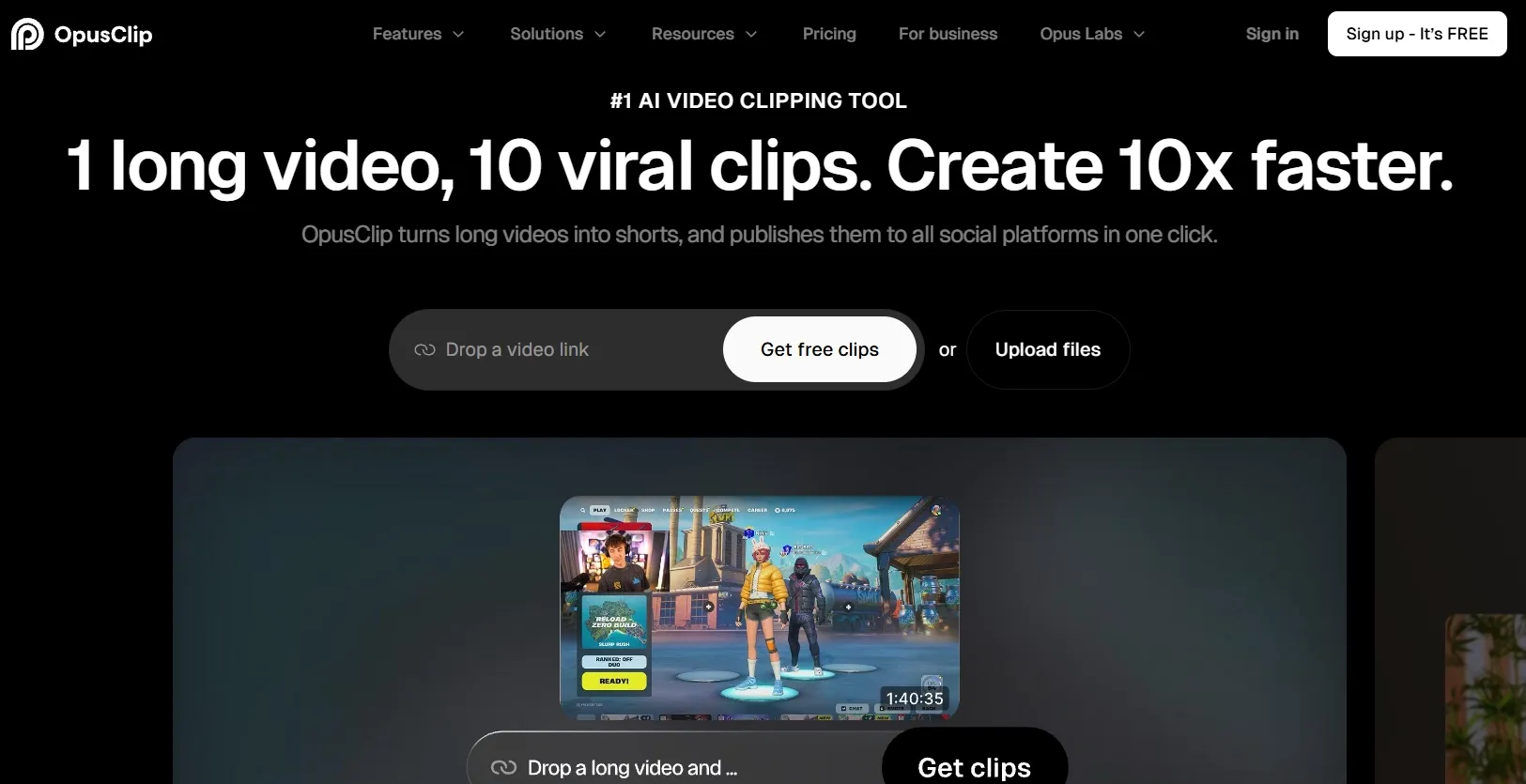
OpusClip is designed to find usable short-form moments inside longer recordings. It works with formats such as podcasts, interviews, webinars, livestreams, and talking-head videos.
OpusClip’s video editor analyzes the footage, selects potential highlights, and creates clips with captions and social-friendly framing. Users can then adjust the text, trim the result, reorder sections, add media, and change the crop.
OpusClip also includes an AI Producer for raw talking-head footage. It can create a first edit with captions, B-roll, motion design, music, and sound effects, while still allowing users to request targeted changes.
The workflow is most useful when one source recording needs to become several pieces of content. A single interview, for example, can be edited into separate YouTube Shorts, vertical clips, and longer excerpts.
OpusClip is focused on speed and repeatability. It is less concerned with building a complex, multi-layered production from scratch.
Want to learn more about OpusClip’s features? Check out our OpusClip review.
What Is Descript?
Descript uses transcription as the main editing layer. After a video or audio file is transcribed, users can remove words, move paragraphs, cut sections, and change the spoken structure directly in the text.
The transcript is connected to the visual timeline, so deleting a sentence also removes the corresponding part of the recording. This is useful for correcting a slow introduction, shortening an interview answer, or removing a repeated explanation.
Descript also supports scenes, layouts, captions, screen recording, remote recording, stock media, and multitrack editing. A course creator can combine a presenter, screen capture, slides, and supporting footage inside one project.
Its AI co-editor, Underlord, can find highlights, remove retakes, adjust pacing, add layouts, and complete repetitive changes across a project.
Descript is especially suitable for podcasts, online courses, interviews, webinars, and explainer videos where the spoken message determines the edit.
Edit Videos for Every Use Case
Clean, restyle, and enhance videos for creative, marketing, and e-commerce needs.
Try Pollo AI Video Editor Free
OpusClip vs Descript: Key Video Editing Differences
Which tool gets from long footage to short clips faster?
OpusClip begins with highlight discovery. Its AI reviews long footage, identifies potential clips, and creates short-form versions with captions and platform-friendly framing. Its Pro plan adds AI B-roll, scheduling, multiple aspect ratios, and social account connections.
Descript can also create AI videos through Underlord. However, the process remains connected to the full transcript and project, so users can review the surrounding conversation before deciding what to keep.
The difference becomes clear after a long interview. OpusClip can quickly produce a set of candidate clips. Descript gives the editor more context before selecting and shaping each excerpt.
Best fit: OpusClip is better for producing many clips quickly. Descript is better when each clip needs closer editorial review.
Which editor gives you tighter control over the cut?
OpusClip combines text editing with a relatively simple timeline. Users can change words, trim scenes, reorder sections, insert media, adjust framing, and add a new opening line.
Descript offers the same basic text-based approach, then adds scenes, layouts, multicam editing, transitions, and B-roll placement. This gives users more control over how a longer video is structured.
For a short social clip, OpusClip may provide all the control required. For a lesson with several chapters, camera angles, and screen recordings, Descript offers more ways to organize the material.
Best fit: Choose OpusClip for focused social edits. Choose Descript for longer projects with multiple sections and visual layers.
Which platform handles captions, reframing, and visual polish better?
OpusClip is designed around social formats. It includes animated captions, keyword highlights, auto-reframing, custom fonts, brand templates, B-roll, and voice-over. Its AI Producer can apply several treatments during the first edit.
Descript offers dynamic captions, layout packs, transitions, stock media, green screen, eye contact correction, and automatic multicam. These features are more closely tied to the layout of the full composition.
If the goal is a vertical clip for multiple platforms, OpusClip reduces repeated formatting work. If the goal is a video presentation or branded episode, Descript gives the editor more control over the frame.
Best fit: OpusClip is better for platform-ready clips. Descript is better for structured presentations and branded episodes.
Which tool is stronger for audio and talking-head cleanup?
OpusClip includes speech enhancement, filler-word removal, pause cleanup, and AI voice-over. These tools are useful when a short clip is nearly finished and needs a quick cleanup pass.
Descript includes Studio Sound, Edit for Clarity, Remove Retakes, Regenerate Speech, voice clones, and multitrack transcription. These features support more involved changes to spoken content.
Suppose a guest repeats an answer or leaves a long pause. OpusClip can remove obvious filler. Descript gives the editor more options for rebuilding the answer and improving the surrounding audio.
Best fit: OpusClip is enough for routine cleanup. Descript is better for podcasts, interviews, explainers, and detailed speech editing.
Which Tool Fits These Editing Jobs?
| Editing task | Better choice | Why |
|---|---|---|
| Turn a one-hour interview into ten clips | OpusClip | Its core workflow is AI clipping and social repurposing |
| Edit a podcast by removing words from the transcript | Descript | Transcript changes directly change the video and audio |
| Resize and caption clips for several platforms | OpusClip | Auto-reframing and social publishing are built in |
| Produce a course with screen recordings | Descript | Recording, scenes, layouts, and transcript edits work together |
| Review edits with a remote team | Descript | Comments, collaboration, and share links are stronger |
OpusClip vs Descript: Pricing Comparison
| Plan | OpusClip | Descript |
|---|---|---|
| Free | $0; 60 credits/month, up to 1080p, watermark, no editing | $0; 60 media minutes/month and 720p export |
| Entry paid | Starter: $15/month and 150 credits/month | Hobbyist: $16/person/month annual billing or $24 monthly |
| Mid-tier | Pro: $29/month or $174 billed annually | Creator: $24/person/month annual billing or $35 monthly |
| Team tier | Business: custom credits, seats, storage, and integrations | Business: $50/person/month annual billing or $65 monthly |
OpusClip’s free plan is mainly for testing the clipping workflow. It includes no editing, adds a watermark, and makes clips unavailable for export after three days.
Descript’s free plan is more useful for learning transcript-based editing. Higher resolution, more media hours, and broader AI access require a paid plan.
How Pollo AI Approaches Video Editing
OpusClip and Descript are mainly concerned with editing footage that already exists. Pollo AI adds another layer: changing the footage itself, applying visual transformations, and building new video material when the original clip is not enough.
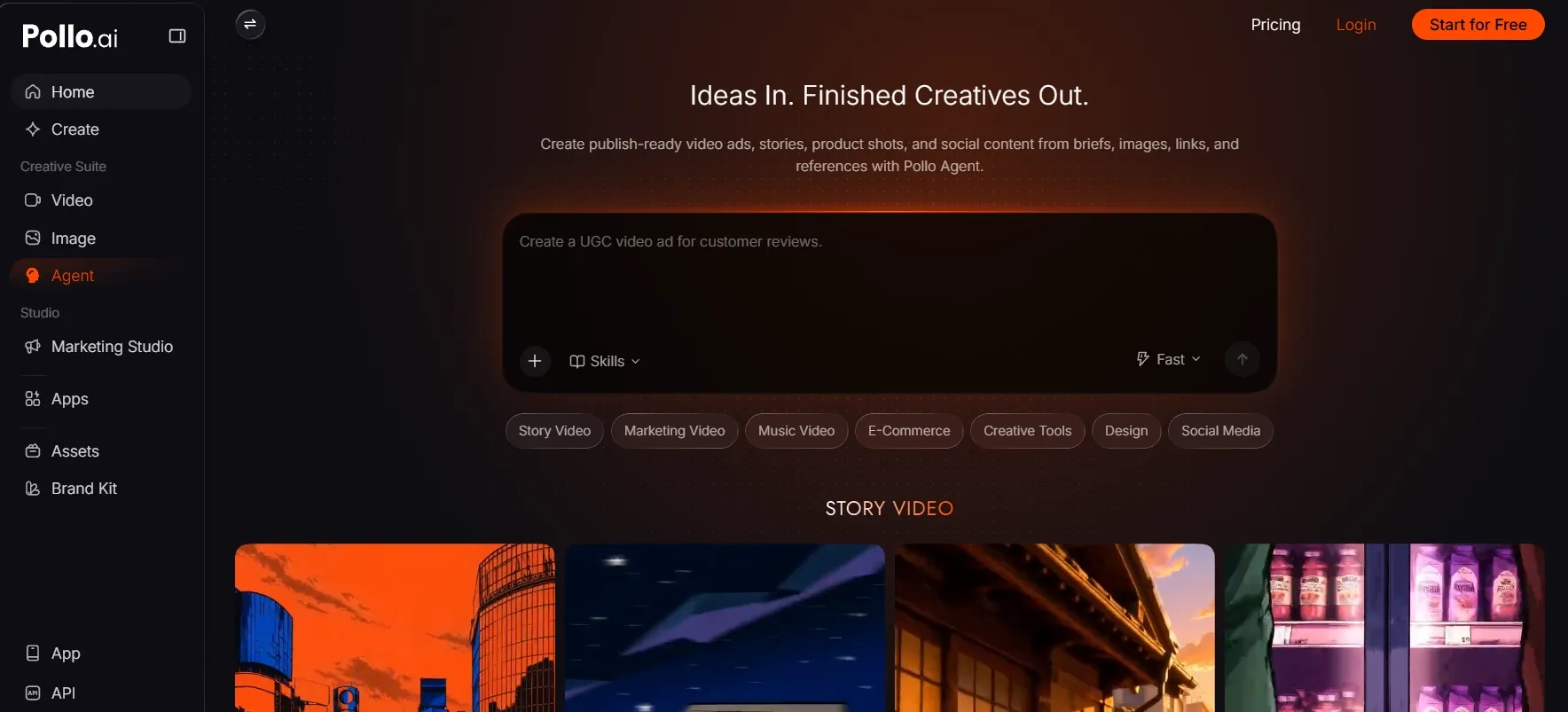
Edit a shot by describing the change
With Pollo AI video editor, users can upload a clip and describe the desired result in plain language.
A product video shot in a plain room can receive a cleaner background. A daytime street scene can become a rainy night sequence. A distracting object can disappear from the frame, while the main subject remains in place.
This AI video editor also supports changes to subject appearance, camera angles, atmosphere, and visual effects. This is useful when reshooting would take too much time or when a single clip needs several creative variations.
Clean up and finish footage in one place
Picture a product UGC ad filmed in a cluttered room. Pollo AI can sharpen the footage, isolate the product, and sync a revised voice track without sending the clip through several tools.
Use its video enhancer for soft footage, video background remover for a cleaner frame, and lip sync AI when the script changes after filming.
The result is a shorter path from rough footage to a cleaner marketing clip, product demonstration, or social post.
Change the visual style seamlessly
Imagine a live-action fashion clip that needs to become a stylized campaign piece. Or a dance video that needs an anime, cinematic, or illustrated treatment without losing the original movement.
Video to video AI by Pollo AI uses existing footage as the visual starting point and applies a new style or treatment. That makes it useful for music videos, branded experiments, story sequences, and social content that needs a stronger visual identity.
The original clip provides the motion and structure. Pollo AI supplies a new visual direction.
Build a full video with Pollo Agent
Marketers can start with a product page and a rough campaign idea. A creator can start with a script, reference image, or story outline. Pollo Agent turns that starting material into a structured video workflow.
It can organize scenes, shape pacing, generate supporting assets, and carry revisions through the project. If a product shot needs a different setting or the opening needs a new hook, the user can revise the direction without rebuilding everything from the beginning.
This is useful for product ads, social campaigns, explainers, and multi-scene stories where generating individual clips is only one part of the work.
Direct your project with Pollo Director
For a larger TVC-style project, the workflow may include a storyboard, several shots, recurring characters, product close-ups, alternate versions, captions, music, and final exports.
Pollo Director is designed for that kind of production structure. Creators can create new shots, reuse important elements, place AI-generated and uploaded media on a timeline, and refine the sequence before delivery.
Director gives creators more room to manage all shots and make deliberate decisions across a larger project.
Final Verdict
OpusClip is the practical choice for creators and marketing teams that already have long recordings and need short-form clips quickly. Its advantages are highlight discovery, captions, reframing, and social publishing.
Descript is better for podcasts, courses, interviews, screen recordings, and projects that need careful transcript and audio editing. It gives teams more control over the structure of the full production.
Pollo AI is the more comprehensive option when the workflow includes both editing and creation. It can modify existing footage, clean up scenes, change the visual style, generate supporting material, and organize larger projects through its Agent and Director.
OpusClip vs Descript FAQs
Is OpusClip better than Descript for short-form video?
Yes, when the main task is turning long recordings into multiple social clips. OpusClip is built around finding highlights, formatting them, and preparing them for publication.
Is Descript better for podcast editing?
Yes. Descript offers deeper transcript editing, multitrack support, audio cleanup, retake removal, voice regeneration, and remote recording tools.
Which tool is better for editing screen recordings?
Descript is usually the better choice. Its screen recorder, transcript editing, scenes, layouts, and audio tools work well for tutorials, software demonstrations, and training content.
Why is Pollo AI a better choice than OpusClip or Descript?
Pollo AI is the more flexible video editing choice because it brings prompt-based edits, visual restyling, cleanup, and complete production into one creative workspace. Its AI video editor and other AI video tools turn rough footage into polished, on-brand content without juggling several platforms.