



Synthesia vs HeyGen: Find the Right Fit for Your Videos
Not sure which platform fits your videos? This Synthesia vs HeyGen article compares features, pricing, and use cases to help you find the best fit for your creative goals.
Synthesia vs HeyGen: Quick Overview
| Comparison | Synthesia | HeyGen |
| Best If You Need | Repeatable training and business communications | Digital twins, presenter content, and localized campaigns |
| Generation Methods | Scripts, documents, URLs, and conversational Assistant | Scripts, audio, photo avatars, video references, and Video Agent |
| Model Access | Proprietary avatar models plus Google video models | Proprietary avatar models plus partner video engines |
| Main Control Strength | Content structure, branded scenes, and script-led delivery | Voice performance, custom motion, and cinematic avatar scenes |
| Editing Workflow | Scene editor with conversational refinement | AI Studio with script, caption, and layout controls |
| Main Advantage | Connected creation, localization, and training distribution | Flexible personal presentation and creative avatar production |
| Main Limitation | Quizzes and SCORM require Enterprise | Advanced engines consume credits faster; some require higher plans |
| Quick Verdict | Our pick for structured knowledge sharing | Our pick for personality-driven video content |
Synthesia suits structured training and business communications, while HeyGen works well for personal-brand videos and cinematic avatar content. If your projects span these formats and more, use Pollo AI, where you can assess various models and flexible editing tools.
What Is Synthesia?
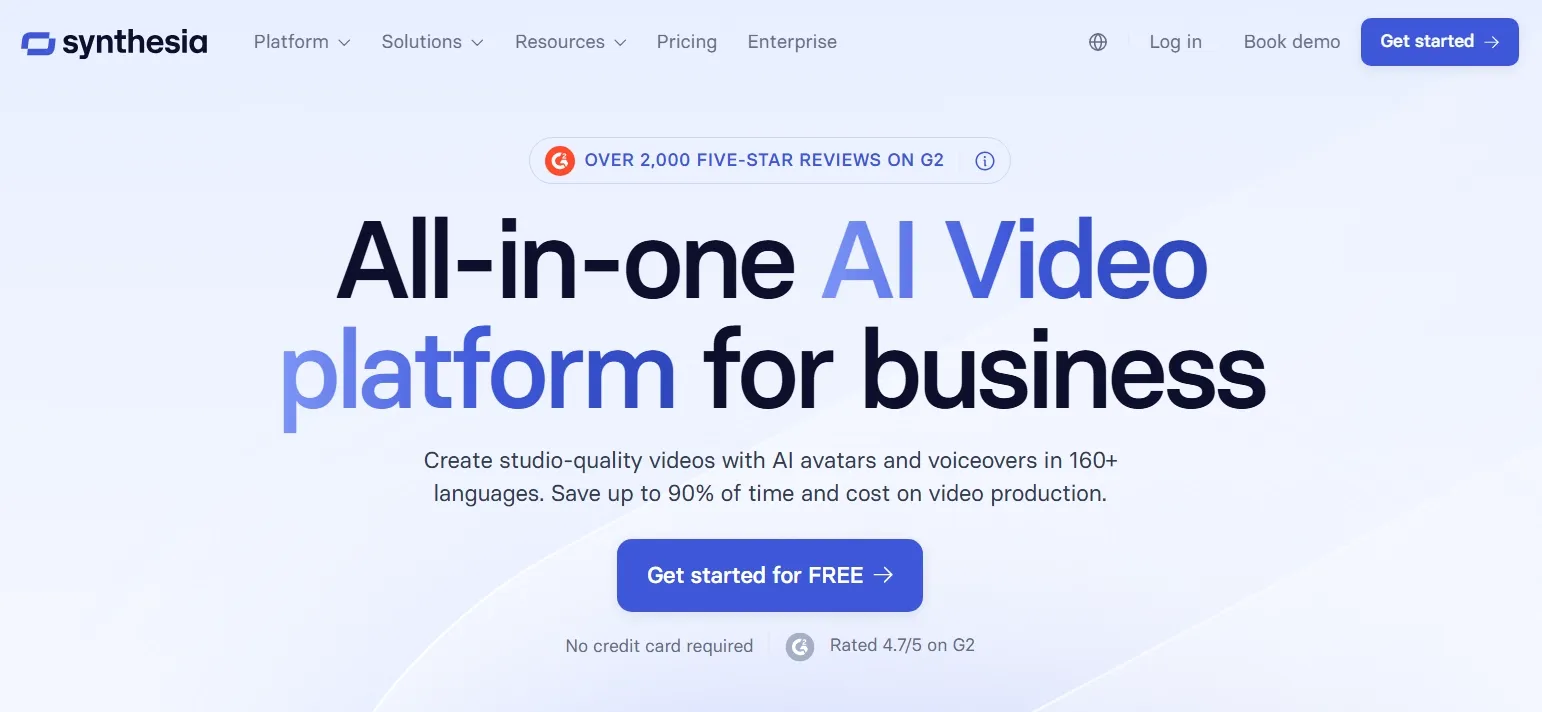
Synthesia helps you turn business information into videos your audience can follow and revisit. Its AI avatars and text to speech suit onboarding, internal updates, customer education, and training.
You can start with a prompt, document, or URL, then use Assistant to develop the script and scene structure. Conversational editing lets you adjust the tone, sequence, and supporting visuals, helping organize detailed information into explanations your audience can follow.
Its native Express-3 model aligns expressions and gestures with the script’s tone, giving the presenter delivery that reflects the message. Third-party models such as Veo 3.1 generate supporting footage, so you can pair spoken explanations with scenes that illustrate them.
The scene-based workflow is particularly useful when information changes. You can revise a specific policy, process, or product detail while retaining the surrounding presentation and branding.
For more details, you can read our Synthesia review.
What Is HeyGen?
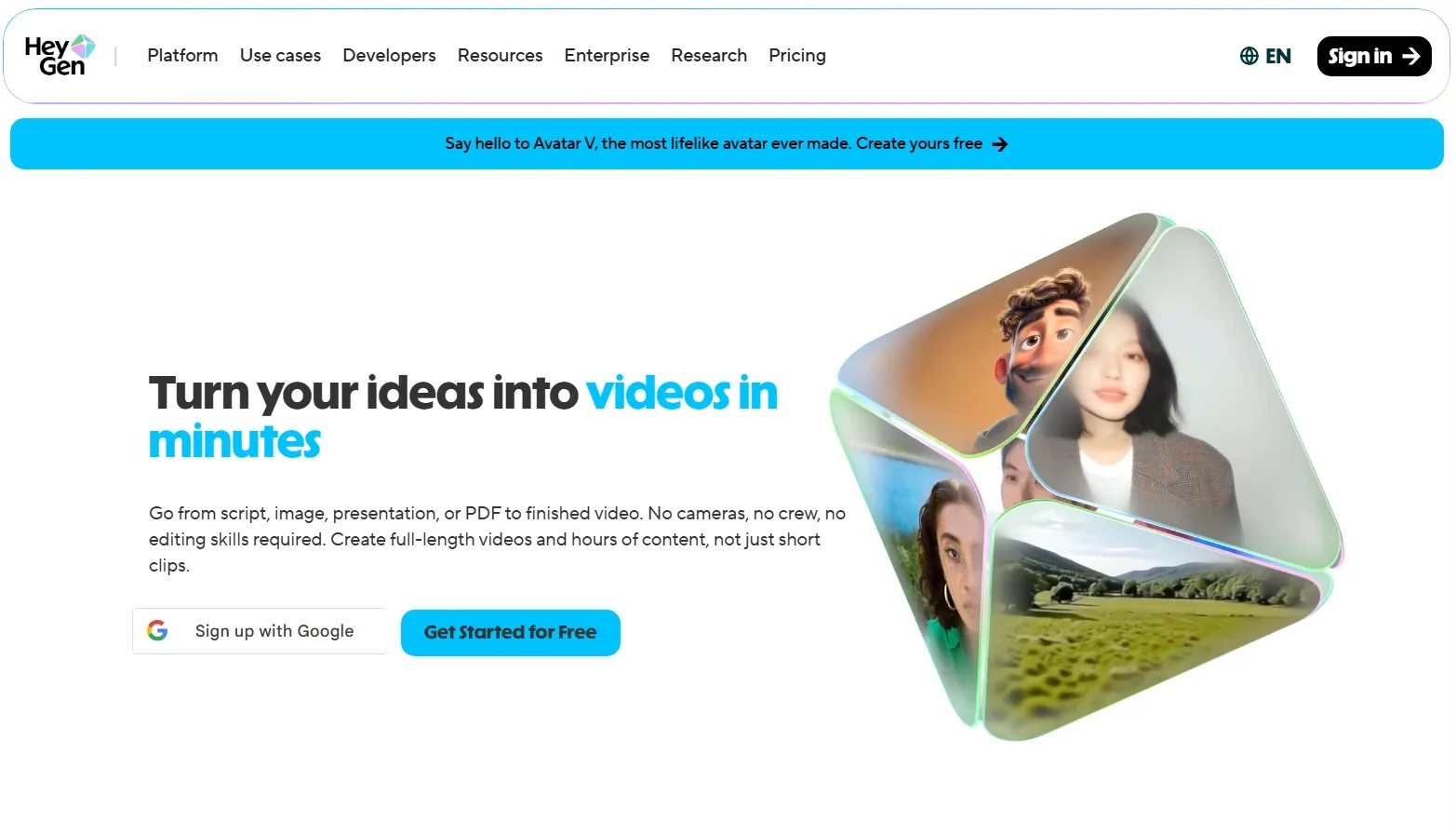
HeyGen puts particular emphasis on how your on-screen presenter looks, sounds, and performs. You can build a digital twin from a video reference, animate a photo, or begin with a script.
Its native Avatar V model uses video references to capture appearance and movement across different scenes. Combined with voice cloning, this makes it useful for recurring founder messages, education videos, and personal-brand videos.
For more visual storytelling, Cinematic Mode lets you describe actions, camera movement, and atmosphere. Seedance 2.0 powers supported workflows on Pro and higher plans for new subscribers, extending production beyond a talking presenter.
Video Agent and AI Studio bring planning, captions, B-roll, and editing into the same environment. The resulting flexibility suits creators balancing spoken delivery with supporting visuals.
You can read our HeyGen review to get more information.
Create Videos with More Freedom
Turn your ideas into engaging videos with flexible AI models and tools in one place.
Try AI Video Generator Free
Synthesia vs HeyGen: Side-by-Side Feature Comparison
Both platforms now cover much more than basic talking-head generation. The useful distinctions concern how you direct production, refine the result, and access advanced features.
| Feature | Synthesia | HeyGen |
| Video Generation | Assistant builds videos from prompts, files, and URLs. Google models such as Veo 3.1 generate supporting footage. | Video Agent combines presenters, graphics, and B-roll. Partner models include Seedance 2.0 and Veo, with availability varying by plan. |
| Avatar Creation | Express-3 is rolling out alongside existing avatar options. Photo avatars support appearance customization, while script sentiment guides expressions and gestures. | Avatar III, IV, and V support different workflows. Photo avatars offer presenter and cinematic modes. Performance controls include Custom Motion, Voice Director, and Voice Mirroring. |
| Video Editing | Edit scenes, layouts, and media, or refine the video through conversational instructions. | Adjust script delivery, captions, layouts, and supporting footage within AI Studio. |
| AI Voiceovers | Voices in 160+ languages, with voice cloning available through supported avatar and voice workflows. | Voices in 175+ languages and dialects on paid plans. Voice cloning is available, with allowances varying by subscription. |
| Video Translation and Lip Sync | Translate videos and dub speech with synchronized lip movements. Available features and usage allowances depend on the plan. | Translate videos using different engines and lip-sync options. Translation script review is available on Pro and higher plans. |
| Interactive Learning | Add buttons and branching on Creator. Quizzes and SCORM export require Enterprise. | Create quizzes and branching experiences, with SCORM export available on Business and Enterprise. |
| Team Collaboration | Guest review is available on self-serve plans. Enterprise expands workspace access and organizational controls. | Business supports comments, shared editing, and team administration within a shared workspace. |
| Export Resolution | Export videos as Full HD 1080p MP4 files on paid plans. | Export at 1080p on Creator or 4K on Pro and higher plans. |
Which AI Video Generator Should You Choose?
Start with the videos you publish most often and the steps that take the most effort. These recommendations reflect each platform’s workflow strengths.
| If You Need | Better Choice | Why |
| Training videos for your employees | Synthesia | Business-focused creation, localization, and publishing suit an ongoing learning library |
| Onboarding videos built from existing documents | Synthesia | Assistant helps organize source material into branded scenes |
| Internal communication videos | Synthesia | Presentation workflows keep narration and supporting information closely connected |
| Basic branching without an Enterprise contract | Synthesia | Buttons and navigation are available before the Enterprise tier |
| Founder updates featuring your digital twin | HeyGen | Avatar V focuses on your identity and performance across scenes |
| UGC video ads | HeyGen | Voice and motion control support different delivery styles |
| Translating recorded presenters for new markets | HeyGen | Dedicated translation workflows include voice preservation and lip-sync options |
| SCORM delivery at a published team-plan price | HeyGen | SCORM is included without requiring a custom Enterprise quote |
Which Plan Gives You Better Value?
The right plan should fit your budget and the way you create videos. Compare Synthesia and HeyGen’s pricing, included features, and usage limits below to see which suits your needs.
| Plan Level | Synthesia | HeyGen |
| Free Access | Basic: $0; 1,200 credits monthly, sufficient for up to 10 video minutes; paid upgrade for downloads | Free: up to three one-minute videos monthly; quota can vary by region |
| Entry Paid Plan | Starter: $29/month; 1,200 credits, downloads, and logo removal | Creator: $29/month; 600 credits, 1080p export, and watermark removal |
| Higher Individual Plan | Creator: $89/month; 3,600 credits and basic interactivity | Pro: from $49/month; 1,000 credits, 4K export, and higher credit tiers |
| Team Expansion | Enterprise: custom pricing and editor allocation | Business: $149/month including the first seat and 1,500 shared credits; $20 per additional seat |
| Enterprise | Custom pricing; quizzes, SCORM, and advanced organizational controls | Custom pricing, usage terms, and organizational controls |
Why Could Pollo AI Be Your Better Choice?
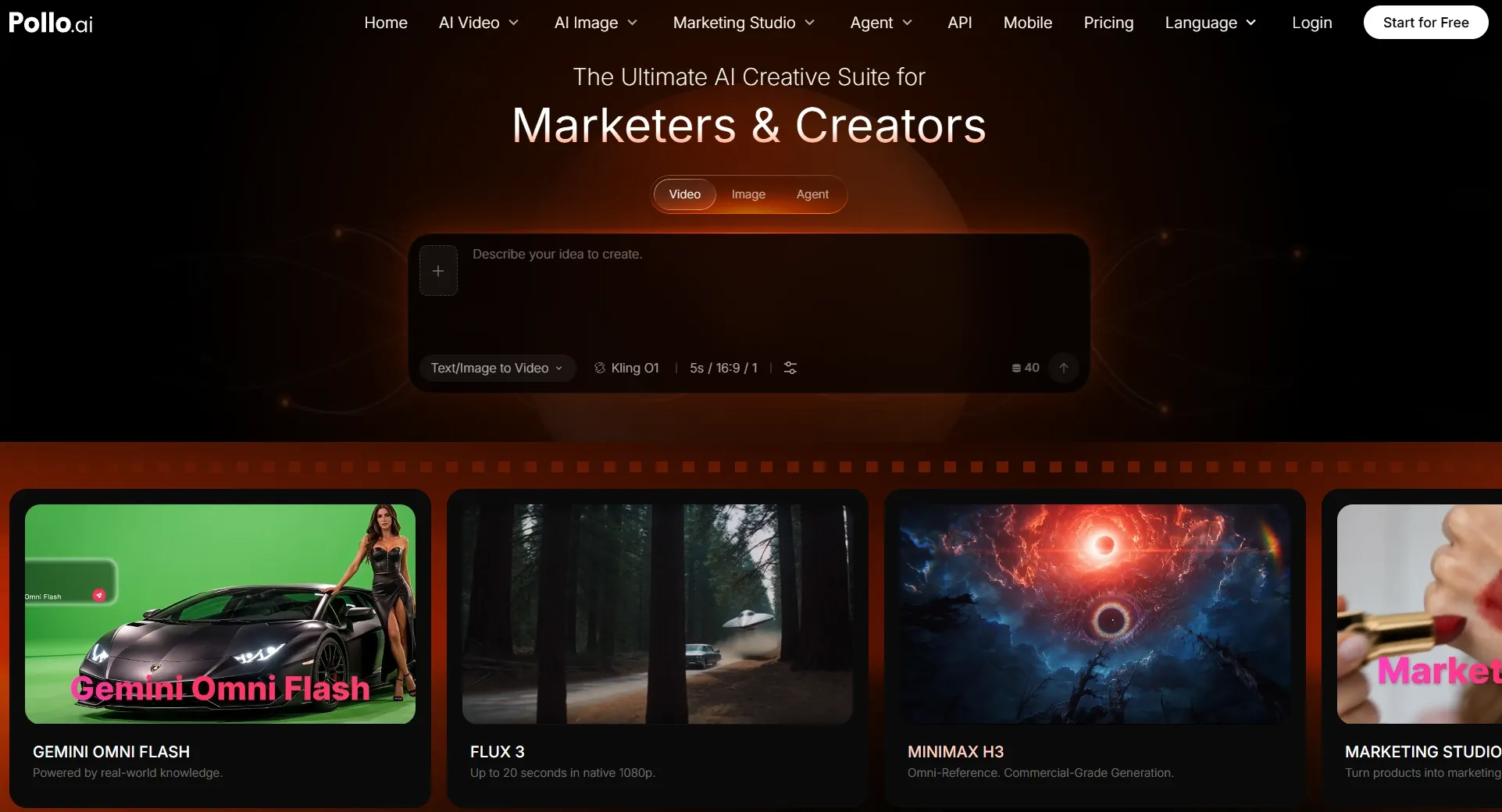
Synthesia and HeyGen both support complete presenter workflows, including editing and assisted creation. Pollo AI becomes especially relevant when your content calendar calls for more creative variety alongside those videos. Its combination of model access, dedicated apps, and visual refinement tools gives you more ways to approach each project.
Explore More Ways to Tell Your Story
Give each idea a visual approach that suits its message. Pollo AI brings leading AI video models, including newly launched Seedance 2.5 and MiniMax H3, into one platform, making different creative directions easier to explore.
You can develop an imagined scene through text to video or animate existing assets through image to video. You can also use reference to video to create subject-led videos.
This flexibility lets you choose the best starting point for each scene and explore alternative looks using your existing assets. You can adapt the visual approach as your brief evolves, keeping the work in one place.
Build Around the Content You Need
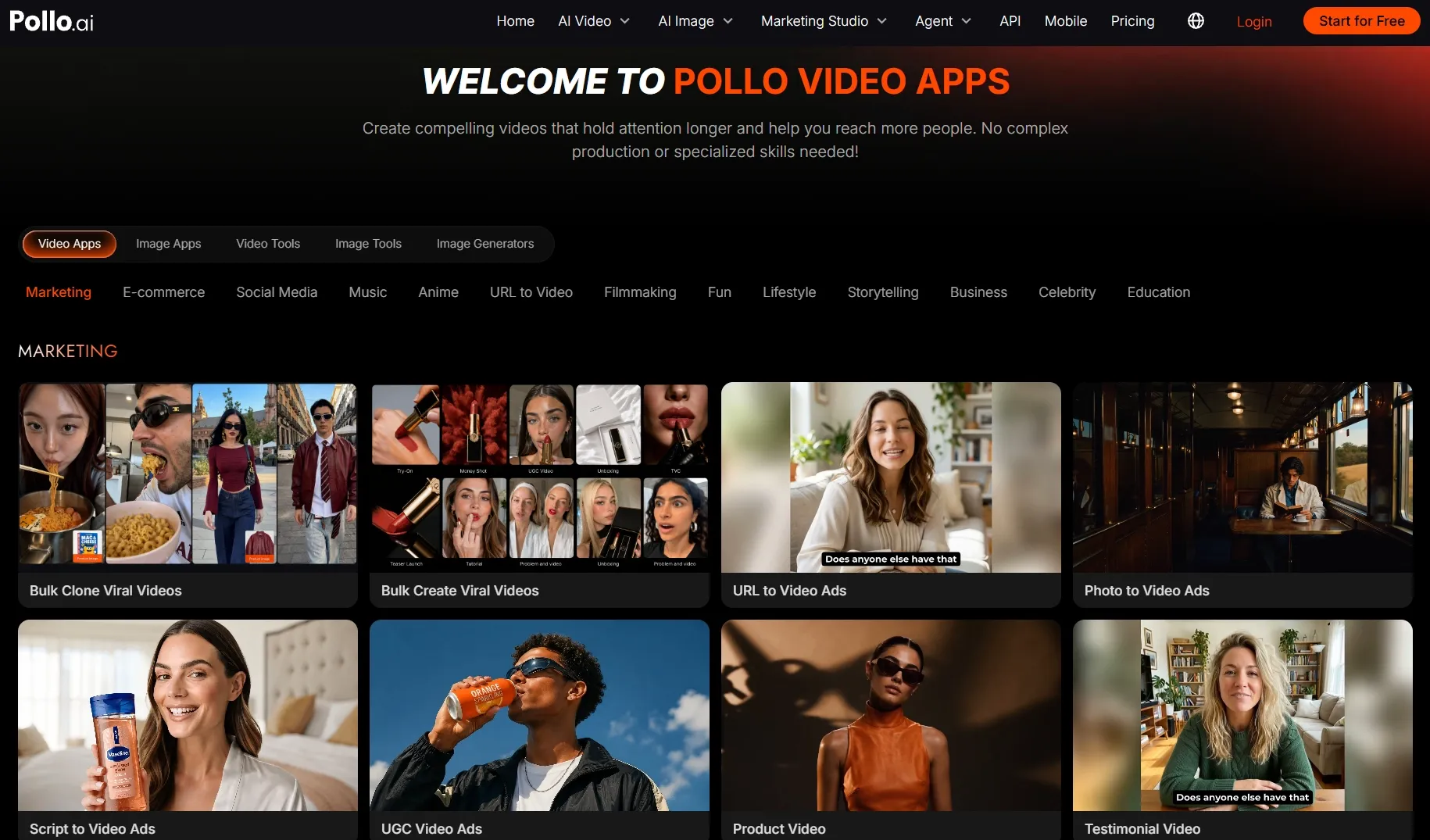
Start with the kind of video you want to make. Pollo AI offers dedicated video apps for various video types, including story videos and before and after videos.
Each app focuses creation on what matters for its purpose. Stories benefit from connected scenes, explainers need clear sequencing, and product videos rely on focused visual presentation.
These starting points reduce the production decisions you need to make before developing your content. You can spend more time refining the message, pacing, and viewing experience, making unfamiliar formats easier to approach.
Refine the Footage You Want to Keep
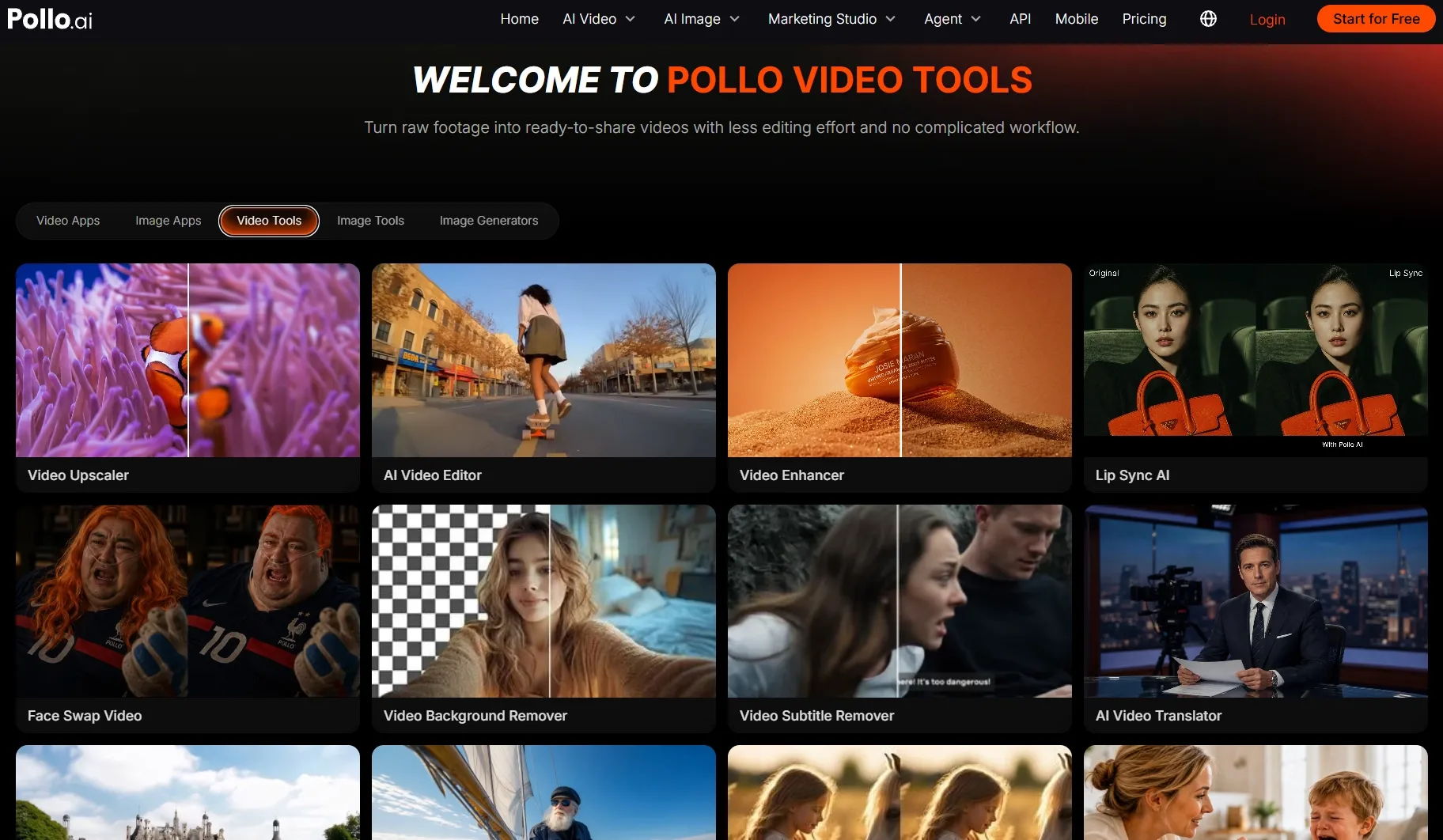
Get more value from the footage you already have. Pollo AI’s video editor lets you replace backgrounds and remove distracting objects through simple text instructions. These targeted changes help keep attention on your subject and message.
You can also reframe your videos for different channels. To make your content accessible to more language communities, use AI video translator to localize speech and subtitles.
Together, these tools help you reuse effective footage across platforms and audiences, reducing the need for separate productions. You can extend the reach of tutorials, stories, and product videos while preserving more of the work already invested.
Create Ready-to-Share Videos With Pollo Agent
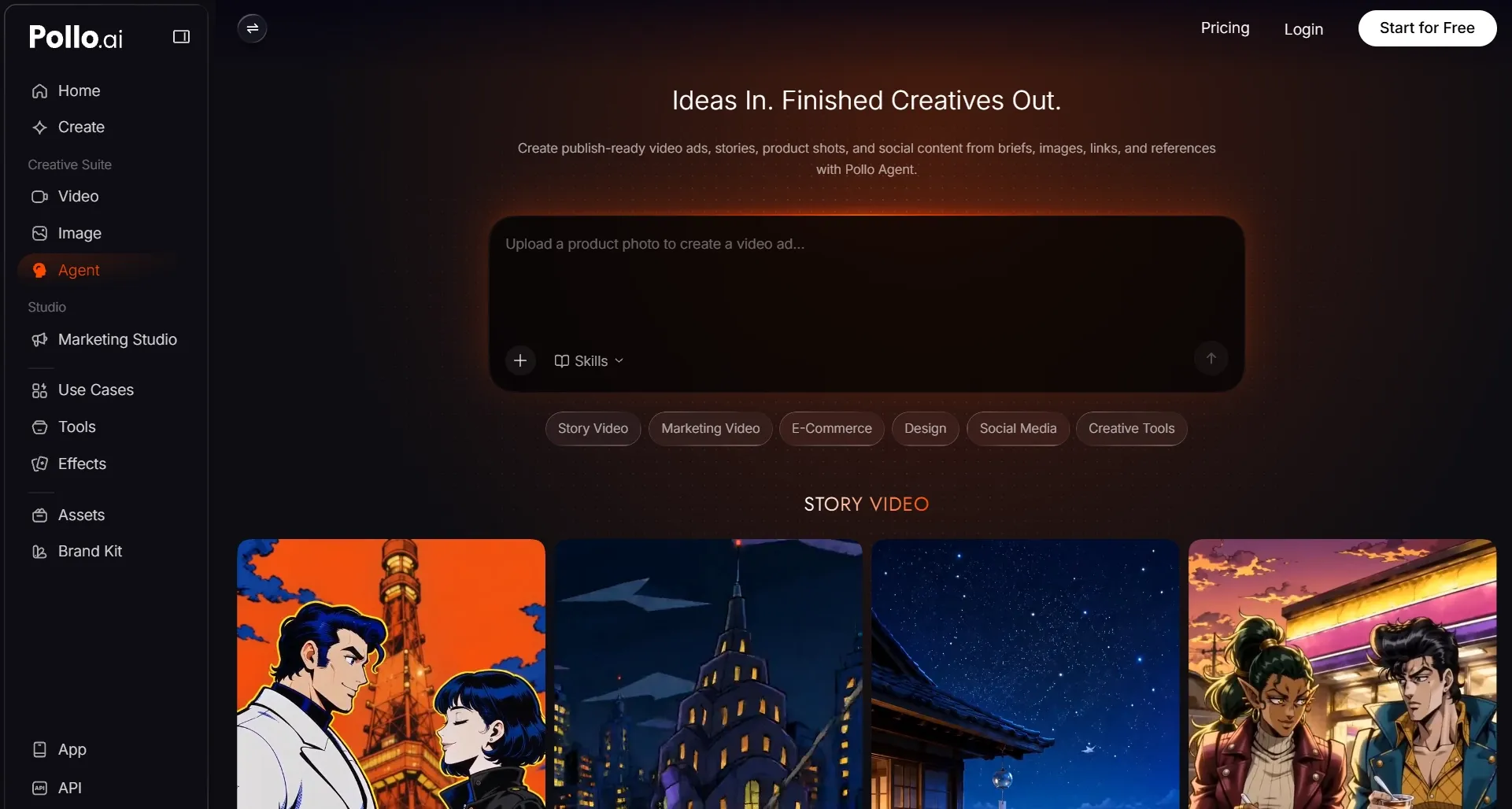
Bring your brief, images, links, or script to Pollo Agent and let it coordinate the scenes and supporting assets. Goal-focused skills guide production, helping you spend more time shaping the idea and less time managing individual steps.
Explore dedicated workflows for anime videos and music videos. You can also turn a URL into video ads, giving existing content a new way to reach viewers.
Pollo Agent brings scenes, visuals, and audio together into a post-ready video with no editing needed. If your direction changes, request revisions in the same conversation without manually rebuilding the sequence. You can also reuse project assets to develop related videos, carrying your creative work forward.
Final Verdict
Synthesia suits teams that need to explain business information clearly and keep training content consistent. HeyGen is a good fit when a presenter’s personality and expressive delivery are central to your content.
Both work well when a presenter carries your message. But if you also want to explore other ways to tell your story, try Pollo AI. Its flexible creation and editing tools help you shape each video around your idea and develop it into a finished piece in one place.