



PicLumen Review: I Tested PicLumen for Weeks – Here's What I Found
I tested PicLumen mainly as an AI video generator, with extra attention on its image generation, image to video, AI editing, character consistency, and marketing-style outputs. In my opinion, PicLumen is easy to start with, but I would not rely on it as my main production workflow.
When I needed cleaner motion, repeatable product visuals, stronger scene control, and less post-editing work, the limits became much clearer.
PicLumen Review: TL;DR
PicLumen is an AI video generator I would use for quick creative testing, short clips, and image-to-video experiments. But if I needed a stronger all-in-one workflow for finished videos, ads, and product visuals, I would choose Pollo AI instead.
| Category | My Take |
| Best for | Quick AI videos, image to video, visual experiments, beginner-friendly creation |
| Not best for | Finished ad workflows, consistent product visuals, multi-scene production, publish-ready campaigns |
| Biggest strength | Low-friction creation with image, video, model, and Lumen-based access |
| Biggest weakness | Outputs often still need retries, cleanup, or editing elsewhere |
| My score | 6.8/10 |
| Better alternative | Pollo AI |
What Is PicLumen?
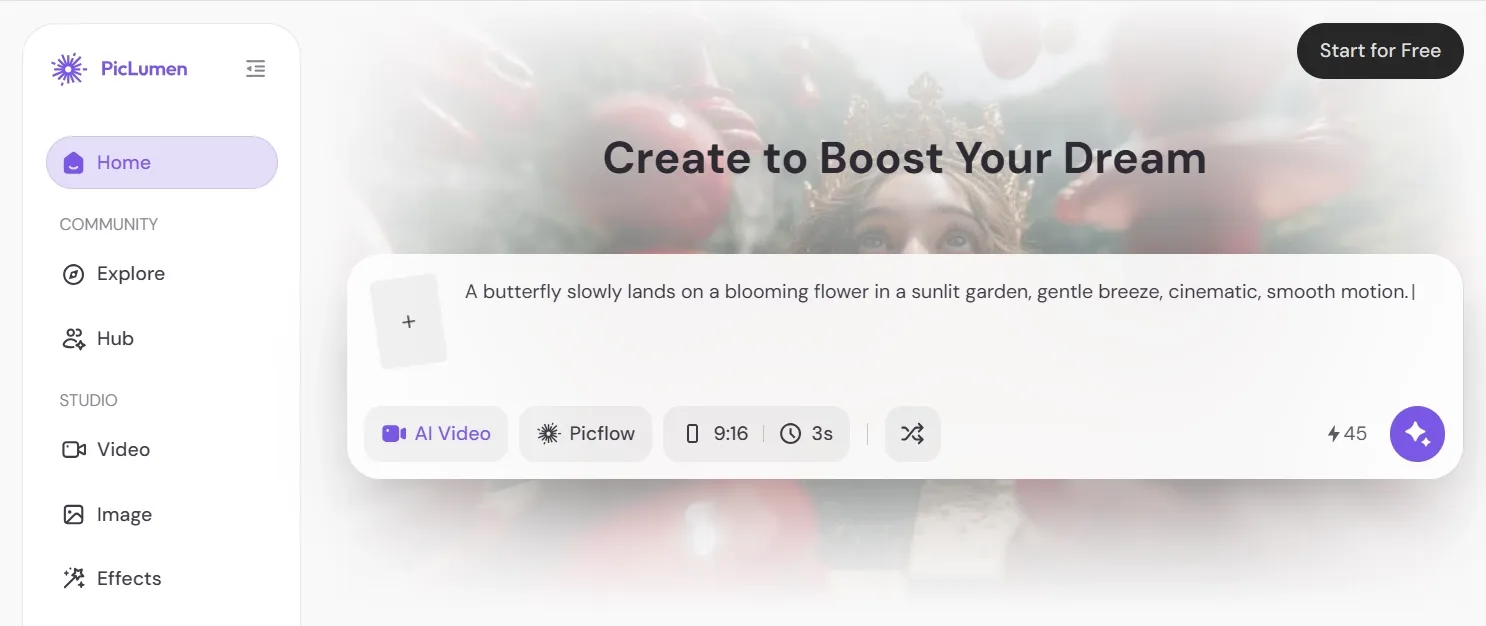
PicLumen is mainly an AI video generator with connected AI image tools. It lets users create videos from text or images, generate images from prompts, transform images, and edit existing visuals with tools such as upscale, inpaint, and extend.
What I liked first was the low barrier to entry. PicLumen uses Lumens as credits, offers a free basic plan, and makes it easy to test different creation paths without feeling like I had to build a full production pipeline first.
It also lists several video models on its site, including options such as Veo, Kling, and Seedance. That makes PicLumen feel built for creative experimentation more than one fixed output style.
What Are PicLumen's Key Features?
PicLumen's best features are the ones that help me move quickly from an idea to a visual draft.
Text to Video and Image to Video Generation
PicLumen's main value is video creation from prompts or source images. I could use it to make short social clips, animated product shots, cinematic scenes, and simple visual experiments without setting up a complex editor.
The workflow only works better when the goal is a short clip, not a fully planned video campaign.
Video Effects and AI Video Tools
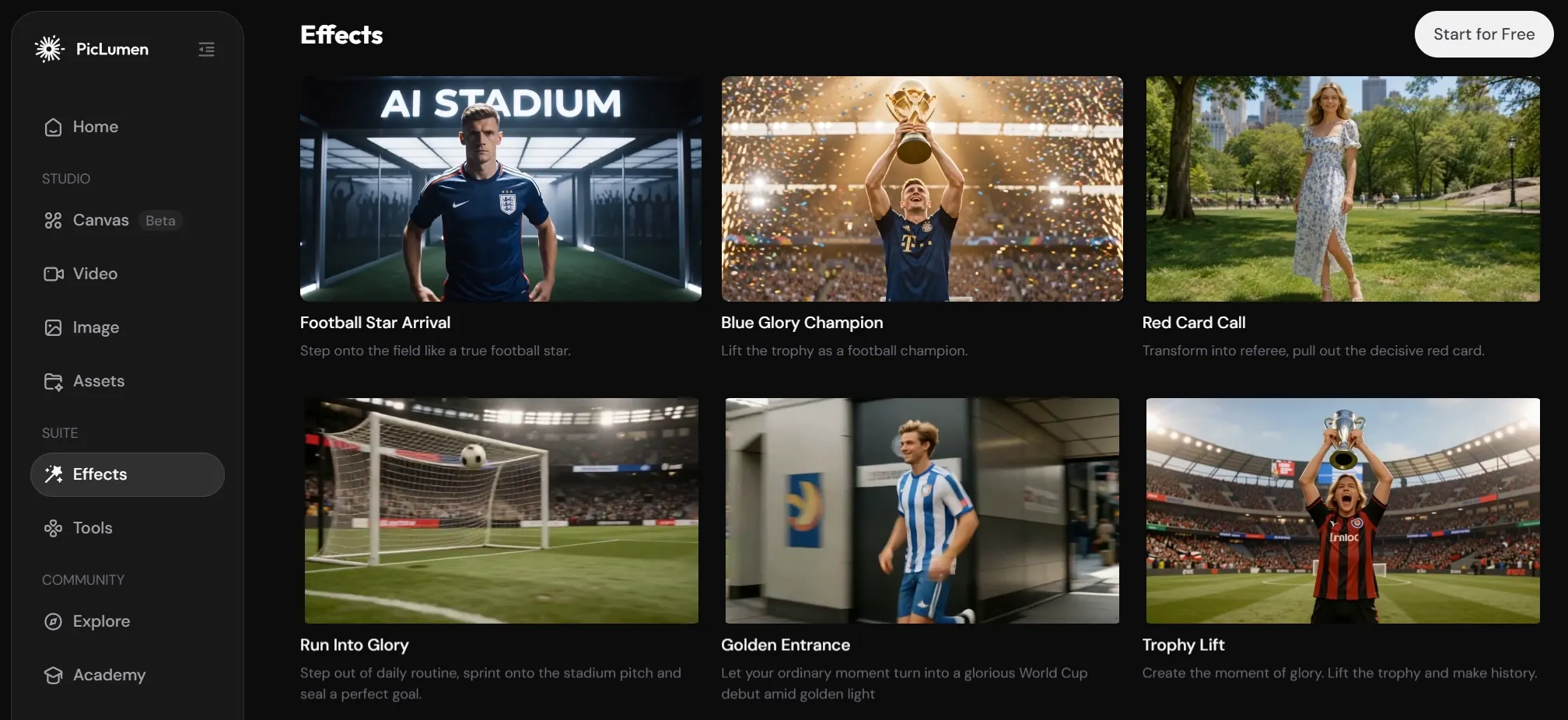
PicLumen also offers video effects and AI video tools for more specific short-form ideas. I noticed options around World Cup, animation, kissing videos, promo videos, meme-style clips, and other effect-led formats.
This makes PicLumen more useful when I do not want to build a video from scratch. I can start from a recent viral effect format, test a social-friendly concept, and see whether the idea has enough visual energy before spending more time editing.
Multi-Model Access and Lumens
PicLumen uses Lumens to control generation usage. The pricing page says each image, video, or editing action can consume a different amount of Lumens depending on the model used.
I liked this for testing because it gave me room to try different directions. The tradeoff is that heavier video experimentation can burn credits faster than expected.
PicLumen Pricing and Specs
PicLumen is free to start, but serious use depends on Lumens, queues, and plan limits.
| Plan | Price Listed | Key Limits or Benefits |
| Basic | Free | 10 daily Lumens, limited use, 30-day history |
| Mini | US$3/mo monthly or US$2.40/mo yearly | 600 monthly Lumens, 10 daily Lumens, queue up to 3 generations |
| Standard | US$8.39/mo monthly or US$6.30/mo yearly | 2,000 monthly Lumens, unlimited image generation in Relax Mode for PicLumen models, queue up to 5 generations |
| Pro | US$14.50/mo monthly or US$11/mo yearly | 5,000 monthly Lumens, unlimited image and video generation in Relax Mode for PicLumen models, queue up to 10 generations, 5 concurrent tasks |
Lumens are PicLumen's credits. Each image, video, or editing action can consume different amounts depending on the model used.
What Are PicLumen's Pros And Cons?
PicLumen is easy to like for quick starts, but its limits show up when the project needs polish.
Pros:
Cons:
- Final outputs can still need cleanup.
- Motion and scene control can feel inconsistent.
- Heavy testing can consume Lumens quickly.
- Not as strong for full ad or campaign production.
- Product and character consistency still need careful review.
I would call PicLumen a good creative sandbox. But I would not call it the smoothest route from idea to finished content.
How I Tested PicLumen
I tested PicLumen across the workflows that matter most for real creative work:
- Text to image product concepts.
- Image to video product motion.
- Text to video cinematic scenes.
- Character consistency across related outputs.
- AI editing for social-ready assets.
- Marketing-style short video concepts.
For each test, I looked at prompt adherence, motion quality, visual consistency, editing effort, commercial workflow fit, and how close the result felt to something I could publish.
Where PicLumen Falls Short
PicLumen's limits are not dealbreakers for experiments. They become more serious when I try to finish the content.
It Still Leaves Too Much Final Editing Work
PicLumen can generate images and clips quickly, but I still had to think through structure, timing, captions, sound, and final assembly. For casual testing, that is fine. For social ads or product campaigns, it slows me down.
Character and Product Consistency Need Review
PicLumen can produce attractive individual outputs, but repeated subjects need careful checking. If I need the same product, face, outfit, or brand look across multiple assets, I would not trust the first result without review.
Video Outputs Can Feel Like Raw Assets
The image to video and text to video results can look interesting, but they often feel like source material. I still need another step to turn them into a video with messages, pacing, transitions, audio, and CTA.
The Lumen Workflow Can Slow Heavy Testing
Free Lumens are helpful, and paid plans offer more room. But video experimentation naturally requires retries. When I am testing multiple shots, styles, and models, I care about how quickly I can reach the final asset, not just how many drafts I can make.
How Does PicLumen Perform Across Real Use Cases?
PicLumen performs best when the task is exploratory. It performs less well when the output needs to be campaign-ready.
| Use Case | How PicLumen Performed | Where It Helps | Where It Struggles |
| Quick social clips | Good | Fast image-to-video and short motion ideas | Still needs captions, audio, and final polish |
| Product teaser videos | Decent | Can animate a product image quickly | Product consistency and ad pacing need review |
| Text-to-video concepts | Good for drafts | Useful for testing mood, setting, and style | Harder to control timing and scene progression |
| Character concepts | Good for single visuals | Strong for anime, fantasy, and game-style ideas | Character details can drift across scenes |
| E-commerce visuals | Mixed | Helpful for early product image concepts | Not always precise enough for final listing of assets |
| Marketing video ads | Mixed | Useful for generating visual ingredients | Weak for complete campaign structure |
| Storyboarding | Normal | Fast way to explore scene ideas | Not enough by itself for full video planning |
That is the pattern I kept seeing: PicLumen helps me start quickly, but it does not always help me finish. This is where I would start looking for a PicLumen alternative that connects generation, editing, image-to-video, and marketing workflows more tightly.
For me, that alternative is Pollo AI.
Why Is Pollo AI A Better PicLumen Alternative?
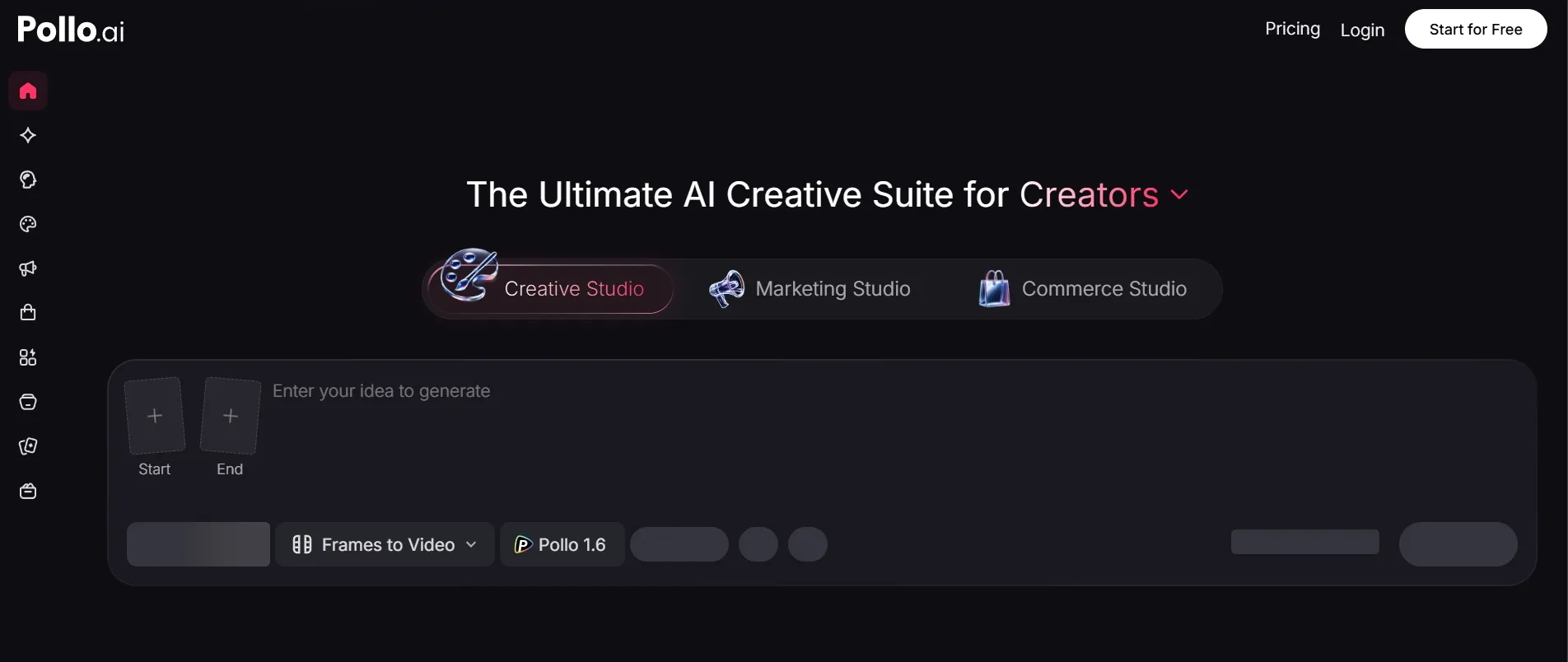
Pollo AI is better if the goal is not just to generate a clip, but to finish usable creative content.
It Solves the Raw Clip Problem Better
PicLumen gave me interesting clips, but I still had to plan the finished video myself. Pollo AI gives me a broader video workflow through tools like image to video, so I can move from idea to usable output with fewer disconnected steps.
That matters when I am making content for social media, product launches, or brand storytelling. I do not just want motion. I want a video that feels closer to ready.
It Is Stronger for Marketing Videos

PicLumen can create ad-like visuals, but it does not feel built around full ad production. Pollo AI is stronger for this because its workflow is more scenario-based.
For marketers, Pollo AI's Marketing Studio is designed for ready-to-use ads, UGC-style videos, product promos, and campaign creatives. That directly addresses the weakness I found in PicLumen: the gap between a good-looking clip and a finished ad.
It Gives Creators A More Complete Creative Suite
PicLumen is useful, but it still feels centered on generation. Pollo AI gives creators a wider creative suite with video generation, image editing, avatars, mimic motion, audio tools, and model access in one place.
After that fair image-and-video comparison, Pollo AI has another advantage: it does not stop at generation. Pollo Agent can help turn an idea, text, image, or URL into a structured video with pacing, visuals, and audio handled in a more production-ready workflow.
Create Smarter With Pollo Agent
Use Pollo Agent to create production-ready videos from ideas, prompts, images, or links without editing.
Create With Pollo Agent
My Personal Take on PicLumen
I like PicLumen as a fast, creative sandbox. It is friendly, visual, and easy to test. If I only needed a quick AI clip, a character concept, or a rough product image idea, I would keep it on my shortlist.
But I would not make it my main tool for serious content production. Once I need a large number of product ads, social videos, or publish-ready output, the extra cleanup starts to matter.
That is why I see PicLumen as a starting point, not the full workflow. I would use it for quick exploration, then move serious projects into Pollo AI when I need stronger generation, editing, video production, and final delivery in one place.
Final Verdict
PicLumen is a solid AI video generator for beginners who want to test visual ideas quickly. It is easy to start, supports both images and videos, and offers enough model variety to make experimentation useful.
Its biggest weakness is not that it fails at generation. It is that many outputs still feel like drafts. For real ads, product visuals, character scenes, and social-ready videos, I still need more workflow support.
That is why I would choose Pollo AI as the better PicLumen alternative. It is stronger for creators, marketers, and brands who want to go beyond quick clips and create finished, production-ready content.
Try Pollo AI today if you want a stronger all-in-one creative workflow for AI videos, images, editing, and publish-ready content.