



Synthesia vs Colossyan: Which AI Video Platform Is Right for You?
Synthesia and Colossyan may seem similar, but they differ in features, workflows, and use cases. Here is what you need to know.
Synthesia vs Colossyan: Quick Overview
| Comparison | Synthesia | Colossyan |
| Best if you need | One business video platform for training, communications, and marketing | Video-first courses and measurable workplace training |
| Starting materials | Prompts, scripts, PDFs, decks, websites, and screen recordings | Prompts, scripts, documents, decks, URLs, or a blank project |
| Avatar access | 9 to 240+ stock avatars, depending on plan | 300+ NEO 2 stock avatars across all plans |
| Languages | 160+ languages and voices; one-click translation into 80+ languages on Enterprise | 700+ voices and 120+ language variants |
| Learning workflow | Branching on Creator; quizzes and SCORM on Enterprise | Interactive videos on Starter; courses on all plans; SCORM on Professional |
| Creative range | Avatar video plus Veo 3.1 video and image assets in AI Playground | Training-centered creation using native NEO and NEO 2 avatar models |
| Team workflow | Guest comments; live co-editing and organization controls on Enterprise | Up to three Professional editors; enterprise permissions and analytics |
| Quick verdict | Better for a broad, scalable business video program | Better for accessible course authoring and LMS-ready training |
Synthesia and Colossyan both simplify avatar-led video creation, but they suit different workflows and priorities. The right choice depends on your content goals, team needs, and production process. But if your projects extend beyond avatar-led content, Pollo AI brings more video styles and creative tools into one flexible workspace.
What Is Synthesia?
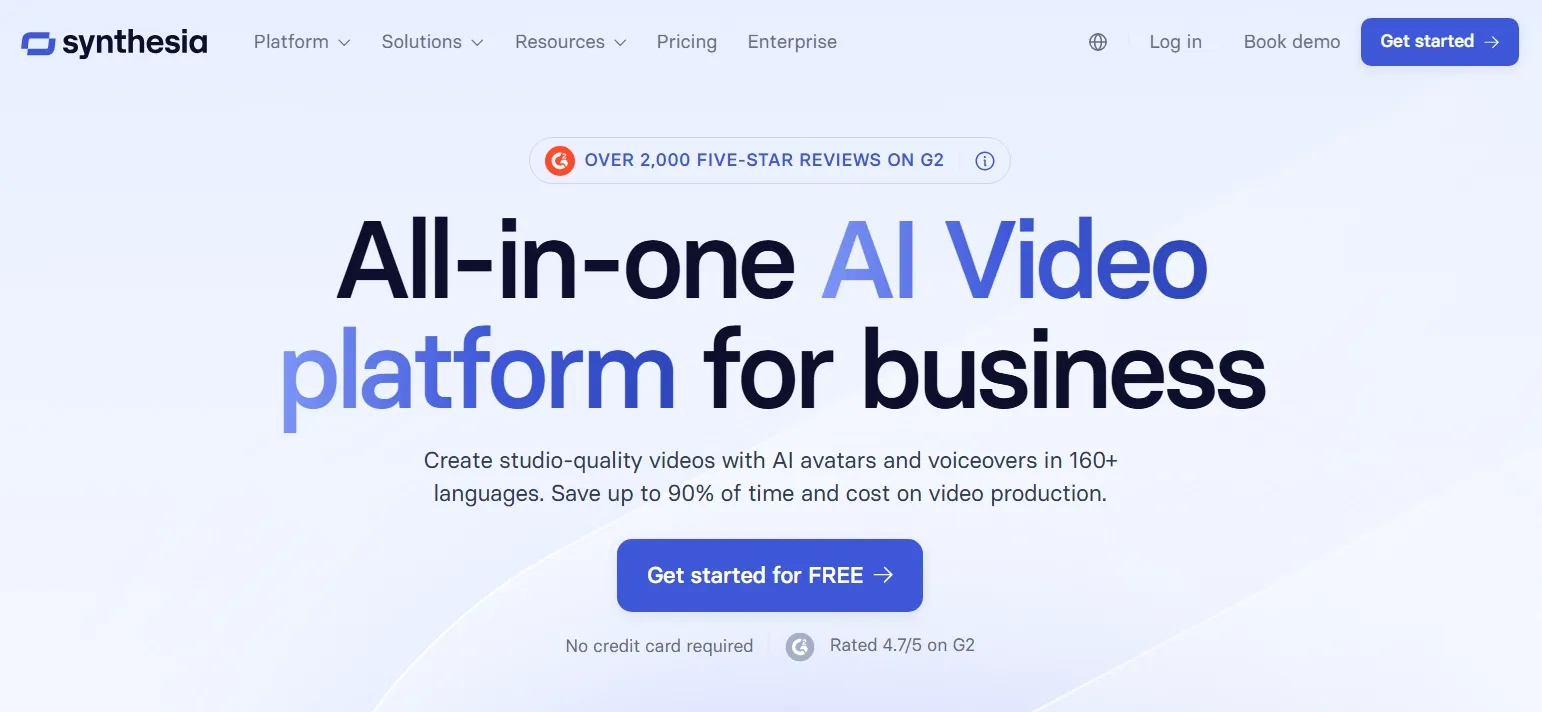
Synthesia is an AI video platform for business training, internal communications, sales enablement, and marketing content. You can build presenter-led videos from scripts, prompts, PDFs, slide decks, or websites. Its editor combines AI avatars, voice cloning, screen recordings, templates, and brand controls in a scene-based workflow.
The current platform goes beyond standard talking presenters. Express-2 avatars add script-aware gestures. It also shows AI Playground creating assets with models such as Veo 3.1.
Synthesia offers interactive branches, dubbing, a multilingual player, and controlled publishing. Live collaboration, quizzes, analytics, and SCORM are reserved for Enterprise. This mix suits organizations producing several kinds of business videos, not only courses.
What Is Colossyan?
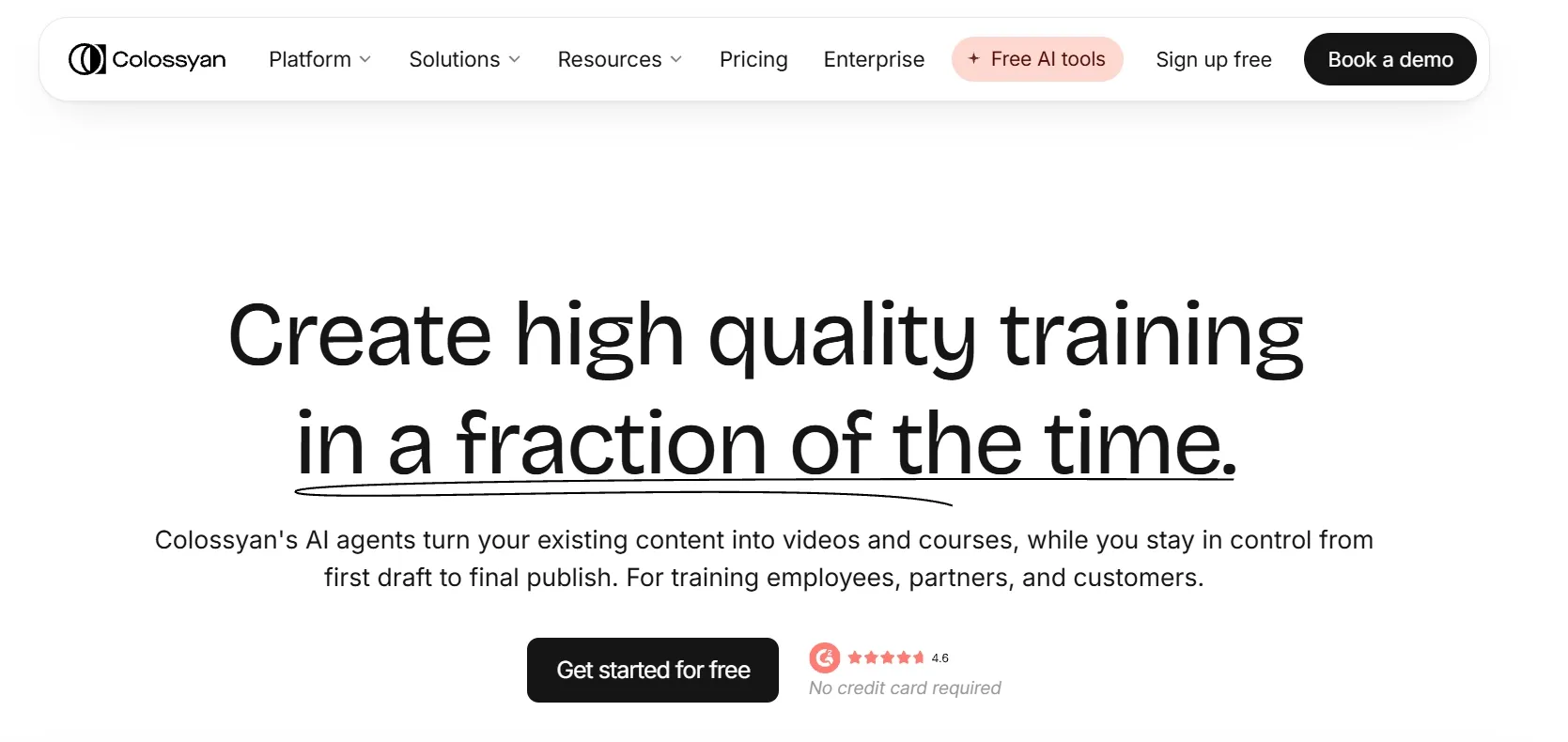
Colossyan takes a more training-centered approach. Its Cora agent turns a document, deck, URL, script, or prompt into a cited scene plan before rendering. You can then adjust the draft inside its video editor and develop it into a structured course through Colossyan Learn.
Its strongest distinction is how closely AI video creation connects to learning delivery. It includes 300+ NEO 2 avatars, 700+ voices, quizzes, branching, assessments, courses, and SCORM export. NEO 2 adds full-body gestures and consistent presenter identity across longer videos.
Starter makes interactive creation and course authoring available for free. Professional adds MP4 downloads and limited SCORM export. That makes Colossyan especially practical for onboarding, compliance, customer education, and sales training without a separate authoring tool.
Bring Any Video Idea to Life
Turn text, images, and ideas into engaging videos across more styles and use cases.
Try Pollo AI Video Generator Free
Synthesia vs Colossyan: Feature Comparison
Both platforms now cover much more than script-to-avatar generation. The differences become clearer when you look at creative freedom, course delivery, and plan limits.
| Feature | Synthesia | Colossyan |
| Text to video generation | Creates scene-based videos from prompts or scripts | Creates videos from prompts or scripts, with Cora drafting scenes first |
| Documents to video | AI Video Assistant accepts PDFs, decks, and websites | Cora accepts PDFs, decks, documents, URLs, and scripts with source citations |
| AI avatars | Express-2, personal, studio, and customizable avatars; stock access varies by plan | 300+ NEO 2 stock avatars on every plan, plus custom and cartoon avatars |
| General creative models | Veo 3.1 video plus image models inside AI Playground | No broad third-party creative video model roster is publicly specified |
| Reference to video generation | Start and end frames for eight-second AI Playground clips on paid plans | Presenter identity comes from stock or custom avatars; video-to-video is listed as coming soon |
| Voice cloning | Pairs a cloned voice with a Personal Avatar | Clones a voice from a short recording; plan limits apply |
| Localization | 160+ languages and voices; AI dubbing; enterprise one-click translation | 120+ language variants, 700+ voices, auto-translation, dubbing, and multilingual playback |
| Interactive learning | Creator supports buttons and branching; quizzes require Enterprise | Buttons, quizzes, scene navigation, and branching start on the free plan |
| Courses and SCORM | SCORM export and scored quizzes require Enterprise | Unlimited course creation on all plans; five SCORM exports monthly on Professional |
| Video editing | Scene editor, timeline, templates, screen recorder, transcript fixes, and generated assets | Scene editor, templates, screen recorder, script assistant, comments, and approvals |
| Output and publishing | Paid plans download 1080p MP4; embeds and hosted pages are available | Up to 1080p on Starter and Professional; Enterprise supports up to 4K |
| API and collaboration | API on Creator; live team editing on Enterprise | API allowance on Professional; advanced permissions and custom access on Enterprise |
Which AI Video Generator Should You Choose?
The better choice depends on what happens after your presenter reads the script. Course logic, creative assets, and publishing requirements can change the answer.
| If you need | Better choice | Why |
| Compliance courses with quizzes | Colossyan | Interactive learning and course creation are available on plans below Enterprise |
| SCORM on a self-serve plan | Colossyan | The Professional plan includes five video and course SCORM exports each month |
| Document-based training at scale | Colossyan | Cora cites source lines and pauses for scene approval before rendering |
| Multilingual business videos at scale | Synthesia | Its broader language and voice support suits training, internal communications, and marketing |
| Real-time enterprise co-editing | Synthesia | Live collaboration and organization controls support larger video programs |
| AI roleplay practice | Synthesia | Roleplay Sessions provide live coaching and scored feedback |
| More visual business communication | Synthesia | Its editor and B-roll support varied formats, including explainer videos, presentations, and company updates |
| Product-focused content | Synthesia | AI Playground adds generated footage beyond presenter scenes, giving product videos, demos, and launch content more visual variety |
| Promotional and social content | Synthesia | Its avatar and creative asset tools offer more room for content such as UGC ads, brand messages, and social promotions |
| Story-led creative projects | Synthesia | Generated clips and customizable avatars support narrative formats such as story videos, branded series, and scenario-based content |
Which Platform Fits Your Budget Better?
Pricing can shape which platform works best for your budget and production needs. Here is how Synthesia and Colossyan compare across their available plans.
| Plan level | Synthesia | Colossyan |
| Free access | Basic is free and supports limited video creation, but adds a watermark and blocks downloads | Starter is free with limited generation, interactivity, and translation; MP4 downloads are unavailable |
| Entry paid plan | Starter costs $29 monthly or $18 per month when billed yearly | No separate paid tier between Starter and Professional |
| Main creator plan | Creator costs $89 monthly or $64 per month when billed yearly, with more avatars and advanced tools | Professional costs $59 per month when billed yearly, with more generation time, downloads, and team access |
| Learning delivery | Basic interactions are available on Creator, while quizzes and SCORM require Enterprise | Professional includes limited monthly SCORM exports for videos and courses |
| Enterprise | Custom pricing with advanced collaboration, branding, localization, analytics, and SCORM | Custom pricing with expanded usage, collaboration, translations, analytics, SCORM, and 4K output |
| Best value if you need | An accessible paid starting point and broader business video capabilities | Self-serve course creation and earlier access to SCORM |
Take Your Video Creation Further with Pollo AI
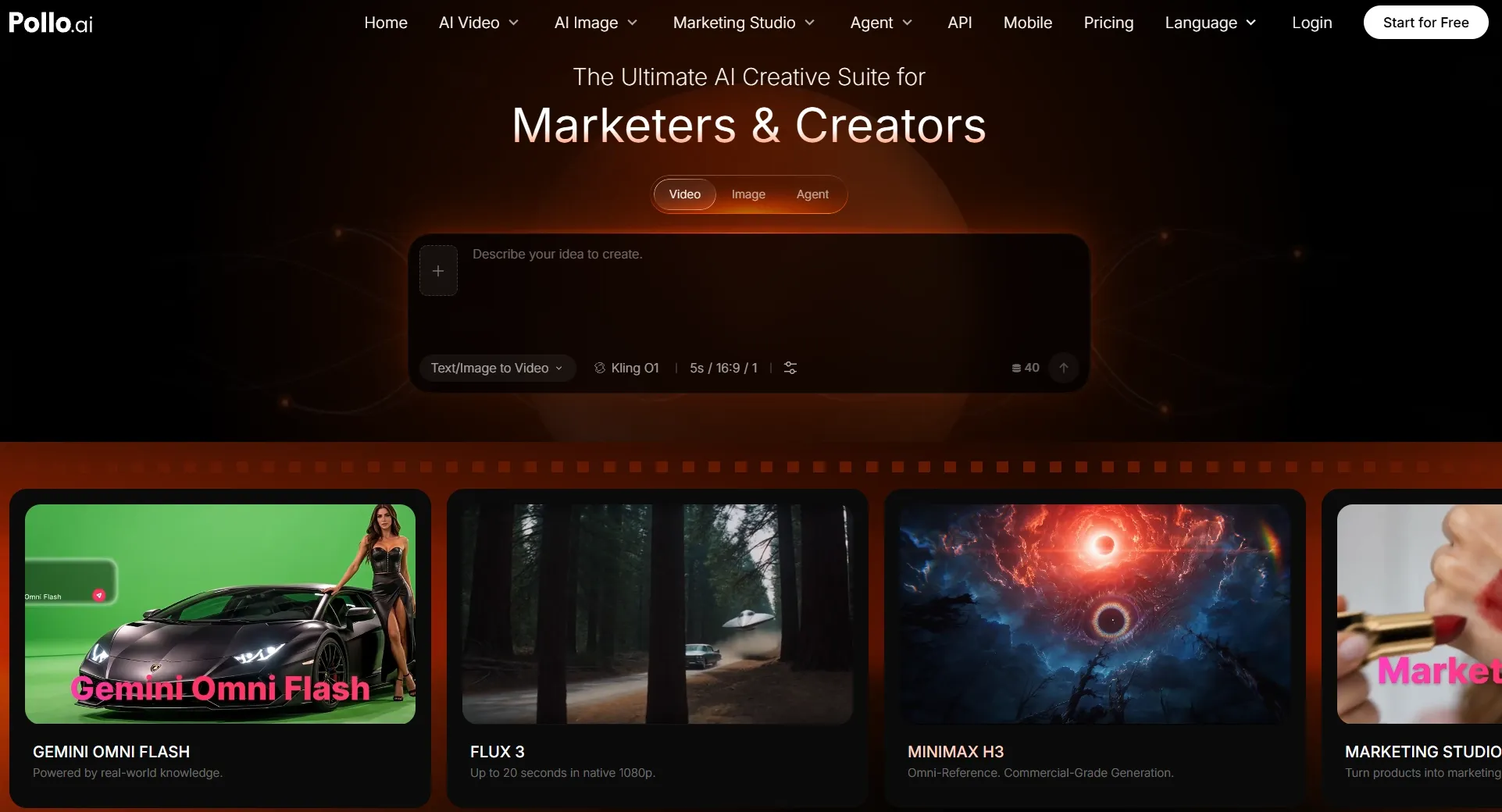
Synthesia and Colossyan are both strong when a presenter carries the message. Their structured editors also make recurring training easier to update.
However, some teams need campaign scenes, product visuals, stories, and finished social clips alongside business presentations. That is where Pollo AI covers a different, broader production need.
Create with Greater Flexibility
Pollo AI brings multiple leading video models into one workspace, including Seedance 2.5 and MiniMax H3. Each model offers distinct strengths in motion, style, prompt accuracy, and scene control. You can access them through various workflows, including image to video generation.
This range gives you more control over creative direction and output quality. Match each explainer, product clip, character story, or campaign video with a suitable model. You can compare results without changing platforms and adjust your direction quickly as project needs evolve.
Create Goal-Focused Videos Faster
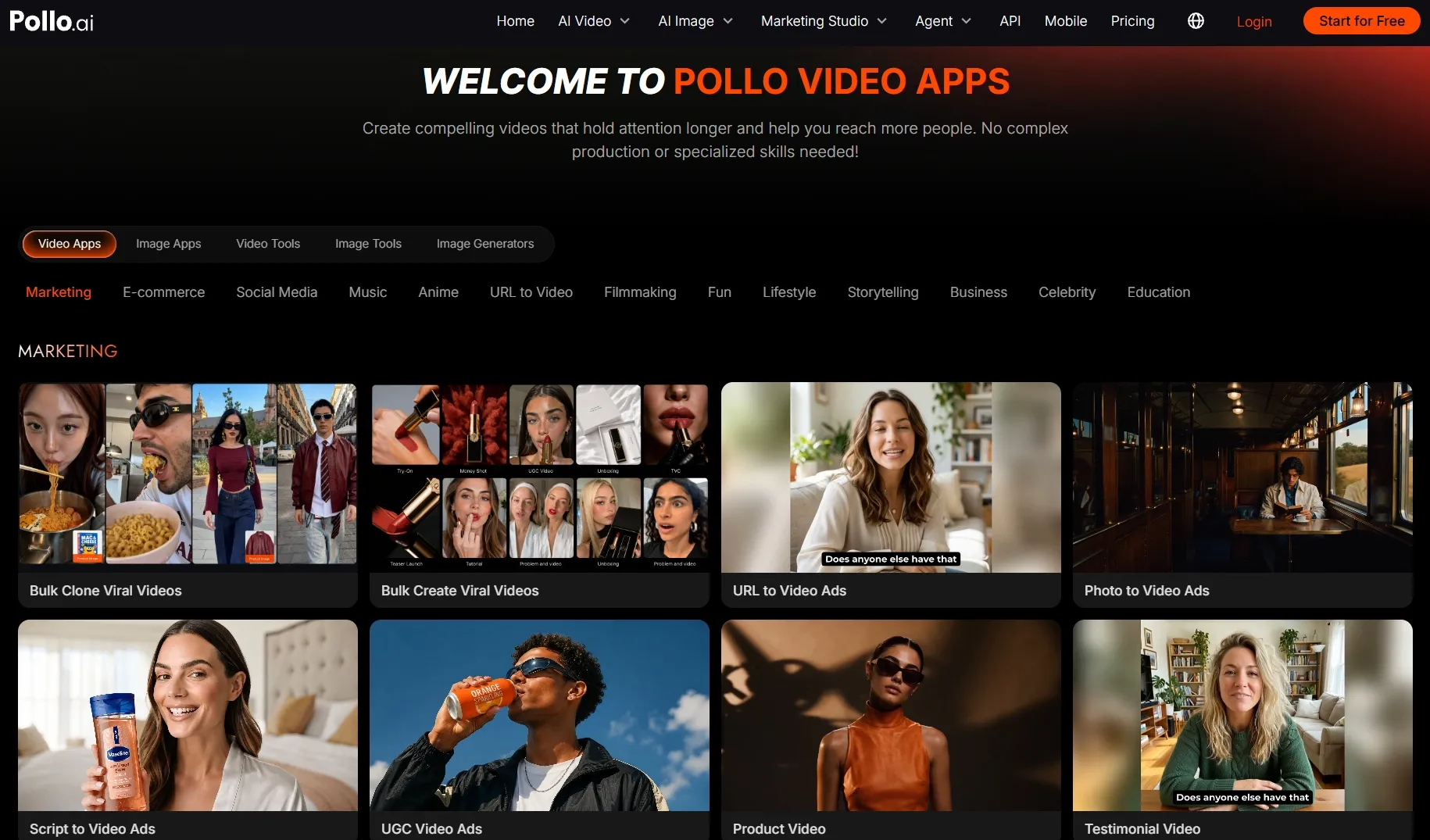
Purpose-built video apps help you move from an idea to the right video format with less setup. You might turn key points into listicle videos, explain a concept through video presentations, or build anticipation for a product launch. Each specialized video generator shapes the structure, pacing, and supporting assets around that goal.
With the core structure already in place, you spend less time mapping scenes or coordinating assets. Your message takes shape faster and stays focused, making consistent content easier to produce across campaigns. Smaller teams can move forward without designing a new workflow for every video.
Improve Your Video Without Starting Over
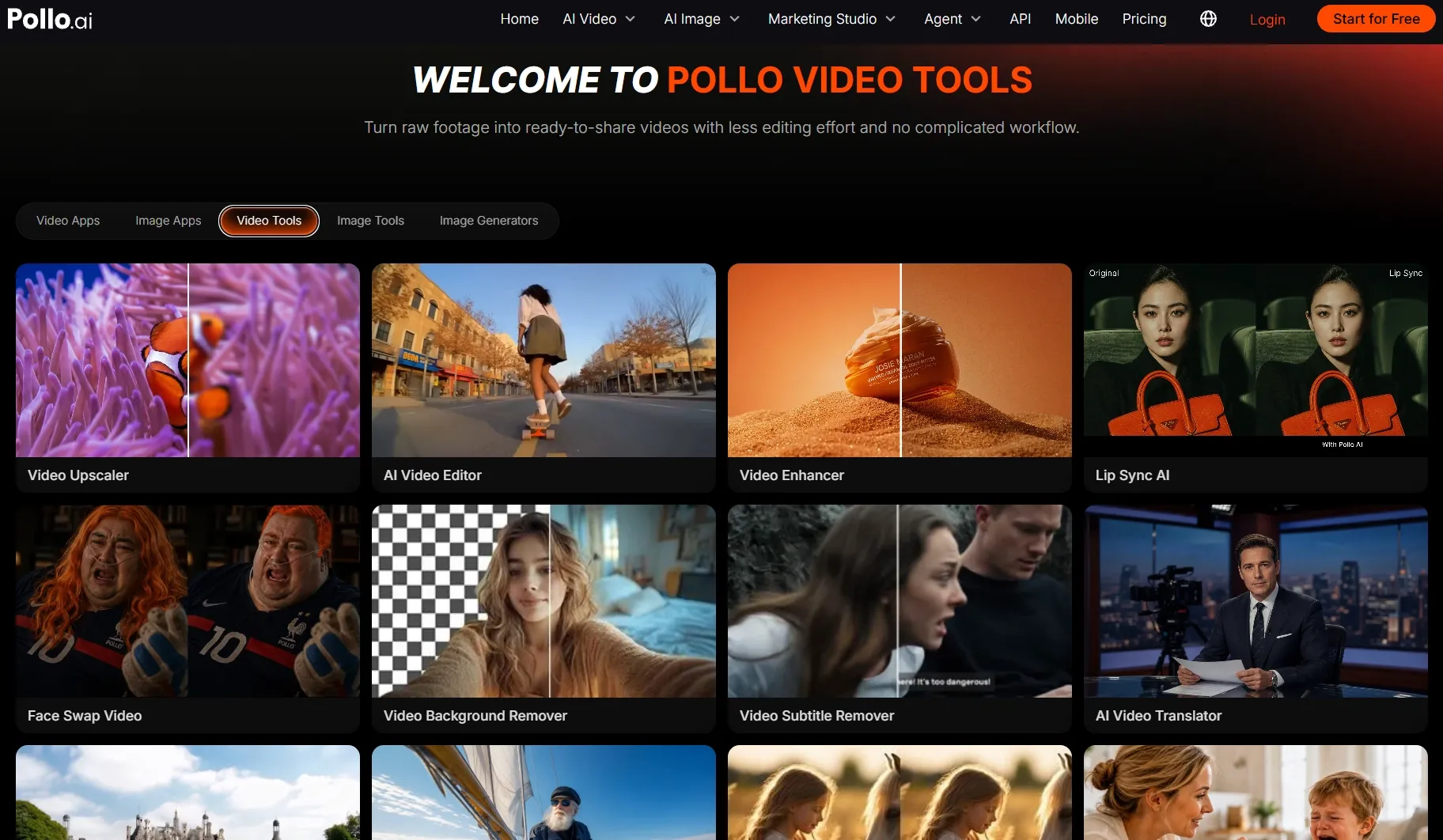
Finishing a video often calls for targeted improvements rather than a complete rebuild. You can edit your video to refine scene timing, remove distracting moments, and strengthen the overall flow while preserving footage that already works. When the same message needs to reach new markets, translate your videos with localized speech and subtitles while preserving the speaker’s original tone.
With a broad range of video tools in one workspace, you can shorten revision cycles, avoid unnecessary regeneration, and prepare localized versions without coordinating several services. Your team can publish stronger content faster and reuse successful videos across more audiences and channels.
Take Video Creation Further with Pollo AI
Create distinctive videos faster, reduce production handoffs, and keep every project moving in one workspace.
Create With Pollo AIGet Post-Ready Content with Pollo Agent
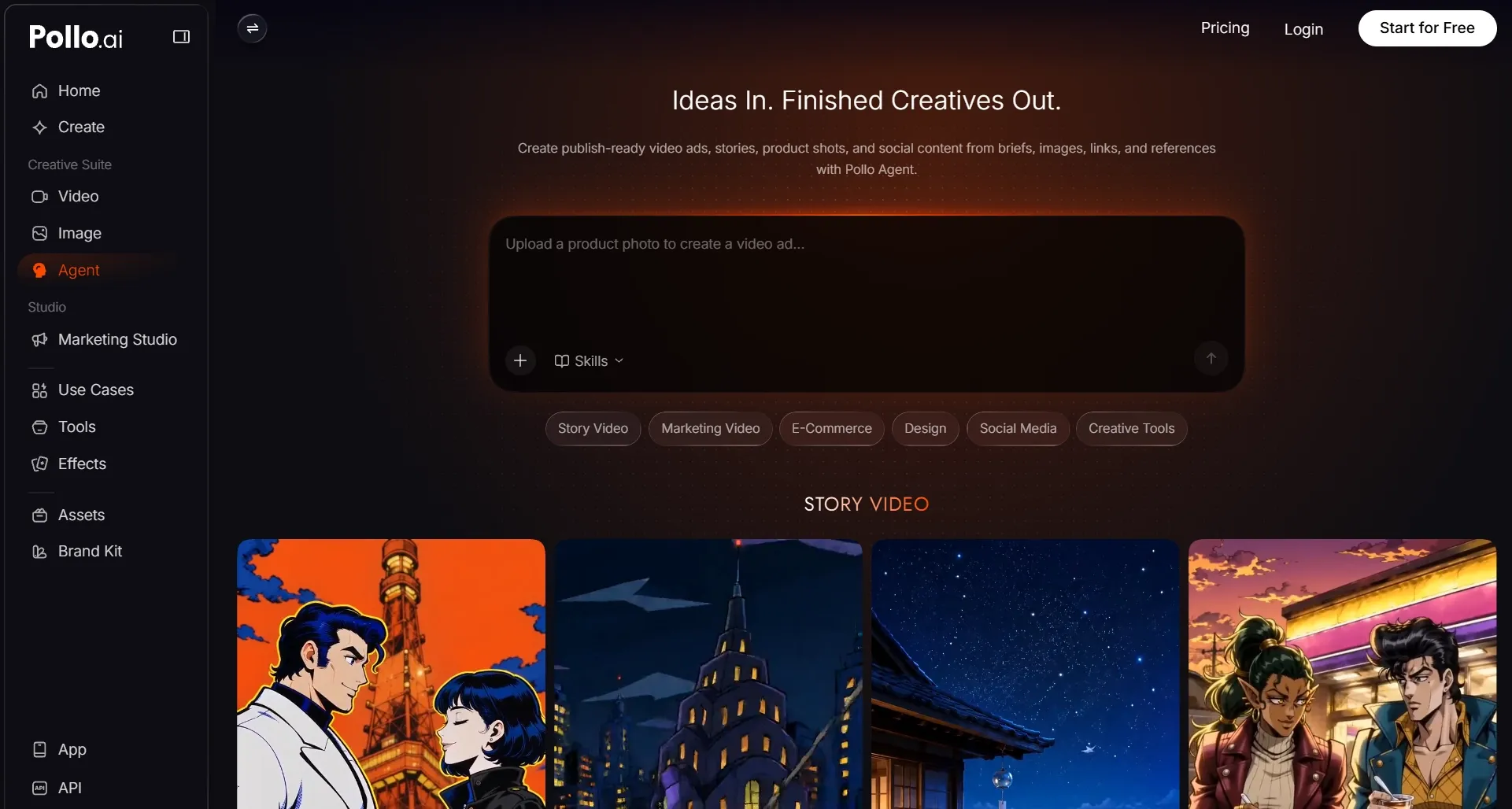
Pollo Agent turns a brief, link, image, script, or reference into a post-ready video without manual editing. It handles planning, asset creation, scene structure, and revisions throughout production. Rather than returning disconnected clips, it develops a cohesive video you can review and publish.
Its skills adapt the workflow to different creative goals. For example, a product brief can develop into sales campaign videos with clear hooks and offers. A song can become music videos with coordinated visuals and pacing. Beyond finished videos, the project can also produce images, product visuals, scripts, audio, social designs, and reusable supporting assets.
You spend less time coordinating prompts, models, scenes, and edits across separate tools. Project context stays intact, so you can revise one scene, visual, or asset without rebuilding everything else. This helps complex campaigns move faster while keeping every deliverable more consistent.
Final Verdict
Synthesia is a strong fit for organizations that need avatar-led videos across training, internal communications, and marketing. By supporting these teams in one multilingual, collaborative environment, it helps larger organizations keep production consistent across departments and markets.
Compared with that broader business focus, Colossyan takes a more specialized approach to learning. Its course-first workflow makes it easier to add interactivity, support LMS delivery, and turn source material into structured training. It therefore suits L&D teams that place learner progress at the center of production.
Both platforms make presenter-led business content easier, but their strengths remain closely tied to that format.
When your work also calls for richer visual storytelling and broader campaign production, Pollo AI offers a more flexible next step. Its multiple models and connected tools let you explore more directions and refine useful footage in one workspace. Pollo Agent can also turn a rough direction into a post-ready video without manual editing. Try Pollo AI and take your next idea to a finished video with fewer handoffs!