Founded in 2022, Pixelcut is a mobile-first AI photo editor built for e-commerce sellers, small businesses, and content creators. It turns simple product photos into polished commercial visuals using automated background removal, AI scene generation, and image enhancement—helping users create studio-quality content without design expertise. While Pixelcut excels at refining what you already have, Pollo AI createshigh-fidelity, ready-to-publish image from scratch with unmatched consistency. Try Pollo AI Free Now!
POLLO AI INFLUENCER
Create your own influencer. Then jump into any trend with Recast.
Kling 4.0
Up to 10 keyframes. Unlimited for 10 days with Ultra.
Pollo Recast
Recreate viral videos. Remix new versions.
Pollo Recast Challenge
One upload in. Your viral video out. Unlimited rewards await.
Pollo Agent x DeepSeek V4.1 FLASH
Faster completion at a much lower cost.
Pollo Agent x Gemini 4 Argon
Smarter reasoning. All through Pollo Agent.
WIN iPHONE DUO
Capture a city in one minute. Join the challenge now.
Pollo MCP
End-to-end content creation. Up to 4 Videos/ 20 Images for FREE.
Key Features
Background Remover: Instantly strips backgrounds from product photos with high-precision edge detection in under three seconds.
AI Image Generator: Creates new images from text prompts using multiple integrated models including Flux and Imagen 3.
Generative Fill: Replaces or adds objects within a selected area using text prompts for seamless in-image edits.
Bulk Image Editor: Processes hundreds of images simultaneously for background removal and upscaling at scale.
Product Showcase: Transforms static product cutouts into photorealistic lifestyle scenes with generated environments.
Uncrop: Extends the canvas of an image in any direction without losing original quality.
Image Upscaler: Enhances photo resolution up to 16K using intelligent upscaling technology.
Magic Eraser: Removes unwanted people, text, or blemishes from photos with a simple brush stroke.
Background Remover
Pixelcut built its entire reputation on this feature. Its proprietary model processes a background removal in under three seconds, handling intricate details like hair, jewelry filigree, and sheer fabrics with exceptional precision. Platforms like Amazon require clean, white-background product images, and Pixelcut's remover delivers that standard at a speed that manual editing simply cannot match.
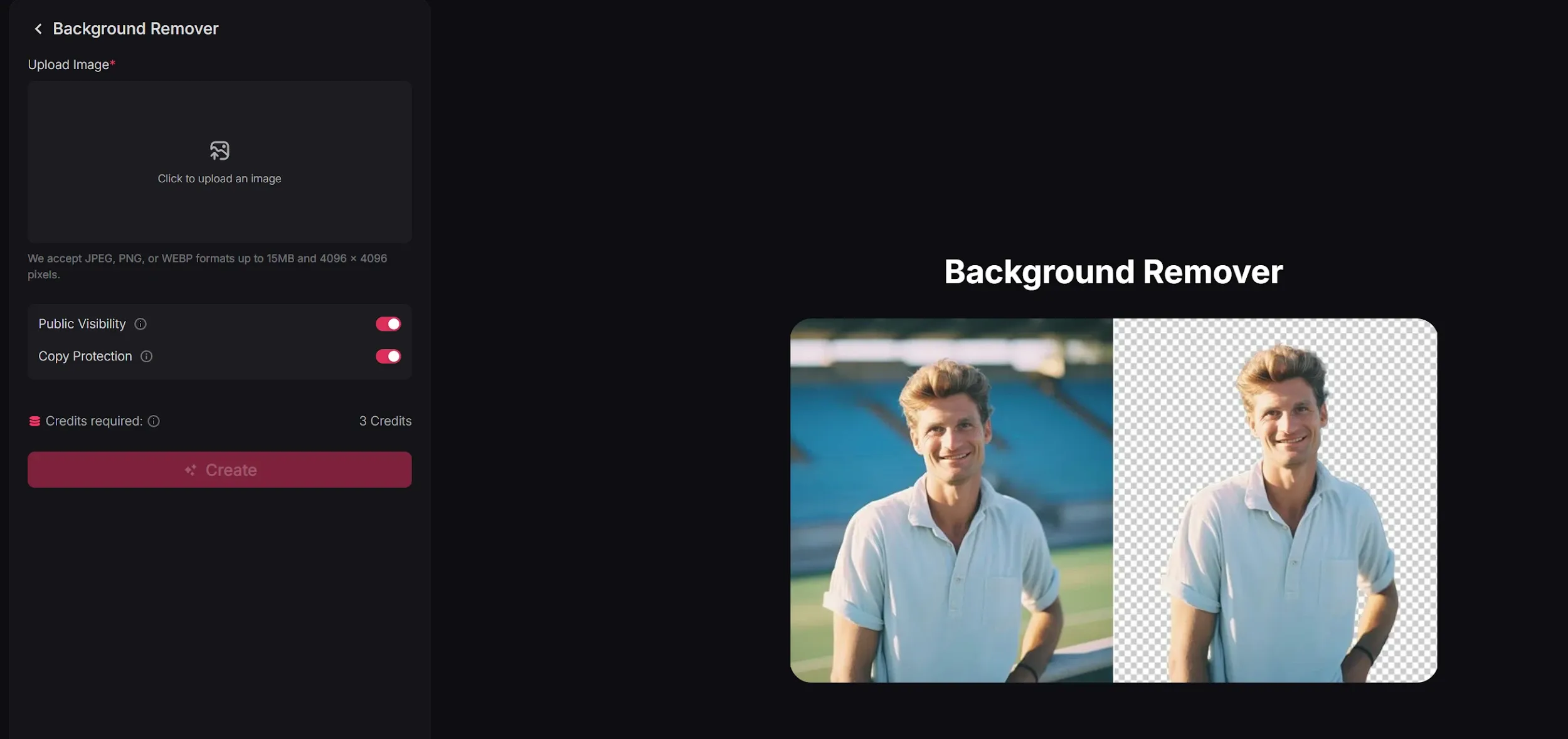
Pollo AI also provides a professional background remover and logo background remover. Unlike Pixelcut, Pollo AI uses a specialized "Detail-Preservation" algorithm that ensures the edges of transparent objects, like glass or lace, remain crystal clear without the "pixel-fringe" often seen in mobile-first tools.
AI Image Generator
Pixelcut AI integrates multiple state-of-the-art models—including Flux Dev, Flux 1.1 Pro, Imagen 3, and Ideogram—allowing users to generate visuals entirely from scratch. Each prompt produces multiple variations, giving creators the flexibility to compare compositions and styles before committing to a final asset.
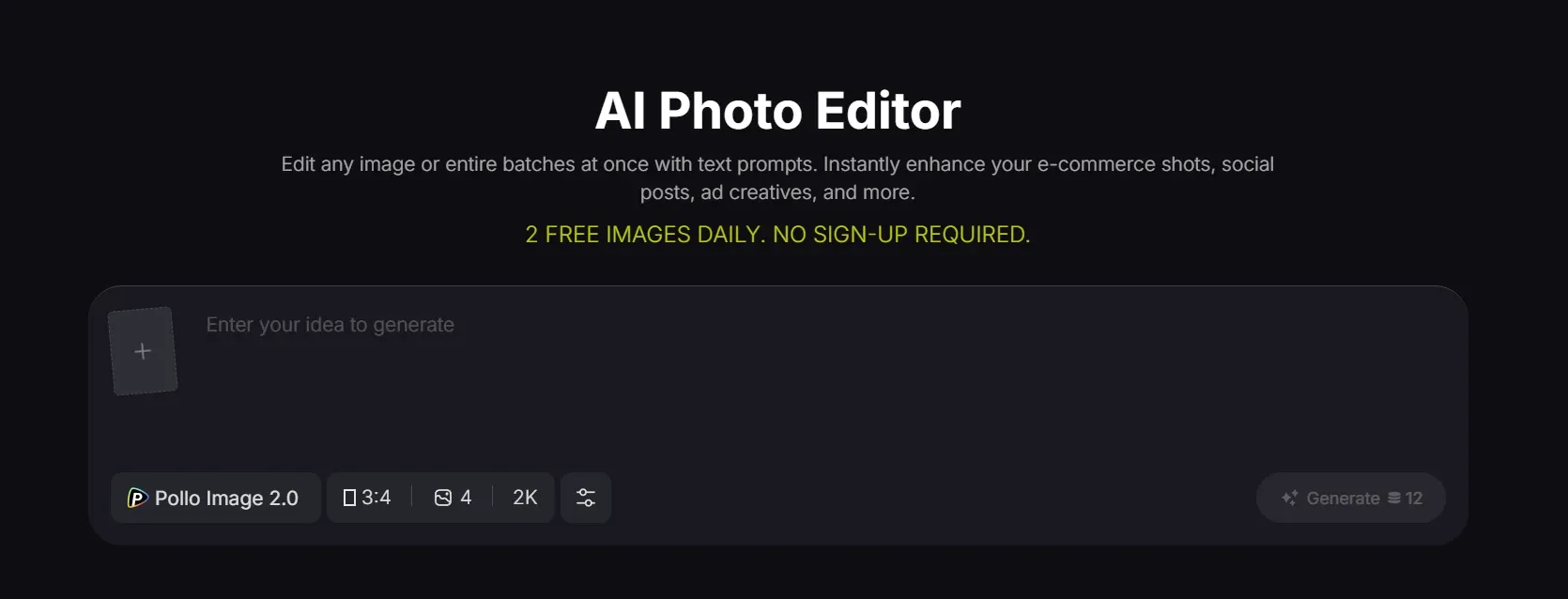
For a more robust experience, Pollo AI's image generator and image to image tools offer access to over 50 premium models. Pollo AI provides higher prompt adherence and handles complex human anatomy—like hands and faces—with significantly more realism than generic mobile integrations.
Generative Fill
Pixelcut AI's generative fill allows users to modify specific parts of an image by brushing over an area and entering a text prompt. Whether adding a vase of flowers to an empty desk or replacing a cluttered corner with a sleek studio prop, the tool blends new elements naturally into the existing scene.
Bulk Image Editor
Aimed at high-volume sellers and agencies, this feature processes up to 500 images simultaneously. Pixelcut automates repetitive tasks like background removal, resizing, and format conversion, significantly reducing the time spent preparing large product catalogs for online stores.
The Pollo AI photo editor takes bulk processing further by offering "global style consistency." This ensures that when you process 100 images, the color grading and lighting remain identical across the entire set, creating a more professional and cohesive brand aesthetic.
Product Showcase
Moving beyond simple cutouts, Pixelcut AI places isolated products into entirely new, generated environments. Users describe a scene—such as a "marble countertop with morning light"—and the platform generates multiple photorealistic variations. This feature bridges the gap between basic product photography and high-end lifestyle imagery.
Uncrop
Pixelcut's uncrop tool uses outpainting technology to extend the borders of an image beyond its original frame. If a photo is too tightly composed or doesn't fit a specific aspect ratio for social media, this feature analyzes the existing pixels and intelligently generates the missing context to expand the canvas naturally.
Image Upscaler
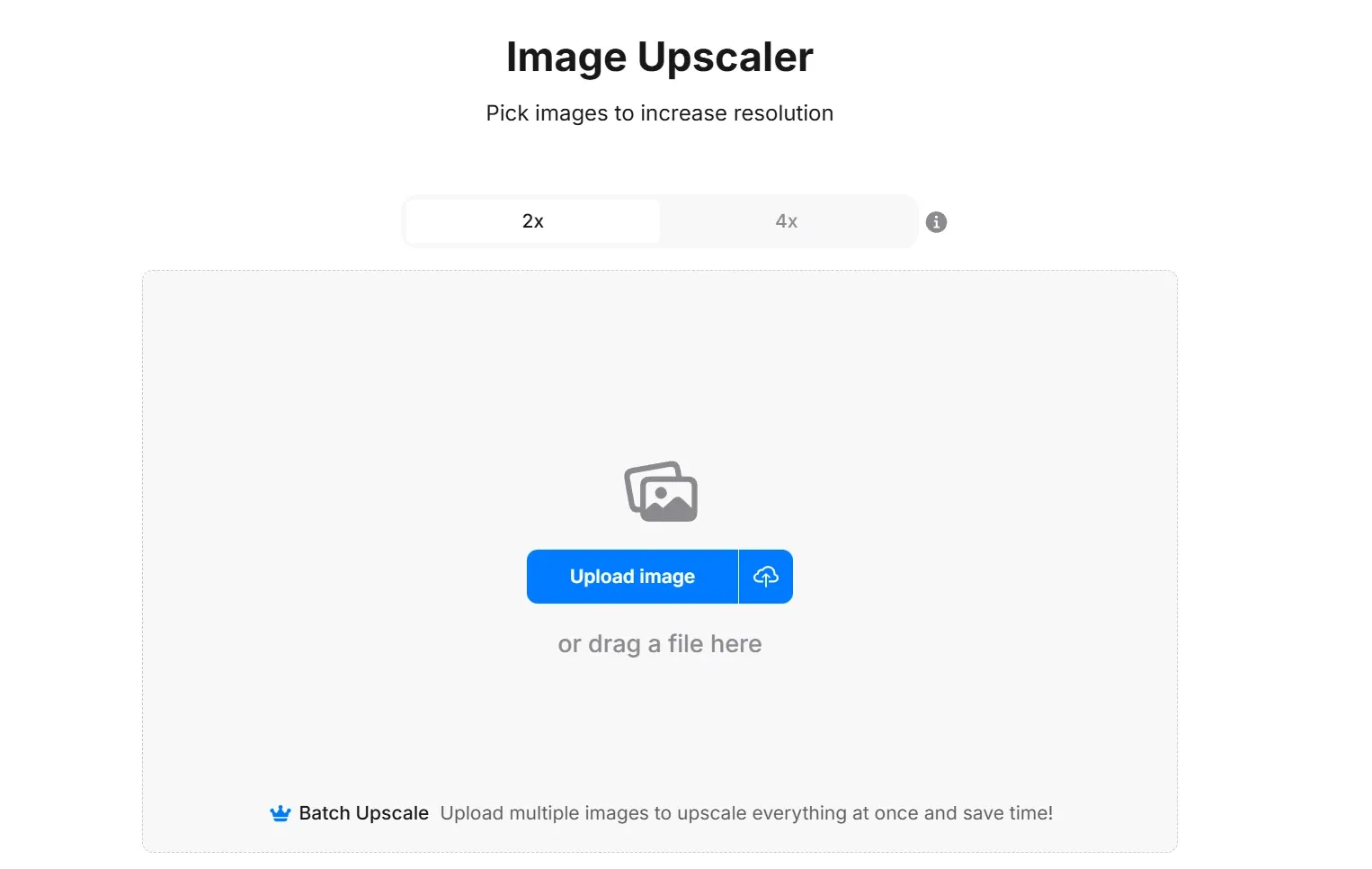
Designed to rescue low-resolution images, the upscaler can increase image quality up to 16K. Pixelcut offers a "Fast Upscale" mode for quick clarity improvements and a "Creative Upscale" mode that allows the tool to add artistic detail while enlarging the photo.
Magic Eraser
Pixelcut cleanup tool that removes unwanted elements from any photo. Users simply highlight photobombers, stray wires, or skin blemishes, and the tool seamlessly fills in the gap with contextually appropriate content.
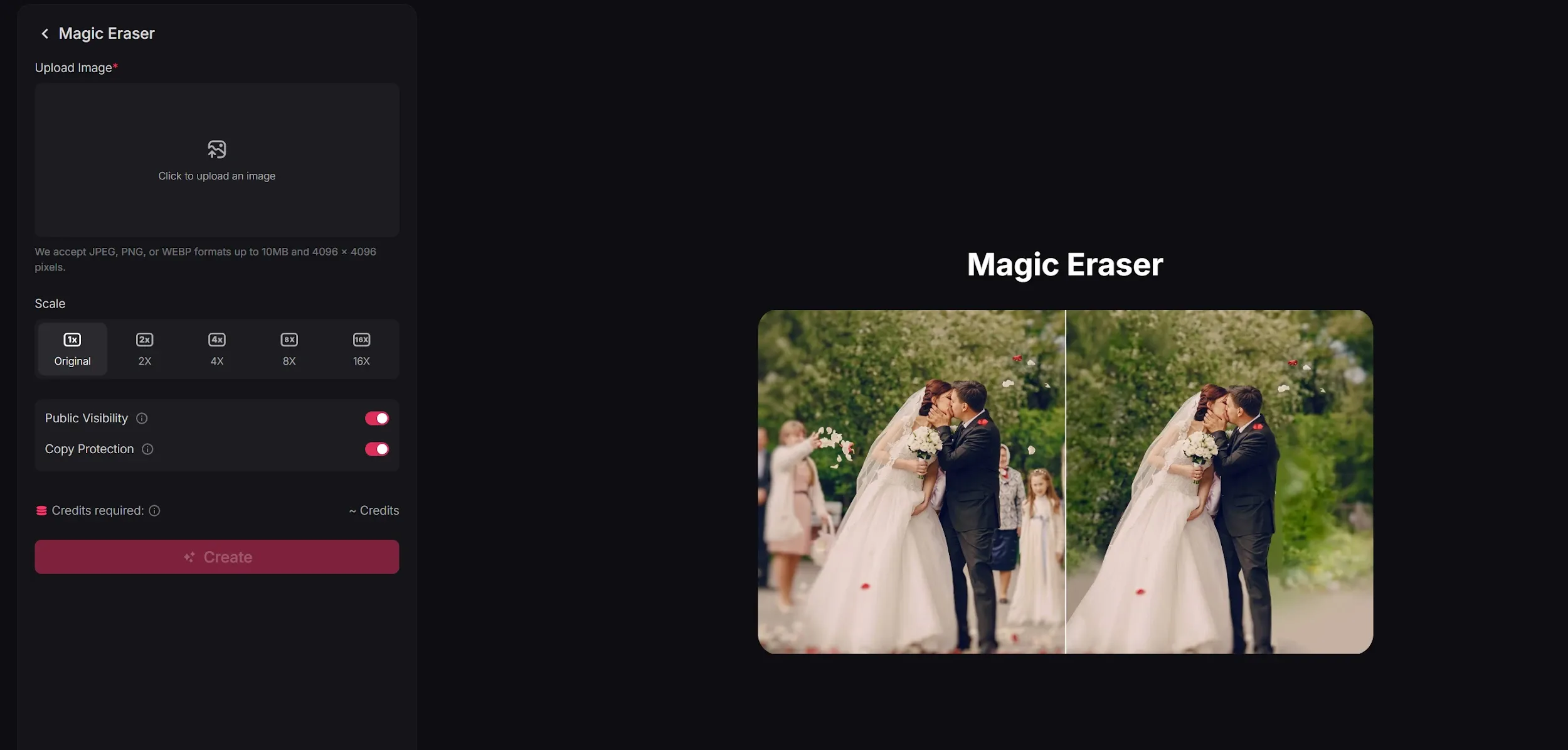
Pollo AI’s magic eraser utilizes a "deep contextual awareness" model. While Pixelcut may occasionally leave "ghosting" artifacts in complex textures, Pollo AI perfectly reconstructs the underlying texture—be it wood grain or fabric—for a truly invisible edit.
Pixelcut Product Positioning & Background
Founded in 2022 by Dominique Yahyavi and Prasanth Veerina, Pixelcut initially gained traction as a simple mobile application for background removal but quickly evolved into a comprehensive creative workspace. In March 2026, the company rebranded to Pixa, though the Pixelcut identity remains dominant in the market.
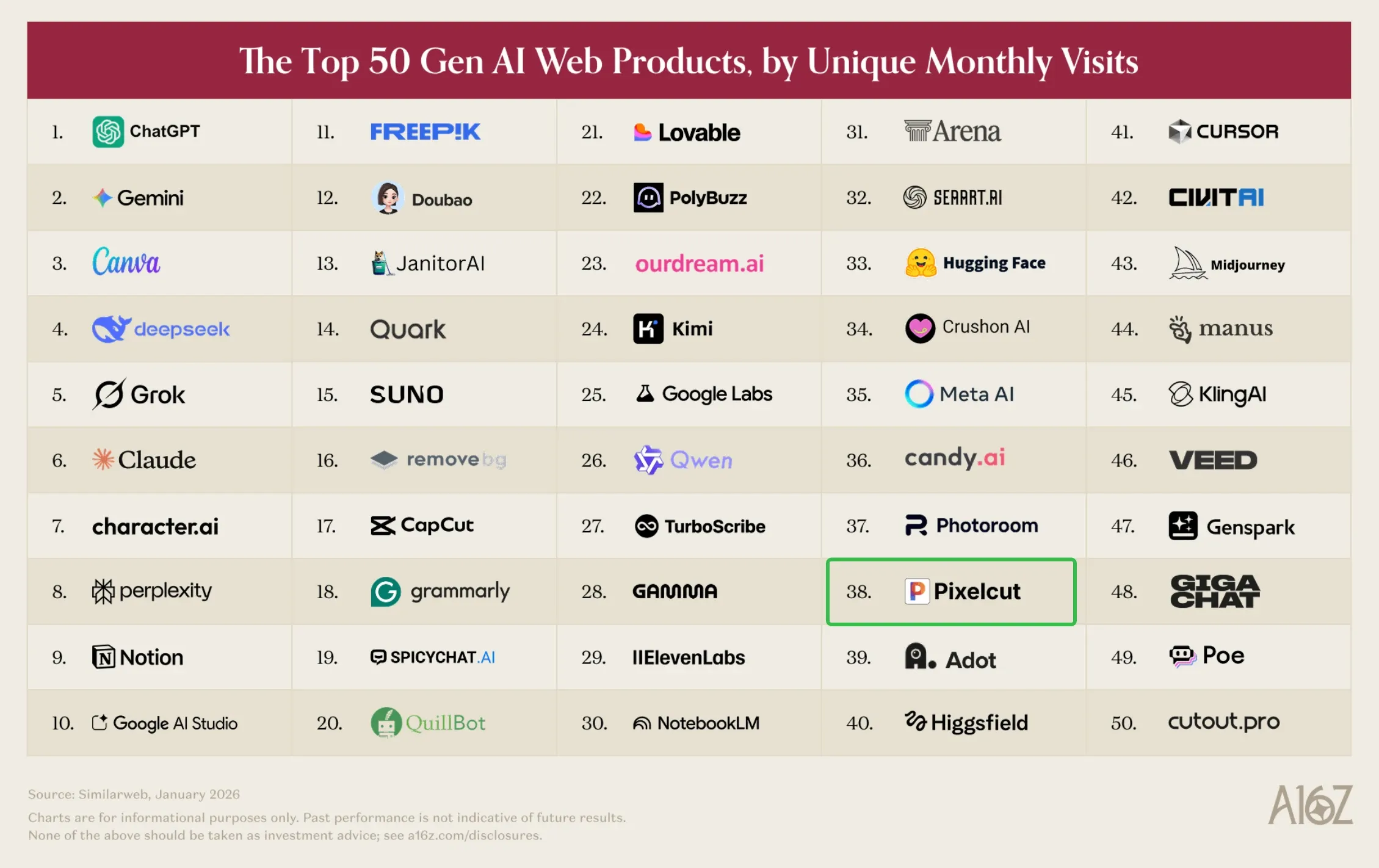
Its market positioning is distinct from pure generation platforms like Midjourney or template-heavy tools like Canva. Pixelcut AI also earned a spot on Andreessen Horowitz's Top 100 Gen AI Consumer Apps (6th Edition, March 2026), placing it among the most widely used creative tools globally.
Pixelcut AI's multi-model integration—spanning Flux, Imagen 3, and Ideogram—differentiates it from single-model competitors. The cross-platform availability on iOS, Android, and web ensures that creators can work from anywhere, making it a genuine daily-use tool rather than a desktop-only production suite.
Key Use Cases for Pixelcut AI
E-commerce Product Photography: Creating clean, professional product images for online stores and marketplaces.
Social Media Content Creation: Generating engaging visuals for Instagram, Facebook, and Pinterest marketing.
Digital Marketing Campaigns: Producing high-quality ad creatives and promotional banners with custom backgrounds.
Small Business Branding: Developing consistent visual identities and marketing materials with customized imagery.
Personalized Merchandise Design: Crafting unique designs for print-on-demand products by removing backgrounds and adding new elements.
Photo Restoration and Enhancement: Cleaning up old photos, removing distractions, and improving overall image quality.
Pixelcut AI Review: What Users Actually Say about Pixelcut
On the App Store, Pixelcut frequently praised its background removal accuracy and the convenience of having multiple editing tools in one mobile application.
However, a closer look at Trustpilot reveals significant friction, where the platform holds a 1.7 rating across 61 reviews. The primary complaints center on an opaque credit system and aggressive subscription practices. Here are some feedback:
Quality Inconsistency: Commercial users often find the output "unusable" for high-end ads. The AI sometimes generates four images instead of one and charges for all of them, even if none meet the professional requirements.
The Inefficiency Cost: Users report being charged credits for every minor alteration. If the AI fails to follow a prompt, the user still loses credits. One reviewer noted, "If it takes 6 prompts to finally get the result, you are charged 6 times."
Lack of Support: Many professionals with decades of experience have complained that the system takes credits for failed attempts without providing a way to contact customer service for a refund.
Pollo AI solves these issues by offering an "End-to-End" generation philosophy. Instead of forcing users through a cycle of "trial and error" edits, Pollo AI provides publication-ready results on the first try. Pollo AI's pricing is transparent and based on successful outputs, ensuring you only pay for high-fidelity assets that are ready for commercial use.
Feature Comparison: Pixelcut vs. PhotoRoom vs. Pollo AI
I’ve been using Pollo AI mainly for short videos and quick image-to-video tests. The interface is straightforward and it works well even with simple prompts, which is a big plus compared to tools that need long, complicated instructions. The results can be really impressive, and it’s honestly been fun to experiment with. I’d love a bit more consistency on faces when there’s movement, but overall it’s been a solid experience for what I needed.
Awesome website. loads of options and a great way to learn how to work with 'AI' my reasoning for 5 stars is based upon price, versatility and ease of use. Also I would like to add, Pollo AI runs a lot of promos on different AI products as well. I rate their customer service at 5 stars, when I purchased my first subscription my computer crashed the following weekend and I lost all my data and info passwords you name it I lost it, contacted pollo by email they responded quickly and found my info/username and account, and I was able to restore my account.
I have been using Pollo AI for short videos. It is easy to use and works well with simple prompts. Other generators seem to need long drawn out complicated explanations to get even close to what I want.
i tried 220 online img to vid in 2 months, and this is the best online video.I will subscribe for a year; there are many reasons. But freedom is the most important.
Pixelcut is primarily used by e-commerce sellers and content creators to quickly edit product photos, remove backgrounds, and generate lifestyle scenes for marketing materials and online storefronts.
Can Pixelcut images be used commercially?
Yes. Images generated and edited using Pixelcut come with a worldwide, royalty-free commercial license, making them suitable for ads, online stores, and social media marketing campaigns.
Does Pixelcut work on desktop?
While Pixelcut is known for its popular iOS and Android mobile apps, it also offers a fully functional web-based platform accessible from any desktop browser.
What is the Generative Fill feature in Pixelcut?
Generative Fill allows users to select a specific area of a photo using a brush tool and use a text prompt to add new objects or replace existing elements. The tool seamlessly blends the changes into the surrounding image.
How accurate is Pixelcut's Background Remover?
It is widely regarded for its precision, capable of detecting fine edges like hair, jewelry, and sheer fabrics. The tool processes images in under three seconds and supports batch removal for large product catalogs.
Why did Pixelcut rebrand to Pixa?
In March 2026, Pixelcut rebranded to Pixa to reflect its evolution from a single-function background remover into a comprehensive creative workspace for businesses and creators of all sizes. The pixelcut.ai domain remains active.
Elevate Your Visuals with Pollo AI
Elevate your creative production with a platform that values quality and transparency as much as you do.










 Liz Cassidy


