Picwand is a specialized AI suite focused on visual restoration and cinematic enhancement. It excels at turning low-quality, dull footage into vibrant, high-definition masterpieces automatically. Yet enhancement is only one part of creation and if you want a full workflow, Pollo AI integrates 70+ video models, 100+ specialized video generators, talking avatar, Pollo Agent and more effects and tools in one workplace. You can have more flexibility to make clips. Try Pollo AI for free!
One upload in. Your viral video out. Unlimited rewards await.
Pollo Agent x DeepSeek V4.1 FLASH
Faster completion at a much lower cost.
Pollo Agent x Gemini 4 Argon
Smarter reasoning. All through Pollo Agent.
WIN iPHONE DUO
Capture a city in one minute. Join the challenge now.
Pollo MCP
End-to-end content creation. Up to 4 Videos/ 20 Images for FREE.
Key Features of Picwand
Smooth Video Frame Interpolation: Utilize advanced frame interpolation to boost frame rates, eliminating motion blur and creating ultra-fluid movements.
Automated Chromatic Calibration: Instantly fix exposure, flat lighting, and color casts with an AI engine that analyzes and corrects every frame for perfect balance.
Ultra-HD Clarity Restoration: Upscale videos to 4K while simultaneously sharpening details and removing digital noise without leaving watermarks.
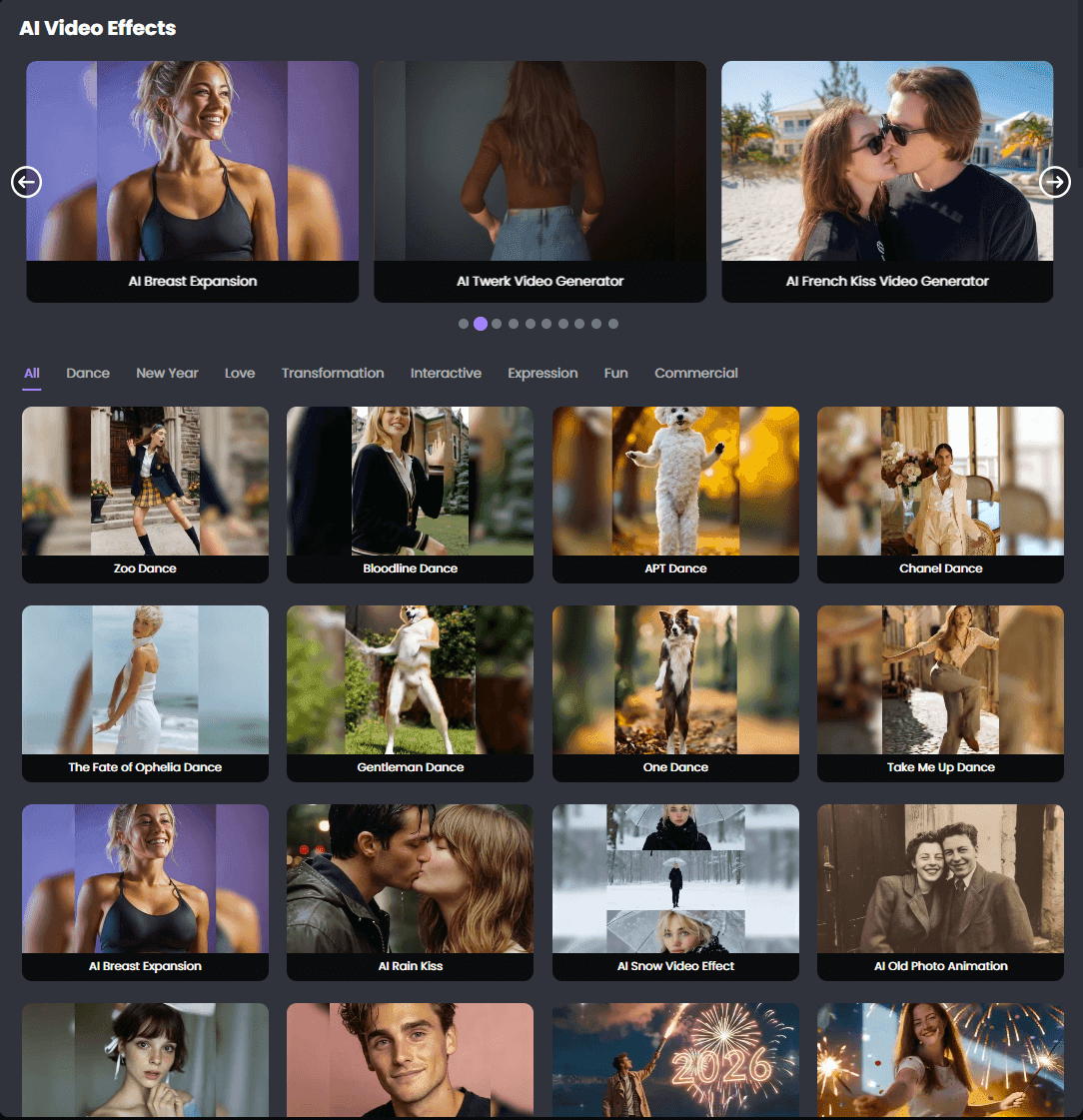
Cinematic Visual Stylizer: Apply a rich library of professional video effects that adapt to the context of your footage for an artistic finish.
Smooth Video Frame Interpolation
By generating artificial frames between existing ones, Picwand’s video frame interpolation feature can turn a choppy 24fps video into a silky-smooth 60fps experience. This makes fast-moving objects look clearer, smoother, and more realistic.
Input Video
Output Video
Automated Chromatic Calibration
The video color corrector acts as an automated colorist. It identifies issues like "washed-out" colors or poor lighting in low-light interviews and fixes them in seconds. It ensures that beach sunsets are vibrant and indoor shots are naturally lit without any manual color grading.
Input Video
Output Video
Ultra-HD Clarity Restoration
Akool’s video quality enhancer uses AI to "guess" missing pixels, allowing for an upscale to 4K. It also "denoises" the video, removing the graininess often found in old phone recordings or low-light shots.
Input Video
Output Video
Cinematic Visual Stylizer
Picwand offers rich video effects that go beyond basic filters. These effects intelligently interact with the elements in your video. Whether you want to add an atmospheric haze or a vintage film aesthetic, the AI ensures the effect blends naturally with the lighting of the original clip.
Real Use Cases of Picwand AI
Social Creators: Generate short AI videos to post faster and keep audiences more engaged.
E-Commerce Sellers: Turn product images into videos that highlight details and encourage more clicks.
Travel Creators: Create travel-style videos that make destinations feel more vivid and shareable.
Casual Users: Animate photos into fun videos for more personal and memorable social posts.
Video Editors: Upscale old or blurry footage to make reused videos look cleaner and sharper.
Small Marketers: Create quick promo videos that save production time and support faster campaigns.
Content Teams: Produce simple branded videos to keep content output consistent and frequent.
Online Educators: Generate short visual clips that explain ideas more clearly and hold attention longer.
Picwand AI’s Business Mode
Picwand uses a freemium credit-based model. Users can try its AI video tools with limited free access. Continued use depends on paid subscriptions, credit bundles, or reward-based credits.
This model lowers the first-use barrier and encourages casual testing. It also helps Picwand charge for cloud-heavy video generation and enhancement.
Its paid plans combine VIP subscriptions with credit allowances. Picwand also offers a perpetual plan and lifetime credit packs. So users have several payment options, depending on their creation volume.
Plan
Price
Credits Included
Monthly VIP
$14.9/m
100 credits
Yearly VIP
$84.9/year ($7.08/m)
1,500 credits total
Perpetual VIP
$147.9 one-time
3,000 credits
The model works well for light users who occasionally generate videos. It also suits creators who want to test short clips before paying more.
But credit-based pricing can feel restrictive for frequent video iteration. Video creators often need multiple attempts before getting the right result. When every test consumes credits, the workflow can feel less predictable.
User Feedback on Picwand AI
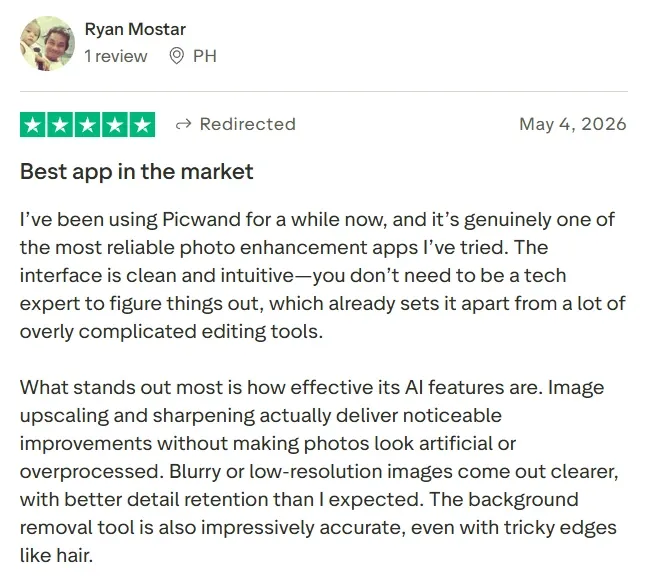
Picwand AI gets its strongest praise from users who want a simple way to create or improve videos. Many reviewers describe the platform as easy to navigate, with a short learning curve and a clear interface.
Users also respond well to its video enhancement features. The appeal is practical rather than flashy. People use Picwand AI to sharpen blurry clips, improve old footage, and make low-quality videos look more presentable.
The platform’s broader video toolkit also earns positive attention. Users like having text-to-video, image-to-video, video upscaling, and creative effects in one place. This gives Picwand AI a useful role for lightweight video creation.
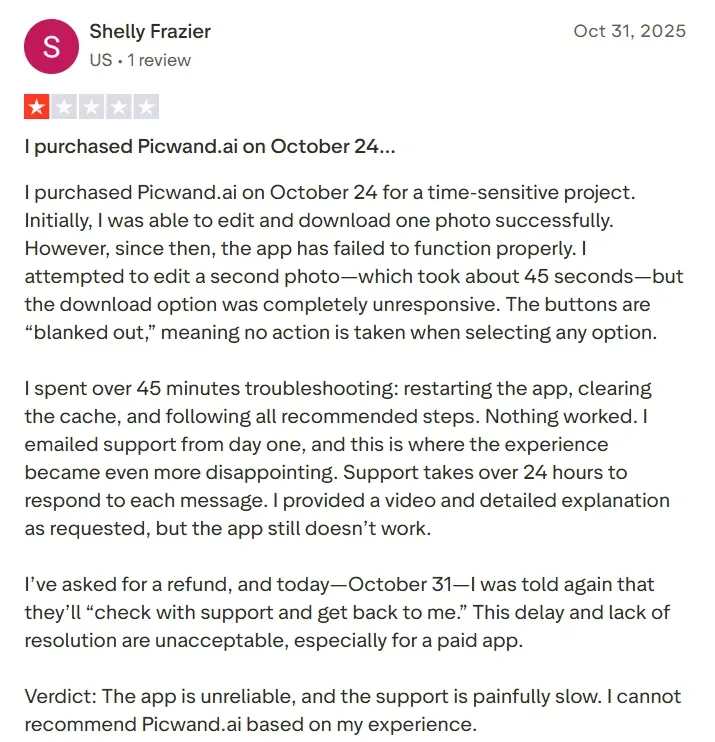
Still, the most common frustration is the credit-based model. Some users feel the subscription does not clearly explain what is included. Others say extra credits make repeated video testing harder to manage.
Export and download issues also appear in user feedback. This is more serious for a video generator than a minor interface flaw. Creators often work against posting schedules, campaign deadlines, or client requests.
Offers creation plus editing, enhancement, and effects.
Less focused on restoration or enhancement.
Avatar Video
Not a core positioning point.
Supports AI avatar videos for marketing and presentations.
Not a major strength.
Long-Form Potential
Less clearly positioned for multi-scene storytelling.
Stronger for stories, ads, explainers, and multi-step workflows.
Mainly short-video focused.
Competitive Edge
Easy enhancement and upscaling.
Multi-model, no-editing, workflow-driven video creation.
Fast generation and viral templates.
Credit Predictability
Credit use can feel restrictive for heavy testing.
Better suited for repeat creative workflows.
Free tier may include limits and watermarks.
Best For
Beginners improving or generating simple videos.
Creators and marketers needing complete video creation.
Users testing quick AI video trends.
Why Top Users Move from Picwand AI to Pollo AI
Step 1
More Model Flexibility
Pollo AI lets you switch between leading video models such as Happy Horse 1.0 and Sora 2. Avoid one model that gives weak motion or inconsistent results.
Step 2
Production-Ready Video Workflows
Pollo Agent turns ideas, images, text, or URLs into polished videos. Reduce the need for extra editing after generation.
I’ve been using Pollo AI mainly for short videos and quick image-to-video tests. The interface is straightforward and it works well even with simple prompts, which is a big plus compared to tools that need long, complicated instructions. The results can be really impressive, and it’s honestly been fun to experiment with. I’d love a bit more consistency on faces when there’s movement, but overall it’s been a solid experience for what I needed.
Awesome website. loads of options and a great way to learn how to work with 'AI' my reasoning for 5 stars is based upon price, versatility and ease of use. Also I would like to add, Pollo AI runs a lot of promos on different AI products as well. I rate their customer service at 5 stars, when I purchased my first subscription my computer crashed the following weekend and I lost all my data and info passwords you name it I lost it, contacted pollo by email they responded quickly and found my info/username and account, and I was able to restore my account.
I have been using Pollo AI for short videos. It is easy to use and works well with simple prompts. Other generators seem to need long drawn out complicated explanations to get even close to what I want.
i tried 220 online img to vid in 2 months, and this is the best online video.I will subscribe for a year; there are many reasons. But freedom is the most important.
Discover Other Powerful AI Video Generators on Pollo AI
Picwand uses AI to upscale resolution, remove digital noise, and sharpen blurry details, effectively turning low-quality footage into high-definition content.
Can Picwand fix bad lighting in videos?
Yes, the automated chromatic calibration tool analyzes exposure and lighting issues in every frame to provide a perfectly balanced and vibrant look.
Does Picwand remove watermarks from enhanced videos?
Yes, Picwand is designed to provide high-quality output without adding its own watermarks, ensuring your content remains clean and professional.
Is the frame interpolation good for gaming videos?
Absolutely. It is ideal for gaming and sports content where a higher frame rate (smoother motion) significantly improves the viewing experience.
Is Picwand AI free to use?
Picwand AI offers a free plan for users. But free-tier users can only have enhancement and super-resolution previews 3 times a day. If you want higher resolution, run parallel tasks, faster processing speed and larger storage, you should pay for it.
Build Publish-Ready Videos in Pollo AI for Free!
Turn ideas, images, prompts, and URLs into polished videos without relying on scattered tools or extra editing.








 Liz Cassidy


