Backed by the Animaker ecosystem, Vmaker AI hit $550,000 (Rs 4.6 crore) in revenue by December 2024. It stands out by offering a first-of-its-kind AI talking video editor that handles everything from recording to 4K post-production. It is useful for tutorials, demos, and quick video editing. But if you want original scenes, stronger styles, and finished outputs, Pollo AI is your better choice. It brings top models, talking avatar, editing tools, and post-ready workflows into one place. Try Pollo AI for free now!
Create your own influencer. Then jump into any trend with Recast.
Kling 4.0
Up to 10 keyframes. Unlimited for 10 days with Ultra.
Pollo Recast
Recreate viral videos. Remix new versions.
Pollo Recast Challenge
One upload in. Your viral video out. Unlimited rewards await.
Pollo Agent x DeepSeek V4.1 FLASH
Faster completion at a much lower cost.
Pollo Agent x Gemini 4 Argon
Smarter reasoning. All through Pollo Agent.
WIN iPHONE DUO
Capture a city in one minute. Join the challenge now.
Pollo MCP
End-to-end content creation. Up to 4 Videos/ 20 Images for FREE.
Key Features of Vmaker AI
AI Talking Head Generation: Create pro-level talking head videos from text with 100+ ultra-realistic AI avatars.
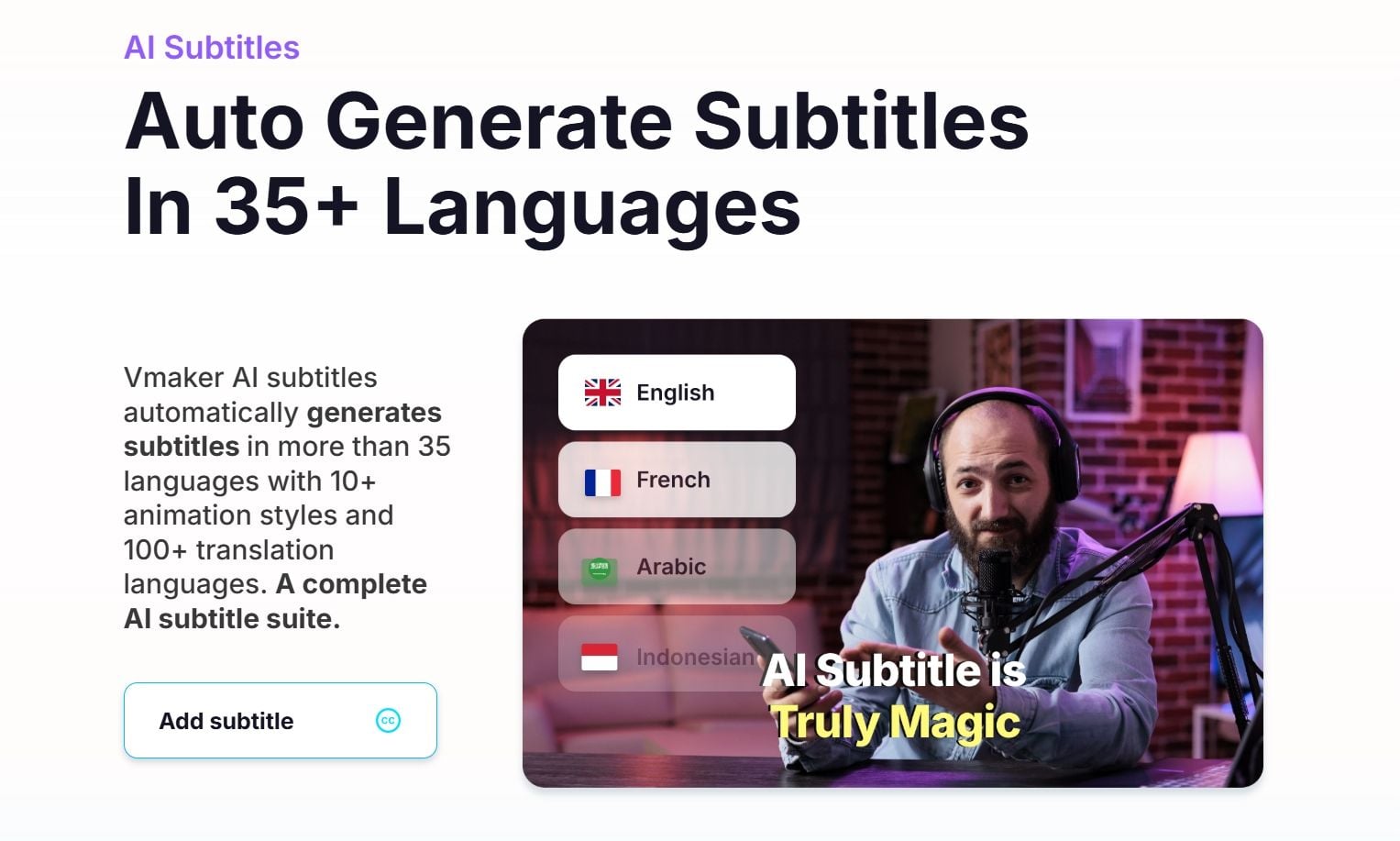
Auto-Captioning & Subtitle Suite: Automatically generate precise subtitles in 35+ languages with 10+ viral animation styles.
AI Video Enhancer & Cleanup: Instantly boost video quality to 4K resolution and remove unwanted watermarks easily.
Long-to-Short Repurposing: Turn your long-form recordings into bite-sized, viral social media clips.
AI Talking Head Generation
Vmaker AI lets you bring any script to life with over 100 lifelike AI avatars featuring 99% lip-sync accuracy. You don’t need a camera, a studio, or a professional lighting setup; just input your text, and the Vmaker AI handles the performance. It’s the ultimate tool for educators and marketers who want to look and sound professional without the high costs of traditional video production.
Auto-Captioning & Subtitle Suite
Vmaker AI’s subtitle feature automatically generates captions in seconds, supporting over 35 languages and 100+ translations. With various trendy animation styles to choose from, you can make your content more accessible and engaging for a global audience, significantly boosting your watch time and brand authority.
AI Video Enhancer & Cleanup
If your footage looks a bit dull or blurry, Vmaker AI’s cleanup tools are literal life-savers. The AI video enhancer analyzes every frame to sharpen details and fix lighting, while the watermark remover eliminates distractions with one click. You can upscale old clips to stunning 4K or swap out messy backgrounds for clean settings, ensuring your final output always meets high-quality industry standards.
Long-to-Short Repurposing
Vmaker AI’s viral style library identifies the most engaging hooks in your long-form videos and automatically reformats them into TikToks, Reels, or Shorts. It applies trending transitions, zooms, and layouts, allowing creators to grow their channels 3X faster by posting consistent, high-energy content across all platforms without the technical stress of manual editing.
What Gives Vmaker an Advantage Over Other AI Video Generators
Integrated 4K Screen Recorder with AI Auto-Editing
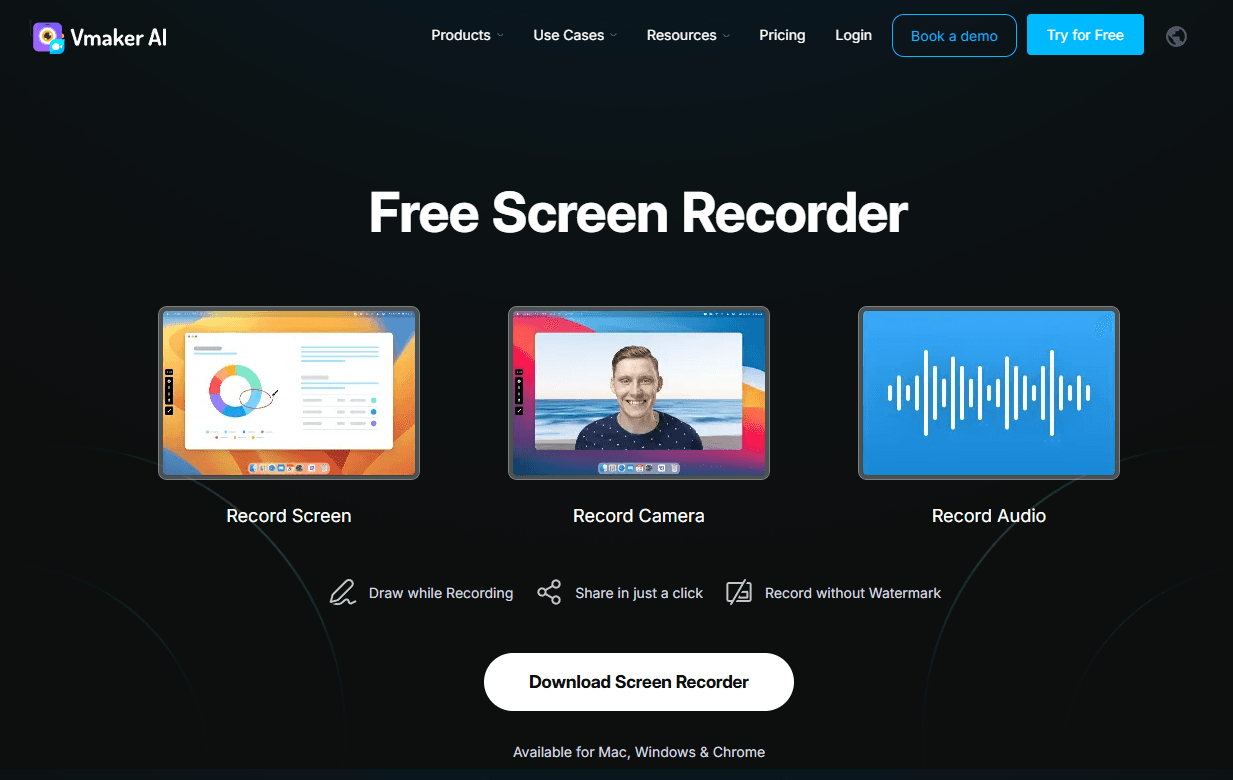
Vmaker’s unique moat is its all-in-one capture-to-edit workflow. It is the only AI generator that includes a professional 4K screen and webcam recorder. Once you finish recording a tutorial or demo, the AI automatically "cleans" the footage—removing long silences and filler words (ums/ahs)—so the editor opens with a polished draft already prepared.
Intelligent Information Masking (AI Blur Tool)
For software tutorials and corporate demos, protecting sensitive data is a major pain point. Vmaker AI features an intelligent information masking tool. Instead of manually frame-by-frame blurring, you can select specific elements—such as emails, passwords, or faces—and the AI will track and blur them automatically throughout the entire video.
In-Video Interactive CTAs and Lead Generation
Because Vmaker acts as both a generator and a video hosting platform, it allows for "post-production Interactivity." You can insert call-to-action (CTA) buttons directly into the video player. Viewers can click a button to "Book a Demo" or "Download a PDF" while the video is playing. This turns a static video into a high-converting marketing funnel, a feature that pure AI generation tools (which only provide a file download) do not offer.
Unified Team Brand Governance & Shared Workspace
Vmaker is built for large organizations through its enterprise workspace. It allows administrators to set "Brand Governance" rules. Once configured, every screen recording or AI video generated by any team member automatically applies the company’s unified intro/outro, brand watermarks, and specific color palettes.
Many users like Vmaker AI’s convenience. They say Vmaker AI helps them replace long emails, reduce extra meetings, and explain ideas more clearly with video.
Many also like its AI subtitles, highlight creation, and long-to-short repurposing features. These tools make it easier to turn webinars, demos, and raw recordings into assets that can be reused across channels.
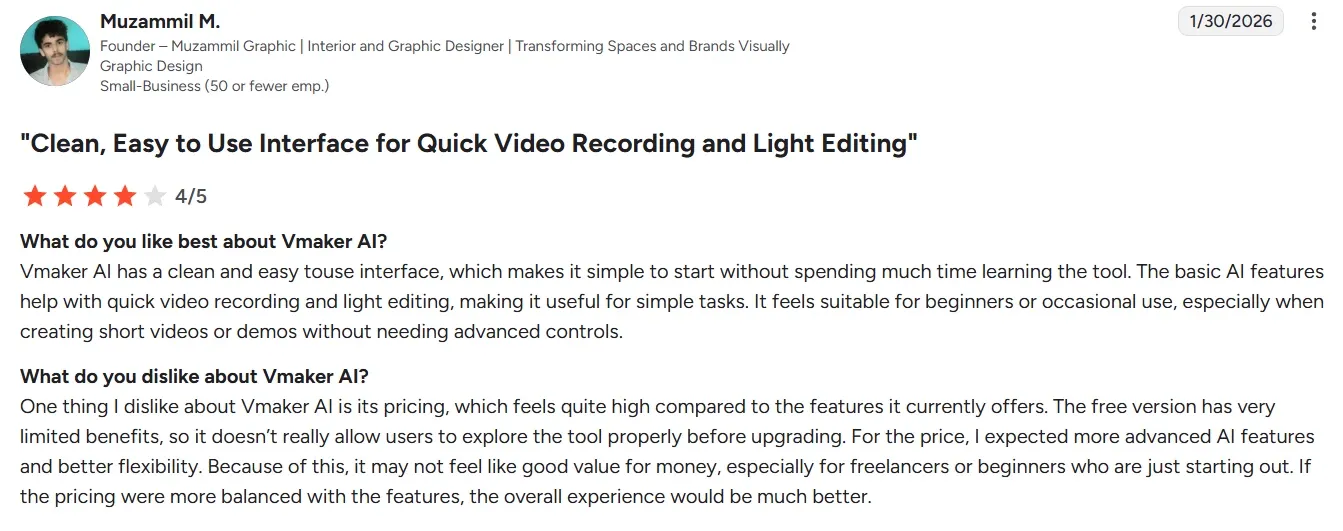
Still, the criticism is hard to ignore. Some users report slow processing, failed uploads, frozen recordings, and output delays. These issues can break the value of an AI video tool, especially when users need a quick turnaround.
A few reviewers also mention highlight clips that miss the requested length or need extra manual cleanup.
Some reviewers also want deeper professional control. They ask for branding options, audio-track editing, and smoother desktop or browser performance.
Why Users Are Choosing Pollo AI?
Step 1
Post-Ready Agent Workflow
Pollo Agent turns ideas, images, text, or URLs into finished videos. No editing is needed and directly post the result anywhere you like.
Step 2
More Model Flexibility
Pollo AI gives you multiple leading models, including Veo 3.1 and Happy Horse 1.0. You have more choices for better quality or style.
Step 3
100+ Real Workflow Apps
Pollo AI offers specialized apps for multiple use cases. From celebrity videos to teaser videos, you can always find one and get the results faster.
I’ve been using Pollo AI mainly for short videos and quick image-to-video tests. The interface is straightforward and it works well even with simple prompts, which is a big plus compared to tools that need long, complicated instructions. The results can be really impressive, and it’s honestly been fun to experiment with. I’d love a bit more consistency on faces when there’s movement, but overall it’s been a solid experience for what I needed.
Awesome website. loads of options and a great way to learn how to work with 'AI' my reasoning for 5 stars is based upon price, versatility and ease of use. Also I would like to add, Pollo AI runs a lot of promos on different AI products as well. I rate their customer service at 5 stars, when I purchased my first subscription my computer crashed the following weekend and I lost all my data and info passwords you name it I lost it, contacted pollo by email they responded quickly and found my info/username and account, and I was able to restore my account.
I have been using Pollo AI for short videos. It is easy to use and works well with simple prompts. Other generators seem to need long drawn out complicated explanations to get even close to what I want.
i tried 220 online img to vid in 2 months, and this is the best online video.I will subscribe for a year; there are many reasons. But freedom is the most important.
Discover Other Powerful AI Video Generators on Pollo AI
Vmaker AI is an all-in-one AI video editor designed for pros who need to turn ideas into high-quality video content fast. It combines talking head avatars, auto-captions, and an AI enhancer to help you create marketing, training, and social media videos in a fraction of the time it takes to edit manually.
How many languages does the Vmaker AI subtitle tool support?
Currently, Vmaker AI supports automatic caption generation in over 35 languages. You can also translate those captions into more than 100 different languages, making it incredibly easy to localize your content for a global market.
Who should use Vmaker AI?
Vmaker AI is perfect for creators, educators, and pros turning raw clips into "WOW" videos fast. From viral YouTube transitions to corporate training, this AI video generator skips the learning curve. Add subtitles and pro effects in minutes—no editing experience required.
How realistic are Vmaker's AI avatars?
Boasting a 99% lip-sync accuracy rate, Vmaker AI avatars deliver an impressively natural performance that’s perfect for professional marketing and educational content.
Can I use Vmaker videos commercially?
Yes. Vmaker AI grants you full commercial rights for every video you create, including ads, marketing campaigns, and monetized social media content. This professional-use permission applies to all users, whether you are on a free trial or a paid subscription plan.
Bring Your Video Ideas to Life with Pollo AI!
Pollo AI helps create stunning videos from text, images and URLs without any editing.








 Liz Cassidy


