Key Features of PixelBunny AI Video Generator
- Multi-Model Video Generation: Accesses leading video models through one interface.
- Multi Shot Videos: Produces several connected camera shots within one generation.
- Videos With Consistent Characters: Reuses saved characters, products, and objects across scenes.
- Multi-Reference Videos: Combines several visual references in one generated shot.
- Motion Control: Transfers movements from existing footage to a chosen character.
- First & Last Frame: Defines the opening and closing composition of a clip.
- Edit Video: Applies visual changes to existing footage through text instructions.
- Audio to Video: Builds timed visuals and character performances around uploaded audio.
Multi-Model Video Generation
PixelBunny places models such as Kling V3, Kling O3, Veo 3.1, Seedance 2.0, Wan 2.7, LTX 2.3, and Grok Imagine Video inside one OmniBar. Creators can switch models while retaining access to duration, resolution, aspect ratio, and seed settings. Specialized workflows automatically route the task to a compatible model, reducing the need to understand every provider separately.
Multi Shot Videos
PixelBunny's Multi-Shot Videos uses Kling V3 to create connected cuts for AI video storytelling, with changing camera positions, fluid motion, and native audio. This is useful for advertisements, cinematic sequences, and social stories that need more visual rhythm than a single continuous shot. However, separate generations still require an external editor when creators want to assemble a longer narrative.
Videos With Consistent Characters
PixelBunny stores recurring subjects as Elements. Each Element can contain one to four reference views and receives a reusable handle such as @character or @product. Mentioning that handle in later prompts helps carry the same identity into new settings, actions, and camera angles. Multiple Elements can also appear in one scene when their positions and actions are clearly defined.
Multi Reference Videos
Multi Reference Videos lets creators supply several images to establish the subject, environment, product, wardrobe, or visual direction of a shot. PixelBunny routes these references to a compatible model instead of asking users to recreate every detail through text. The workflow is particularly useful for product placement, branded scenes, and compositions involving multiple visual assets.
Motion Control
PixelBunny's Motion Control transfers a performance from reference footage to a character image. Video orientation supports complex full-body movement such as dancing or martial arts for up to 30 seconds, while image orientation prioritizes the source image perspective for shorter actions. Face binding can reinforce identity, and the original reference audio may be retained.
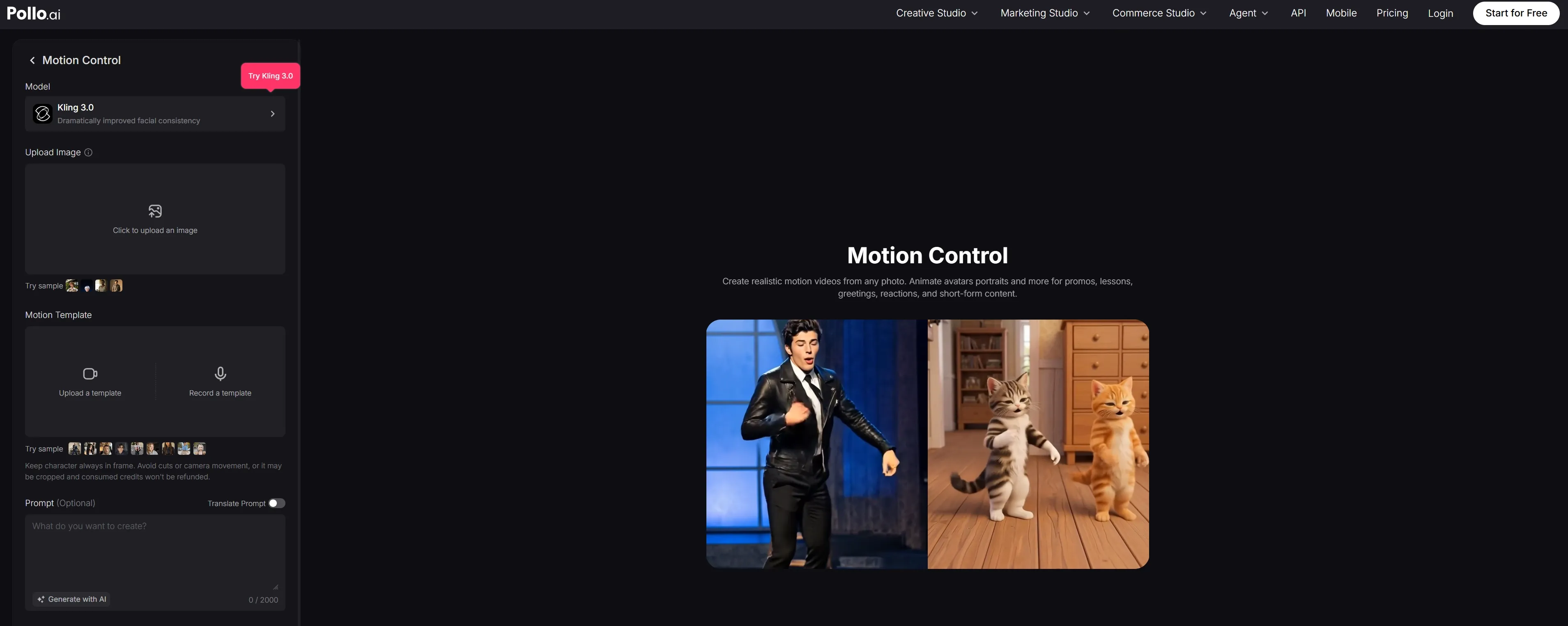
Pollo AI's motion control brings the same motion transfer functionality with a sharper edge on realism and character fidelity. Movement transitions are smoother, identity consistency is better preserved across longer sequences, and the overall output reads as more cinematic and production-ready — giving animators and content creators a stronger foundation for character-driven storytelling.
First & Last Frame
PixelBunny workflow accepts separate opening and closing images, then generates the movement between them. It gives creators more control over where a shot begins and ends, making planned transformations, product reveals, camera transitions, and scene handoffs easier to direct. It can also provide stronger visual continuity when the final frame becomes the starting point of another clip.
Edit Video
PixelBunnyAI's Edit Video transforms existing footage through natural language instructions. Users can change the character, background, lighting, mood, color treatment, or overall visual style without working through a traditional timeline. It is best understood as generative video transformation rather than precise trimming, captioning, or multi-track editing.
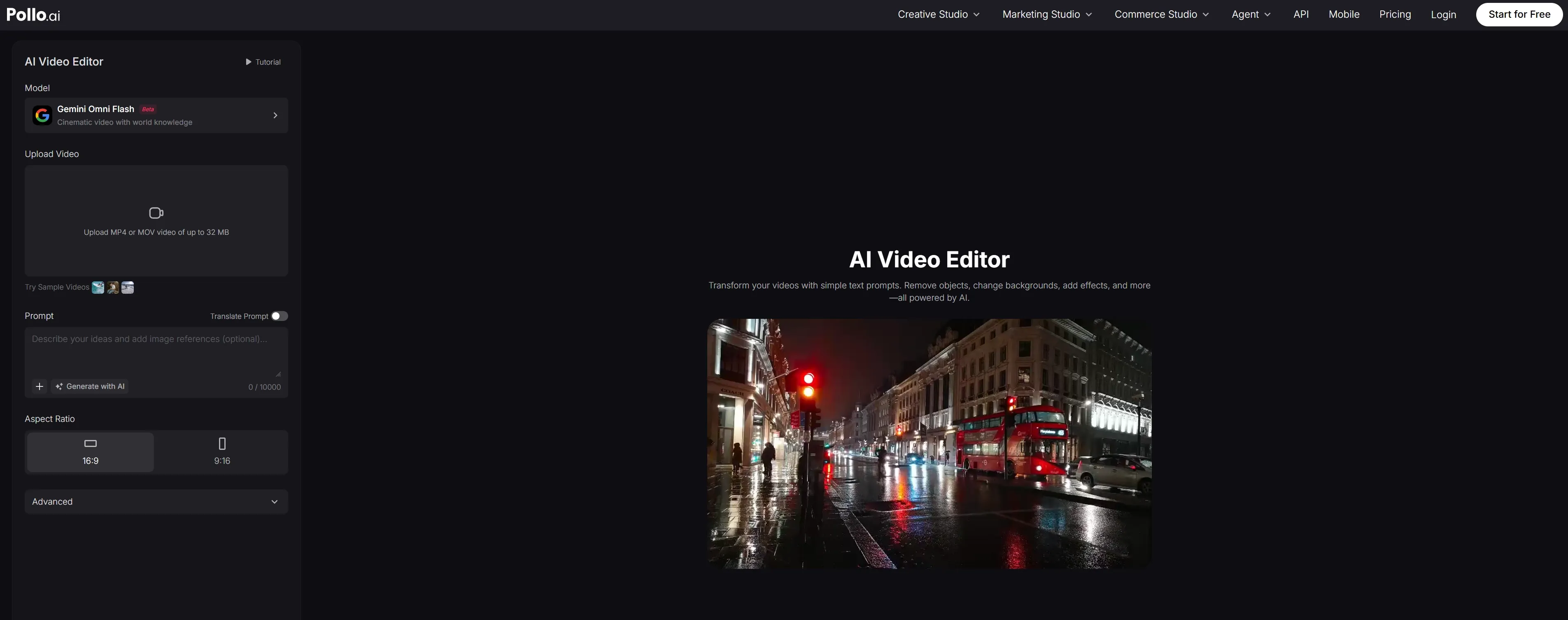
Pollo AI's AI video editor offers the same natural-language video editing capability — and delivers it with greater consistency and output quality. Whether remixing a scene's visual style, swapping backgrounds, or adjusting mood and lighting, Pollo AI produces results that hold up better across longer clips and more complex prompts, making it the more dependable choice for creators editing real production footage.
Audio to Video
Audio to Video uses an uploaded track to guide visual timing, facial performance, and lip movement. It can support talking characters, narrated clips, and audio-to-video music visuals without manually keyframing every beat. PixelBunny also provides native-audio models for dialogue and ambient sound, although longer conversations may still need to be divided into individual scenes.
PixelBunny Product Positioning and Background
PixelBunny is a young creator platform that emerged publicly in March 2026. Its positioning sits between a video generator and a lightweight generative editor. Unlike timeline-based products, PixelBunny centers the experience on model selection and task-specific workflows.
This architecture enables fast model adoption and a unified pay-as-you-go balance. PixelBunny AI's commercial appeal is strongest for occasional creators who do not want another monthly subscription. Compared with Krea’s real-time canvas and node-oriented production system, PixelBunny favors a simpler command-bar experience. Its differentiation is convenient access and workflow routing, rather than a proprietary video model or complete post-production environment.
Who Uses PixelBunny?
- Social creators and channel operators: They can produce dance transfers, talking characters, multi-shot hooks, music visuals, and vertical clips without subscribing to several model providers.
- Marketers and e-commerce teams: They can combine product references, brand environments, recurring presenters, and prompt-based variations for advertisements, launches, and product demonstrations.
- Independent filmmakers and visual storytellers: They can use Elements, first-and-last-frame control, and multi-shot generation for previsualization, recurring characters, transitions, and short narrative sequences.
- Occasional creators and small teams: Pay-as-you-go access suits users who generate intermittently and want to test different models without maintaining several recurring plans.
Feature Comparison: PixelBunny vs Krea vs Pollo AI
| Capability | PixelBunny | Krea AI | Pollo AI |
| Primary Positioning | Pay-as-you-go multi-model generator with editing workflows | Real-time creative suite with model library and node workflows | Complete video creation platform with Agent-led production |
| Video Model Access | Multiple third-party video models in one OmniBar | Broad model catalog with comparison and real-time tools | Multiple leading models connected to specialized workflows |
| Multi-Shot Creation | Model-based Multi Shot workflow | Generate, extend, and merge clips into sequences | Agent plans scenes, pacing, transitions, and complete assembly |
| Character Consistency | Reusable Elements with multiple reference angles | Trained assets, references, and character tools | Reference-led generation across connected scenes and stories |
| Motion Transfer | Kling-powered reference motion transfer | Several Motion Transfer model options | Mimic Motion within the wider Creative Studio workflow |
| Video Editing | Prompt-based restyling and scene transformation | Restyle, enhance, lip-sync, and node-based processing | Plain-language editing connected to generation and audio tools |
| Audio Integration | Audio-driven video, lip-sync, and native model audio | Lip-sync, music, and standalone audio models | Voice generation, cloning, sound effects, and video integration |
PixelBunny AI Review: What Users Actually Say
On Reddit, PixelBunny users most often praise its no-subscription access and accessible multi-model workspace; one creator said the platform made the work easy.
More critical feedback points to early-stage reliability. One user reported slow video generation and moderation rejecting an ordinary beach-background request, although the founder disputed the speed issue and offered account-level support. Another user could still see usage history but could not access previously generated images and videos.
These reports do not establish that every user will encounter the same problems. They do show that model access alone is not enough: generation reliability, asset continuity, interface stability, and project assembly all shape the practical experience.
How Pollo AI Moves Beyond PixelBunny’s Workflow Gaps
Pollo Agent ensures fast, dependable rendering speeds and intelligent, context-aware prompt processing that understands your creative intent without triggering unnecessary moderation blocks.
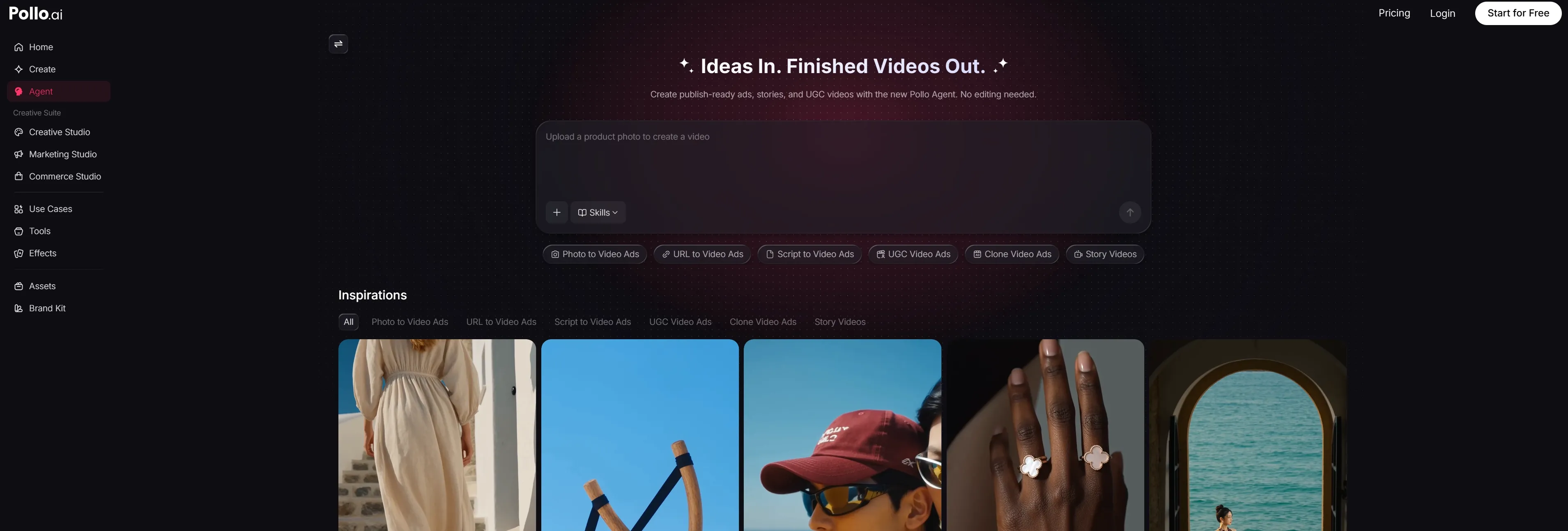
Crucially, Pollo AI guarantees asset continuity. You will never log in to find your previously generated videos or images missing. Every visual, AI voiceover, and sound effect is securely stored and organized within an intuitive workspace.
By leveraging the advanced Pollo Agent, creators can seamlessly move from generating individual assets to assembling full-length, production-ready narratives without ever worrying about interface instability or lost progress.








 Liz Cassidy


