



Stable Video Diffusion AI Video Generator
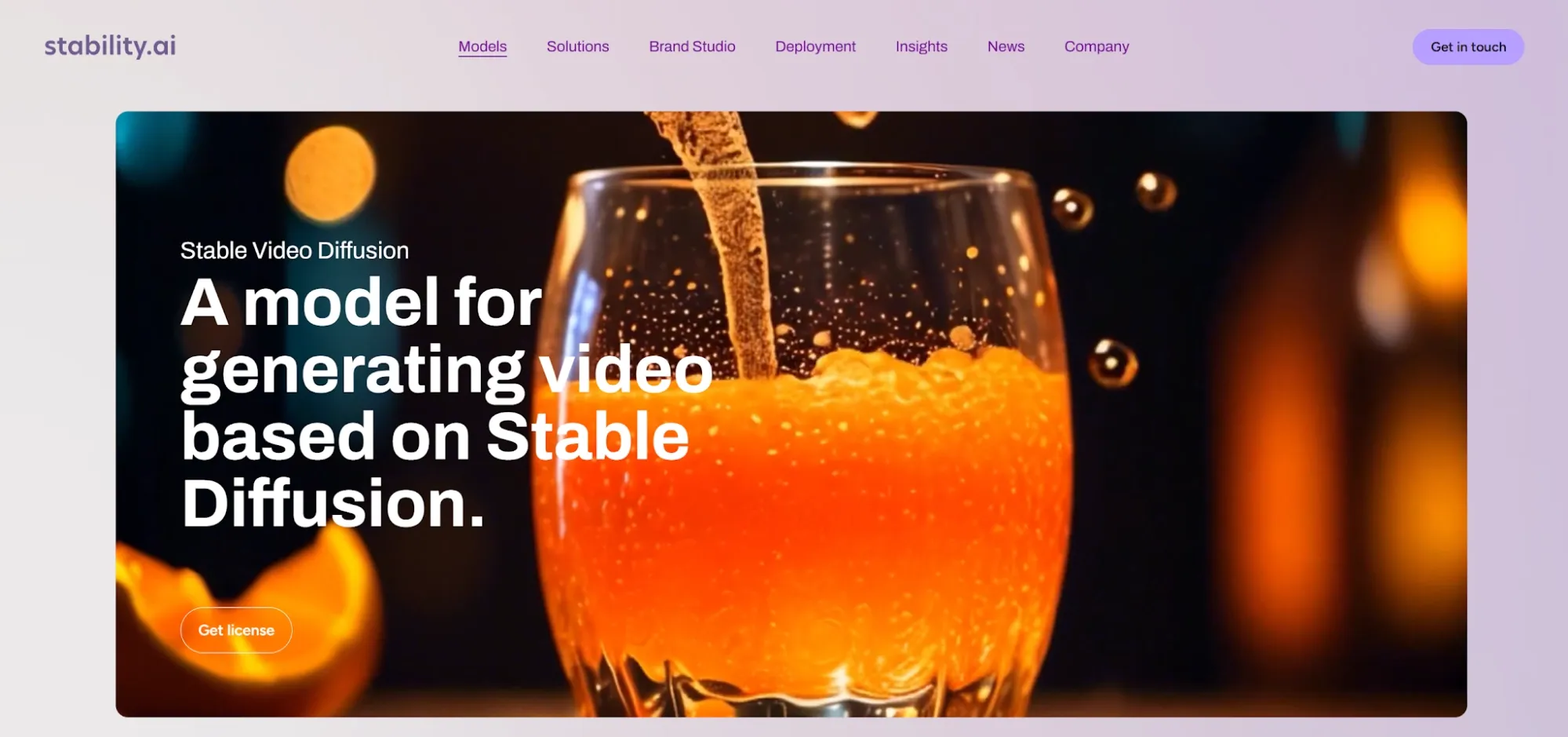
Stable Video Diffusion is Stability AI’s first major open video model built on the Stable Diffusion ecosystem. It is model-first, research-driven, and open for technical workflows. Users can animate source images, test motion, explore camera movement, and study diffusion-based video generation. For a broader workflow, Pollo AI helps you create full-length, post-ready videos. Try Pollo AI’s AI video generator now!
Key Features of Stable Video Diffusion
Image-to-Video Generation : Animates a still image into a short moving clip.SVD and SVD-XT Model : Supports 14-frame and 25-frame video generation.Custom Frame Rates : Generates clips at frame rates between 3 and 30 fps.Short Motion Output : Creates compact video clips for concept testing and visual drafts.Stable Diffusion Foundation : Builds on Stability AI’s wider open image model ecosystem.Motion and Camera Control : Allows users to influence movement strength and camera behavior.Multi-View Research Potential : Connects to later Stability AI work in 3D and 4D video.Self-Hosted Workflows : Supports technical deployment for developers and research teams.
Image-to-Video Generation
Stable Video Diffusion is mainly known for image-to-video generation. Users start with a still image, and the model predicts a sequence of frames that adds motion to the scene. This is useful for animating product photos, portraits, landscapes, concept art, character designs, and cinematic stills. It works best when the source image already has a clear subject, strong composition, and visual direction.
SVD and SVD-XT Models
Stable Video Diffusion is commonly discussed through two public variants: SVD and SVD-XT. SVD generates 14 frames, while SVD-XT extends output to 25 frames. This gives users a little more room to test motion. SVD-XT can feel smoother because it has more frames to describe a short action. However, both variants remain short-form video models.
Custom Frame Rates
Stable Video Diffusion supports frame rates between 3 and 30 frames per second. This lets users adjust how the output feels when played back. A lower frame rate can feel more experimental or stylized. A higher frame rate can feel smoother and more natural. This control is helpful for motion tests. But it does not replace timeline editing, sound design, captions, platform formatting, or final video assembly.
Short Motion Output
Stable Video Diffusion is best for short visual motion, not long production. Most outputs are only a few seconds long. That makes it useful for visual tests, moving thumbnails, B-roll drafts, animated artwork, and fast creative exploration.
Stable Diffusion Foundation
Stable Video Diffusion builds on the wider Stable Diffusion family. That gives it a familiar technical foundation for users who already understand diffusion models, open weights, prompts, and creative model workflows. This is one reason SVD became important. It was not just another closed video tool. It became part of a larger open creative model ecosystem.
Motion and Camera Control
Stable Video Diffusion can support settings related to motion strength, camera movement, and output behavior, depending on the interface used. This helps users decide whether a generated clip should feel subtle, dynamic, smooth, or more dramatic.
Multi-View Research Potential
Stable Video Diffusion also matters because Stability AI later expanded video research into 3D and 4D directions. Models such as Stable Video 4D and SV4D 2.0 focus more on novel-view video and dynamic 3D-style content. This does not mean standard SVD gives every user advanced 3D control by default. It means SVD helped build the foundation for later video research.
Self-Hosted Workflows
Stable Video Diffusion is valuable for developers because it can be used in self-hosted or technical environments. Teams can test inference, adjust workflows, and integrate the model into custom pipelines. This is useful for R&D teams, technical artists, and labs that need control over deployment.
Stable Video Diffusion Product Positioning & Background
Stable Video Diffusion was introduced by Stability AI in November 2023. It was released as part of Stability AI’s effort to expand from image generation into video generation. The model was first presented in two image-to-video versions. These versions could generate 14 or 25 frames at customizable frame rates between 3 and 30 frames per second.
Stable Video Diffusion AI video generator also no longer the newest direction from Stability AI. Later releases such as Stable Video 4D, SV4D 2.0, and Stable Virtual Camera show a shift toward novel-view generation, 3D camera control, and more advanced spatial video workflows. That is why SVD should be described carefully. It is still useful and influential, but it should not be presented as a modern all-in-one video production system.
Stable Video Diffusion Use Cases
Filmmakers & Creative Teams:
Stable Video Diffusion can turn storyboard frames, concept art, or cinematic stills into short motion tests. Directors can use it to explore camera movement, mood, and scene energy before a real shoot.
Social Media Creators & Designers:
Creators can animate posters, portraits, memes, or cover art into quick moving clips. These clips can be used for TikTok, Reels, YouTube Shorts, teasers, or visual loops.
E-commerce & Marketing Teams:
SVD can add subtle movement to product photos, campaign visuals, or branded stills. This helps teams test photo to video ads, hero shots, visual hooks, and first-frame impact before building a larger campaign.
Game, Animation & Concept Teams:
Game and animation teams can use SVD to animate environments, props, characters, and visual concepts. It helps teams see how a fictional world may move before investing in full animation, anime videos, or 3D production.
Developers, Researchers & Educators: Technical and Learning Workflows
Developers can run SVD or SVD-XT to study image conditioning, motion behavior, inference settings, and deployment options. Educators can also animate simple teaching visuals for short lessons.
Stable Video Diffusion Pros and Cons
Pros
Open and research-friendly: Useful for developers, researchers, and technical creators.
Good for image-to-video tests: Turns still images into short motion clips.
Flexible frame settings: Supports 14-frame and 25-frame outputs, with 3-30 fps options.
Useful for early concepts: Helps test camera movement, mood, and visual direction.
Part of the Stable Diffusion ecosystem: Easier for technical users familiar with open model workflows.
Cons
Short outputs: Better for brief clips than full videos.
Limited editing: No full workspace for captions, sound, transitions, or final assembly.
Technical setup required: Self-hosted use may need hardware, model files, and parameter tuning.
Motion can be unstable: Complex movement, hands, text, and object behavior may break.
Not built for finished content: Users still need another workflow to create post-ready videos.
How Pollo Agent Solves These Stable Video Diffusion Limits
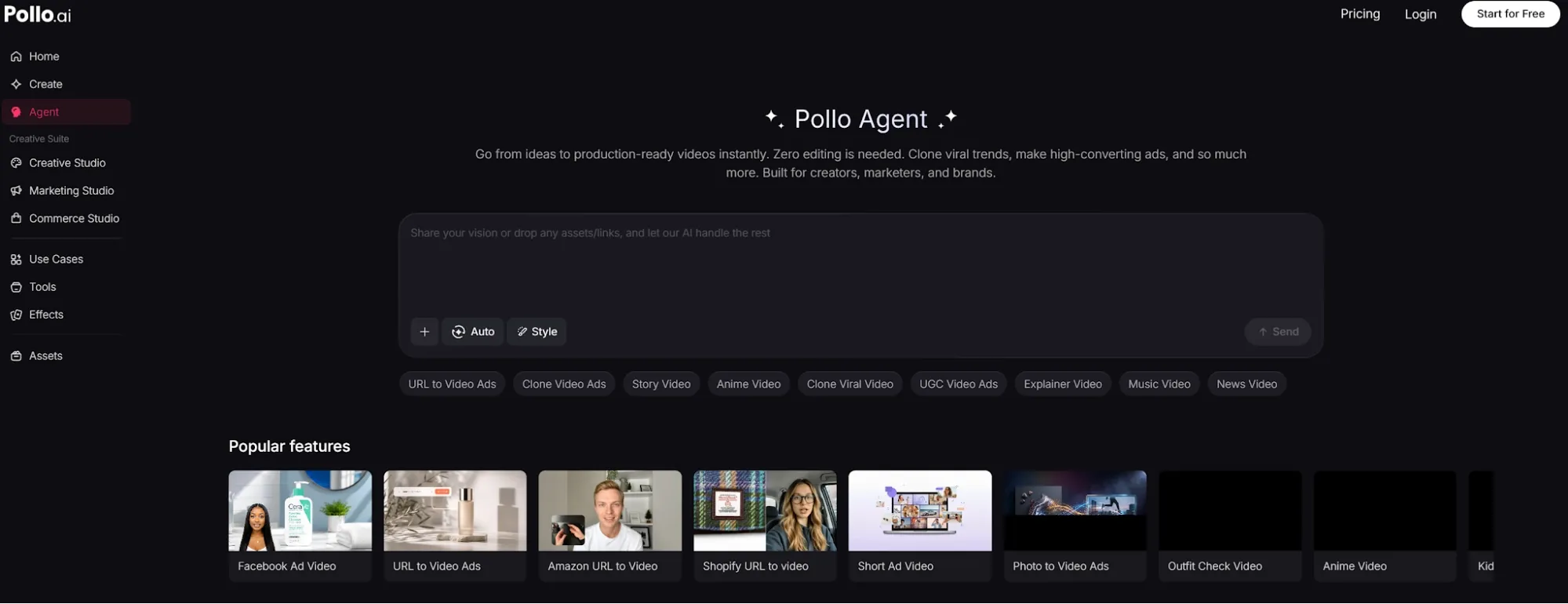
Stable Video Diffusion is useful for testing short image-to-video motion, but it often stops at the clip stage. Pollo Agent goes further by helping users turn ideas, scripts, URLs, or assets into more post-ready videos with pacing, visuals, and sound effect. It also removes the need for local setup, extra editing tools, and manual stitching, making it more practical for social content, ads, product videos, and other post-ready projects.
Feature Comparison: Stable Video Diffusion vs Pollo AI
| Factor | Stable Video Diffusion | Pollo AI |
| Primary Logic | Image-to-video model generation | Studio-based creation with Pollo Agent |
| Best Output | Short motion clips from images | Full videos, ads, avatars, audio, and visuals |
| Workflow Type | Model-first and technical | Task-first and production-focused |
| Video Length Logic | Short clips only | Full-length, publication-ready videos |
| Technical Edge | Open model access and image conditioning | Agent workflow, Studios, models, tools |
| Agent Function | No full-video Agent workflow | Pollo Agent creates post-ready videos without manual editing |
| Effort Required | Generate, export, then assemble elsewhere | Idea or asset in, structured video out |
| Best Users | Developers, researchers, visual experimenters | Marketers, sellers, creators, and brands |
Why Creators are Switching to Pollo AI
Production-Ready Video
Pollo Agent creates full-length, post-ready videos from ideas, scripts, or URLs without manual editing.
Marketing Studio for Ads
Marketing Studio helps teams create ready-to-use ads in 1 minute, from UGC ads to product launches.
200+ Workflow Apps
Pollo AI offers task-focused apps for social clips, product videos, music videos, and story videos.










 5000+ reviewsTrustscore 4.4
Loved by 10M+ Creators and Marketers Globally
Thousands of satisfied users have shared their Pollo AI experiences on Trustpilot, rating us as "Excellent." See what they love about our platform.
Liz Cassidy Dec 15, 2025Richard QuickOct 15, 2025armourdudeNov 19, 2025
 DuduJan 14, 2026
 Ray WarnesDec 30, 2025
 lawless clanNov 22, 2025
Discover Other AI Video Generators
FAQs
What is Stable Video Diffusion?
Stable Video Diffusion is Stability AI’s video generation model based on Stable Diffusion. It is best known for turning still images into short videos.
Is Stable Video Diffusion a video editor?
No. Stable Video Diffusion is mainly a generation model. Users usually need other tools for editing, captions, sound, and final assembly.
Is Stable Video Diffusion text-to-video or image-to-video?
The most widely used SVD and SVD-XT model cards describe it as image-to-video. It takes a still image as a conditioning frame and generates a short video from it.
How long are Stable Video Diffusion outputs?
Stable Video Diffusion usually creates short clips. Public SVD variants are commonly associated with 14-frame and 25-frame generation.
What is the difference between SVD and SVD-XT?
SVD is associated with 14-frame output. SVD-XT extends generation to 25 frames, which can support a smoother short motion result.
What is the best Stable Video Diffusion alternative?
Pollo AI is the best free alternative for users who need more than short clips. It supports image-to-video, text-to-video, video tools, avatars, audio, and full post-ready videos through Pollo Agent.

Create More Than a Short Motion Clip
Stop turning short clips into editing work. Start creating full-length, post-ready videos with Pollo AI.