



5 Best Unlimited AI Image Generators in 2026 (Free & Paid)
Getting an image right can take a few tries. An unlimited AI image generator gives you room to change the lighting, background, or style without counting every attempt. For product pages and social posts, watermark-free downloads matter just as much. I compared five options with both the creative process and the final image in mind.
TL;DR
Pollo AI is my top overall pick for an unlimited AI image generator. It brings several image models and selected unlimited offers into one workspace, so you can explore product visuals or campaign ideas, then download your chosen images without a watermark. Free starting credits make it easy to try.
Leonardo AI, Freepik, Mage, and NightCafe offer other ways to keep generating, from relaxed modes for longer creative sessions to free base models for practising prompts.
What Does “Unlimited AI Image Generator” Actually Mean?
“Unlimited” usually means you can keep generating with a particular plan or model, sometimes through a slower queue. In practice, I want to try different backgrounds, lighting, and styles, then download the strongest version without a watermark for a product page or social post. The value is having room to experiment and a clean image to use afterward.
The Best Unlimited AI Image Generators at a Glance
| Rank | Tool | Best for | Free access | Unlimited access |
|---|---|---|---|---|
| 1 | Pollo AI | Best overall for flexible, practical image creation | Free starting credits | High-volume access to selected models, including unlimited campaigns |
| 2 | Leonardo AI | Repeated concept exploration | Daily free tokens | Selected models in relaxed mode on eligible paid plans |
| 3 | Freepik, now Magnific | Images within a broader design workflow | Limited daily access | Most image models on qualifying paid plans, with exclusions |
| 4 | Mage | Frequent generation with a flat subscription | One-time signup Gems | Selected models and settings on paid subscriptions |
| 5 | NightCafe | Free base-model experimentation | Zero-credit base generation on selected models | Free base settings and additional model-specific PRO allowances |
1. Pollo AI — Best Overall for Flexible Image Creation
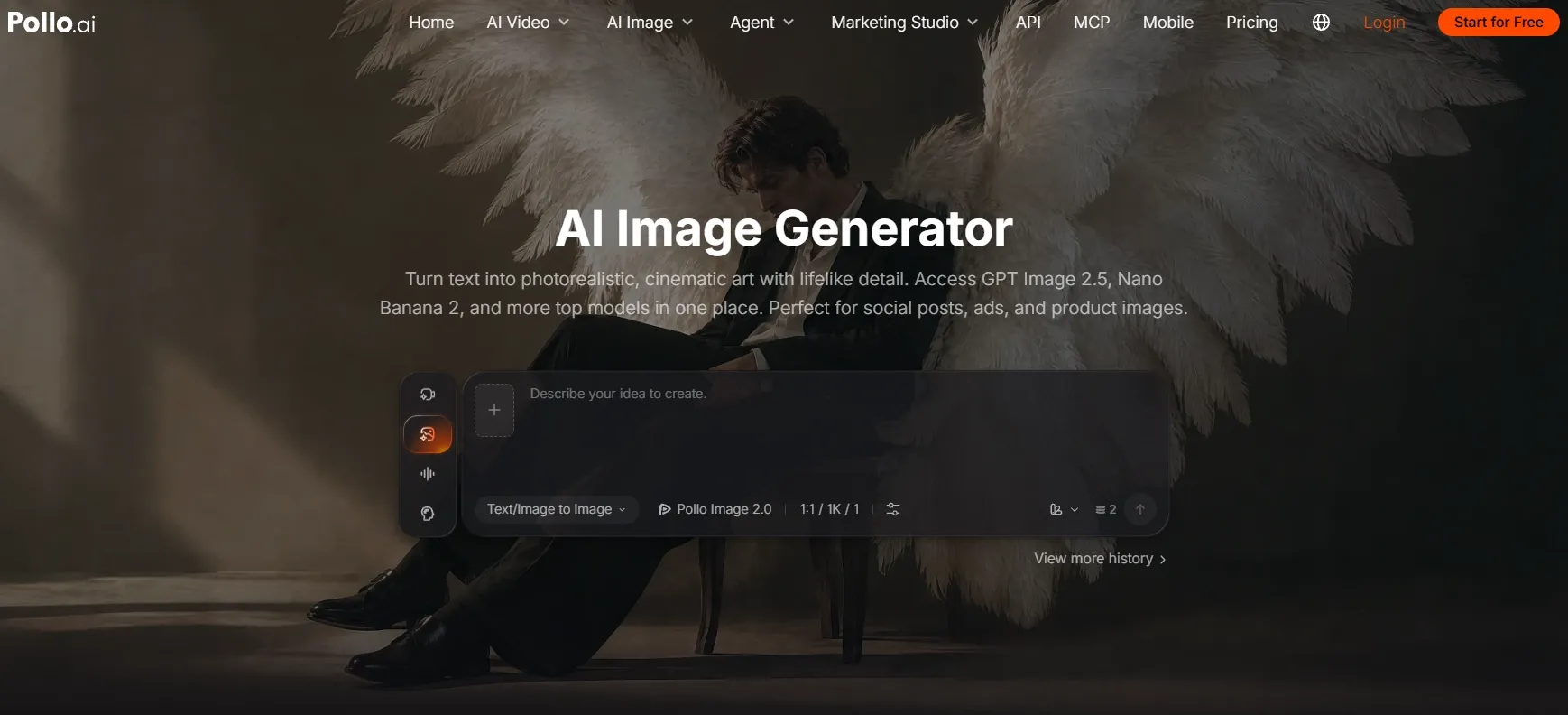
Best for: Creators and marketers who want room to explore different visual directions and turn them into useful images within one platform.
Pollo AI takes first place for me because it feels like a real image workspace rather than a single prompt box. I can move between current models such as GPT Image 2.5, Nano Banana 2.1, and Seedream 5.0 depending on the brief, then keep iterating in the same place. Free starting credits make it easy to try, and model-specific unlimited offers can give high-volume projects more breathing room.
What stands out to me is choosing a model around the brief. A skincare campaign needs believable glass, controlled reflections, and a clear focal point. An illustrated character needs a coherent silhouette and a defined style. Having those choices in the same workspace means I can change direction without starting over somewhere else.
For unlimited AI image generator, Pollo AI's biggest advantage is the room it gives you to iterate.
Unlimited access campaigns around high-end models such as GPT Image 2.5 let creators spend more time testing crops, lighting, product angles, and visual styles instead of stopping after the first acceptable result. Because those models sit alongside other image options, the same unlimited workflow can cover commercial, editorial, and more imaginative work in one place.
That matters especially for product photos. You can describe the subject, surface, lighting, and camera angle together, then refine individual details as you develop the concept. I would try a warmer light, a simpler background, or a closer crop, then download the final pick without a watermark for the product page.
For promotional posters, the priorities change to composition, short text, and space for the message. Pollo's support for different models, aspect ratios, and visual styles makes it a useful place to explore these requirements together. You can build the prompt around the final format rather than settle for whichever image happens to look attractive.
Prompt to try: “A premium skincare serum bottle on wet black stone, soft studio lighting, realistic glass reflections, minimalist luxury advertising composition, short label reading LUMA SKIN.”
What I got: The bottle stayed central and the wet stone gave the image a convincing luxury-ad feel. The short label was readable in the stronger versions, although I still generated a few variations to find the cleanest reflections and most balanced negative space.
Once you choose an image, the same platform also gives you tools for clean product cutouts and higher-resolution campaign images. These finishing options strengthen the overall workflow without taking the focus away from AI image generation.
Pros:
- Multiple image models for different briefs and visual styles.
- Useful workflows for product photography, posters, and creative concepts.
- Free starting credits and model-specific unlimited offers.
- Supports watermark-free image downloads.
Cons:
- The strongest final image may still take a few variations and a quick review.
- Complex scenes work better when the subject, background, and style are described separately.
My Verdict
Pollo AI is my first recommendation because it connects creative flexibility with practical image tasks. It gives you several routes from an initial idea to an image you can refine and use, which is what makes repeated generation valuable.
2. Leonardo AI — Best for Repeated Concept Exploration
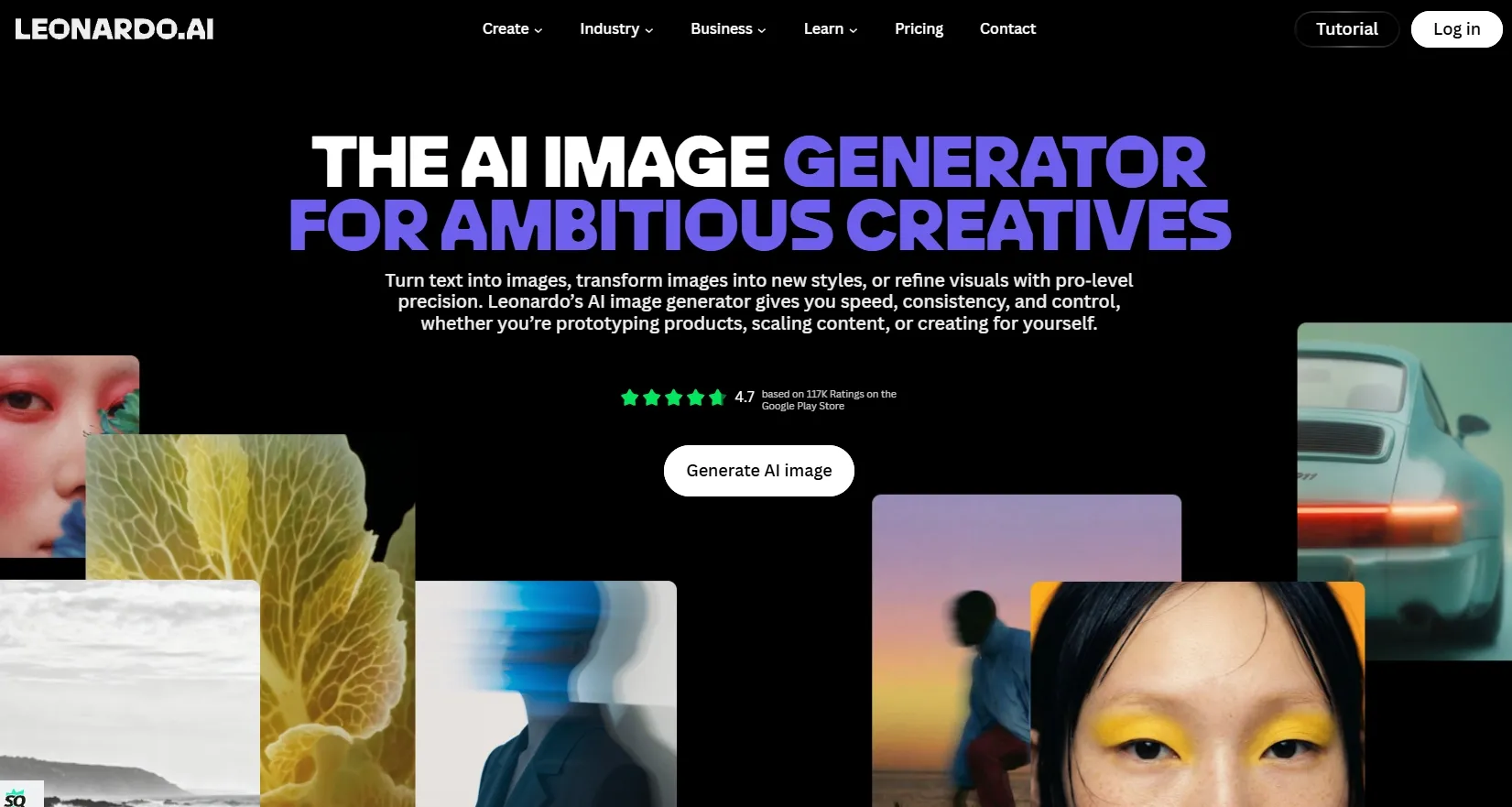
Best for: Artists who want to develop a concept through several rounds of variations.
Leonardo offers daily free tokens and relaxed image generation on selected models through eligible paid plans. After fast tokens run out, supported models can continue generating at lower queue priority. Models outside that allowance still use tokens, so its unlimited experience depends heavily on the model you pick.
I would consider this structure for exploratory work where the visual direction is still developing. When planning 3D brand mascots, for example, the useful comparison is whether each variation improves the silhouette, expression, or outfit while keeping the character recognizable. That is a more meaningful goal than simply generating another batch.
Prompt to try: “A friendly desert explorer mascot wearing a teal cloak, rounded 3D illustration style, full-body pose, warm studio lighting, simple cream background.”
What I got: The mascot had a clear silhouette and friendly colors, which made the first few ideas easy to compare. Small costume details softened in later variations, and the relaxed queue made the process noticeably slower than fast generation.
Pros:
- Recurring free tokens for experimentation.
- Continued generation on selected paid-plan models.
- Suitable for projects with flexible turnaround times.
Cons:
- Relaxed jobs can involve longer waits.
- Some models always consume tokens.
- Token allowances do not represent a fixed number of images.
My Verdict
Leonardo is useful for sustained concept exploration when you can live with slower unlimited generations. It feels more like a patient sketchbook than a fast production workspace.
3. Freepik, Now Magnific — Best for Images Within a Design Workflow
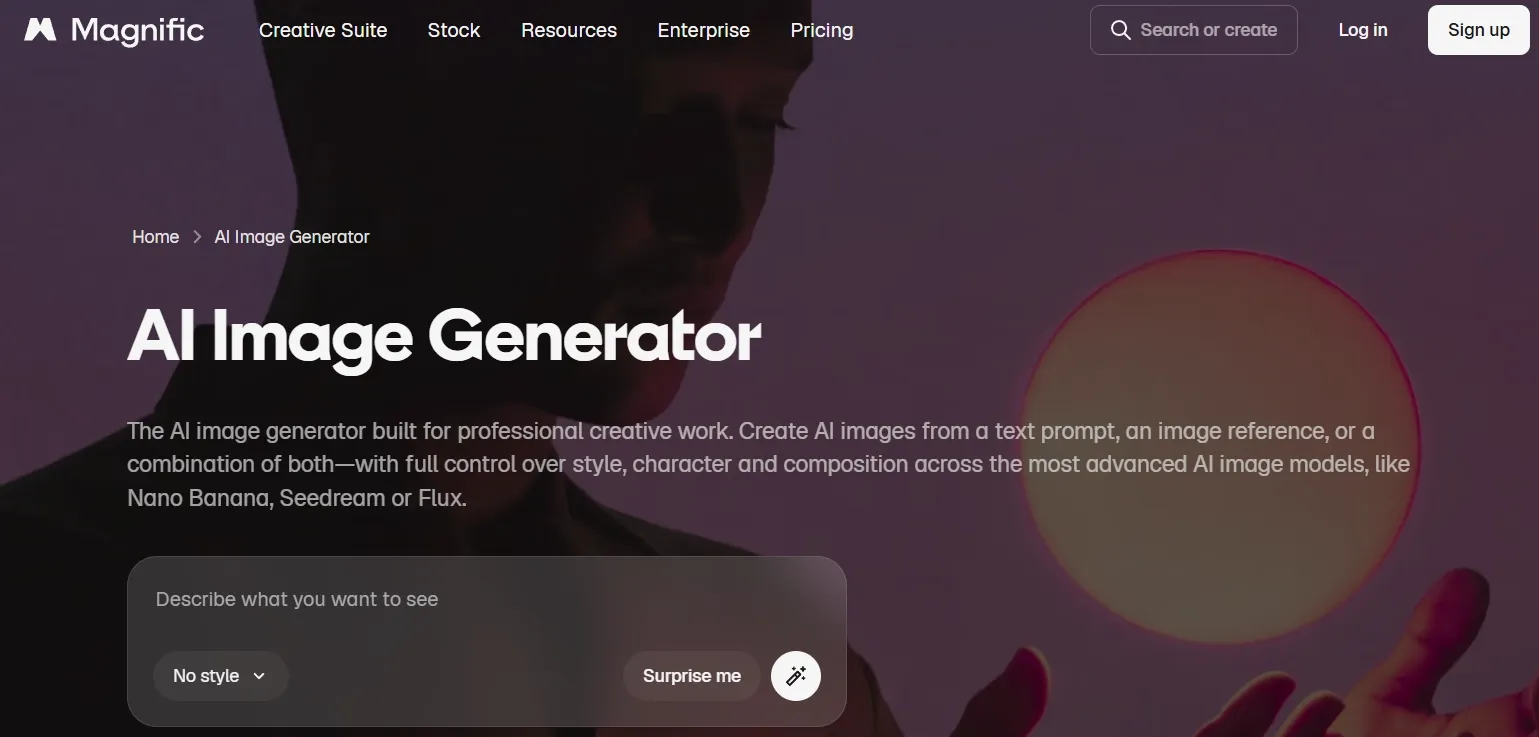
Best for: Designers who combine generated images with stock assets and other creative materials.
Freepik now operates as Magnific, bringing AI image generation together with its broader creative platform. Its free access is limited, while qualifying paid plans include unlimited image generation with most models. Some premium models and additional operations still require credits.
Its relevance is clearest when the generated image is part of a larger design. For Instagram campaign posts, I would prioritize a consistent palette, a clear product focal point, and space for the campaign message. Unlimited access is useful when it helps develop that visual direction across several posts.
Prompt to try: “A citrus drink on a cream pedestal, bright yellow backdrop, crisp afternoon shadows, editorial product photography, square composition, empty space above for a summer campaign headline.”
What I got: The citrus drink looked polished enough for a social concept, but the headline space was less predictable and several versions drifted toward a generic stock-photo look. It works better for broad visual exploration than for a tightly controlled campaign system.
Pros:
- Unlimited image generation with most models on qualifying plans.
- Generated images and stock assets within one platform.
- Relevant to recurring design projects.
Cons:
- Free access remains limited.
- Some premium choices consume credits.
- Included settings depend on the subscription and model.
My Verdict
This is most useful when the stock library and design tools matter as much as image generation. Its unlimited image access is helpful, but the visual results felt less focused than Pollo AI for the prompts I would use most often.
Polished Image Creation Starts Here
Join 10M+ creators using Pollo AI to generate commercial-ready images.
Start Creating Free
4. Mage — Best for Flat-Rate Generation on Selected Models
Best for: Frequent users who want to understand their subscription coverage before a long generation session.
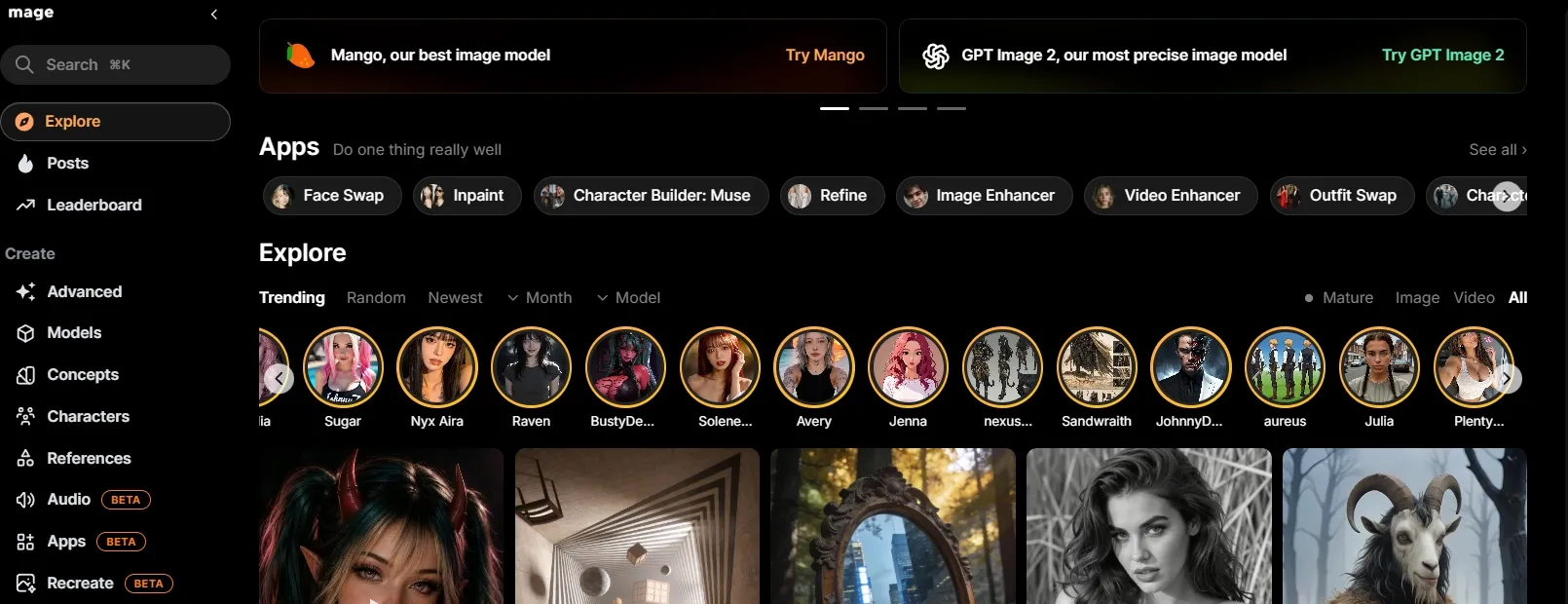
Mage separates its finite free signup Gems from paid unlimited generation. Subscriptions cover selected models and settings, while excluded choices and Fast mode use Gems. That makes budgeting easier when you keep to the models covered by the plan.
I would use this kind of access for simple visual experiments. With YouTube thumbnails, for example, I would compare a close-up subject against a wider composition while keeping the main idea fixed. The goal is a thumbnail that still reads on a small screen, not just an endless stream of variations.
Prompt to try: “A miniature futuristic city inside a transparent glass sphere, dramatic blue and orange lighting, bold central subject, dark simple background, wide composition with room for a short title.”
What I got: The glass sphere scene looked attractive in the first pass, but the city lights and reflections broke down sooner than they did in the higher-ranked tools. Composition changes also felt less consistent, so I would use Mage for quick ideas rather than a polished final image.
Pros:
- A defined subscription route to unlimited generation.
- Several model options within the paid tiers.
- Predictable costs within eligible settings.
Cons:
- Free signup Gems are finite.
- Fast mode uses Gems.
- Other settings may require a different plan or additional Gems.
My Verdict
Mage is a practical paid unlimited option for straightforward experimentation. Its lower place on my list reflects the weaker detail and consistency I found when the prompt became more demanding.
5. NightCafe — Best for Free Base-Model Practice
Best for: Beginners who want to learn how prompts affect an image through repeated attempts.
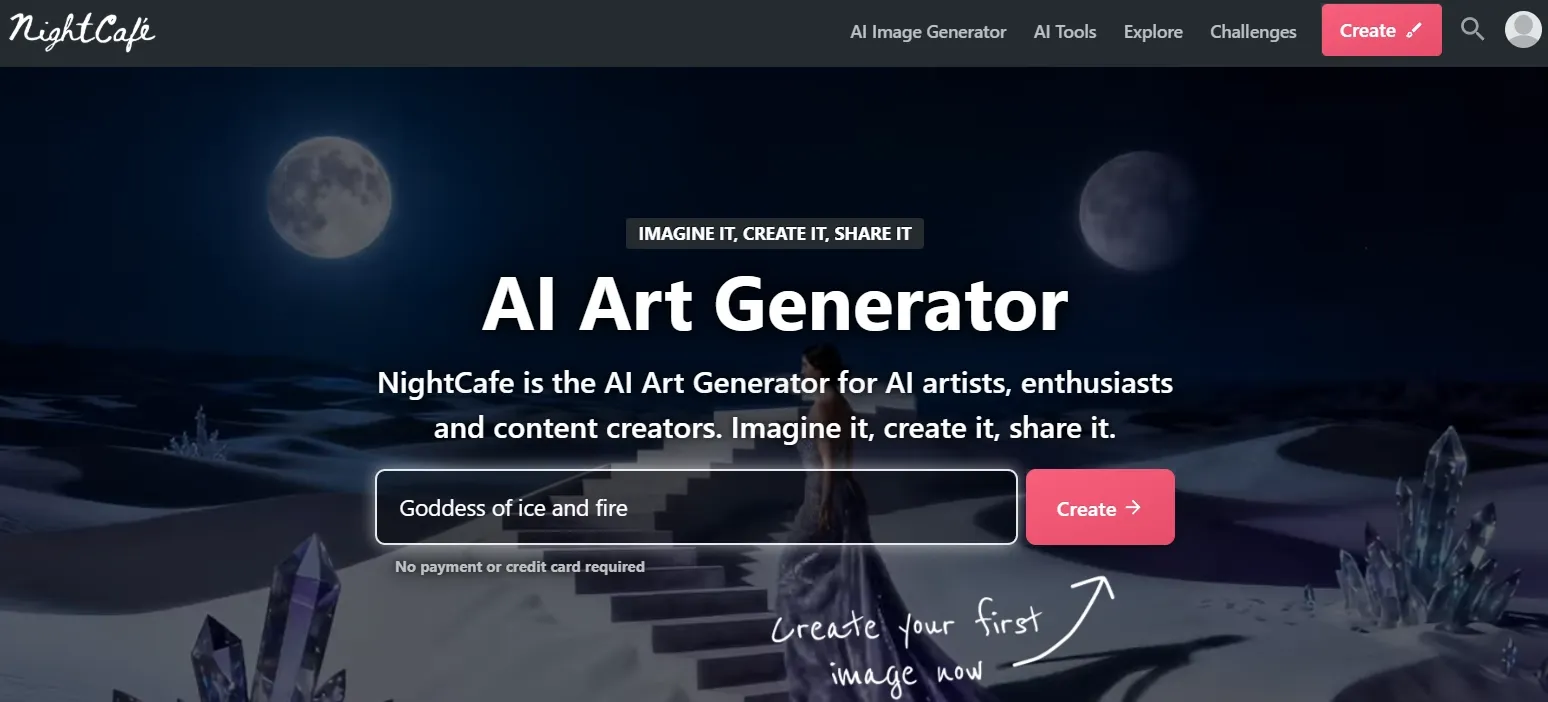
NightCafe offers zero-credit base generation with selected models, including Stable Diffusion 1.5 and DreamShaper v8. Additional models and settings can require credits, while its Pro subscriptions provide broader model-specific unlimited allowances. The free route is generous for practice, but the image quality is more basic.
I would use the free base options to explore composition, lighting, and style. When developing illustrated YouTube channel banners, for example, a wide scene needs a clear center and enough breathing room around important elements. Repeated practice helps reveal which prompt details make that layout easier to achieve.
Prompt to try: “A woodland library inside an ancient oak tree, glowing windows, moss-covered steps, soft watercolor illustration, panoramic composition, an uncluttered central area.”
What I got: The woodland library had charm and the watercolor look came through, but the lower resolution softened the tiny books, windows, and moss details. I would keep these images as early concept material rather than campaign-ready artwork.
Pros:
- Zero-credit base generation on selected models.
- A way to practise prompting repeatedly.
- Additional model choices as requirements develop.
Cons:
- Free generation covers a limited set of configurations.
- Advanced settings can add costs.
- PRO unlimited access still depends on the model and mode.
My Verdict
NightCafe is a good place to practise prompts for free, especially if unlimited attempts matter more than polished output. It sits fifth here because its free images need more work before they are ready for serious use.
How I Compared These AI Image Generators
I compared all five platforms on model choice, free allowances, unlimited access, and watermark-free download options. I also looked at how generation speed and queue times change after credits run out, and which limits still affect repeated use.
How to Choose an Unlimited AI Image Generator
Pollo AI is my first choice for regular image creation. Here is where each of the five platforms fits:
- Pollo AI: Choose it for product images, campaign graphics, and creative projects that call for different styles. Its model-specific unlimited offers give you room to explore variations, while model choice, image tools, and watermark-free downloads help you carry the strongest idea through to the final asset.
- Leonardo AI: Consider it for character concepts and art exploration when you have time to wait. Relaxed generation lets you keep working with selected models after fast tokens run out, although other models still use tokens.
- Magnific: Consider it if you already build designs around stock assets. Unlimited image generation on qualifying plans can support those projects, though some premium models and extra operations still consume credits.
- Mage: Choose it for simple experiments with models covered by a flat subscription. It suits repeated variations within a familiar setup; Fast mode and choices outside the plan still use Gems.
- NightCafe: Start here for prompt practice with free base models. It gives you room to learn through repeated attempts, but its limited free model selection makes it a narrower starting point for demanding creative projects.
Final Verdict
Pollo AI remains my top recommendation. Its combination of model flexibility, broad prompt coverage, and practical image workflows makes it a strong starting point for both commercial and creative projects. I would use it to explore a brief, compare deliberate variations, and develop the strongest direction into a finished asset.
The other platforms serve narrower preferences, from relaxed concept generation to free base-model practice. For my overall recommendation, I place more value on a workflow that can support changing briefs and different image formats. Pollo brings those options together while letting new users start turning creative briefs into images for free.
FAQs about Unlimited AI Image Generator
What is the best unlimited AI image generator?
Pollo AI is my top overall recommendation for readers looking for an unlimited AI image generator. It combines multiple image models, free starting credits, and model-specific unlimited offers with practical workflows for product visuals, promotional graphics, and creative concepts.
Is there a free unlimited AI image generator?
Some platforms allow ongoing free generation with selected base models and settings. Others offer daily allowances or a one-time credit bonus. A free starting allowance does not automatically mean unlimited access to every model or quality setting.
Can I start generating images for free with Pollo AI?
Yes. Pollo AI offers free credits to try image generation. You can explore a visual direction, compare model options, and assess the workflow before choosing a paid plan or an eligible unlimited offer.
Does unlimited generation mean unlimited speed?
No. Some unlimited modes use lower-priority queues or limit simultaneous jobs. If turnaround time matters, I would look at the queue and speed before settling on a plan.
Is unlimited AI image generation useful for marketing?
Yes. It gives you more room to compare backgrounds, lighting, and compositions across campaign concepts. For event promotion flyers, for example, evaluate whether each variation improves the visual hierarchy and leaves enough room for the key message. Pollo AI is my preferred starting point for exploring these practical image briefs.