



8 Best Free AI Image Generators No Restrictions in 2026 (Tested and Ranked)
“AI image generator no restrictions” usually refers to wider prompt freedom, open model access, generous free usage, no-sign-up generation, or fewer workflow limits.
I ranked these tools by creative control, free accessibility, model flexibility, output quality, and how much correction each image needed before it became useful.
TL;DR
Pollo AI is the best overall AI image generator no restrictions option because it balances creative freedom with reliable, polished output. It also gives users access to multiple image models and practical tools for products, posters, social content, and image cleanup.
Tensor.Art, Civitai, and SeaArt offer deeper community-model control. Mage is better for private generation, Perchance is convenient for no-sign-up experiments, and OpenArt is more focused on guided workflows than open-ended exploration.
Best Free AI Image Generator No Restrictions: At a Glance
| Rank | AI image generator | Free access | Best for |
| 1 | Pollo AI | Free to start | Overall image quality and workflow flexibility |
| 2 | Tensor.Art | Free daily access | Advanced model experimentation |
| 3 | Civitai | Free community access | Niche styles and custom checkpoints |
| 4 | SeaArt AI | Free credits and stamina | Characters, manga, and fantasy art |
| 5 | Mage | Free starter credits | Privacy-focused generation |
| 6 | Perchance | Free and no-sign-up | Casual experiments |
| 7 | Dezgo | Free online tools | Straightforward image generation |
| 8 | OpenArt | Free tier available | Beginners and structured creation |
Why Look for an AI Image Generator With No Restrictions?
Some generators make it difficult to explore unusual styles, fictional characters, mature artistic themes, or highly specific visual concepts. Others offer more freedom but require technical knowledge of models, LoRAs, checkpoints, or negative prompts.
The best option depends on whether the priority is professional quality, open model access, privacy, free experimentation, or a simple workflow.
#1 Pollo AI — Best Overall AI Image Generator With No Restrictions
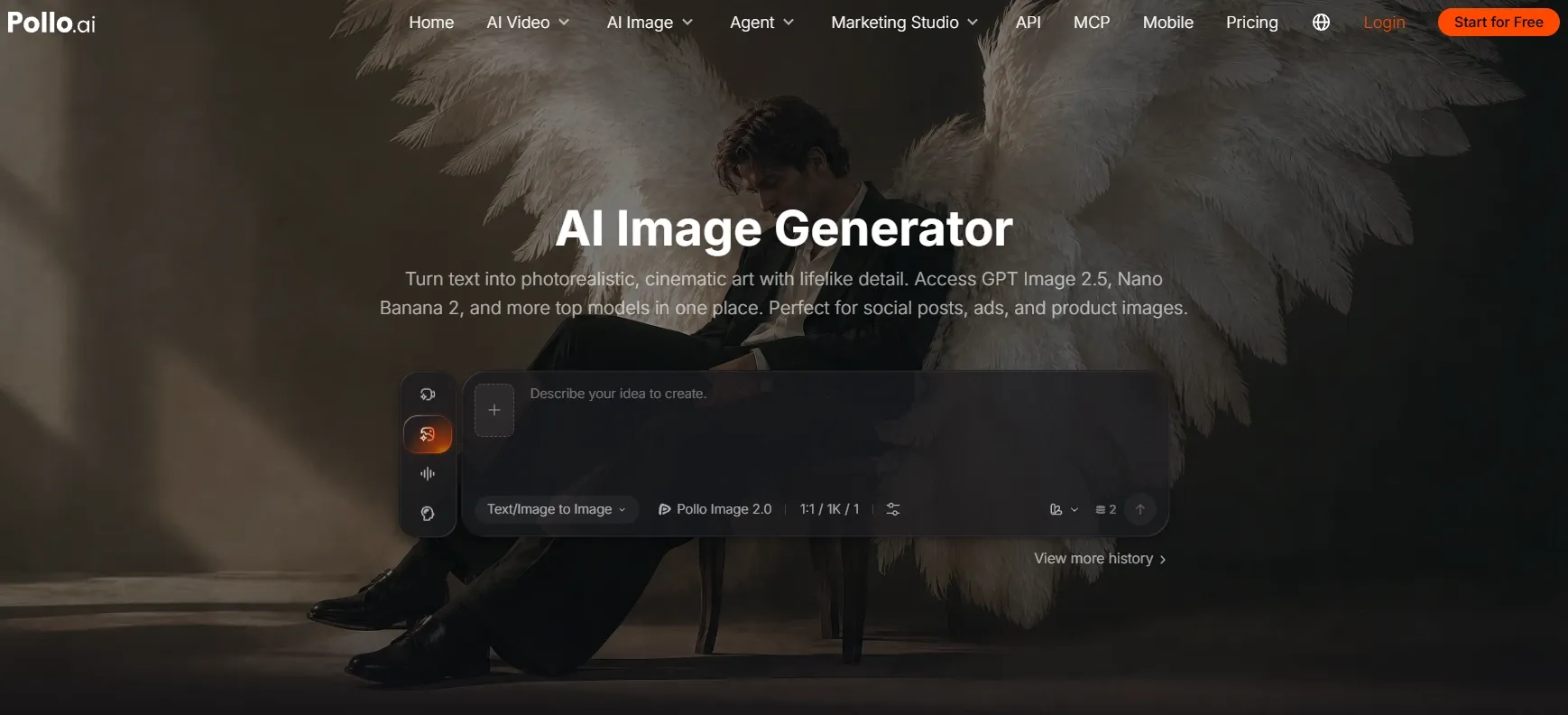
Pollo AI ranks first because it combines broad creative range with more dependable results. Its image generator brings together top-tier models such as GPT Image 2.5, Nano Banana 2.1, and Seedream 5.0 in one workspace.
People searching for an AI image generator with no restrictions usually want room to try different styles without being locked into one model. Pollo AI fits that workflow well: I could use a photorealistic model for product shots, a more expressive one for stylized artwork, and another for detailed character concepts, all in the same workspace.
Pollo AI is also useful after the first image has been created. A product concept can become a polished product photo, while a rough draft can be cleaned up with background removal or object removal. The same visual direction can then become a campaign poster or a social media post, allowing one idea to support several real content needs.
Prompt I tested: “A premium skincare serum bottle on wet black stone, soft studio lighting, minimalist luxury ad style, water droplets, clean composition, label says LUMA SKIN.”
What I got: The bottle stayed centered, the reflections looked believable, and the label was more readable than expected. I would still generate several variations before selecting a final campaign image, but the first result already worked as a usable advertising concept.
Pros:
- Multiple leading image models in one interface
- Practical tools for cleanup, enhancement, and format changes
- Specialized workflows for products, posters, and social content
- Free access for trying the generator
Cons:
- Free generations depend on available credits
- Complex scenes may need several variations
- Advanced users may want more manual parameters
My Verdict
Pollo AI is the strongest all-round choice for users who want the creative freedom associated with an AI image generator with no restrictions, while still needing polished images and a practical production workflow.
#2 Tensor.Art — Best for Open Models and LoRA Control
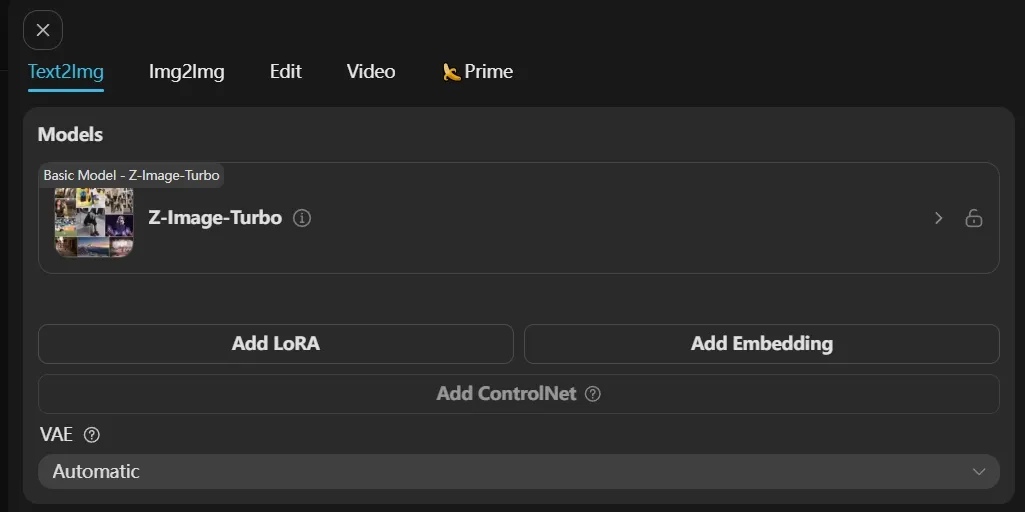
Tensor.Art focuses on community models, checkpoints, LoRAs, workflows, and adjustable generation settings. This gives experienced users more control over style and subject than a simple prompt box.
The platform works best when users are willing to compare models and refine settings. That extra control can produce highly specific styles, but the first result is not always the most consistent.
Prompt I tested: “Editorial fashion portrait of a woman wearing a silver sculptural jacket, white studio background, high-key lighting, magazine photography.”
What I got: With a suitable realism model, the portrait had convincing fabric texture and lighting. The first model I tried produced distorted hands, so model selection made a significant difference.
For e-commerce work, an image of a sample can be turned into a polished A+ content image for a more practical asset.
Pros:
- Wide selection of community models
- Strong coverage of anime and realistic styles
- Detailed controls for experienced users
- More freedom to test specialized LoRAs
Cons:
- Interface takes time to learn
- Free credits can be used quickly
- Output quality varies by model
- Some settings require trial and error
My Verdict
Tensor.Art is a strong choice when open model access matters more than a streamlined workflow.
#3 Civitai — Best for Specialized Community Models
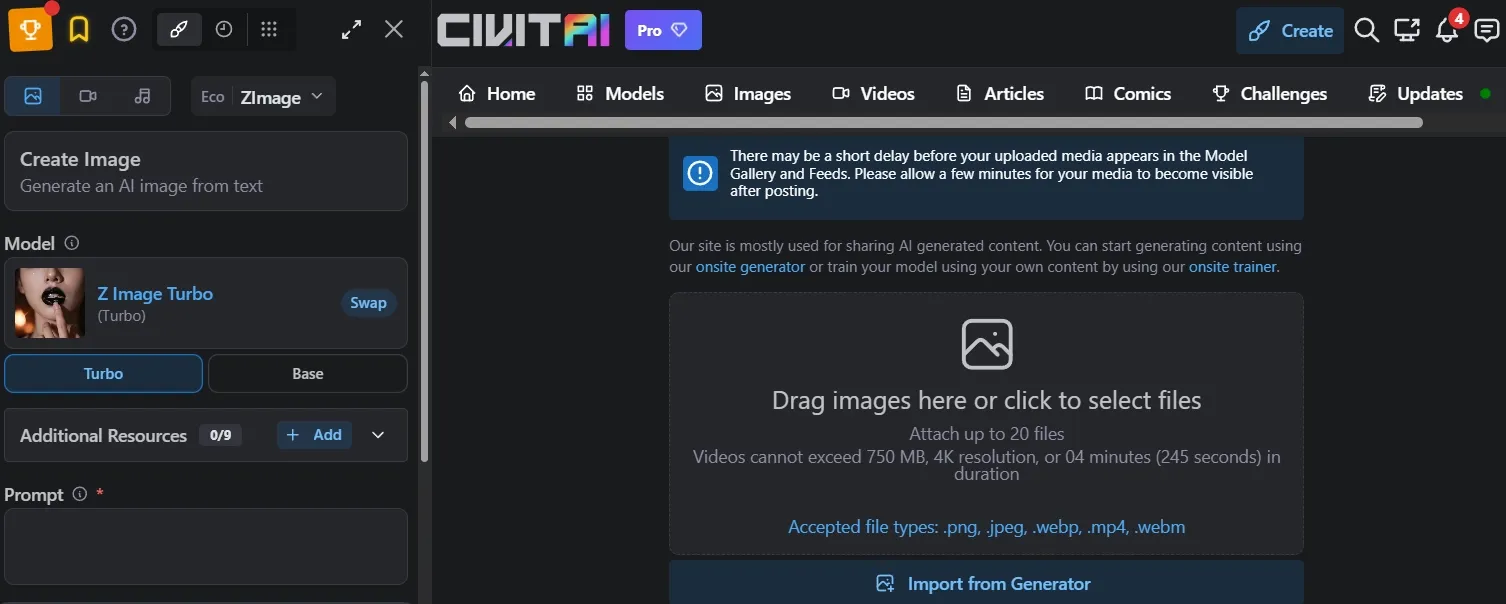
Civitai is primarily a model discovery and sharing ecosystem. It gives creators access to specialized checkpoints, LoRAs, and community workflows for styles that can be difficult to reproduce with general-purpose generators.
Its strength is depth rather than simplicity. Users can find models for specific characters, clothing styles, environments, illustration genres, and visual effects, but the quality and settings vary considerably.
Prompt I tested: “A retro-futurist space pilot in a 1970s science-fiction paperback cover style, painted texture, dramatic orange planet in the background.”
What I got: After choosing a suitable model, the image captured the period style more accurately than a general-purpose generator. The process required more testing, and some models benefited from detailed negative prompts.
When a niche character needs to move into a more structured creative workflow, a 3D character concept can provide a clearer next step.
Pros:
- Large community model ecosystem
- Specialized styles and character models
- Useful examples for prompt research
- Strong choice for niche visual experiments
Cons:
- Model terms require attention
- Quality varies significantly
- Less beginner-friendly
- Online generation may use credits
My Verdict
Civitai suits advanced users who are willing to manage model selection, settings, and licensing details themselves.
#4 SeaArt AI — Best for Anime and Illustration
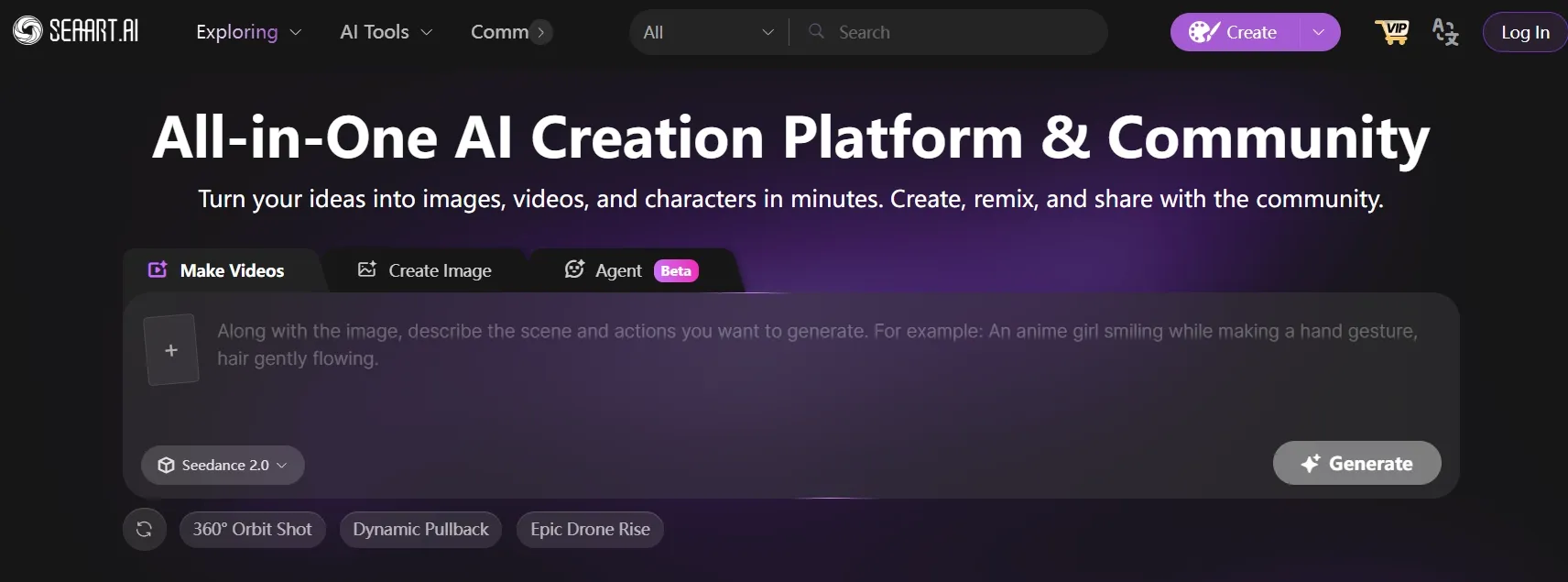
SeaArt AI combines image generation, character creation, community models, and creative sharing. It is particularly strong for anime, manga, fantasy, and East Asian illustration styles.
The platform offers more creative variety than a basic art generator, although users may need to compare several models before finding the right look.
Prompt I tested: “A wandering fox mage crossing an ancient moonlit bridge, detailed anime background, flowing blue robes, glowing lanterns, dramatic perspective.”
What I got: The image had attractive color harmony and a clear anime style. The hands and lantern shapes needed correction, but the composition worked well for concept art.
Once an anime concept is ready, it can be adapted into an Instagram post for a more practical social format.
Pros:
- Strong anime and illustration coverage
- Character-focused tools
- Community examples provide inspiration
- Useful range of fantasy styles
Cons:
- Stamina and credit systems can be confusing
- Results depend heavily on model choice
- Some advanced tools take practice
- Text rendering is inconsistent
My Verdict
SeaArt is a reasonable option for anime-focused experiments, especially when community styles matter more than a simple production workflow.
#5 Mage — Best for Private Generation
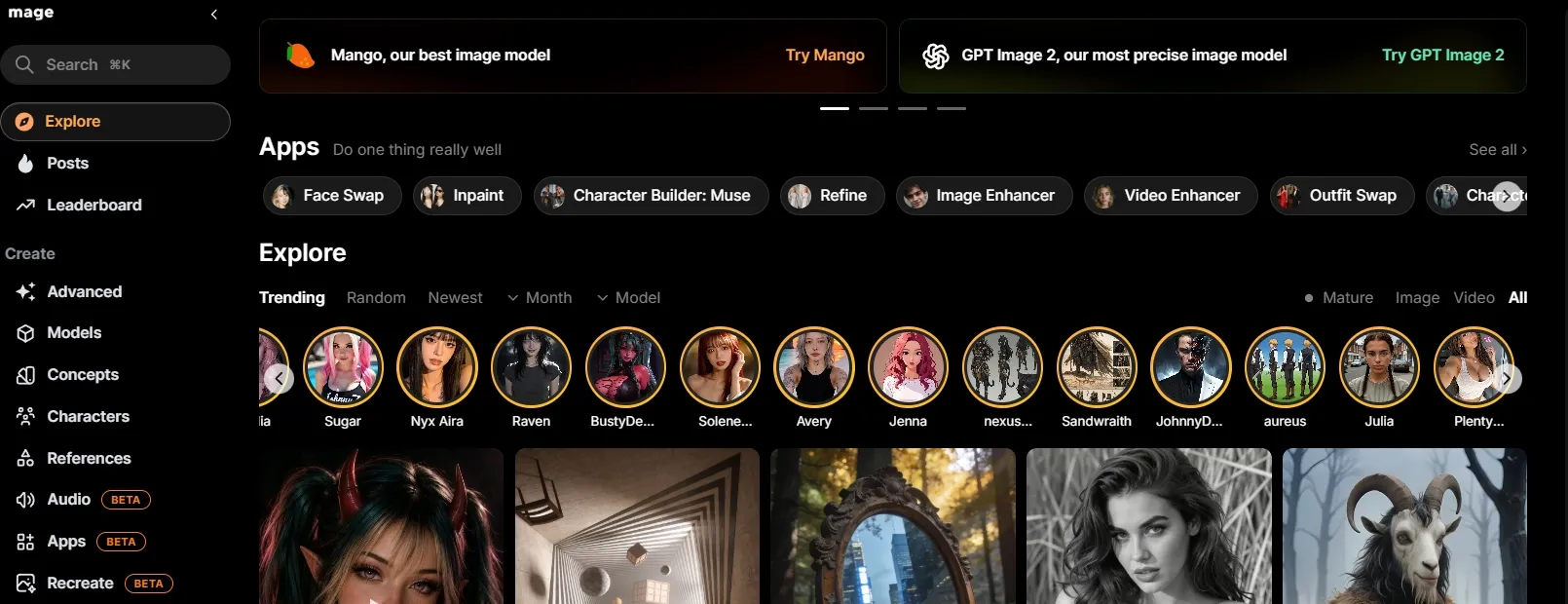
Mage emphasizes private-by-default image creation, browser access, and a choice of models including Flux and Stable Diffusion. Its free plan includes starter credits, while unlimited generation begins with paid plans.
The private workflow is useful for personal concepts, unfinished character designs, and projects that are not ready to share publicly. However, Mage is a weaker fit for users who expect unlimited free generation, no account requirement, or a large set of built-in commercial image workflows.
Prompt I tested: “A cyberpunk street market at night, rain-soaked pavement, neon signs, cinematic photography, detailed faces, teal and orange lighting.”
What I got: The lighting and atmosphere were strong, but background faces became soft and the neon writing was mostly decorative.
Pros:
- Private-by-default creations
- Multiple model options
- No installation or local GPU required
- Useful for personal and unfinished projects
Cons:
- Free usage is credit-based
- Premium models require payment
- Less focused on commercial image workflows
- Some results need additional correction
My Verdict
Mage offers a quieter and more private generation experience, but its free limits, account requirement, and narrower production workflow keep it below the more flexible tools higher on this list.
#6 Perchance — Best for No-Sign-Up Experiments
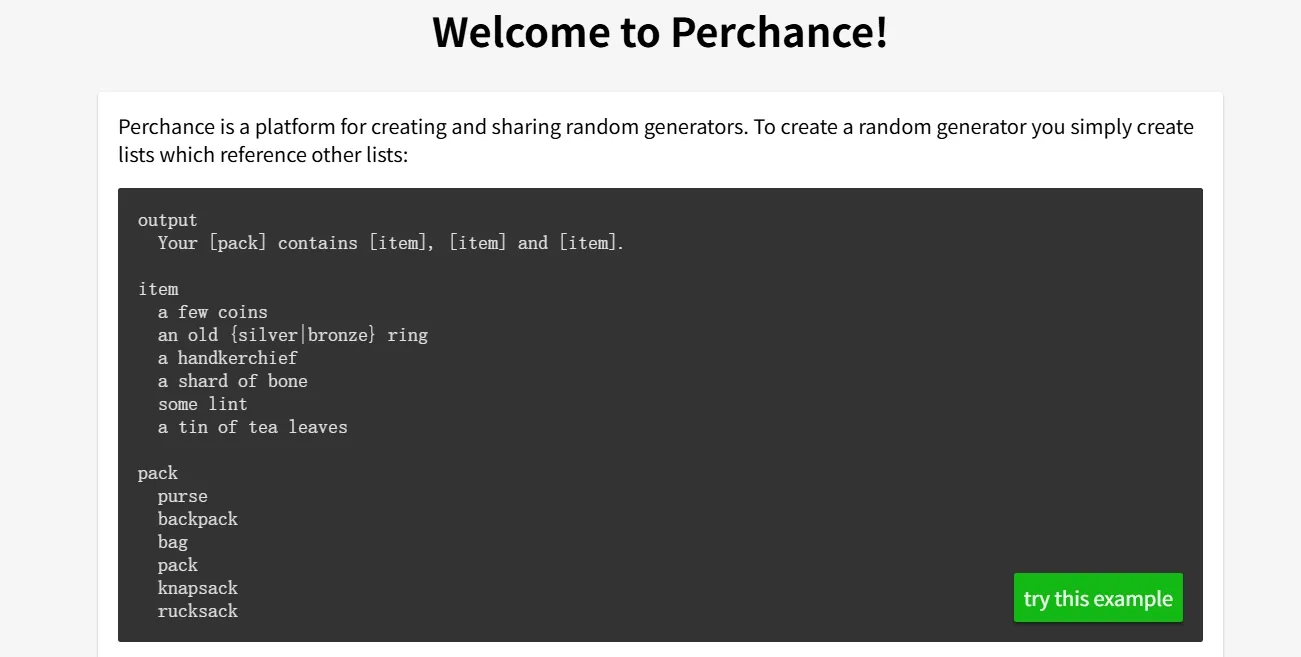
Perchance is a fast browser-based option for generating images without a complicated registration process. It is one of the most convenient choices for users who want to type a prompt and start experimenting immediately.
The trade-off is output consistency. Perchance can produce surprising ideas, but it is less dependable for precise product layouts, readable text, or consistent character details, making it less suitable for public-facing content such as Facebook posts.
Prompt I tested: “A tiny glass greenhouse floating above a cloud city at sunrise, whimsical fantasy illustration, warm pastel colors.”
What I got: The composition was imaginative and colorful, but small details were inconsistent, and the resolution was less suitable for professional use.
Pros:
- Quick access
- No complicated setup
- Useful for brainstorming
- Broad range of unusual concepts
Cons:
- Less consistent quality
- Limited professional controls
- Weak text rendering
- Not ideal for brand assets
My Verdict
Perchance is convenient for casual experiments, but it is less suitable when the image needs to be polished or reused across a campaign.
#7 Dezgo — Best for Simple Stable Diffusion Access
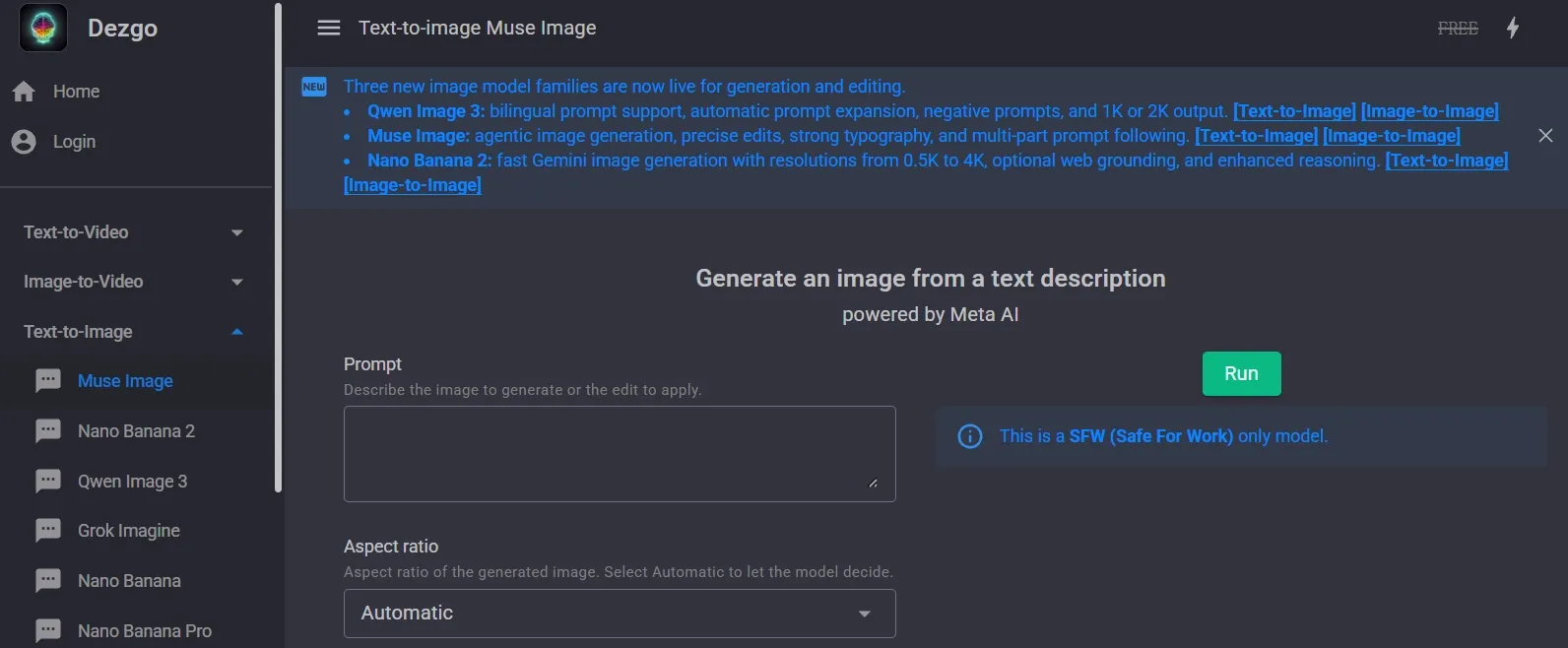
Dezgo provides a straightforward way to access Stable Diffusion-style generation in the browser. It gives users more prompt and model flexibility than a basic art tool while keeping the workflow relatively simple.
That simplicity is also its main limitation. Dezgo has fewer model-discovery features, fewer creative workflow tools, and less control over specialized styles than Tensor.Art or Civitai. It is suitable for quick image tests, but the experience becomes restrictive when a project needs repeated refinement or highly specific visual consistency.
Prompt I tested: “A realistic golden retriever sitting beside a red camper van in a mountain meadow, natural morning light, travel photography.”
What I got: The dog and landscape were recognizable, with a pleasant travel-photo style. Fine fur detail was acceptable, while the camper van had minor shape inconsistencies.
If a quick draft needs cleaner detail before publishing, upscaling the image can make it more usable for web or print.
Pros:
- Simple browser-based interface
- Direct Stable Diffusion-style generation
- Useful for basic creative tests
- Less intimidating than a large model marketplace
Cons:
- Fewer advanced workflow options
- Less model discovery
- Complex commercial layouts may need editing
- Results vary with settings
My Verdict
Dezgo is convenient for straightforward Stable Diffusion experiments, but its narrower controls and less polished outputs make it a weaker choice for users seeking broad creative freedom or production-ready images.
#8 OpenArt — Best for Guided Creative Workflows
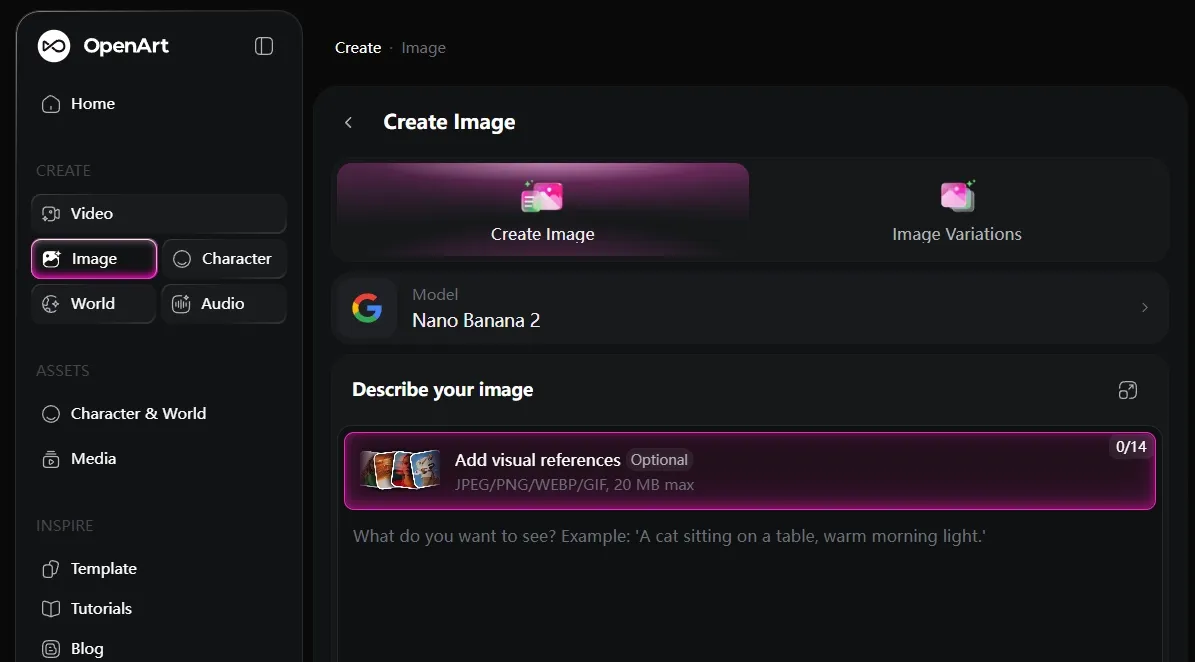
OpenArt combines image generation with templates, editing, character tools, and structured creative workflows. Its guided approach makes it easier for beginners who prefer selecting a style or use case instead of adjusting many parameters.
That structure can also feel limiting for users specifically looking for open-ended experimentation. Free generations and advanced features are more restricted than on community-model platforms, which is why OpenArt ranks last here.
Prompt I tested: “A clean product poster for a matte black electric kettle, warm beige kitchen, soft shadows, modern typography, premium lifestyle advertising.”
What I got: The product placement and background looked polished, but the typography needed replacement in a design tool.
Pros:
- Beginner-friendly interface
- Templates reduce prompt-writing effort
- Useful for marketing concepts
- Guided creation requires less technical knowledge
Cons:
- Free generations are limited
- Some features require credits
- Text often needs manual correction
- Less open than community-model platforms
My Verdict
OpenArt is useful for structured creation, but it is the weakest fit here for users who specifically prioritize unrestricted experimentation.
How I Tested These AI Image Generators
I used similar prompt categories across the platforms: product advertising, fantasy landscapes, character concepts, posters, realistic portraits, and anime scenes.
I compared five areas:
- How freely the tool handled unusual or highly specific prompts
- Whether free usage supported meaningful experimentation
- How much model or style control was available
- Prompt adherence, composition, realism, and text handling
- Whether the output could be reused with limited correction
How to Choose the Right Tool
- Choose Pollo AI if you want the best balance between creative range, model flexibility, image quality, and practical image workflows.
- Choose Tensor.Art or Civitai if open checkpoints, LoRAs, and specialized community models are the main priority.
- Choose SeaArt if your work focuses on anime, manga, fantasy characters, or illustration.
- Choose Mage if privacy and private creation matter more than unlimited free access.
- Choose Perchance if you want immediate, no-sign-up experimentation.
- Choose Dezgo if you want a straightforward Stable Diffusion-style interface.
- Choose OpenArt if you prefer templates and guided creation over full model control.
Polished Image Creation Starts Here
Join 10M+ creators using Pollo AI to generate commercial-ready images.
Start Creating Free
My Personal Take
The phrase “no restrictions” can describe several different needs. Some users want fewer prompt blocks, while others mainly want no sign-up, open models, free experimentation, or more control over style.
Pollo AI ranks first because it covers the widest combination of those needs without making the workflow feel overly technical. It supports multiple image models, broad prompt styles, commercial image scenarios, product visuals, poster creation, social assets, character concepts, and practical cleanup tools.
Tensor.Art and Civitai provide deeper control for advanced users. Perchance offers faster access for casual testing. Mage has a stronger private-creation angle. Each can be useful in the right situation, but Pollo AI gives the most balanced experience for users who want creative freedom and images they can actually use.
Final Verdict
The best free AI image generator no restrictions depends on what “freedom” means for the project. If it means flexible models, broad creative range, strong image quality, and useful visual workflows, Pollo AI is the best overall choice.
Try Pollo AI’s free AI image generator and test several variations before selecting a final image.