



10 Best AI Avatar Generators: Tested, Compared, and Ranked
Every AI avatar generator promises the same magic: type a script and get a human-like presenter without setting up a camera. But after seeing too many robotic, uncanny-valley videos in my feed, I wanted to know which ones actually survive a real production workflow.
I tested 10 AI avatar generators using 20 different scripts, ranging from 15-second TikTok hooks to 3-minute corporate training modules. I judged what matters after the homepage demo: lip-sync accuracy, stable eye contact, human-like pacing, and how much cleanup the exported talking avatar video still needed.
TL;DR: Quick Answer
Pollo AI's AI avatar generator ranks first overall because it gives clear control over the image, script or audio, voice feel, pacing, and output setup before generation. Synthesia is the better pick for enterprise teams that need formal, multilingual training modules at scale. If you need expressive, character-driven performances, Hedra is the most interesting option.
The biggest reason Pollo AI stood out was not a longer avatar list; it was the way the workflow made weak spots easier to diagnose before another generation. If the result felt stiff, I could tell whether to rewrite the script, change the voice direction, or use a cleaner portrait.
At-a-Glance Comparison
| Tool | Best For | Main Advantage |
| Pollo AI | Best overall AI avatar generator | Script, voice, and setup control around talking-avatar clips. |
| HeyGen | Custom digital twins and polished business avatars | Strong avatar realism, business templates, and repeat-use presenter identity. |
| Synthesia | Training and corporate presenter videos | Large avatar library, language support, and structured business video workflows. |
| Invideo AI | Prompt-led presenter and marketing videos | Script-to-video flow with stock media, voiceovers, and editing structure. |
| Animaker | Animated avatar explainers | Cartoon-style avatars, templates, and approachable explainer workflows. |
| Steve AI | Beginner-friendly animated presenter videos | Simple avatar-style explainers and template-driven video creation. |
| Fliki | Script-to-video narration with avatars | Fast script, voice, and avatar-style video creation for explainers. |
| Hedra | Expressive avatar characters and performance clips | Strong fit for character-led presenter videos and expressive face animation. |
| VEED | Avatar clips with editing cleanup | Talking avatars inside a browser editor with subtitles and resizing tools. |
| Pictory | Script and blog based talking-video summaries | Useful for turning long text into short narrated video drafts. |
Pollo AI: Best AI Avatar Generator Overall
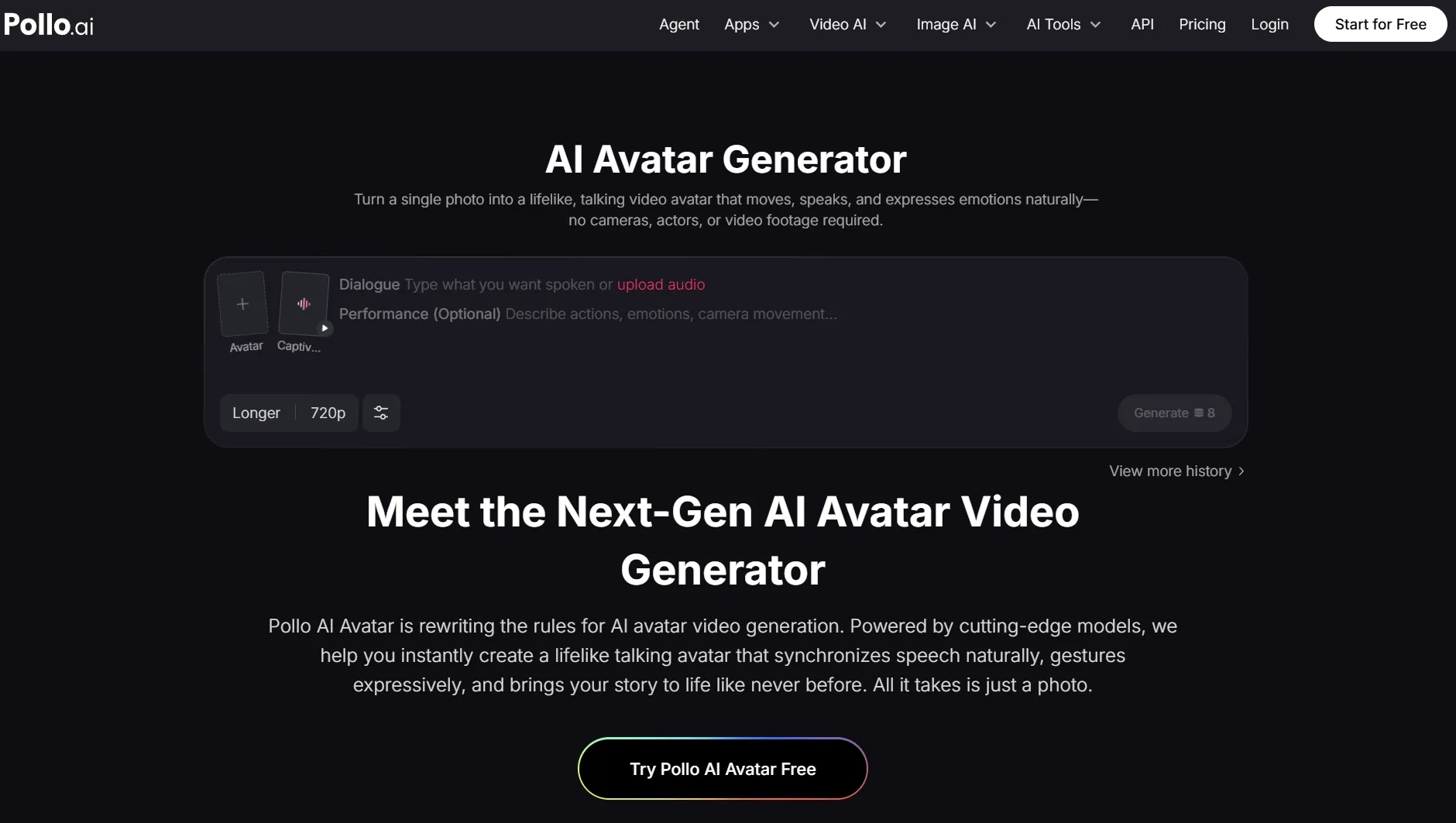
Pollo AI's AI avatar generator felt strongest when I used it for the exact job most avatar-tool readers care about: turning one presenter image and a short script into a usable text to speech avatar. I judged the output by whether the face, voice, pacing, and expression felt coherent enough for a social post or product explainer, not by whether the homepage listed more avatar styles.
What made Pollo AI easier to recommend was the way it kept the important choices visible before generation: avatar source, script or audio direction, speech rate, mode, and output quality. When a result felt stiff, I could tell whether to rewrite the line, try a better AI voice generator, or pick a stronger portrait instead of treating the clip like a mystery failure.
That is the clearest reason Pollo AI ranked first for me: it did not just make a face move, it made the weak spot easier to diagnose before another retry. Creative Studio also fits naturally here because it gives Pollo AI a broader creation context; in this AI avatar generator test, the relevant connection is turning text into speech, because the avatar only works if the message sounds natural when spoken.
Key Features
- Photo-to-avatar generation: Turn one portrait plus script or audio input into a talking avatar video.
- Script/audio input: Use written text or uploaded audio as the base for the avatar message.
- Speech setup: Choose voice direction, speech rate, mode, and output quality before generation.
- Short-video fit: Create presenter-style clips for explainers, social posts, and product intros.
Best For
- Creators who want avatar videos without recording a full presenter clip.
- Marketers testing short explainers, product intros, or social-facing talking heads.
Pros:
- Clear setup before avatar generation.
- Good fit for short talking-video workflows.
- Voice and output choices are easy to compare.
Cons:
- Crowded or low-quality portraits can still need retries.
- Longer scripts need tighter pacing to avoid flat delivery.
- Free use depends on available credits.
Make Better AI Avatar Videos with Pollo AI
Test avatar realism, script delivery, voice fit, and output style before you commit to a talking-head workflow.
Try Pollo AI Free
HeyGen: Best AI Avatar Generator for Custom Digital Twins
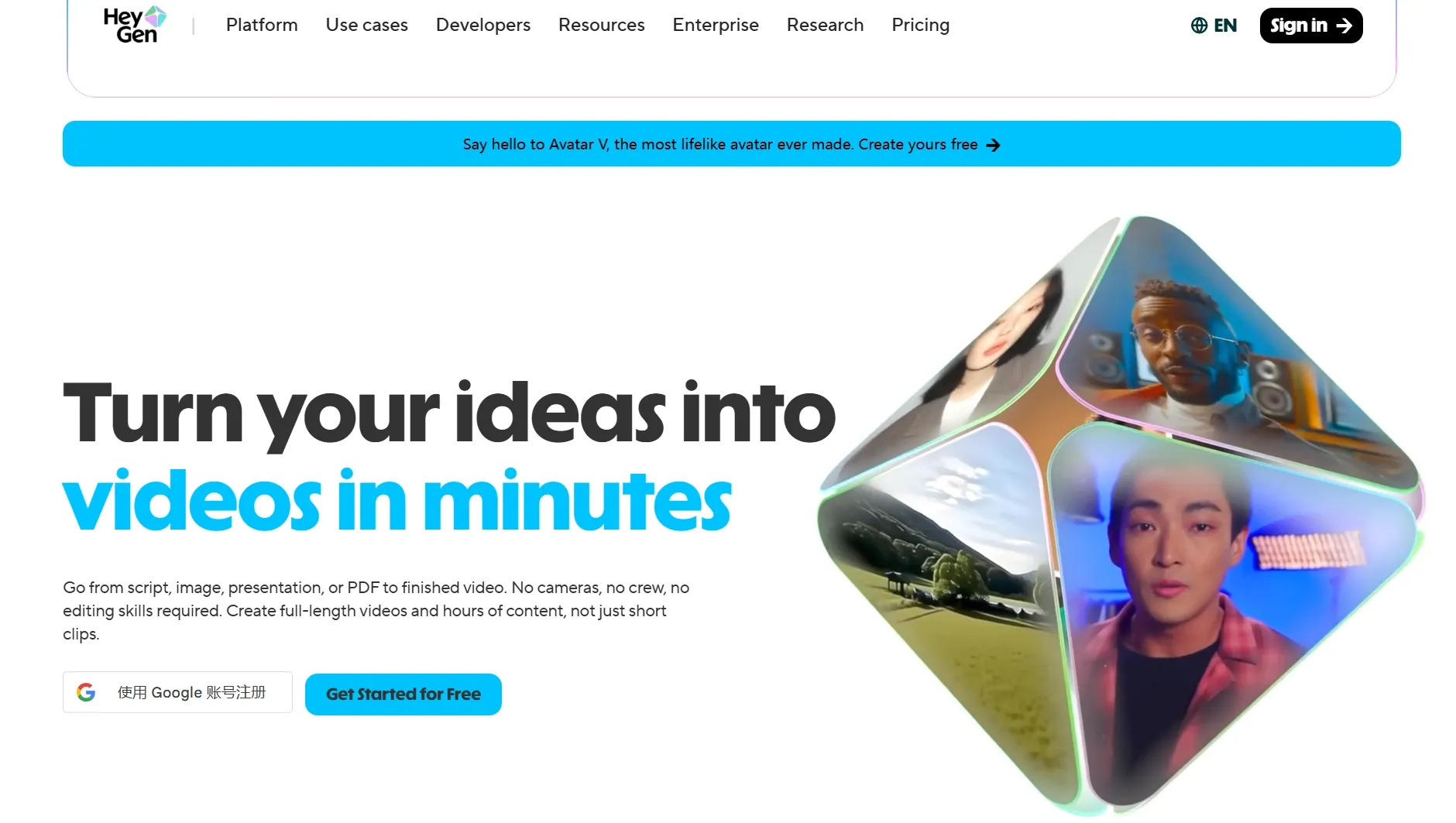
HeyGen felt strongest when I wanted a polished, business-ready avatar that could represent a founder, instructor, or sales rep. I tested a short welcome-message scenario, and the avatar realism looked more presentation-ready than playful, especially for product demo videos.
HeyGen is easier to justify when you need recurring business presenters, education videos, or UGC videos where a consistent presenter matters. Its free entry point is useful for a small sample, but recurring use quickly becomes a plan decision rather than a casual test.
The tradeoff is that the best digital-twin and premium avatar results can push you toward paid plans or add-ons. I would not choose it for one-off experiments unless I knew I wanted to keep using the same avatar.
Key Features
- Custom avatars: Create presenter-style avatars for repeat use.
- Stock avatars: Start quickly with ready-made business-friendly presenters.
- Business templates: Build onboarding, sales, and training videos faster.
- Localization: Create avatar content for multiple languages.
Best For
- Teams that need repeatable business presenters.
- Founders, educators, or sales teams building a recognizable digital spokesperson.
Pros:
- Strong business-avatar polish.
- Useful custom avatar path.
- Good for recurring presenter videos.
Cons:
- Can feel too formal for casual creator clips.
- Premium avatar work may require higher plans.
- Not ideal for quick playful experiments.
For a deeper look at those tradeoffs, read the HeyGen AI review.
Synthesia: Best AI Avatar Generator for Corporate Training
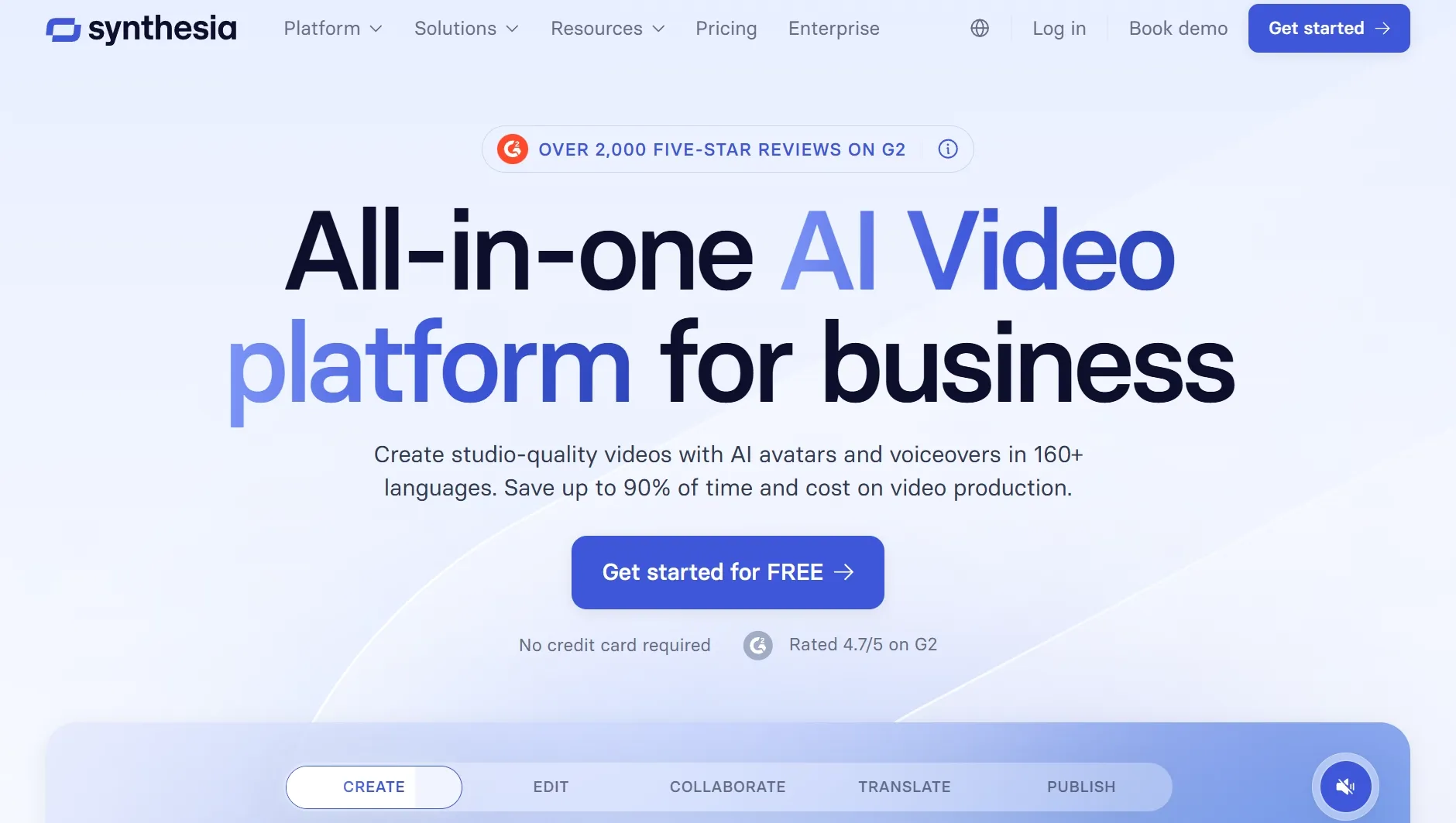
Synthesia was the most structured tool in my tests, especially for training, onboarding, and internal communication videos. I tested it with a policy-update script, and the result felt like a corporate presenter video rather than a social clip, closer to a presentation video workflow.
Its official pages emphasize a large avatar and language library, plus structured business workflows. That makes it useful when avatar videos need to sit beside product explainer videos or narrated training workflows.
The limitation is cost and setup depth for custom avatars, since branded presenter work can require a higher plan and a slower setup process. I would use it for formal scale, not fast personality tests.
Key Features
- Large avatar library: Choose from many professional presenter options.
- Multilingual video: Create avatar videos for global training and internal comms.
- Custom avatars: Build a branded presenter when the budget supports it.
- Business workflows: Use templates and structured editing for repeatable production.
Best For
- HR teams and enterprise communicators.
- Training content that needs consistency across languages.
Pros:
- Excellent for formal training videos.
- Wide avatar and language coverage.
- Clear enterprise use case.
Cons:
- Custom avatars can be expensive.
- Less spontaneous than creator-first tools.
- The output can feel corporate by default.
For more detail on the platform fit, see the Synthesia AI review.
Invideo AI: Best AI Avatar Generator for Prompt-Led Marketing Videos
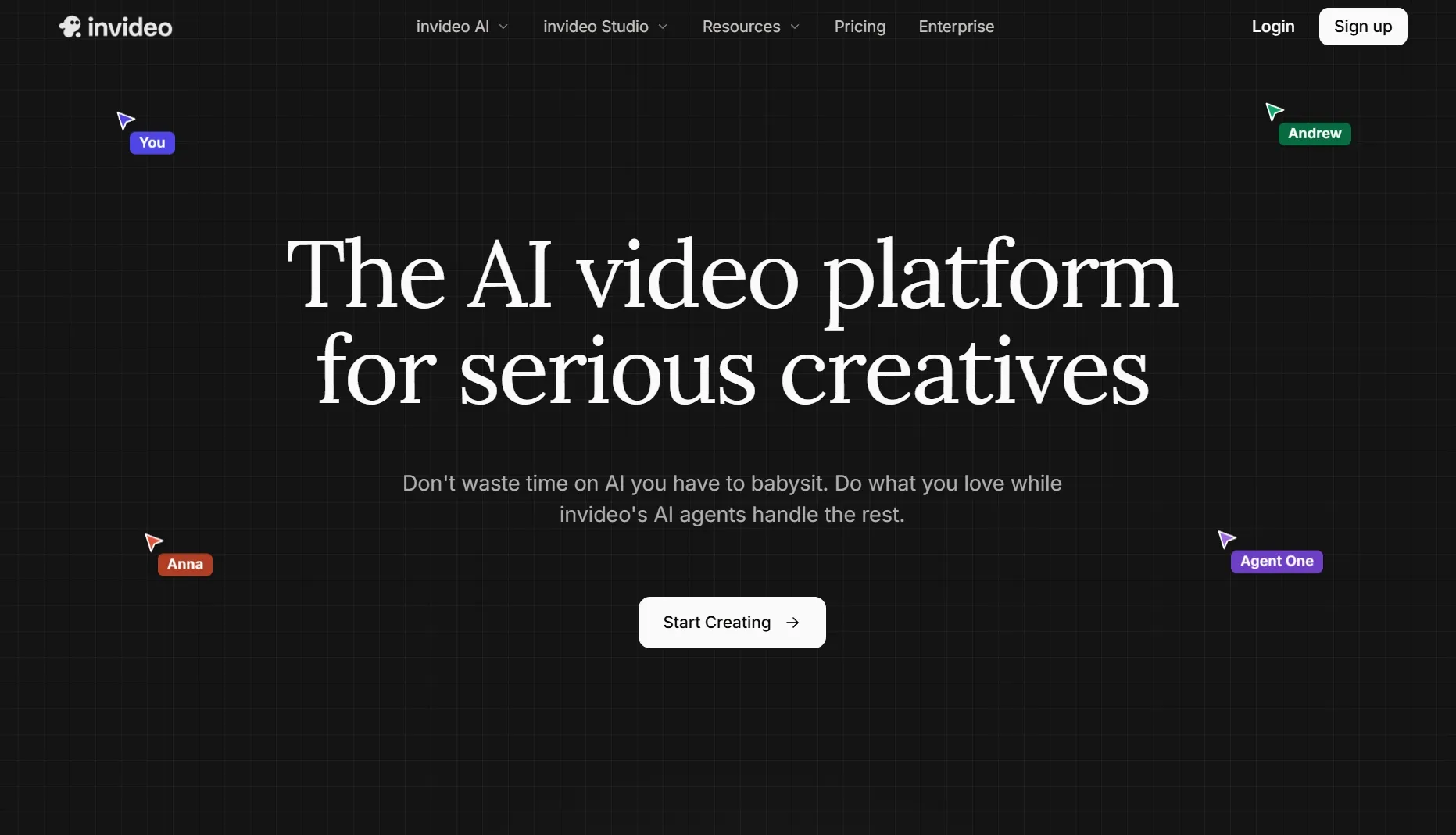
Invideo AI fit best when I wanted a fast marketing video from a rough idea or script. It is not the most avatar-specific option here, but it works when a presenter-style clip needs stock media, voiceover, and editing structure around it for promo videos.
I would use it for promo drafts, product explainers, or social variations where the avatar is only one piece of the video. The limitation is that deep avatar control matters less than the overall video assembly, so it feels closer to blog to video or TikTok video ads workflows than a dedicated avatar builder.
Key Features
- Prompt-led creation: Start from a rough idea or written script.
- Voiceover support: Add narration to presenter-style video drafts.
- Stock media workflow: Build fuller marketing clips around the speaker.
- Editing structure: Turn an idea into a usable first video draft.
Best For
- Marketers creating presenter-style promo drafts.
- Teams that need full video structure around avatar content.
Pros:
- Good for quick marketing drafts.
- Helpful stock and voice workflow.
- Useful for social variations.
Cons:
- Not avatar-first.
- Presenter control is less deep.
- Outputs need brand review.
For more detail, read the Invideo AI review.
Animaker: Best AI Avatar Generator for Animated Avatar Explainers
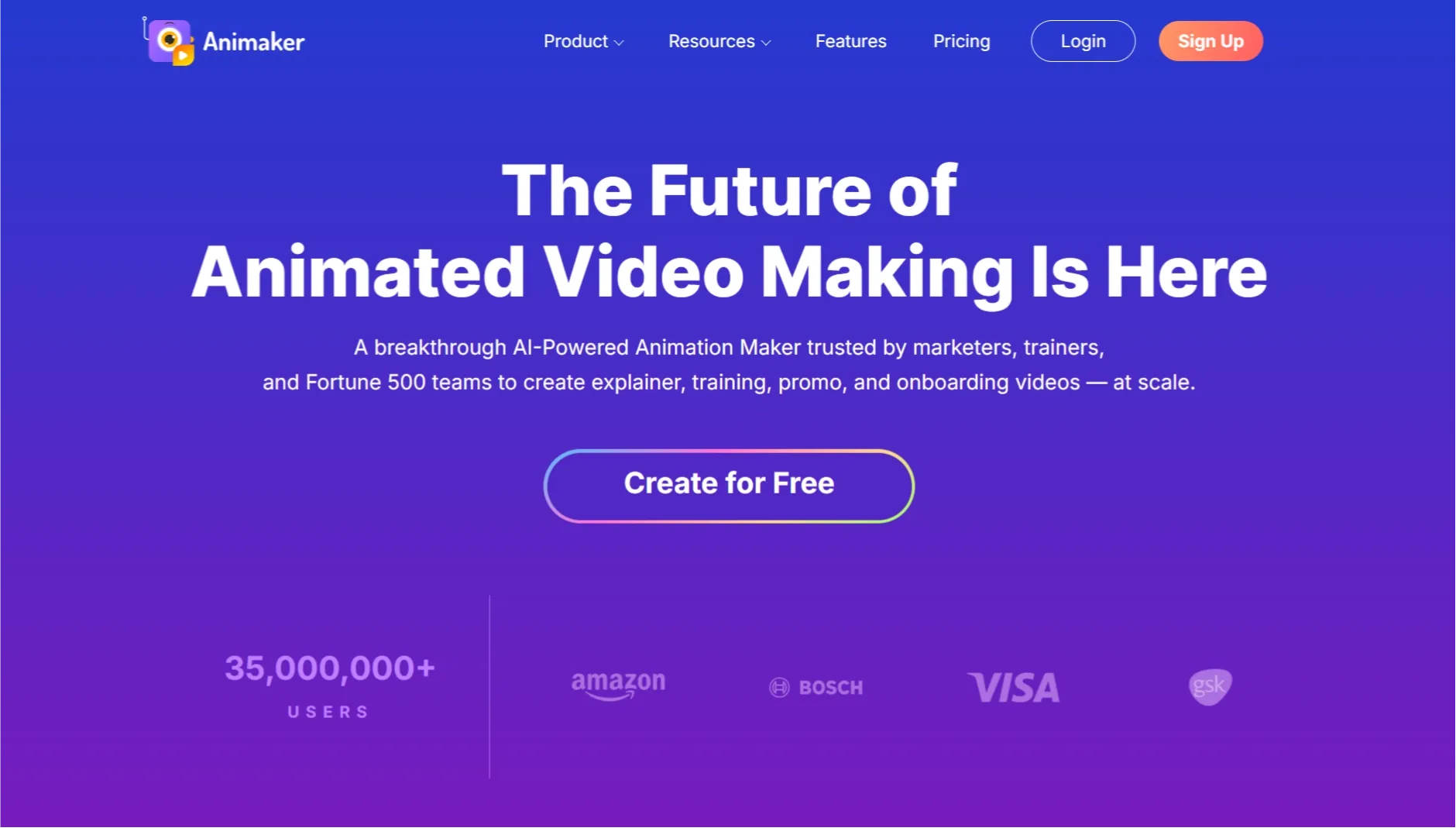
Animaker is the better fit when the avatar should feel animated, friendly, and easy to customize. I would use it for cartoon-style explainers, classroom videos, or simple brand presentations where text to video speed matters more than realism.
The strength is control over a playful visual style, especially for animated explainer videos. The tradeoff is that it does not compete with high-end realistic avatar tools when the presenter needs to look like a real spokesperson, but it can work well for storytelling videos or faceless explainer videos.
Key Features
- Animated avatars: Build cartoon-style presenter characters.
- Template library: Start from explainer and training layouts.
- Simple editing: Adjust scenes, text, and visual elements.
- Education fit: Create friendly lessons and walkthroughs.
Best For
- Teams making animated explainers instead of realistic presenters.
- Educators and creators who prefer cartoon avatar styles.
Pros:
- Friendly animated style.
- Strong template support.
- Easy for non-designers.
Cons:
- Not built for realistic digital twins.
- Animation can feel basic in serious videos.
- Scene polish still needs review.
For more detail, read the Animaker review.
Steve AI: Best AI Avatar Generator for Beginner Explainers
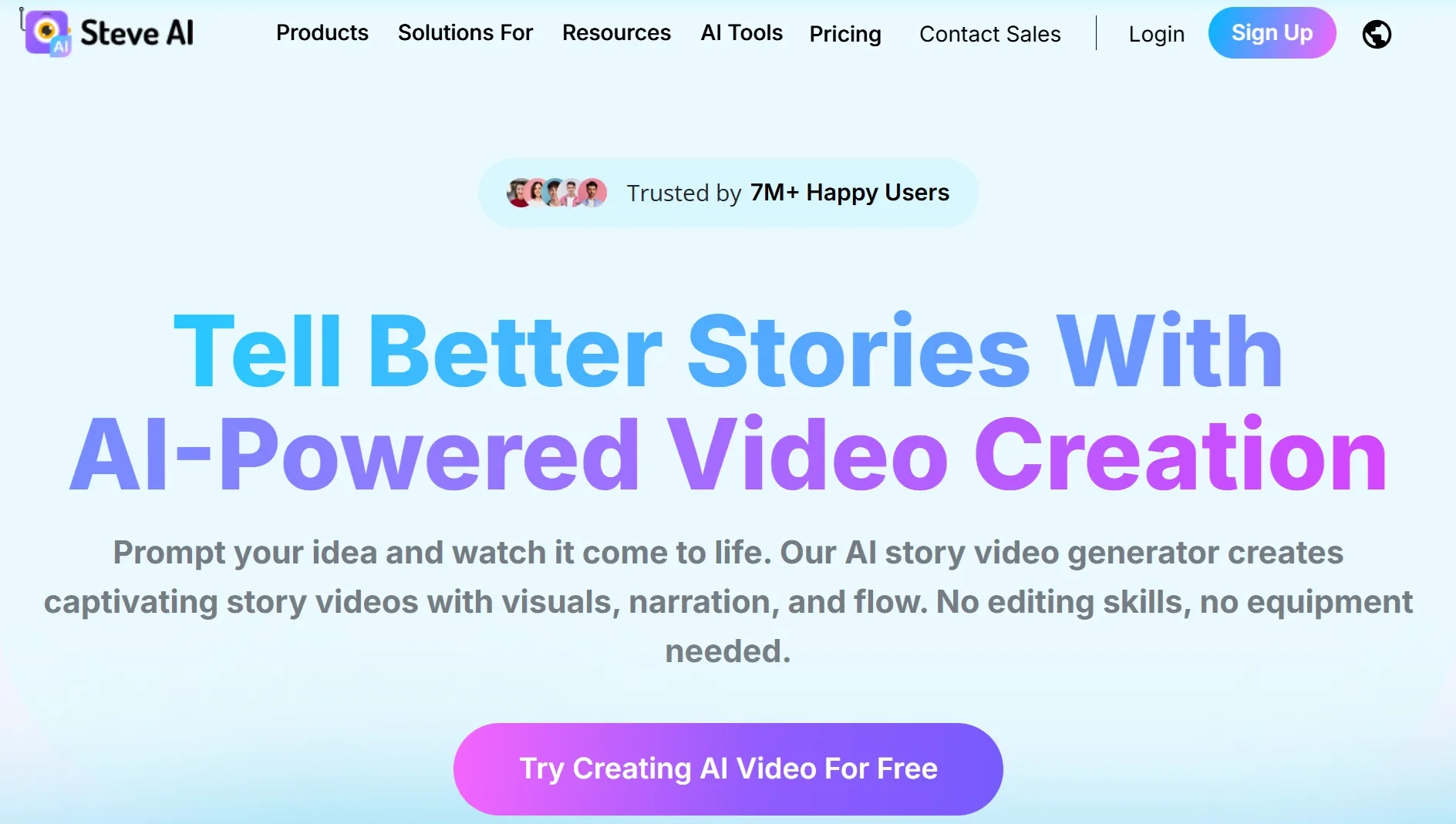
Steve AI stood out as the simple choice for beginner-friendly animated presenter videos. I would use it when the goal is a clear explainer video, not a photorealistic avatar performance.
The value is speed: it helps turn a rough script into a structured video with avatar-like presentation and visual support. The downside is that the output can feel simple if you need detailed character realism or a polished voiceover video with tighter audio control.
Key Features
- Beginner workflow: Start from a script and build a simple video quickly.
- Animated presenters: Use character-style visuals for friendly explainers.
- Template guidance: Keep structure clear for new users.
- Educational fit: Create simple lessons, summaries, and explainers.
Best For
- Beginners making simple avatar-style explainers.
- Educators and small teams testing script-based videos.
Pros:
- Easy to start.
- Good for simple explainers.
- Low learning curve.
Cons:
- Less realistic than avatar-first tools.
- Can feel template-driven.
- Limited for premium presenter videos.
For more detail, read the Steve AI review.
Fliki: Best AI Avatar Generator for Narrated Script Videos
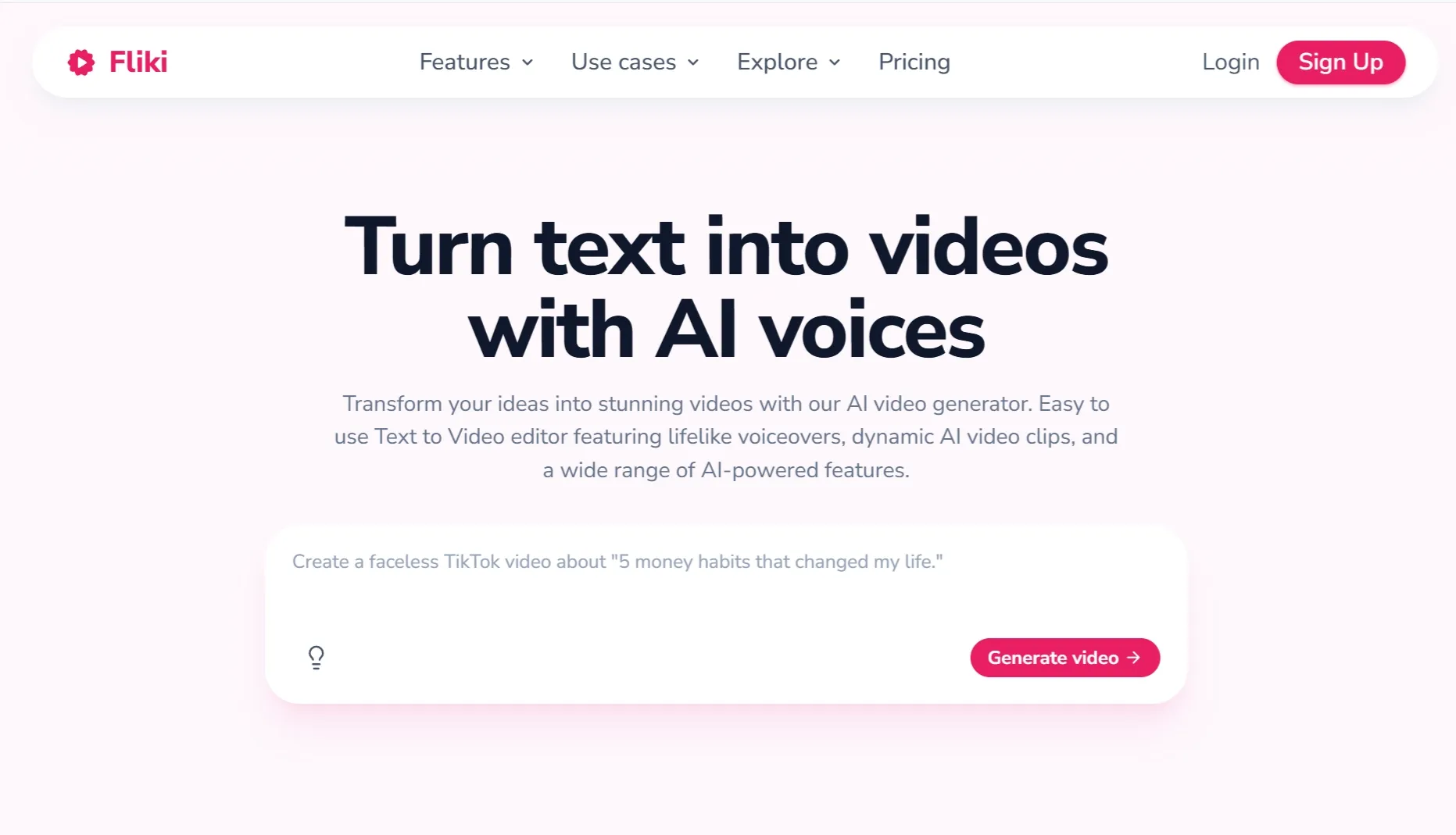
Fliki made the most sense when I treated the avatar as part of a narrated script workflow. I would use it for quick explainers, lightweight training content, or voice-led social clips where lip sync is less important than narration clarity.
The workflow feels practical because script, voice, media, and avatar-style presentation sit close together. The tradeoff is that it can feel more like a video to video assembly workflow than a deep avatar realism test.
Key Features
- Script-to-video flow: Turn written content into narrated avatar-style videos.
- Voice options: Match narration style to the video purpose.
- Template support: Build simple explainers quickly.
- Social output: Create short videos for education or marketing channels.
Best For
- Creators turning scripts into narrated avatar videos.
- Teams that need fast explainers more than custom avatars.
Pros:
- Fast script workflow.
- Useful voice and video pairing.
- Good for lightweight explainers.
Cons:
- Less focused on custom avatar identity.
- Template feel can show.
- Advanced realism is not the main strength.
For more detail, read the Fliki AI review.
Hedra: Best AI Avatar Generator for Expressive Character Presenters
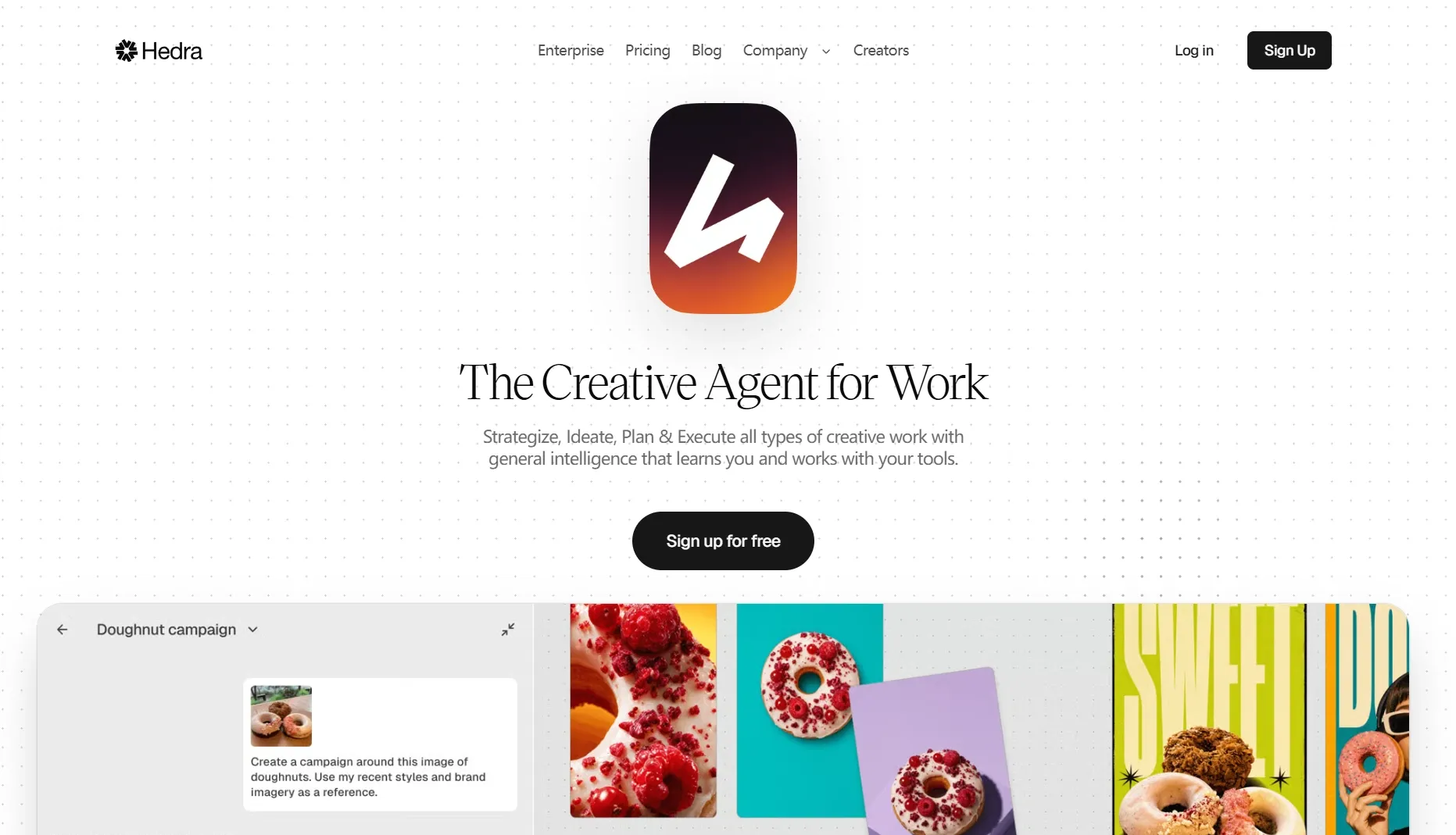
Hedra felt more creative than the business-avatar tools when I tested it as a character-led presenter option. I would use it when the avatar needs personality, stylized emotion, or a more expressive AI character feel.
The strongest fit is short social or creator content where face movement and character style matter. I would still test the same line in a few versions with AI video generation expectations in mind, because expression can be strong while realism varies.
Key Features
- Expressive avatars: Create character-led presenter clips with stronger facial energy.
- Performance style: Use it for social clips, creator intros, and stylized explainers.
- Visual personality: Build a more memorable on-screen speaker.
- Short-video fit: Test avatar reactions and quick scripted clips.
Best For
- Creators who want a more expressive avatar presenter.
- Social teams testing character-led talking videos.
Pros:
- Strong expressive style.
- Good for creator-led clips.
- Feels less corporate than training tools.
Cons:
- Can be too stylized for formal content.
- Needs careful script pacing.
- Not ideal for plain business training.
For more detail, read the Hedra AI review.
VEED: Best AI Avatar Generator for Editing After Generation
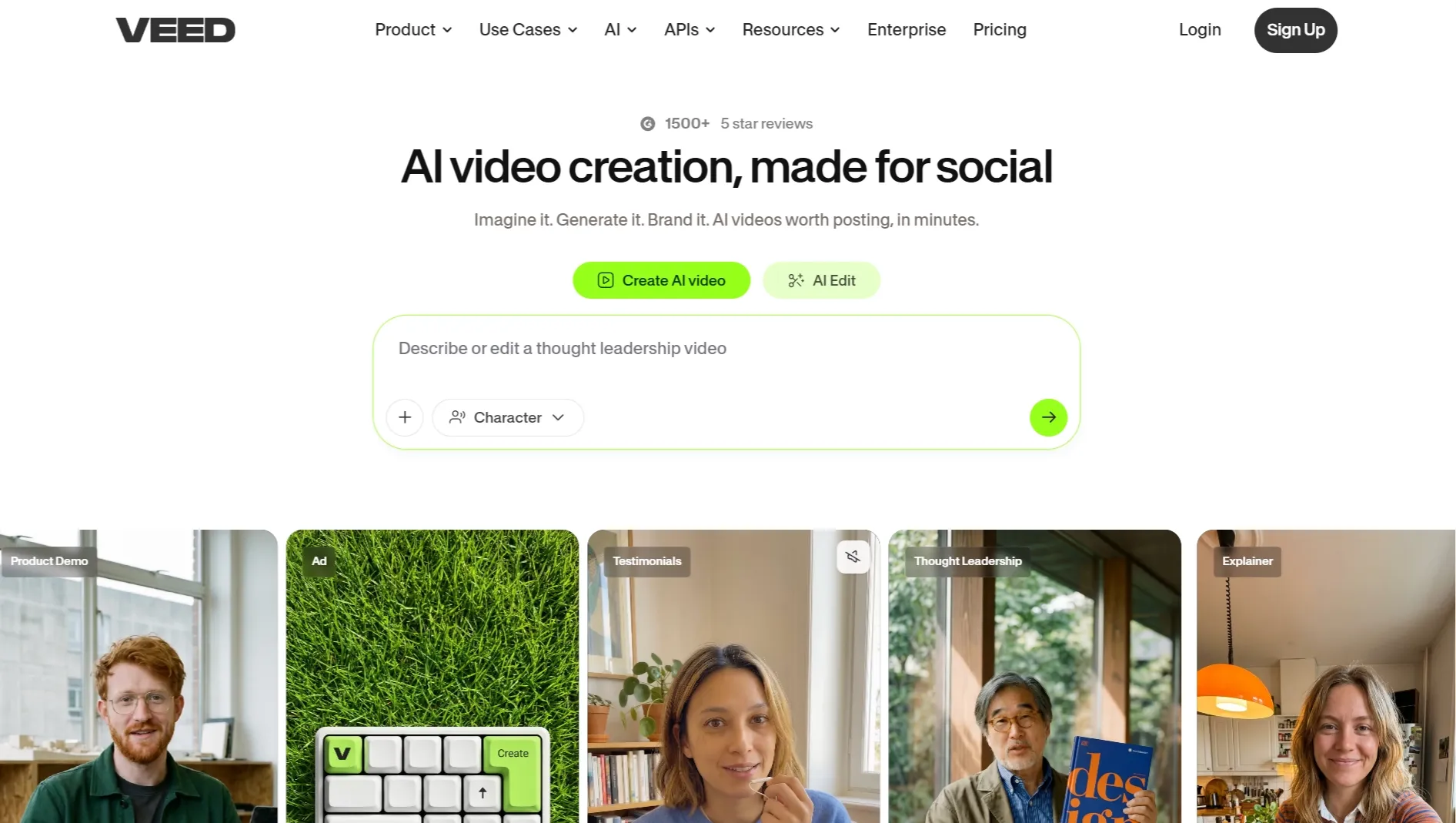
VEED worked best when I treated avatar generation as one piece of a larger edit. Its avatar page emphasizes diverse avatars, custom digital clones, language coverage, and browser editing in the same workspace, which fits an online video editor workflow.
The reason to use VEED is not avatar depth; it is cleanup after generation. I would pair it with AI caption generator or a YouTube video editor when the avatar clip needs channel-ready polish.
The weakness is that avatar generation can feel less specialized than dedicated avatar platforms. I would pick VEED when editing convenience matters more than the most lifelike presenter.
Key Features
- Talking avatars: Create avatar videos from typed scripts.
- Custom avatar option: Record yourself to create a personal digital clone.
- Built-in editor: Add captions, logos, music, and layout changes.
- Language support: Create avatar videos for international audiences.
Best For
- Creators who want avatar clips plus editing in one browser tool.
- Social teams that need captions, resizing, and quick cleanup.
Pros:
- Strong post-generation editing.
- Useful for social formats.
- Avatar and subtitle tools sit together.
Cons:
- Not as avatar-specialized as some tools.
- Free usage is mainly for testing.
- Complex edits can increase workflow time.
For more detail, read the VEED review.
Pictory: Best AI Avatar Generator for Script and Blog Based Talking-Video Summaries
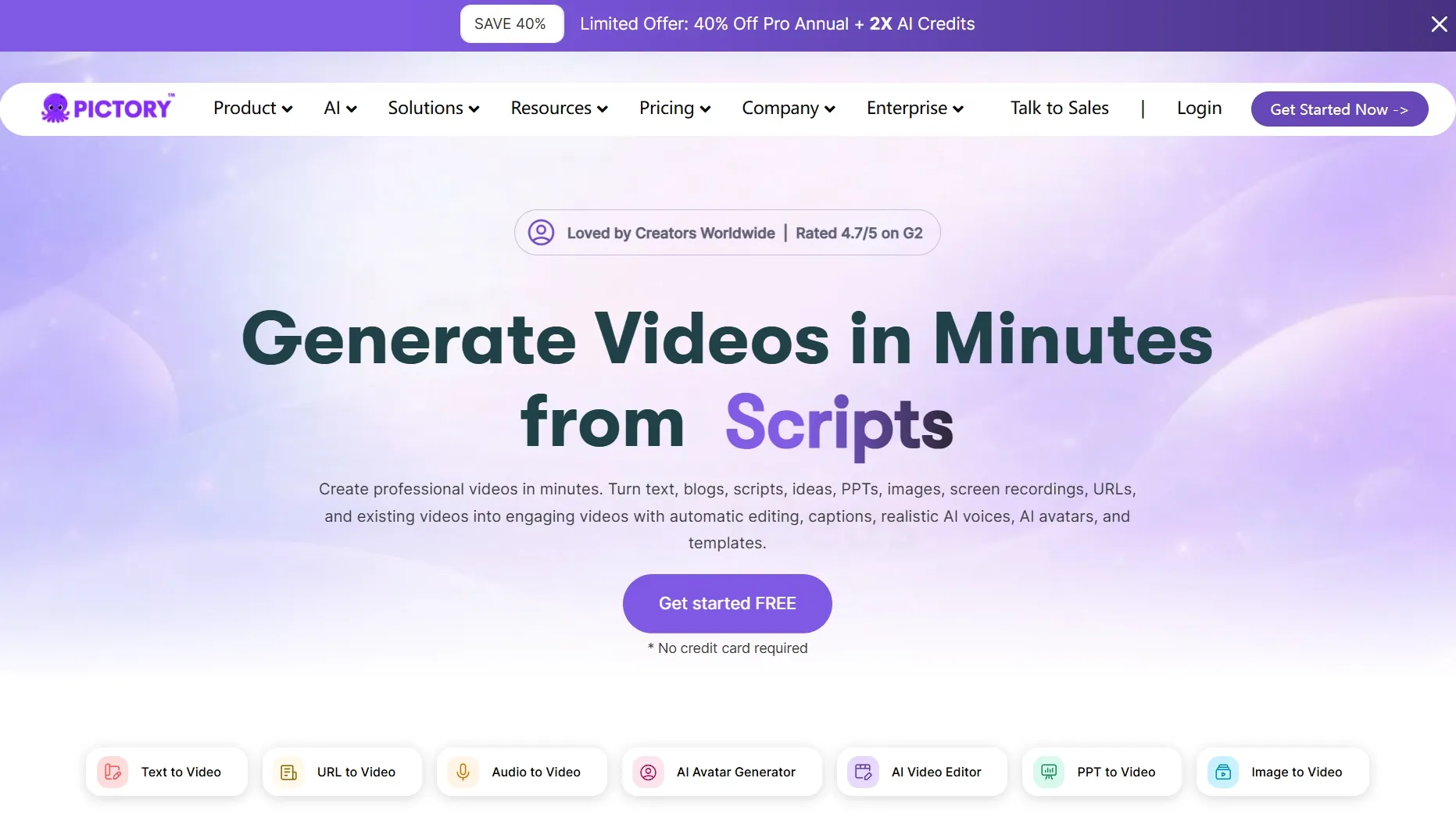
Pictory is not the most avatar-first tool, but it belongs here for people turning scripts, articles, or long notes into presenter-like video summaries. I would use it when the priority is reference to video from written content, not avatar customization.
The useful part is speed from text to video structure. The limitation is that it feels more editorial than avatar-custom, so I would not choose it for a polished digital twin, but it can support social media videos where the presenter is only one part of the final clip.
Key Features
- Script-to-video workflow: Turn written material into short narrated video drafts.
- Blog repurposing: Convert article ideas into video summaries.
- Voiceover support: Add narration around the generated structure.
- Editing tools: Trim, caption, and polish the first draft.
Best For
- Content teams repurposing written material into avatar-style videos.
- Marketers making quick narrated summaries.
Pros:
- Good for content repurposing.
- Fast from script to draft.
- Useful caption and edit support.
Cons:
- Not deeply avatar-focused.
- Visuals can feel stock-based.
- Needs editing for brand polish.
For more detail, read the Pictory AI review.
How Did I Test These AI Avatar Generator Tools?
I judged each tool by the job most readers actually need: can it turn a face, script, or presenter idea into a believable talking-head video without creating more editing work afterward?
- Avatar realism: Did the face, mouth, and expression feel believable enough for the intended use?
- Lip-sync quality: Did speech timing match the generated face without obvious delay or stiffness?
- Script control: Could I guide tone, pacing, language, and message clearly?
- Workflow depth: Could the tool handle voice, subtitles, editing, or localization after generation?
- Plans and limits: Did free access, credits, exports, or custom-avatar requirements affect realistic use?
- Best-fit clarity: Was the tool better for creators, teams, developers, training, ads, or social clips?
How to Choose the Right AI Avatar Generator
- Choose a short-video AI avatar generator if you need one portrait, a short script, and a believable talking-head result for social or product content.
- Choose a digital-twin avatar platform if you need the same polished business presenter to appear across many videos.
- Choose an enterprise training avatar platform if your main requirement is scale, localization, templates, and internal consistency.
- Choose a performance-led avatar tool if facial expression, character energy, and personality matter more than corporate polish.
- Choose an editor-first workflow if subtitles, resizing, and final layout cleanup matter more than avatar generation itself.
My Personal Take
If I had to choose one tool for most AI avatar generator needs, I would start with Pollo AI because it keeps the avatar result close to the script, voice, and short-video delivery decisions that make or break the clip.
For enterprise training, Synthesia may be the better call; for expressive creator clips, Hedra is worth testing. If you need fast script-led videos, Fliki, Steve AI, Animaker, Invideo AI, VEED, and Pictory each make sense for narrower jobs.
The biggest lesson from testing this category is simple: the best avatar is not always the prettiest face. It is the one that delivers your script clearly, survives a real workflow, and does not force you into too much cleanup.
Which AI Avatar Generator Should You Choose?
- Choose Pollo AI if you want to turn a portrait, script, or audio clip into a short talking-avatar video quickly.
- Choose HeyGen if you need a polished recurring business presenter or digital twin.
- Choose Synthesia if you produce training videos at scale.
- Choose Hedra if expression and character performance matter most.
- Choose VEED if you want avatar generation plus subtitle and resize cleanup in one browser editor.
Final Verdict
Pollo AI is my first pick for short AI avatar generator tests because it keeps portrait, script or audio, voice direction, speech feel, mode, and output style tied to one talking-avatar result.
Choose HeyGen for reusable business presenters, Synthesia for training scale, or Hedra for expressive character work. For most creator and marketing videos, start with Pollo AI.