



8 Best Realistic AI Image Generators in 2026 (Tested & Compared)
The best realistic AI image generator in 2026 depends on what you need to look real: skin, hands, products, text, or a consistent subject across several images. Pollo AI is my best overall pick because it combines multiple image models with image-to-image editing, photo enhancement, and commercial workflows in one place. I also compared OpenArt, Kaze AI, Pixelcut, Gencraft AI, Pixella, Remaker AI, and Canva for different realistic image tasks.
Best Realistic AI Image Generators in 2026: TL;DR
Pollo AI is the best realistic AI image generator overall for users who need realistic images, editing, model choice, and commercial workflows. OpenArt suits control, Pixelcut product photography, Remaker AI transformations, and Canva branded designs. Kaze, Gencraft, and Pixella favor speed.
8 Best Realistic AI Image Generators in 2026 At a Glance
| Tool | Best For | Why I'd Choose It |
|---|---|---|
| Pollo AI | Best overall realistic image workflow | Combines multiple image models, editing, enhancement, and commercial visual tools |
| OpenArt | Model variety and creative control | Useful for photorealistic images, image editing, characters, and style experiments |
| Kaze AI | Fast photorealistic image creation | Simple controls, realistic lighting, skin detail, and high-resolution enhancement |
| Pixelcut | Realistic product photography | Turns basic product photos into clean e-commerce scenes, ads, and lifestyle visuals |
| Gencraft AI | Quick realistic prompt-to-image generation | Easy way to move between photoreal, fashion, concept, and branded visual styles |
| Pixella | Everyday image editing and design | Combines generation, upscaling, background removal, resizing, and simple editing |
| Remaker AI | Realistic transformations and references | Strong for prompt-based edits, style transfer, consistent subjects, and product images |
| Canva | Realistic images inside branded designs | Dream Lab connects image generation with layouts, templates, editing, and publishing |
What Makes A Realistic AI Image Generator Worth Using?
Realism in 2026 is no longer about spamming “8K, hyper-detailed, photorealistic” into your prompt box. True believability requires:
- Micro-Texture Over "Airbrushed Plastic": Authentic human portraits must show subtle skin imperfections, pores, fine hairs, and subsurface scattering—not the glossy plastic look typical of early AI tools.
- Accurate Anatomical Geometry: Natural finger joints, believable hand poses, accurate eye catchlights, and correct spatial depth.
- Plausible Physics & Lighting: Soft ambient shadows, realistic reflections on glass or metal, and consistent light sources that integrate subjects naturally into backgrounds.
- Post-Generation Utility: A realistic first shot is useless if you cannot upscale it, swap a detail, or keep the subject’s face consistent for your next image.
1. Pollo AI - Best Overall Realistic AI Image Generator
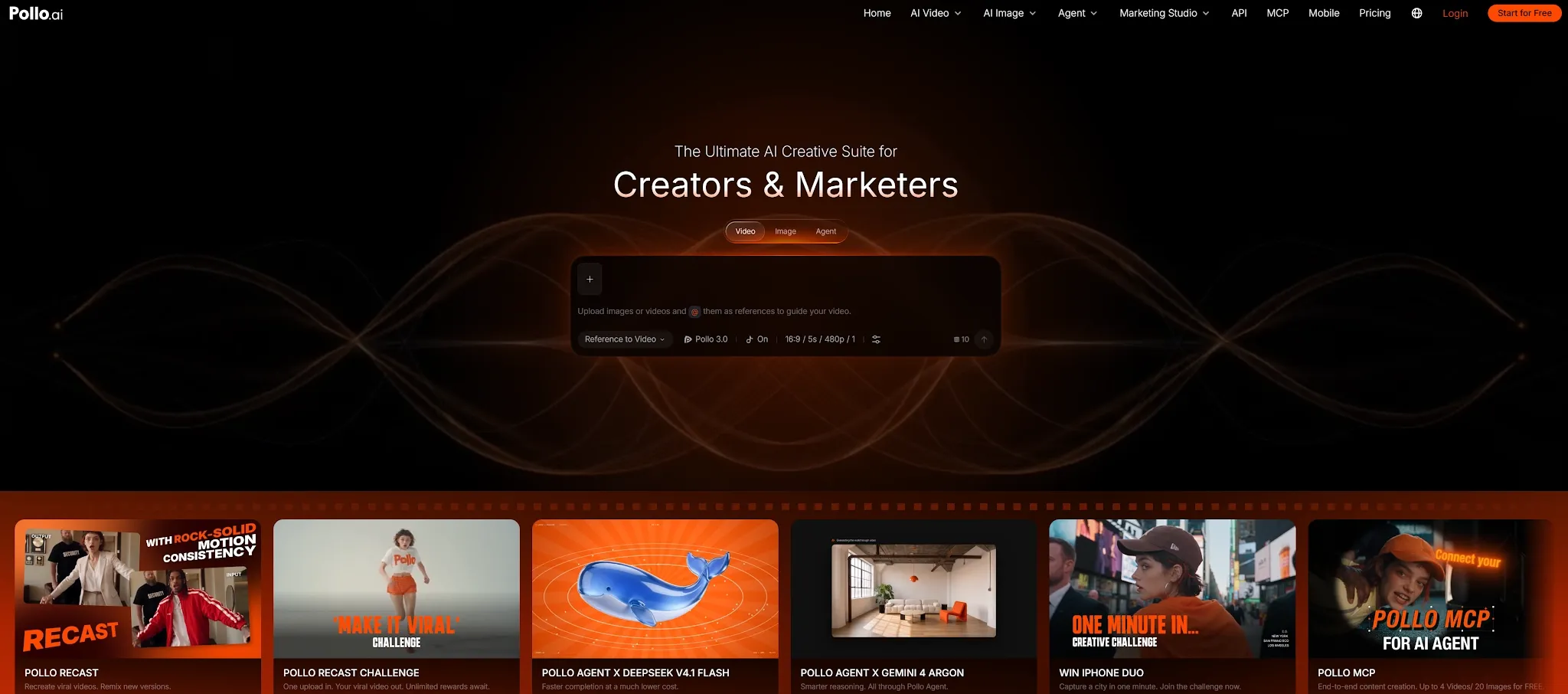
Pollo AI is my top choice because it understands that generating realistic AI images is only half the battle. The real magic happens when you need to turn that raw image into a polished design, ad, or commercial asset. Instead of bouncing between different apps, Pollo AI provides a unified workspace that handles everything from the initial prompt to the final campaign-ready poster.
Rather than forcing every prompt through a single system, it gives you access to a hub of top-tier models (like the latest GPT Image 2.5, Nano Banana 2.1), letting you choose the perfect fit for your specific task.
Pollo Agent can understand a creative brief and produce product visuals, social content, or design assets. Its LLM handles planning, while the selected image model handles the visual generation. Marketing Studio and Image Apps then help turn the result into product scenes, posters, mockups, or social designs. The benefit is a shorter path from realistic image to usable campaign asset.
Pros:
- Multiple leading image models in one unified workflow.
- Strong combination of text-to-image, image-to-image, editing, and enhancement.
- Useful for portraits, product visuals, social content, and commercial assets.
- Marketing Studio workflows reduce the need to switch tools.
Cons:
- The broad platform takes a little longer to explore than a single-purpose image generator.
- Model choice can add an extra decision when you only need one quick image.
Best For
Creators, marketers, sellers, and teams that need realistic images plus editing, variations, and publish-ready visual assets.
Bottom Line
Pollo AI is the best realistic AI image generator overall because it treats realism as part of a production workflow. It gives you several ways to create, refine, and reuse an image instead of leaving you with one generated file and no next step.
2. OpenArt—Best For Model Variety And Creative Control
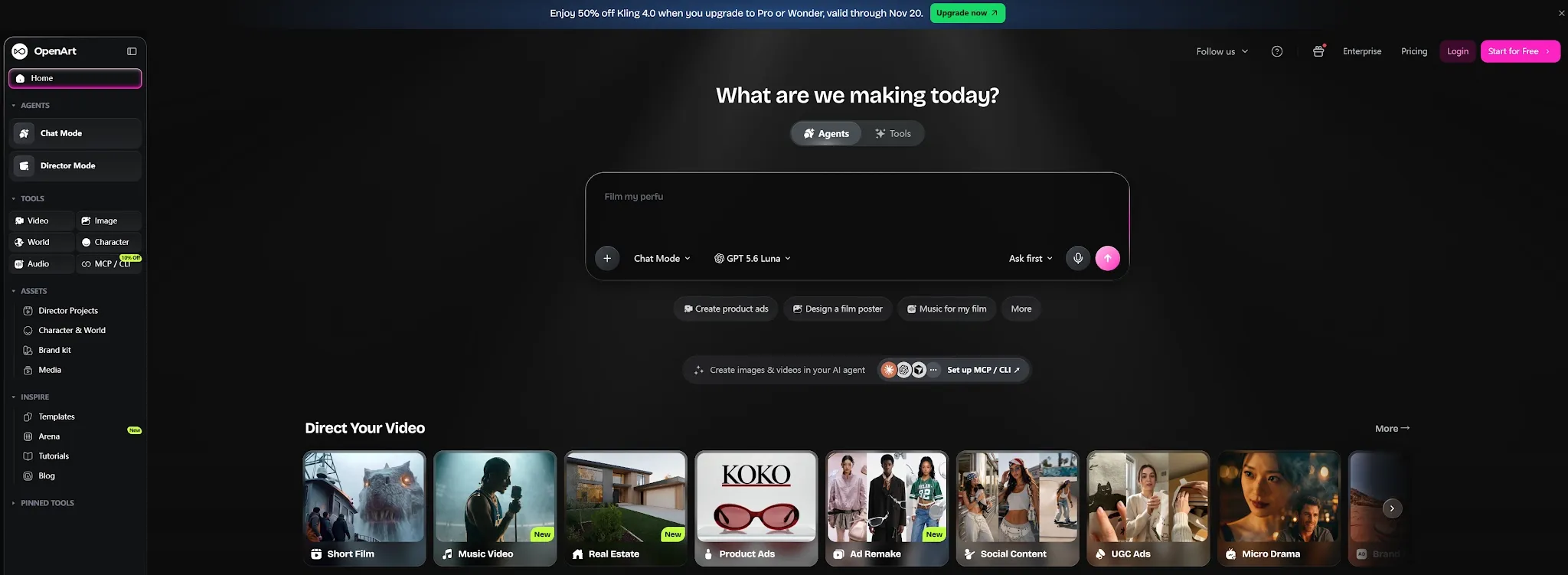
OpenArt is a strong choice when you want to explore models, styles, and image workflows from one interface. It handles photorealistic portraits, landscapes, product mockups, character images, and creative scenes, then gives you editing tools for style changes, enhancement, and reference work. That makes it useful when you are still deciding what visual direction fits a project.
OpenArt is especially appealing when you like comparing outputs. You can test different presets, generate several variations, and refine the strongest image instead of accepting the first result. Its character, face-swap, and enhancement workflows help when the image is close but the subject, lighting, or composition still needs work.
Pros:
- Broad selection of models and creative presets.
- Useful for realistic portraits, scenes, character images, and style changes.
- Editing and enhancement tools help refine almost-right outputs.
- Good fit for creators who want to compare visual directions.
Cons:
- Model choice and workflow depth can slow down quick projects.
- Output quality may vary depending on the selected model and prompt.
Best For
Creators, designers, and visual experimenters who want model variety and more control over realistic image development.
Bottom Line
OpenArt is a good realistic AI image generator when you want a creative lab rather than a single automatic result. It is strongest when you are willing to compare, refine, and direct the image.
3. Kaze AI—Best For Fast Photorealistic Experiments
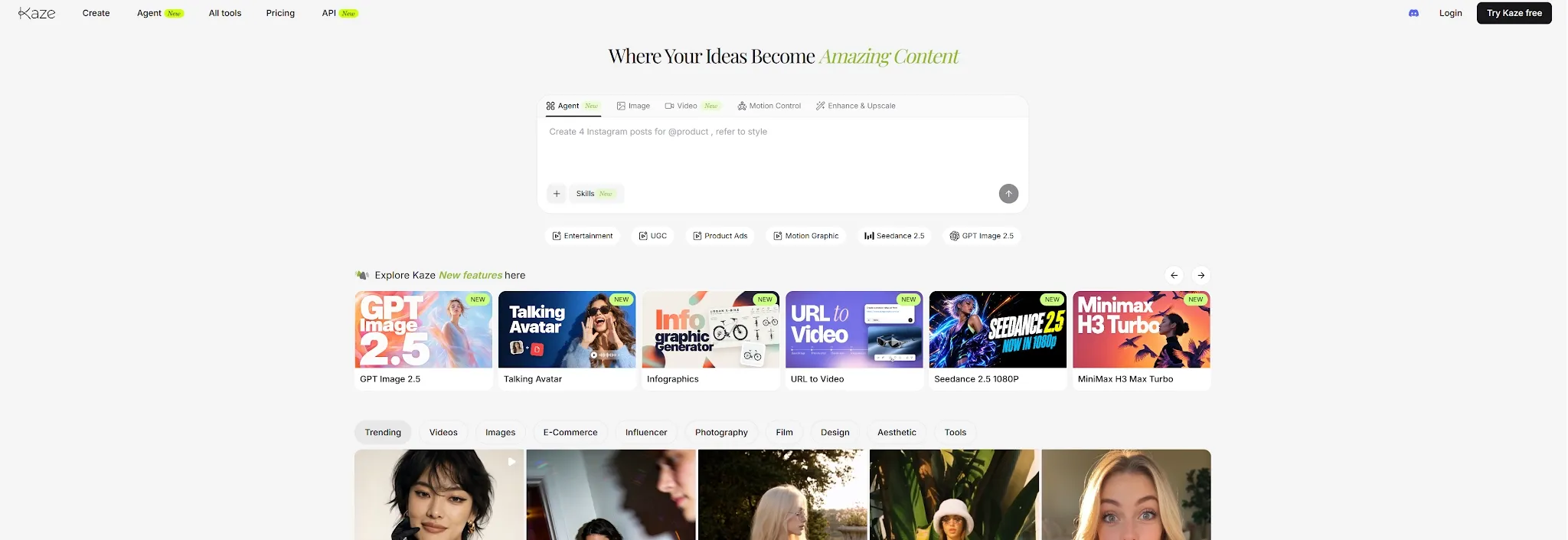
Kaze AI is built for a quick path from a natural-language idea to a photorealistic image. Its photo realistic generator emphasizes detailed rendering, complex lighting, skin texture, high-resolution output, and simple controls. I would use it for early concepts, social portraits, couple photoshoots, reference-led variations, and quick realistic scenes.
Kaze AI also includes chat editing, photo restoration, image expansion, and body editing, so it can adjust an image after generation instead of stopping at the first result. The limitation is depth. It is less suited to complex model comparison or a structured brand production system, but it works well when speed and a low learning curve matter more than a repeatable multi-step workflow.
Pros:
- Fast, accessible photorealistic image generation.
- Good emphasis on lighting, skin texture, and high-resolution enhancement.
- Includes chat editing, restoration, expansion, and reference-led tools.
- Low learning curve for casual and social content.
Cons:
- Less suitable for advanced model selection and detailed production control.
- Realism still depends on the prompt and the type of scene being requested.
Best For
Users who want realistic portraits, social images, and visual ideas without learning a complicated image workflow.
Bottom Line
Kaze AI is a convenient realistic AI image generator for fast experiments. It makes sense when you want a believable image quickly and do not need a large creative workspace around it.
4. Pixelcut—Best For Realistic Product Photography
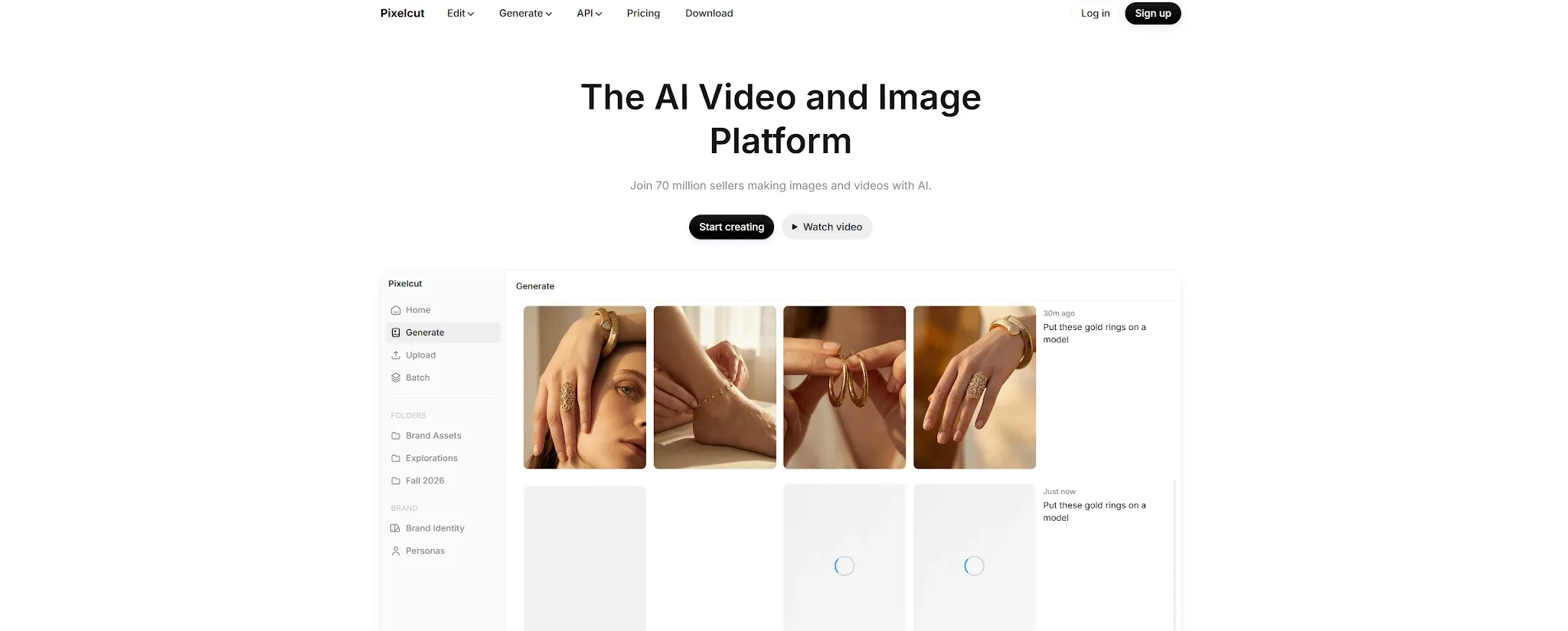
Pixelcut is the most practical choice when “realistic” means a product photo ready for a store, ad, or catalog. Its workflow is designed around product photography: remove a background, create a new scene, add realistic shadows, change colors, expand the image, or place the item in a lifestyle setting.
That focus matters for sellers. A product can look photorealistic and still fail commercially if its shape changes, the shadow is wrong, or the background distracts from the item. Pixelcut addresses those details directly, while AI Actors and virtual try-on help brands create model-led visuals without arranging a full shoot for every variation. It is less useful for cinematic portraits or fictional worlds, but very practical for turning a batch of product photos into campaign assets.
Pros:
- Strong product photography and e-commerce workflow.
- Background removal, AI shadows, recoloring, generative fill, and image expansion.
- AI models and virtual try-on support product and fashion content.
- Useful for listings, ads, catalogs, and social commerce visuals.
Cons:
- Less focused on cinematic portraits or purely artistic image generation.
- Product realism still depends on the quality and angle of the source photo.
Best For
E-commerce sellers, DTC brands, fashion teams, and marketers who need realistic product images at scale.
Bottom Line
Pixelcut is the best realistic AI image generator for product photography because it optimizes for the finished commercial image, not only the initial generation.
5. Gencraft AI—Best For Quick Prompt-To-Image Creation
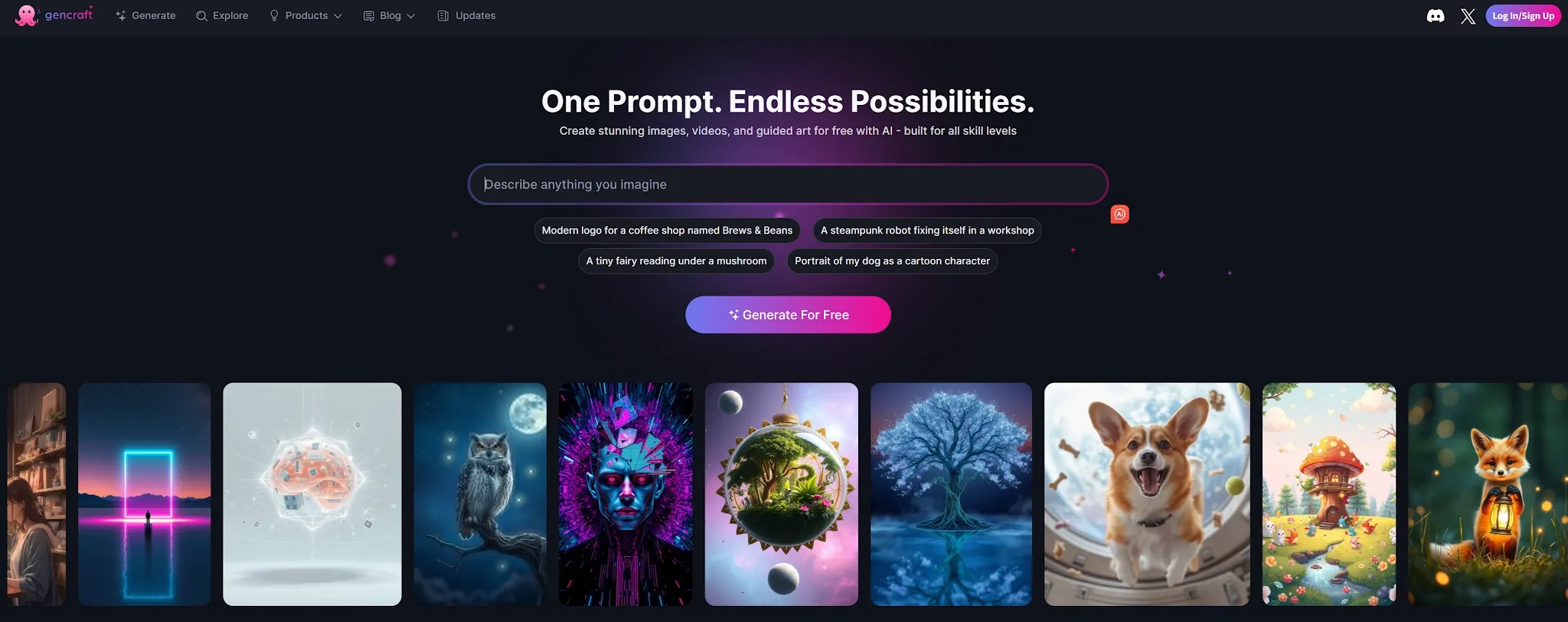
Gencraft AI is a straightforward option for generating realistic images from text and reference images. It supports photoreal, fashion, concept, and graphic styles, so it works for social posts, campaign concepts, moodboards, portraits, and early creative exploration. The interface is approachable when you want to describe an image and move directly to variations.
Its hyper-realism workflow is useful for testing whether a realistic, editorial, or stylized direction fits a campaign. You can also explore outfit-focused visuals when testing fashion or lifestyle concepts. The tradeoff is refinement depth. Gencraft AI is better at producing a strong first pass than replacing a dedicated editor. If you need precise object changes, complex references, or connected e-commerce tools, Pollo AI, Pixelcut, or Remaker AI offer more control after generation.
Pros:
- Easy prompt-to-image workflow for realistic and stylized visuals.
- Supports reference images and several creative directions.
- Useful for portraits, social graphics, fashion, and campaign concepts.
- Quick to learn for users who do not want technical settings.
Cons:
- More limited for detailed post-generation editing.
- Results can vary when prompts include many subjects or precise product details.
Best For
Creators, social teams, and marketers who need fast realistic concepts and visual variations.
Bottom Line
Gencraft AI is a good realistic AI image generator for getting from an idea to a usable first draft quickly. It is strongest when speed and accessibility matter more than advanced control.
6. Pixella—Best For Everyday Image Editing And Design
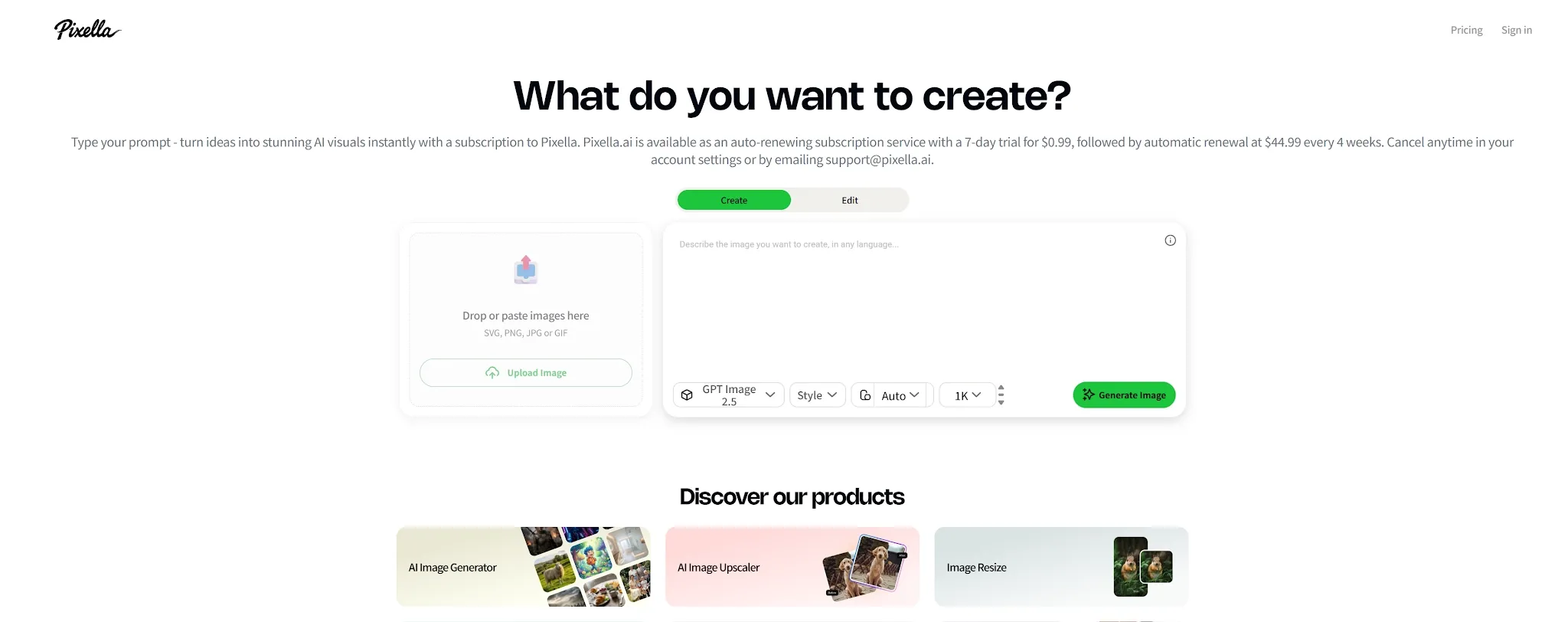
Pixella is an all-in-one option for users who need realistic image creation alongside routine editing. Its toolkit covers generation, upscaling, resizing, background removal, editing, logo creation, cropping, and format conversion, which is useful when an image is only one part of a broader design task.
Pixella fits social graphics, small business visuals, quick photo improvements, and everyday content production. You can create an image, remove its background, resize it for a channel, and prepare a cleaner version without opening several specialist tools. It is less specialized for demanding photorealistic character work or complex multi-reference compositions, but its broad utility reduces small workflow interruptions.
Pros:
- Combines generation, editing, upscaling, resizing, and background removal.
- Useful for social posts, small business assets, and routine design work.
- Simple workflow for preparing images in multiple formats.
- Can support personal and commercial projects under its terms.
Cons:
- Less specialized for advanced photorealism and complex character consistency.
- Broad utility can come at the expense of deep controls.
Best For
Small teams, creators, and marketers who want realistic images plus everyday editing tools in one place.
Bottom Line
Pixella is a practical realistic AI image generator for users who value a complete basic toolkit more than maximum model control.
7. Remaker AI—Best For Realistic Image Transformations
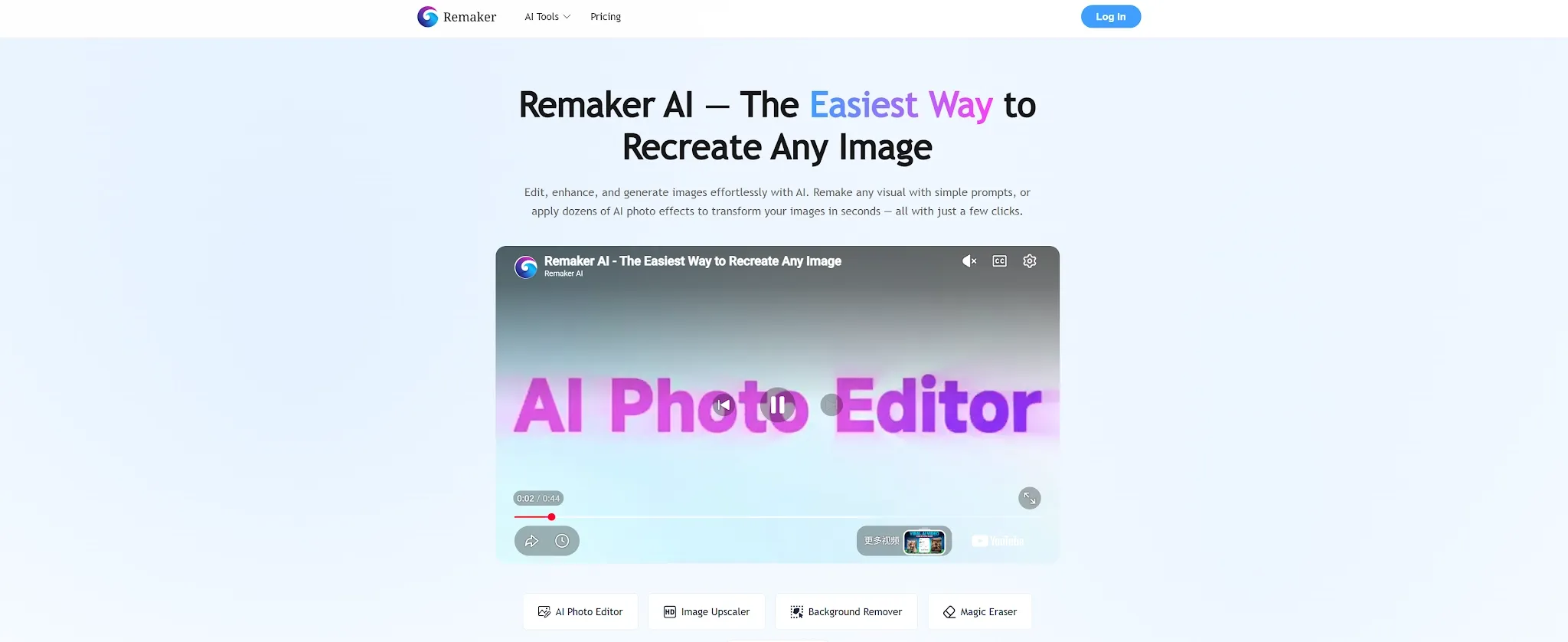
Remaker AI is especially useful when you already have an image and want to change it while preserving the important parts. Its workflow supports photorealistic generation, prompt-based edits, style transfer, object-level changes, multiple references, and consistency across a visual set. That makes it closer to an image transformation studio than a basic text-to-image generator.
The strongest use case is controlled editing: change a background, material, color, or style while keeping the subject and composition stable. Reference-heavy workflows also help characters and products remain recognizable across a campaign. The tradeoff is that Remaker AI is most valuable when you bring a useful source image or reference set; for broad original scenes, Gencraft AI or Kaze AI may feel faster.
Pros:
- Strong prompt-based editing and realistic image transformation.
- Supports multiple references for subject, product, and style consistency.
- Useful for color, material, background, and object-level edits.
- Commercial-use and no-watermark options are available under its terms.
Cons:
- Best results depend on strong source images or references.
- Credit costs can grow when you iterate through many versions.
Best For
Creators, product teams, and marketers who need to preserve a subject while changing its setting, style, or details.
Bottom Line
Remaker AI is one of the better realistic AI image generators for controlled transformations. It is valuable when preserving the original image matters as much as making it look new.
8. Canva—Best For Realistic Images Inside Branded Designs
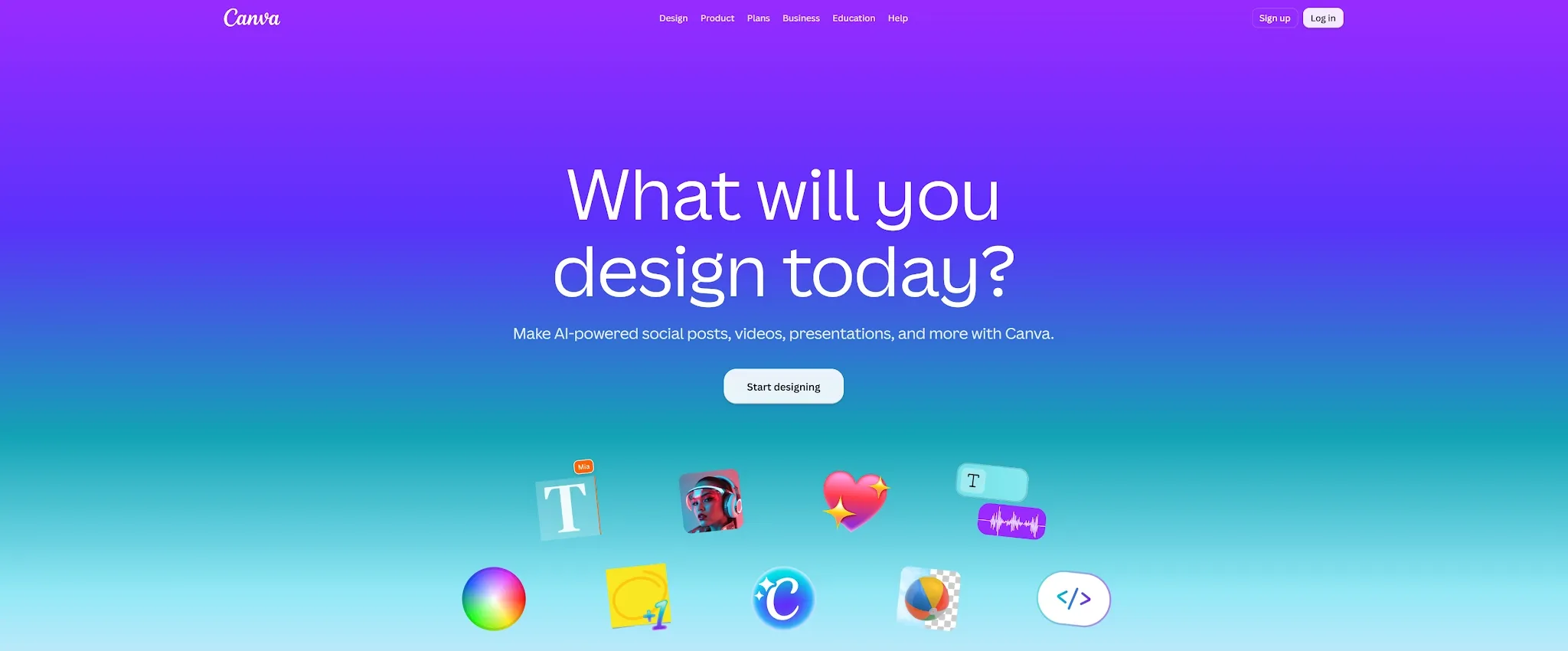
Canva is the easiest choice when a realistic image needs to become a finished design immediately. Dream Lab can generate several options from a prompt, accept a reference image, support follow-up edits, and improve resolution. The result moves directly into a presentation, social post, ad, flyer, thumbnail, or other editable layout.
That connected workflow is valuable for marketers and small teams. You can generate a scene, place it in a template, add brand elements, resize it for another channel, and share it without opening a separate design tool. Canva is less consistent for the most demanding portrait or exact product recreation, but its accessibility, design integration, and visible AI labeling make it practical for everyday brand content.
Pros:
- Dream Lab generates multiple options and supports reference-led follow-up edits.
- Images move directly into Canva designs, templates, and brand assets.
- Useful for social posts, ads, presentations, thumbnails, and marketing collateral.
- Easy for non-designers and teams to adopt.
Cons:
- Photorealism can be less consistent on complex prompts or detailed subjects.
- AI usage allowances and quality tiers affect cost and generation speed.
Best For
Marketers, educators, small businesses, and teams that need realistic images inside finished designs.
Bottom Line
Canva is the best realistic AI image generator for people who care about the complete design after generation, not only the image itself.
How I Compared These Realistic AI Image Generators
I compared the tools around five image tasks that reveal whether “realistic” holds up beyond a polished demo:
- Portrait realism: skin texture, eyes, hair edges, facial proportions, and natural lighting.
- Hands and anatomy: whether fingers, gestures, and body positions remain believable.
- Product photography: shape, material, shadows, labels, and placement in a commercial scene.
- Reference consistency: whether a face, product, or visual style stays recognizable across variations.
- Editing and delivery: whether I could remove objects, change a background, upscale an image, resize it, or move it into a publishable design.
How To Choose The Right Realistic AI Image Generator
To pick the ideal tool for your workflow, align your choice with your primary output requirement:
- For all-around photorealism, character consistency, and video motion: Choose Pollo AI. It gives you the highest fidelity models without requiring complex prompt gymnastics.
- For deep technical diffusion settings: Choose OpenArt.
- For studio-grade e-commerce product catalogs: Choose Pixelcut.
- For altering an existing photo or face swap: Choose Remaker AI.
- For fast graphic design in existing templates: Choose Canva.
Best Realistic AI Image Generator For Realistic Image Workflows: Pollo AI
Pollo AI is the strongest overall choice because it connects AI photorealistic generation with the work that actually follows. It doesn't just hand you a picture and leave you to figure out the rest. Instead, you can create portraits, products, or scenes, and immediately refine them through powerful image-to-image editing, background changes, and enhancement tools—all in one workspace.
Rather than forcing every prompt through a single system, it gives you access to a suite of top-tier image models. This means you can always choose the best engine for your specific task, ensuring you get exactly the photorealistic style you need.
Turning Realism Into Practical Assets
That flexibility matters deeply when realism has a practical purpose. A creator can develop a consistent character, a seller can stage flawless product visuals, and a marketing team can prepare polished ads without ever switching platforms.
Pollo AI isn't simply trying to make one single image look real. It gives you the complete workflow to turn that realistic image into a usable, design-ready asset that is actually ready to publish.
Final Verdict
Pollo AI is the best realistic AI image generator overall for users who need realistic images, editing, model choice, and commercial workflows in one place. While these professional-grade tools lead the market, you can find the most accessible entry points in our curated list of the best free AI image generators for realistic photos.
OpenArt is better for creative control, Pixelcut for e-commerce photography, Remaker AI for transformations, and Canva for branded design. Kaze AI, Gencraft AI, and Pixella are useful for faster, simpler creation. Test each tool with the same portrait, product, and edit prompt before choosing a plan.