



AI Photo Editor Free No Sign Up: How To Edit Images With No Login
Most AI photo editors I’ve seen online that claim to be free often aren’t. And those that are almost always require an account sign-up. So, I decided, let’s find a real AI photo editor free no sign up and after a lot of tried-and-tested research, I found 10!
If you’re tired of forcibly signing up to random platforms, then read on for the ultimate image editing hack!
TL;DR
Pollo AI is my pick for an AI photo editor free no sign up because it offers simple prompt-driven editing, with access to powerful AI image models like GPT Image 2.5. I can describe what to add, remove, replace, or fix in the original shot, and the tool will deliver a polished result in minutes. Head to Pollo AI to start editing images using plain language now!
Top 10 AI Photo Editors Free No Sign Up: At a Glance
Ready to get into it? Well, before we dive into a detailed review for each tool, I recognize that some of you may be in a hurry, so here’s a simple summary that you can breeze through:
| AI Photo Editor | Best for | Best Features | No-sign-up Summary |
| Pollo AI | Prompt-based edits and creative experimentation | Object removal, background replacement, relighting, retouching, image-to-image restyling, and 30+ image models | Free limited credits available for first-timers with no watermarked outputs |
| SnapEdit | Lighting fixes, image expansion, and cleanup | AI Expand, AI Flash, Backlight Fix, Light Match, object removal, background removal, and text or wire removal | Limited no-account tools; full free-plan details require caution |
| Pixlr | Manual editing combined with a broad AI toolkit | Generative fill, expand and transform, background and object removal, face swap, layers, masks, denoise, and super-resolution tools | Anonymous core editing is available; anonymous AI access not fully confirmed |
| EzMaker AI | Instant prompt-based image editing | Background/object removal, text erasing, enhancement, upscaling, restyling, and image expansion | Full no-account editing; limited no-account tools |
| Cutout.pro | Background-removal previews and edge refinement | AI cutouts, Erase & Restore, background replacement, shadows, enhancement, upscaling, colorization, and old-photo repair | Anonymous previews available; full-resolution export requires an account and credits |
| PicWish | Product images and photo enhancement | Background removal, enhancement, object removal, colorization, face cutouts, watermark removal, and product-image tools | Anonymous processing available; saving the result requires login |
| BeFunky | Basic editing, collages, and artistic effects | 100+ digital effects, cartoonizer, painting, watercolor, sketch, mosaic, collage tools, and graphic design features | Core editor works without an account; most advanced AI tools are paid |
| Magic Eraser | Focused object, text, and logo removal | Brush, rectangle, lasso, automatic object/text/emoji marking, people removal, and watermark or logo cleanup | No-sign-up cleanup tool; processing uses credits |
| EzRemove | Prompt-based edits and creative variations | Natural-language editing, model selection, object removal, background changes, enhancement, expansion, cleanup, and style transformations | No-sign-up editing is advertised; free use is limited by daily trials |
| Cleanup.pictures | Removing unwanted objects and people | AI inpainting, photobomber removal, text and logo cleanup, blemish retouching, and wrinkle removal | Genuine no-account editing; free exports limited to 720p |
#1. Pollo AI: Best AI Photo Editor Free Overall
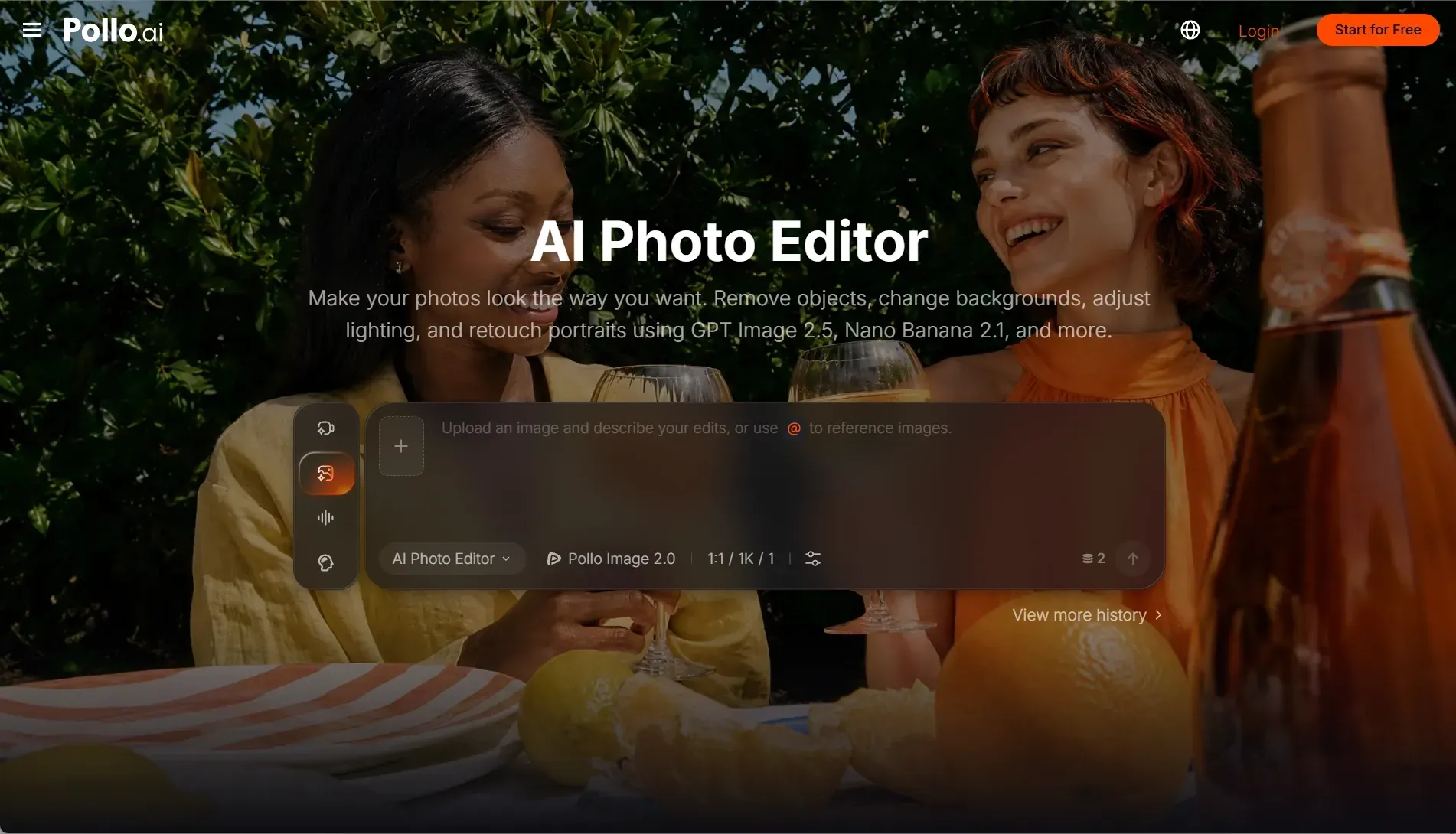
If I had to pick an AI photo editor, Pollo AI would always be my first choice. I came across this platform by chance a while back, and since then, it’s the only place I turn to, especially when I need to make intricate image edits with professional-grade results.
Here, the AI photo editor runs on prompt-based instructions, so I don’t need to worry about advanced controls or settings. I can add/remove/replace unwanted elements, adjust lighting or color, change backgrounds, switch visual styles, and much more in a few clicks.
All it takes is a simple description of what I want done in plain language. The tool understands my intent and automatically makes the relevant changes in minutes. Best part? It’s incredibly fast, so I can rely on it for handling large listing or catalog editing work.
What's more? It’s integrated with all the leading AI image models such as Nano Banana Pro, GPT Image 2.5, and Seedream 5.0 Pro. So, even if I’m unhappy with one model, I can repeat the editing process with another for a potentially better result, handling it in one place!


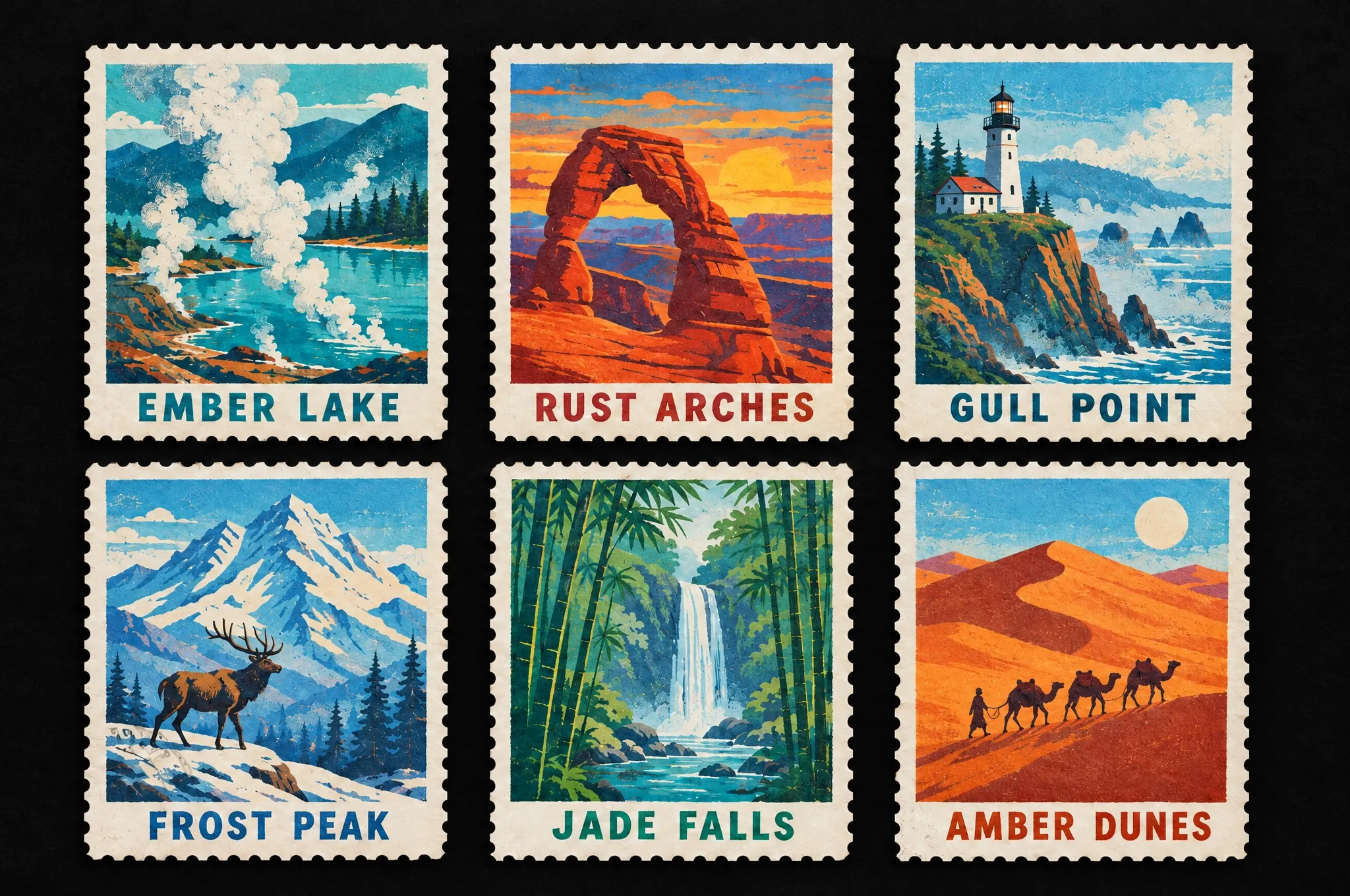
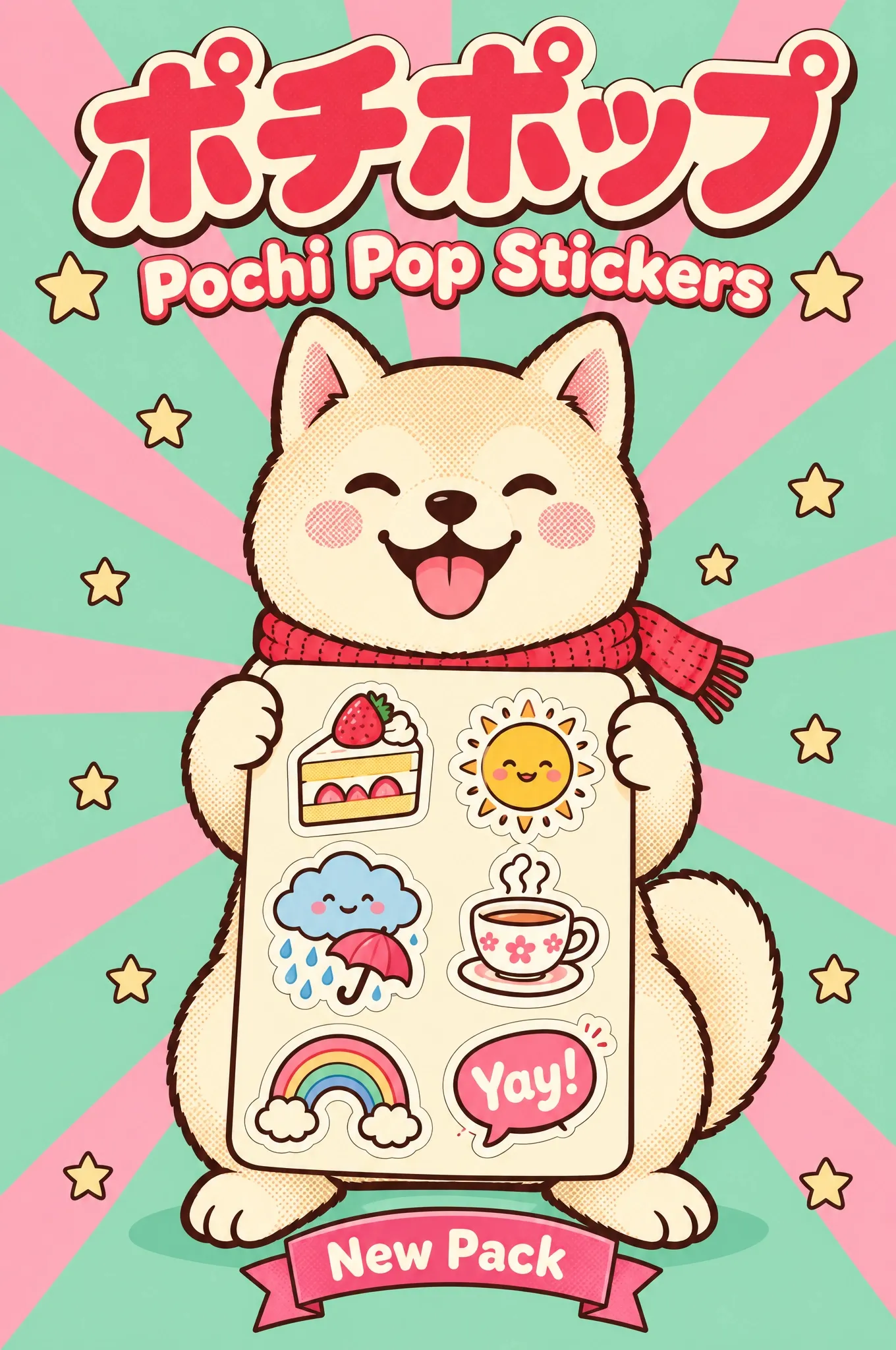

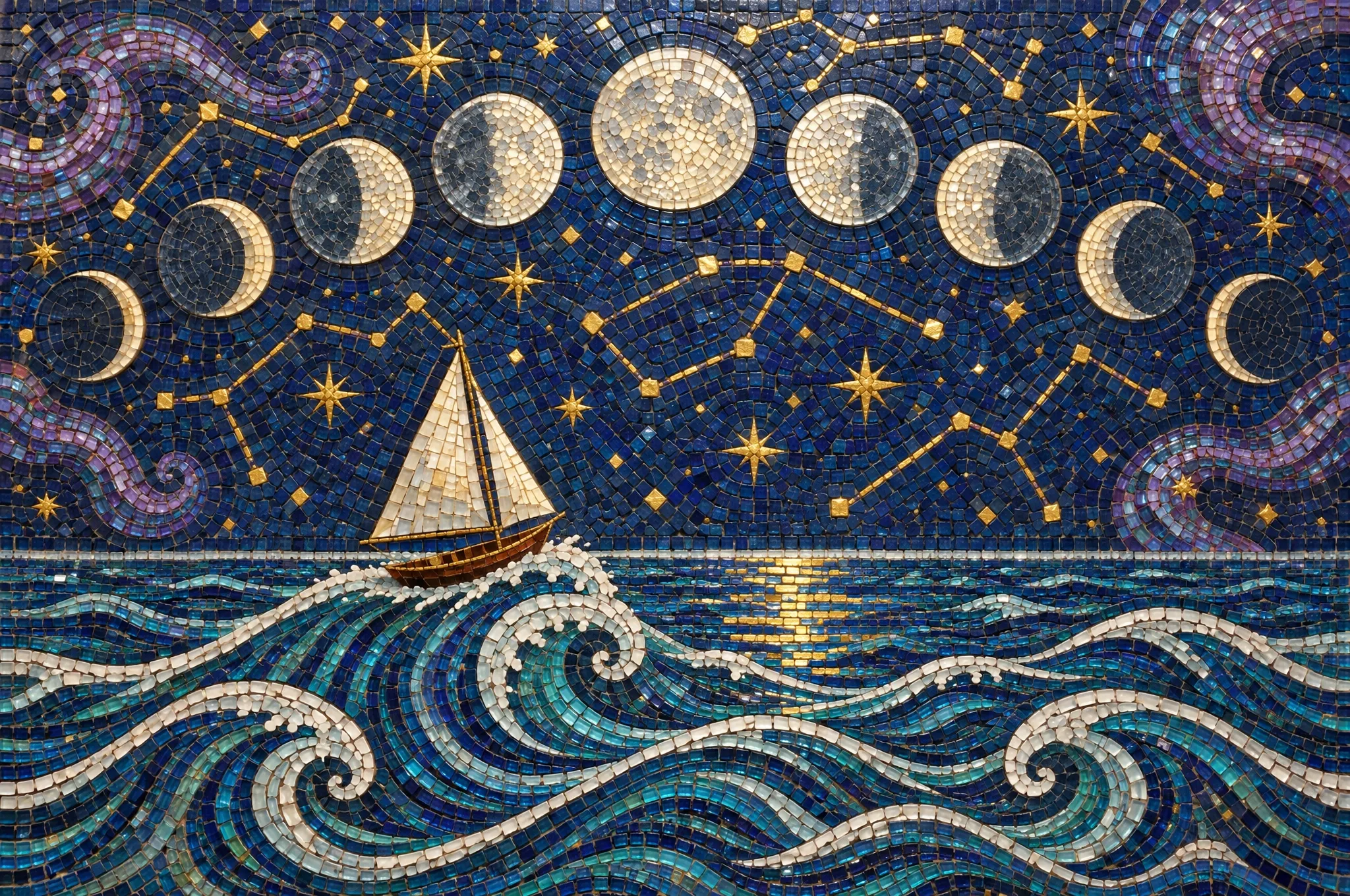
But what I appreciate most about it, compared to other platforms, is that Pollo AI can deliver on even the most complex editing requests with consistent results each time! Throughout my experience with it, I’ve never needed to look elsewhere to fix an image or make a change.
And if I need help beyond editing, the platform is incredibly comprehensive. I can switch over to the text to image and generate new images from scratch in a flash! Besides that, there’s also image to video and dozens of other specialized AI tools to explore.
Some of the popular ones I’ve used before include the AI fantasy art generator and AI manga generator. So, there’s so much to unpack from Pollo AI, which is why I strongly suggest you head over there and try it yourself. I’m confident you won’t want any other alternative!
Pros
- Powerful prompt-based image editing
- Dozens of AI image models available
- Vast AI creative suite for image/video
- Provides free daily credits to users
Cons
- Limited credits available for free
- Not all models can be used on free plan
Give Your Photos the Look You Want
Upload a photo and describe what you want to change. Remove distractions, replace the background, or adjust lighting with Pollo AI’s AI photo editor.
Try AI Photo Editor Free
#2. SnapEdit: Best AI Photo Editor Free for One-Click Targeted Tools
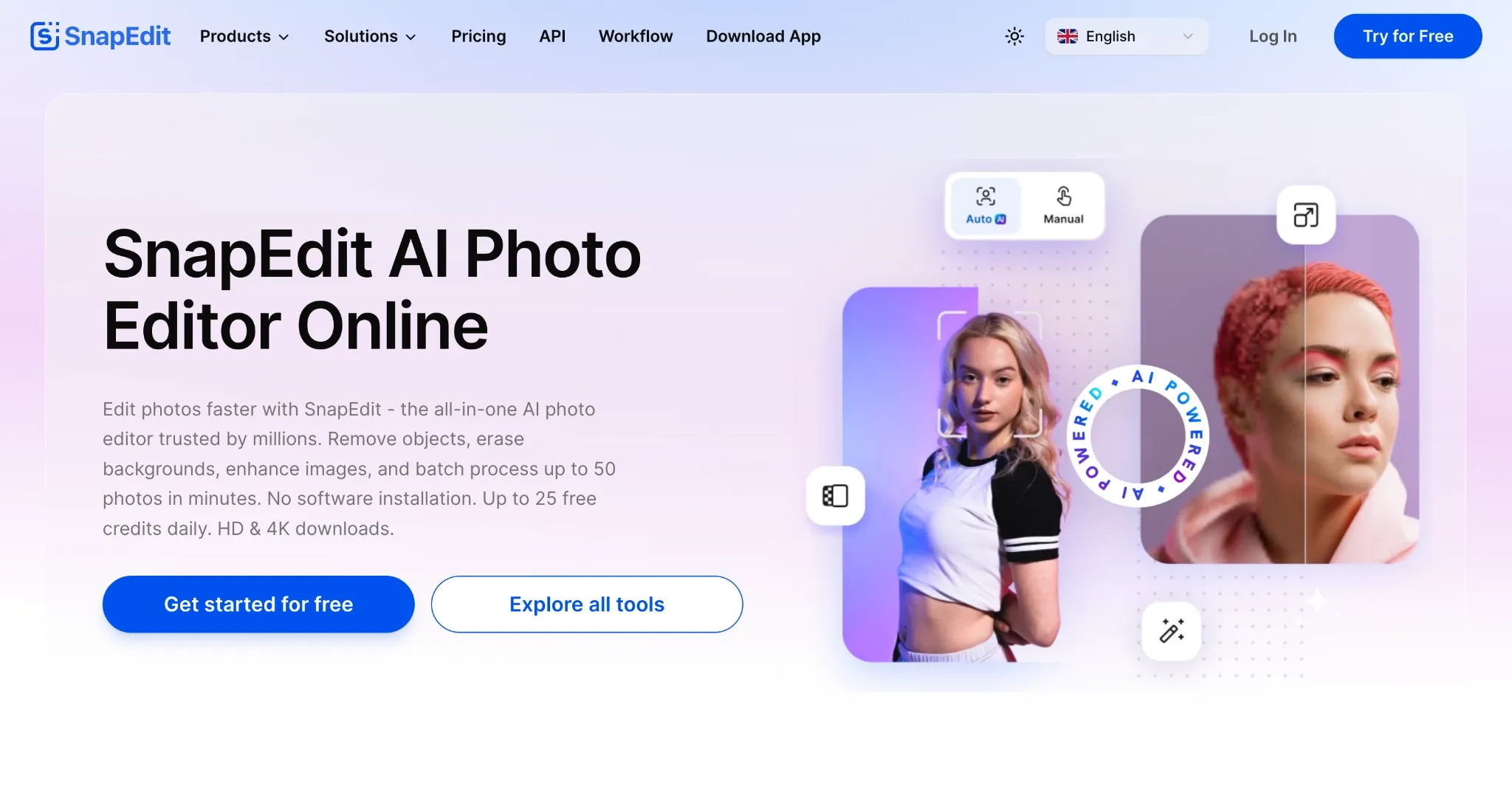
I doubt there’s any other free AI tool that does one-click image editing better than SnapEdit. Here, I can access a small set of targeted AI tools that scan my uploaded images to detect lines, objects, text, etc. From there, it takes one click for the AI to remove them automatically.
But it doesn’t just stop at erasing objects. To my surprise, I saw that the wider AI suite also covers backgrounds, lighting, skin, skies, and more. Each area comes with its own presets, so I don’t even need to write a detailed prompt to edit an image.
All it takes is one click to expand an image, repair an old photo, colorize a B&W image, etc. Frankly, I think it can be quite handy for anyone who needs a relatively broad AI image editor for quick fixes. What I dislike is that it lacks any advanced editing controls or features.
While I enjoy the simplicity of auto-detect, presets, and toggles, I don’t see them helping when a complex change like replacing a character must be made. So, I do think it’s great for standard fixes, but I wouldn’t count on it beyond that.
Pros
- Fast, one-click editing options
- Wide AI image editing toolset
- User-friendly interface
Cons
- 5 free credits available per day
- Preset controls can be very limiting
#3. Pixlr: Best AI Photo Editor Free for Photoshop-like Control
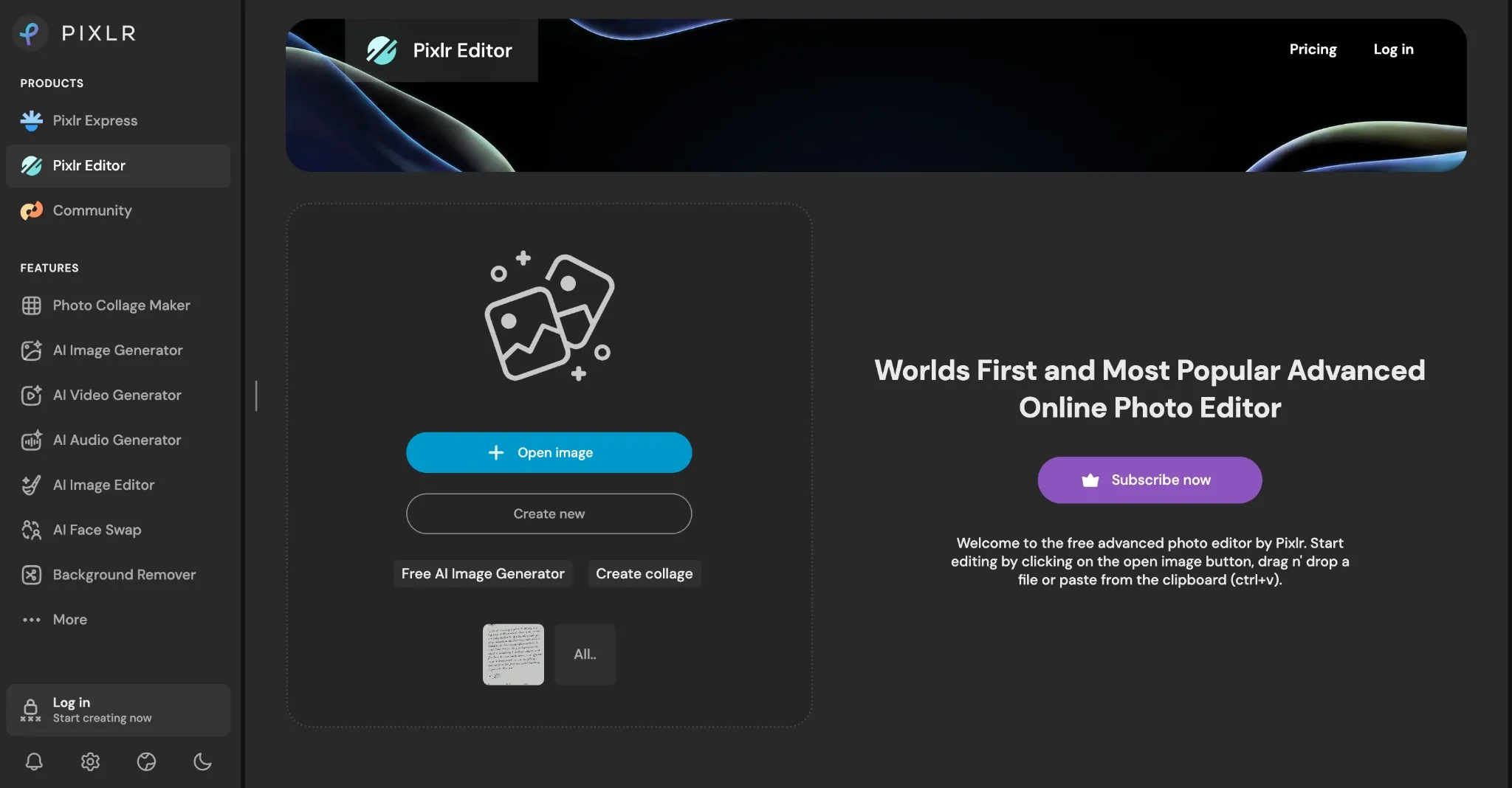
I enjoy using Pixlr because, for a free AI photo editor, it’s one of the few that genuinely gives you some control over the final result. With access to layers, masks, filters, and export controls, I can combine automated changes with precise manual edits.
It’s also relatively comprehensive, offering a broad range of tools for cropping, retouching, object and background removal, denoising, etc. In this sense, Pixlr works like a conventional desktop-style editor that has a few AI-supported options.
This includes face swap, generative fill, generative expand, super scale, super sharp, etc., most of which function on prompt-based instructions. Combined with hands-on image editing, it’s a well-balanced platform that I believe gives you the best of both worlds.
Plus, I like that the interface is user-friendly, so even a first-timer can quickly get familiar with it. The core pain point I have with Pixlr is that it provides only 50 limited free credits to users, with just 3 daily saves allowed on the free plan. Talk about restrictive, right?
Pros
- Multiple AI-supported tools
- Basic image editing features
- Desktop-style editing interface
Cons
- Free AI credits deplete rapidly
- Standard-resolution exports on free plan
#4. EzMaker AI: Best AI Photo Editor Free for Basic Fixes
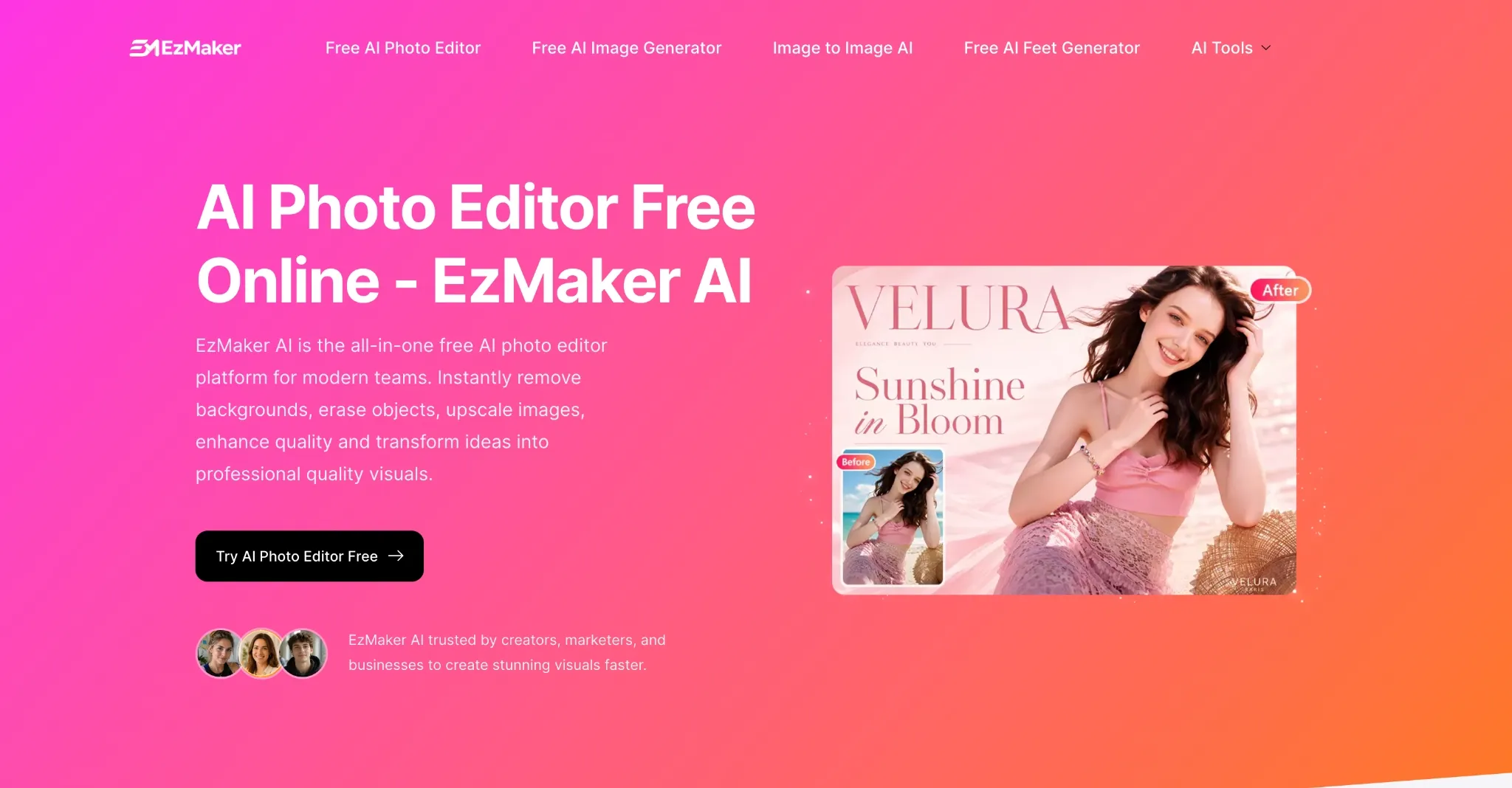
If a quick image edit is all you need, then I would say: go try out EzMaker AI. I love how this platform provides a frictionless experience from start to finish. No sign-up, no paid plans, no restricted features; just upload, describe and edit, then download your new image!
Now, what I will tell you is not to expect much from it. It may be free to use, but that comes at a steep cost because it’s one of the least impressive tools in terms of features and capabilities. All it offers is a prompt box for you to describe your desired changes, and that’s it.
So, if you typically prefer to make some manual adjustments, then this tool will not meet your standards. Moreover, the outputs can vary quite a bit, depending on how complex the edits you’re trying to make are. So, I would suggest keeping your prompts simple and specific.
For the most part, you can make simple changes like altering a character’s look, removing the background, restyling the image, restoring low-res details, etc., with good results. As long as you don’t complicate it, I’m confident EzMaker AI will meet your needs.
Pros
- Image downloads with no watermarks
- Direct prompt-to-image editing
- Frictionless free user experience
Cons
- May produce inaccurate results at times
- Lacks advanced editing features
#5. Cutout.Pro: Best AI Photo Editor Free for Free Previews
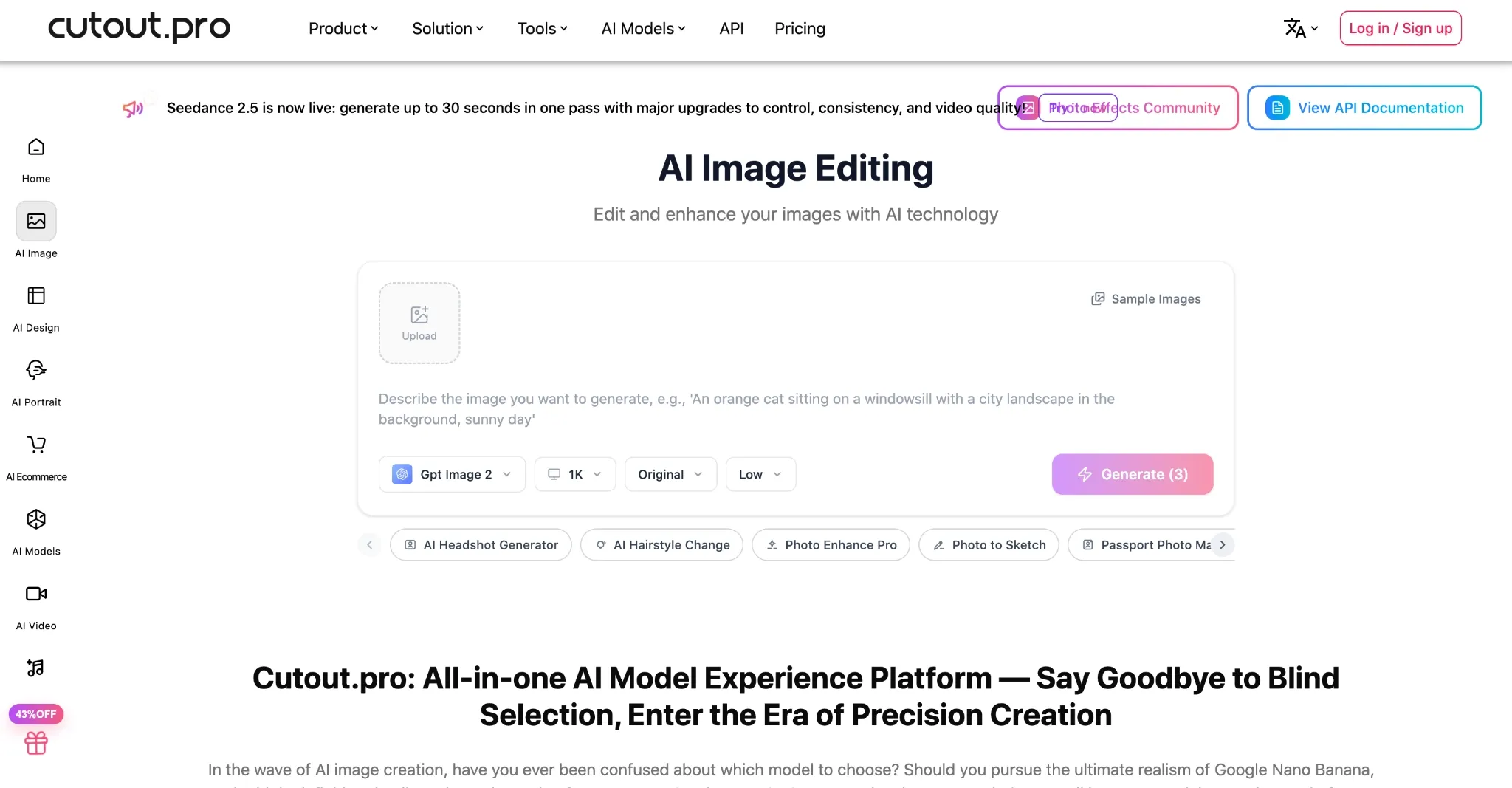
The funny thing about Cutout.Pro is that the name makes it easy to assume it’s just built for subject/object removal. But once I landed on the platform, I quickly discovered that it’s far more versatile than its name gives it credit for.
With multiple AI models available, Cutout.Pro uses text-based editing, making it easy to restyle images, transform elements, and more. But I also noticed its wider set of AI tools is focused on enhancement, be it image denoising, sharpening, colorization, portrait repair, etc.
Ultimately, what I think makes this platform special is that it offers free image previews. In other words, I can edit images and preview the outputs for free without signing up. The only catch is that it doesn’t let free users download the images.
I’m still on the fence about whether that’s a fair trade-off or not, but at least I can experiment with different ideas and concepts without committing to anything. Another issue I had with Cutout.Pro is that the image-to-image editor struggles with fine details at times.
Pros
- Provides free previews indefinitely
- Broad AI image enhancement toolset
- Prompt-based editing available
Cons
- Outputs may lose or blur fine details
- No downloads allowed for free users
#6. PicWish: Best AI Photo Editor Free for User Simplicity
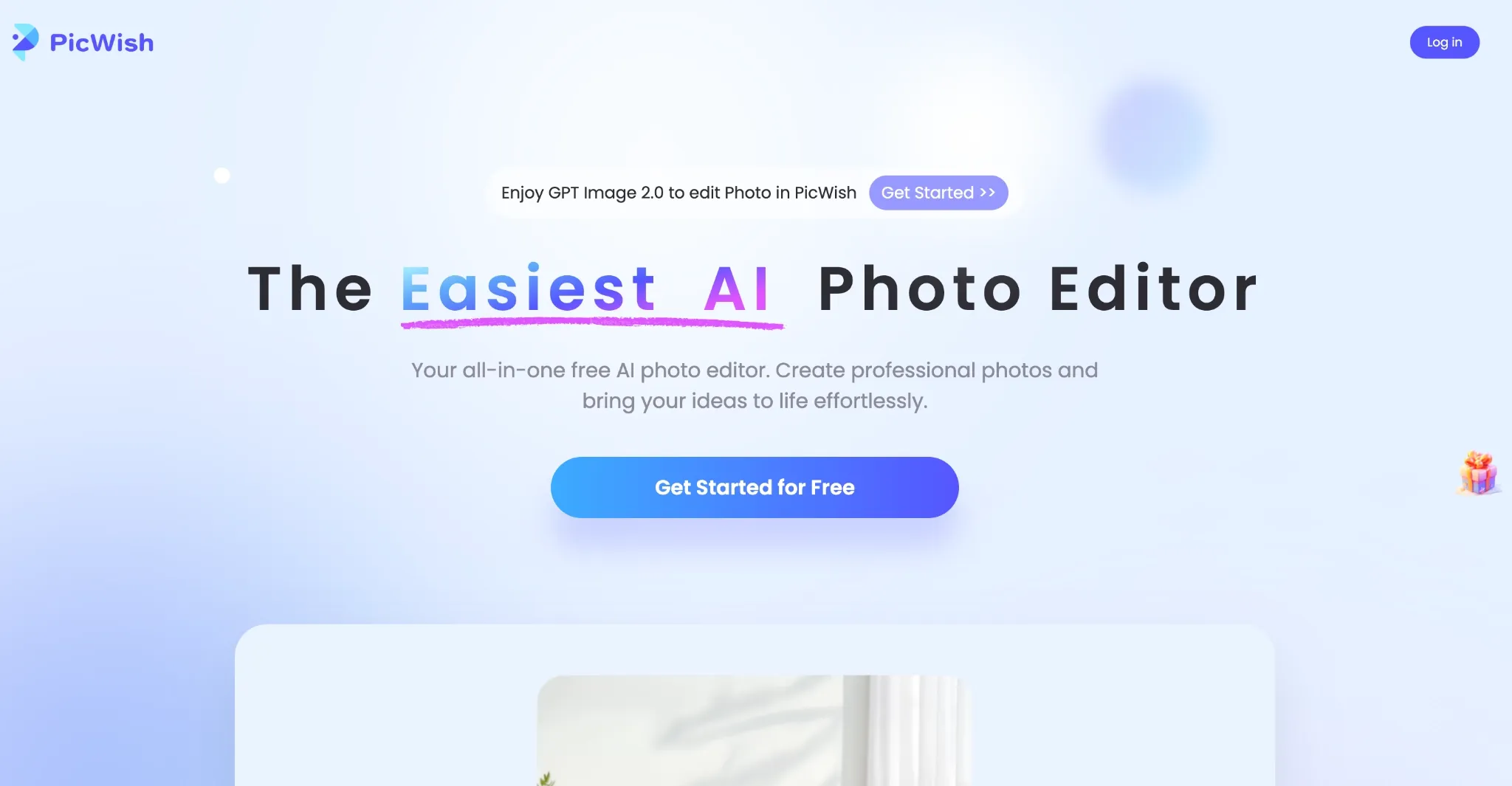
What I liked about PicWish right away is how simple the user interface is. From the moment you land on the homepage, there aren’t any complex controls. Just a simple prompt interface that any first-timer can navigate, and several other task-specific AI editing tools to choose from.
Whether I want to remove backgrounds, restore an old photo, remove watermarks, etc., there’s a tool for it here, and that makes everything fairly straightforward. But I was a little disappointed to see that while it does support multiple AI models, it only offers 3 options.
Compared to other tools on this list, I’d say PicWish is lagging behind a little in that department. It’s also frustrating that while the basic editing features are free to use, the AI features only come with limited free trials.
But even with just basic access, I’ll admit that it does a fairly good job. For example, I enhanced a few low-res images on the free plan, and PicWish still delivered stunningly clear results. So, I’d say it’s worth exploring, despite its usage caps and low credit allocations.
Pros
- Broad set of image editing tools
- Extremely simple user interface
- Relatively fast editing results
Cons
- Limited free AI credits offered
- Few AI image models available
#7. BeFunky: Best AI Photo Editor Free for Creative Effects
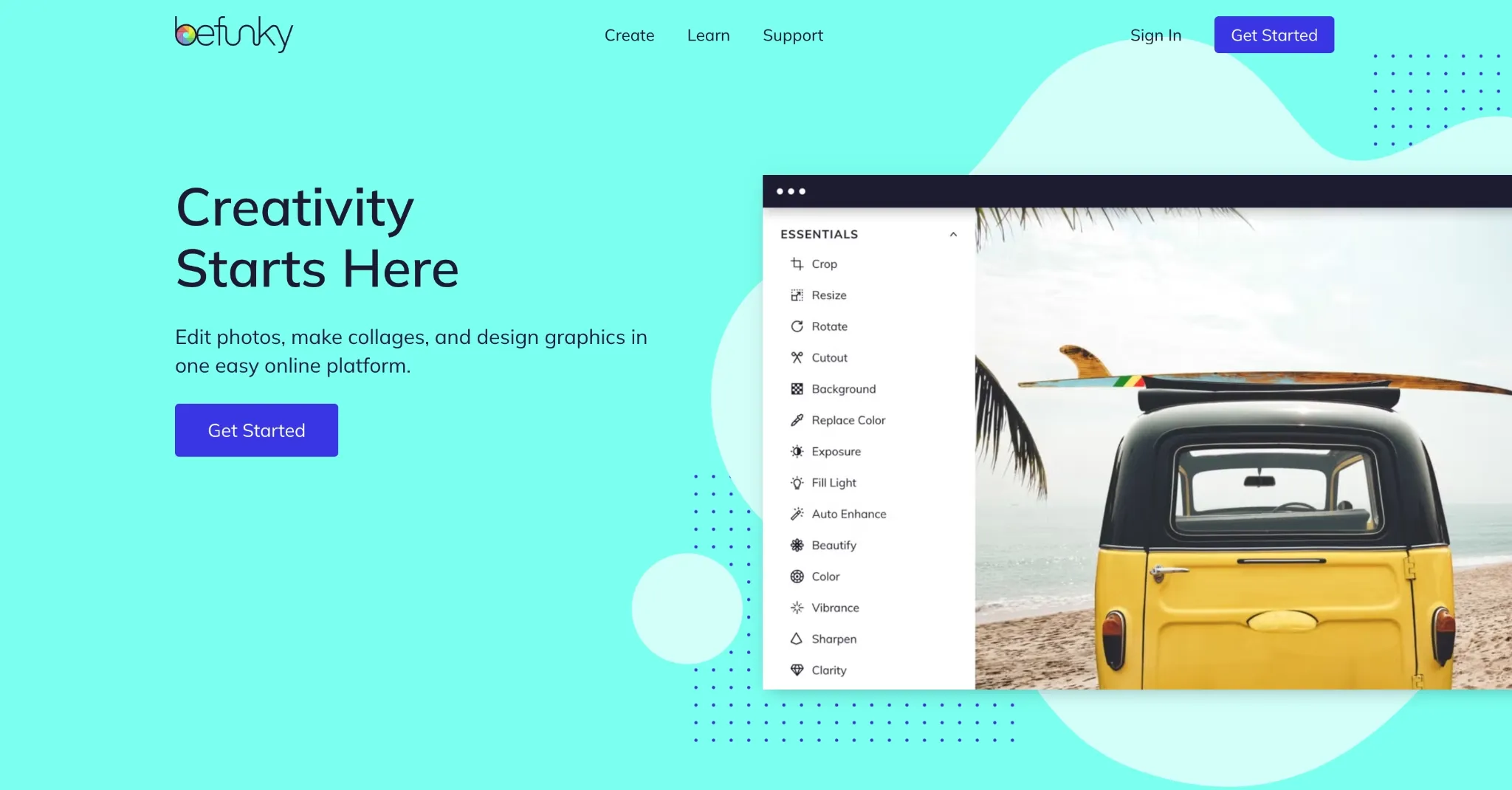
I like using BeFunky from time to time because the editing options cater well to visual experimentation. Right away, I was excited to see such a wide range of effect options that include cartoonizer, painting, watercolor, sketch, and mosaic.
While most other tools restrict the number of effects you can use, I appreciate how this one provides several photo-to-painting effects without an account. For this reason, I really recommend it for editing fun personal or social photos.
Whether you want to turn them into cartoon, painting, watercolor, sketch, or mosaic-style images, BeFunky is a great choice. On the other hand, if you just want basic editing help, the traditional browser editor can help with image resizing, cropping, sharpening, lighting, etc.
The only thing I dislike about using BeFunky is that several AI editing tools and features like batch processing are locked behind a paywall. So, if you need AI assistance, I’m giving you a heads up that you might find it tricky figuring out what’s free and what isn’t.
Pros
- Numerous free-to-use image effects
- Instant image transformations
- Basic editing tools are free
Cons
- Most AI image tools are paylocked
- Comes with a clunky editor
#8. Magic Eraser: Best AI Photo Editor Free for Photo Cleanup
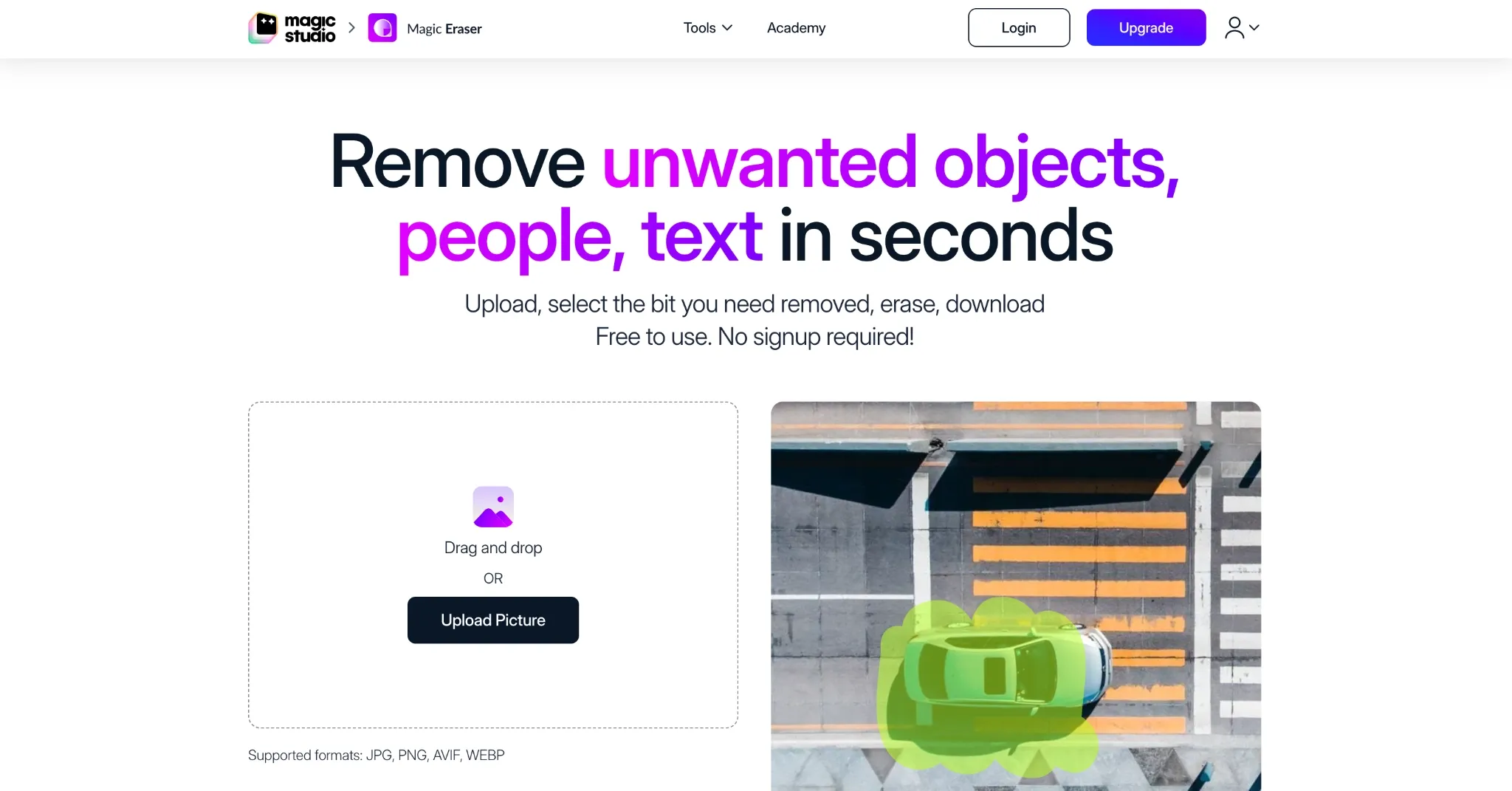
With Magic Eraser, it’s all about photo cleanup. I’ve often used it in the past to remove unwanted objects, people, text, logos, stickers, or other distractions. And a big reason is that it makes polishing images so simple, even on mobile.
I just mark the areas manually using the brush control and hit the ‘Erase’ button. And while I’ll admit having automatic marking would be better, for a no-sign-up tool, I can’t complain too much. Magic Eraser does the job; no muss or fuss.
Beyond that, I’ll confess that it doesn’t offer much else. It’s not a complete photo editor, but rather a task-specific tool, so it lacks several other features that you may often need. Normally, I would say check out Magic Studio for more, but that requires a sign-up.
So, if one-off cleanup is all you need with zero watermarks to worry about, then I’d say you’re good to go. Plus, Magic Eraser supports most image formats. Just avoid uploading images with complex backgrounds; I’ve seen that it may not perform too well.
Pros
- No watermarks after editing
- Basic edit brush controls
- Quick image exports
Cons
- Only offers image erasing
- Not suited for complex backdrops
#9. EzRemove: Best AI Photo Editor Free for Quick Variations
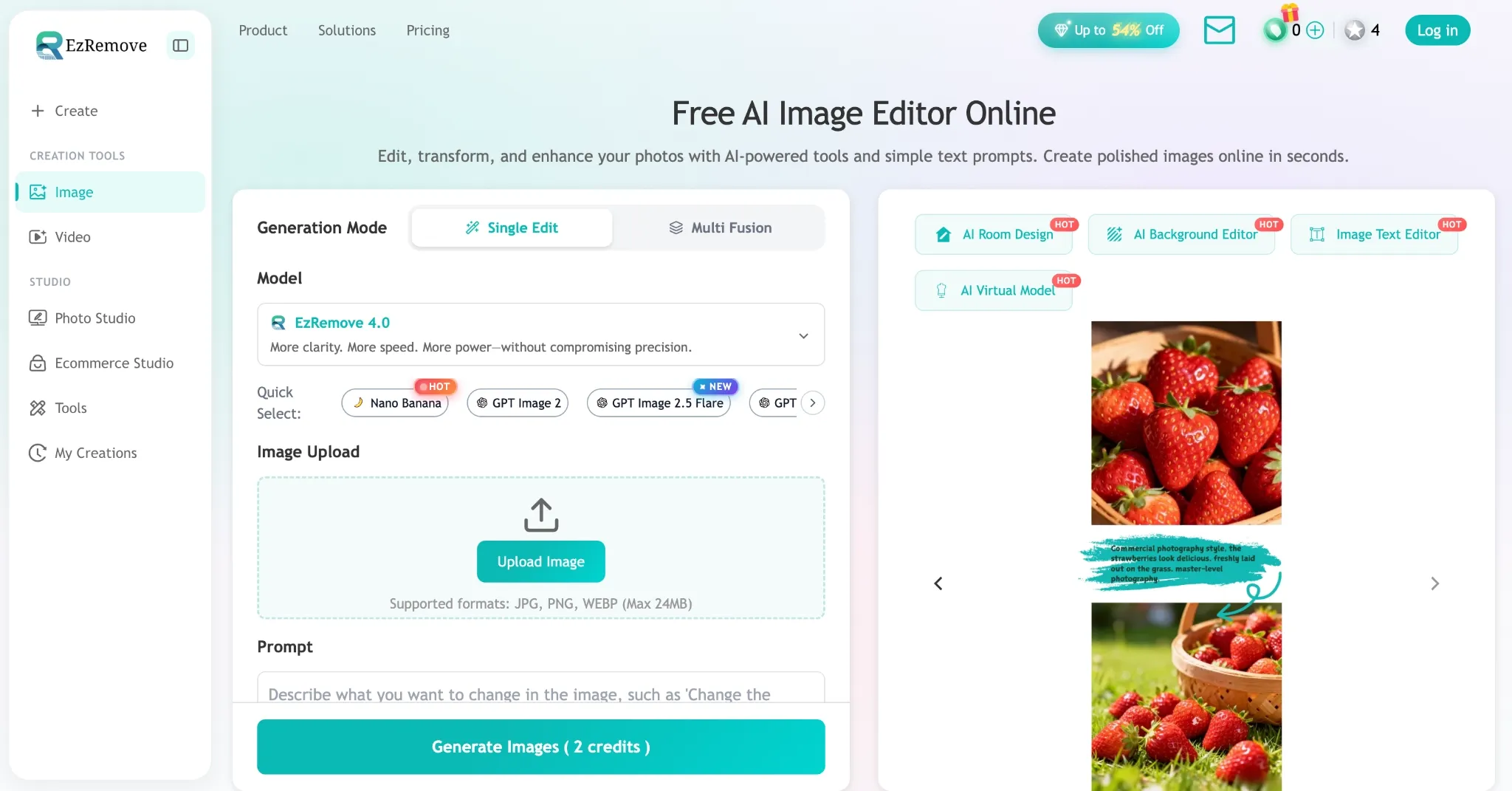
From my experience with EzRemove, I think where it shines is in the multitude of AI image models it has. Not many no-sign-up AI photo editors consistently update their image model libraries, but this one does a great job of that.
From GPT-Image 2.5 to Seedream 5.0, I was surprised that it has all the top options with no restrictions for free users. In fact, EzRemove even has its own proprietary image model that I could freely use without signing up.
But I quickly realized that it provides very few credits to free users, so I couldn’t use it more than about 3 times. Luckily, the platform refreshes its daily free credits, so if you’re looking for an occasionally free AI editor to experiment with, then EzRemove may be worth looking into.
Just remember that not every image model is available for free. Some, like GPT-Image 2.5 and Nano Banana Pro, require a paid plan. Plus, the prompt adherence on the free models isn’t always solid and without a layered editor, I couldn’t make precise changes, either.
Pros
- Prompt-based image editing
- Multiple image models available
- Supports most basic editing requests
Cons
- Offers very limited daily credits
- Some AI models require a paid plan
#10. Cleanup.pictures: Best AI Photo Editor Free for Simple Inpainting
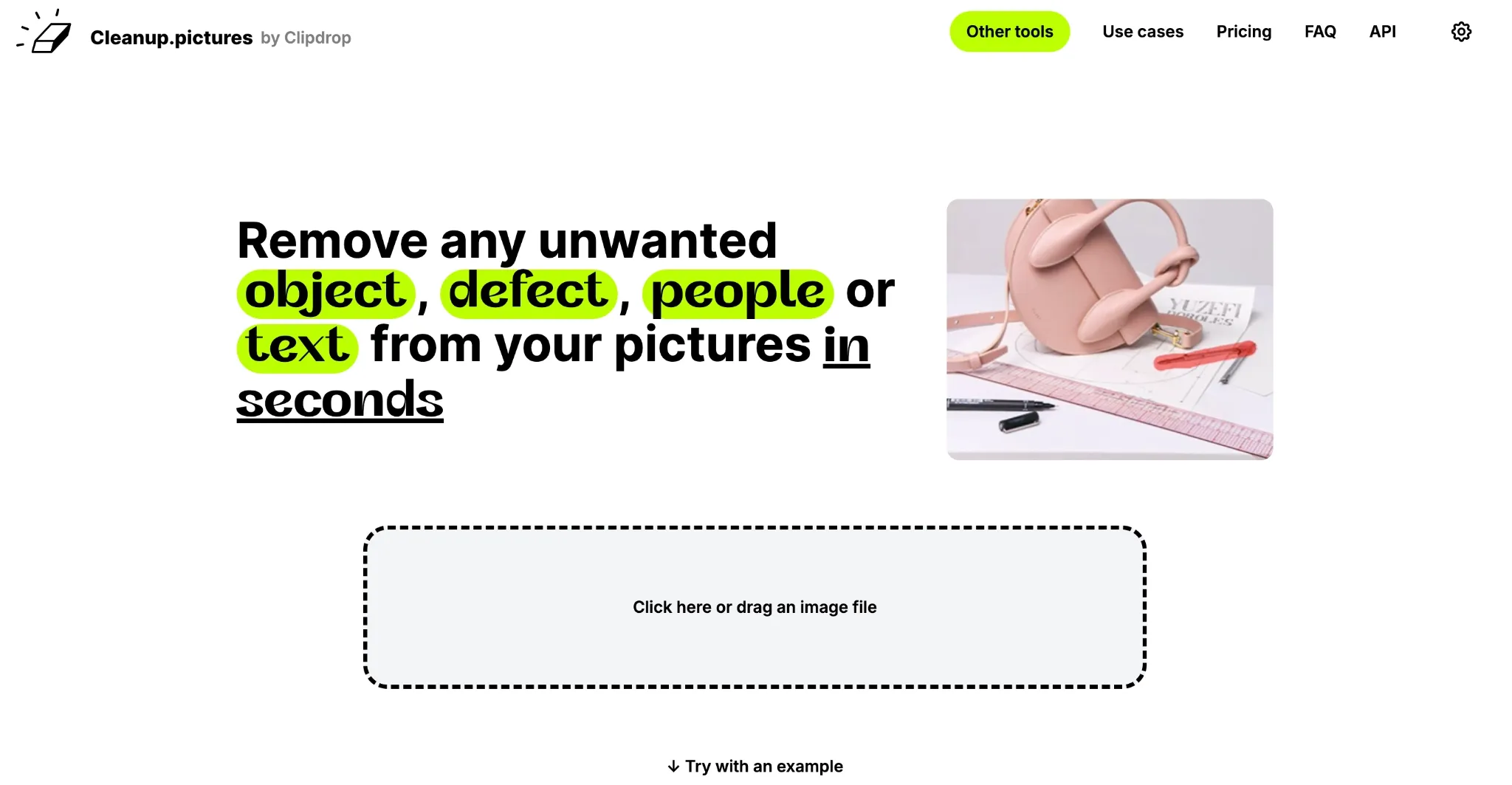
Cleanup.pictures is a brush and inpainting tool I came across that you can use at no cost. It’s so practical, and I found that it works particularly well for removing text, logos, and watermarks from images, so I’d mostly suggest it for such tasks.
Otherwise, it shouldn’t come as a surprise that it doesn’t work beyond cleanup. If you want a general editor, then this is not it. But the good news is that its scene reconstruction is, for the most part, effective. However, the platform is not perfect.
There are times when I tried to use the tool, but it kept producing an error message, so it seems that the platform may face downtime issues. Frankly, I think Cleanup.pictures is more of a last-resort kind of option that may or may not work, depending on the time of day.
Also, Cleanup.pictures has resolution restrictions for free users. So, it doesn’t deliver outputs above 720p unless you sign up. As long as you keep that in mind, then it may be of help, especially if no other better tool is available to you.
Pros
- Simple brush-and-inpaint
- Super user-friendly platform
- Instant AI inpainting results
Cons
- Free output is limited to 720p
- Restricted to image cleanup only
Conclusion
Finding an AI photo editor free no sign-up is not easy; I understand the frustration. But this top 10 list will not let you down. I’ve tried and tested them myself, and if you’re still not sure what to use, just try the Pollo AI tool. Sign up or not, I consider it the best of the best for image editing!