10 Best AI Text to Image for Professional Use: Here’s My Review
I think we’ve reached a point in time where professionals across all niches must capitalize on AI image tools. Between deadlines, creative experimentation, and the constant demand for new content, what you need is the best AI text to image for professional use. So, I’ve compiled a solid top 10 list, which should save you a lot of time. Be sure to read on for all the details!
TL;DR
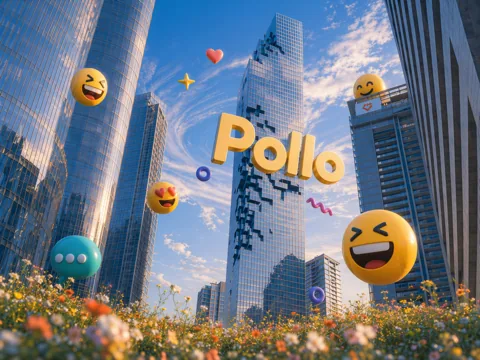
Pollo AI is the best professional AI image generator because it supports a broad range of creative workflow needs, starting with access to 30+ leading image models. Whether I want to render character shots, product shots, artistic compositions, or landscapes, its ability to generate photorealistic imagery and preserve visual identity across the board is unmatched.
Best AI Text to Image for Professional Use: At a Glance
I’ve tried and tested all 10 of these tools, but before I get into the in-depth details, let me give you a quick rundown of what makes each tool unique and how they compare with one another:
| Tool | Best for | Strengths | Limitations |
|---|---|---|---|
| Pollo AI | Overall professional versatility | 30+ models, product images, typography, consistency, aspect-ratio control | Credit-based usage can be difficult to compare across models; quality varies by selected model |
| Adobe Firefly | Adobe workflows and brand teams | Photoshop/Illustrator/Express integration, Generative Fill, vectors, Content Credentials, commercially safe Adobe models | Best value depends on already using Adobe; premium partner models consume credits |
| Midjourney | High-end art direction and concept imagery | Strong aesthetics, personalization, style references, large creative community | Less convenient for structured brand production; private generation requires Pro plan |
| Magnific AI | Professional image generation, upscaling, and creative workflows | Multi-model access, Magnific One, Brand Kit, 4K/10K upscaling, editing, API, collaboration | Higher starting price than many image-only tools; credits and model-specific limits require planning |
| Ideogram | Typography, posters, logos, and text-heavy graphics | Strong in-image text, editable text layers, private generations, quality exports | Priority credits expire; the free/community workflow is less suitable for confidential work |
| Recraft | Vectors, icons, illustrations, and brand assets | Editable vectors, design-ready typography, custom styles, mockups, API | Free outputs are public and not licensed for commercial use; paid credits reset |
| Leonardo AI | High-volume creative production | Several AI image models, built-in presets, private generations, token rollover on paid plans | Token costs vary by operation; free-tier ownership terms are less straightforward |
| Canva AI | Fast marketing production for non-designers | Templates, Brand Kits, layout tools, stock library, collaboration, AI inside designs | Image generation is part of a broader allowance; complex AI actions use more allowance |
| Krea | Rapid experimentation and multi-model workflows | Real-time generation, image editing, enhancement, model training, broad model access | Compute units make output cost less intuitive; premium models require paid plans |
| Playground AI | Template-led design and accessible editing | Access to GPT Image, Nano Banana, Seedream, templates, upscaling, background removal, commercial license | Pro quotas are credit-based; advanced resolution and unlimited generations require higher tiers |
#1. Pollo AI: Best AI Text to Image Generator Overall
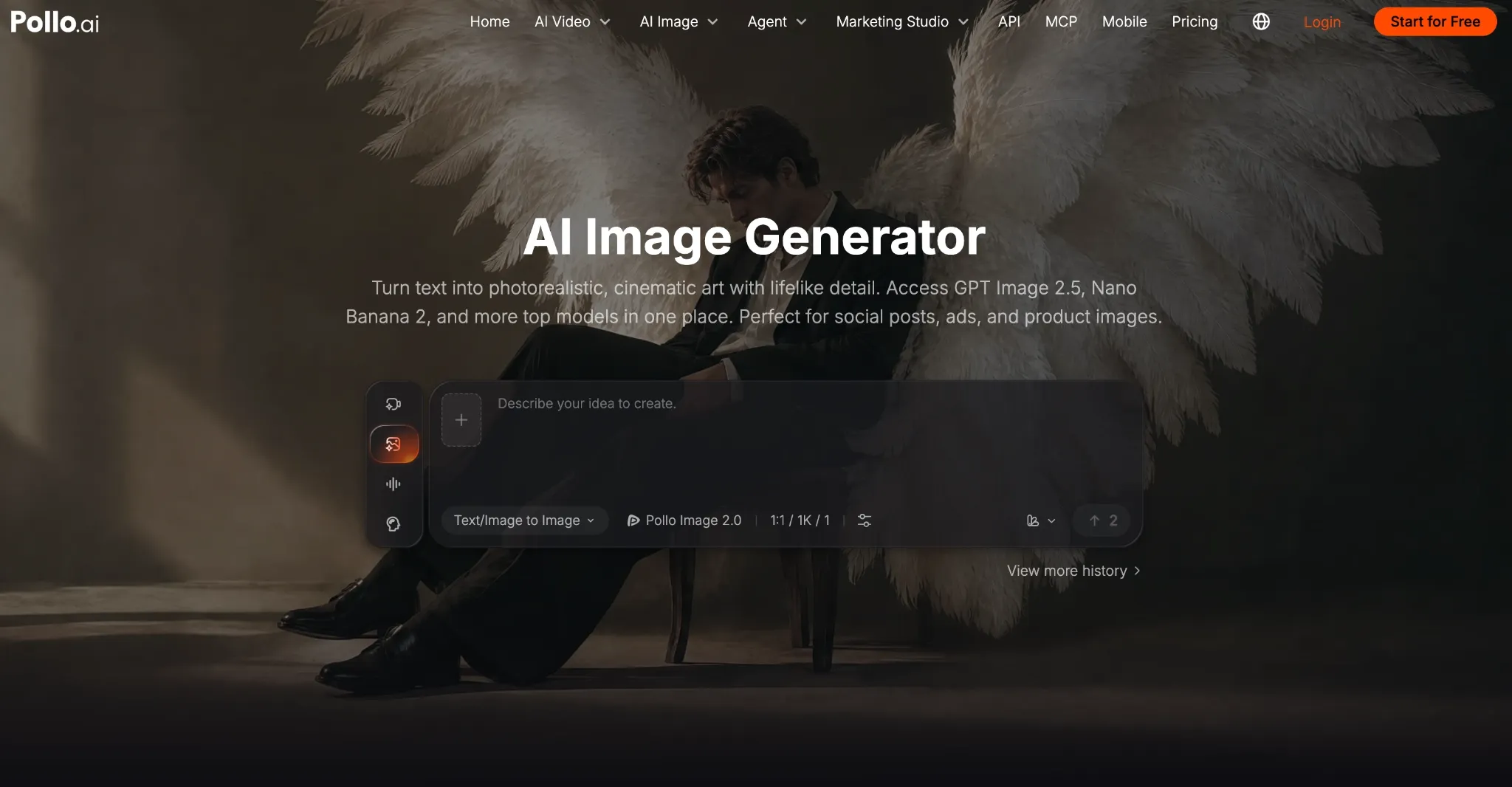
When I pictured the ideal text to image generator, I wanted something versatile and comprehensive enough to support all of my creative needs. A little greedy, I know! But then I came across Pollo AI image generator, and I’ll admit that my expectations weren’t just met, but surpassed.
What makes Pollo AI my contender for the best AI image generator is that it doesn’t just confine me to a single model, but rather brings more than 30 image models into one workspace. More importantly, it provides a stable, seamless, and swift interface that makes the entire image workflow effortless.
I can switch between top-class AI models like GPT Image 2.5, and Seedream 5.0 Pro, ensuring that I have the right tool for the task. Whether it's photorealistic shots, stylized character design, cinematic concept stills, etc., I have multiple options to nail the result.
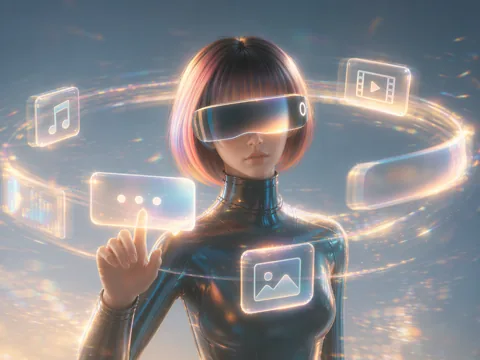
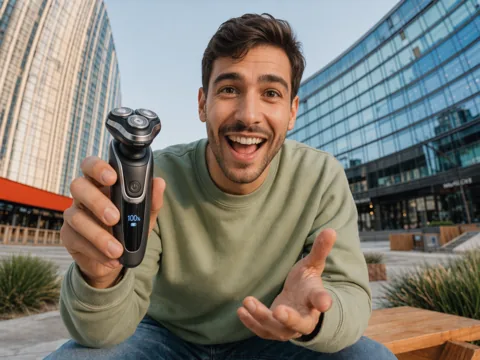
What’s more? Pollo AI’s image generator delivers stunning outputs with a solid level of consistency compared to most alternatives out there. In fact, I’ve particularly seen it excel at photorealism, producing character images with convincing skin texture, lighting, and fine detail.
Even the character consistency is excellent. Using a subject image, I tested its capacity to maintain visual identity in multiple poses, settings, and angles. Each time, it preserved the character’s visual traits for a natural performance with no obvious inconsistencies or drift.
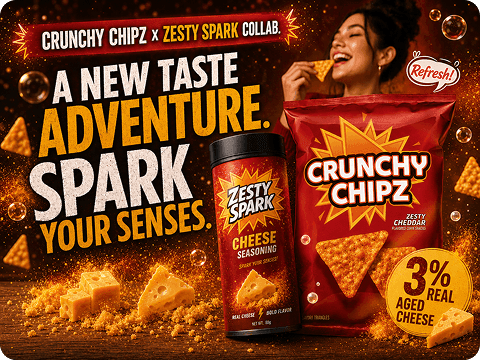
I also rendered a few product photos and saw no issues with detail, lighting, or typography, either. All in all, I’d say Pollo AI can handle any creative task you throw at it. Plus, I appreciate how it has its own mobile app, so I can freely generate images even on the move!
Pros:
- Ensures solid character consistency
- Impressive photorealism capabilities
- Multiple AI image models in one space
- Can be accessed via mobile app
Cons:
- Limited credits offered on free plan
- Credit usage varies widely by model
#2. Adobe Firefly: Best AI Text to Image Generator for Adobe-Centric Teams
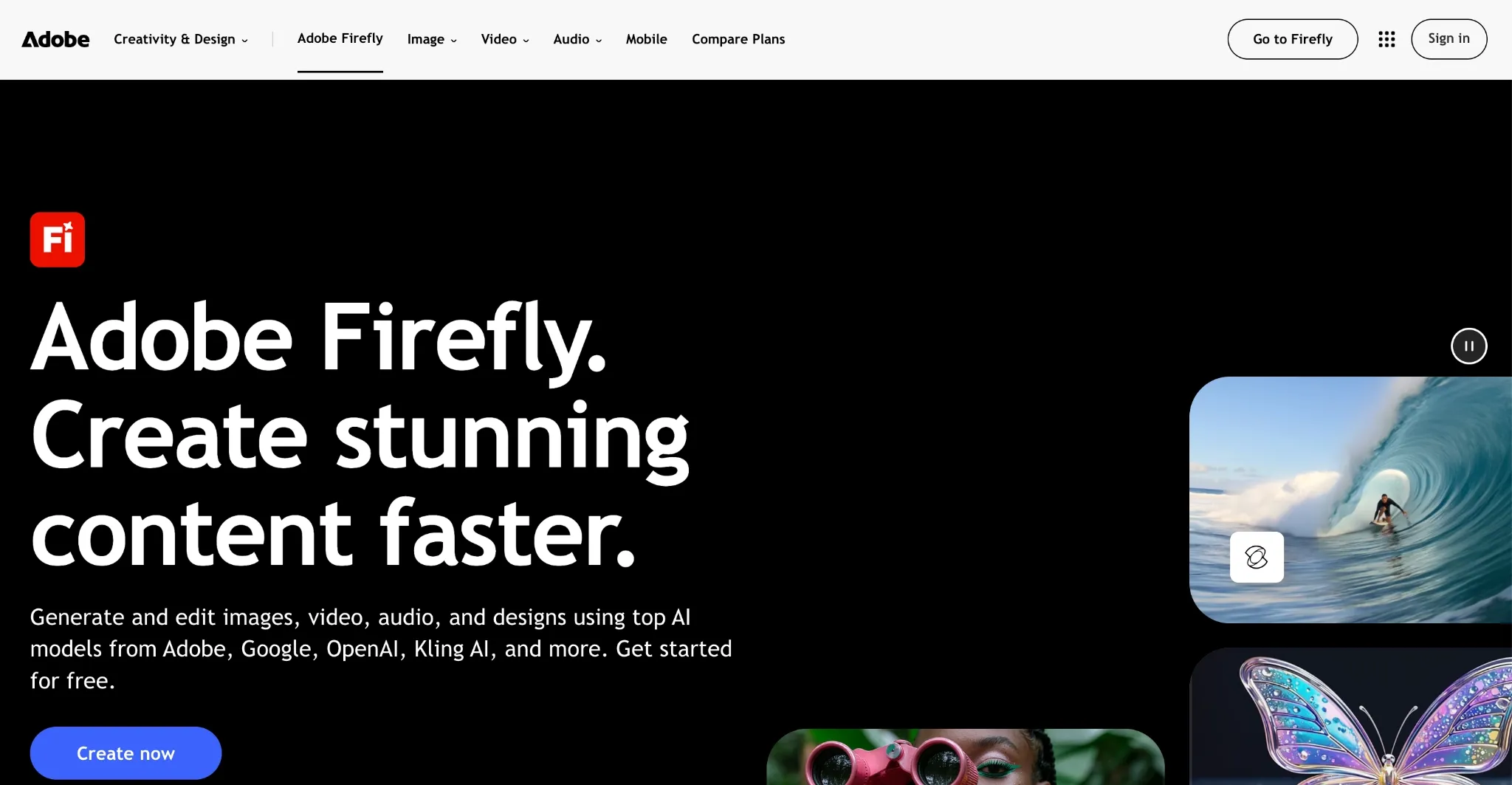
If you already work within the Adobe ecosystem, then I find Adobe Firefly to be an ideal choice because you can sync all your projects across Photoshop, Lightroom, etc. Personally, I’ve always enjoyed how every prompt I input here generates up to four suggestions.
This often helps me conserve credit usage, especially when I’m attempting to render rough concepts and ideas from scratch. Firefly also has several editing tools that I find quite useful, enabling me to add or remove objects, change backgrounds, adjust color and lighting, etc.
More importantly, any images I generate using Adobe Firefly models can be used in commercial projects, which is why I recommend it for social posts, thumbnails, flyers, etc. However, I don’t think it’s well-suited to imaginative renders. I often find its outputs to be a little generic.
Pros:
- Excellent Adobe integration
- Various image editing tools
- Free daily generations available
Cons:
- Not suited to creative experimentation
- Doesn’t respond well to complex prompts
#3. Midjourney: Best AI Text to Image Generator for Art Direction
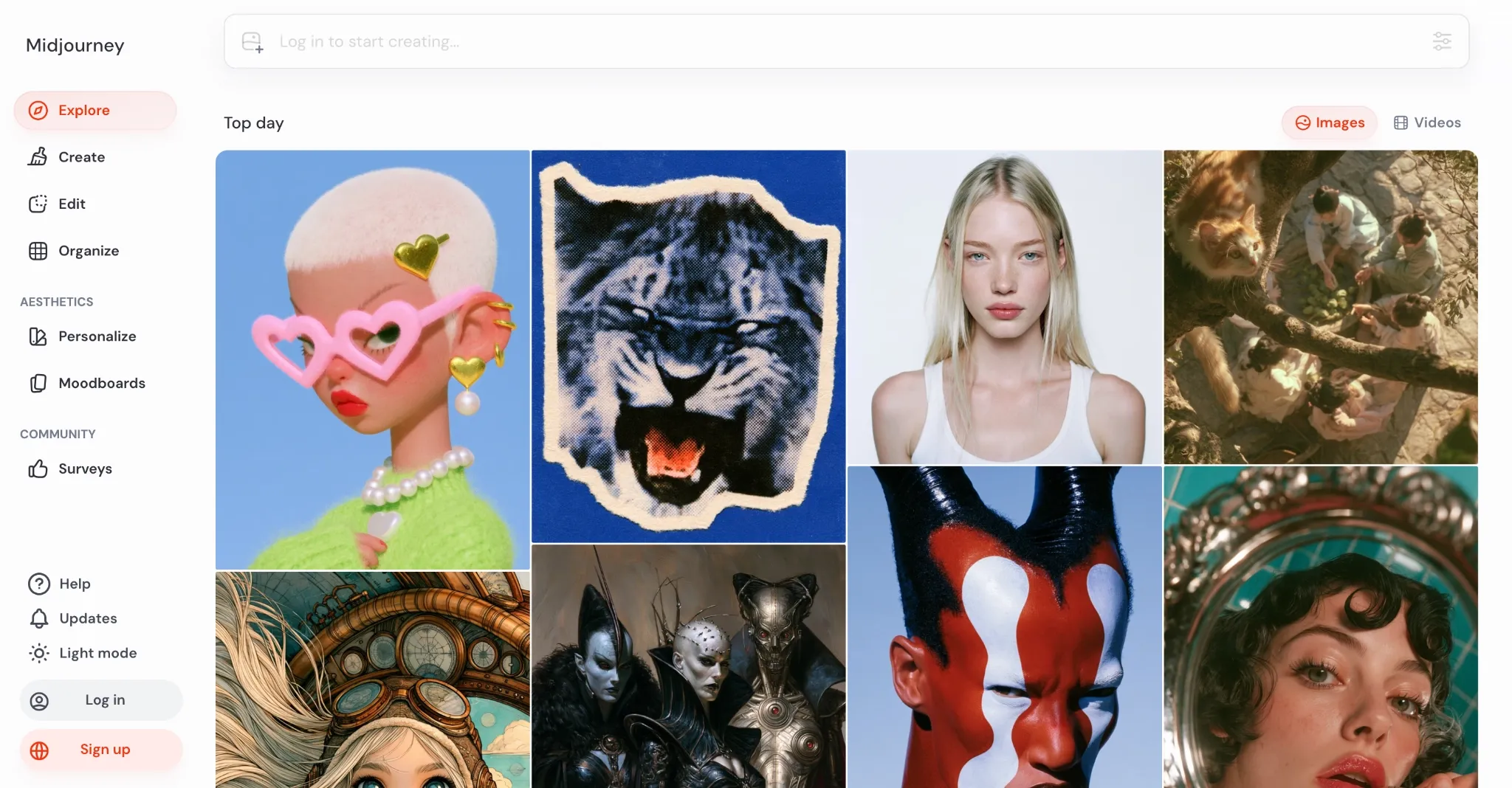
I’ve spent a lot of time on Midjourney, and I believe it’s a great option for creating distinctive concept images. Ironically, it’s not the best at following prompts accurately, but that’s exactly what I think makes it perfect for creative experimentation.
I have often seen it take its own liberties with inputs, which is why I don’t think it’s suited to product or campaign-related projects. But if fun, artistic exploration is the end goal, then I can attest to how the results can be quite imaginative, especially across unique art styles.
Midjourney also has moodboard and personalization features that let me set a style for any given project, be it a campaign, animation, cinematic, etc. However, my issue with this platform is that there is no free tier. Plus, any creations I make are public unless I get a Pro plan.
Pros:
- Excels at abstract and stylistic imagery
- Users can personalize/tailor aesthetic output
- Offers high native resolutions
Cons:
- Privacy requires higher tiers
- No free plan available
#4. Magnific AI: Best AI Text to Image Generator for Enhancement
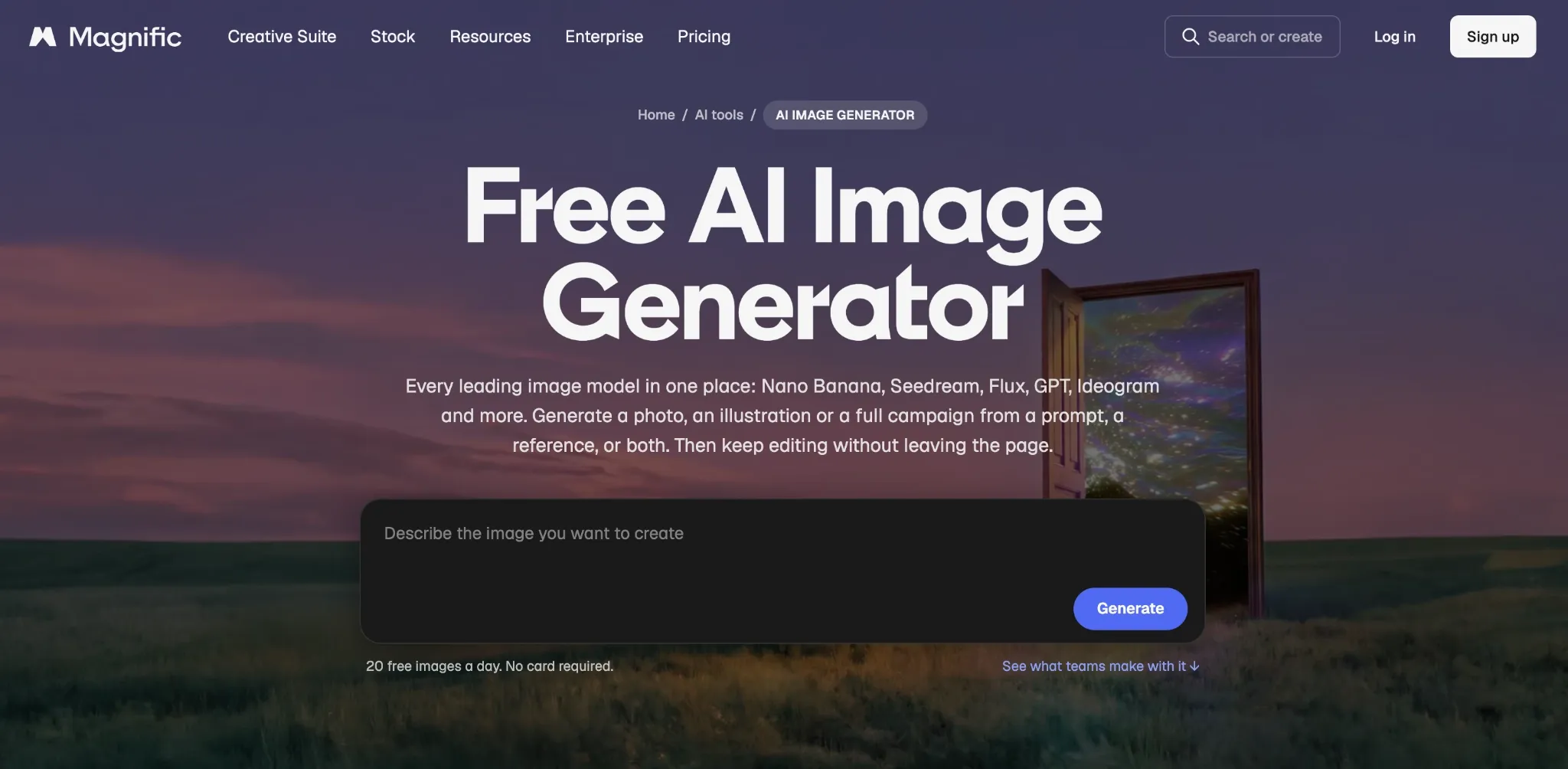
Need to go from rough concept to polished image in a hurry? Then I would suggest heading over to Magnific AI. While it can generate quality images from scratch, I think what sets it apart is its extended suite of image enhancement tools, especially upscaling.
I can upscale images up to 10K, and it offers access to several other powerful image editing tools, including background removal, camera view adjustment, etc. It also offers custom character and brand kit features, making it easy for me to create a repeatable workflow.
Plus, I can access various AI image models, such as Seedream, Flux, Recraft, etc., and it offers up to 20 images per day for free. But the downside is that only the in-house model is free to use. Also, Magnific AI’s paid plans can be somewhat expensive.
Pros:
- Powerful image enhancement tools
- Custom character and brand kit features
- Access to stock images, vectors, templates, etc.
Cons:
- Expensive pricing plans
- Credits tend to deplete quite fast
#5. Ideogram: Best AI Text to Image Generator for Text-Heavy Graphics
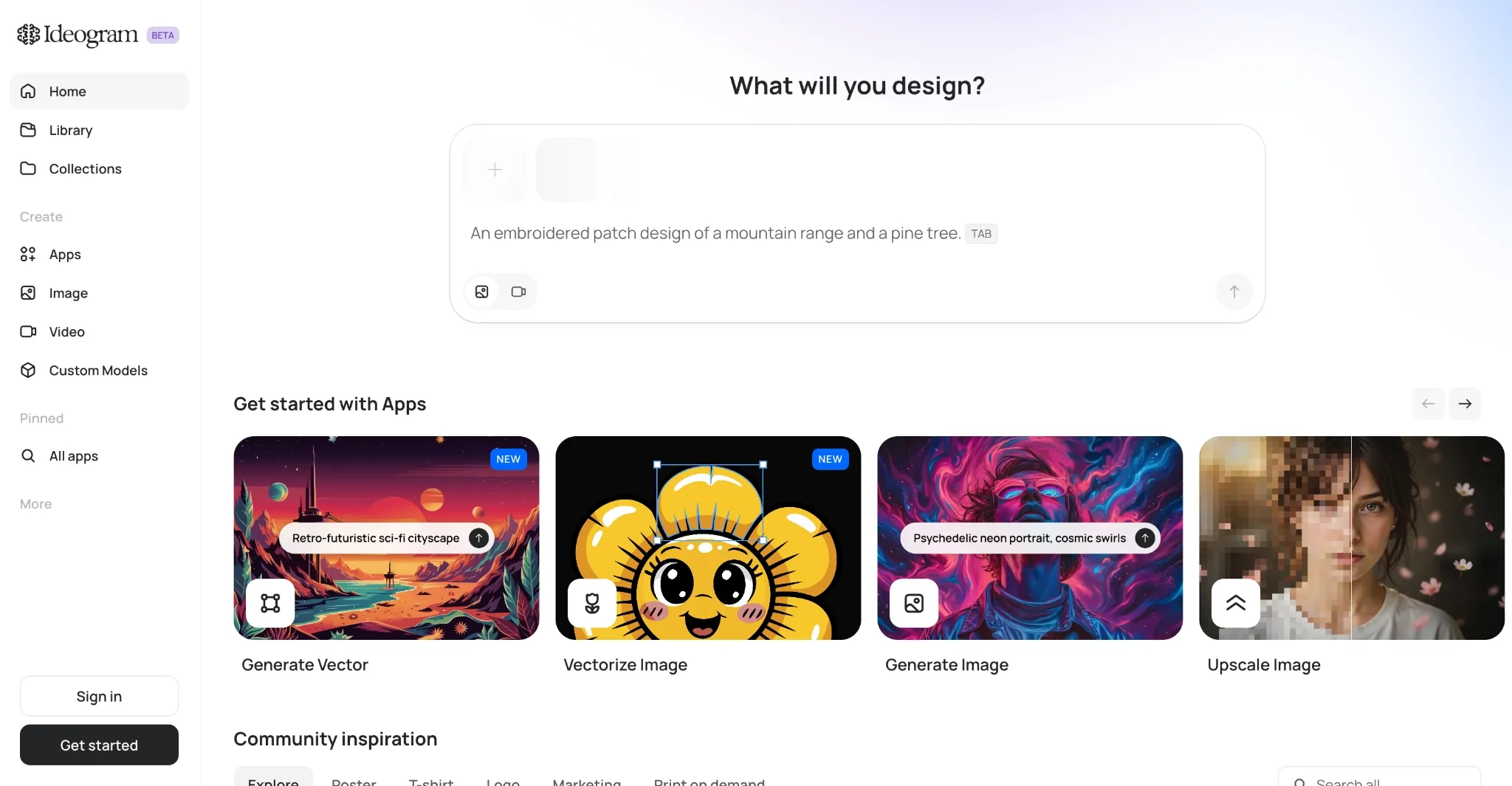
Whenever I’m looking to generate logos, posters, flyers, ads, or any other asset with in-image text, Ideogram is often a strong choice for me. I’ve used it to produce signs, labels, and even headlines, and it almost always renders legible text; no gibberish or poor spelling.
It also has a wide model library, and I’m a fan of its precise image editing capabilities. Using prompt-based instructions, I can make accurate changes to recolor, relight, restyle, and more. Ideogram even supports batch image processing, and I can also use it to create custom models.
This makes it easier to nail a specific style/identity and generate multiple outputs, which can both prove valuable for extended projects or product/brand campaigns. On the flip side, I dislike how free-plan generations remain public and that free credits are replenished very slowly.
Pros:
- Strong image typography capabilities
- Precise image editing tools
- Caters to batch image generation
Cons:
- No privacy on the free plan
- Replenishes free credits slowly
#6. Recraft: Best AI Text to Image Generator for Vector Art
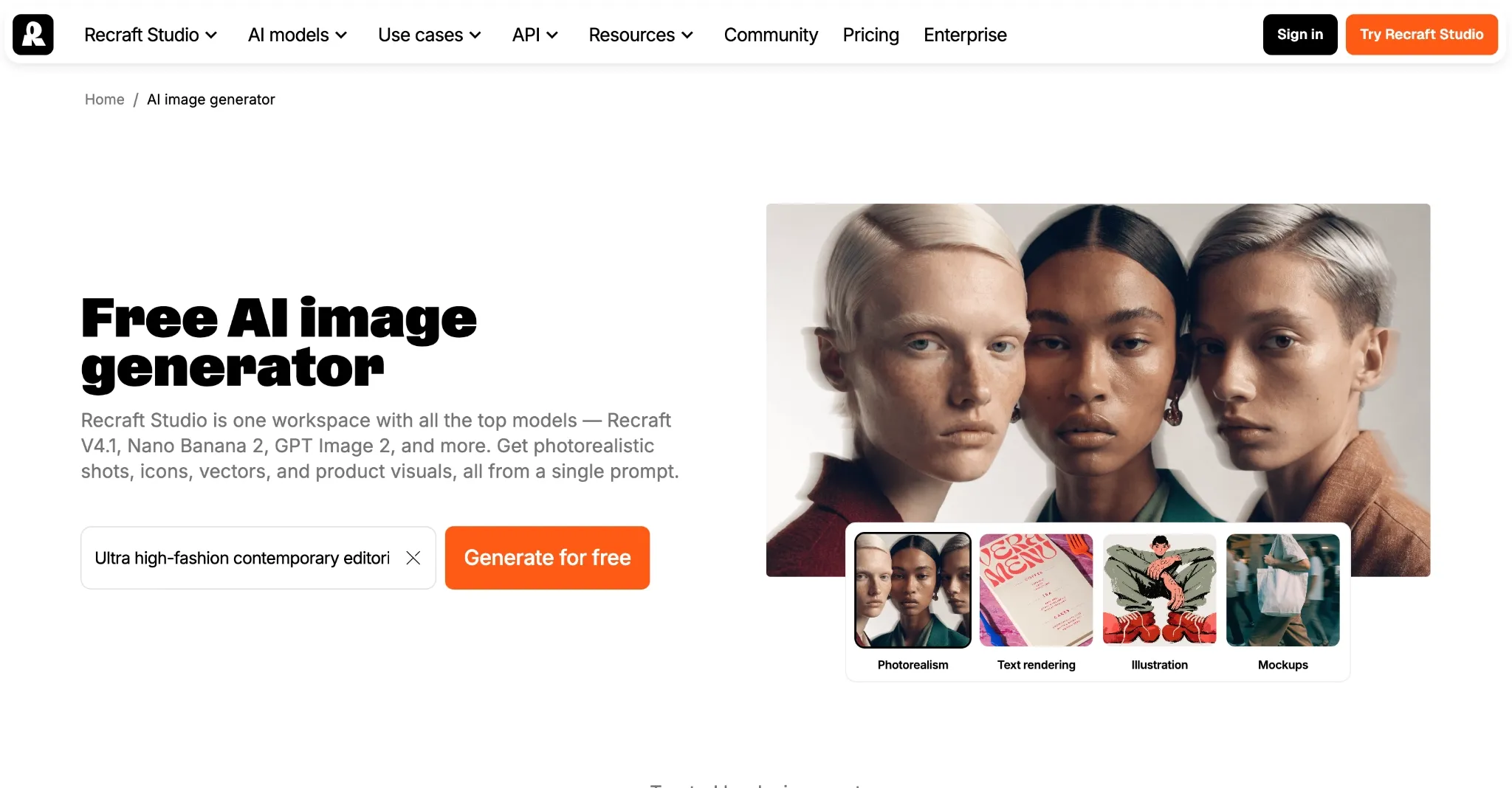
For complex and editable vector generation, I would put Recraft at the top of my list. Whether I need icons, illustrations, mockups, or other similar designs, this tool can render editable SVG files, making it perfect for a wide range of design projects.
I particularly enjoy the style creation feature, which lets me provide reference images and apply their style across new generations and saves time in editorial design. Also, the built-in editing tools for background removal, inpainting, upscaling, etc., make it a comprehensive workspace.
But the free plan doesn’t allow commercial use, so I wouldn’t recommend it unless you’re willing to upgrade. Moreover, I don’t think it responds well to casual prompting. I had to be very detailed to get the exact results I wanted, which is frustrating because it consumes credits fast.
Pros:
- Best at vector and illustration renders
- Broad AI image editing suite
- Caters to specific style referencing
Cons:
- Needs intentional prompt instructions
- Free plan is very restrictive
#7. Leonardo AI: Best AI Text to Image Generator for High-Volume Production
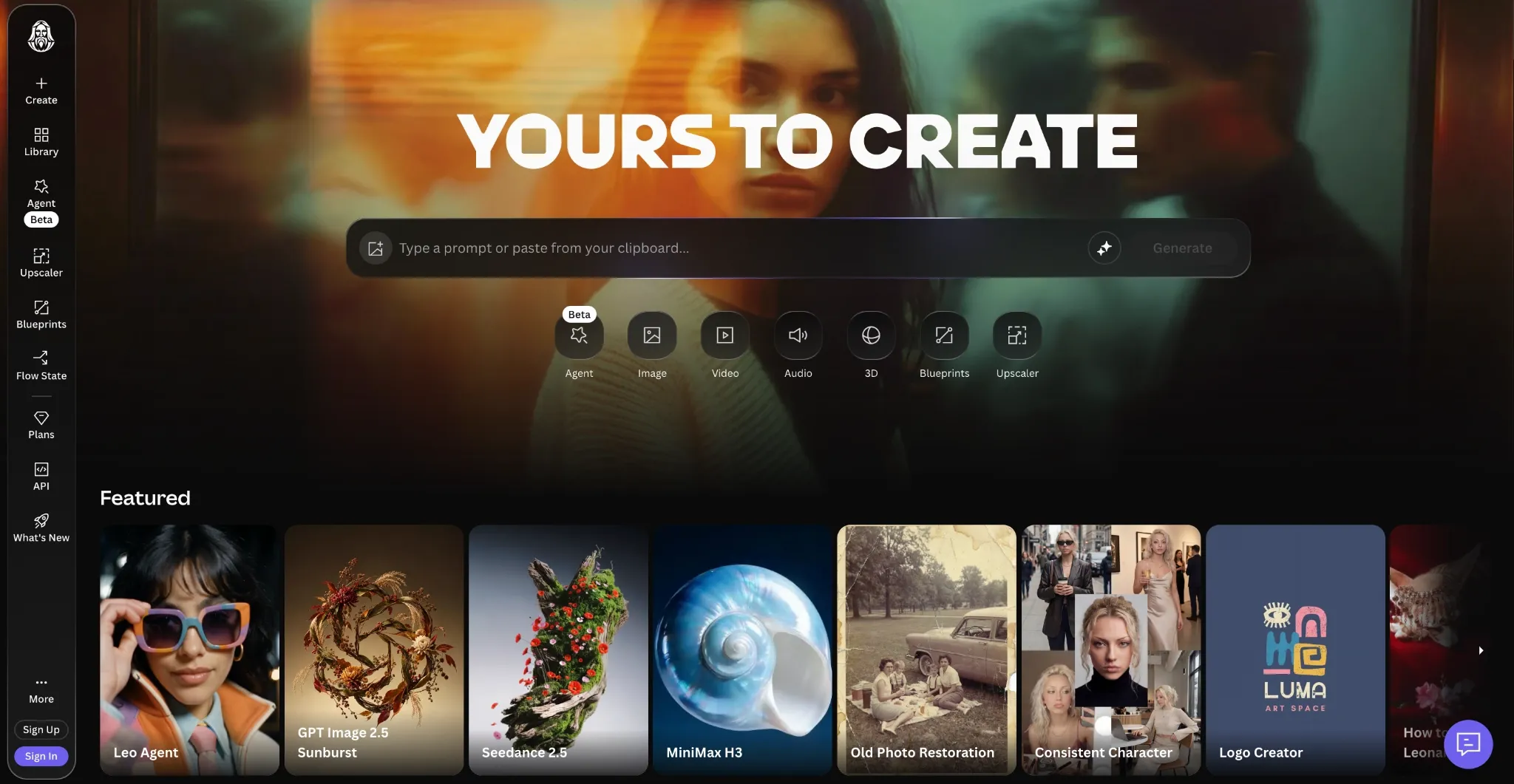
Leonardo AI can train and host custom LoRAs, which I’m confident can be useful to small teams and content creators who balance multiple creative projects at a time. But what impresses me most about this professional AI image generator is the real-time canvas feature.
With this, artists and designers can turn sketches into artworks in real time, then, using prompts, direct the AI to generate what they want to see in the scene. This alone, I believe, makes it ideally suited to comic illustration, cinematic concept work, game design, etc.
On the other hand, I’m not a fan of how Leonardo AI’s interface is a little slow to respond and yet filled with numerous options. For first-time users, especially, it can be a lot to adjust to, so I think the learning curve may be a little steep.
Pros:
- Allocates up to 150 free tokens per day
- Custom LORAs supported
- Real-time sketch-to-art feature
Cons:
- Sluggish and dense user interface
- Token consumption varies heavily per task
#8. Canva AI: Best AI Text to Image Generator for Fast Marketing Content
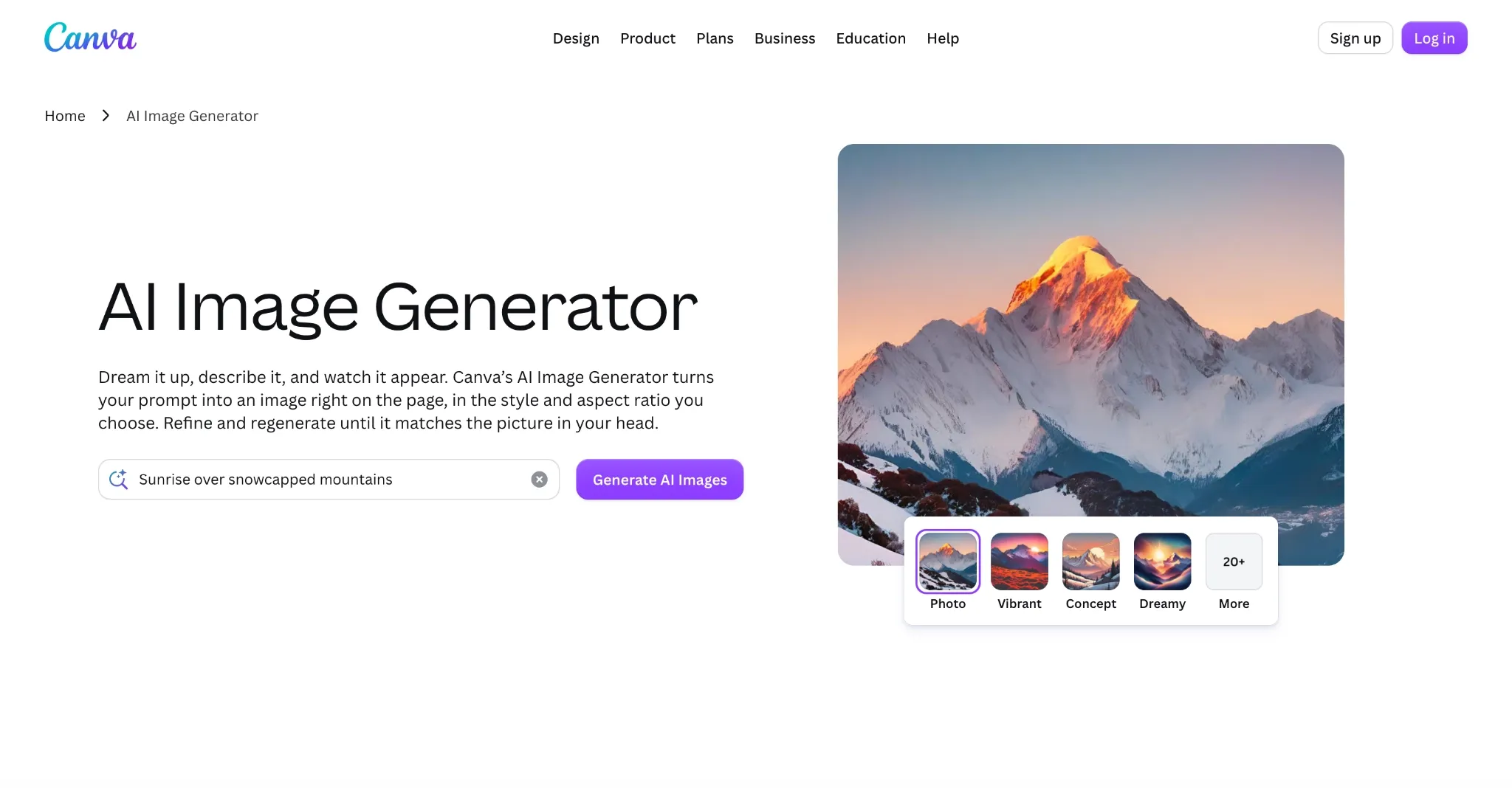
For creating social media graphics and campaign-related assets, I’m a big advocate for Canva AI. Primarily because of its vast library of premium templates, stock content, and design tools that can help anyone turn an idea into a publish-ready post in no time at all.
I’ll be the first to admit that it isn’t the most creative text-to-image generator out there. Aside from the 10+ prebuilt style options it offers, I wouldn’t rely on it to render imaginative/fantasy art. But I’ve seen that it works well for product shots, landscapes, and other structured imagery.
Also, I’m confident the platform’s Magic Studio editing suite can accommodate such projects well, be it erasing unwanted objects, expanding existing photos, swapping the background, etc. However, I’m always frustrated by how Canva AI offers only one model for generation.
Pros:
- Numerous templates available
- Several AI image editing tools
- Has a simplistic user interface
Cons:
- Limited to a single in-house model
- Not built for artistic image creation
#9. Krea: Best AI Text to Image Generator for Real-Time Experimentation
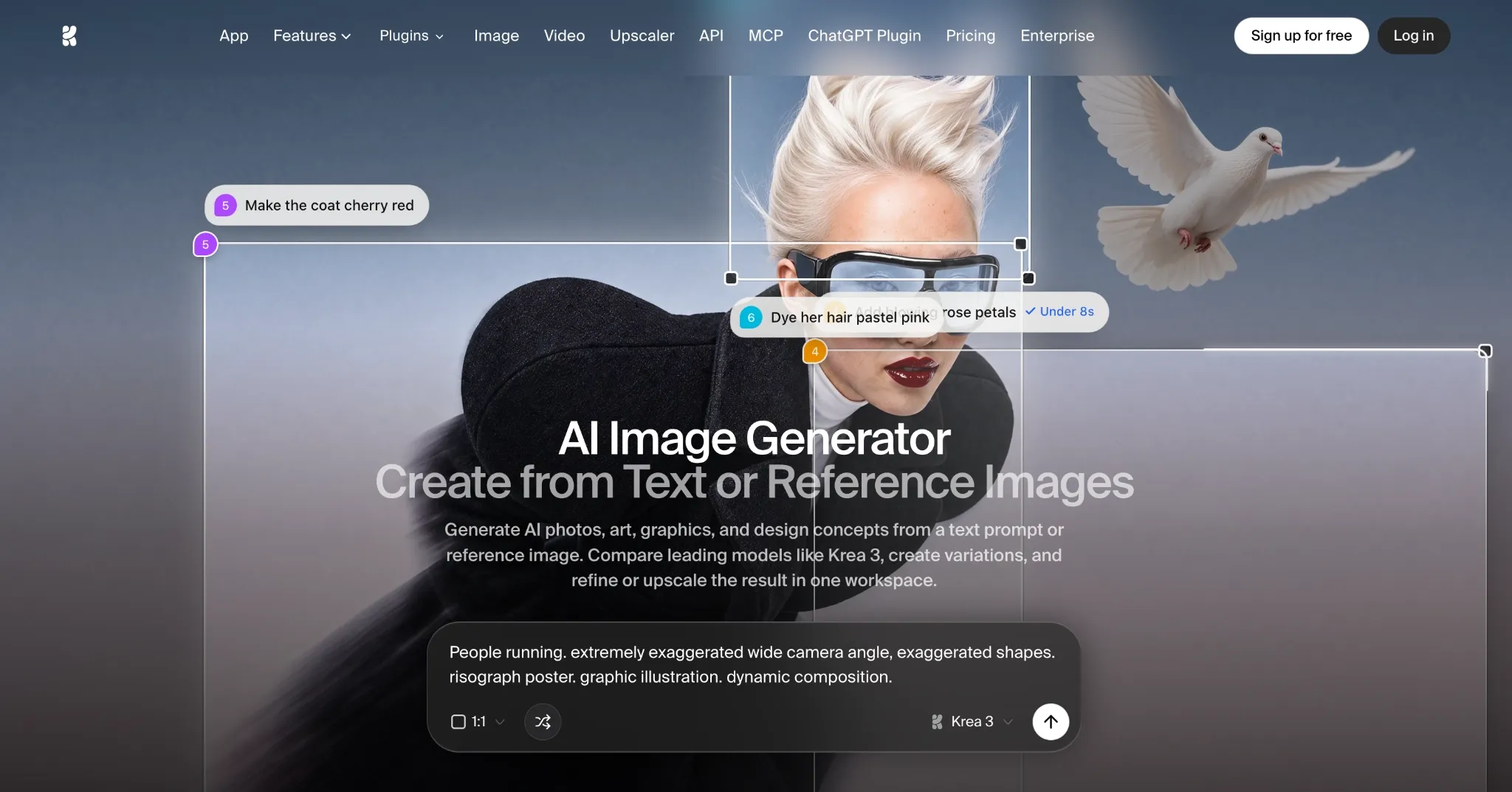
If I had to sum up Krea, then I’d say it’s a professional AI image generator built purely for speed and iteration. And the reason I say this is because Krea can turn any text prompt into an image within seconds, making it the perfect tool for rapid experimentation.
Now, that doesn’t mean the outputs are perfect. Most of the time, the imagery is a relatively good fit for early-stage ideation like mood boards, 3D character art, etc. So, I wouldn’t expect polished quality, but I think it can be quite useful for exploring new ideas with immediate results.
I also noticed how adept it is at combining multiple references to create one cohesive visual. And because of its interactive canvas, making complex edits feels intuitive. But what I dislike most about Krea is that it offers very few models to choose from.
Pros:
- Free plan available
- Lightning-fast generation and iteration
- Real-Time interactive canvas
Cons:
- Few AI image models available
- Credit cost per model varies dramatically
#10. Playground AI: Best AI Text to Image Generator for Template-led Design
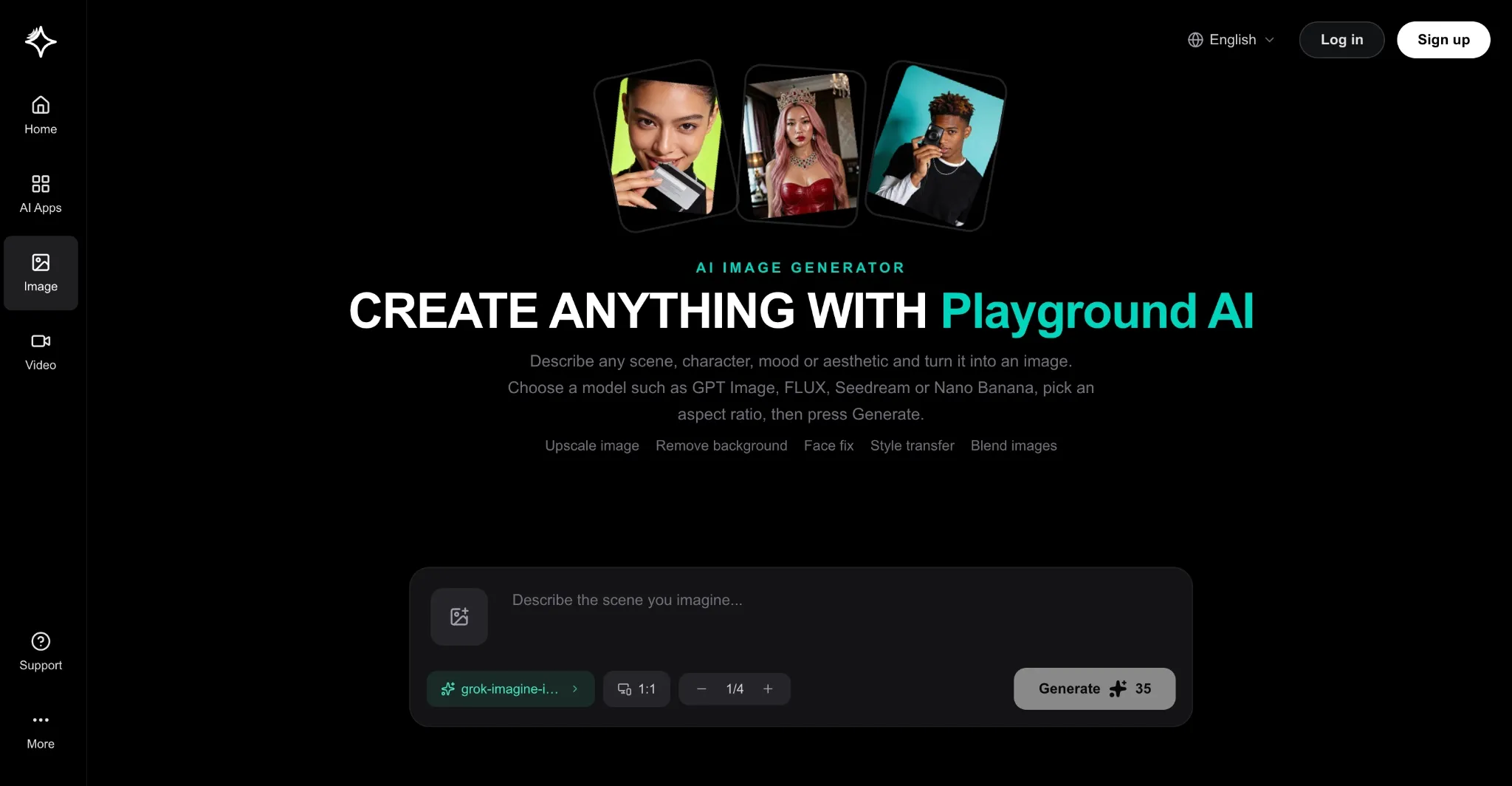
With Playground AI, it’s all about the templates. Here, I can access unique template designs for almost any project, be it logos, t-shirts, posters, stickers, e-book covers, etc. And since it also includes community-created templates, I’m often flooded with options to choose from.
The platform also hosts several image models, which I was glad to see, but I must point out that most of them are locked behind a paywall. Unfortunately, if you want leading options like Seedream 5.0 and Nano Banana, then you’ll need to subscribe to the Pro plan or higher.
It also boasts several handy image editing tools, like cinematic angles, face fix, and style transfer. However, I don’t think Playground AI is ideal for budget-limited users. Even on the Pro plan, I believe that many users will find the credit allocation to be insufficient.
Pros:
- Has a free plan for new users
- Vast library of useful templates
- Multiple image editing tools
Cons:
- Heavy restrictions on lower-tier plans
- Not suitable for high-volume work
Can’t Pick a Professional AI Image Generator? Start with Pollo AI
If you’re still on the fence about which is the best AI text to image for professional use on this list, then let me make things easier for you; just head over to Pollo AI image generator and give it a try. You know why? Because it’s completely free for first-time users!
I’ve spent a lot of time testing this tool, and it has yet to disappoint. From cinematic stills to animated designs to photorealistic shots, Pollo AI keeps delivering strong outputs with convincing detail, consistent AI influencers and subjects, and solid text rendering.
Personally, I just enjoy the simplicity that it brings to my daily workflow. Having dozens of AI image models available and at reasonable credit costs, paired with how seamless the interface is, be it on desktop or mobile, makes it my number one draft pick.
Create Images for Your Next Professional Project
Make product shots, campaign graphics, character visuals, and polished concepts with Pollo AI’s image tools.
Try AI Text to Image Free
Conclusion
Whatever your professional workflow needs may be, I’m 100% confident that the best AI text to image for professional use is on this list. And while they all have something unique to offer, I believe that Pollo AI is the tool that brings the most value to the table, without question!