



8 Best Image to Image AI in 2026: Free & Unlimited
A great image-to-image AI should change your photo without losing what makes it yours. But how many versions can you make before credits run out? I compared eight tools for anyone searching “image to image ai free unlimited,” looking at what you can try free and where you can keep generating without paying for every attempt.
TL;DR
Pollo AI is my top pick for image-to-image AI because it combines leading image models, easy photo transformations, and practical ways to start free. You can use starter credits and collect more through check-in rewards. Paid Unlimited offers give you more room to explore, with no credit charge for each image made using the included models and settings.
Magnific is worth considering for paid unlimited restyling. Leonardo AI, SeaArt, and NightCafe offer daily free allowances, while OpenArt has a short free trial and Dezgo lets you try basic edits without signing up. ComfyUI can run without a daily image cap on your own computer, but requires more setup and hands-on work.
Free vs. Unlimited: What Are You Actually Getting?
Free means you can start without paying. Unlimited means you can keep generating without using up a fixed number of images. A free tool may stop when your daily credits run out. A paid unlimited plan may let you make as many versions as you like on the models included in that plan.
Unlimited can still involve waiting. Some plans give you a limited number of fast generations, then let you continue in a slower queue. Also check that the offer includes editing your uploaded photo, since some unlimited deals cover only images made from text.
Best Image-to-Image AI Tools at a Glance
| Tool | Best for | Free access | Unlimited option |
|---|---|---|---|
| Pollo AI | Best overall | Starter + check-in credits | Paid: selected leading models, no credits per image |
| Magnific | Frequent restyling | Limited basic tools | Premium+ and above: included edits; slower after heavy use |
| Leonardo AI | Daily experiments | 150 tokens/day | Premium/Ultimate: selected models in a slower queue |
| OpenArt | Photo variations | 40 credits for seven days | Selected paid offers; some edits still cost credits |
| SeaArt AI | Character restyles | Daily Stamina points | SVIP: selected models, no Stamina cost |
| NightCafe | Casual art | Five credits/day | PRO: selected models; uploaded photos can cost extra |
| Dezgo | No-signup edits | Basic 512px tool | No confirmed unlimited plan; upgrades charge by use |
| ComfyUI | Manual local workflows | Free software; own computer | No daily or monthly cap with local models |
1. Pollo AI — Best Overall Image-to-Image AI to Start Free
Best for: Creators who want to try different looks for the same photo without a complicated setup.
I put Pollo AI first because it combines strong image quality with a simple editing process. When restyling an existing photo, I can try a new product setting, a portrait style, or an illustrated look with leading models like GPT Image 2.5, Nano Banana 2.1, and Seedream 5.0—all without switching platforms or rebuilding my brief.
You can start with free credits and earn extra credits through the check-in rewards available in your account. I would use them to try a real photo with warmer lighting, a new background, or a fresh style. The free entry point makes it easy to explore before deciding whether I need a subscription.
Pollo’s paid Unlimited offers let me keep exploring with leading image models without spending credits. I can take one product photo from a marble backdrop to a beach scene, compare several lighting styles, and keep refining my favorite direction. Having different models in one place gives me more creative options as I go.
For studio product photos, that means more chances to find a scene that fits the product. I can also focus on seasonal product backgrounds or make smaller changes through portrait retouching. The appeal is having several ways to improve an existing image, with models to suit different looks.
Example prompt: “Keep the uploaded perfume bottle’s shape, cap, and camera angle. Replace the plain background with pale limestone, add soft morning light, and create a clean luxury product photograph.”
What I got: The bottle’s shape, cap, and camera angle stayed consistent, with a clean outline against the pale stone. Soft shadows grounded it on the surface, and the warmer lighting created a polished product-focused scene. The new setting felt intentional without distracting from the bottle, giving me a useful campaign direction to develop further.
Pros:
- Starter credits and check-in rewards help you explore for free.
- Leading models offer useful choices for different image-to-image tasks.
- Product, portrait, and background tools are in one place.
- The upload-and-prompt process is easy to get started with.
Cons:
- Choosing between image models takes a moment.
- It helps to decide which look you want to explore first.
My Verdict
Pollo AI is my first choice for useful image-to-image results without a complicated process. Starter and check-in credits make it approachable, while leading models and paid Unlimited options give me room to develop a promising image into several strong variations.
2. Magnific — Best for Unlimited Restyling on a Paid Plan
Best for: Designers who regularly need several looks for the same photo.
I would use Magnific, formerly Freepik, when one photo needs to work across several designs. For Instagram campaign images, that might mean trying the same room in warm autumn colors, softer daylight, or a cleaner neutral palette.
Its Premium+, Pro, and Business plans let you repeat included edits without spending credits each time. Restyle and Retouch are among the tools covered. Once your fast allowance runs out, you can keep going, but images generate one at a time and may take longer. That makes unlimited mode useful for exploring ideas when you can afford to wait.
The free account is more limited. Its advertised 20 daily images do not mean 20 free edits of an uploaded photo; photo-editing access depends on the tool. I would choose Magnific mainly for its paid unlimited restyling. Enlarging an image can still cost credits, even when the restyle itself is included.
Example prompt: “Turn this living-room photo into a warm editorial interior. Keep the sofa, windows, and camera angle. Add soft afternoon light, muted terracotta accents, and natural linen textures.”
What I got: The room kept its recognizable layout while the upholstery and lighting shifted toward a warmer magazine-style look. The windows stayed in place, although the smaller decorative objects became less faithful to the original. It worked better as a fresh visual direction than an exact record of the room.
Pros:
- Included edits do not spend credits in paid Unlimited mode.
- You can keep generating after the fast allowance runs out.
- Several models and editing tools offer different looks.
Cons:
- Unlimited editing needs a paid subscription.
- Heavy use leads to slower generation, one image at a time.
- Enlarging images and using other models can cost credits.
My Verdict
Magnific is a good fit if I expect to restyle photos often and am comfortable paying a subscription. I would use its unlimited mode for exploring ideas and allow extra time for slower generations.
Interested in how Magnific and ImagineArt compare in practice? Read our ImagineArt vs Magnific comparison.
3. Leonardo AI — Best for Daily Free Reference-Image Experiments
Best for: Hobbyists who want fresh free credits each day.
Leonardo AI gives free users 150 tokens each day. Tokens are the points you spend to generate images, and each image can use a different amount. I would use the daily balance to try a few looks for one portrait. For distinctive profile photos, I care most about changing the style while keeping the face recognizable.
The free version chooses the model automatically, offers basic quality settings, and makes creations public. Paid plans give more control over which model you use and how the uploaded photo guides the new image.
If the daily allowance feels too small, Premium and Ultimate include unlimited generation on certain models in Relax mode. That means you can keep making images after your fast tokens run out, but you wait in a slower queue. Other models still use tokens, so I would check that a model suited to my photo is on the unlimited list before upgrading.
Example prompt: “Transform this portrait into a painterly fantasy character. Keep the face recognizable, preserve the head angle, and replace the jacket with a dark embroidered cloak.”
What I got: The head angle and face shape stayed recognizable, while the cloak and background created a convincing fantasy mood. Painterly shading softened the skin, but small details around the eyes changed. I would use a lighter transformation if keeping the face close to the original were the priority.
Pros:
- Free tokens refresh each day.
- Paid plans offer more ways to guide images with a photo.
- Certain models allow unlimited generation on higher plans.
Cons:
- Free users cannot freely choose every model or quality setting.
- Free creations are public.
- Unlimited generation uses a slower queue and covers only certain models.
My Verdict
I would choose Leonardo for a few creative experiments each day. Its paid unlimited option becomes more useful when I want more attempts and do not need every image immediately.
Looking for alternatives to Leonardo AI? Explore our guide to the best Leonardo AI alternatives.
4. OpenArt — Best for Controlled Image Variations
Best for: Users who want a subtle restyle or a bigger change from the same photo.
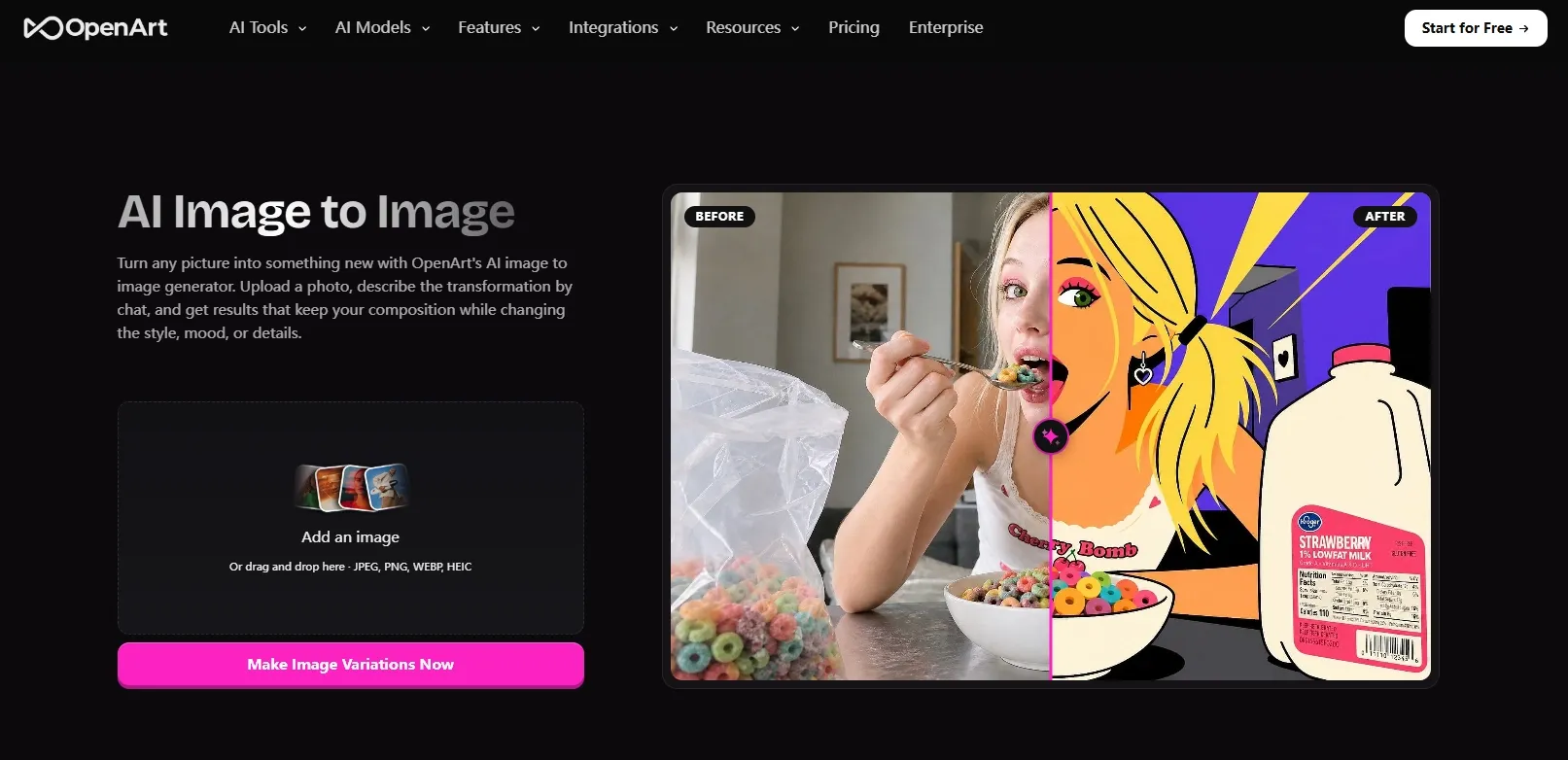
OpenArt lets you adjust how much a new version changes from the original. I like that idea for illustrated event invitations: a venue photo supplies the building and layout, while a watercolor treatment gives it a softer mood. I can stay close to the photo or push toward a looser illustration.
New users get 40 trial credits to spend within seven days. I would prepare one photo and a clear request before starting, then compare a light restyle with a more dramatic one. The credits are a one-time trial, so they do not refill each day.
OpenArt’s paid unlimited offers cover certain models, not every photo-editing tool. Switching models, adding a photo, or choosing a larger image may still use credits. If I wanted to make lots of versions from one photo, I would check the price shown beside Generate after uploading it. That is the clearest way to see whether that edit is included.
Example prompt: “Turn this garden venue photo into a soft watercolor illustration for an invitation background. Keep the building, central path, and archway. Leave open space at the top for event wording.”
What I got: The path and archway stayed in place, while the foliage became loose watercolor shapes. The space above the scene left room for a heading. A stronger transformation simplified some small chairs and plants, making the result look more like an illustration and less like the original photo.
Pros:
- You can control how far the image changes from the original.
- Photos and sketches can guide the new version.
- Trial credits let you try a transformation before paying.
Cons:
- The free trial is small and expires after seven days.
- Trying several versions can use the credits quickly.
- Unlimited offers do not include every photo edit.
My Verdict
I would try OpenArt when controlling the amount of change is my main concern. For regular free use, I would prefer a tool with a daily allowance.
5. SeaArt AI — Best for Character Restyling Across Different Looks
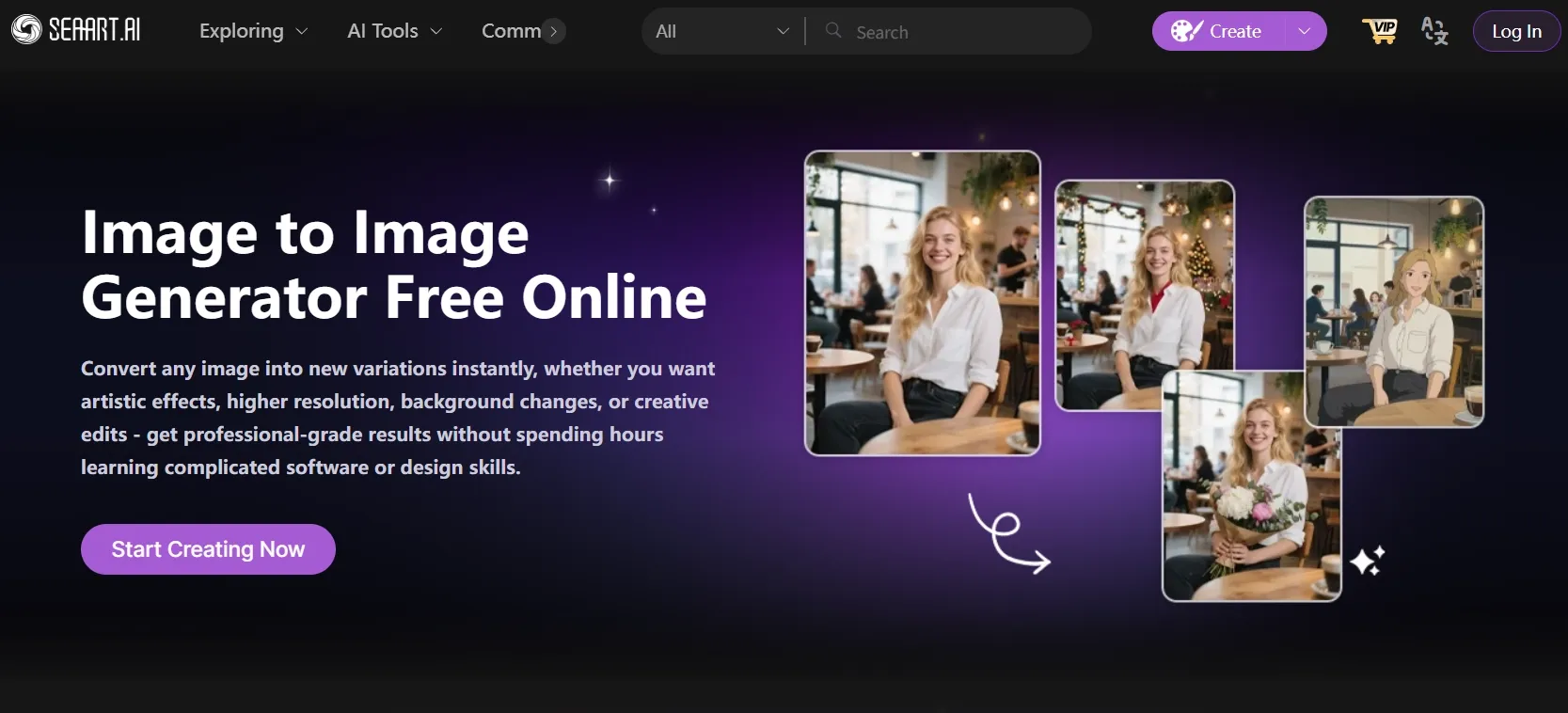
Best for: Creators exploring several aesthetics for an existing character.
I would try SeaArt for turning one character image into anime, a painting, or 3D character concepts. The aim is simple: change the look while keeping the hairstyle, outfit, and pose that make the character recognizable.
SeaArt gives you free credits called Stamina each day. I would use them to compare a few styles for the same character. Some models use more Stamina than others, so checking the cost before making a batch helps the daily balance last longer.
For more attempts, paid SVIP membership offers Free Creation on certain models. When your chosen model is included, you can keep generating without spending Stamina or credits. That gives you more freedom to try new outfits, backgrounds, and styles. Despite the name, Free Creation is a paid-member benefit, and some models are left out.
Example prompt: “Restyle this character as a polished 3D animated-film character. Keep the hairstyle, eye color, pose, and jacket silhouette. Use soft studio lighting and a simple pastel background.”
What I got: The hairstyle, jacket color, and pose carried over, and the softer shading created a recognizable 3D style. The face looked more generic, though, and the small jacket emblem lost definition. I would use it to explore a character direction, then refine the face and clothing details before using it in a finished design.
Pros:
- Free Stamina refreshes each day.
- Uploaded images can guide character restyles.
- Paid Free Creation lets you repeat included generations without credits.
Cons:
- Some models use the free Stamina balance much faster.
- Unlimited generation needs a paid membership.
- Not every model is included in Free Creation.
- Small facial and clothing details can need further refinement after restyling.
My Verdict
I would use SeaArt mainly for character-style experiments with the daily Stamina. Its appeal is narrower for general photo work, and I would allow time to refine details before treating a restyle as finished.
6. NightCafe — Best for Casual Practice with Daily Free Credits
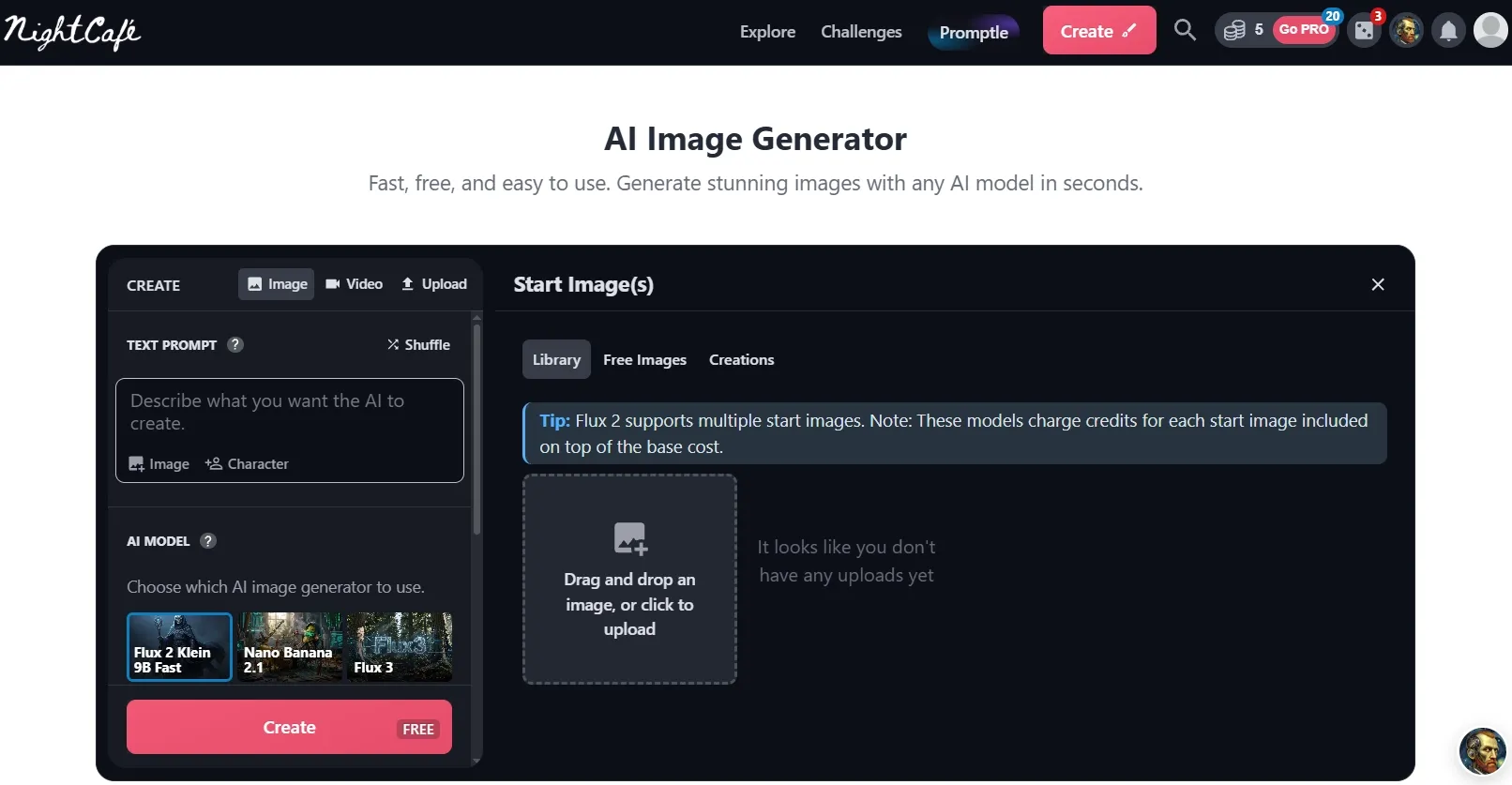
Best for: Hobbyists who want to make a few reference-based images at a time.
NightCafe lets you claim five free credits each day. That suits small projects such as illustrated greeting cards, where I might turn one garden photo into a seasonal illustration and return another day to try a different mood.
Paid PRO plans give included models a fast allowance and a slower unlimited option. Once the fast allowance runs out, switch off Fast mode and use Relax mode. You can then keep generating with those models without spending credits, but you wait in a queue.
The catch for image-to-image work is that uploading a photo or choosing extra settings can still add a credit charge. A model labelled Unlimited may therefore cost something when used to edit your picture. I would check the total after adding my photo, especially before planning a large batch.
Example prompt: “Reimagine this garden photo as a storybook illustration. Keep the central path and large tree, add warm evening light, and use soft painted textures.”
What I got: The path and tree kept their positions, while warmer colors and softer leaves gave the garden a storybook look. A few flower beds merged into patches of color. I would use it as a decorative card background, though some garden details no longer matched the photo.
Pros:
- You can claim free credits every day.
- You can use an uploaded photo or edit part of an image.
- Included PRO models keep generating in the slower Relax queue.
Cons:
- The free allowance is small and needs claiming.
- Uploaded photos and extra settings can cost credits.
- Relax mode involves waiting.
- Some premium models require purchased credits.
My Verdict
NightCafe fits small hobby projects more comfortably than a regular image-to-image workload. The daily credits are useful for occasional practice, but photo-editing charges make its unlimited plans less straightforward for this task.
7. Dezgo — Best for Basic Free Image-to-Image Without Registration
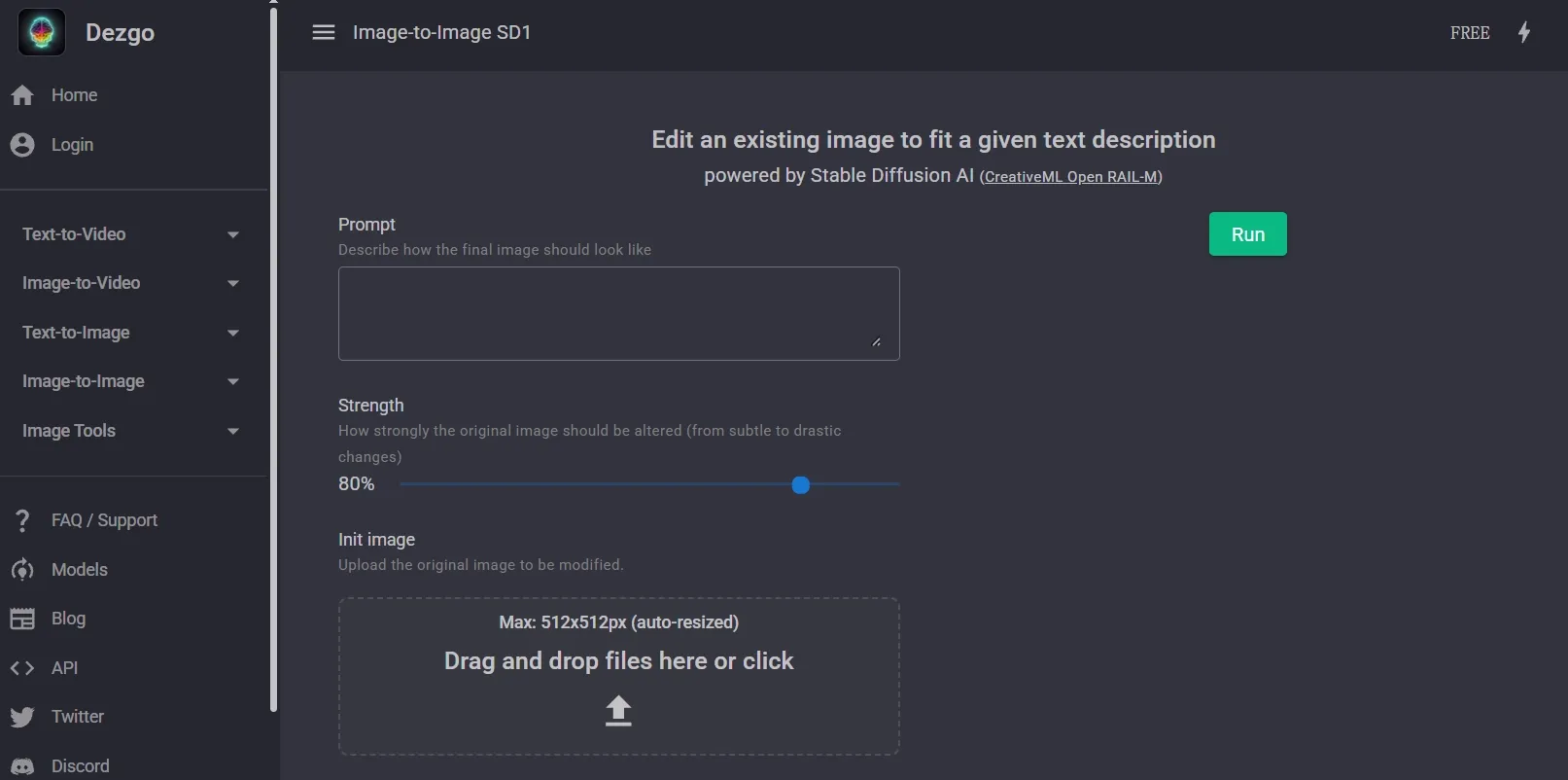
Best for: Users who want to try a simple transformation without setting up an account.
Dezgo keeps a basic photo transformation simple: upload your image, describe the look you want, and adjust how much it changes. Its free SD1 tool does not require an account, so I would use it for a quick experiment before deciding whether I need more features.
Free images are limited to 512 × 512 pixels, and you may have to wait between requests. For Facebook cover artwork, I would use that small result to compare colors and painting styles, then create a larger final version elsewhere.
Dezgo is a free option for basic edits, but I could not confirm an unlimited image-to-image plan. Its paid Power Mode removes several free-version restrictions, but charges for each generation. I would choose it for easy free access, not for making endless versions under one subscription.
Example prompt: “Transform this landscape into a soft oil painting. Keep the mountain outline and lake position, with warm sunset colors and visible brush textures.”
What I got: The mountain silhouette and lake stayed easy to recognize, while broad brush textures changed the photo’s character. The sunset palette was attractive at a small size, but distant trees and water detail became softer. I would keep it as a style concept rather than a finished large image.
Pros:
- You can use the free tool without signing up.
- Uploading a photo and requesting a change is straightforward.
- You can control how much the image changes.
Cons:
- The free SD1 tool limits images to 512 × 512 pixels.
- Free use limits how quickly you can submit requests.
- Free quality settings are restricted.
- Paid Power Mode charges for each generation.
My Verdict
Dezgo is handy when I want a quick free experiment without an account. Its small outputs and pay-per-image upgrade make it less appealing for a large project.
8. ComfyUI — Best for Hands-On Local Image Experiments
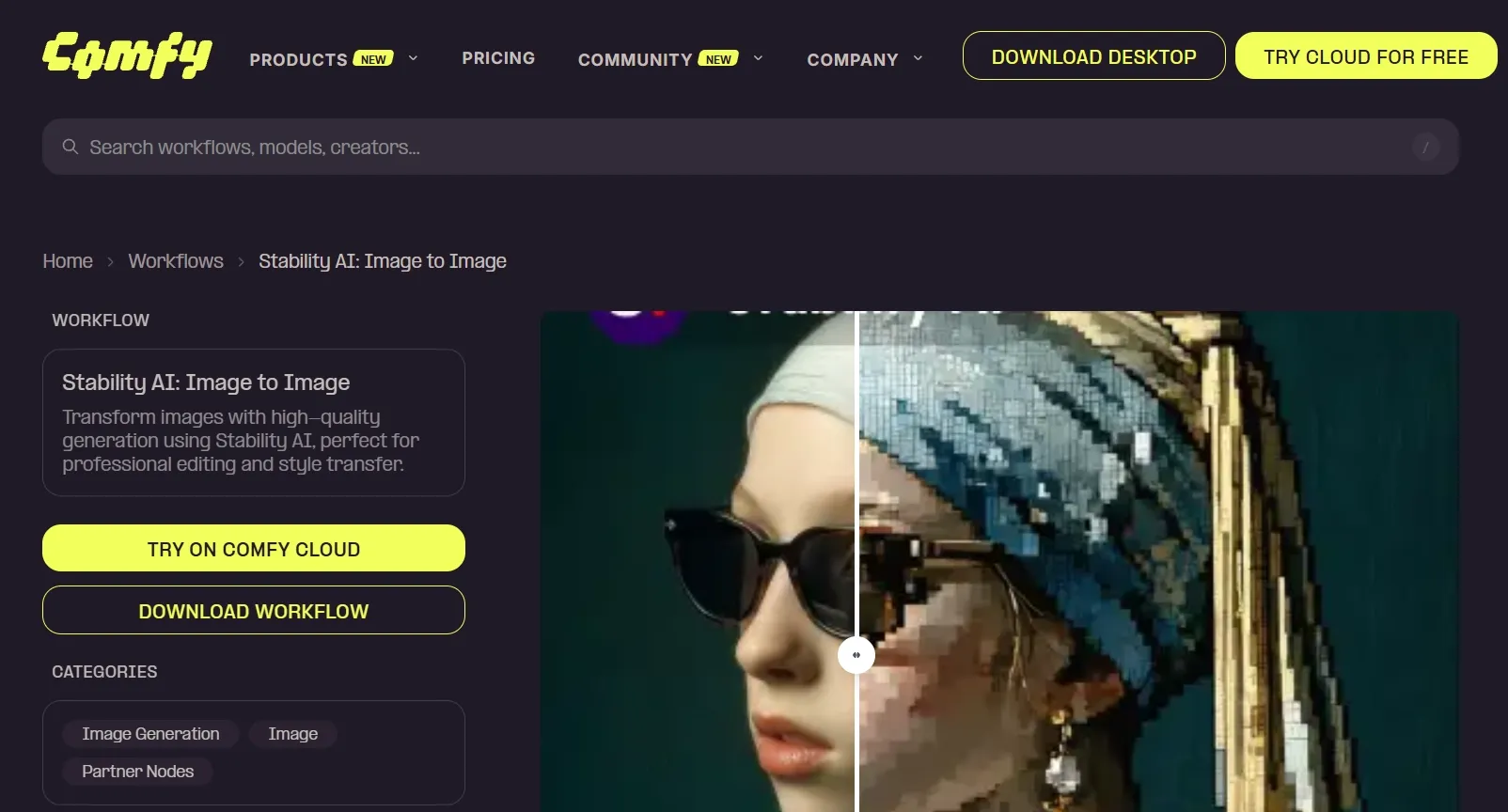
Best for: Experienced users who are comfortable setting up image models on their own computer.
ComfyUI takes a hands-on approach: you install the software, download an image model, and build or load a setup for changing your photo. Local models let you keep generating without a daily image cap or monthly credit balance, but getting a useful result takes more preparation.
For merchandise artwork, I can save a setup and reuse it to explore variations of a character or graphic. The challenge is choosing a suitable model and adjusting the controls myself. Unlimited attempts are useful, but they do not remove the work of getting the image right.
The cost moves to your computer: you need enough power to run the model, space for the files, and time to learn the software. There is no charge for each locally generated image, but electricity and hardware still cost money. If you connect a paid online model instead, that service can charge for its images.
Example prompt: “Turn this wolf sketch into a bold two-color illustration for a T-shirt. Keep the head angle and outer silhouette, simplify the fur into clean shapes, and use a plain cream background.”
What I got: A lighter transformation kept the wolf recognizable, but some fur edges remained uneven and needed cleanup. Increasing the strength changed the ears and muzzle more than I wanted. I could develop the graphic further, though reaching a consistent design took more adjustments than the prompt alone suggested.
Pros:
- Local image generation has no daily or monthly image cap.
- Detailed controls let you adjust how much the photo changes.
- Saved setups make it easier to create matching variations.
Cons:
- Installing the software and models takes effort.
- A less powerful computer can generate images slowly.
- Learning the controls takes more time than using a simple website.
- You handle troubleshooting and model compatibility yourself.
My Verdict
ComfyUI is an option for users who already enjoy working with local image models. For everyday photo transformations, I would choose Pollo AI before taking on the extra setup, troubleshooting, and manual adjustments.
How I Compared These Image-to-Image AI Tools
I compared what each tool lets you do with an uploaded photo, how much you can try free, and what happens when that allowance runs out. The example prompts and results cover products, portraits, interiors, characters, and artwork. I looked at whether the subject stays recognizable, the requested changes make sense, and you can afford to keep trying new versions.
How to Choose a Free or Unlimited Image-to-Image AI Tool
- Choose Pollo AI if you want the best overall balance of leading image models, useful photo transformations, easy controls, and free credits through starter and check-in rewards.
- Choose Magnific if you mainly need repeated restyling and are comfortable paying for unlimited edits and waiting longer after the fast allowance runs out.
- Choose Leonardo AI if you want a few free experiments each day and can work with limited free controls and public creations.
- Choose OpenArt if you want to explore how much a photo changes and a short, one-time free trial is enough for your project.
- Choose SeaArt AI if character styles and illustration ideas are your main focus, with time to refine smaller details afterward.
- Choose NightCafe if you make occasional creative images and do not need a large daily allowance or predictable photo-editing costs.
- Choose Dezgo if you want a quick, no-signup experiment and a small image is enough to explore the idea.
- Choose ComfyUI if you already know how to run local models and are willing to manage the setup, settings, and cleanup yourself.
My Personal Take
I would start with Pollo AI, upload a photo I actually want to improve, and use starter or check-in credits to try a few looks. Having GPT Image 2.5, Nano Banana 2, and Seedream 5.0 in the same platform gives me useful ways to explore the image. A paid Unlimited offer becomes more appealing when I want to keep refining it without budgeting each included generation.
Magnific suits paid restyling sessions, while the daily-credit tools work for smaller creative routines. Dezgo and ComfyUI have more specific uses: quick basic concepts in one case, and hands-on local experiments in the other.
Image to Image AI (Free & Unlimited) FAQs
What is the best image-to-image AI with free and unlimited options?
Pollo AI is my top overall pick. You can try your photo with starter credits, collect more through check-in rewards, and explore leading image models in one place. Paid Unlimited offers let you keep generating with the included models and settings without spending credits on every image.
Does unlimited image-to-image AI mean completely free?
No. It usually means you can keep making images on the models included in a plan without spending credits each time. The plan itself may cost money. There can also be limits on image size and a slower queue after you use the fast allowance.
Which image-to-image AI tools have daily free allowances?
Pollo AI offers check-in rewards for earning additional free credits. Leonardo AI gives 150 tokens a day, SeaArt provides daily Stamina points, and NightCafe lets you claim five credits each day.
Why does an unlimited model still charge for my image-to-image edit?
The plan may include making a new image but charge extra when you upload a photo, choose a larger size, or use additional editing controls. For example, NightCafe lists uploaded photos among the options that can add costs.