



ImagineArt vs Magnific AI: Which Platform Fits Your Image Workflow Better?
A strong AI image workflow must do more than produce a striking first draft. This comparison between ImagineArt and Magnific examines which platform offers the better path from prompt to finished asset.
ImagineArt vs Magnific AI: TL;DR
| Category | ImagineArt | Magnific AI |
|---|---|---|
| Main strength | Exploring image models and automating repeated workflows | Editing and polishing specific images in detail |
| Image models | 30+ models, including GPT Image 2, Midjourney V7, and Nano Banana Pro | 40+ AI models across the wider platform, including Nano Banana, Flux, and Mystic |
| Reference control | Reusable character, product, style, color, and brand references | Detailed character, object, style, color, and camera references |
| Editing approach | Connect editing steps into workflows that can run again | Direct edits using prompts, annotations, and visual controls |
| Upscaling | Native high-resolution generation plus Topaz and Magnific Precision v2 | Creative or faithful upscaling, batch processing, and output up to 10K |
| Production workflow | Better for repeatable image pipelines | Better for collaborative finishing and asset review |
| Free access | 100 daily credits | Up to 20 free image generations per day |
| Best fit | Creators producing many variations or recurring assets | Professionals perfecting individual images for delivery |
Choose ImagineArt when the same generation and editing process must be repeated across many assets. Choose Magnific AI when an image is already close and needs careful retouching, relighting, reframing, or enlargement.
Pollo AI provides another route for creators who want leading models, direct batch editing, specialized image workflows, and an Agent that can manage a complete image brief.
What Is ImagineArt?
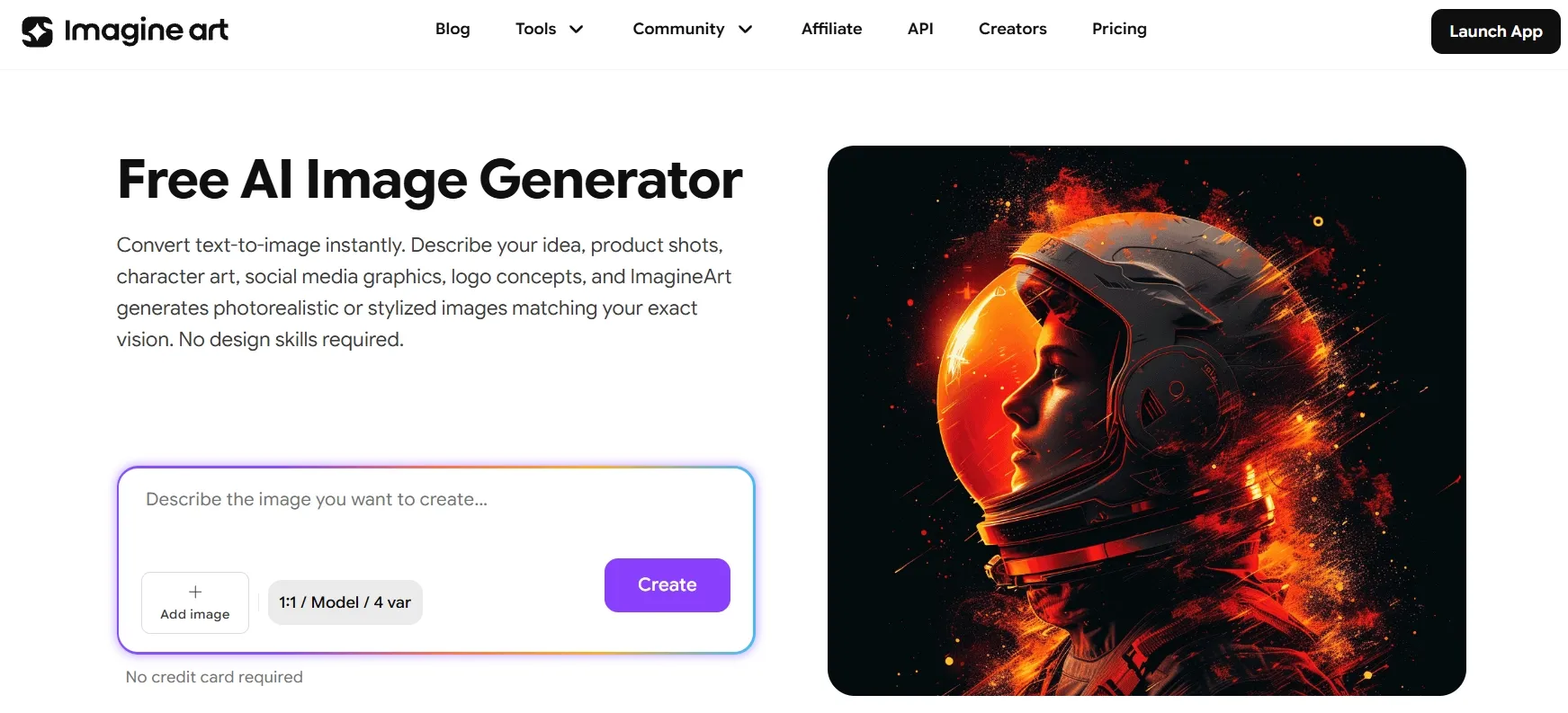
ImagineArt works like an AI image laboratory combined with a workflow builder. Its generator brings together more than 30 models, including GPT Image 2, Midjourney V7, Flux.2 Pro, Nano Banana Pro, and Seedream 5 Pro.
Its main advantage is repeatability. A creator can develop a character or product, save brand colors and style references, generate assets such as posters, and connect the results to editing, resizing, or upscaling steps in Imagine Flow. This makes ImagineArt useful for concept artists, AI creators, and teams that regularly produce many related image variations.
For a closer look at ImagineArt’s image quality, ease of use, and customization limits, read this ImagineArt AI review.
What Is Magnific AI?
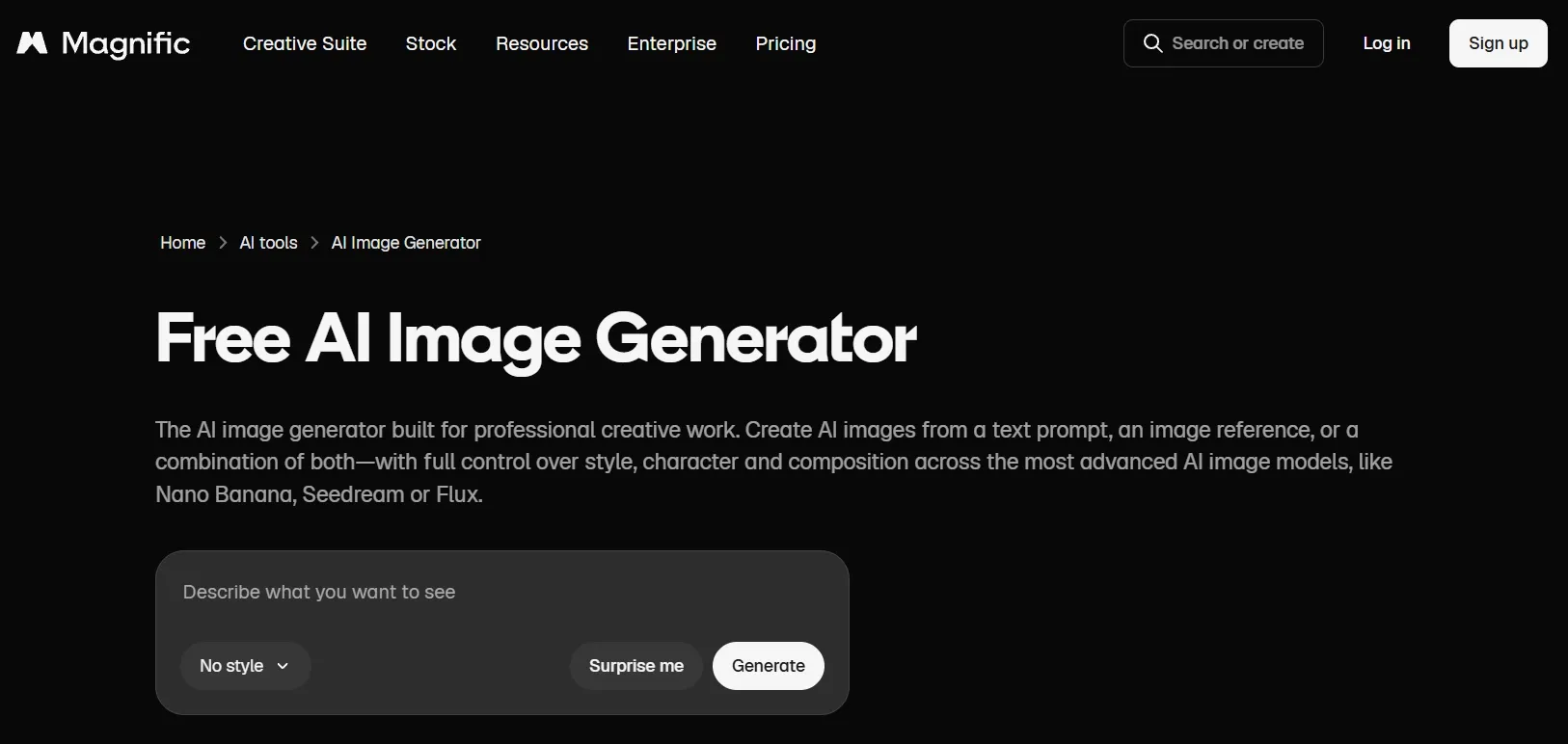
Magnific AI is best known for turning a promising source image into a polished final asset. The original Magnific AI upscaler remains available as a legacy service, while Freepik has evolved into the broader Magnific creative platform.
Magnific’s main advantage is hands-on finishing control. Its image workspace combines models such as Nano Banana, Flux, Ideogram, Seedream, and Mystic with annotation-based editing, camera changes, relighting, skin enhancement, and creative or precision upsrs preparing portraits, renders, campaign art, or commercial product photo scaling. It is particularly useful for photographers, agencies, and designe
ImagineArt AI vs Magnific AI: Image Features Compared
The core difference is easier to understand through real work. ImagineArt helps users build a system that can create the next 20 images. Magnific focuses more closely on making the image currently on screen look finished.
Trying Different Looks vs Finishing One Strong Idea
ImagineArt is useful when the visual direction is still open. A creator developing a movie poster, for example, can send the same brief through Midjourney V7 for a cinematic look, GPT Image 2 for clearer text, and Flux.2 Pro for a more realistic composition. The results can be compared before one direction is selected.
That flexibility creates more choices. Users need to decide which model, references, resolution, and later workflow steps suit the project. This additional setup is worthwhile when visual exploration is part of the job.
Magnific takes a more focused route. It also offers a large model catalog, but the platform is designed to move a promising result directly into image editing, relighting, camera changes, or upscaling. Instead of continuing to test models, a designer can choose the strongest draft and spend more time improving it.
Best fit: ImagineArt suits creators testing several directions for assets such as movie poster concepts. Magnific fits users who already have a clear direction and want to turn one strong draft into a client-ready image.
Building a Repeatable Edit vs Fixing One Image Quickly
ImagineArt treats editing as a sequence that can be saved and reused. A seller could build a workflow that generates a product background, removes unwanted details, changes the aspect ratio, and upscales the result. Once that sequence is ready, the next product image can pass through the same steps.
This is helpful for repeated work, but it requires some planning. The creator must connect and configure the nodes before the workflow begins saving time.
Magnific is more immediate when one image needs attention. In its image editor, a user can circle an object and ask for its removal, draw an arrow to show where a new element should appear, or type an instruction describing the change. The image can then move into camera angle changer or relight without building a full production sequence.
Magnific also supports node-based workflows in Spaces. However, its clearest editing advantage is direct visual control: users can inspect one image, point to the problem, and correct it.
Best fit: ImagineArt is better when the same edit must be applied repeatedly. Magnific is easier when a photographer needs to remove one distracting object, change a viewing angle, or correct the lighting in a single shot.
Keeping a Brand System Consistent vs Directing Each Image
ImagineArt creates reusable profiles for recurring subjects. Its Personalize feature can build a saved character or product from up to 10 reference images. Brand kits, color palettes, and style references can then guide later generations.
Consider a skincare brand producing monthly campaign images. ImagineArt can reuse the same bottle, colors, and visual style while changing the model, background, or seasonal theme. The creator does not need to rebuild the complete identity setup each time.
Magnific gives users more control over the reference mix for an individual generation. Character, object, style, color, camera, and effect references can be combined according to the image being created. A fashion designer might use one character reference, a separate clothing object, a color palette, and a camera-angle reference for a virtual try-on ad.
The tradeoff is straightforward: ImagineArt makes the identity easier to reuse across a series, while Magnific makes each individual reference setup more adjustable.
Create Better Images for Every Use Case
Generate polished visuals for creative, marketing, and product needs in one place.
Try Pollo AI Image Generator Free
Best fit: ImagineArt suits campaigns that repeatedly use the same character visuals, product, or brand identity. Magnific fits creators who want to fine-tune the references and composition for every image.
Adding Resolution vs Rebuilding Missing Detail
ImagineArt makes upscaling a practical final step. A creator can generate an AI image at high resolution, edit it, and then enlarge it with Topaz or Magnific Precision v2 before export. This works well when the original image was created inside ImagineArt and simply needs to be prepared for a larger format.
Magnific gives the user more control over what happens during enlargement. Its Image Upscaler offers Creative and Precision modes.
Creative mode can invent texture that was not clearly visible in the source. It may add fabric detail to a fantasy costume or make a 3D environment feel richer. Precision mode stays closer to the original, making it safer for product packaging, portraits, and print assets where invented details could cause problems.
Magnific also supports batch processing and precision scaling up to 16×. This makes upscaling a larger part of the creative decision rather than a simple export setting.
Best fit: ImagineArt suits creators who need straightforward enlargement at the end of a generation pipeline. Magnific is better when users need either a faithful upscale that keeps the original image intact or a creative enhancement that adds new texture and detail.
Automating Repetitive Work vs Managing a Team Project
ImagineArt’s workflow canvas is built for repetition. A creator can connect a prompt, image model, editor, upscaler, and export step, then send new inputs through the same route. This is useful when a store needs multiple product variations or a content team must create the same design in several formats.
The main value is consistency without repeating every click. Once the workflow is working, the user can change the source image or prompt instead of rebuilding the process.
Magnific Spaces is more focused on how several people work around the same assets. Its node system can also process batches, but teams can additionally organize shared files, branch ideas, leave comments, use stock assets, and save workflows for colleagues.
For example, one designer can generate a campaign image, another can adjust the layout, and a creative director can comment on the result without moving files between separate tools. That collaboration matters more when image production involves several roles.
Best fit: ImagineArt is better for automating a defined production sequence. Magnific is better for agencies and design teams that need shared assets, feedback, and handoffs.
If ImagineArt’s workflow-first setup feels too involved—or if you want to compare tools for quicker edits, concept art, or commercial visuals—explore these best ImagineArt alternatives.
ImagineArt vs Magnific AI Pricing
| Tier | ImagineArt | Magnific AI |
|---|---|---|
| Free | 100 credits refreshed daily | Up to 20 image generations per day |
| Entry paid | Basic: $9/month equivalent | Premium: approximately €12/month equivalent; 240,000 credits/year |
| Mid-tier | Standard: $20/month equivalent; 8,000 credits/month | Premium+: approximately €27/month equivalent; 600,000 credits/year |
| Higher tier | Ultimate: $34/month equivalent; 16,000 credits/month | Pro: pricing and credit allocation vary by configuration |
| Credit behavior | Subscription credits refresh monthly and do not roll over | Annual credits remain valid for one year |
Why Pollo AI Can Offer a More Direct Image Workflow
ImagineArt is powerful when a creator wants to build a reusable system. Magnific provides detailed controls for carefully finishing an image. Both approaches can add setup when the user simply wants to describe an outcome and receive usable assets.
Pollo AI fills that gap by combining model choice, direct editing, batch processing, specialized image workflows, and goal-based assistance in one platform.
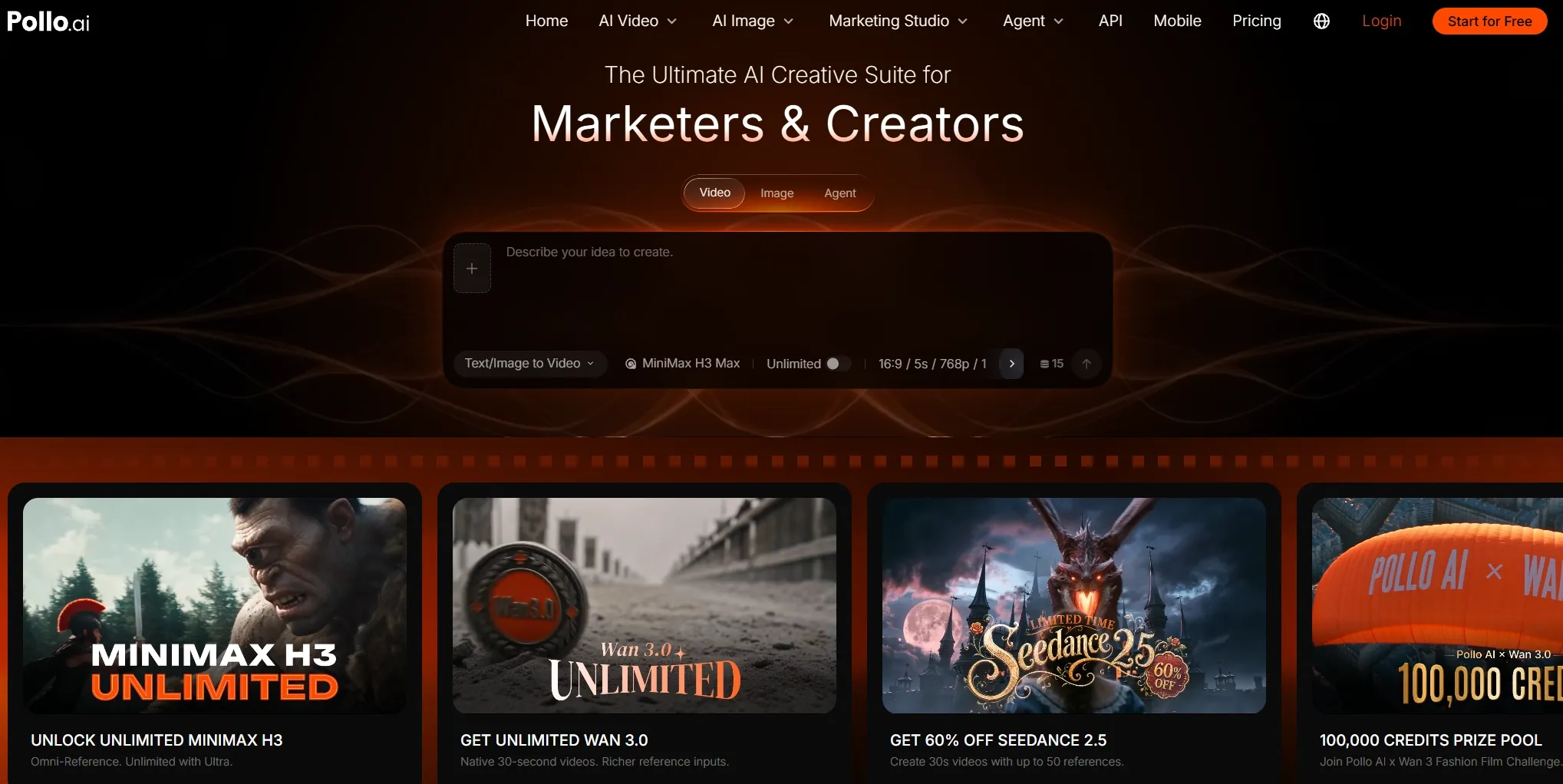
Match the Model to the Image
Pollo AI lets creators select an image model according to the job. GPT Image 2 is suited to typography, structured layouts, and precise edits. Nano Banana 2 supports high-fidelity generation and reference-led editing, while Seedream 5.0 is useful for high-resolution and reference-heavy images.
A creator can therefore use one model for a text-heavy poster and another for a realistic product scene without moving the project to another platform.
Edit One Image or a Whole Batch
For one image, the Pollo AI photo editor lets the user upload a file and describe the desired change. It can restyle the image, add or replace elements, change the background, or refine a marketing asset without requiring a manually constructed node workflow.
The editor can also apply the same direction across a folder of images. A seller could replace the background in dozens of product photos, while a marketing team could apply one visual treatment to an entire campaign set. This reduces repeated work and helps the final images look like they belong together.
Dedicated tools such as the object remover and background remover provide a faster path for simple cleanup tasks. Users can complete the correction directly instead of opening a larger editing workflow.
Pollo Agent: Turn One Brief Into Related Image Assets
Pollo Agent starts with the outcome rather than the tool. A user can provide an idea, brief, URL, product photo, or visual reference. Pollo AI’s video agent interprets the goal, selects an appropriate workflow and model, and creates assets such as product shots, IG posts, and graphic designs.
The user can then ask for changes without repeating the complete brief. For example, Pollo Agent can adjust a fashion editorial’s setting and lighting, revise the headline and colors of a YouTube thumbnail, or change the products, typography, and layout in a restaurant menu.
The approved visual direction and source assets remain available for later requests. This makes it easier to create several campaign images that use the same subject, product, colors, and overall style.
Final Verdict
ImagineArt is the better fit for creators who want to explore many image models and repeat the same generation or editing workflow across multiple assets.
Magnific AI suits photographers and designers who need precise control over a single image, especially for relighting, camera changes, and creative or faithful upscaling.
Pollo AI offers a more direct all-in-one path, combining leading image models, batch editing, specialized workflows, and Pollo Agent for creating related designs from one brief.
FAQs
Is Magnific AI still mainly an image upscaler?
No. The legacy upscaler remains available, but the current Magnific platform is the renamed and expanded Freepik creative suite. Its image tools now include generation, editing, relighting, camera changes, collaborative workflows, and upscaling.
Which platform is better for generating images from scratch?
ImagineArt is better suited to creators who want to test the same idea across many models and visual styles. Magnific makes more sense when the first generation will immediately move into detailed editing and finishing.
Which tool is better for editing an existing image?
Magnific provides more visual control over one image through annotations, camera changes, relighting, and specialist editing tools. ImagineArt is more useful when that edit must become part of a workflow that will run repeatedly.
Is ImagineArt cheaper than Magnific AI?
ImagineArt has a lower advertised annual entry price, but the platforms use different currencies and credit systems. The actual cost depends on the models, resolutions, upscaling modes, and number of revisions used.
Why creators and marketer should choose Pollo AI instead?
Pollo AI is worth considering when a project needs leading image models, direct batch editing, specialized image workflows, and its video agent that can manage several related designs from one brief. This reduces the need to build every step manually.