



Canva vs Lovart: Which AI Image Generator Fits Your Workflow?
Canva and Lovart promise easier visual creation, but they suit different workflows. I compared their prompting, references, editing, consistency, and path to a usable asset.
Canva vs Lovart: Quick Overview
Canva is better when a generated image must move straight into a finished layout. Lovart is better when one brief and several references must guide a related image set.
| Category | Canva | Lovart | Better Fit |
|---|---|---|---|
| Generator flow | Prompt or reference, four options, then Canva editor | Brief and references, model choice, then ChatCanvas | Depends on the job |
| Best for | One image that must become a finished design | Related images that share one creative direction | Canva for layout; Lovart for image sets |
| Reference use | Guides style, composition, or subject | Stays beside the brief and generated options | Lovart for wider context |
| Image edits | Follow-up prompts plus Canva image tools | Touch Edit and Text Edit for local changes | Both support revision |
| Usage model | Plan and quality-tier allowances | Credits vary by model and settings | Compare the same brief |
Get the Best of Both Image Workflows
Turn one brief into cohesive image sets and design-ready visuals with leading AI models, all in one seamless Pollo AI workflow.
Try Pollo AI for Free
What Is Canva's AI Image Generator?
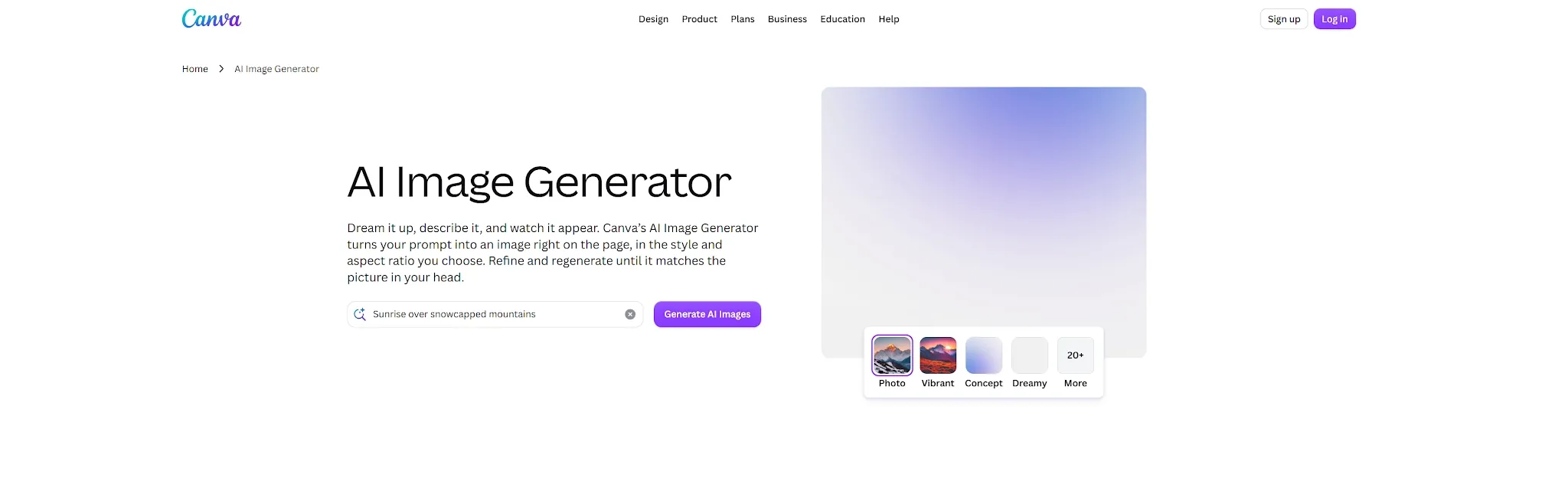
Canva is a broad design platform, but its main image generator is Dream Lab. It supports text prompts, reference images, styles, aspect ratios, and quality tiers. Each prompt returns four options for follow-up editing or use in Canva's editor.
Its advantage appears after generation. The image can move into a post, presentation, flyer, or ad for copy, layers, effects, and brand elements. Canva fits best when image generation starts a larger design task.
Pros: Four prompt options, reference guidance, follow-up edits, and direct access to Canva's design workflow.
Cons:AI image generation is one part of a larger product. Higher quality tiers and some edits use plan-based AI allowance, while image series may require separate designs.
Canva is a broad design platform, but its main image generator is Dream Lab. For a closer look at its prompting, reference images, and editing workflow, see the Canva AI review.
What Is Lovart's AI Image Generator?
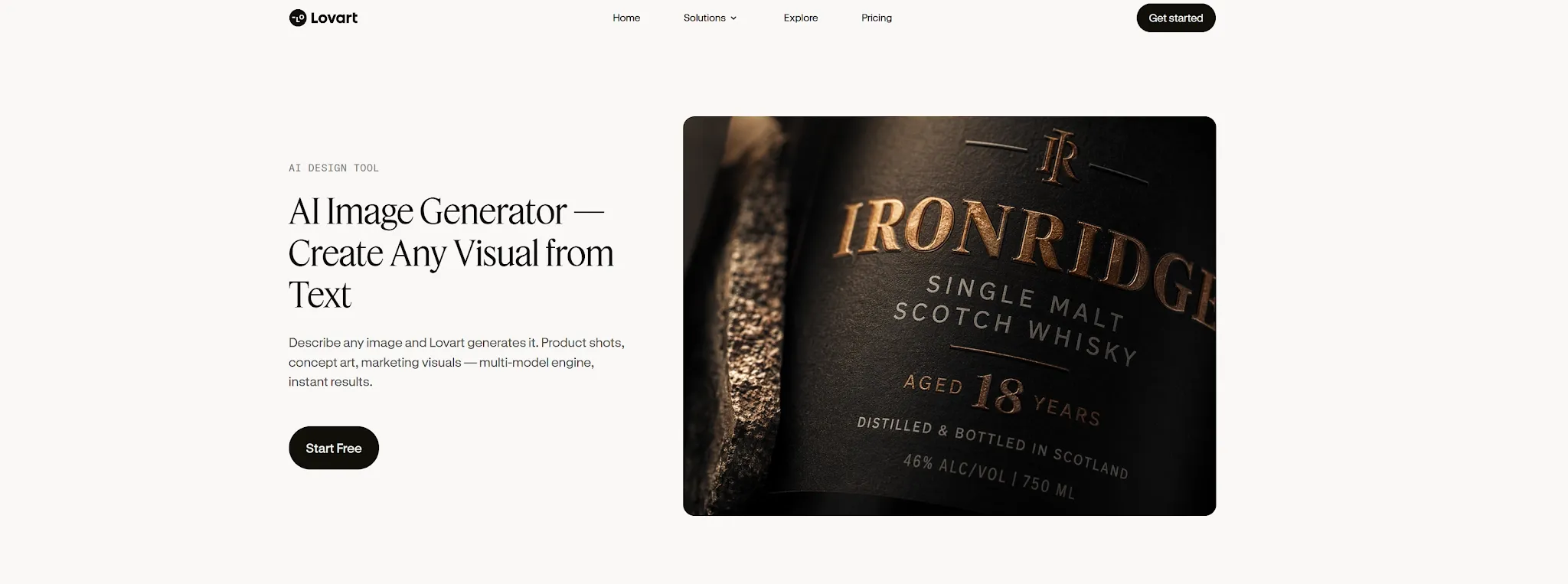
Lovart uses an AI design agent and a multi-model workspace. ChatCanvas keeps the brief, references, variants, and decisions on one board. This is useful when several images need to share one visual direction.
Touch Edit targets a selected region, while Text Edit handles local copy. Brand references stay beside the output, and a Brand Kit can guide colors, logos, and fonts. The workflow feels closer to directing an image series than assembling one layout.
Pros: Multi-model choice, persistent references, ChatCanvas variants, local edits, and continuity across related images.
Cons: Results depend on a clear brief. Credit use changes with model, size, quality, and settings, and the canvas workflow may be less familiar than a standard editor.
Lovart AI uses an AI design agent and a multi-model workspace. For more details about its ChatCanvas, reference handling, and image creation process, see the Lovart AI review.
Canva vs Lovart: Feature-by-Feature Breakdown
The real difference is whether the generator should hand off to a design editor or keep its context across a group of images.
| Feature | Canva | Lovart | My Take |
|---|---|---|---|
| Starting input | Focused prompt or one reference image | Creative brief plus multiple references | Canva is simpler; Lovart holds more context |
| Model handling | Canva manages the models and offers quality tiers | User can work across multiple image models | Lovart exposes more model choice |
| Variants | Four options for each Dream Lab prompt | Options remain visible on ChatCanvas | Both support comparison |
| Local revision | Follow-up instruction and Edit Image | Touch Edit and Text Edit | Both avoid a full restart |
| Brand control | Brand Kit and editor-based layout control | Brand Kit and references guide later images | Different types of consistency |
Canva vs Lovart: Which Creates Better AI Images?
There is no honest universal winner on quality. Canva offers styles, ratios, references, and quality tiers. Lovart offers model choice and a richer brief around each output. Results change with the prompt, reference, model, tier, and edits.
I would use Canva for one image inside a known composition. I would use Lovart to explore a direction or keep several images related. Neither guarantees a client-ready first result.
Prompting and Reference Images
Canva suits a focused request: define the subject, setting, mood, style, ratio, and optional reference. Lovart rewards a fuller brief covering audience, required elements, brand rules, and outputs. The added context is useful but asks more at the start.
Editing and Brand Consistency
Canva combines follow-up edits with a conventional design editor for exact text, spacing, and composition. Lovart keeps revisions inside the generation process through Touch Edit, Text Edit, ChatCanvas, and references. Canva controls the final layout; Lovart AI preserves image-series context.
Ease of Use and Output
Canva is familiar to people who already use templates. Results open in the editor and export as PNG, JPG, or PDF. Lovart becomes clearer once the brief is defined and users keep references, variants, and revisions together.
Canva vs Lovart Pricing
| Pricing Point | Canva | Lovart | What It Means |
|---|---|---|---|
| Free access | US$0/year for one person; up to 200 Standard AI uses or 20 Premium AI uses | Free access is available to test the workflow | Free tiers are for testing, not a direct image-count comparison |
| Paid access | Pro: US$180/year; Business: US$250/year per person | Starter: 2,000; Basic: 3,500; Pro: 11,000; Ultimate: 27,000 monthly credits | Canva bundles a design suite; Lovart increases generation capacity by tier |
| Usage metering | Shared allowance; higher AI tiers and complex or mixed tasks use more | Credits vary by model, tool, complexity, size, quality, style, and settings | Use the same brief and output settings to compare cost |
| Reset and top-ups | AI allowance resets monthly; extra AI options depend on the plan | Plan credits reset each cycle; top-up credits last 366 days | Unused subscription capacity does not roll over |
Canva reports estimated AI uses, while Lovart AI uses credits, so the figures are not directly convertible. Canva prices above are the listed US rates. Prices, taxes, and allowances can change, so check the live pricing page before subscribing.
Why Pollo AI May Be the Better Choice
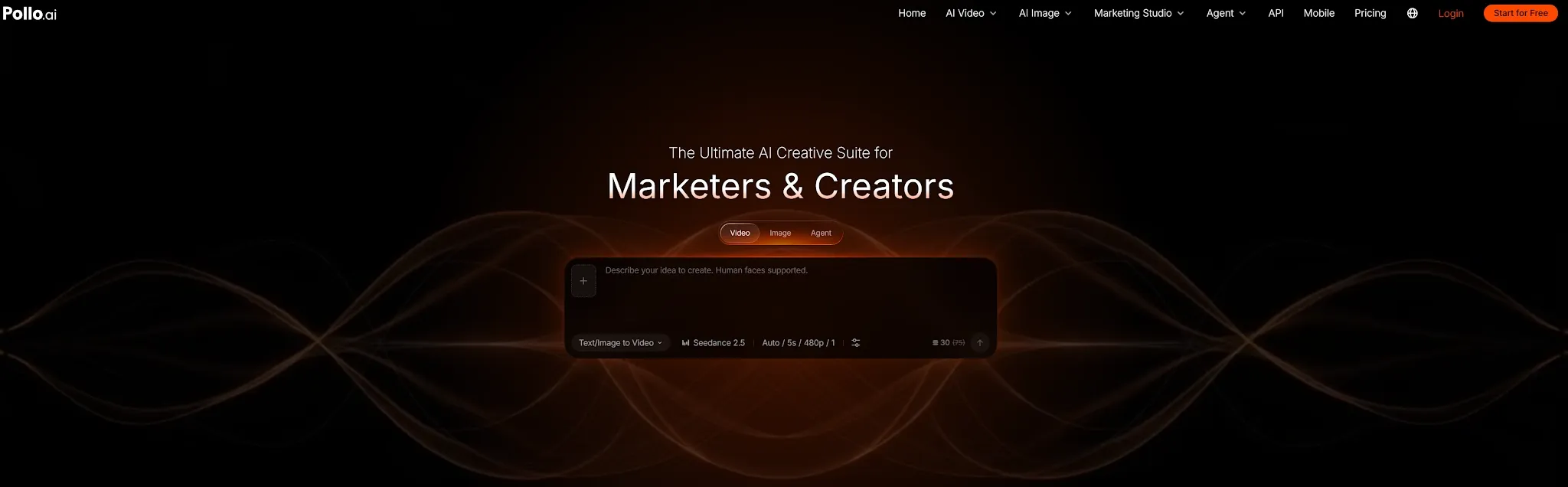
Pollo AI may be the better choice when generation is the main workflow. Its advantage is model choice, task-specific creation, and practical image processing in one platform.
Canva excels at image-to-layout work. Lovart excels at brief-to-image-set work. Other users need to compare models, create a specialized visual, and refine an existing asset without paying for several tools. That is where Pollo AI is more complete.
One of Pollo AI's biggest advantages is that it acts as a hub for industry-leading AI models. Instead of relying on a single engine, the platform aggregates top-tier models like GPT Image 2, Seedream 5.0, and Nano Banana 2. This means users can match the specific model to the subject, style, or editing task, comparing different creative directions seamlessly within one account.
Pollo AI also offers many practical tools. Its image upscaler can increase resolution for ads, product pages, or print, while background remover can isolate a subject for a new layout. Both keep common post-generation work in one account.
Where Pollo AI Fits Real Work
Pollo AI is not only comprehensive but also highly cost-effective, providing a premium suite of ready-to-use apps and tools.
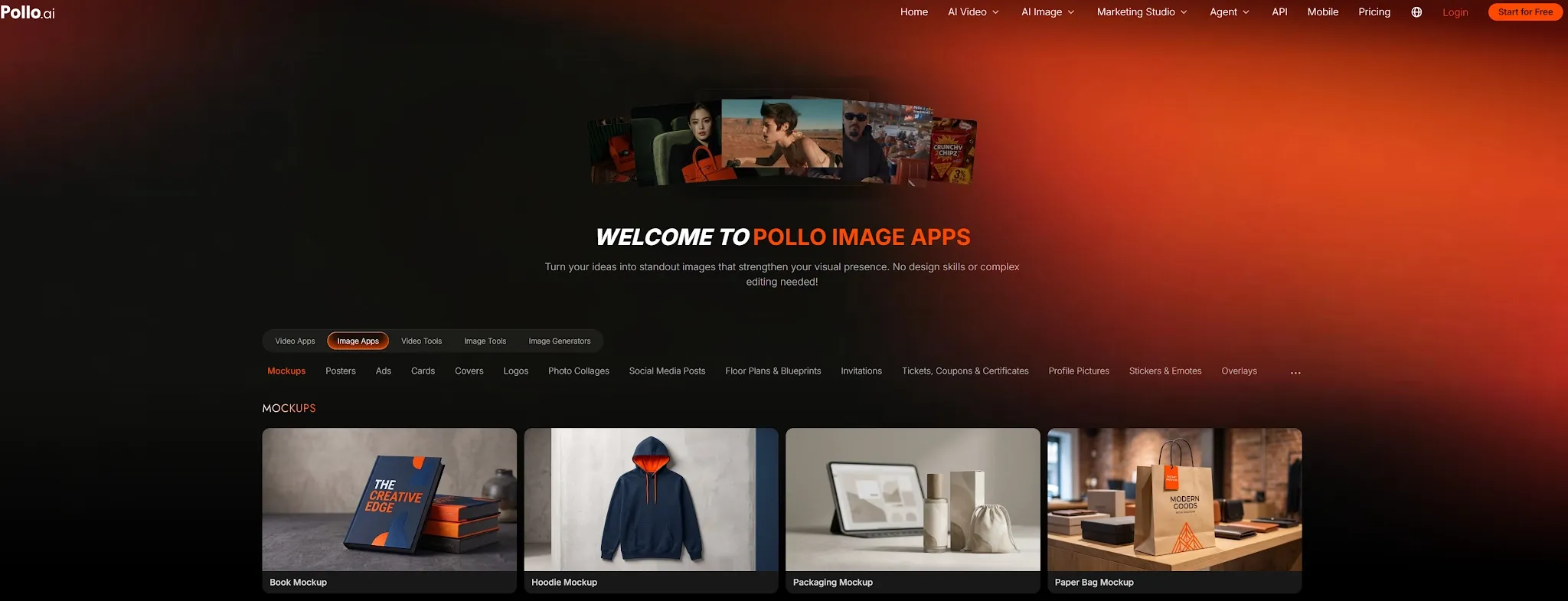
- For Creators: You can compare top-tier models for a hero image, then use a task-specific generator or image tool to refine it—all within a single, budget-friendly platform without needing to buy extra credits elsewhere.
- For Marketers: It is perfect for developing campaign concepts, social visuals, and Instagram-ready posts where creative flexibility and high-volume output matter more than being locked into rigid templates.
- For E-commerce Sellers: You can create high-quality product photos and ads images, then efficiently edit or refine the selected assets for listings and ads, maximizing your ROI with Pollo AI's affordable pricing structure.
Why Pollo AI May Be the Better Choice
Canva and Firefly both guide users toward their own ecosystems. Pollo AI is a better fit for users who value model choice more than templates or an Adobe handoff.
Access Leading AI Image Models in One Place
Pollo AI brings together many leading image models on one platform, including GPT Image 2, Seedream 5.0, and Nano Banana 2. Users can match the model to the prompt, reference, visual style, or editing task instead of relying on a single generation system.
Go Beyond Generation With Image Apps and Tools
Model access is only part of the workflow. Pollo AI also offers a large collection of Image Apps for specific outcomes such as product shots, posters, social posts, logos, and marketing designs. Its Image Tools handle practical jobs such as removing backgrounds or objects, expanding compositions, and upscaling finished images.
This gives users a more complete path from an initial idea to a usable asset without moving between several platforms.
Move From Brief to Finished Visual With Pollo Agent
For users who want the closest thing to one-click image creation, Pollo Agent provides a simpler route from a brief to a finished visual. Users can provide an idea, image, URL, or reference, and the agent interprets the goal, selects an appropriate workflow and models, and creates the required assets in one guided process.
This approach is especially useful when completing the visual matters more than manually configuring every generation step.
Where Pollo AI Fits Real Work
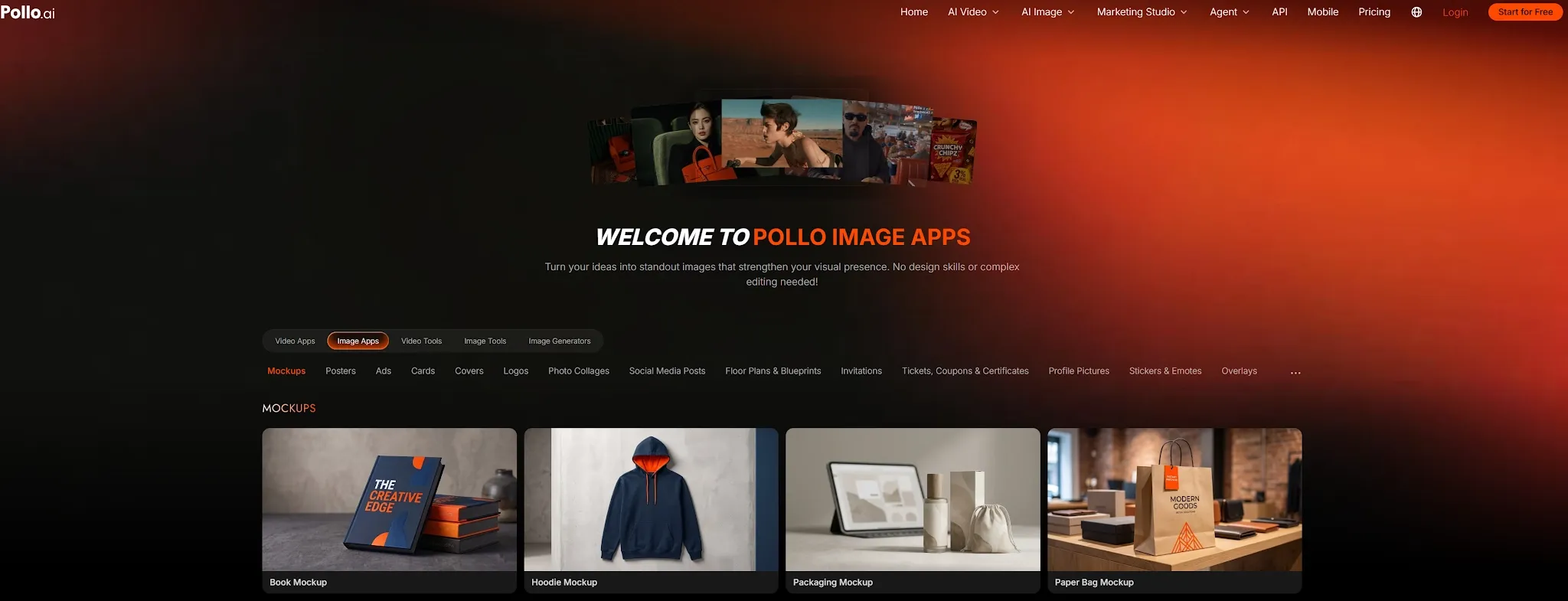
For creators: Compare AI image models for a hero image, then refine or upscale the strongest result in the same account.
For marketers: Develop campaign concepts, social visuals, posters, and variations without maintaining several specialized subscriptions.
For e-commerce sellers: Create product and promotional images, then prepare the selected asset for listings and ads.
My Personal Take
Choose Canva when the image belongs inside a finished design. Choose Lovart when references and a detailed brief must guide a related image set. Choose Pollo AI when model choice and downstream image tools matter most.
Before paying, run the same prompt, reference, ratio, and revision through each option. A controlled test measures the workflow against your own commercial brief.