



Lovart AI Review: I Tested Lovart AI, Blown Away by the Results, But It’s Not Without Its Challenges
In this review, I tested Lovart AI across real creative tasks to see how it performs, where it stands out, and whether it is worth using for your workflow.
TL;DR
I found Lovart AI most useful for turning broad creative ideas into connected workflows across images, posters, and video. Its planning and canvas-based editing stood out, but complex outputs still needed clearer prompts and refinement.
If you want more flexibility across AI image and video creation, I recommend trying Pollo AI for a broader range of models, tools, and workflows.
What Is Lovart AI?
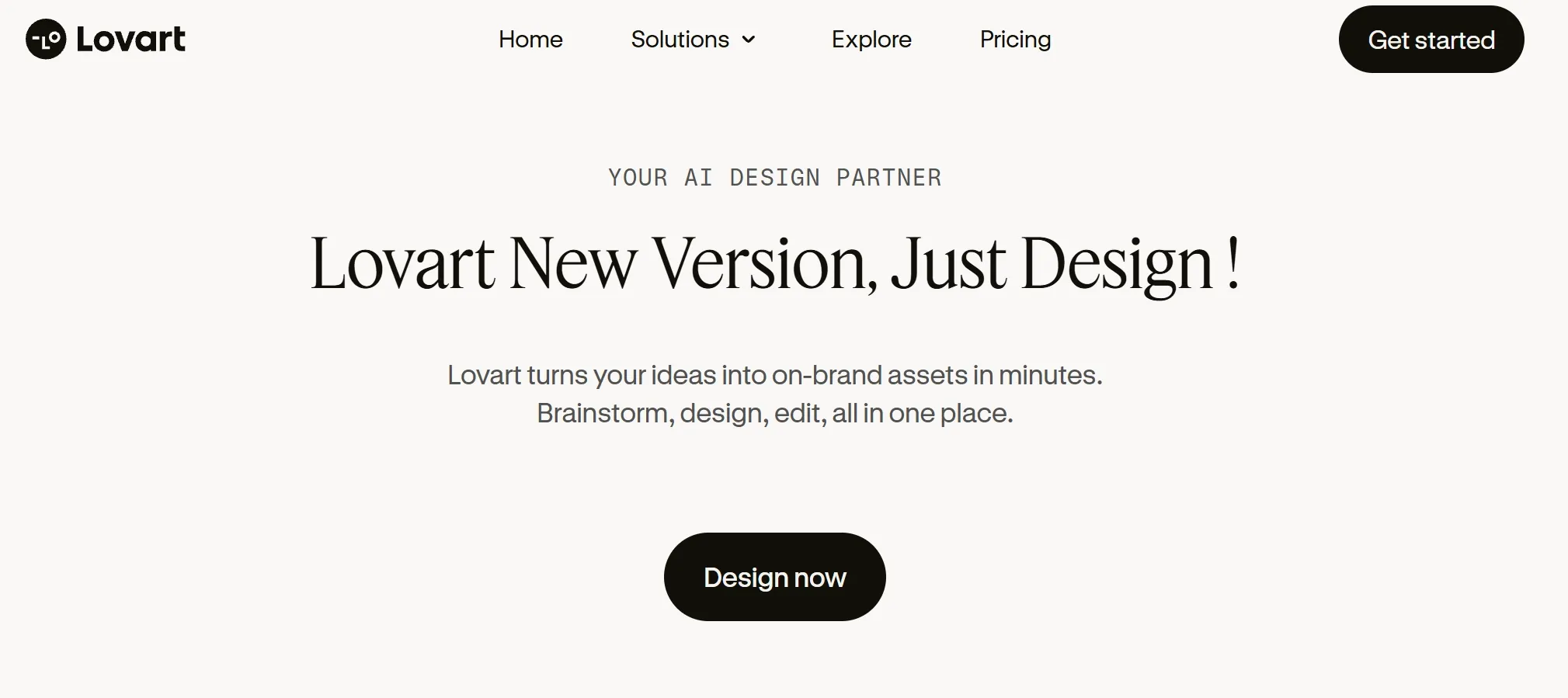
Creative design usually takes a significant amount of time, effort, and resources. Lovart AI aims to change that.
Developed by Chinese tech company Liblib and led by chief researcher Wang Haofan, Lovart AI describes itself as an AI design agent.
It turns descriptive prompts into visual artwork within a single infinite canvas and connects with AI technologies such as Flux, Stable Diffusion, GPT-4o, Kling AI, Sora and others.
How Does Lovart AI Work?
Lovart AI uses a chat-based workflow, so I can start creating simply by describing what I want.
With one prompt, I can use it to develop storyboards, product designs, posters, logos, and custom brand visuals.

The canvas also gives me additional editing control. I can select areas I want to change, describe the adjustment in simple language, and work with elements such as layers, fonts, and colors in the same workspace.
At the time of my original test, Lovart AI was still in beta. Public users had to join a waiting list before getting full access, and more than 20,000 people had reportedly applied for the closed beta!

My First Impression of Lovart AI
Luckily, I managed to get early access, which gave me a chance to see what Lovart could actually do.
Lovart calls itself a “design agent” and claims it can handle the creative process from the initial idea through to finished visuals, almost like having an entire creative team inside one platform.
But honestly, it feels like there’s a lot of hype around it—more like they’re trying to be innovative just because AI agents are trendy right now, rather than offering something truly groundbreaking.
Underneath, it’s basically GPT-4o mixed with some image and video AI models.
So, it’s not some design genius. In fact, it’s basically a smart assistant built on existing AI tech, just with a catchy name.
That said, the tool’s performance isn’t bad.
How I Tested Lovart AI
To see whether Lovart AI could live up to that first impression, I tested it across several different design tasks to see what it could actually deliver.
Test 1: Creating Magazine Covers
My first try was creating a Time magazine cover. I asked the tool to generate artistic covers for Time magazine with themes like comedy, technology, and ethics, and the result was actually pretty impressive!

For one, I was surprised by the level of detail in each scene. The tool even managed to capture the concept I had in mind with greater imaginative vision than I anticipated!
I also liked how Lovart AI made it easy for me to customize and fine-tune the various scenes individually via the canvas editing interface.
For this test, I’d give Lovart AI’s performance in this sample test a stellar 9/10 overall!
Test 2: Designing Posters
Next up, I wanted to see how well it can perform at designing a poster. In this case, I asked it to create a series of energetic posters focused on movement and dance.
Within a matter of seconds, it quickly produced the designs you see below.

Once again, the results were astounding. The tool managed to take my idea and refine it into something completely fresh and innovative.
So, for that, I would give Lovart AI’s performance in this particular test an 8.5/10 overall.
Test 3: Creating a Product Video Ad
As I have mentioned, Lovart is also integrated with AI video generators like Sora, Kling AI, and more. So it can also handle audio and video projects.
So, I started out by giving Lovart AI a pretty simple prompt with a photo of Dior lipsticks, asking it to create a short lipstick ad based on that image.

Honestly, the first result was kind of disappointing—it didn’t come close to the quality you see on Lovart's official site.
But I didn’t give up. I tweaked my prompt and asked for something more specific: a professional, high-end Dior 999 ad clip, under 30 seconds, that really captured the look and feel of the original image. I also told it to take inspiration from the style of luxury beauty brands like Dior, Chanel, and Lancôme.
This time, things got a lot better. Lovart AI generated a full storyboard with a script, detailed scene descriptions, and smooth transitions.


It even turned that storyboard into a video, with custom background music that fit perfectly with the vibe of the photo.
Where Lovart AI Falls Short
One thing to keep in mind is that once the video is generated, you can’t make changes to the scenes in between. Sometimes the transitions feel a bit choppy, almost like a slideshow, rather than smooth and natural—just like the perfume ad example below.
It’s not perfect yet, but you can definitely see where it’s headed. The storyboard and video package gave me a real sense of what’s possible.
What I Like About Lovart AI
All in all, I think Lovart AI is incredibly versatile. From storyboards to product design, I’m shellshocked at how it seems capable of designing almost anything.
Not only that, it doesn’t simply render user prompts like typical AI tools. Instead, it establishes a smart design plan and knowledge guidelines for each user request.
It covers every imaginable aspect, such as color palette, materials and textures, text effects, format & resolution, etc. So, it leaves almost nothing out.
This unique and transparent approach made it easier for me to understand the reasoning behind its creative design process from start to finish, no matter the project.
I also love the platform’s intuitiveness. It understands my requests incredibly well enough and the AI conversational assistance is engineered to flow very naturally.
The craziest part? The images it generates come with layers! It can even show a design flowchart and has a bunch of Photoshop-like adjustment tools built in.
Ultimately, I believe Lovart AI’s selling point is not in the outputs it generates. But rather, it is how it offers a more wholesome creative design experience than any other AI tool out there.
Can't Use Lovart AI? Try Pollo AI!
While Lovart AI is an exceptional AI design proxy, it is still not freely accessible to public users. Luckily, I found a fantastic alternative—Pollo AI!
Stay Flexible Across Image and Video Models
Pollo AI gives me access to 30+ image models and 70+ video models, so I am not locked into a one generation approach when a project changes direction.
For example, I can use Nano Banana 2 or GPT Image 2.5 when I need different approaches to image generation. If the project moves into video, I can switch to models like Seedance 2.5 without leaving the platform. This makes it easier to adapt the workflow as my creative direction changes.
That flexibility lets me compare different outputs, recover faster when one model misses the brief, and choose the approach that best matches the style, realism, motion, or control I need instead of rebuilding the project on another platform.
Take Your Ideas Further With Pollo AI
Move from ideas to polished images and videos with flexible models, connected workflows, and faster ways to refine every project.
Try Pollo AI for Free Now
Turn Bigger Ideas Into Finished Content With Pollo Agent
For projects that require more than one generation, Pollo Agent can take an idea, image, script, URL, or reference and turn it into a connected production workflow.
I can start with a purpose-built skill based on what I want to create, from video ads and story videos to e-commerce visuals, UGC, designs, and social content. For example, I can turn product images into polished product videos or shape campaign ideas into social media posts.
These skills save me from planning every scene, asset, and production step manually. Pollo Agent keeps the project context connected, so I can review intermediate results, revise a scene or creative direction, and carry those changes forward without rebuilding everything that already works.
It can also take the workflow through to post-ready content, helping me finish projects without manually editing every asset or production step.
Finish Specific Tasks Faster With Tools and Apps
Pollo AI also gives me dedicated apps and tools for specific creative tasks, so I can move straight into the workflow that matches what I want to create or improve.
With apps, I can start from a clear content goal instead of building everything from a general prompt. I can create ready-to-use image assets such as Twitter headers or turn ideas and footage into polished travel videos with a workflow already shaped around that format.
When I already have content to work with, Pollo AI’s tools help me refine it without starting over. I can clean up images with magic eraser or localize existing footage with AI video translator.
This separation between creation and refinement makes the workflow easier to follow. I can start with the right app, improve the result with the right tool, and reach publish-ready content with less setup and unnecessary regeneration.
Conclusion
Lovart AI promises to take the art of AI-powered creative design to the next level. Based on my experience so far, I think it has the potential to change how artists, creators, and designers work for the better, but for now, it is still in the development stage. In the meantime, I would suggest checking out Pollo AI for all your visual generation needs!