



Adobe Firefly vs Canva: Which AI Image Generator Is Better for You?
Adobe Firefly offers deeper creative control, while Canva turns generated images into finished designs faster. This guide compares their image quality, features, workflows, and pricing.
Adobe Firefly vs Canva: Quick Overview
| Category | Adobe Firefly | Canva |
|---|---|---|
| Product focus | AI-first image creation and visual editing | AI-assisted creation within a broader design platform |
| Best for | Controlled asset creation and advanced image refinement | Fast content design and template-based production |
| Creation approach | Generate and refine the image itself | Generate an image and place it into a design |
| Overall experience | Flexible and production-oriented | Fast, guided, and template-friendly |
| Main strength | Creative control | Design efficiency |
| Learning curve | Low to moderate | Low |
| Free access | Limited daily generative credits | Limited AI usage based on plan |
The main difference is workflow. Firefly focuses on the visual asset itself. Canva helps you move from image generation to a complete design.
If neither approach fully fits your needs, Pollo AI offers a more flexible path from idea to finished visual. Its connected workflow helps you find the right creative direction faster, avoid repetitive setup, and refine your results without switching between platforms.
What Is Adobe Firefly?
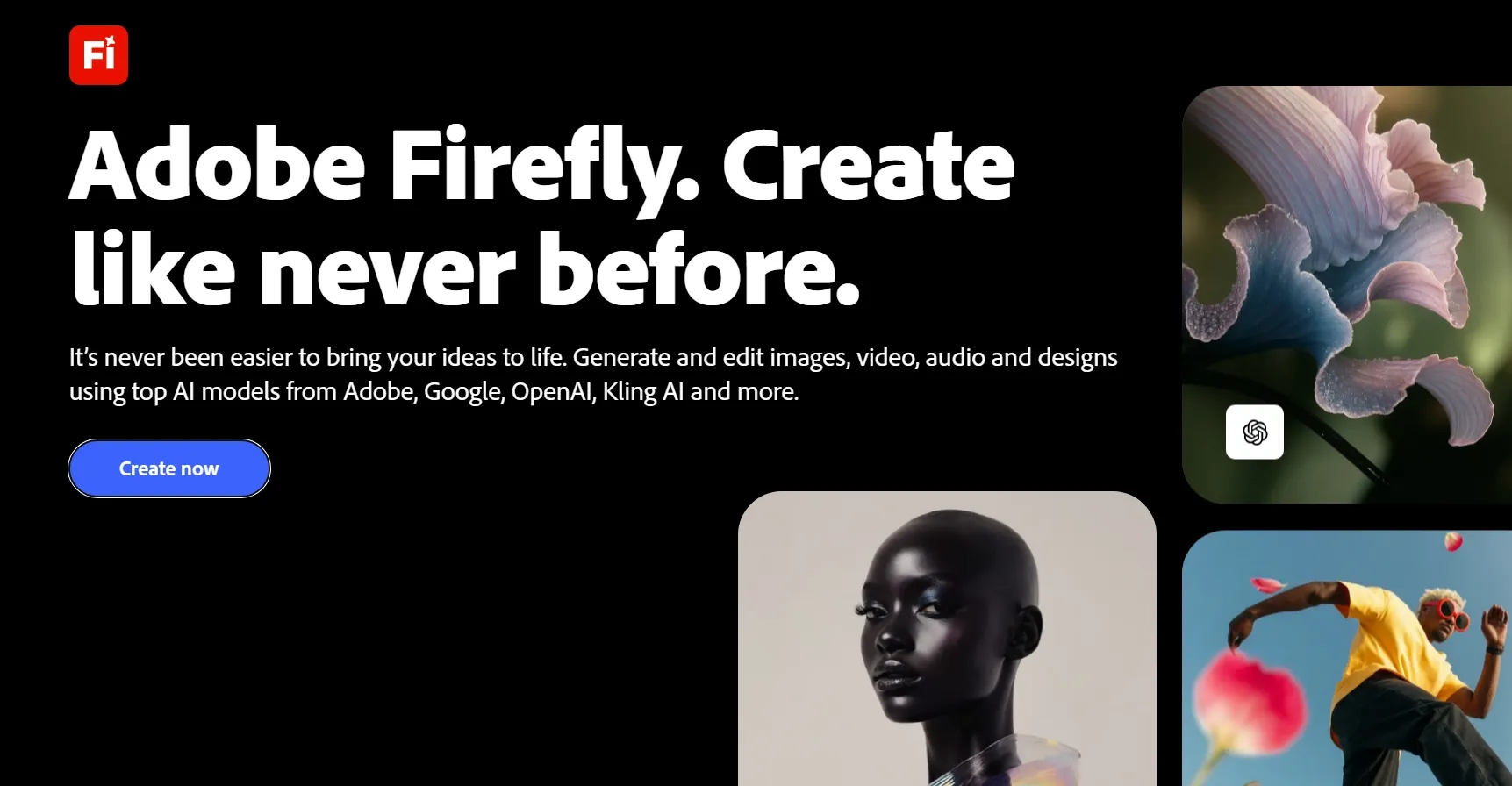
The Adobe Firefly AI image generator turns text prompts and reference images into original visual assets. You can generate new images, create variations, and continue editing images within Adobe’s creative ecosystem.
Firefly goes beyond text to image generation. It lets you guide the composition, visual style, color, lighting, aspect ratio, and reference strength before producing the final image.
You can also use style and composition references to keep the result closer to your intended direction. After generation, tools such as Generative Fill and Generative Remove help you replace objects, remove unwanted details, or expand images.
Firefly supports Adobe’s own image models alongside selected partner models, including GPT Image 2.5. Controls vary between models, but the additional choice helps you find a suitable balance of quality, style, and creative control.
Firefly works best when you need a carefully directed image that can be refined further in Photoshop or Adobe Express.
If you want to know more about this AI image generator, you can read our insightful Adobe Firefly review.
What Is Canva?
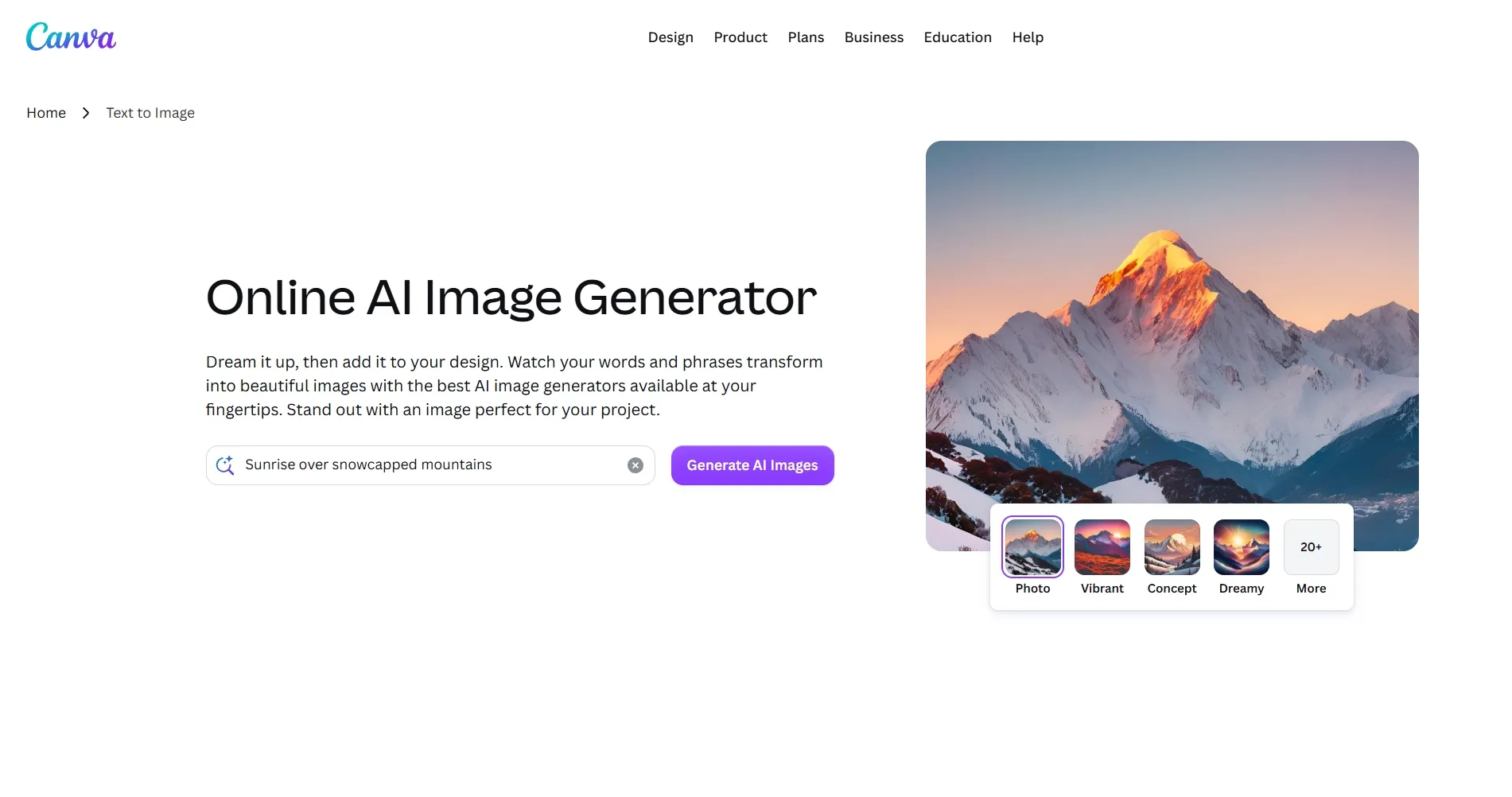
Canva brings AI image creation into Canva’s visual communication platform. Unlike Firefly, Canva does not treat image generation as a separate production stage. Instead, you can generate a visual and immediately place it into a social post, presentation, image ad, thumbnail, or flyer.
Canva offers image generation through tools such as Magic Media and Dream Lab. Enter a prompt, select a style and aspect ratio, generate several variations, and send your preferred image to the Canva editor.
The platform becomes most valuable after generation. You can combine your image with templates, typography, brand assets, animations, and collaborative features without changing tools.
Canva keeps most technical decisions in the background. You receive less granular control, but you can move from an initial idea to a publishable design faster.
You can also read our Canva review to learn more.
Gain Greater Freedom With Our AI Image Generator
Explore more creative directions and shape every image around your exact vision.
Try AI Image Generator for Free
Adobe Firefly vs Canva: Feature Comparison
| Feature | Adobe Firefly | Canva |
|---|---|---|
| AI image generation | Advanced and highly configurable | Fast and accessible |
| Model flexibility | Adobe models plus selected partner models | More guided model experience |
| Output quality | Strong detail and visual consistency | Reliable for everyday content |
| Creative control | Extensive visual direction controls | Practical presets and style controls |
| Reference images | Dedicated style and composition guidance | Simpler reference-based generation |
| Image editing | Detailed generative refinement | Convenient design-focused editing |
| Broader workflow | Closely connected to Adobe applications | Complete template-to-publishing workflow |
| Ease of use | Accessible but rewards experimentation | Highly beginner-friendly |
Adobe Firefly or Canva: Which Fits Your Workflow Best?
Compare the priorities below to find the platform that better matches the images you want to create, the control you need, and your preferred production workflow.
| Your priority | Adobe Firefly | Canva |
|---|---|---|
| Precise control over composition and visual style | ✅ | |
| Fast Instagram posts, Facebook ads, and other campaign graphics | ✅ | |
| Reference-guided product scenes and branded images | ✅ | |
| Presentations, posters, flyers, and template-based designs | ✅ | |
| Detailed generative editing and scene expansion | ✅ | |
| Brand kits and reusable marketing templates | ✅ | |
| Minimal learning curve for everyday content | ✅ | |
| Product photos, hero images, and standalone assets | ✅ | |
| Fast image-to-layout production for web and social content | ✅ |
Adobe Firefly vs Canva Pricing: Which Offers Better Value?
Compare costs and AI image access below to find the plan that offers better value for your creative needs.
| Plan | Adobe Firefly | Canva |
|---|---|---|
| Free | Limited generative credits | 1 brand kit and 1.6M+ templates |
| Entry | Standard: $9.99/month with 2,000 credits | Pro: $18/year with 5 brand kits and 3.6M+ templates |
| Mid-range | Pro: $19.99/month with 4,000 credits | Business: $25/year per person with higher usage limits |
| Higher-volume | Pro Plus: $49.99/month with 10,000 credits | No directly comparable plan listed |
| Top tier | Premium: $199.99/month with 50,000 credits | Business features for higher-volume production |
My Verdict
Firefly generally offers better value when AI image generation is your main priority.
Canva may provide more overall value when you also need templates, brand tools, presentations, collaboration, and publishing features.
Why Pollo AI Is a Better Choice for You?
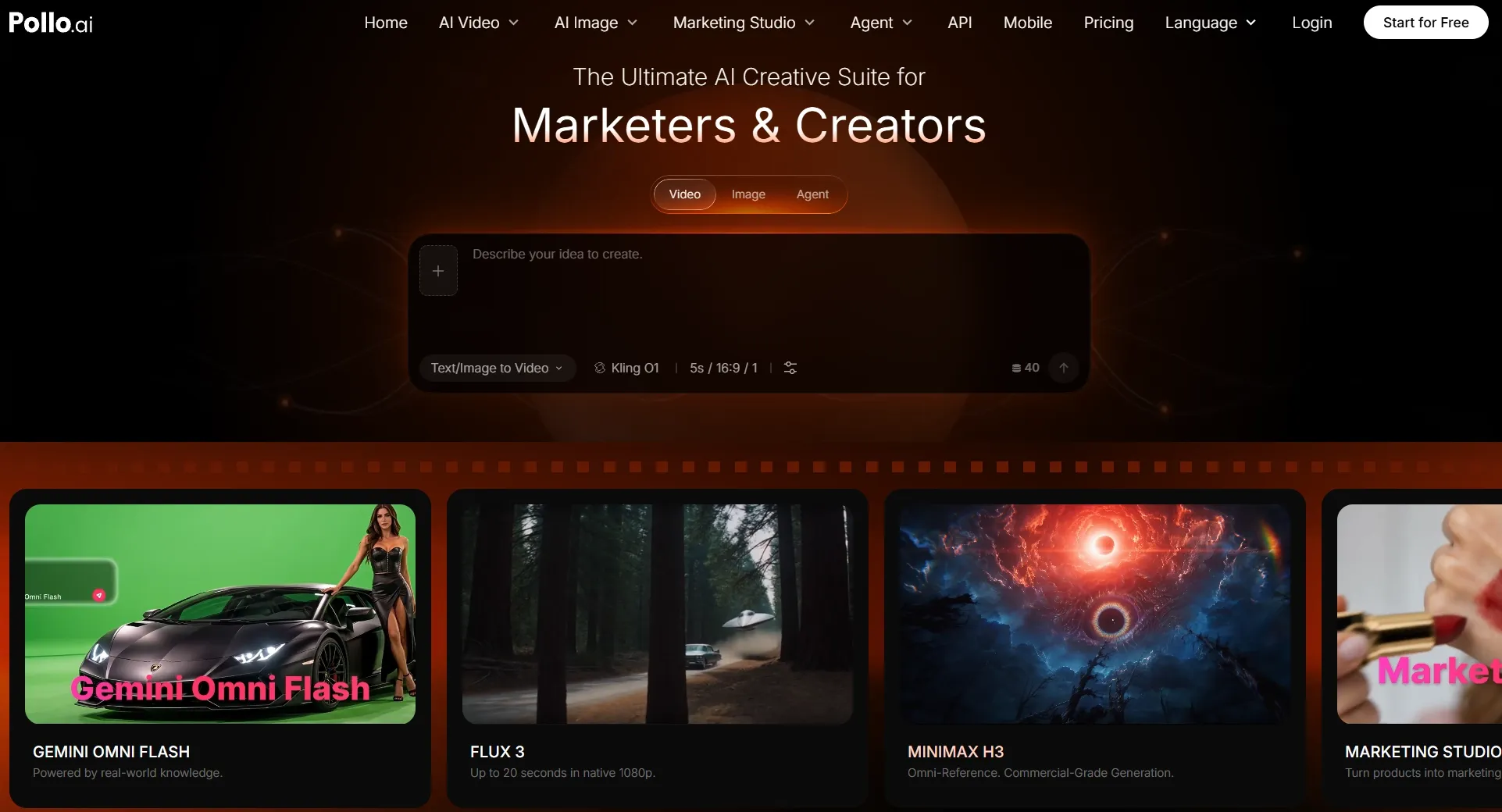
The Firefly-versus-Canva decision assumes you must choose between deeper image control and faster design assembly. However, your workflow may also require greater model and tool flexibility.
Pollo AI combines 30+ leading image models, specialized image apps, practical editing tools, and agent-based creation within one platform.
Create Complete Visuals Faster With Pollo Agent
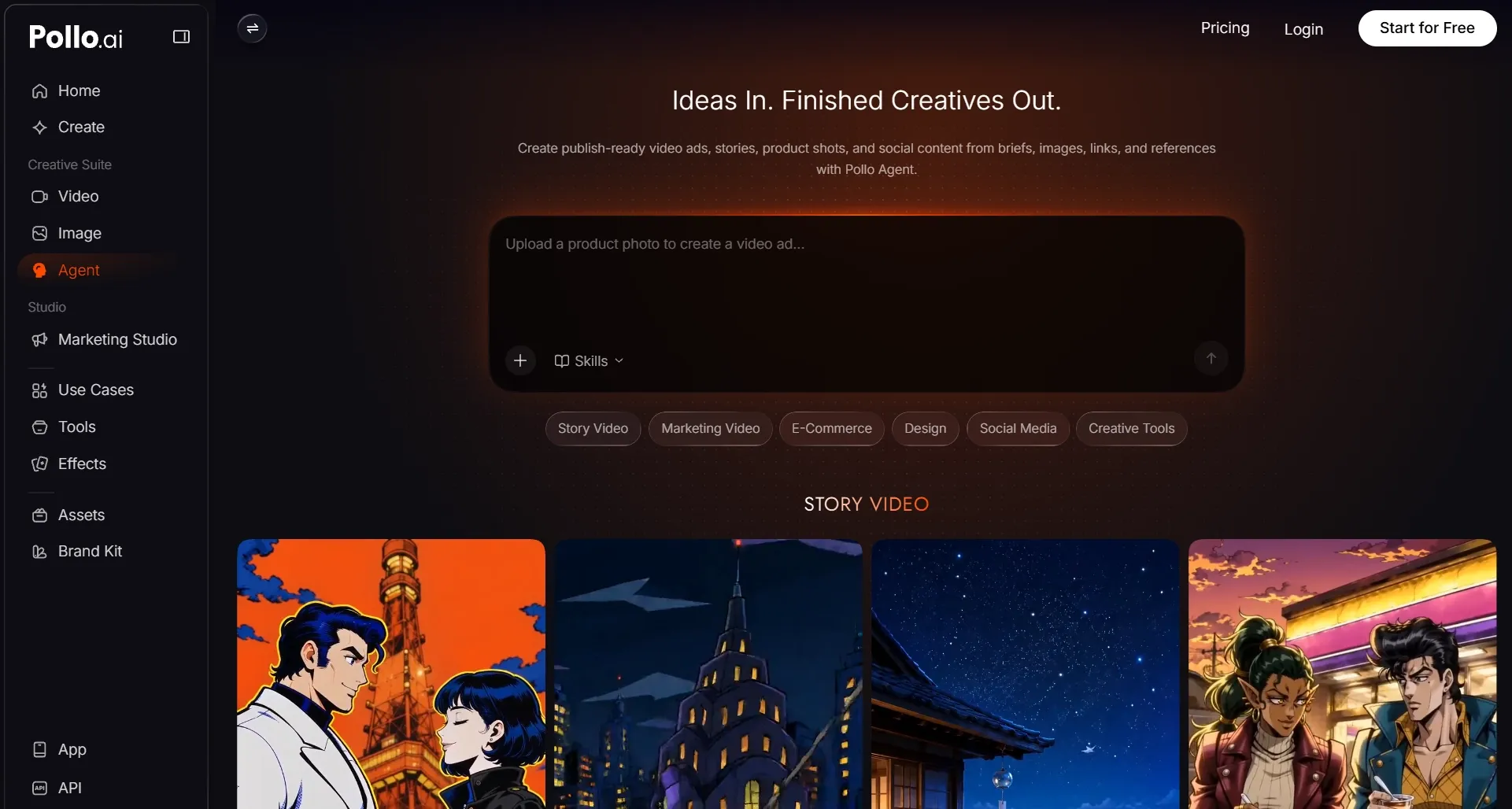
Pollo Agent makes complex image creation easier by helping plan and produce the visual assets behind your idea. Give it a brief, URL, image, or reference, then focus on the result you want.
You can create product shots, infographics, marketing assets, and other designs through a conversational workflow. Pollo Agent helps coordinate the models, settings, and production steps needed to complete the task.
Its purpose-built skills give you more structured support for common creative goals. You can produce complete visuals without planning every step or mastering complicated settings.
Follow-up feedback also stays connected to your project context. You can refine details, explore new directions, and develop multi-step ideas without restarting after every generation.
Gain More Creative Flexibility
Pollo AI brings multiple leading image models into one workspace, including Nano Banana 2 and Seedream 5.0, giving you more flexibility for different creative goals.
Each model offers different strengths. Some produce clearer typography, while others perform better with product scenes, illustrations, photorealistic images, or prompt-based editing.
You can test several models and choose the result that best fits your project. This gives you more creative freedom without rebuilding the same workflow across multiple platforms.
Create Every Image with Greater Flexibility
Explore more creative directions and finish polished visuals faster without switching between platforms.
Try Pollo AI for FreeProduce Polished Assets for Every Goal
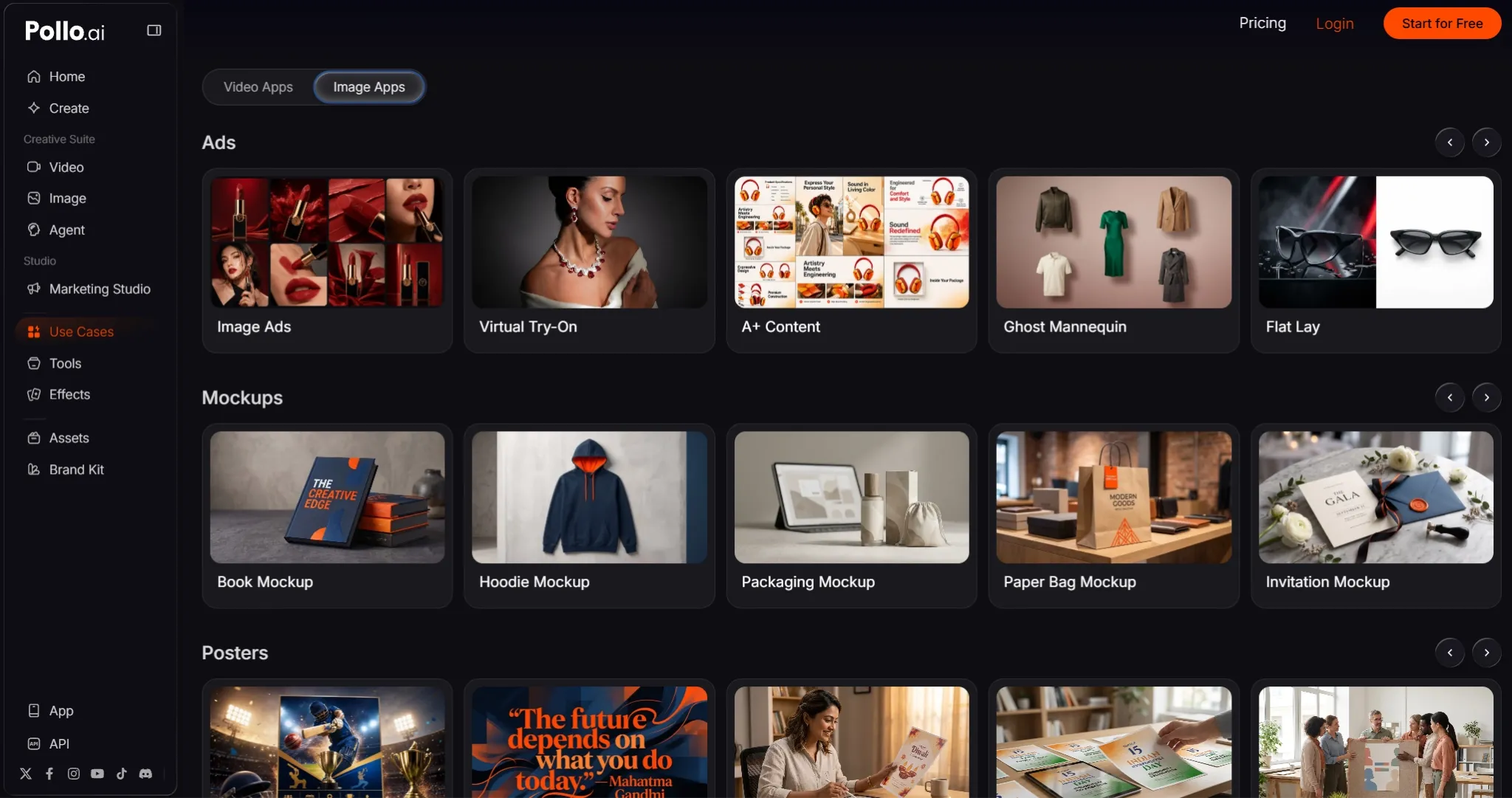
Pollo AI’s specialized image apps turn broad creative goals into guided workflows built around the final format. Instead of starting with an empty prompt, you can begin with a clear deliverable.
A flat lay photo, poster, and social post each require different layouts, details, and visual priorities. Image apps help align the generation process with these expectations from the beginning.
This means fewer prompt rewrites, less manual setup, and a shorter path to polished visuals suited to your audience and publishing channel.
Improve Every Image Without Switching Tools
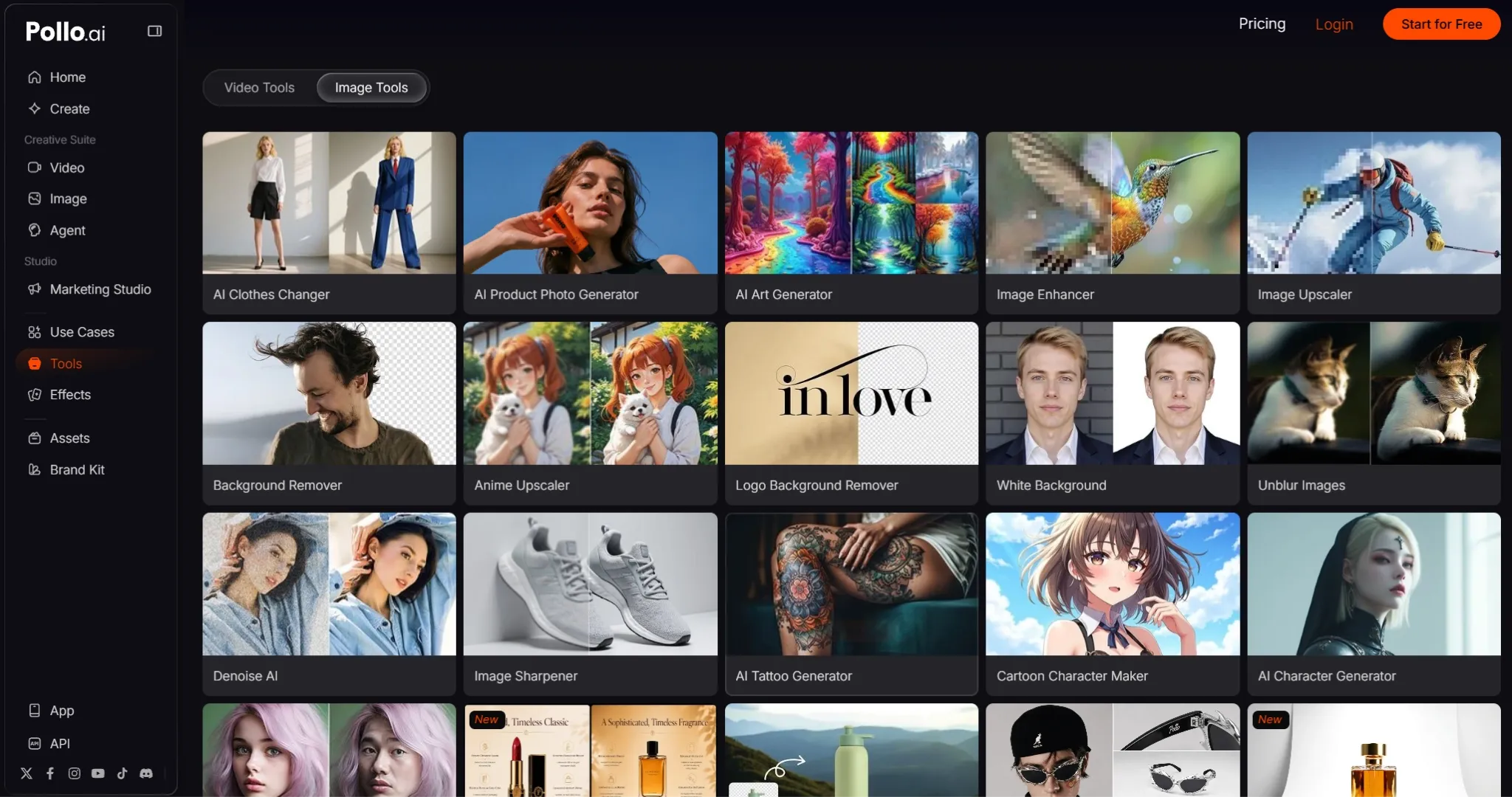
Even a strong first result may need to erase unwanted elements or touch up photos. Pollo AI’s image tools let you make these improvements without restarting the entire generation.
You can preserve the parts that already work while correcting specific weaknesses. This gives you greater control over the final result and reduces unnecessary regeneration.
Keeping generation and refinement connected also means fewer exports and fewer separate tools. You can move from an early concept to a ready-to-use image more efficiently.
Final verdict
Your best choice depends on where you need the most support. When the image itself requires precise direction and careful refinement, Adobe Firefly is the strongest fit. Its reference controls, generative editing, and Photoshop integration support a more deliberate production process.
If your priority is turning a generated image into publishable content quickly, Canva offers the smoother route. Its template-led editor helps you create social posts, presentations, ads, and branded designs with less setup.
However, not every project fits neatly into either approach. When you need to explore different styles, create various output types, and refine assets without fragmenting your work, Pollo AI offers greater flexibility.
In short, Firefly gives you finer image control, Canva shortens the path to complete layouts, and Pollo AI provides more freedom throughout the creative process.