



Canva vs Adobe Firefly: I Compared Image Quality, Editing, References, and Price
Canva and Firefly both shorten image creation, but they solve different bottlenecks. I compared how each moves from prompt to commercial-ready visual.
TL;DR: Canva vs Adobe Firefly Quick Overview
Choose Canva when the generated image needs to become a social post, presentation, or ad layout quickly. Choose Adobe Firefly when the image itself needs tighter control over composition, style, lighting, or Adobe-based refinement.
| Decision Point | Canva | Adobe Firefly | Quick Verdict |
|---|---|---|---|
| Primary strength | Fast image-to-layout workflow | Deeper image direction | Layout speed vs. image control |
| Generation route | Dream Lab with prompt and optional reference | Native Firefly and partner models | Firefly offers more choices |
| Reference control | Guides look or composition | Separate style and composition controls on native models | Firefly is more granular |
| Editing | Follow-up prompts, resolution boost, and layout tools | Generative Fill, Expand, and Adobe app handoff | Quick edits vs. deeper refinement |
| Best fit | Social and template-led work | Designers and Adobe-centered teams | Match the final deliverable |
Choose the Right Workflow for Your Visual
Create layout-ready graphics, highly directed images, product visuals, and social assets from one flexible AI workspace.
Create Images for Free
What Is Canva AI Image Generator
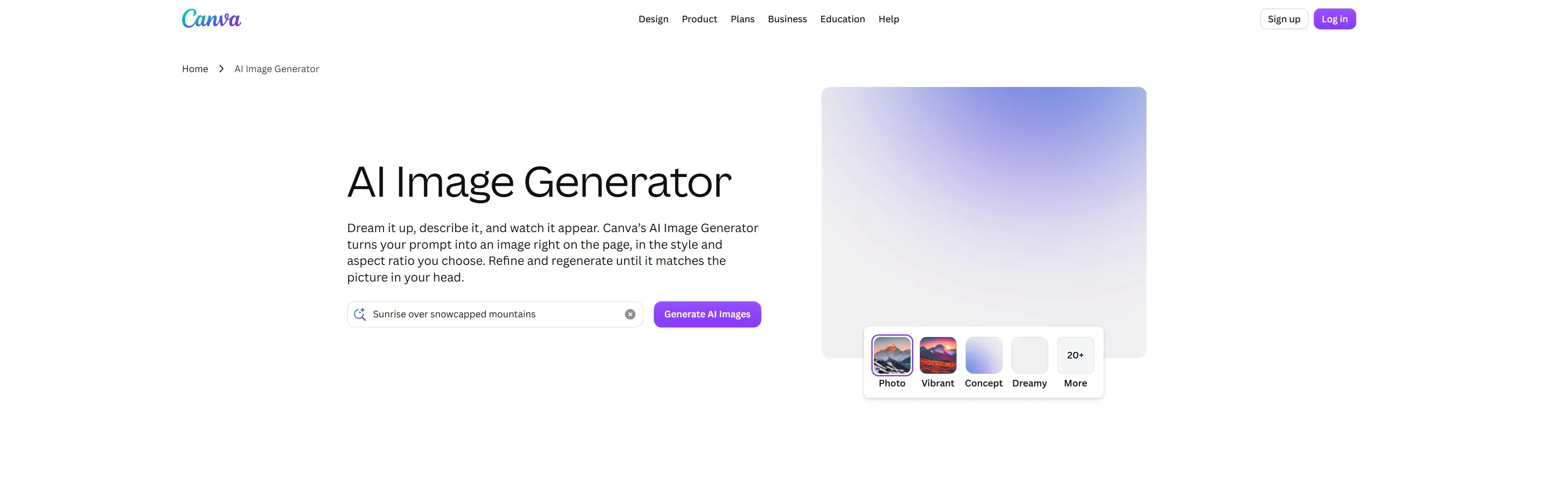
I would start with the Canva AI when the deliverable is already defined: an Instagram post, launch graphic, presentation slide, or simple product promotion. Canva keeps generation close to the layout, so the image can move directly into a template with copy, brand colors, icons, and export presets.
Dream Lab creates four options per prompt, accepts a reference image, supports follow-up instructions, keeps a generation history, and can boost resolution. Some reference, edit, and resolution actions draw from Canva's shared AI allowance. Quality tiers are available only when no style or reference image is selected.
My earlier Canva AI review found a fast but customization-light experience. Dream Lab adds more guidance, yet Canva's clearest advantage remains speed after generation.
What Is Adobe Firefly
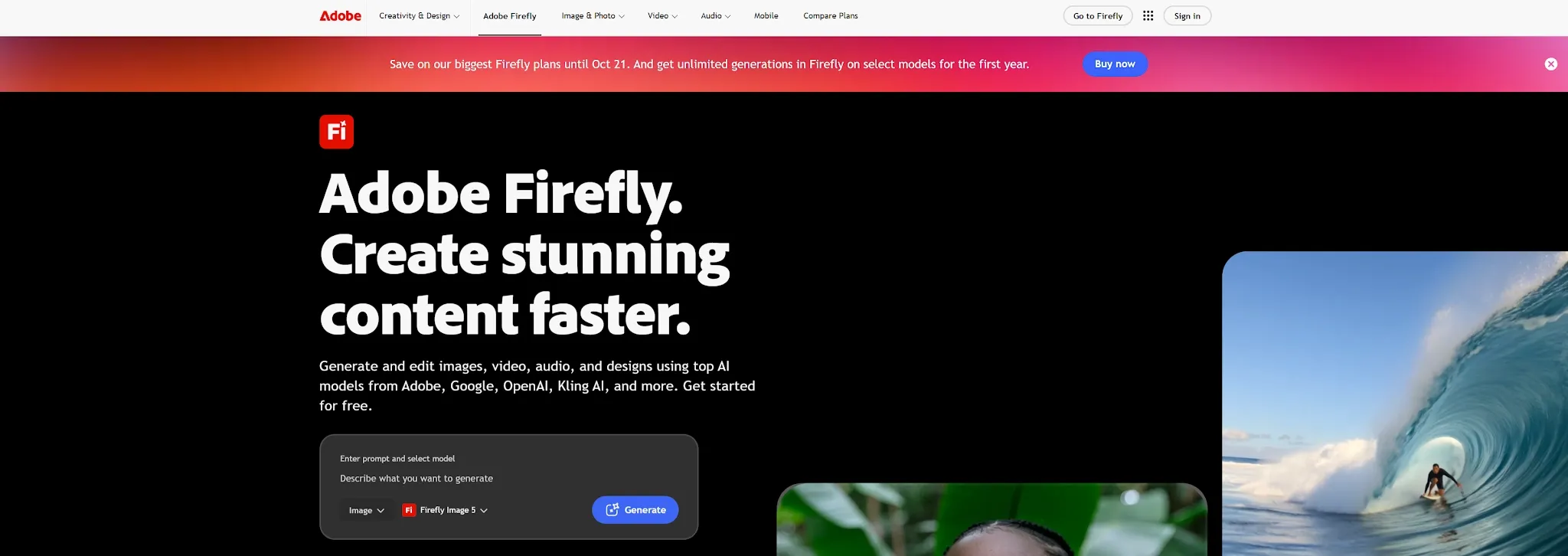
I would open Adobe Firefly when the image itself is the main creative problem. Its Generate Image workspace lets users choose Adobe's native Firefly models or supported partner models, then guide an Adobe-model output with composition and style references, effects, color tone, lighting, and camera angle.
Firefly connects generation to Generative Fill, Generative Expand, Photoshop, Illustrator, and Adobe Express. Some extended controls are limited to Adobe's native models, so switching to a partner model can change the available settings and commercial-use considerations.
In my Adobe Firefly review, stylized prompts outperformed several crowded or multi-subject scenes. More controls improve direction, but do not guarantee flawless anatomy or object placement.
Canva vs Adobe Firefly: Feature-by-Feature Breakdown
| Feature | Canva | Adobe Firefly | Better Choice |
|---|---|---|---|
| Prompting | Simple flow with four outputs | Prompt help and visible controls | Speed vs. direction |
| References | Guides look or composition | Separate style and composition strength on native models | Adobe Firefly |
| Model choice | Models managed behind the experience | Adobe and partner model selector | Adobe Firefly |
| Editing | Follow-up edits, resolution boost, and layout tools | Generative Fill, Expand, and Adobe handoff | Simple vs. detailed edits |
| Consistency | Brand Kit guidance and references | More granular reference controls | Firefly, with no exact-identity guarantee |
| Commercial use | Allowed under terms; user remains responsible | Firefly-model outputs are commercially positioned; partner models differ | Firefly native models |
| Learning curve | Low | Moderate | Canva |
Prompting and First Results
Canva reduces decisions: describe the scene, choose a style and ratio, then evaluate four options. Firefly asks for more choices, but its controls reduce guesswork when a brief specifies camera angle, lighting, color, or reference structure.
References and Consistency
Firefly separates style from composition on native models and lets users adjust reference strength. Canva's simpler workflow can support on-brand imagery through eligible Brand Kits. Neither guarantees an exact recurring character or product, so review identity, logos, materials, and proportions.
Editing and the Path to a Usable Asset
Canva wins when “usable” means placed, resized, and published. Firefly wins when the base image needs careful expansion or fill before layout. For users who need broader post-generation changes, an AI photo editor can be more flexible than staying inside one design system.
Canva vs Adobe Firefly: Which Creates Better AI Images?
| Image Goal | Better Choice | Why |
|---|---|---|
| Fast social or presentation visual | Canva | The generated image can become a finished layout immediately |
| Detailed lighting, camera, or style direction | Adobe Firefly | Native-model controls expose more art-direction choices |
| Reference-led composition | Adobe Firefly | Style and structure can be guided separately |
| Beginner-friendly campaign graphics | Canva | Templates and drag-and-drop editing reduce decision load |
| Commercial work using a native platform model | Adobe Firefly | Adobe makes a clearer commercial-safety commitment for its Firefly models |
Adobe Firefly is the stronger AI image generator when raw control is the deciding factor. Canva is the better production shortcut when the image is only one part of a finished design. The “better image” is therefore the one that reaches the required deliverable with fewer compromises, not simply the one that looks most impressive in isolation.
Which AI Image Generator Should You Choose?
Choose Canva for template-led publishing; Adobe Firefly for detailed image direction and Adobe editing; or Pollo AI to compare leading models outside one design ecosystem.
Canva vs Adobe Firefly Pricing
| Plan Level | Canva | Adobe Firefly |
|---|---|---|
| Free | $0; up to 20 Standard or Premium AI uses; no Ultra AI | $0; limited free daily generations |
| Entry paid | Pro: US$180/year; up to 200 Premium or 20 Ultra AI uses | Standard: US$9.99/month; 2,000 credits and unlimited standard image/vector generations |
| Higher tier | Business: US$250/year/person; up to 400 Premium or 40 Ultra AI uses | Pro: US$19.99/month; 4,000 credits, Photoshop web/mobile, and Express Premium |
| Heavy use | AI Pass add-on available for Pro and Business | Pro Plus: US$49.99/month; Premium: US$199.99/month |
| Limit model | Shared monthly AI allowance | Unlimited standard generations; credits for premium features and partner models |
Firefly Standard has the lower published entry price for image-focused users. Canva Pro costs more, but also covers templates, publishing, Brand Kits, and other design features. Value depends on whether you need generation alone or the surrounding design system.
Why Pollo AI May Be the Better Choice
Canva and Firefly both guide users toward their own ecosystems. Pollo AI is a better fit for users who value model choice more than templates or an Adobe handoff.
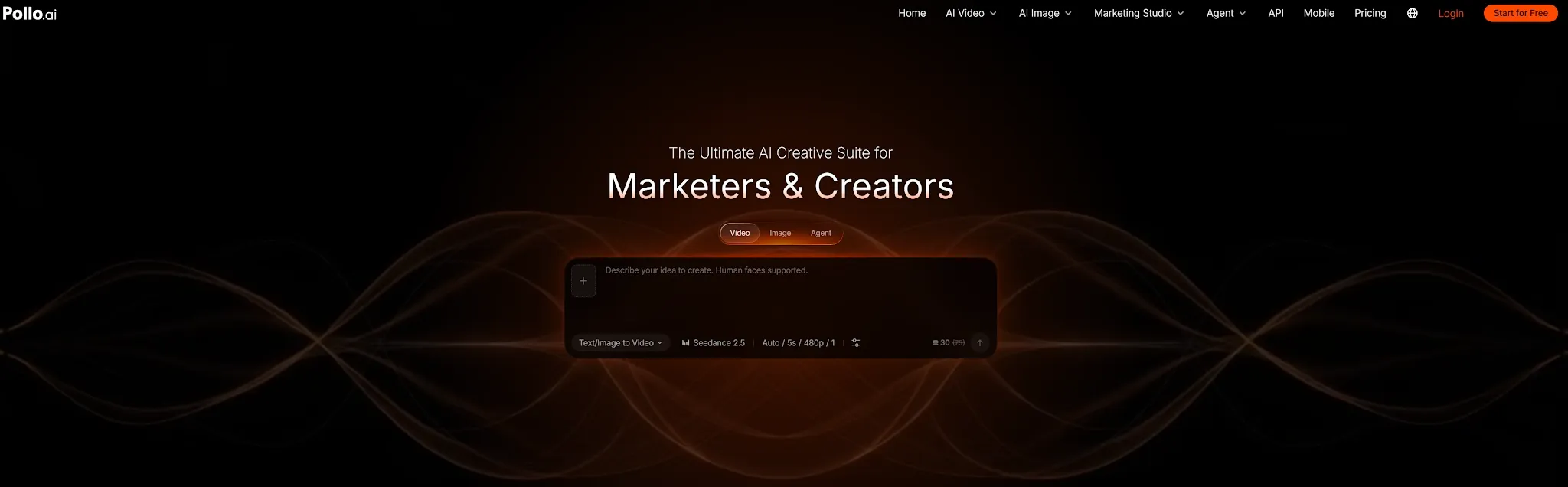
Access Leading AI Image Models in One Place
Pollo AI brings together many leading image models on one platform, including GPT Image 2, Seedream 5.0, and Nano Banana 2. Users can match the model to the prompt, reference, visual style, or editing task instead of relying on a single generation system.
Go Beyond Generation With Image Apps and Tools
Model access is only part of the workflow. Pollo AI also offers a large collection of image apps for specific outcomes such as product shots, posters, social posts, logos, and marketing designs. Its image tools handle practical jobs such as removing backgrounds or objects, expanding compositions, and upscaling finished images.
This gives users a more complete path from an initial idea to a usable asset without moving between several platforms.
Turn One Brief Into a Publish-Ready Visual With Pollo Agent
For users who want the closest thing to one-click image creation, Pollo Agent can turn an idea, brief, URL, image, or reference into publish-ready visuals such as product shots, ads, social content, and branded designs.
Instead of returning only an isolated image, Pollo Agent interprets the creative goal, selects suitable models and workflows, and coordinates the required assets in one guided process.
Where Pollo AI Fits Real Work
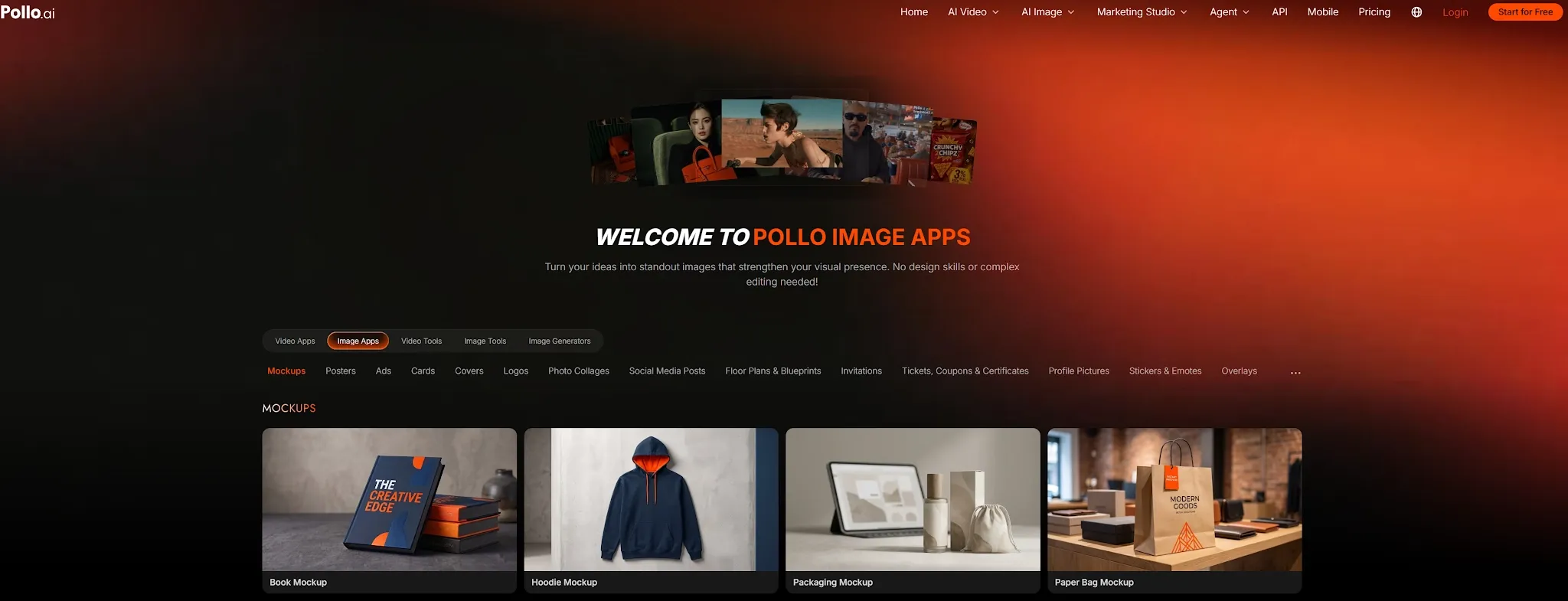
For creators: Compare AI image models for a hero image, then refine or upscale the strongest result in the same account.
For marketers: Develop campaign concepts, social visuals, posters, and variations without maintaining several specialized subscriptions.
For e-commerce sellers: Create product images, then prepare the selected asset for listings and ads.
Final Verdict
Choose Canva if speed, templates, and immediate layout work are the priority. Choose Adobe Firefly if you want more deliberate control over references, lighting, camera treatment, and Adobe-based editing, especially when using Adobe's commercially positioned native models.
Choose Pollo AI to compare leading models and handle practical image tasks from one account. Its advantage is broader generation flexibility without locking the workflow to Canva or Adobe.