



10 Best AI Photo Editors Online Free No Restrictions in 2027
Let me guess: you’re on a tight budget and need an AI photo editor online free no restrictions, but most tools keep slamming a paywall in your face or lack the right features? Am I right?
Well, sit back and relax, because after weeks of research and testing every top AI photo editor out there, I’ve created a solid list that delivers. Want to know more? Then read on for all the details!
TL;DR
Pollo AI is the best AI photo editor online free with no restrictions in 2026, giving you access to leading image models like GPT Image 2.5, Nano Banana 2.1, and Seedream 5.0 Pro. I can use simple prompt-based instructions to remove objects, change backgrounds, improve lighting and color, retouch portraits, erase watermarks, etc. Just sign up for an account to get started at no cost!
10 Best AI Photo Editors Online Free No Restrictions: At a Glance
Before we start to look into all the top 10 tools individually, let me break down this list with a simple rundown for those of you who may prefer a quick debrief:
| AI Photo Editor | Best Suited For | Best Features | Limitations |
Pollo AI | Prompt-based creative edits | Casual prompt-based object, background, lighting, portrait, and image-to-image editing | Watermarks and credit limits on free use |
| EzMaker AI | Quick edits without an account | Background/object removal, text erasing, enhancement, upscaling, restyling, and image expansion | First-party pages conflict about credits and payment |
| Pixlr | Everyday browser photo editing | Layers, cutouts, color adjustments, background/object removal, generative fill, and upscaling | AI caps, rate limits, and cooldowns |
| Canva | Social media and marketing graphics | Magic Edit, Magic Eraser, Magic Grab, background tools, templates, text, and enhancement | Shared AI-use cap and premium-element watermarks |
| Adobe Express | Adobe users and quick branded content | Adjustments, resizing, background removal, templates, Adobe Stock assets, and Firefly edits | Daily AI limits and workflow-specific file caps |
| Fotor | Retouching and image enhancement | Enhancement, object/background editing, portrait retouching, restoration, upscaling, and batch editing | Account, credit, export, and possible watermark restrictions |
| Photoroom | Product photography and e-commerce | Background removal, product backdrops, AI shadows, recoloring, cleanup, enhancement, and resizing | Export quotas, daily utility limits, and personal-use restriction |
| insMind | Background and object editing | Background replacement, object removal, canvas expansion, upscaling, filters, generative fill, and prompt edits | Credit-based paid plans and unclear free export rules |
| Picsart | Creative effects and social content | Enhancement, color correction, background/object removal, portrait restoration, extension, and artistic effects | Tool-specific trials, credits, and resolution restrictions |
| Cutout.Pro | Upscaling and old-photo restoration | Image sharpening, denoising, face enhancement, color correction, deblurring, and image enlargement | Full-resolution, watermark-free output may require credits |
#1. Pollo AI: Best AI Photo Editor Online Free No Restrictions
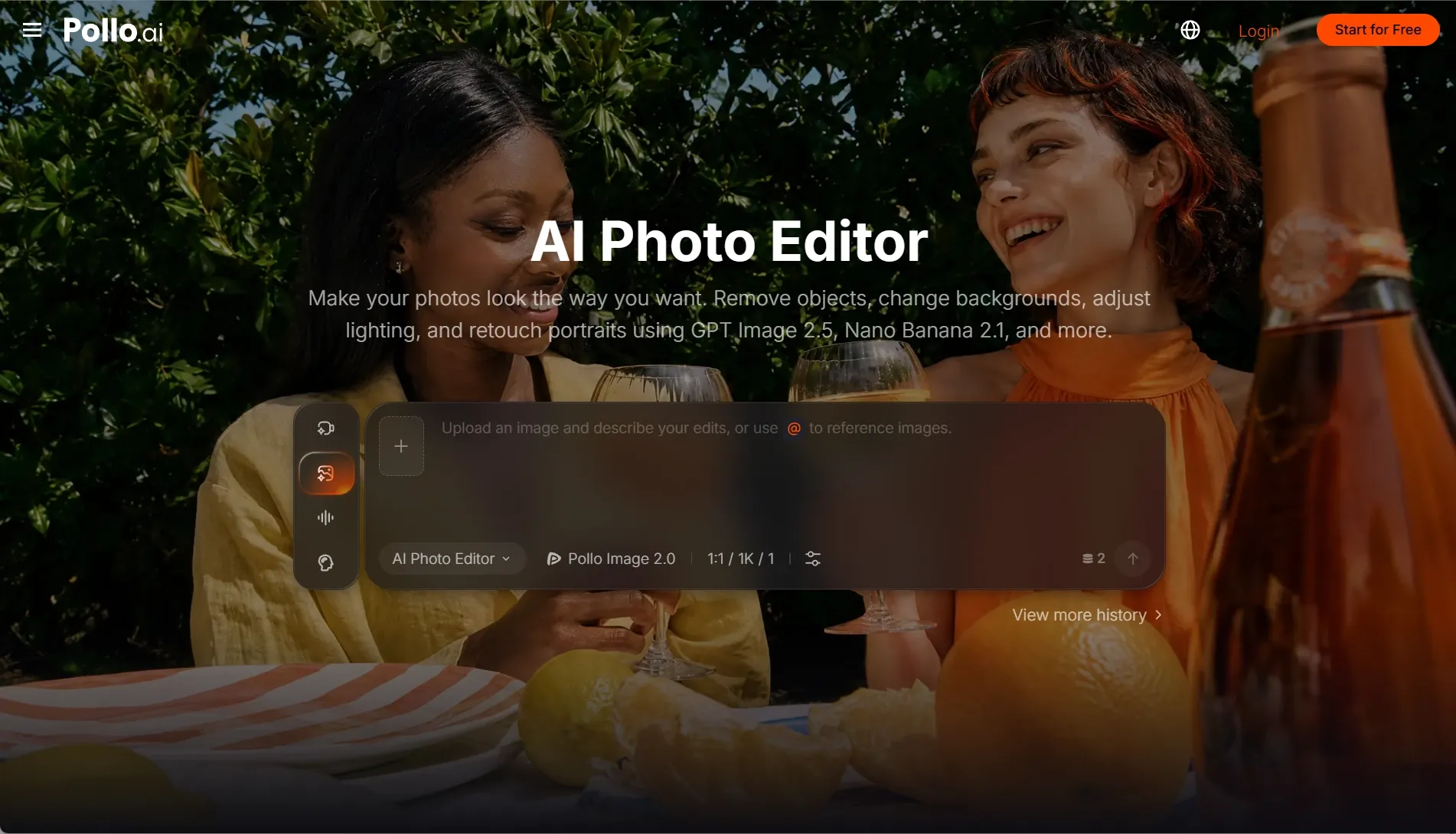
At the top of my list is Pollo AI‘s AI photo editor because it lets me make the most advanced edits with text prompts. Instead of navigating complex settings like brushes and layers, I just explain what I want adjusted in plain language, and the tool handles the changes automatically!
But that's just the surface of what Pollo AI’s free photo editor can do, making it the ultimate all-round solution to any task. What I enjoy most is how it’s integrated with all the latest AI image models, including GPT Image 2.5, Nano Banana 2.1, and Seedream 5.0 Pro.
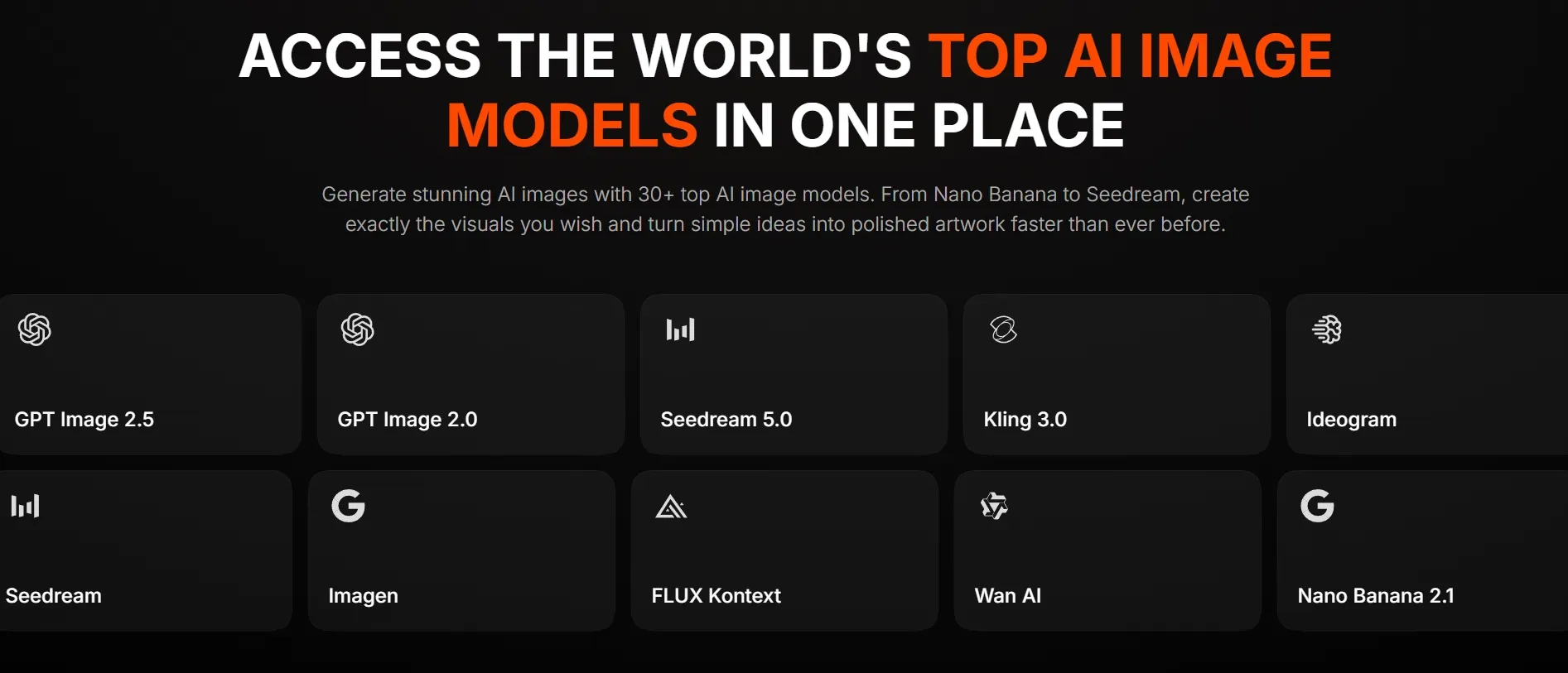
This lets me switch between them and explore different outputs until I’m quite satisfied I’ve nailed the perfect edit. Talk about convenient, right? In fact, it’s become my daily go-to, allowing me to automate all kinds of advanced image editing tasks.
For example, if I want to remove or replace an unwanted element, the AI can flawlessly rebuild the surrounding area for a picture-perfect result. It’s like it was never there to begin with!
When it comes to changing backgrounds, this AI photo editor can naturally place the core subject/object in any unique setting. I particularly use this for promotional ad content, allowing me to create full lifestyle campaigns even with few product references.
I can also use the Pollo AI photo editor to add or replace characters in a shot, giving me a lot of freedom to experiment with new visual ideas. This includes enhancing lighting and color, erasing watermarks without overlays, and so much more.
Putting photo editing aside, I also appreciate how Pollo AI is a comprehensive platform that caters to text to image generation. So, even without a reference to work with, I can develop my ideas from scratch. And it doesn’t stop there.
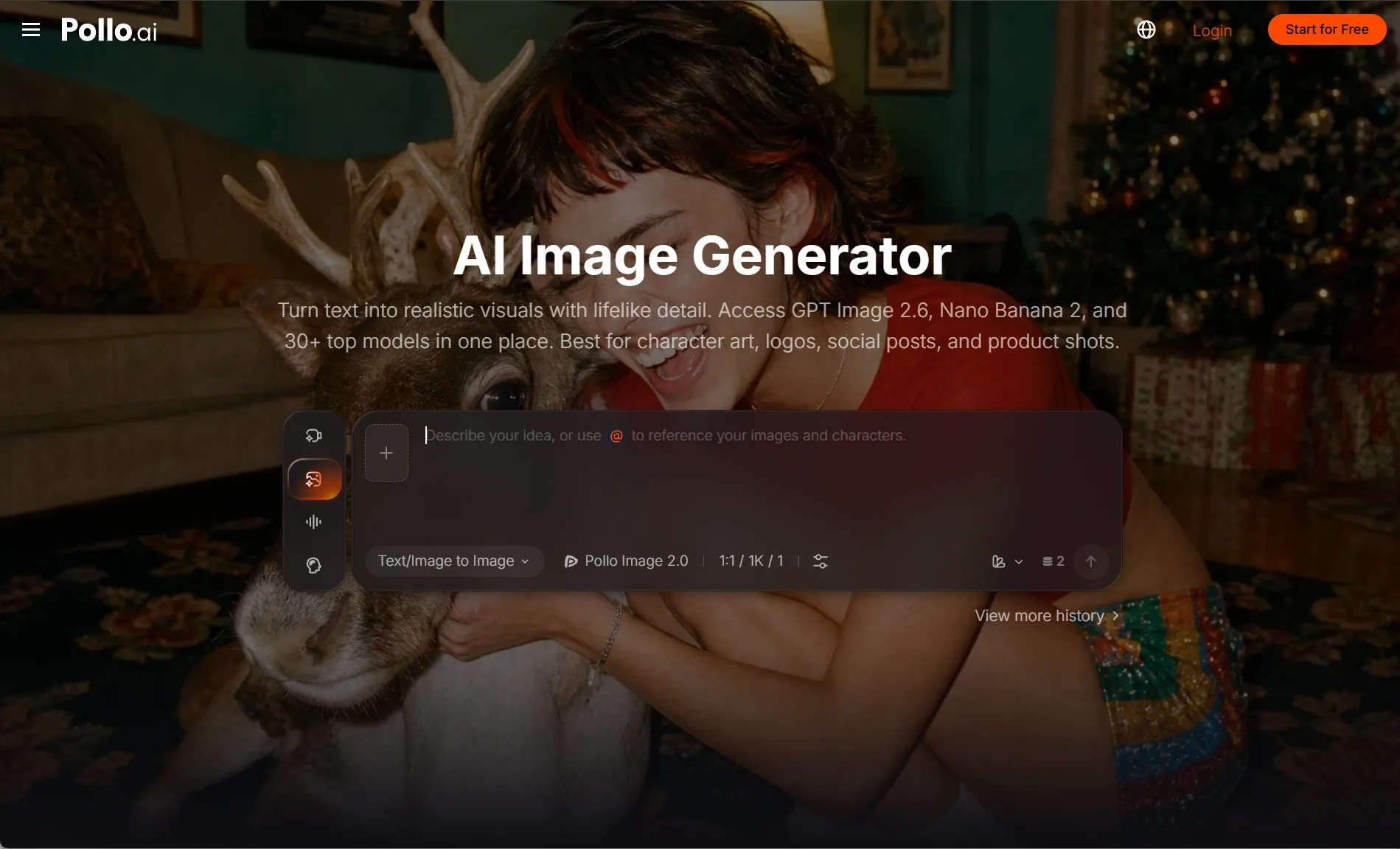
Depending on my workflow, I can access specialized tools like the AI logo generator or the AI product listing image set generator for e-commerce.
The crazy part is that I’m still just scratching the surface of what Pollo AI can do. It's truly the ultimate AI creative suite for filmmakers, brands, marketers, and creators; hence my 1st choice!
Pros:
- Simple prompt-based image editing
- Multiple AI image models supported
- Powerful image generation capabilities
- Free daily refresh credits available
Cons:
- May feel too complex for quick one-prompt video creation.
- Free plan has limited credits
#2. EzMaker AI: Best AI Photo Editor Online Free for No Sign-Up
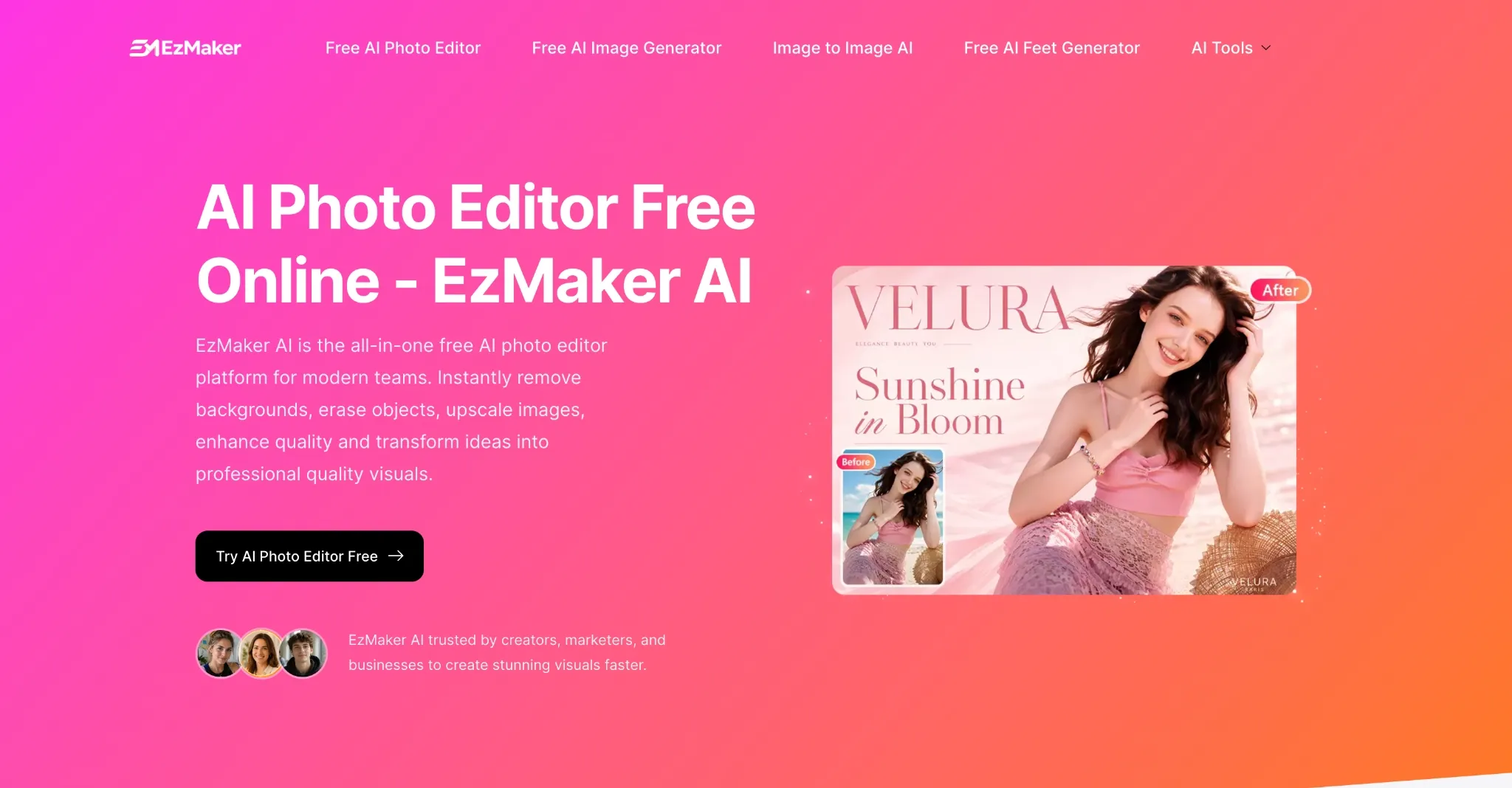
EzMaker AI is perhaps the most generous tool for free users, based on what I’ve seen so far. It doesn’t require any sign-up, and I could freely access all its features. But I’ll also be upfront by saying that it has the fewest features of any other tool on this list.
At most, it offers a simple prompt-based interface with little to no other controls. So, there’s no room for advanced image editing and fine-tuning. However, I do like the simplicity of it, which makes it accessible to anyone who needs a straightforward solution.
Having said that, I’ve seen how EzMaker AI can be unpredictable at times, especially if you need to make multiple changes. So, I’d recommend it for small, basic changes, but for more detailed and polished adjustments, it will likely demand multiple attempts.
Pros:
- Instant, no-sign-up editing
- No watermarks across exports
- Broad prompt-based editing
Cons:
- Lacks any advanced editing controls
- Complex edits may have unpredictable results
#3. Pixlr: Best AI Photo Editor Online Free with AI Extras
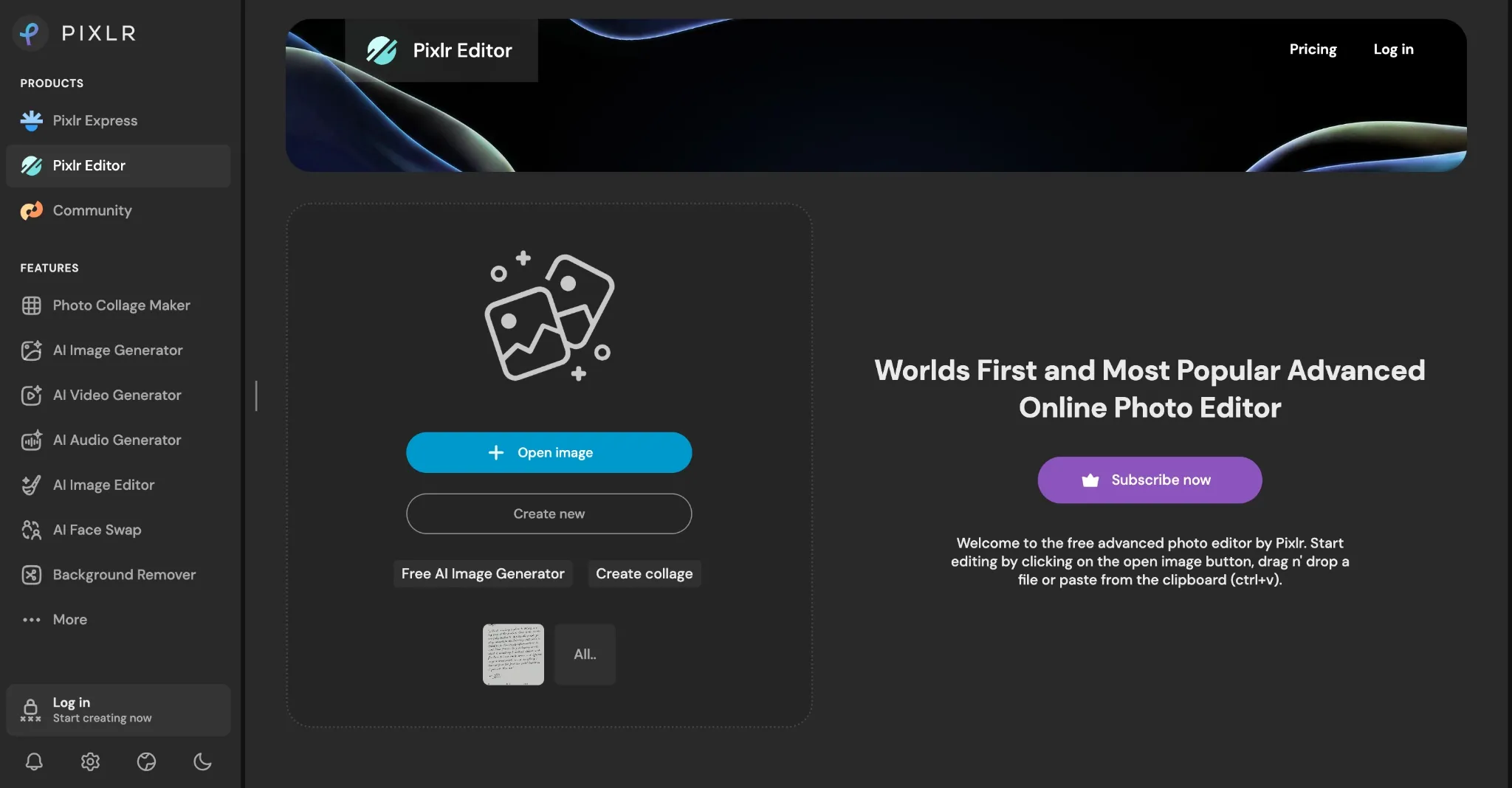
I quite like Pixlr Express because it’s quite a straightforward tool. There’s no fluff, so I can open it in my browser window and get direct access to a simple but effective image editing interface that also combines a few handy AI extras for good measure.
Whenever I’m in a hurry and need a fast browser workflow, I might turn to Pixlr Express. It offers instant tools and features for cropping, resizing, adjustments, filters, effects, photo retouching, etc. More importantly, it has several one-click AI features that make image editing painless.
Pros:
- Simple user interface
- Core editing features are free
- Fast browser workflow.
Cons:
- Limited AI image editing capabilities
- Not suitable for complex iterations.
You can also check our Pixlr AI review for detailed information.
Give Your Photos a Better Finish
Clean up distractions, adjust the setting, and shape the look you want with Pollo AI. Start with our free AI photo editor and one photo you would like to improve.
Try AI Photo Editor Free#4. Canva AI: Best AI Photo Editor Online Free for Social Posts
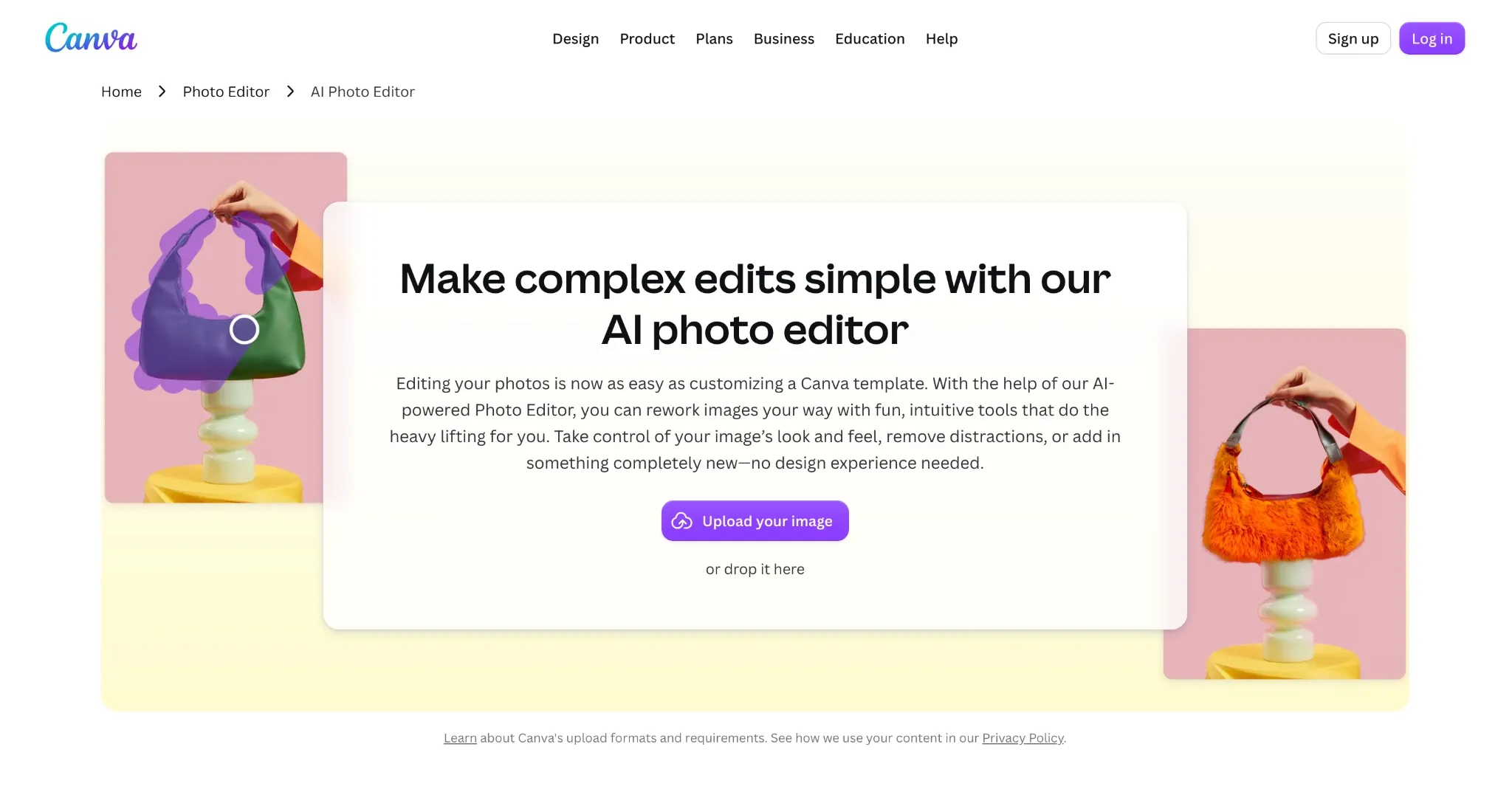
I find Canva best suited to editing social posts and marketing images, like posters, thumbnails, flyers, or other product-related graphics. Why? Because most of its core features focus on fast, point-and-click image manipulation.
To break it down, Canva AI offers three core tools: Magic Edit, Magic Eraser, and Magic Grab. I like using Magic Edit because that’s where the AI prompting happens. Here, I can use simple instructions to make alterations, but I don’t find it as capable as other options like Pollo AI.
And I also find that problematic because it’s not sufficient for a continuous editing workflow. On top of that, I dislike how Canva can be a bit random about which other AI features are free.
Pros:
- Prompt-based editing available
- Several AI image editing tools
- Offers free AI credits monthly
Cons:
- Very limited AI tool usage per month
- Several export options are plan-limited
Read our Canva AI review for detailed information.
#5. Adobe Express: Best AI Photo Editor Online Free for Design Assets
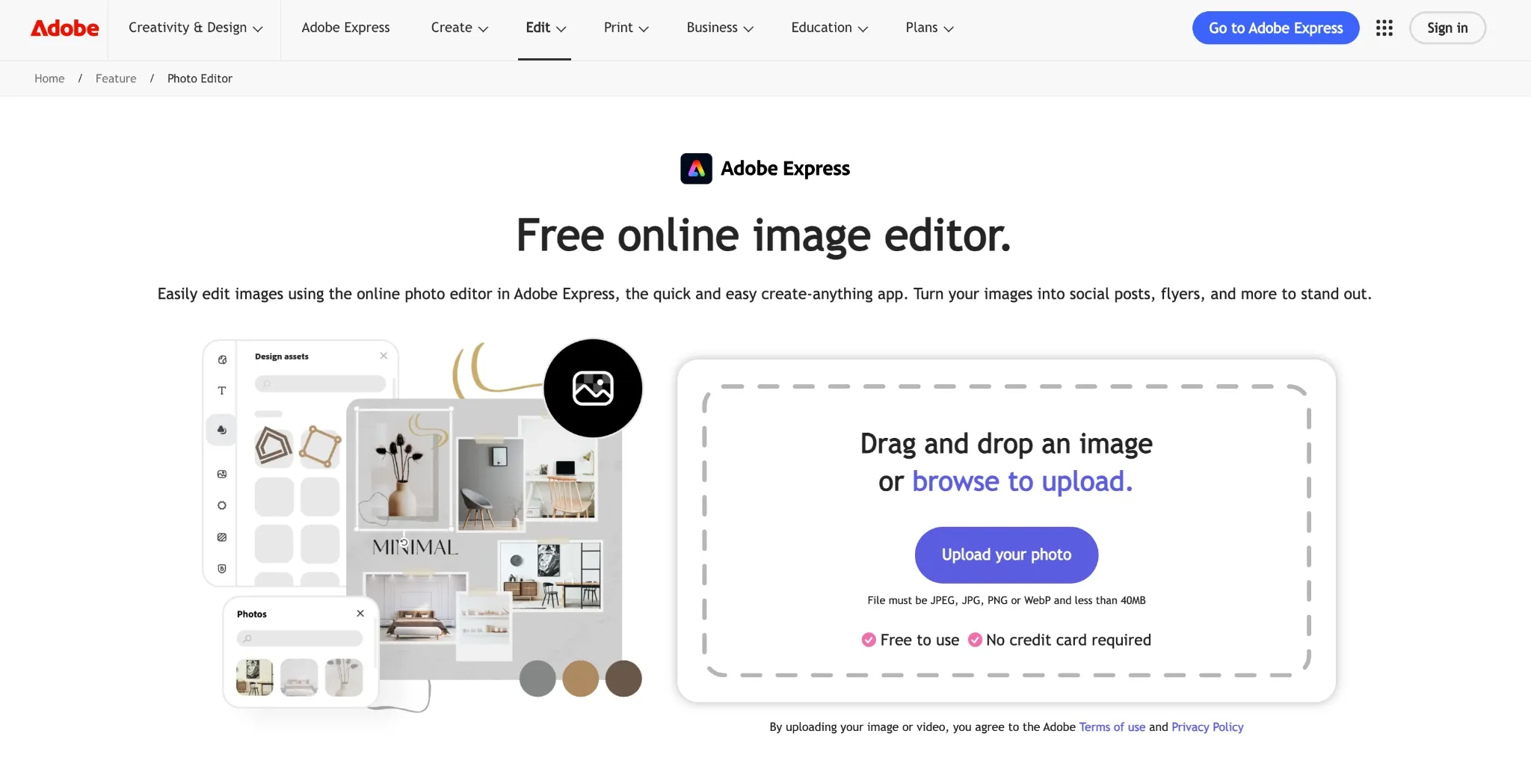
I enjoy using Adobe Express because it lets me access thousands of fully editable templates, stock images, fonts, etc. If you need a relatively polished and asset-rich tool for standard photo editing, this is not a bad place to start.
Most of the time, I’d recommend using it for quick cleanup, resizing, upscaling, image denoising, etc. Since it also connects directly with the Adobe ecosystem, it can be convenient to sync up with tools like Adobe Firefly and Photoshop on bigger projects.
Speaking of which, the Adobe Express AI design tools support basic generative fill and background removal. I find them functional, but the free credits are limited, so it’s not ideal for a heavy image workflow. So, I’d suggest it for small, individual editing tasks.
Pros:
- Numerous free templates and stock assets
- Free AI credits that refresh daily
- Integrates with the wider Adobe ecosystem
Cons:
- Free generative AI access is limited
- Lacks advanced fine-tuning capabilities
Read our Adobe Express review for detailed information.
#6. Fotor AI: Best AI Photo Editor Online Free for Broad Toolset
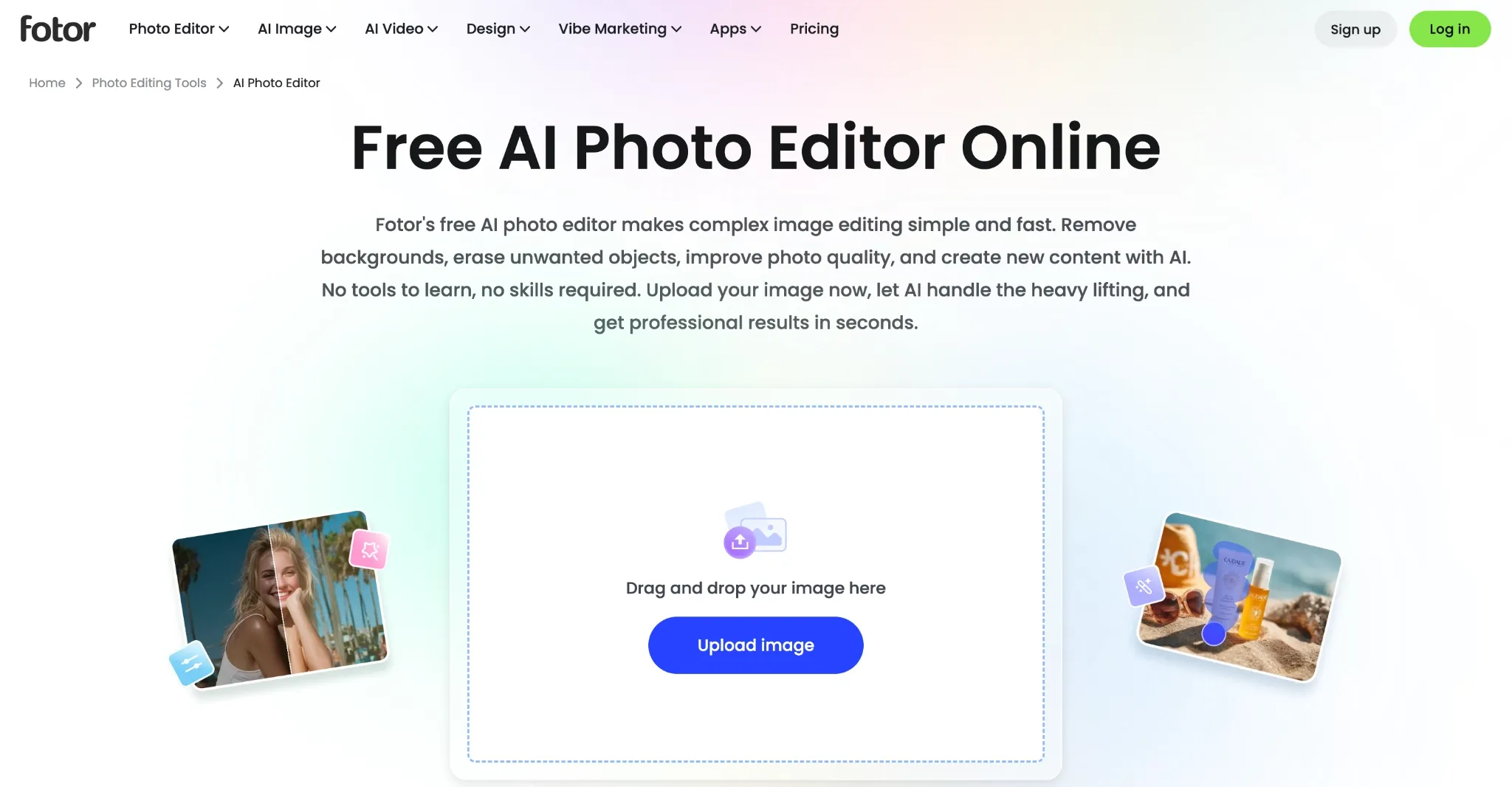
What stood out to me about Fotor AI is its 30+ image editing tools that include background and object removal, portrait retouching, image upscaling, restoration, etc. Most of these basic editing features can be used without a paid plan.
I’ll admit the tool is not the most polished or advanced, but it’s undeniably fast and easy to use. Fotor AI is also one of the few AI image editing tools that has a permanent free plan where you can very clearly see what’s included and what’s not.
Most importantly, the interface is extremely simple to use. All in all, I’d say it can be useful if you need basic editing with filters and collage tools for free. But on the generative AI side, I don’t think it’s the best because it offers very few free AI credits.
Pros:
- Beginner-friendly platform
- One-click AI image enhancement
- Broad image editing toolset
Cons:
- Strict cap of a few uses per day
- Most AI features locked behind a paywall
You can also check our Fotor AI review for detailed information.
#7. Photoroom: Best AI Photo Editor Online Free for Product Images
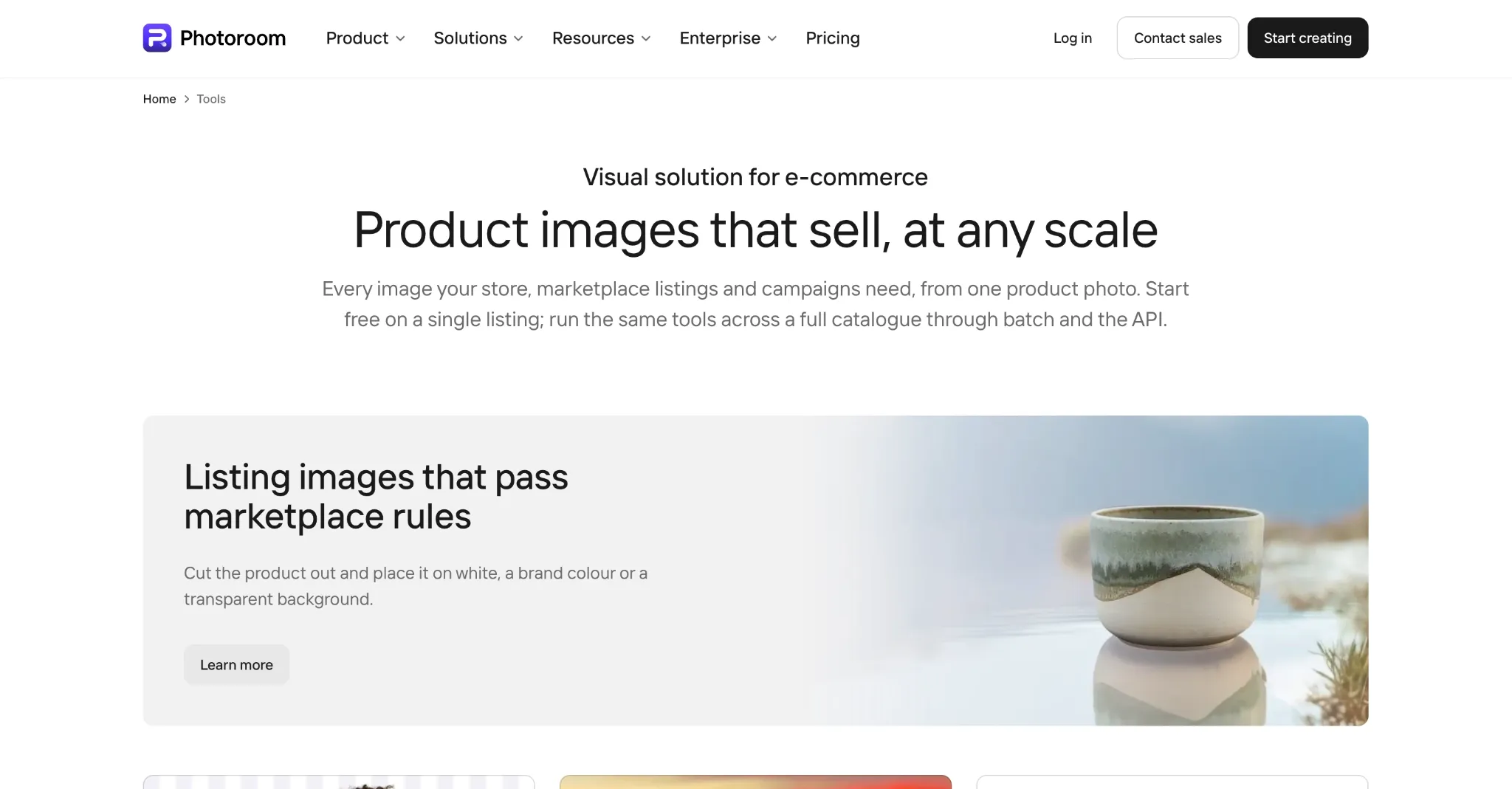
Whenever I need to edit product images, Photoroom is one of the main options I like to keep in mind. Why? Because it has multiple tools that help with cleaning up raw product shots, turning them into polished listing sets for eBay, Shopify, etc.
On the free plan, I could access the basic background remover, image enhancer, resize tool, retouch tool, AI shadow tool, and even browse a few standard templates. But I quickly discovered that the daily limits on this platform are quite restrictive for free users.
What’s more, Photoroom doesn’t let free plan users export images for commercial purposes, so it’s strictly limited to personal use only. Moreover, all free exports are capped at 25 per week max, which I must say is another let-down.
Pros:
- Excels at refinement and enhancement
- Multiple image editing tools
- Mobile app available
Cons:
- Free plan only for personal use
- Limited exports allowed on free plan
#8. insMind: Best AI Photo Editor Online Free for Everyday Photography
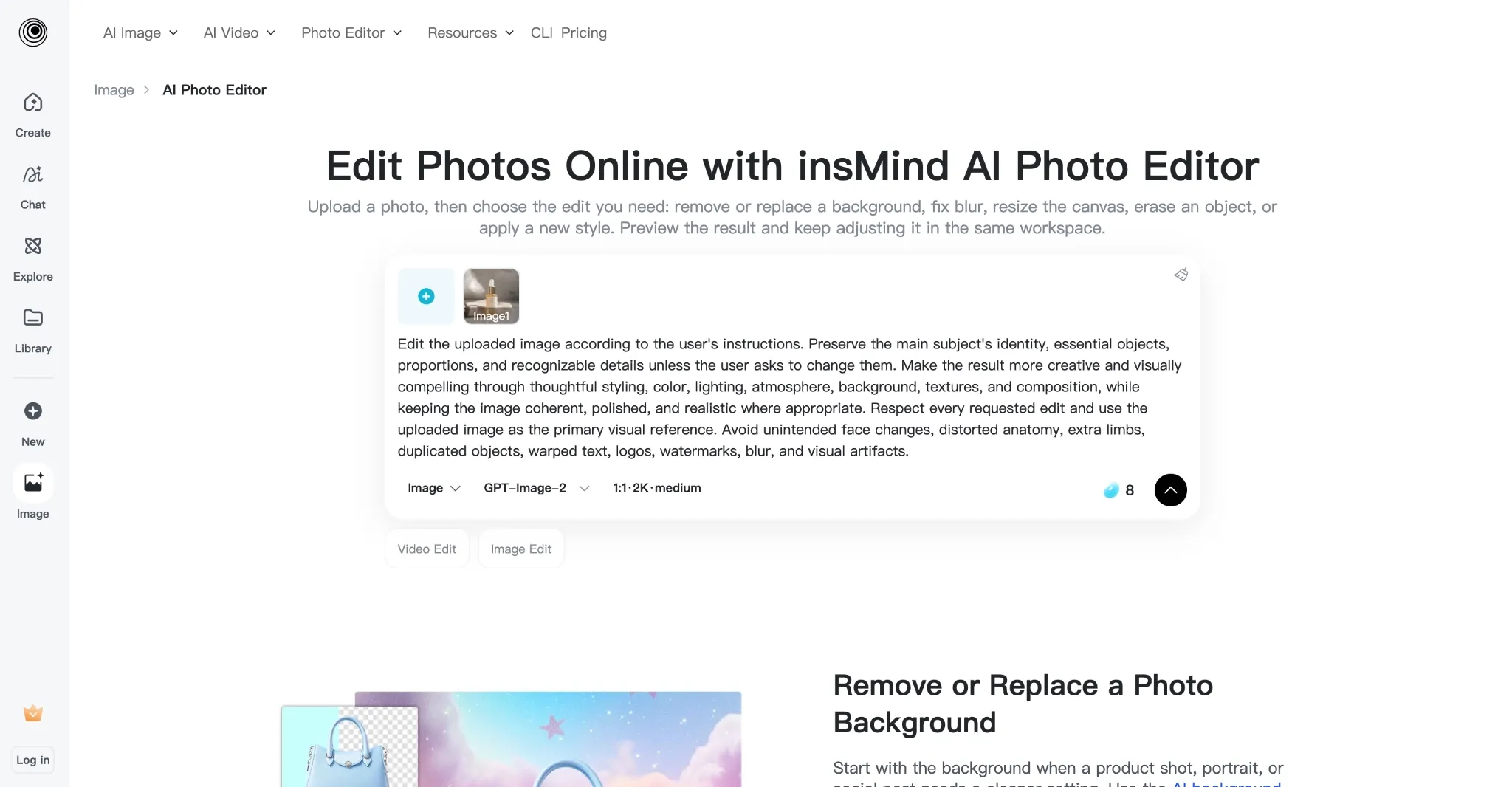
From my perspective, I think insMind can be the best AI photo editor online no restrictions for polishing everyday photos and retouching portraits. Whenever I’ve used it to refine images, it tends to produce clear and vibrant results even at lower resolutions.
The platform also hosts several image models, so I’m glad that it's versatile to an extent. But what I disliked about insMind is that all images exported on the free tier have a watermark, and the only way around it is to sign up for a paid plan.
I was also disappointed to discover that full HD resolution is restricted to paid plan users. As for the free credits for AI editing, they run out very quickly. Honestly, I think insMind is worth a try on the free plan, but you'll likely find that it's just not accommodating enough.
Pros:
- Broad image editing toolkit
- Several AI image models available
- Has a user-friendly interface
Cons:
- All free outputs have watermarks
- Free credits limited to new users
You can also check our insMind Review for more information.
#9. Picsart: Best AI Photo Editor Online Free for One-Click Transformations
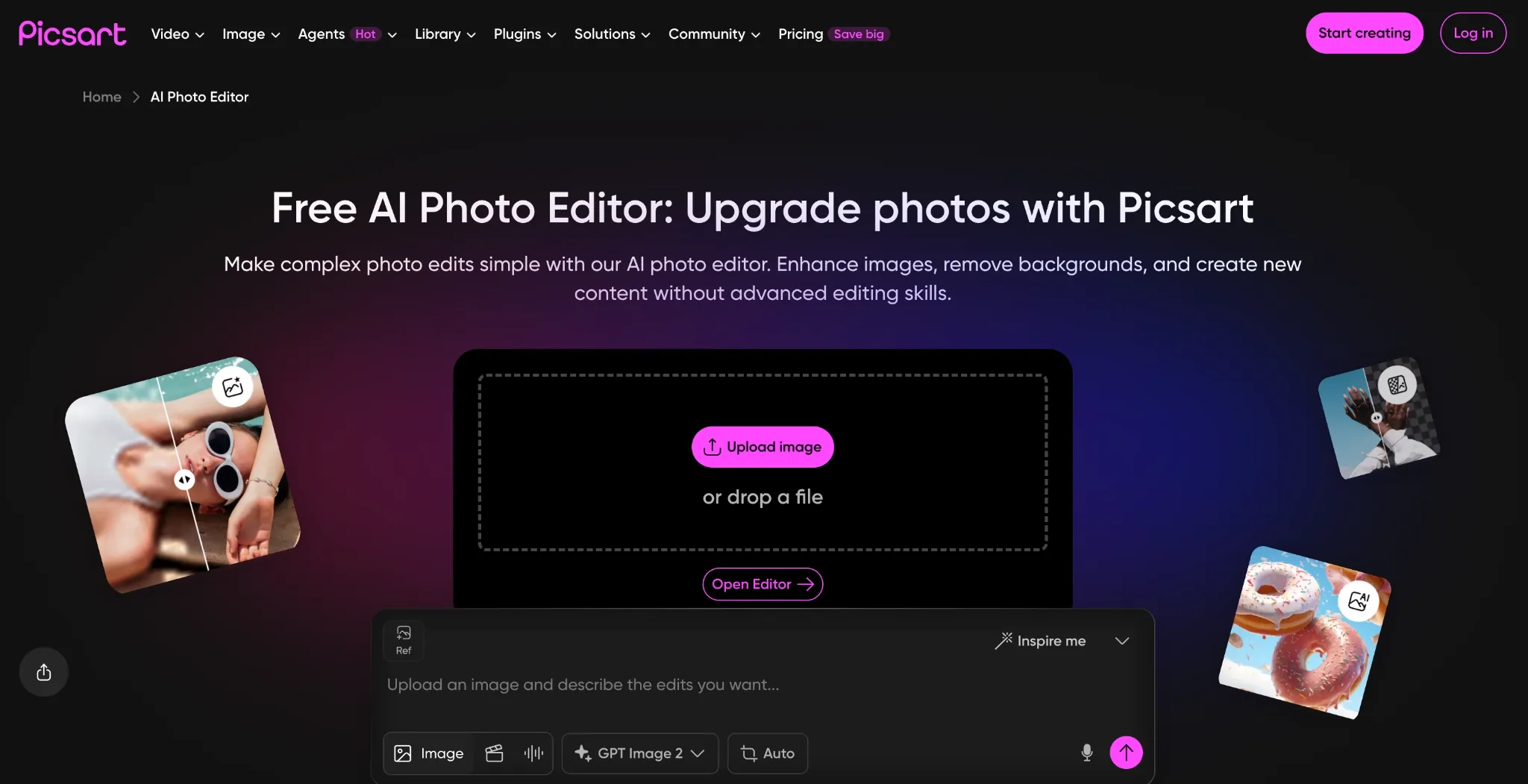
In Picsart, once you upload it, the AI tool offers multiple prompt presets that range from basic face retouching to Halloween-themed transformations.
I can use it to remove a background, color correct, whiten a character’s teeth, apply spooky makeup to a subject’s face, etc. It has a surprisingly diverse range of prompting options. Because of this, I don’t even need detailed instructions for certain edits.
The good news about Picsart is that it has a free AI credit allowance that resets daily. However, like most other tools on this list, the credits are quite limited. So, I think it can be a fun image editor to use, but one that’s better suited for basic experimentation.
Pros:
- Large selection of creative effects
- Best for stylized and experimental edits
- Free AI credits refresh daily
Cons:
- Free usage is heavily restricted
- Watermarks on exports from free plan
Read our Picsart AI review for more detailed information.
#10. Cutout.Pro: Best AI Photo Editor Online Free for Upscaling
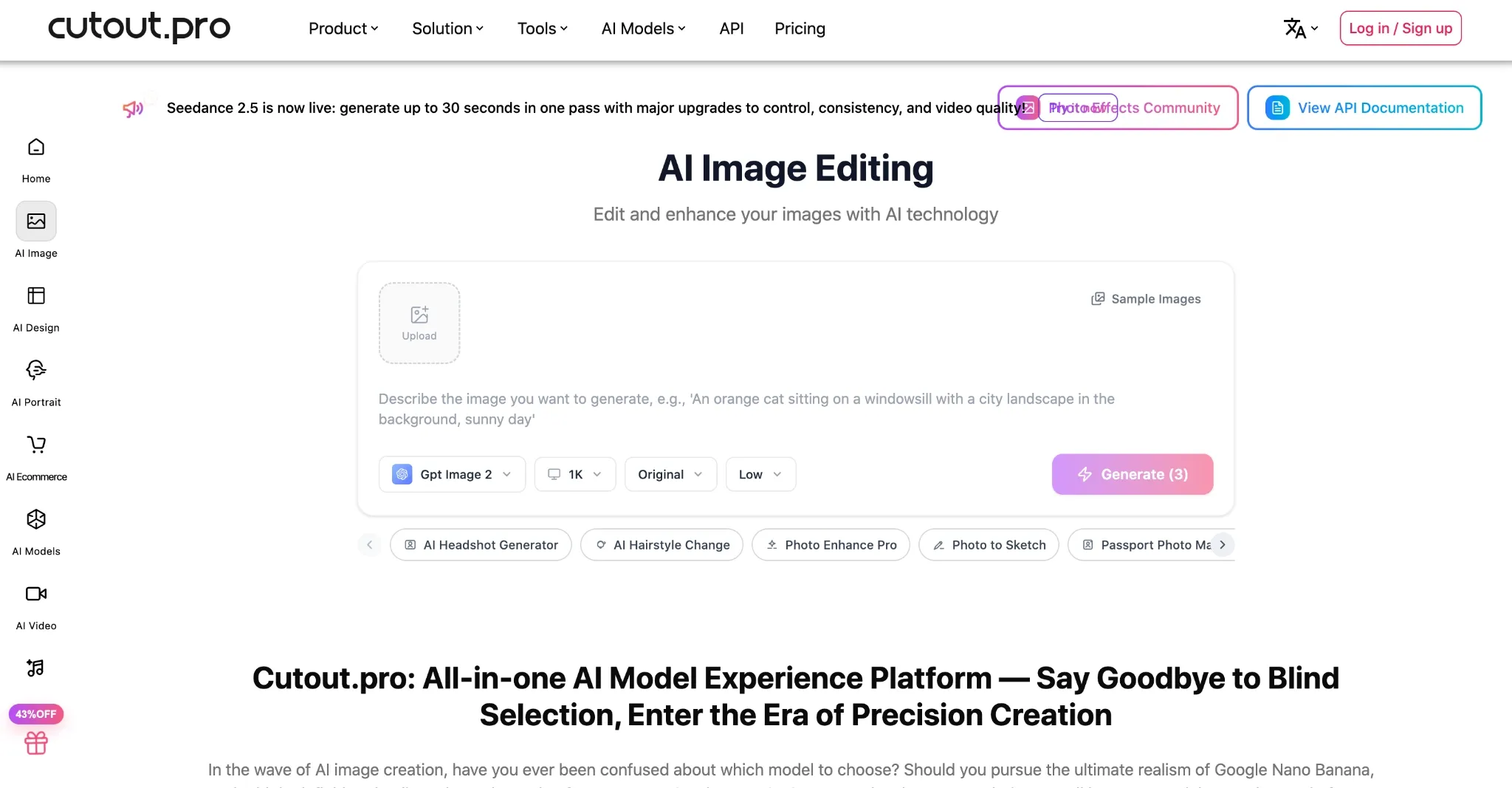
With Cutout.Pro, it’s all about enhancement and upscaling. When I first used it, I noticed how most of its tools are tailored to deblurring, night correction, old-photo restoration, etc. So, if you have a blurry or low-res photo, this is the platform to consider.
Another important aspect that I enjoy about Cutout.Pro is that it offers free image previews indefinitely. So, while it does heavily restrict image downloads for free users, I appreciate the fact that I can at least experiment and see how the image turns out beforehand.
On the flip side, I’m not a big fan of the platform’s interface because it feels a bit cluttered. So, it may not be the best for mobile use. Plus, it only offers 5 free credits to new users with no daily refresh, leaving no room for any proper downloads.
Pros:
- Strong focus on image enhancement
- Free previews don’t require sign-up
- Low-res/watermarked images are free
Cons:
- Slightly cluttered user interface
- No daily free credit refresh
Conclusion
We’ve arrived at the end! I’ve dug as far and as deep as I can to give you a tried-and-true list of the 10 best AI photo editor online free no restrictions. Take some time to consider them, but if you ask me, Pollo AI is the best candidate here. Just head over there and try it out; you’ll see!