



Animaker vs Powtoon: I Compared Animation Styles, Editing, AI Tools, and Price
Not sure which animated video generator fits your workflow? This Animaker vs Powtoon comparison covers creative control, editing, AI tools, output, and cost.
Animaker vs Powtoon: TL;DR
Choose Animaker when character customization, animation variety, and a broad asset library matter most. Choose Powtoon when the priority is a polished business explainer, presentation, or branded training video that a non-designer can assemble quickly.
| Category | Animaker | Powtoon |
| Best for | Creators, educators, marketers, and small teams | Business, HR, L&D, marketing, and internal communications teams |
| Core workflow | Animation-first creation with deep character and asset control | Presentation-friendly video creation with templates and drag-and-drop editing |
| Standout strength | Custom characters and visual range | Clean business storytelling and brand-ready templates |
| Main tradeoff | More choices to organize and refine | Less animation depth outside its template-led style |
| Free access | Free plan with limited exports and watermark | Free plan with limited exports and watermark |
| Best quick decision | More personality and animation control | Faster, cleaner business communication |
I compared them on first-draft speed, character control, brand consistency, and the work left before export.
Find a More Flexible AI Video Workflow
Create animated stories, social clips, explainers, product videos, and campaign content without being limited to one template system.
Create Videos for Free
What Is Animaker?
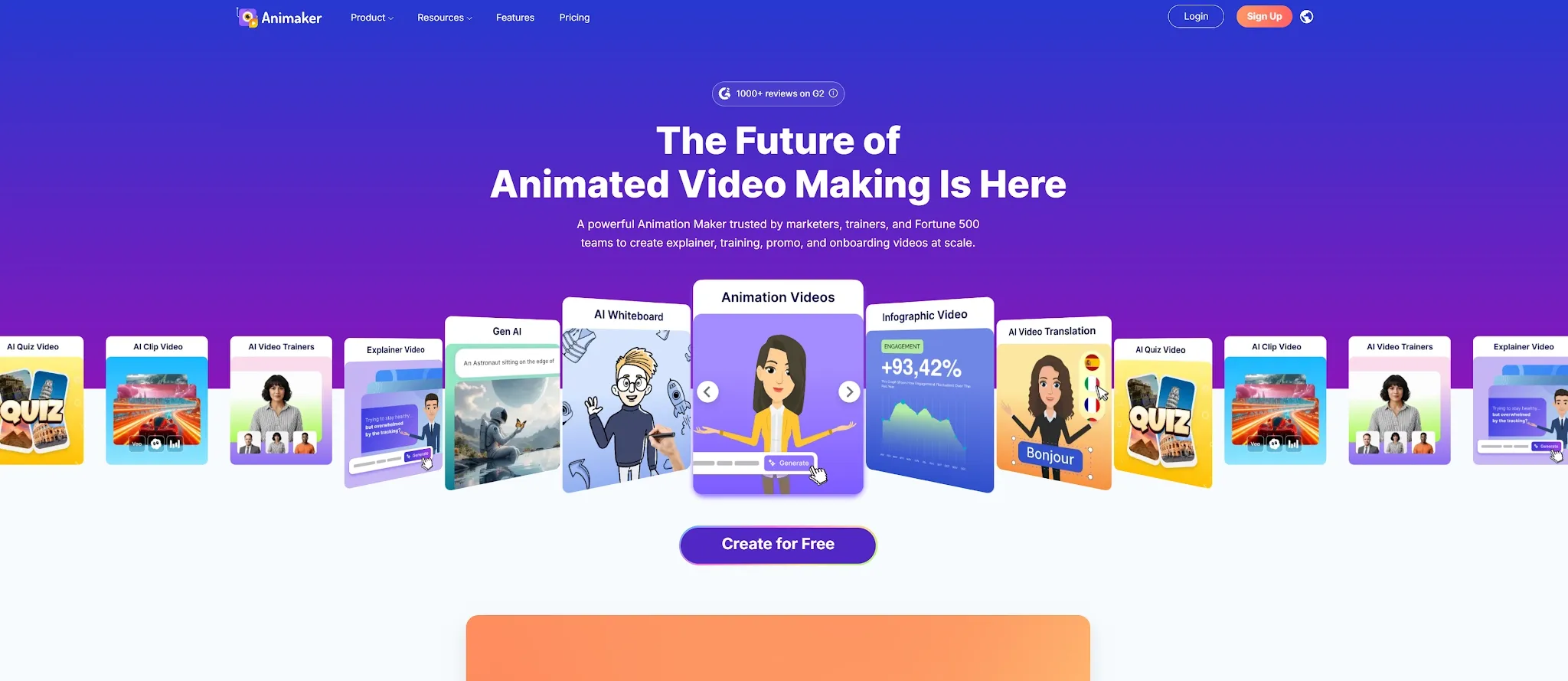
Animaker is a browser-based animation and video creation platform built for people who want more control over characters, scenes, and visual styles. It covers cartoon videos, explainers, whiteboard animations, infographics, training content, presentations, and social videos.
Animaker's advantage is depth. Creators can begin with a prompt or template, then adjust character details, props, and scene timing. That suits recognizable mascots, classroom stories, and visual systems that need more personality than a standard presentation.
Key capabilities of Animaker:
- AI-assisted animation - Generate scenes, characters, voiceover, lip sync, and transitions from an idea.
- Custom character builder - Create a branded character instead of relying only on presets.
- Large asset library - Add characters, props, icons, stock media, music, and stickers.
- AI voices and subtitles - Add narration and captions inside the editor.
- Multiple formats - Create cartoon, 2D, whiteboard, infographic, training, and social videos.
The flexibility is valuable, but complex scenes can take longer to polish because users must manage asset consistency and layer movement. See the detailed Animaker review.
What Is Powtoon?

Powtoon is an online video and presentation platform focused on approachable, branded communication. It combines drag-and-drop editing with ready-made scenes, characters, presentation layouts, AI video tools, avatars, text-to-speech, and translation features.
Powtoon suits business explainers, onboarding, internal updates, training, marketing presentations, and social content. Its structure helps non-designers reach a credible first draft without building every visual from scratch.
Key capabilities of Powtoon:
- Drag-and-drop editor - Arrange scenes, text, characters, and transitions in a familiar timeline.
- Business templates - Start from layouts for explainers, presentations, training, and internal communication.
- AI video tools - Generate videos, images, clips, and text-to-speech content.
- AI avatars and dubbing - Add presenter-led narration or adapt content for different audiences.
- Brand and collaboration controls - Organize visuals, feedback, privacy, and shared projects.
Powtoon feels faster when the result resembles a polished presentation. It is less flexible when a project needs unusual character behavior or a direction far beyond its templates. See the Powtoon review.
Animaker vs Powtoon: Feature-by-Feature Comparison
| Feature | Animaker | Powtoon | Better choice |
| Product positioning | Animation-first video maker | Branded video and presentation platform | Depends on the deliverable |
| Character control | Deep customization with many visual attributes | Preset characters, branded packs, and template-led scenes | Animaker |
| First-draft workflow | Prompt, template, or blank-scene start | Template, presentation, or AI-assisted start | Powtoon for business drafts |
| Visual variety | Cartoon, 2D, whiteboard, infographic, and mixed formats | Animated presentations, explainers, social, and business video | Animaker for range |
| Editing experience | More granular, asset-heavy scene building | Cleaner drag-and-drop editing and presentation flow | Powtoon for simplicity |
| AI capabilities | Text-to-animation, voices, subtitles, translation, and AI assets | AI Anything to Video, image and clip generation, avatars, voice, translation, and dubbing | Tie, with different strengths |
| Branding and collaboration | Collaboration with stronger brand features on higher tiers | Brand controls, comments, sharing, privacy, and team workflows | Powtoon |
| Creative ceiling | Higher for custom characters and animation-led stories | Higher for polished business layouts and repeatable presentations | Depends on use case |
Animation Style and Output Quality
Animaker is better when the animation carries the message. Its characters and assets support expressive scenes, visual metaphors, classroom stories, and distinct explainers.
Powtoon is stronger when clarity and consistency matter more than novelty. Its business scenes make clean onboarding videos and internal presentations easier to standardize.
Ease of Use and Editing Control
Powtoon usually gets a simple business video moving faster because templates make early decisions easier. The same structure can feel restrictive when timing or movement becomes unusual.
Animaker asks for more attention, but rewards it with finer control over recurring series and branded animated worlds.
AI, Voice, and Localization
Both platforms use AI to reduce the blank-page problem. Animaker leans toward animation scenes; Powtoon connects AI generation to presentation and communication workflows.
Powtoon has an advantage for AI avatars, translation, dubbing, and shared brand standards. Animaker is more appealing when voiceover and subtitles support customized animation rather than a presenter-led format.
Which One Should You Choose?
| Choose Animaker if... | Choose Powtoon if... |
| You need a custom character, mascot, or expressive animated story. | You need a business explainer, presentation, or training video quickly. |
| You want whiteboard, infographic, cartoon, and social formats in one editor. | You want templates, brand controls, collaboration, and a guided workflow. |
| You are willing to spend more time refining scenes for a distinctive result. | You prefer a polished first draft over deep scene-level experimentation. |
Animaker is the stronger creative toolkit. Powtoon is the smoother business communication tool. If the audience should remember a character or visual world, start with Animaker. If the audience needs to understand a policy, product, or process quickly, Powtoon may feel more efficient.
Animaker vs Powtoon Price Comparison
The figures below reflect the official plan pages at the time of writing. Billing mode, export limits, AI credits, commercial rights, and regional taxes can change.
| Platform | Plan | Published price | What matters |
| Animaker | Free | $0 | Limited exports and watermarked videos |
| Animaker | Basic | $15/month on annual billing | Entry paid tier for core animation creation |
| Animaker | Starter | $25/month on annual billing; $45 monthly | FHD output, premium downloads, and AI tools |
| Animaker | Pro | $43/month on annual billing; $79 monthly | 2K output, commercial rights, and more downloads |
| Powtoon | Free | $0 | 720p, short videos, basic templates, and watermark |
| Powtoon | Lite | $15/month on annual billing | HD MP4 export, five watermark-free exports monthly, and AI credits |
| Powtoon | Professional | $40/month on annual billing; $70 monthly | Unlimited premium exports and longer videos |
| Powtoon | Advanced | $125/month on annual billing | Full character customization, lip sync, and brand control |
The headline prices are close, but the value differs. Animaker gives budget-conscious creators deeper animation control; Powtoon makes the upgrade easier to justify when exports, templates, and business controls matter.
Why Pollo AI May Be the Better Alternative
Animaker and Powtoon are strong for assembling animated scenes. Pollo AI is a better fit when the goal is to create a finished animated or AI-generated video without managing every production step.
Create Cartoon and Anime Videos From an Idea
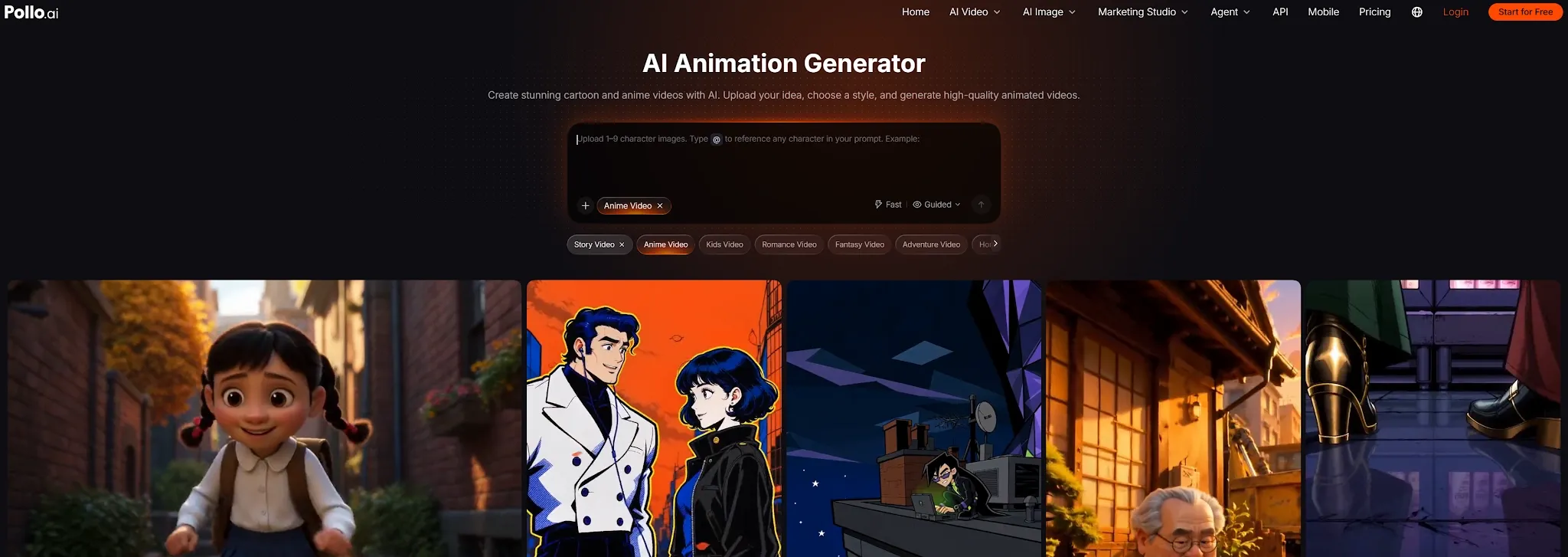
Pollo AI's Animation Generator turns a script or idea into animated video content in cartoon and anime directions. Instead of searching through a template library first, creators can describe the scene, style, and develop a more original visual concept.
Go From Rough Input to a Finished Video
Pollo Agent is designed for complete, post-ready videos rather than isolated clips. Give it a brief, image, script, URL, or reference, and it organizes the structure, pacing, visuals, and audio in one workflow.
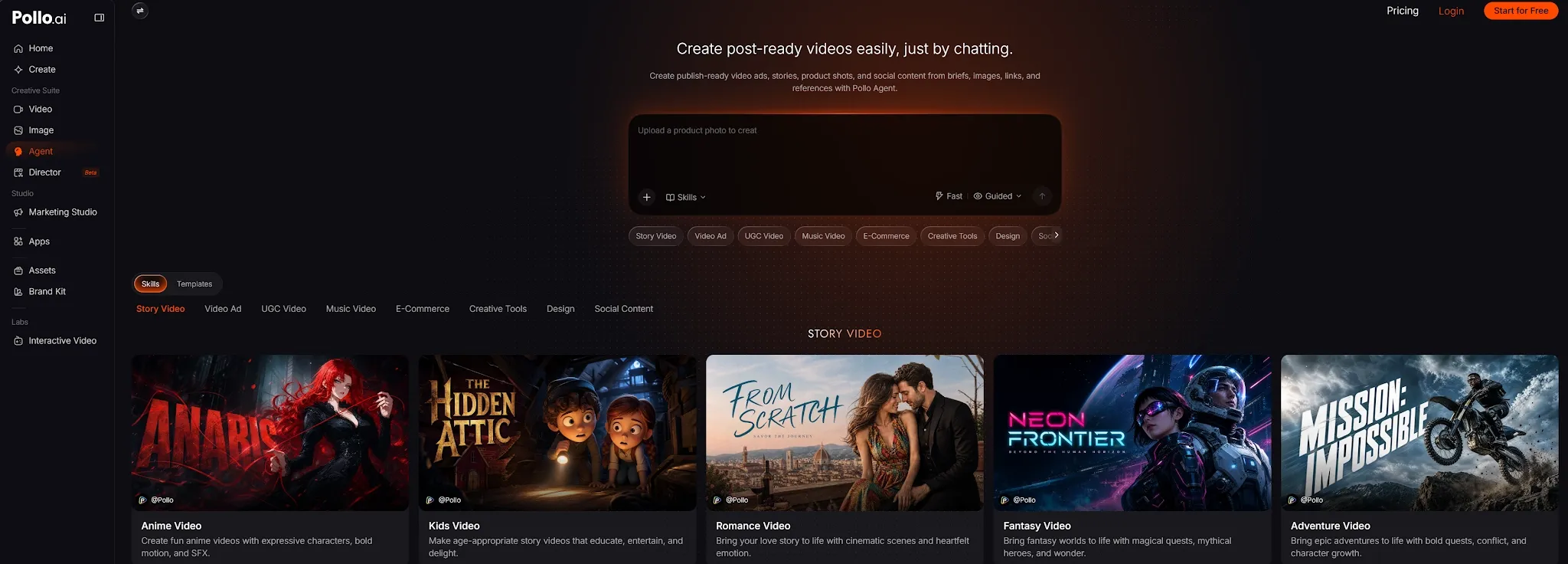
That makes it useful when the real bottleneck is editing time. The result can be a story, explainer, product video, or social creative that is ready to review and publish without manually stitching every generated shot together.
Create Campaign Videos With Marketing Studio
Marketing Studio by Pollo AI helps marketers turn a product URL, script, photo, or idea into a ready-to-use ad. The workflow is built for campaign content, so a marketer can move from product information to a UGC-style creative or product video without assembling each scene manually.
Use Leading Video Models in One Creative Workflow
Pollo AI brings leading video models into one workspace. Creators can compare Seedance 2.5, MiniMax H3 Max, and Kling 3.0 for different visual directions and motion styles.
They can also move between text-to-video, image-to-video, avatar creation, and other video workflows without maintaining several separate tools.
Final Verdict
Choose Animaker for custom characters, varied animation styles, and hands-on creative control. Choose Powtoon for polished business explainers, presentations, training content, and team-friendly brand workflows.
Choose Pollo AI when you want to move beyond template assembly and create animated videos, complete stories, product content, or ads from a brief. The best alternative depends on the bottleneck: Animaker solves creative control, Powtoon solves business presentation speed, and Pollo AI reduces the work between an idea and a finished video.