



8 Best AI Flyer Generators in 2026 (Tested & Ranked)
A flyer has seconds to make someone stop, understand the offer, and act. But which AI tools can turn a short brief into something you would actually print or post? These eight AI flyer generators take different approaches—and the right choice depends on how much designing you want to do yourself.
TL;DR
The best AI flyer generator is Pollo AI because it combines natural-language creation, conversational revisions, photo integration, and clear promotional layouts in one workflow.
Adobe Express is my second choice for editable branded designs, followed by Canva for accessible team editing. The remaining tools suit more specific needs, including informational layouts, expressive typography, and coordinated brand materials.
What Makes a Good AI Flyer Generator?
A good AI flyer generator connects the visual concept with the information people need to act. The headline should attract attention, the offer should be obvious, and the date, location, and CTA should remain easy to find.
I would also look closely at revisions. Changing a price or asking for a cleaner layout should feel straightforward. For printed flyers, check dimensions, resolution, margins, and export options before placing an order.
Best AI Flyer Generators at a Glance
| Rank | Tool | Best for | Main consideration |
|---|---|---|---|
| 1 | Pollo AI | Complete promotional flyers | Give clear instructions |
| 2 | Adobe Express | Editable branded layouts | More hands-on finishing |
| 3 | Canva | Beginners and teams | More design decisions |
| 4 | Piktochart | Information-heavy flyers | Clarity over visual drama |
| 5 | Kittl | Expressive typography | More design skill |
| 6 | Genspark | Conversational concepts | Broader design focus |
| 7 | Design.com | Matching brand materials | Template-led customization |
| 8 | Venngage | Corporate announcements | Narrower promotional appeal |
#1 Pollo AI — Best Overall for Complete Promotional Flyers
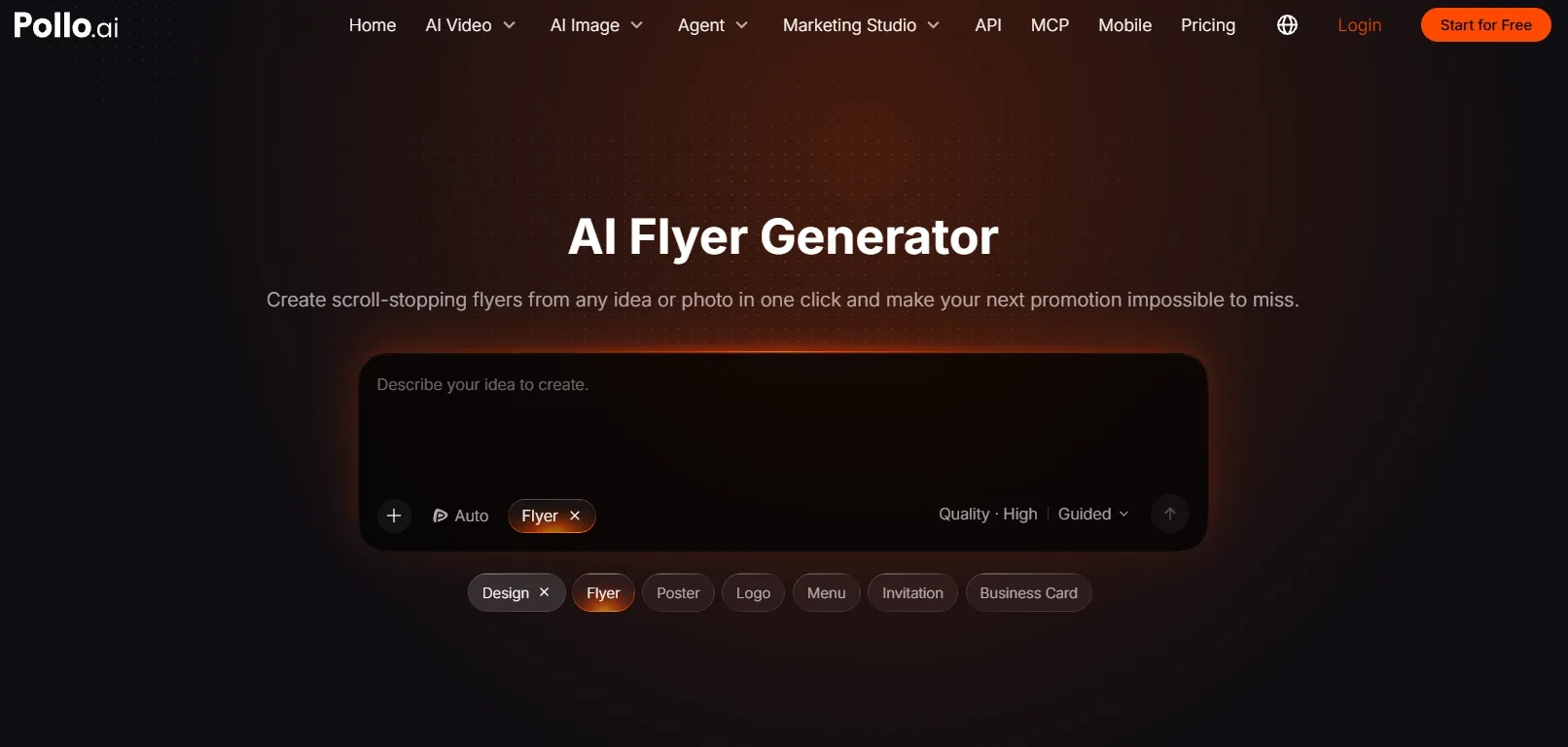
Best for: Turning an idea or photo into a cohesive flyer, then refining it through conversation.
Pollo AI’s AI flyer generator is my first choice because it brings the creative brief, visual concept, and promotional details into one workflow. Describe what you are promoting, who it is for, and what people should do next. You can also upload a product photo, logo, portrait, or event image to guide the design.
The flyer workflow connects to large language models, so you can work through the design in natural language. After the first version, keep giving feedback: “Make the offer more prominent,” “Use warmer colors,” or “Simplify the background.” This gives the experience an AI agent approach, where creation and revision happen through an ongoing conversation.
Its appeal extends beyond attractive imagery. Pollo AI organizes headlines, dates, venues, prices, offers, and CTAs into a clear reading order. For grand-opening promotions, that means giving the opening offer and visit details enough emphasis to make the message immediately understandable. Different output ratios also help carry the campaign across handouts, social posts, and digital advertising.
Its AI image generator adds creative flexibility when you need original campaign artwork. It supports models including GPT Image 2.5, Nano Banana 2.1, and Seedream 5.0, giving you options for exploring realistic imagery, illustrated concepts, and different visual styles in one platform. You can start for free with limited credits.
Prompt to try: “Create a grand-opening flyer for Sunrise Coffee Co. Opening November 14, 2026, from 7 AM to 7 PM at 88 Main Street. Offer free coffee to the first 100 visitors. Use warm brown and cream colors, appetizing coffee imagery, a prominent opening headline, and a clear invitation to visit.”
What I got: A steaming coffee cup anchored the warm cream-and-brown layout, framed by a bold opening headline. The free-coffee offer stood out clearly, with the date and address neatly arranged below.
Pros:
- Creates complete flyers from natural-language briefs
- Supports ongoing revisions through conversation
- Organizes promotional details across formats
Cons:
- Clear briefs give better direction
- Generate variations for final selection
My Verdict
Pollo AI earns the top spot for bringing flyer creation and refinement together. It is my strongest recommendation when you want the system to handle the composition and respond to feedback, with less manual assembly between the initial idea and final selection.
#2 Adobe Express — Best for Editable Branded Designs
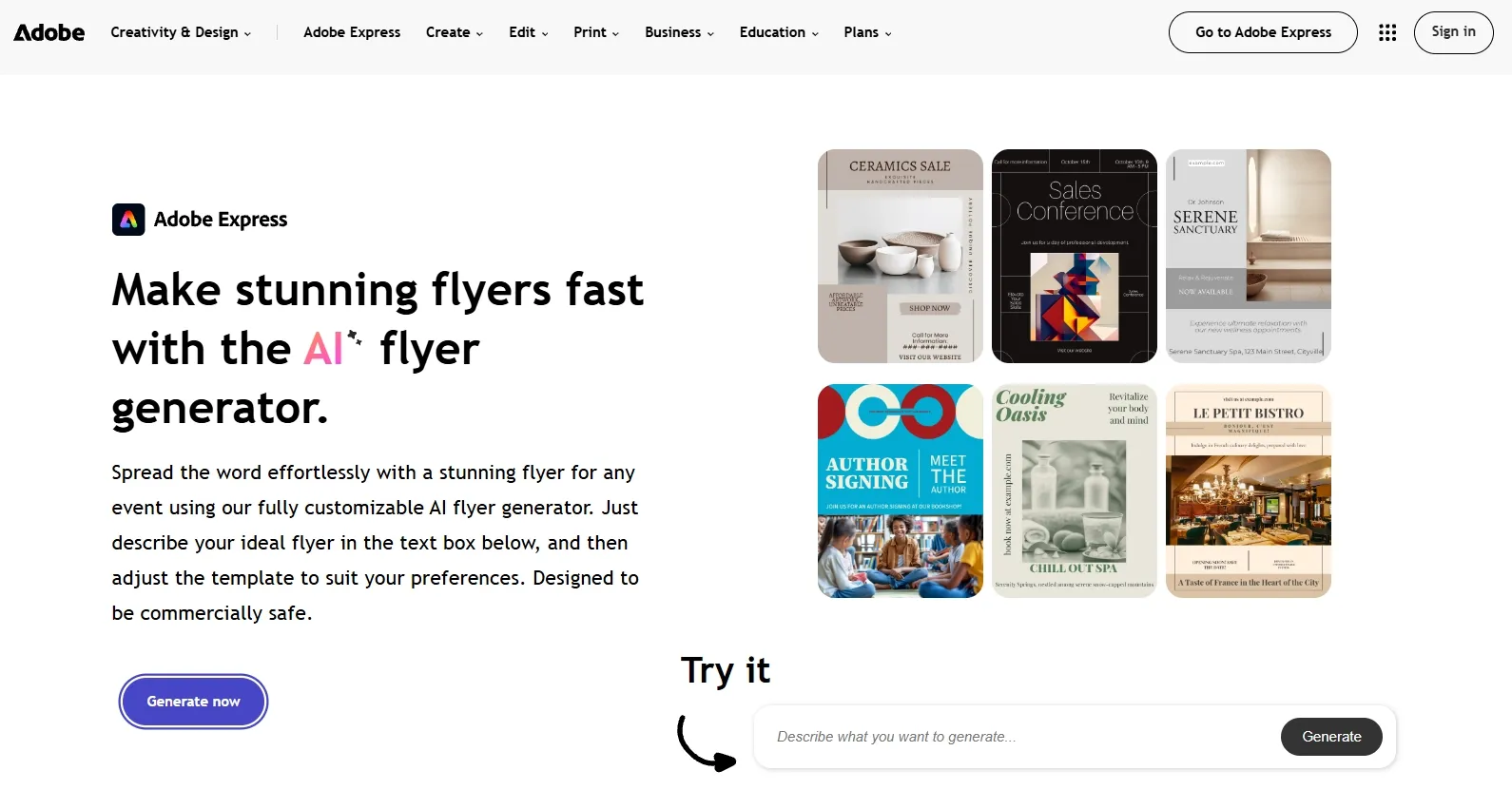
Best for: Teams that want AI-generated starting points with direct editing controls.
Adobe Express is my second choice because its flyer workflow combines AI template generation with a familiar design editor. You can describe a promotion, choose a direction, and continue adjusting the text, imagery, fonts, and colors.
That balance suits businesses with established visual guidelines. Instead of relying entirely on another generation, you can make deliberate changes to individual elements. It is particularly useful when several campaigns need a consistent look.
For event flyers, I would prioritize a strong event title, a clear date, and a visible booking action. Adobe Express gives you the controls to refine that hierarchy, although you should expect to spend time finishing the layout.
Prompt to try: “Create a flyer for a neighborhood coffee shop opening. Use a cream-and-brown palette, coffee imagery, a prominent opening date, and a free-coffee offer.”
What I got: A close-up coffee photograph sat beneath an elegant headline, with brown accents tying the layout together. The offer looked understated, so it needed a larger text treatment.
Pros:
- AI-generated editable templates
- Flexible text and image controls
- Useful for consistent branded materials
Cons:
- Finishing requires design decisions
- Added copy can require layout adjustments
My Verdict
Adobe Express is the strongest runner-up for hands-on editing. Pollo AI remains my first choice for a brief-led workflow that lets you direct both creation and revisions conversationally.
#3 Canva — Best for Beginners and Collaborative Teams
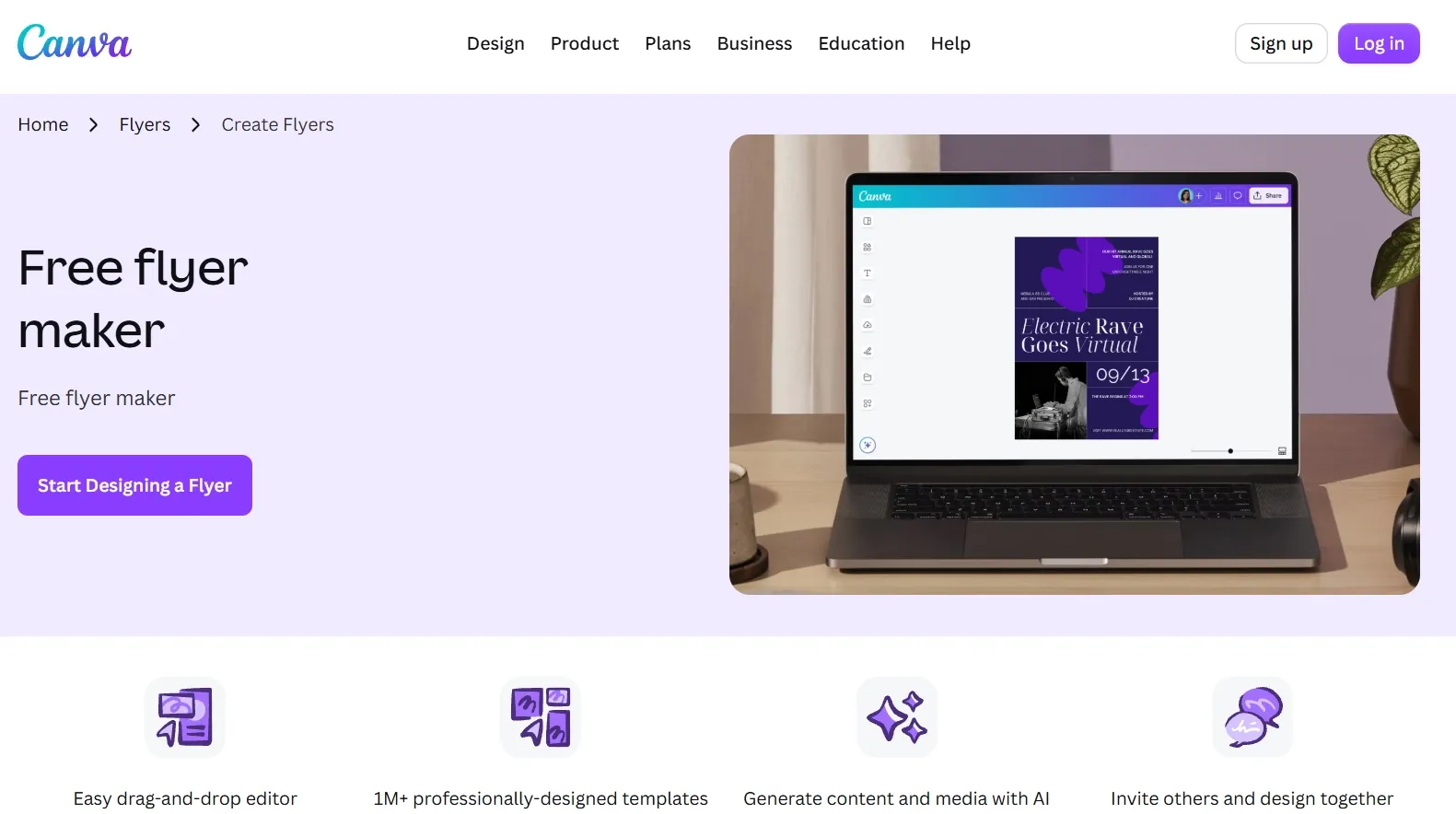
Best for: Small teams that want approachable editing and reusable flyer layouts.
Canva is a practical choice when several people need to contribute to the same design. Its flyer templates, accessible editor, and AI features give beginners a manageable starting point without requiring advanced layout skills.
The main advantage is control after the first draft. You can replace an image, shorten a headline, reposition an offer, or reuse a layout for another promotion. That makes Canva useful for businesses producing regular marketing materials.
For food flyers, the important decisions are often simple: make the dish appetizing, keep the price obvious, and avoid crowding the image. Canva helps you make those adjustments directly, but you still need to decide how the elements should work together.
Prompt to try: “Design a flyer for a new cold-brew coffee launch. Include a product image, a short headline, a limited-time discount, and a portrait layout for social sharing.”
What I got: The cold-brew bottle stood against a pale background beside a bright discount badge. Decorative shapes added energy, but removing a few made the product easier to notice.
Pros:
- Approachable editing interface
- Extensive flyer templates
- Convenient collaboration and reuse
Cons:
- Distinctive designs need customization
- Asset availability varies by plan
My Verdict
Canva ranks third for accessibility and teamwork. I would choose it when the team wants to shape the design directly and reuse a familiar layout over time.
#4 Piktochart — Best for Information-Heavy Flyers
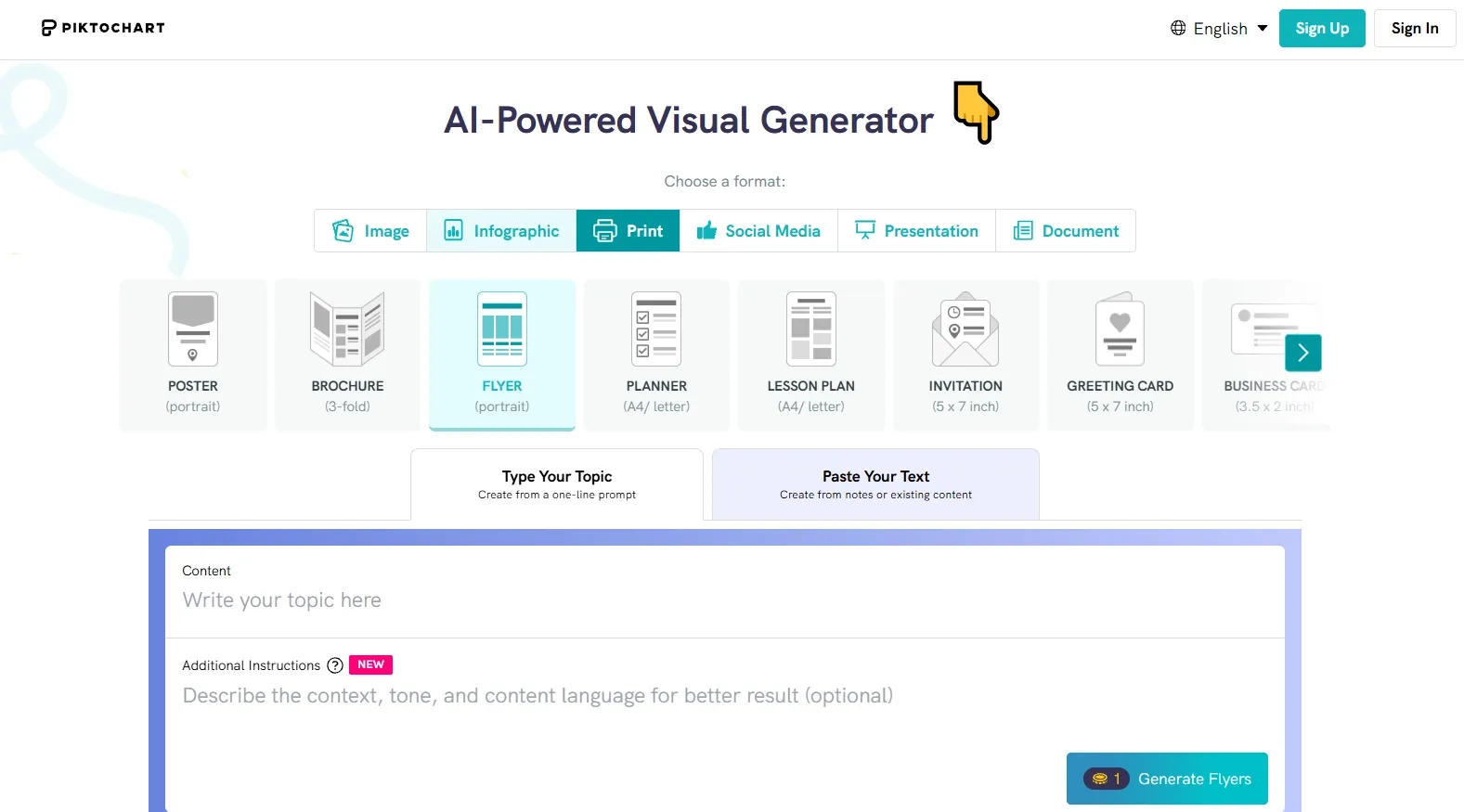
Best for: Workshops, educational events, and announcements with several essential details.
Piktochart makes sense when the main challenge is organizing information. Its AI flyer workflow and editable design components suit workshop announcements, school programs, public information, and internal communications.
I would consider it when a flyer needs to explain several benefits, list session topics, or separate registration details from the main announcement. The priority in these cases is helping readers find information quickly.
For church gatherings and community outreach, that could mean balancing a welcoming visual with the date, venue, participation details, and contact information. Piktochart’s structured approach suits this kind of content, while more atmospheric promotions call for additional visual direction.
Prompt to try: “Create a community health workshop flyer with three session topics, the event date, venue, registration instructions, and a friendly professional style.”
What I got: Three tidy topic blocks sat beneath the workshop title, supported by simple health icons. The date and registration details were readable, though the design felt more informational than promotional.
Pros:
- Useful information structure
- Editable colors and graphic elements
- Suitable for educational communication
Cons:
- Expressive campaigns need more styling
- Dense copy still needs careful editing
My Verdict
Piktochart ranks fourth because it addresses a common flyer problem: too much information competing for attention. I would use it for clarity-focused communication.
#5 Kittl — Best for Typography-Led Flyers
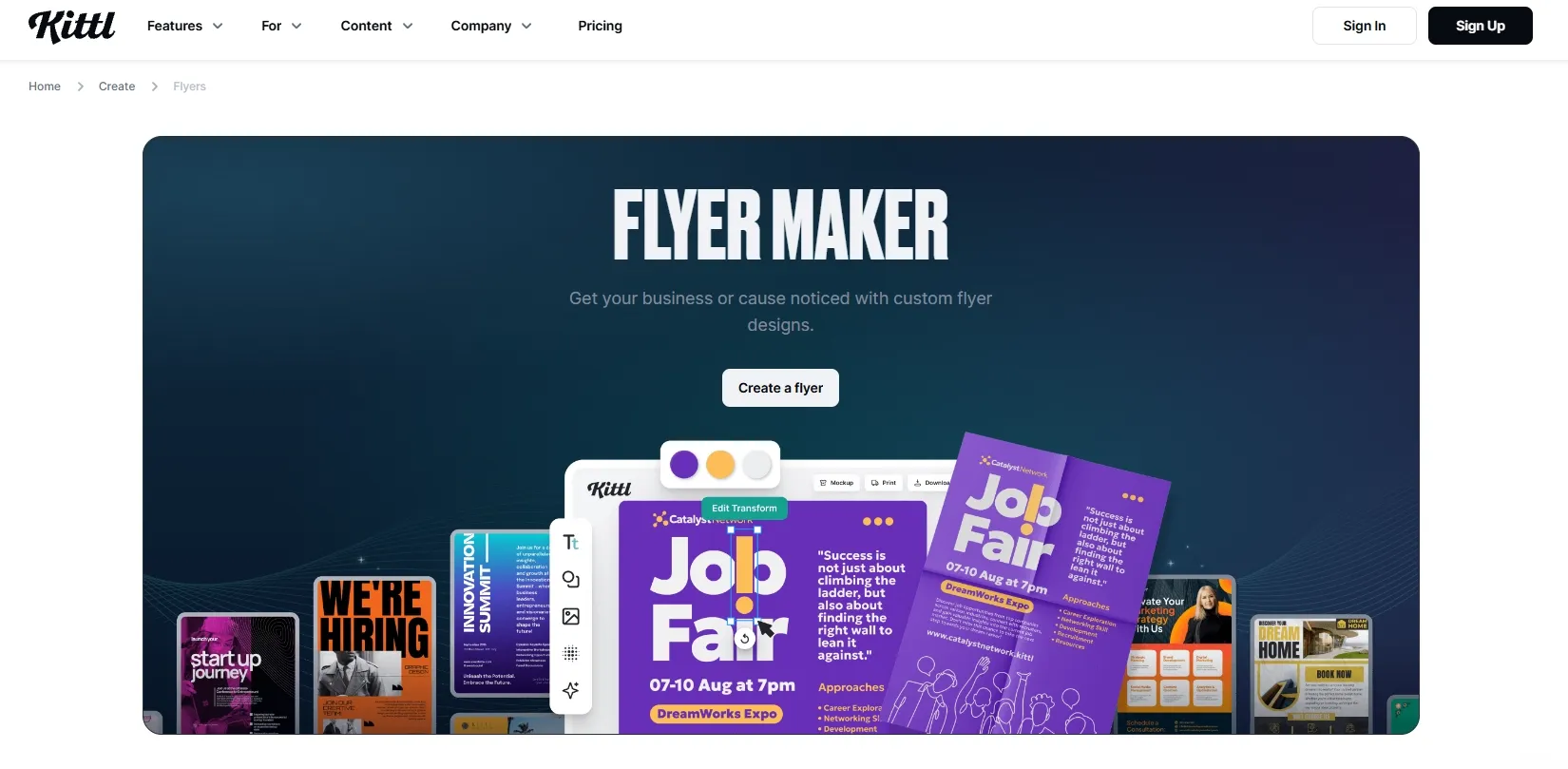
Best for: Creative users building a promotion around distinctive lettering.
Kittl is appealing when the headline needs to carry much of the design. Its editable typography, text effects, illustrations, and templates suit music promotions, fashion launches, and poster-style flyers.
You can work on font combinations, spacing, shadows, and decorative treatments with more intention than a basic template swap allows. That creative control is useful when the visual identity depends on the lettering itself.
For club-night promotions, an expressive title can establish the mood immediately. The challenge is keeping the DJ lineup, date, venue, and ticket details readable underneath it. Kittl gives you the tools, but the balance still depends on your design judgment.
Prompt to try: “Create artwork for a streetwear launch flyer with oversized lettering, dark contrast, and an editorial mood. Leave clear space for the drop date and purchase details.”
What I got: Oversized lettering stretched across a charcoal background, giving the streetwear launch an editorial edge. The drop date looked small beneath the dramatic headline and needed more breathing room.
Pros:
- Detailed typography controls
- Expressive text effects
- Flexible templates and visual assets
Cons:
- Requires more design judgment
- Decorative effects can overwhelm details
My Verdict
Kittl ranks fifth because its typography tools are useful, but the overall flyer layout still needs hands-on work. I would consider it for simple, headline-led designs, with extra time needed to organize supporting details.
#6 Genspark — Best for Conversational Concept Exploration
Best for: Exploring flyer directions within a broader AI design workspace.
Genspark supports conversational design, letting you describe an idea and refine the direction with further instructions. Its broader design offering covers flyers, posters, social graphics, and other visual materials.
That breadth is useful when you are still deciding how a campaign should look. You can explore the mood, imagery, and headline treatment before settling on a final direction. Its advertised editing features also include regional changes and editable text.
For party announcements, I would begin with the atmosphere, then work through the guest details and response instructions. My advice is to keep those requests specific rather than asking for several unrelated changes at once.
Prompt to try: “Create a neon-themed party flyer for Pulse Fest. Include the date, venue, DJ lineup, and ticket information, using a purple-and-blue nightlife atmosphere.”
What I got: Purple-and-blue lights framed the Pulse Fest title above a dark crowd silhouette. The nightlife mood worked, but the DJ lineup and ticket details crowded the bottom.
Pros:
- Conversational creation and refinement
- Multiple design formats
- Useful concept exploration tools
Cons:
- Broader scope adds choices
- Flyer production details need checking
My Verdict
Genspark ranks sixth as a flexible concept workspace. I would consider it for exploring creative directions, while keeping the brief tightly focused on the final flyer.
#7 Design.com — Best for Coordinated Business Branding
Best for: Businesses that want flyers to match their other branded materials.
Design.com combines AI-assisted flyer generation with a large template library and brand customization. You can begin with a business name or short description, browse the suggested designs, and adjust the selected layout.
Its main appeal is coordination. A business that needs matching flyers, social graphics, and other materials may value having those assets follow a similar visual identity. Logo-based color matching can also help establish a consistent starting point.
For real estate listings, consistency should support the property information: photographs, price, standout features, and agent details. I would choose the layout that gives those elements space, rather than the one with the most decoration.
Prompt to try: “Create a flyer for a boutique property agency. Use a clean premium style, a large property photograph, the listing price, three features, and agent contact details.”
What I got: A large property photograph topped a clean layout with matching agency colors. The price was visible, but the feature list and contact details felt squeezed into the footer.
Pros:
- Coordinated brand materials
- Logo-based color matching
- Straightforward layout customization
Cons:
- Relies heavily on template selection
- Premium features can add cost
My Verdict
Design.com ranks seventh because its strongest case is brand coordination. I would choose it when matching existing business materials matters more than exploring an original flyer composition.
#8 Venngage — Best for Corporate Announcements
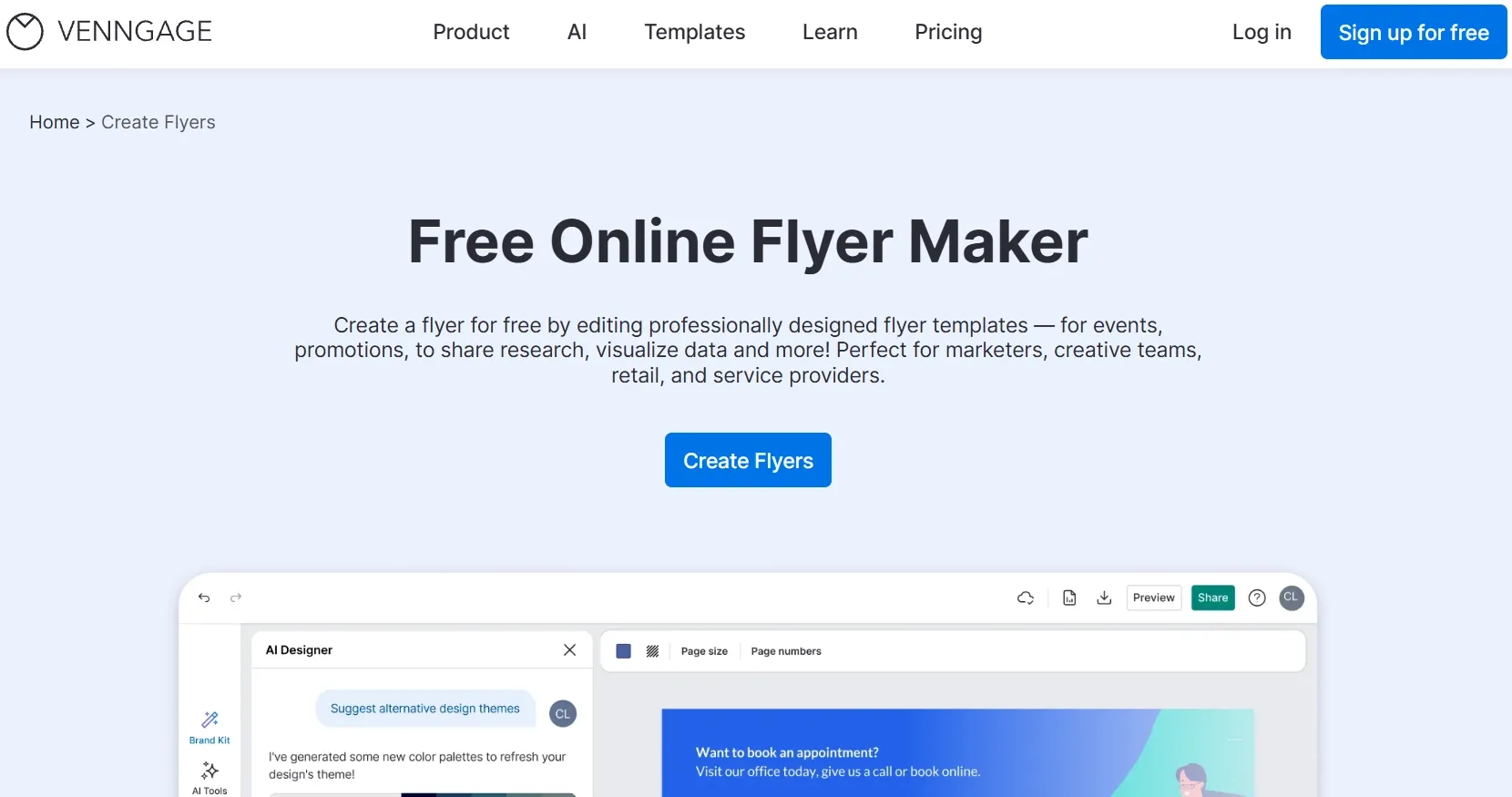
Best for: Workplace updates, training notices, and formal informational flyers.
Venngage’s AI flyer workflow accepts descriptions and supporting content, then lets you refine the text, imagery, and layout. It fits teams accustomed to structured business communication.
I would consider it for employee workshops, policy announcements, recruitment notices, and similar materials. These flyers need a clear reading order and a restrained presentation more than dramatic campaign artwork.
The same principle applies to event schedules and programs: people need to find the right session, time, and location quickly. Venngage suits that information-first approach, though I would look higher on this list for visually expressive retail or entertainment campaigns.
Prompt to try: “Create an employee wellness workshop flyer with a clear title, three benefits, a registration deadline, location, and a restrained corporate style.”
What I got: A blue-and-white grid organized the workshop benefits into neat sections beneath a plain headline. Everything was readable, but the registration deadline blended into the supporting copy.
Pros:
- Structured business layouts
- Editable text and imagery
- Useful for formal announcements
Cons:
- Narrower fit for expressive campaigns
- Strong visual identity needs customization
My Verdict
Venngage ranks eighth for its specific fit. It is a sensible option for formal communication, with less appeal for the broader promotional work covered by the higher-ranked tools.
How I Compared These AI Flyer Generators
I compared each tool’s published capabilities against three everyday needs: business openings, product promotions, and event announcements. I focused on how each workflow brings imagery, headlines, offers, and essential details into one clear design.
I also considered revision controls, photo uploads, format options, and how much manual work users need to finish a flyer.
How to Choose the Right AI Flyer Generator
Start with the part of the job you most want help completing.
- Pollo AI: Creating and revising a complete promotional flyer through conversation.
- Adobe Express: Refining an AI-generated layout with direct editing controls.
- Canva: Collaborating on approachable, reusable designs.
- Piktochart: Organizing detailed information.
- Kittl: Building expressive typography.
- Genspark: Exploring concepts conversationally.
- Design.com: Coordinating existing brand materials.
- Venngage: Producing formal business announcements.
My Personal Take
What draws me to Pollo AI is how naturally creation and revision fit together. You can describe an idea, bring in your own images, and keep shaping the design through conversation without having to decide every layout detail yourself.
Adobe Express and Canva remain useful when you prefer editing individual elements directly. The other tools offer more specific strengths, from expressive typography to structured business communication.
Pollo AI’s broader appeal is its flexibility across retail offers, property listings, community gatherings, personal celebrations, and more. That makes it worth considering when your flyer needs change from one project to the next.
Best AI Flyer Generator FAQs
What is the best AI flyer generator in 2026?
Pollo AI is my top recommendation for complete promotional flyers. It combines natural-language creation, photo uploads, organized layouts, and conversational revisions, making it a strong starting point for business and event campaigns.
Can I revise an AI flyer using natural language?
Yes. Pollo AI lets you continue giving feedback after the first design. You can request a different color palette, a larger offer, a simpler background, or changes to the wording and layout.
What is the best AI flyer generator for beginners?
I would start with Pollo AI if you prefer describing the result you want. Canva is another approachable choice if you prefer selecting a template and editing its elements directly.
What should I include in an AI flyer prompt?
Include the purpose, audience, exact wording, offer, date, location, desired imagery, colors, format, and CTA. Put must-show information in a clear list so it is easy to review in the final design.
Can AI-generated flyers be printed?
Yes, provided the final file meets your printer’s requirements. Check physical dimensions, resolution, margins, bleed, and accepted file formats before ordering.