



8 Best Claude Motion Alternatives in 2026 (Compared & Ranked)
Claude Motion Alternatives: TL;DR
Pollo Motion is the best overall Claude Motion alternative for AI motion graphics in 2026, especially when you need to animate products, logos, UI screens, or data via prompts without writing code or buying an enterprise plan. Remotion is best for developers who want editable React video code, Jitter and Canva suit visual designers, Runway, HeyGen, and Pexo win for generated footage, avatars, or prompt-to-finished videos, and After Effects leads for deep manual control.
| Tool | Best For | Main Difference From Claude Motion |
|---|---|---|
| Pollo AI | AI motion graphics & brand videos | Animates products, UI, logos & data + full AI creative suite |
| Remotion | Code-driven video | React-based, versionable, and API-ready |
| Jitter | Browser motion design | Visual timeline editing without a terminal |
| After Effects | Professional motion design | Manual keyframing and 3D compositing |
| Canva | Simple animated content | Drag-and-drop templates and quick publishing |
| Runway | AI-generated footage | Cinematic scenes and visual effects |
| HeyGen | Presenter-led explainers | Lip-synced avatars and multilingual narration |
| Pexo | Prompt-to-finished video | AI planning, footage, voice, and editing in one flow |
1. Pollo AI—Best Claude Motion Alternative for AI Motion Graphics
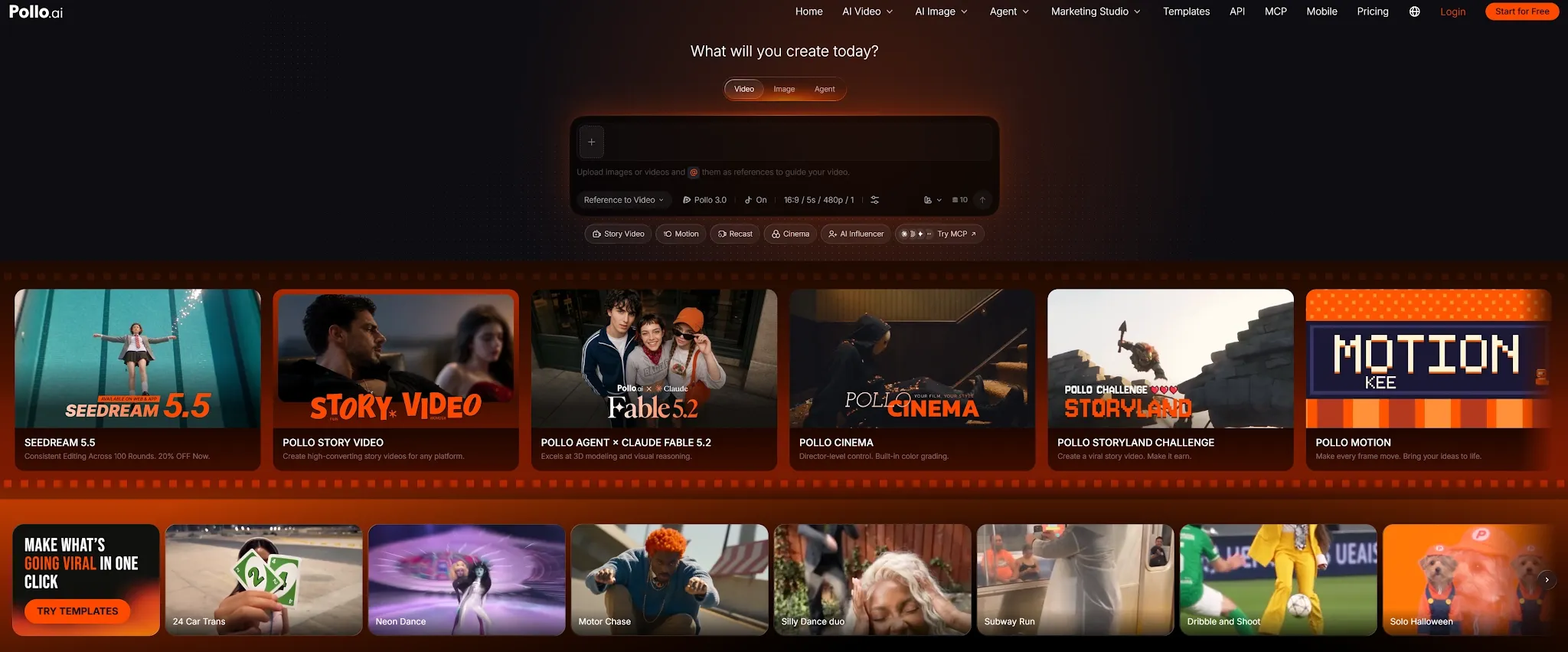
Pollo AI is the strongest overall choice when you want studio-quality motion graphics that seamlessly continue into a broader content workflow. Through Pollo Motion, you can turn logos, products, UI screens, reference videos, and data into structured motion graphics using simple prompts and asset-based workflows. In testing with our SaaS dashboard and logo assets, it kept essential brand details, interface labels, and typography crisp while adding smooth camera direction, dynamic movement, and visual effects.
What elevates Pollo AI far beyond a standalone animation feature is its unified ecosystem. Pollo AI is the ultimate AI creative suite for creators and marketers, bringing video, image, avatar, audio, and design workflows into a single workspace so you never have to switch tools mid-project:
- Pollo Motion: Animates product explainers, UI demonstrations, data visualizations, logos, and branded social clips without manual keyframing or coding.
- Pollo Agent: Acts as an intelligent, task-based creation layer. It can interpret an idea, brief, image, or URL, organize the creative steps, and route the task through the right workflows and media models to produce publish-ready visual content with minimal manual effort.
- Marketing Studio: Gives marketers and sellers a dedicated workflow for high-converting UGC ads, product videos, product visuals, and campaign creatives—turning your motion graphics into ready-to-launch ad variations in clicks.
- Multi-Model AI Hub: Aggregates the industry’s top video and image foundation models under one roof—including Kling 4.0, Vidu Q4, Seedream 5.5 and GPT Image 2.6—so you can pair structured motion graphics with cinematic AI b-roll without juggling multiple subscriptions.
Pros:
- Animates logos, products, UI screens, reference videos, and data without code
- Supports natural-language prompt direction for camera movement, pacing, and effects
- Preserves crucial brand geometry, readable typography, and interface details
- Connects directly with Pollo AI’s generative video, image, avatar, audio, and design tools
- Scales seamlessly into ads and social campaigns via Pollo Agent and Marketing Studio
Cons:
- Does not expose raw React/JavaScript source files for Git version control like Remotion.
Best For: Marketers, SaaS teams, agencies, and creators who need professional, brand-accurate motion graphics connected to an all-in-one content production system.
Bottom Line: Pollo AI is the best overall Claude Motion alternative when you want to create polished motion graphics from prompts and turn them into finished marketing content in the same workspace.
2. Remotion—Best Claude Motion Alternative for Code-Driven Video
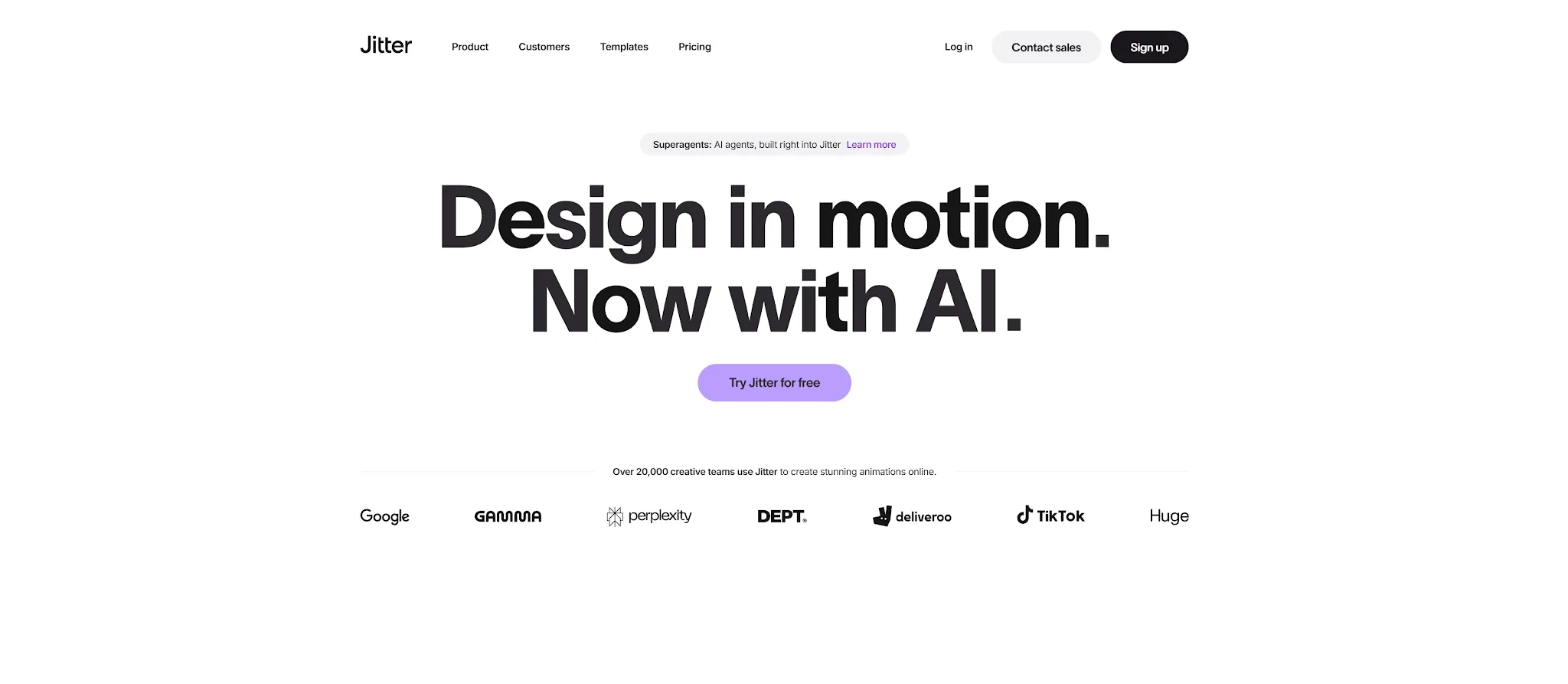
Remotion is the closest technical match for Claude Motion because it treats video as code. It uses React, JavaScript, and CSS to define compositions, text, charts, transitions, timing, and data-driven scenes. Developers can preview the project in a browser and render the result as an MP4 file.
This structure is valuable when videos need to be updated regularly at scale. A product team can connect Remotion to a database, spreadsheet, API, or CMS and render new versions automatically. If a price, statistic, or headline changes in my test dataset, updating the source JSON variable updates the video without rebuilding the visual logic.
Remotion also supports reusable components and an embeddable Player, making it useful for interactive SaaS product demos and automated pipelines. The tradeoff is technical setup: you need to manage React dependencies, project structure, and rendering, which is excessive if you just need a quick marketing animation.
Pros:
- Fully editable and deterministic through React code
- Built for automated, data-driven video generation and APIs
- Supports reusable components, Git version control, and web embedding
Cons:
- Requires frontend development knowledge (React/JS/CSS)
- Initial project setup and rendering take significant time
- Does not generate realistic footage or include a no-code AI interface by default
Best For: Developers and technical teams building repeatable, programmatic videos.
Bottom Line: Remotion is the best choice when editable, version-controlled video code matters more than a fast no-code workflow.
3. Jitter—Best Claude Motion Alternative for Browser-Based Design
Jitter is a browser-based motion design tool for animating text, interfaces, brand elements, and social content. It feels like a visual design canvas rather than a developer framework, allowing designers to work with layers, timing, and transitions without opening a terminal.
During testing, Jitter proved very practical for product announcements, UI demonstrations, and short branded clips. You can import a static layout (such as from Figma), apply motion presets to individual UI elements, fine-tune the easing curves on a visual timeline, and export in 4K or Lottie format. For related branded outputs, Pollo AI can create video presentations.
Compared with Claude Motion, Jitter offers direct manual layer control but lacks conversational AI automation. You have to arrange and time scenes yourself, and it is strictly designed for graphic assets rather than realistic AI footage. You can add video transitions when assembling a separate video sequence.
Pros:
- Runs directly in the browser with an intuitive, Figma-like interface
- Gives designers visible control over individual layers, keyframes, and timing
- Great for UI walkthroughs, kinetic text, and social animations
Cons:
- Requires manual scene work rather than prompt-to-motion automation
- Not designed for generating realistic AI footage or product scenes
Best For: Visual designers and content teams who want manual, canvas-based motion graphics without coding.
Bottom Line: Jitter is a practical Claude Motion alternative for design teams that prefer hands-on timeline editing in the browser.
4. Adobe After Effects—Best Claude Motion Alternative for Professional Motion Design
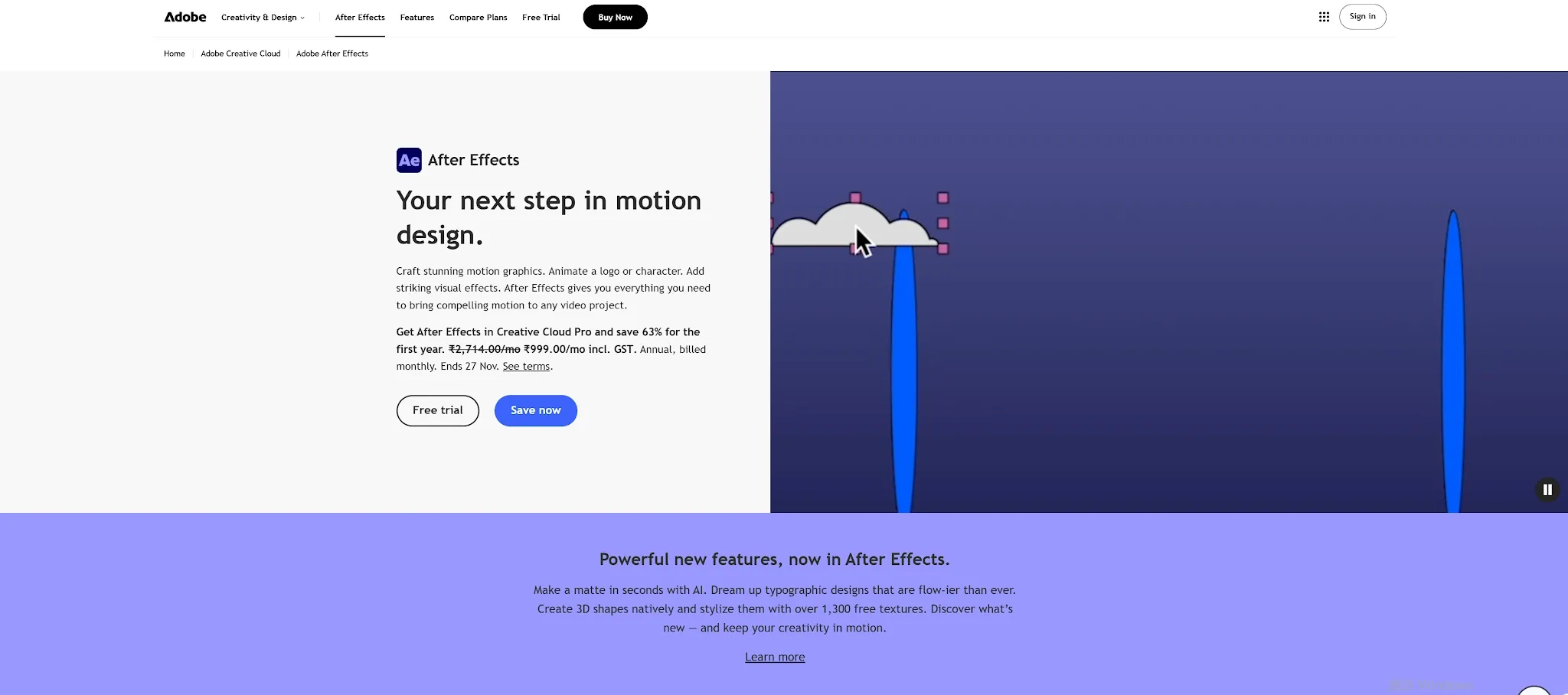
Adobe After Effects remains the industry benchmark for complex motion graphics, visual effects, compositing, kinetic typography, and 3D animation. It gives dedicated specialists granular control over every mask, Bezier curve, camera rig, particle system, and expression.
After Effects handles heavy production tasks that go far beyond Claude Motion—such as compositing live-action footage with 3D titles or crafting bespoke broadcast sequences—while integrating tightly with Photoshop, Illustrator, and Premiere Pro. Pollo AI also offers video enhancement for refining generated or existing footage.
The cost of that infinite control is time. After Effects cannot turn a written brief into a finished animation automatically. Building and revising our 15-second UI and chart animation required hours of manual keyframing and graph adjustments, making it inefficient for teams that need rapid marketing variations. For ad variations, Pollo AI supports AI video ad creation.
Pros:
- Unmatched manual control over motion, 3D, typography, and compositing
- Deep integration with Adobe’s creative ecosystem and third-party plugins
- Built for high-end commercial campaigns and complex visual effects
Cons:
- Steep learning curve and heavy desktop hardware requirements
- Time-consuming manual workflows with no prompt-to-video automation
Best For: Professional motion designers, VFX artists, and agencies that need frame-by-frame control over every visual element.
Bottom Line: After Effects is the most powerful manual alternative, provided you have the time and specialist expertise required.
5. Canva—Best Claude Motion Alternative for Simple Animated Content
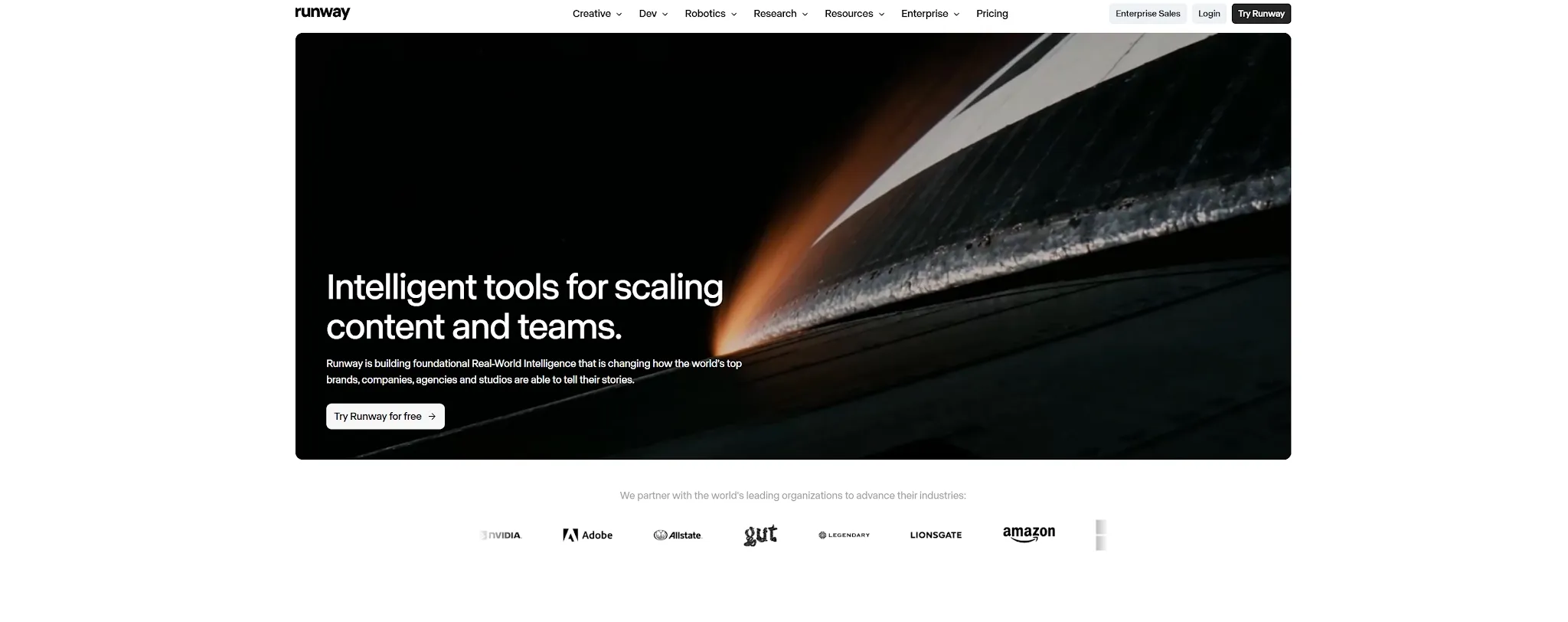
Canva is a go-to option for users who want to animate presentations, social posts, product announcements, and simple explainers without learning dedicated motion software. Its templates, one-click page transitions, and drag-and-drop timeline make it easy to produce a clean result in minutes. You can also create social media posts and video banners for campaign placements.
Its main advantage is speed and repeatability. A marketer can start with an existing slide layout, apply "Magic Animate," drop in background music or narration, and export an MP4 without building a composition from scratch.
However, Canva is not built for complex, data-driven choreography or granular UI walkthroughs. It animates whole elements and slides using preset transitions, lacking the asset-level motion precision of Pollo Motion or the programmatic logic of Claude Motion.
Pros:
- Beginner-friendly interface with a massive template and asset library
- Fast team collaboration, brand kit management, and multi-ratio exporting
- Requires zero prior motion design experience
Cons:
- Limited control over custom animation paths and detailed UI choreography
- Template-based transitions can feel generic
Best For: Small teams, marketers, educators, and creators who need simple animated social posts and slides quickly.
Bottom Line: Canva is the easiest Claude Motion alternative for lightweight, template-driven motion design.
6. Runway—Best Claude Motion Alternative for AI-Generated Footage
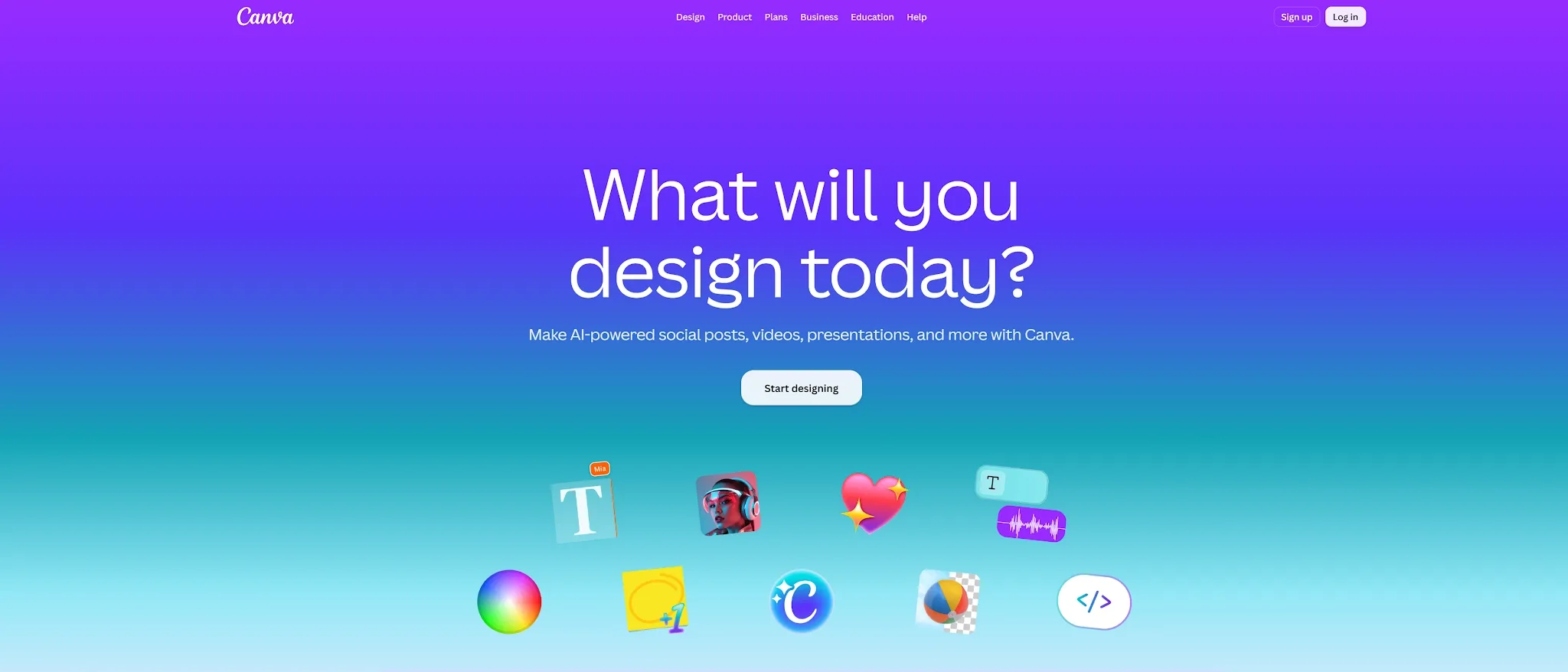
Runway serves a different creative need by focusing on generating and transforming photorealistic video footage. It is the tool to reach for when your project needs cinematic scenes, dynamic camera movement, visual effects, or image-to-video generation that Claude Motion cannot produce.
This makes Runway strong for brand commercials, concept videos, short films, and lifestyle product campaigns. You can start with a text prompt, static image, or existing video clip and guide the scene using directorial camera controls.
The tradeoff is graphic determinism. Because Runway generates pixels rather than structured vector graphics, small UI text, logos, and exact chart numbers often shift or blur between generations. When you need structured, readable graphics alongside AI video, Pollo AI offers a dedicated motion graphics workflow built for brand accuracy.
Pros:
- Generates realistic cinematic scenes, lighting, and visual effects
- Strong text-to-video, image-to-video, and camera control tools
- Ideal for creative campaigns that need original b-roll footage
Cons:
- Struggles to preserve exact UI labels, small text, and chart numbers
- Revising a minor detail usually requires regenerating the clip
Best For: Creators, filmmakers, and marketers who need realistic AI video footage or visual effects.
Bottom Line: Runway is the better option when your project demands generated cinematic scenes rather than structured animated charts.
7. HeyGen—Best Claude Motion Alternative for Presenter-Led Explainers
HeyGen is built for videos where a human presenter needs to deliver the message. It combines lifelike AI avatars, script-to-voiceover generation, and multilingual localization for training, onboarding, product education, and sales outreach.
This directly solves one of Claude Motion’s biggest gaps: Claude can animate a chart, but it cannot generate a spokesperson speaking directly to the viewer. In HeyGen, you can place a virtual presenter alongside your product visuals, edit the video simply by editing the text script, and translate the presenter into 175+ languages.
Keep in mind that HeyGen is presenter-first. Its native canvas is not built for intricate motion graphics, dynamic UI choreography, or bespoke brand animation.
Pros:
- Creates realistic avatar-led explainers with accurate lip-syncing
- Fast script-based editing and best-in-class multilingual translation
- Much faster and more scalable than filming live presenters
Cons:
- Limited native controls for complex motion graphics or dynamic UI animation
- Talking-head formats may feel repetitive without strong supporting visuals
Best For: Teams that need a virtual presenter, spokesperson, or multilingual training video.
Bottom Line: HeyGen is the best Claude Motion alternative when the missing element in your explainer is a person speaking on camera.
8. Pexo—Best Claude Motion Alternative for Prompt-to-Finished Video

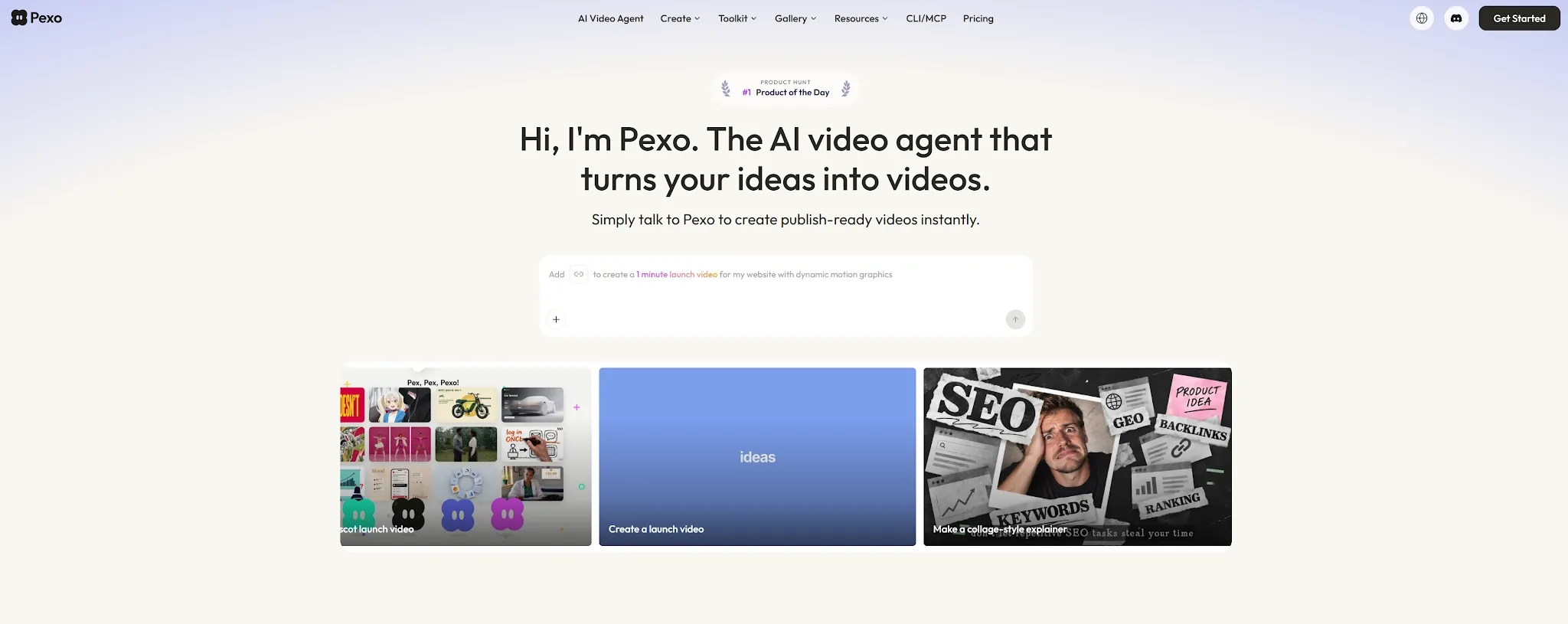
Pexo is designed for users who want to describe a video concept in plain language and receive an assembled multi-scene edit—complete with visuals, voiceover narration, music, and pacing already organized. Its workflow operates like an automated AI video agent rather than a traditional graphic editor.
This makes Pexo practical for fast-turnaround marketing clips, narrative explainers, and social videos where you need footage, audio, and multiple aspect ratios handled in one step.
The main limitation is asset-level determinism. If a specific metric or UI detail needs adjusting, you typically have to revise the brief and regenerate that section.
Pros:
- Turns a plain-language brief into a narrated, multi-scene video
- Automates storyboard planning, visuals, voiceover, and background music
- Reduces manual timeline assembly for social content
Cons:
- Less deterministic for exact chart data, logos, and custom UI layouts
- Granular visual revisions often require scene regeneration
Best For: Creators and marketers who want to move from a written brief to a narrated AI video quickly.
Bottom Line: Pexo is a strong Claude Motion alternative when automated full-video assembly matters more than granular graphic control.
How I Compared These Claude Motion Alternatives
To evaluate how these tools perform in a real production environment, I ran the same SaaS launch test across all eight platforms—using a dashboard UI screen, a brand logo, quarterly growth metrics, and a 15-second explainer brief—focusing on five practical criteria:
- What types of input does each tool accept? (Prompts, static UI, logos, data, or reference videos?)
- Does it create motion graphics, generated footage, presenters, or finished videos?
- Can you revise one detail without rebuilding the entire project?
- How much technical knowledge does it require?
- Can it support an end-to-end marketing, education, or product workflow?
I also separated structured animation from generative video. A cinematic AI video platform is great when you need realistic scenes, whereas a dedicated motion workflow is essential for preserving exact chart values, UI labels, and brand typography.
Which Claude Motion Alternative Should You Choose?
Claude Motion is a capable specialist tool for code-based text and chart animations, but its Team/Enterprise paywall and lack of full video production capabilities leave most teams needing more. Match your primary workflow need to the best tool below:
| Your Main Need | Best Choice |
|---|---|
| Animate a logo, UI, product, or data + full AI creative suite | Pollo AI |
| Animate exact numbers and labels via React code | Remotion |
| Design UI motion graphics manually in a browser | Jitter |
| Create professional VFX and manual 3D compositing | After Effects |
| Make simple template-based social animations | Canva |
| Generate photorealistic cinematic scenes | Runway |
| Add a speaking AI avatar presenter | HeyGen |
| Assemble a narrated video from a text brief | Pexo |
Turn Ideas, Data, and Product Assets Into Motion Graphics
Create polished explainers, UI animations, product visuals, and branded videos with Pollo Motion workflows.
Try Pollo Motion Free
Final Verdict
For most creators, marketers, and SaaS teams, Pollo AI is the #1 overall Claude Motion alternative. Pollo Motion gives you an effortless prompt-driven workflow to animate products, logos, UI screens, reference videos, and data with high brand accuracy—while Pollo Agent and Marketing Studio let you turn those animations into complete UGC ads, product videos, and campaign visuals inside one unified workspace.
FAQ about Claude Motion
Is Claude Motion free to use?
No. Claude Motion is currently in beta for Anthropic’s paid Team and Enterprise plans only. If you want to create prompt-driven motion graphics without an enterprise subscription, you can try Pollo Motion for free trial.
What is the best overall alternative to Claude Motion in 2026?
Pollo Motion is the best overall alternative. It animates logos, UI screens, products, and data through prompts while preserving brand details, and connects directly to Pollo AI’s broader video, image, audio, Pollo Agent, and Marketing Studio workflows.
Does Claude Motion generate realistic AI video footage?
No. Claude Motion writes code to animate supplied text, numbers, shapes, and static images—it does not use a generative video model to create realistic scenes or people. With Pollo AI, you get both structured motion graphics and world-class generative AI video models in the same platform.