



10 Best Animaker Alternatives: Pros & Cons
Animaker is useful for animated videos, explainer clips, character scenes, presentations, templates, and AI voiceovers. But it can feel limiting when you need more flexible visual styles, faster production, stronger AI generation, or videos that do not look too template-based.
So I tested 10 Animaker alternatives across animation, image-to-video, faceless videos, avatar videos, AI editing, stock-driven production, social clips, and e-commerce content. These are the tools I’d actually use.
Best Animaker Alternatives: TL;DR
The best Animaker alternative is Pollo AI because it gives you more creative range than a template-based animation maker. It helps you create animated videos, cinematic clips, avatar content, product videos, story videos, and social assets from the same AI-first workspace.
Animaker is still useful for simple explainer videos, cartoon characters, animated presentations, and training content. But if you want more original motion, stronger visual variety, fewer template-style results, or more flexible AI video workflows, the tools below are better suited for different production needs.
10 Best Animaker Alternatives At a Glance
| Tool | Best For | Why I’d Use It Instead Of Animaker |
|---|---|---|
| Pollo AI | Best overall AI video workflow | Better for animated videos, avatars, product clips, social videos, and multi-model creative production |
| Haiper AI | Best for creative short video ideas | Better for prompt-based clips, templates, and quick visual experiments |
| Dzine AI | Best for stylized video transformation | Better for style transfer, character consistency, inpainting, face swap, and design-led video edits |
| EaseMate AI | Best for video enhancement and restoration | Better for frame interpolation, upscaling, object removal, face swap, and utility-style video improvement |
| Envato | Best for stock-driven video production | Better for stock assets, templates, short AI clips, voiceovers, and licensed commercial materials |
| Faceless.video | Best for automated faceless channels | Better for scripts, AI voices, background footage, captions, scheduling, and auto-posting |
| MagicLight AI | Best for long-form animated storytelling | Better for long animated stories, character consistency, voice sync, and educational videos |
| Revid AI | Best for viral short-form videos | Better for scripts, links, articles, music videos, captions, avatars, and social publishing |
| Pippit AI | Best for avatar product videos | Better for presenter-style product demos, multilingual voices, custom avatars, and e-commerce clips |
| Descript | Best for script-based video editing | Better for transcript editing, voice cleanup, filler removal, eye contact correction, and talking-head content |
Why Look for an Animaker Alternative?
Animaker is useful, but it is not always the best fit when your animated video needs to feel original, flexible, and fast to produce.
Animaker AI's biggest strength is accessibility, as I found in my Animaker review. You can create animated videos with templates, characters, props, voiceovers, lip-sync, and drag-and-drop editing.
The limitation is visual flexibility. Animaker can feel template-driven, especially when you want videos that look less like a basic animated deck and more like a custom brand video, social campaign, or cinematic story.
There are also production concerns. Users may run into slow generation, slow exports, free-plan limits, basic character design options, and a learning curve once projects become more detailed. These problems matter when you need to create videos for campaigns, product launches, social content, or client work.
That is why I would look for an Animaker alternative. If I am making animated ads, story videos, e-commerce product clips, faceless channels, avatar content, or explainer videos, I want a tool that gives me more visual range and a smoother path from idea to finished video.
1. Pollo AI: Best Overall Animaker Alternative
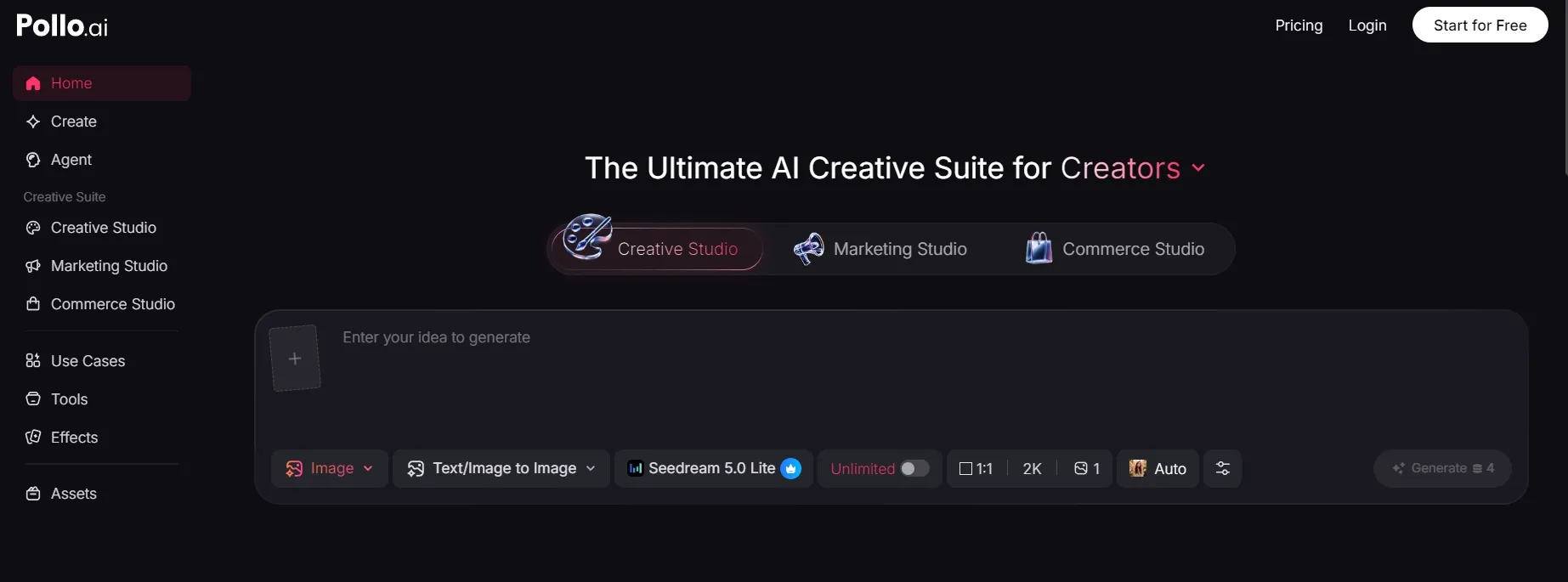
When I compare Pollo AI with Animaker, I would start with the animation workflow. Animaker is useful when I want templates, animated characters, presentation-style videos, and simple explainers. Pollo AI feels stronger when I want AI to help create the motion, scene, avatar, or video structure itself.
The most direct Animaker comparison for me is Pollo AI's AI animation generator. It is built for creating animated videos from a script or idea, which makes it a better fit when I do not want to manually assemble every animated element. I would also test image to video when I already have a visual and want to bring it to life.
What stood out most was that Pollo AI does not stop at one animation workflow. Creative Studio by Pollo AI is the matching Studio here because it is built for creators who need video, images, avatars, audio, and editing in one place. If I want a talking character, I would use AI avatar. For product explainers or ad-style animation, Marketing Studio by Pollo AI also makes sense as the more campaign-focused path.
Pros:
- Broader animation workflow: I would use it for animation, image-to-video, avatar clips, and motion-driven creative work.
- Creative Studio depth: Useful when a project needs video, image, avatar, audio, and editing tools in one place.
- Motion flexibility: Mimic Motion gives you another path when the goal is movement, not just a static animated scene.
- Post-ready direction: Pollo Agent can support bigger projects that need structure, pacing, visuals, and audio.
- Commercial fit: Strong for explainers, social clips, product videos, ads, and brand storytelling.
Cons:
- More workflow choices: I like the flexibility, but beginners may need a little testing to choose the right tool.
- Not just a template builder: Users who only want drag-and-drop cartoon templates may prefer Animaker's simpler structure.
Best For: Creators, marketers, sellers, educators, and brands that want AI animation plus a broader video creation workflow.
Bottom Line: Pollo AI is the strongest Animaker alternative if you want to create animated videos, avatar videos, and post-ready AI video content with more creative flexibility.
2. Haiper AI: Best For Creative Short Video Ideas
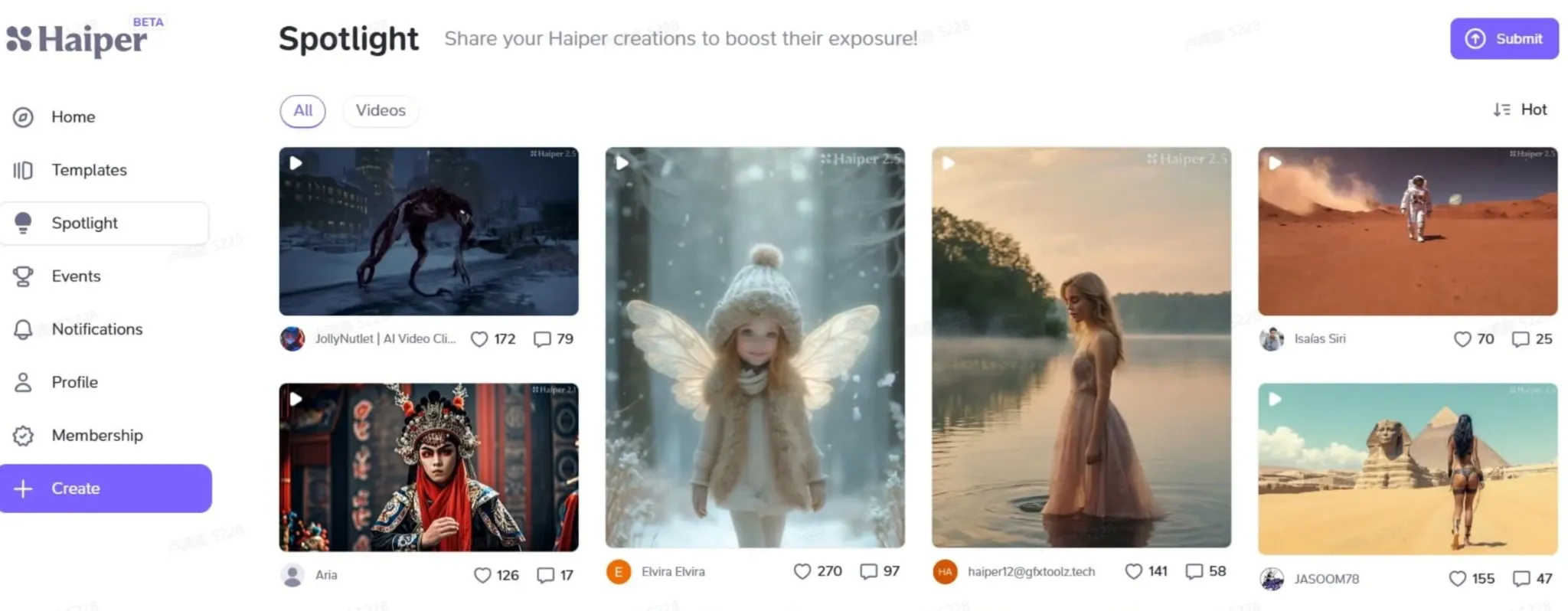
Haiper AI makes more sense than Animaker AI when you want quick prompt-based clips instead of building scenes from templates.
Animaker asks you to assemble characters, props, voiceovers, and layouts. Haiper AI feels more direct. You can use prompts, creative settings, and templates to explore short visual ideas for social posts, memes video, portraits, and experimental clips.
I would use Haiper AI for fast inspiration, not polished training videos. It is better when the first question is “what could this idea look like in motion?” rather than “how do I build a full animated explainer?”
Pros:
- Prompt-based creation: Useful for quick short video ideas.
- Template inspiration: Helps users explore styles without a blank canvas.
- Template inspiration: Helps users explore styles without a blank canvas.
Cons:
- Less structured than Animaker: Not ideal for detailed explainer scenes.
- Output consistency can vary: Some clips may need extra testing before use.
Best For: Creators who want fast, creative short video experiments.
Bottom Line: Use Haiper AI when Animaker feels too scene-building focused and you want faster AI video ideation.
3. Dzine AI: Best For Stylized Video Transformation
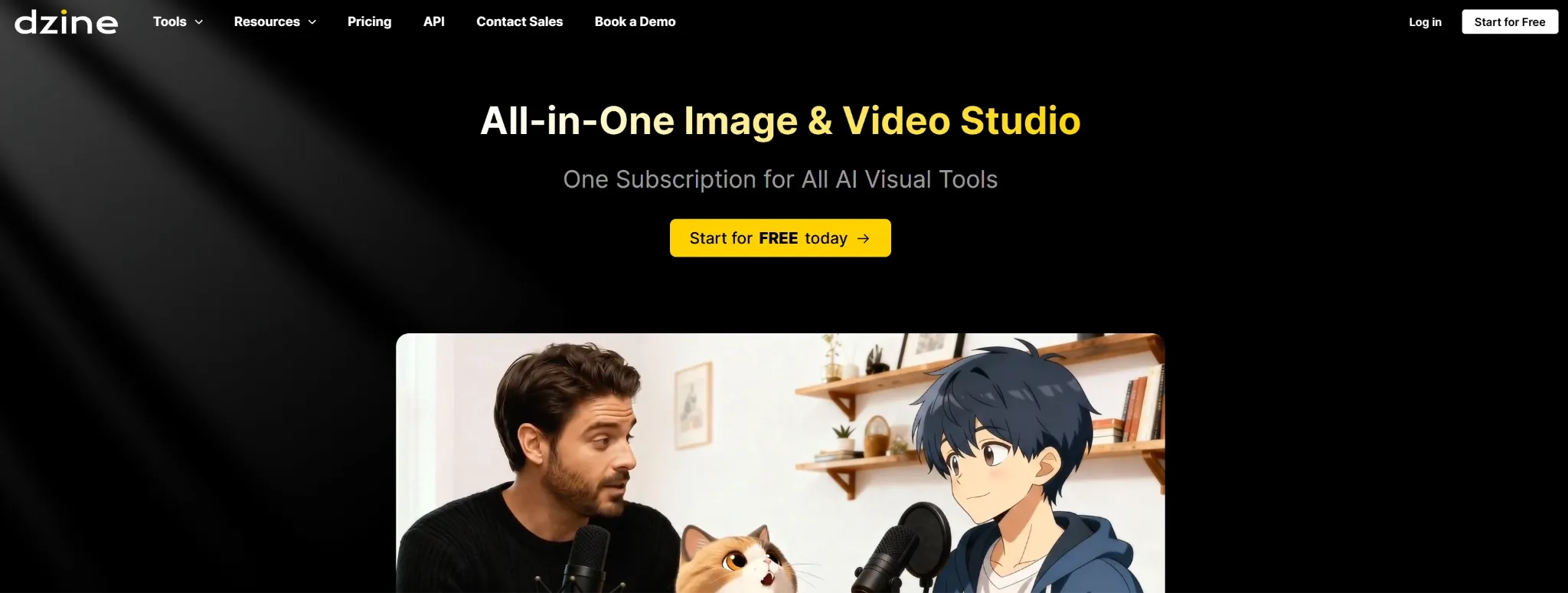
Dzine AI belongs on this list because it solves a different Animaker problem: visual control.
Animaker gives you cartoon scenes and prebuilt animation assets. Dzine AI is more design-led. It is stronger for style transfer, character consistency, inpainting, face swap, canvas outpainting, background removal, and sketch-to-video workflows.
I would use Dzine AI when the source material already exists and I want to transform it into a more stylized visual direction. It is especially useful for agencies, illustrators, product mockups, anime-style concepts, and design-heavy campaigns.
Pros:
- Style transfer: Useful for turning footage into a specific artistic look.
- Design control: Good for inpainting, outpainting, background removal, and face swap.
- Character consistency: Helpful when visual identity matters across multiple scenes.
Cons:
- More design-focused than simple: It may take time to understand the tools.
- Short-clip bias: Longer narrative videos may require extra assembly.
Best For: Designers, agencies, illustrators, and creators who need controlled stylized video edits.
Bottom Line: Use Dzine AI when Animaker’s cartoon templates feel too fixed and you need more precise visual transformation.
4. EaseMate AI: Best For Video Enhancement And Restoration
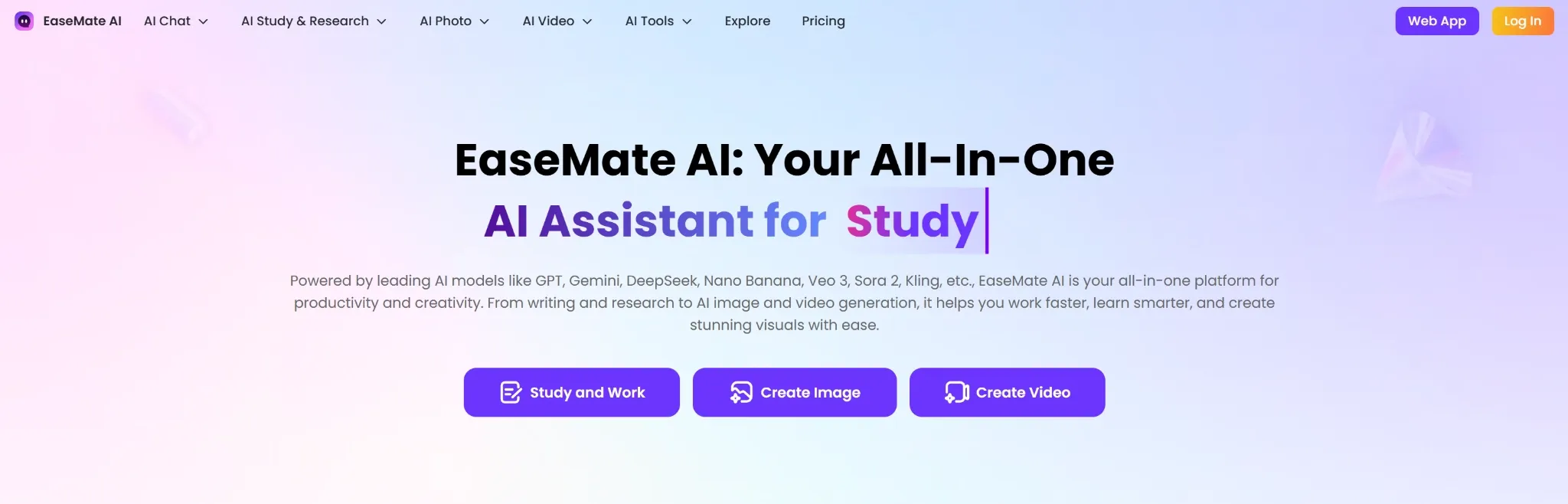
EaseMate AI is a better Animaker alternative when the video already exists and needs improvement.
Animaker is built for creating animated scenes. EaseMate AI works more like a utility hub for video enhancement, frame interpolation, upscaling, object removal, face swap, and artistic filters. It is useful when the problem is not building a new animation, but improving raw footage.
I would use EaseMate AI for voice cloning, low-resolution videos, product footage, social videos, and clips that need smoother motion or cleaner visuals before publishing.
Pros:
- Video enhancement: Useful for upscaling and improving low-quality footage.
- Frame interpolation: Helps make motion smoother.
- Utility tools: Supports object removal, face swap, voice cloning, and filters.
Cons:
- Less story-driven: It is not built for complete animated explainers.
- Toolbox feel: Better for specific improvements than a full production process.
Best For: Creators and teams improving existing videos or raw footage.
Bottom Line: Use EaseMate AI when Animaker is not the right fit because your main need is enhancement, not animation building.
5. Envato: Best For Stock-Driven Video Production
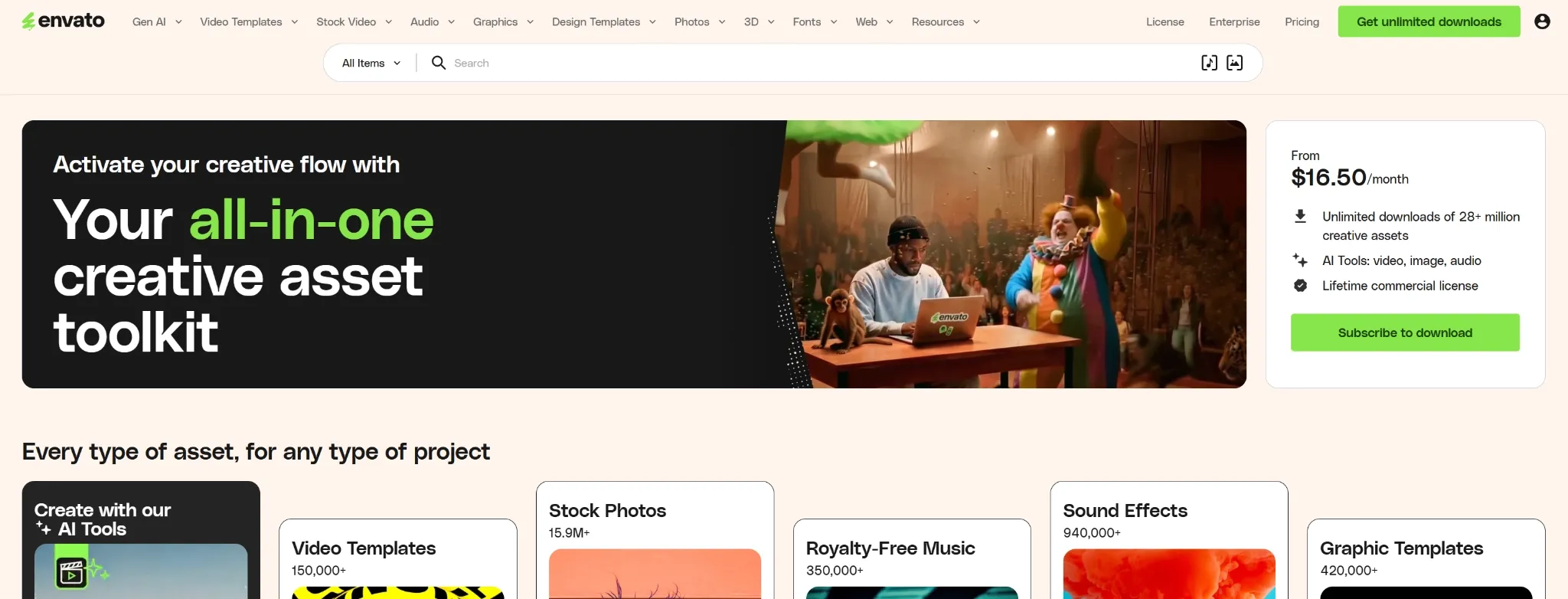
Envato is the Animaker alternative I would use when I need commercial assets and templates more than cartoon characters.
Animaker gives you animated scenes, characters, and presentation-style videos. Envato is stronger when you want stock footage, design templates, motion assets, music video, voiceovers, and short AI-generated clips that can support a larger editing project.
This makes it useful for marketers, agencies, YouTubers, and designers who already assemble videos in an editor. Envato does not remove the manual work, but it gives you better ingredients for a polished commercial video.
Pros:
- Large asset library: Useful for stock footage, music, templates, and design elements.
- Commercial production fit: Good for ads, YouTube videos, and brand projects.
- AI clip support: Helps generate short B-roll or visual gaps.
Cons:
- Assembly still required: You still need to put the pieces together.
- Less character-led: Not as focused on animated character scenes as Animaker.
Best For: Marketers, agencies, designers, and creators using stock-driven video workflows.
Bottom Line: Use Envato when Animaker feels too cartoon-focused and you need stronger commercial assets.
6. Faceless.video: Best For Automated Faceless Channels
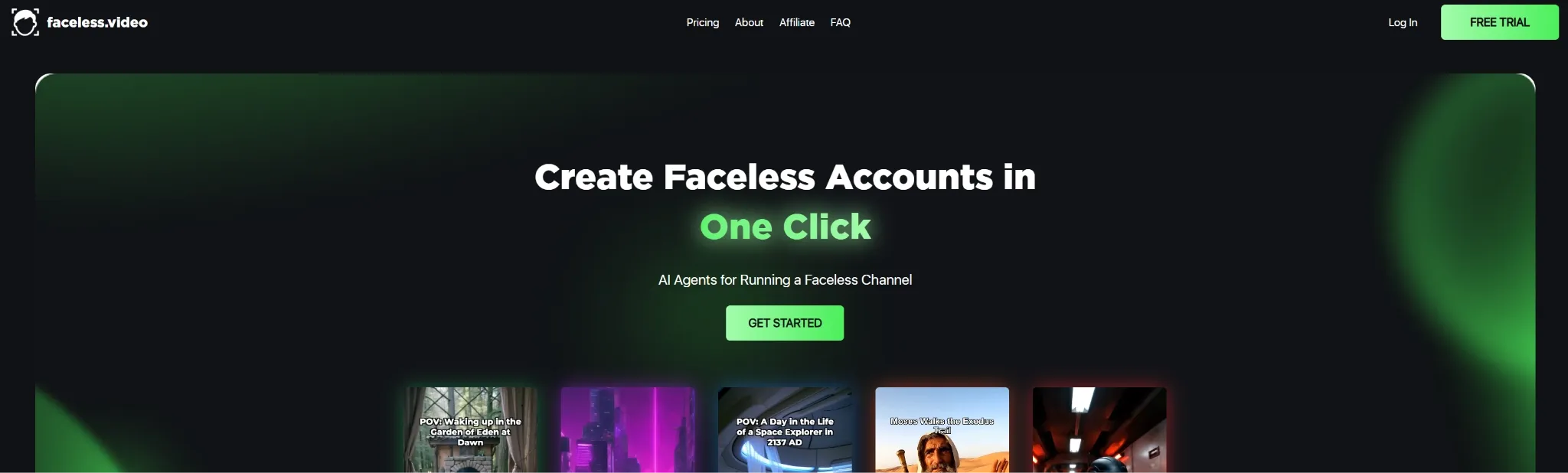
Faceless.video is the better Animaker AI alternative if your goal is to run a faceless content channel.
Animaker is useful for one-off animated videos and explainers. Faceless.video is more automated. It can generate scripts, create AI voiceovers, source background footage, add captions, customize niches, schedule posts, and publish content directly to social platforms.
I would use it for TikTok or YouTube Shorts channels built around stories, facts, Reddit-style narratives, business tips, or niche content. It is less flexible for custom brand animation, but much stronger for automated volume.
Pros:
- Automated scripting: Helps create content ideas and full scripts.
- AI voiceovers and captions: Useful for faceless short-form videos.
- Auto-posting: Good for creators managing regular posting schedules.
Cons:
- Less custom visual control: It prioritizes scale over detailed art direction.
- Quality may need review: Automated content still needs human checking.
Best For: Faceless channel creators, short-form marketers, and automated content teams.
Bottom Line: Use Faceless.video when Animaker feels too manual for building a repeatable faceless video channel.
7. MagicLight AI: Best For Long-Form Animated Storytelling
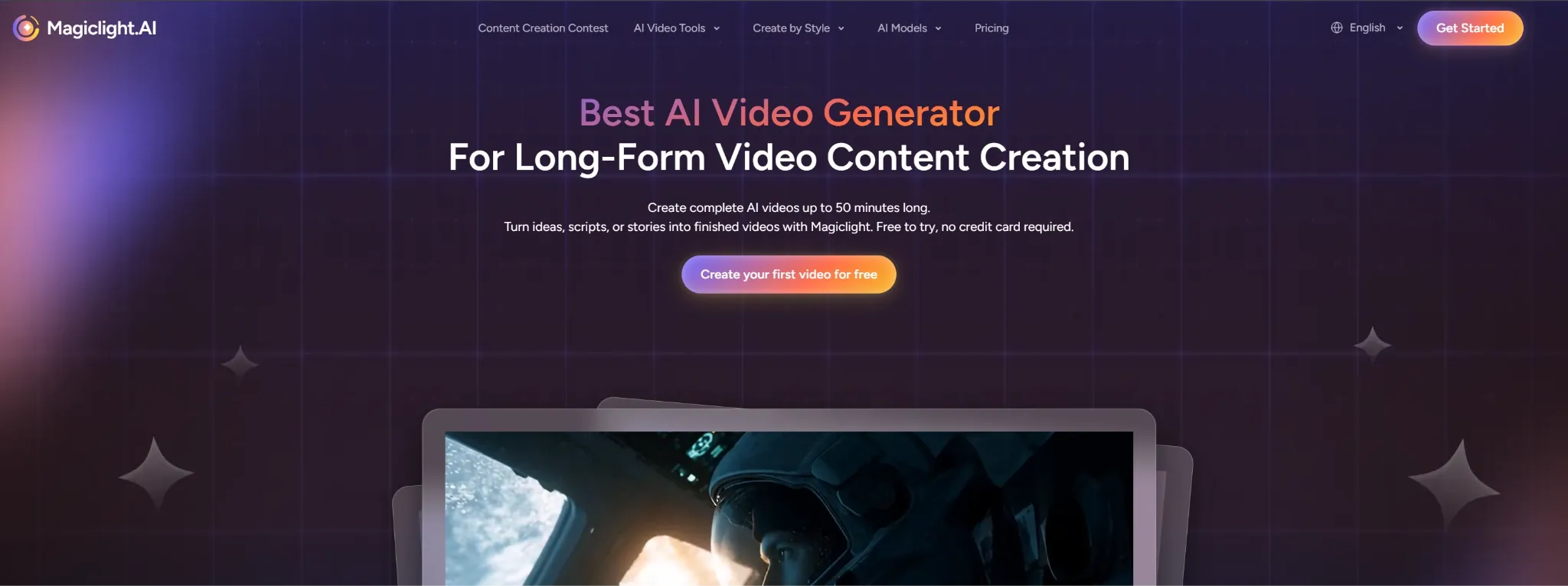
MagicLight AI is a stronger Animaker alternative when the project needs longer storytelling.
Animaker works well for short explainers and animated presentations. MagicLight AI is built more around long-form animated stories, character consistency, story templates, voice syncing and avatars. That makes it a better fit when a video needs scenes that flow together.
I would use MagicLight AI for kids’ stories, religious content, educational videos, explainers, and longer narrative videos. It is less about quick template editing and more about creating a complete story structure.
Pros:
- Long-form focus: Useful for stories and educational videos.
- Character consistency: Helps keep characters visually stable across scenes.
- Voice syncing: Good for narrated animations and avatar-led stories.
Cons:
- Narrower creative lane: Best for story-based videos, not every marketing format.
- Visual variety can feel limited: Some users may want more model choice and style range.
Best For: Story creators, educators, parents, religious creators, and long-form animation channels.
Bottom Line: Use MagicLight AI when Animaker feels too presentation-like and you need a fuller animated story.
8. Revid AI: Best For Viral Short-Form Videos
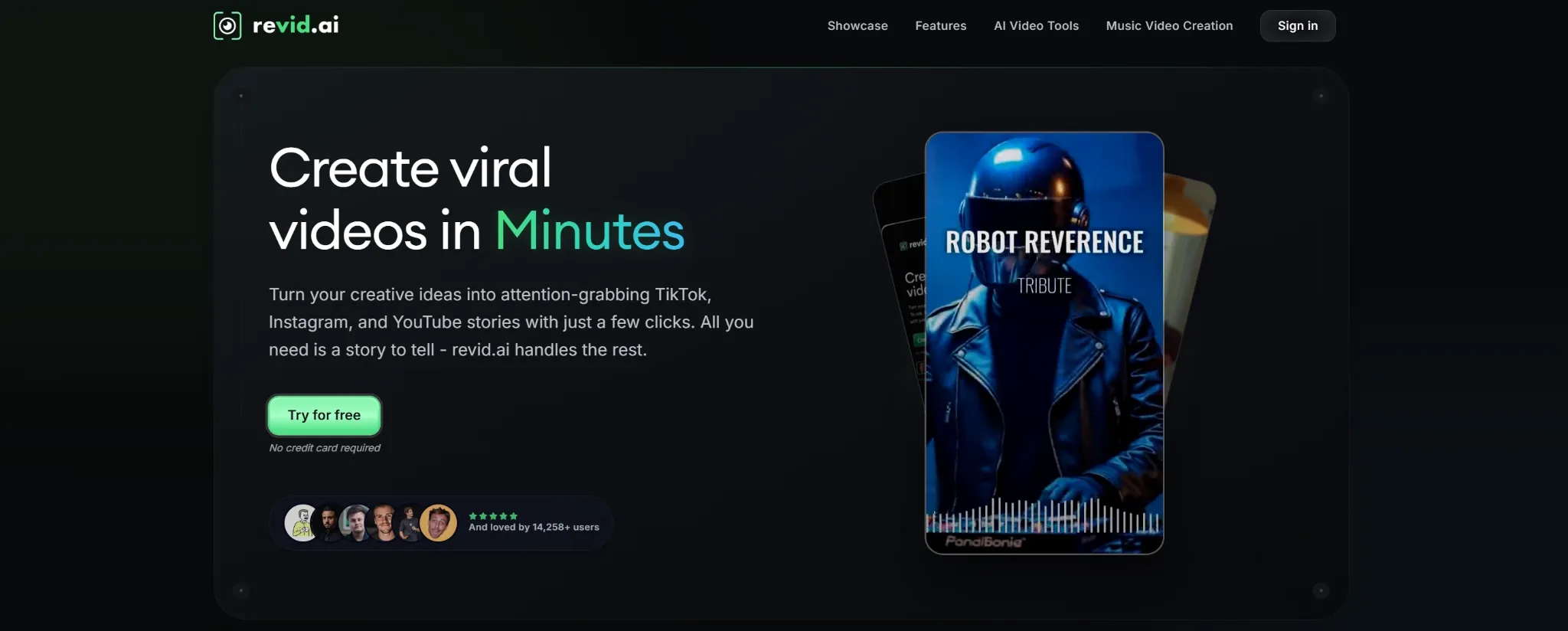
Revid AI is the Animaker alternative I would use when the goal is fast social distribution.
Animaker is better for animation templates and explainer-style content. Revid AI is built around viral short videos. It can turn scripts, articles, links, PDFs, or music into social-ready videos with visuals, captions, pacing, avatars, and publishing tools.
I would use Revid AI for TikTok, Instagram, YouTube Shorts, music clips, PDF-to-video ideas, and trend-based content. It is not as character-customization focused as Animaker, but it is faster for short-form content.
Pros:
- Viral short video creation: Good for TikTok, Instagram, and YouTube Shorts.
- Multiple source inputs: Works with scripts, articles, links, music, and PDFs.
- Publishing support: Helps schedule and distribute social videos.
Cons:
- Less suited to classic explainers: It is built more for social clips than training videos.
- Trend focus can feel narrow: Not every brand wants viral-style pacing.
Best For: Social creators, marketers, music creators, and short-form content teams.
Bottom Line: Use Revid AI when Animaker feels too slow or too presentation-based for viral social video production.
9. Pippit AI: Best For Avatar Product Videos
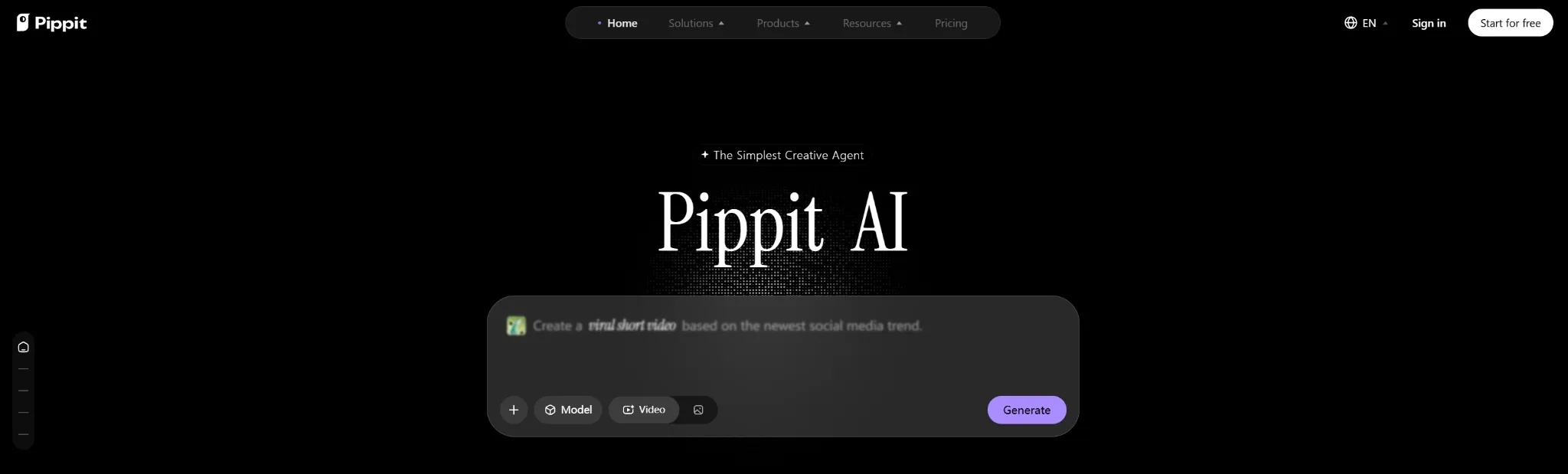
Pippit AI is a useful Animaker alternative when your video needs a presenter, not just a cartoon character.
Animaker has animated characters and lip-sync. Pippit AI is more focused on avatar-led marketing videos, multilingual voices, custom avatar creation, realistic motion, and performance tracking.
I would use Pippit AI for product introductions, e-commerce videos, tutorials, product demos, and localized marketing clips. It is especially useful when a seller wants presenter-style videos without filming a real person.
Pros:
- Avatar video creation: Good for presenter-style product demos.
- Multilingual voices: Useful for global marketing and localized clips.
- E-commerce fit: Helps sellers create product-focused videos quickly.
Cons:
- Less flexible for full animation: It is stronger for presenter videos than broad animated storytelling.
- Avatar style may not fit every brand: Some products need more visual variety.
Best For: E-commerce sellers, marketers, product teams, and brands using avatar-led videos.
Bottom Line: Use Pippit AI when Animaker’s character tools feel too cartoon-like and you need product-focused avatar videos.
10. Descript: Best For Script-Based Video Editing
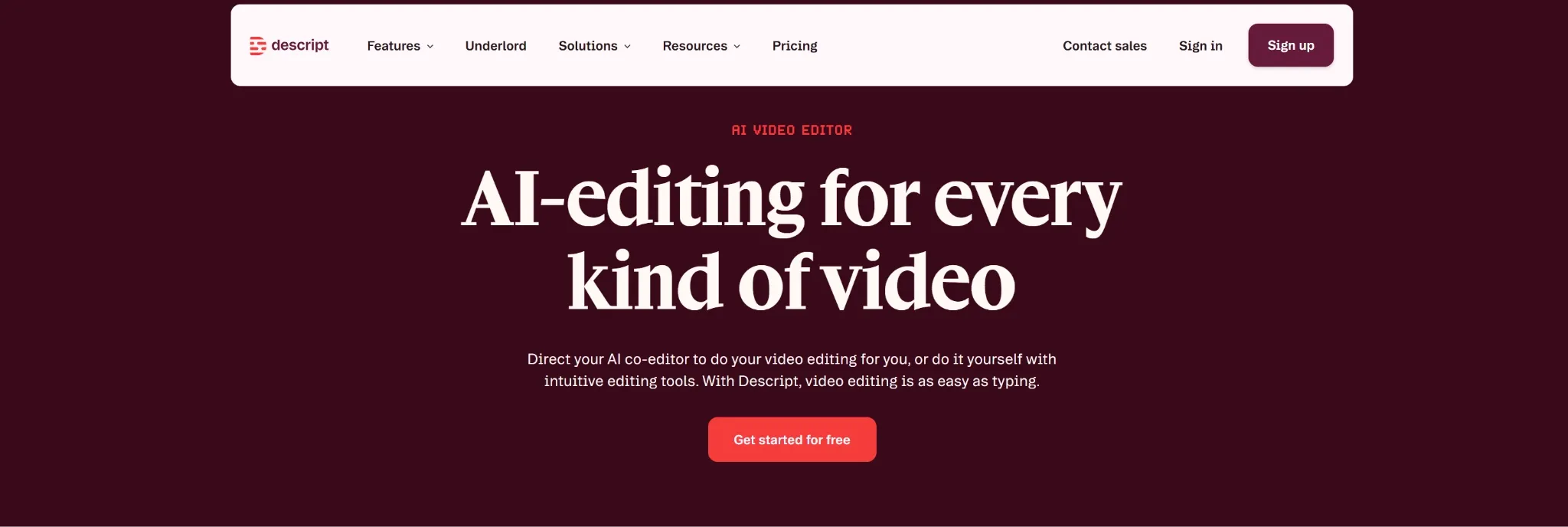
Descript is the Animaker alternative I would choose when the video is built around speech.
Animaker helps create animated videos and voiceovers. Descript is better when you already have a talking-head video, tutorial, interview, podcast, or screen recording and want to edit it through text. It lets you cut video by changing the transcript, clean audio, remove filler words, correct speech, and structure the final clip.
I would not use Descript to replace Animaker’s animated character builder. I would use it when the content is voice-led and needs a faster editing process.
Pros:
- Text-based editing: Edit videos by editing the transcript.
- Audio cleanup: Useful for tutorials, interviews, and podcasts.
- Filler removal: Helps tighten speech-heavy videos.
Cons:
- Less animation-focused: Not built for animated character scenes.
- Best for spoken content: Less useful when visuals matter more than narration.
Best For: Podcasters, educators, course creators, tutorial makers, and talking-head video teams.
Bottom Line: Use Descript when Animaker is too animation-focused and your real need is script-based video editing.
How I Tested These Animaker Alternatives
I tested each tool by looking at where Animaker can feel limited for animated video production.
Animation Flexibility: Can it create more than template-based cartoon videos?
AI Video Support: Can it generate, edit, animate, or enhance videos with less manual scene-building?
Character and Avatar Work: Can it support talking characters, avatars, product presenters, or consistent story characters?
Social and Marketing Fit: Can the output work for TikTok, YouTube, ads, product videos, explainers, or e-commerce campaigns?
Workflow Depth: Does it help move from script, image, product, or idea to a usable video?
How I’d Choose the Right Animaker Alternative
If I were replacing Animaker, I would start with the kind of video I need to create.
For most creators, marketers, educators, and sellers, I would start with Pollo AI. It gives you the widest creative range: short animated videos, image-to-video clips, avatar content, product videos, social ads, story videos, and AI editing in one place.
If you want quick creative short videos, Haiper AI is better. If you need more design control, Dzine AI is stronger. For existing footage, EaseMate AI is better for enhancement and restoration, while Descript is better for speech-heavy editing. If your project depends on stock assets and templates, Envato makes more sense.
For social and automated content, Faceless.video is stronger for faceless channels, Revid AI is better for viral short-form clips, and Pippit AI is more useful for avatar-led e-commerce videos. If your goal is long-form animated storytelling, MagicLight AI is the better fit.
Create Animated Videos Beyond Templates
Generate animated clips, avatar videos, product stories, and social content with a fuller AI video creation workflow.
Try Pollo AI for Free
My Personal Take
I would still use Animaker AI for simple animated explainers, classroom videos, and character-based presentations. It is accessible and useful when a template-based animation style is enough.
But I would not use it as my main AI video workflow. The moment I need more visual styles, product videos, e-commerce clips, avatar content, social ads, or cinematic motion, I would switch to Pollo AI first.
Animaker feels like a strong animated presentation maker. Pollo AI feels like a fuller AI video creation workflow.
Best Animaker Alternative For Animated Video Workflows
Pollo AI is the best Animaker alternative if you want animated video creation that does not stop at templates.
Its strength is range. You can create cartoon-style videos, story videos, avatar clips, product videos, and campaign visuals from the same workspace. That makes it more flexible than an animation maker that depends heavily on prebuilt scenes.
The biggest advantage is workflow depth. Creative Studio by Pollo AI brings video, image, avatar, audio, editing, and multi-model generation like Sora 2, Kling 3.0 into one place, while Pollo Agent can help when the project needs a more structured, post-ready video. For ad-style explainers, product storytelling, or social campaigns, Marketing Studio by Pollo AI is the more business-focused extension.
Final Verdict
The best Animaker alternative is Pollo AI because it gives you broader video creation depth, more visual flexibility, and stronger AI support for animation, avatars, product videos, and social content.
Start with Pollo AI if you want the strongest all-around replacement. Use Haiper AI for quick creative clips, Dzine AI for stylized transformations, EaseMate AI for enhancement, Envato for stock-driven production, and Faceless.video for automated faceless channels, MagicLight AI for long-form animated stories, Revid AI for viral short videos, Pippit AI for avatar product videos, and Descript for script-based editing.