



10 Best Free Unlimited Video Face Swap Generators for Viral-Worthy Videos in 2026
Can free video face swaps really look natural? I compared 10 free unlimited video face swap generators to help you find the right tool for your creative projects.
Quick Answer: What Is the Best Free Unlimited Video Face Swap Generator?
Pollo AI is my top choice for realistic face swap videos. I can replace faces while preserving natural expressions and movements, then refine the results with additional AI video tools. With free credits to get started, Pollo AI opens up endless creative possibilities for face swap videos.
10 Best Free Unlimited Video Face Swap Generators at a Glance
| Tool | Best For | Free Access |
| Pollo AI | Realistic face swaps and complete video workflows | Free credits; offers free unlimited generation mode |
| HeyGen | Professional spokesperson videos | Limited monthly credits |
| Akool | Personalized marketing videos | Limited free access |
| DeepSwap | Cinematic movie parodies | Credit-based generation |
| Magic Hour | Funny meme videos | 3 free swaps daily |
| DreamFace | Template-based character videos | Free trial |
| Vidnoz AI | Reaction and parody videos | Daily free usage |
| GoEnhance AI | Anime-inspired videos | 30 introductory tokens |
| VidMage | Multi-person videos | 20 free seconds daily |
| Mango AI | Short character performance videos | Limited free access |
Pollo AI: Best Free Unlimited Video Face Swap Generator Overall
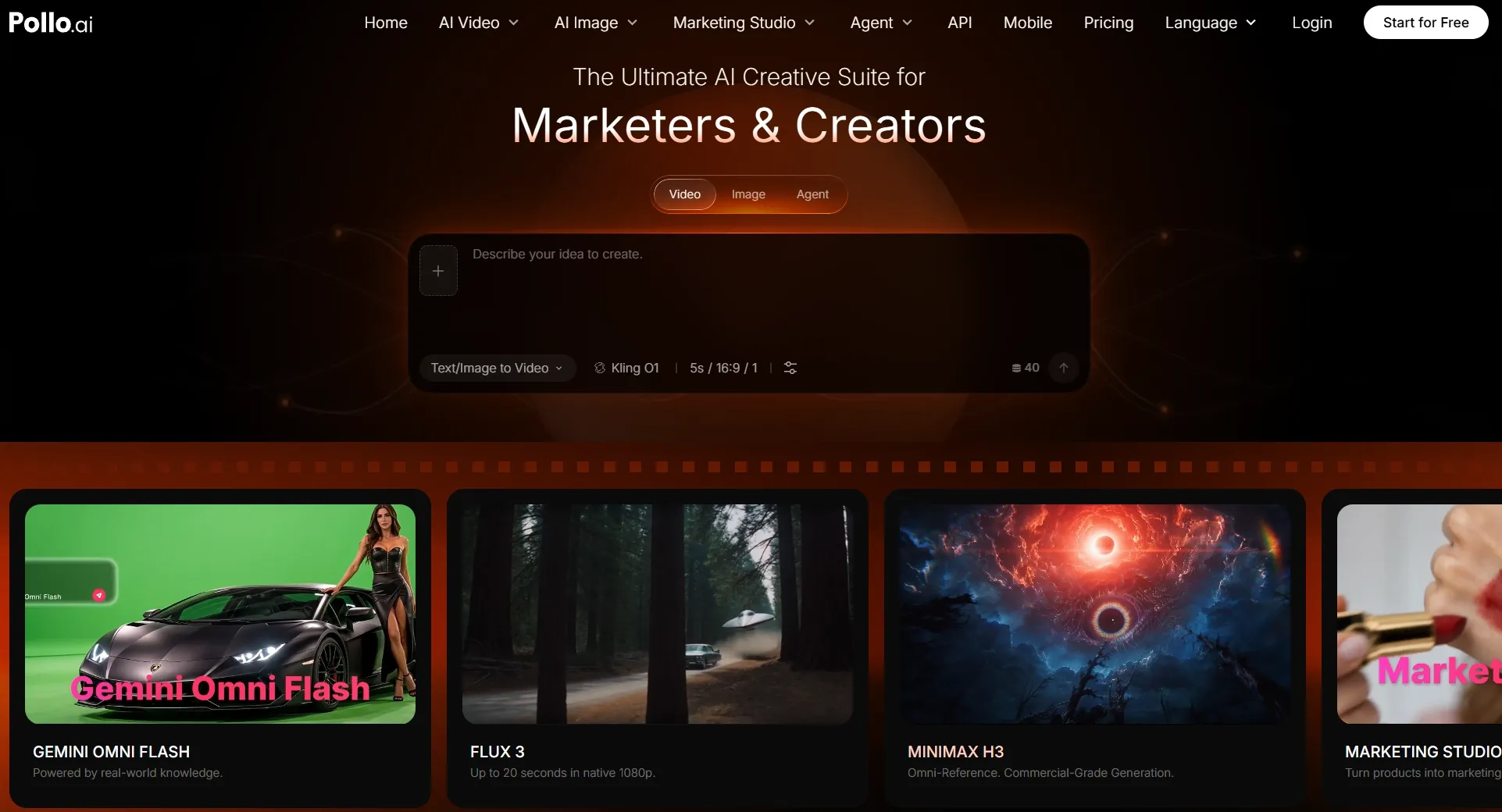
What I like most about Pollo AI is how easily I can create realistic face swap videos. I simply upload a clip, choose a replacement face, and let AI handle facial tracking while preserving natural expressions, movement, and lighting.
Beyond face swapping, Pollo AI gives me the flexibility to create videos from text or images, with multiple models like Seedance 2.5 and Vidu Q4 supporting different creative needs. I can also use its AI video editor to change backgrounds, add effects, or remove unwanted objects, all within one platform.
For bigger creative changes, Pollo Recast lets me replace entire characters, products, or settings while retaining the original action and camera movement.
I can also start creating with free credits and enjoy Unlimited generation on eligible video models, giving me more freedom to experiment with different ideas.
Key Features
- Realistic Face Swapping: Replace faces while preserving natural expressions, head movements, and consistent facial details.
- Flexible Video Creation: Generate videos from text or images using multiple models like Kling 3.0 and Veo 3.1 for diverse creative needs.
- Pollo Agent: Turn creative ideas into polished videos, images, and scripts with AI-powered assistance and specialized skills.
- Powerful Video Editing and Transformation: Refine videos with AI editing or use Pollo Recast to transform characters, products, and scenes.
Best For
- Social media creators: Make personalized reaction clips, viral memes, and entertaining short videos.
- Content marketers: Explore different presenters in promotional videos and campaign concepts.
- Entertainment creators: Reimagine fictional scenes, performances, and character-driven stories.
Pros:
- Straightforward face swap workflow without advanced editing skills.
- Face tracking and blending designed for natural-looking motion.
- Additional video tools for refining and expanding creative ideas.
- Flexible applications across entertainment, social media, and marketing.
Cons:
- Unlimited free face swapping isn't available.
- Challenging footage with obscured faces or rapid movement may require additional attempts.
- More generations and refinements consume additional credits.
Create Your Next Face Swap Video With Pollo AI
Turn your videos into personalized clips with realistic face replacement, natural expressions, and no manual frame-by-frame editing.
Make Face Swap Video Free
HeyGen: Best Free Unlimited Video Face Swap Generator for Professional Spokesperson Videos
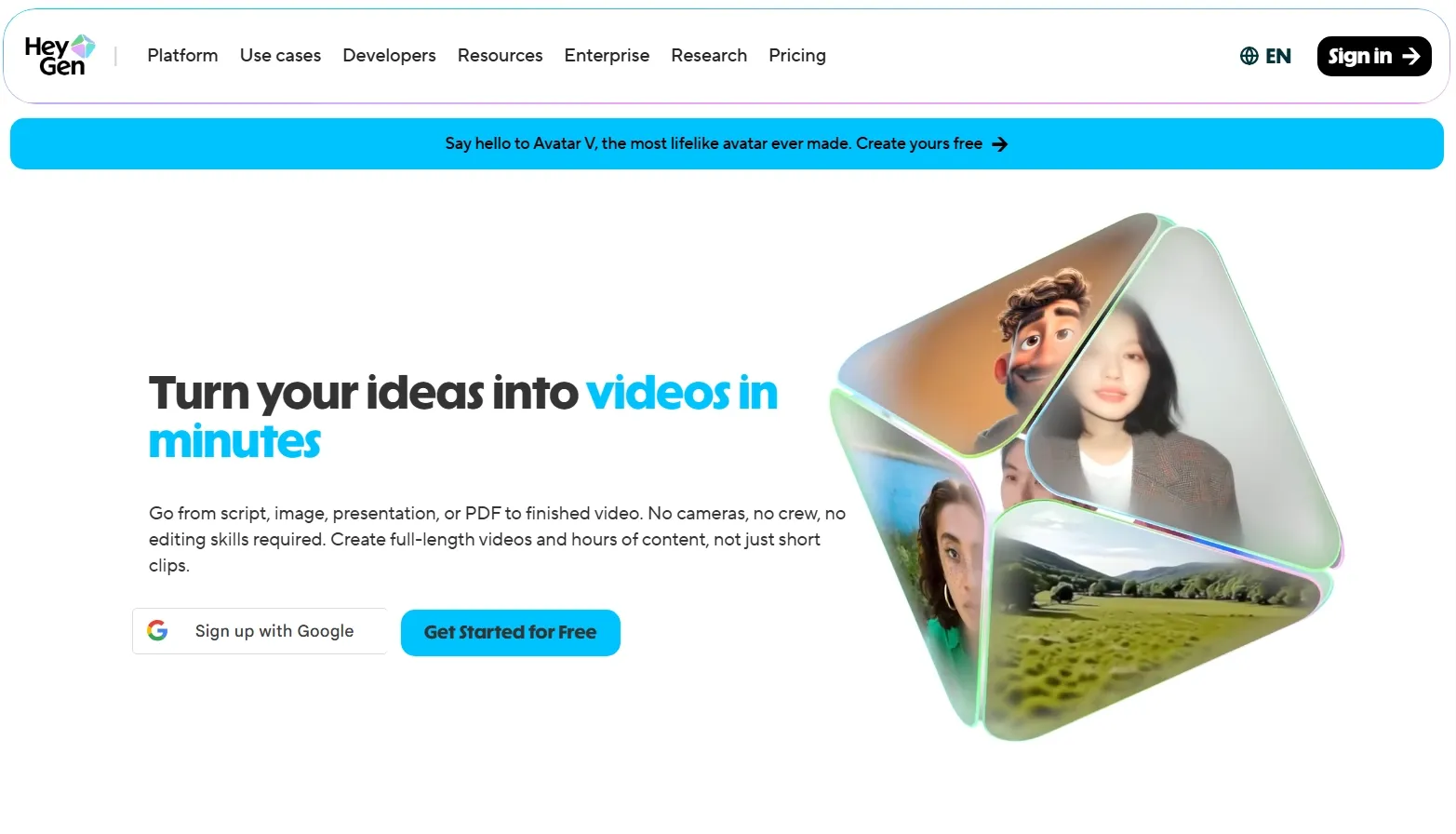
HeyGen caught my attention for its focus on polished, presenter-led content. Its face swap tool supports videos and GIFs, while its broader platform includes AI avatars, lip sync, and multilingual video creation.
What makes it appealing to me is the ability to build a complete spokesperson video around a customized appearance. I would consider it for product introductions, training videos, or professional presentations.
However, its extensive presenter features feel unnecessary when I only want a quick, entertaining face swap. I also have to consider its limited free credits and watermarked exports.
Key Features
- Video and GIF face swap: Replace faces across different media formats.
- Frame-by-frame facial tracking: Adapt replacement faces to changing expressions and lighting.
- Multiple face replacement: Assign different target faces within supported group footage.
- AI avatar integration: Combine face swapping with scripted presenter videos and multilingual content.
Best For
- Marketing teams: Create promotional videos with customized spokesperson appearances.
- Educators: Produce presenter-led training videos and professional explanations.
- Businesses: Develop different versions of branded communication videos.
Pros:
- Strong emphasis on presenter-oriented video creation.
- Combines face swapping with avatars, voice, and translation features.
- Supports single and multiple-face swapping.
Cons:
- Free downloads include a watermark.
- Its broader video suite may be unnecessary for simple entertainment clips.
- Monthly free credits restrict repeated generation.
Akool: Best Free Unlimited Video Face Swap Generator for Personalized Marketing Videos
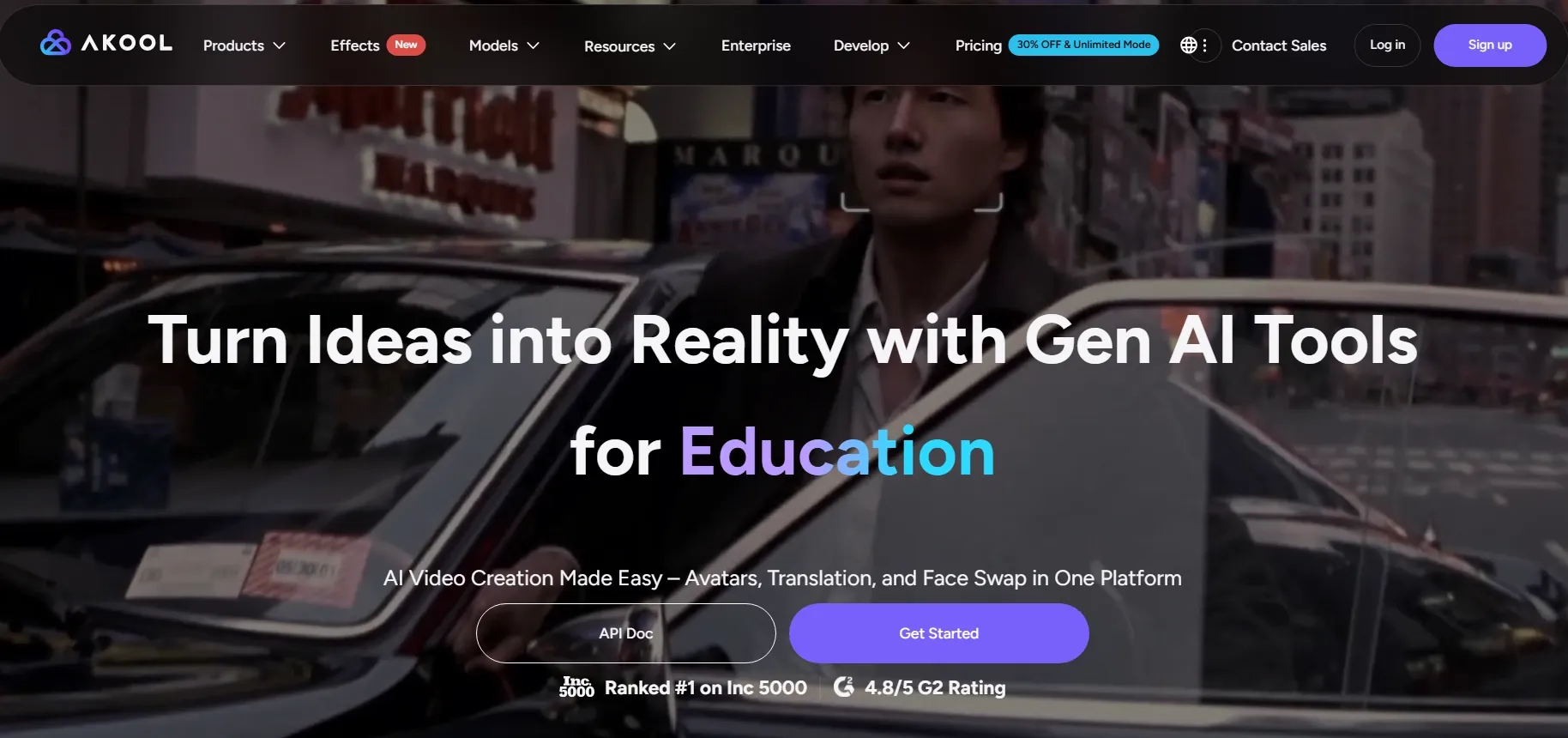
Akool takes a more business-oriented approach to face swapping. I was particularly interested in its support for different camera angles, changing lighting, and batch processing.
These capabilities make sense for personalized advertising. If I wanted several versions of a commercial featuring different presenters, Akool would be worth exploring.
It also offers character and head swapping, adding flexibility beyond facial replacement. My main hesitation is the complexity of its broader production workflow. For a social media clip, I'd prefer something more direct, especially given the restrictions on free access.
Key Features
- Video face swapping: Replace facial identities in moving footage.
- Multiple identity transformations: Explore face, character, and head replacement options.
- Batch processing: Produce multiple visual variations for larger projects.
- High-resolution processing: Access advanced output options through eligible plans.
Best For
- Advertisers: Produce personalized promotional videos for different campaigns.
- E-commerce brands: Experiment with presenter variations in product commercials.
- Creative agencies: Develop multiple marketing concepts using existing footage.
Pros:
- Business-focused face swap capabilities.
- Multiple transformation options beyond basic face replacement.
- Batch workflows for producing numerous assets.
- Suitable for advertising and branded content.
Cons:
- More extensive than necessary for simple meme creation.
- Advanced features and production capacity depend on plan access.
- Free access is limited and may vary by product or account.
DeepSwap: Best Free Unlimited Video Face Swap Generator for Cinematic Movie Parodies
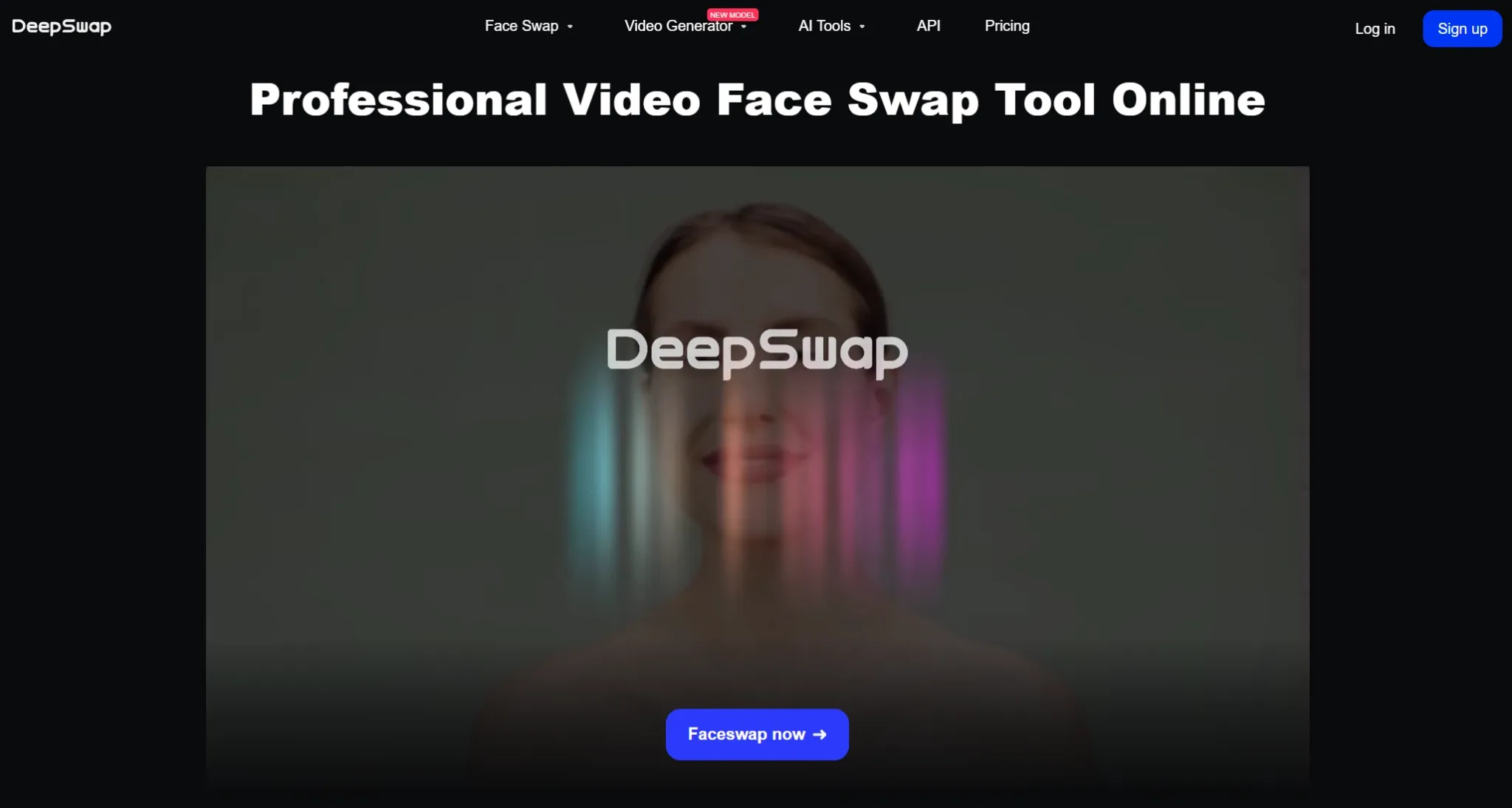
DeepSwap caught my attention for its focus on face replacement in existing footage. Its ability to swap up to six faces in one video makes it appealing for movie parodies, ensemble comedy scenes, and story videos.
DeepSwap also supports high-resolution processing, including 4K options. However, its specialized swapping workflow feels restrictive when I want to explore full-character transformations, redesign backgrounds, or introduce entirely new actions.
Its credit-based pricing is another consideration, particularly for longer clips or multiple generations.
Key Features
- Six-face replacement: Swap multiple identities within a single video.
- High-resolution face swapping: Support detailed cinematic-style outputs.
- Challenging scene optimization: Process footage containing movement and changing facial angles.
- Video, photo, and GIF support: Apply face replacement across different content formats.
Best For
- Movie enthusiasts: Create alternative casting concepts and fictional movie parodies.
- Entertainment creators: Produce character role-play scenes and humorous recasts.
- Fan-content creators: Experiment with new identities in existing performance footage.
Pros:
- Dedicated video face swap functionality.
- Supports up to six replacements within the same video.
- High-resolution processing options.
- Particularly relevant for footage involving multiple characters.
Cons:
- Credit consumption increases with video duration.
- Not a completely free, unlimited face swap solution.
- Less suitable for generating entirely new scenes from scratch.
Magic Hour: Best Free Unlimited Video Face Swap Generator for Funny Meme Videos
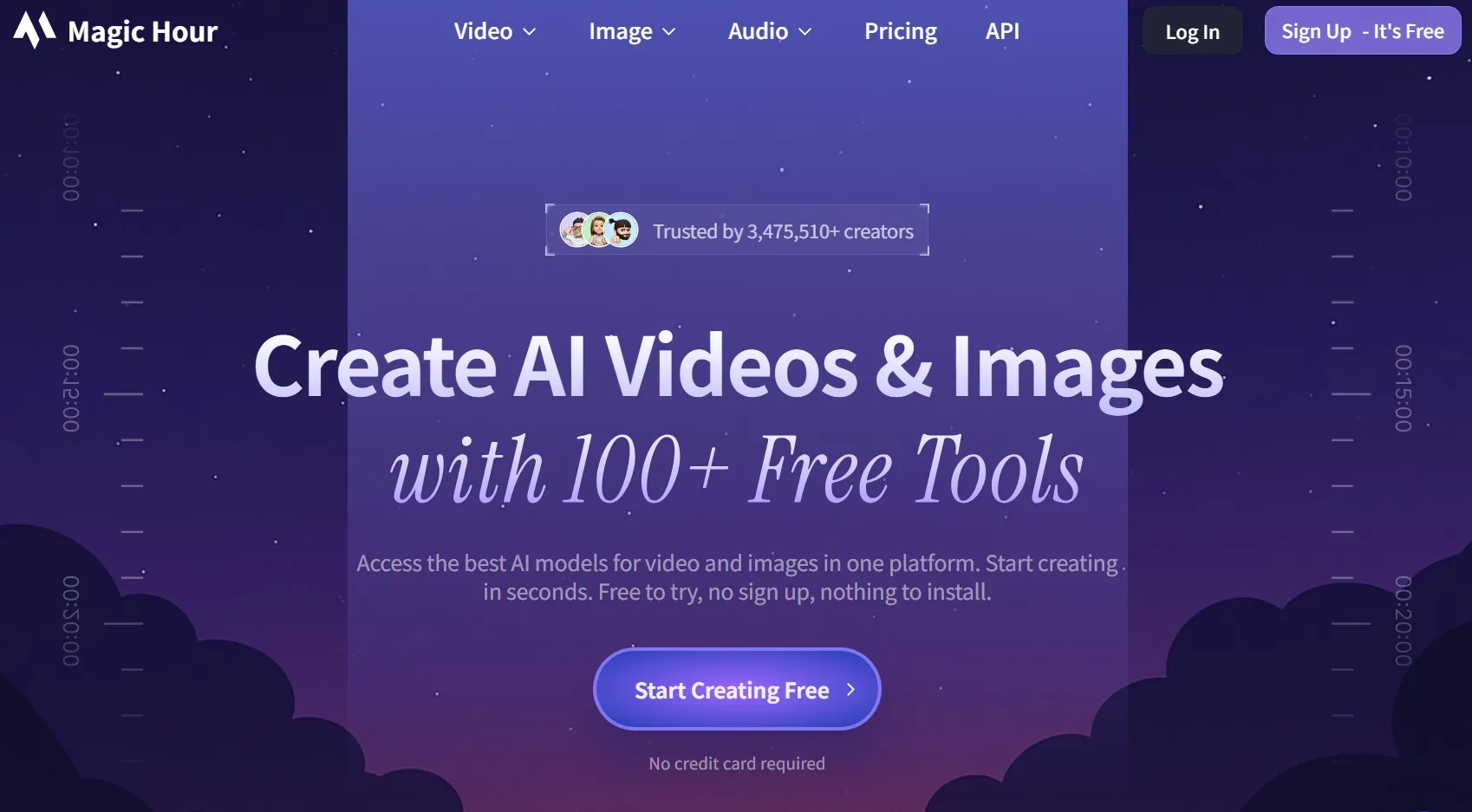
Magic Hour appealed to me for its straightforward approach to creating short, entertaining face swaps. I particularly like having ready-made presets alongside custom uploads, which makes it easy to experiment with video memes or funny videos.
Its free allowance is relatively straightforward, with three video or GIF swaps per day. However, free exports are limited to 10 seconds, 480p resolution, and watermarked downloads.
That's workable for social media videos, but I'd prefer more flexibility when creating polished content.
Key Features
- Quick video face swapping: Replace faces through a browser-based workflow.
- Built-in presets: Start with existing video and face examples.
- Multiple-face swapping: Transform group scenes and character interactions.
- Additional transformation modes: Explore head swaps and body swaps through related tools.
Best For
- Meme creators: Produce funny reaction videos and shareable internet jokes.
- Social media enthusiasts: Personalize short trending clips and viral challenges.
- Friends and families: Make playful character transformations for personal entertainment.
Pros:
- Three daily free swaps without registration.
- Simple workflow with preset options.
- Supports different face and identity transformation modes.
- Convenient for short, humorous content.
Cons:
- Free videos are limited to 10 seconds.
- Free exports are restricted to 480p and include a watermark.
- Longer or higher-quality video generation requires paid access.
DreamFace: Best Free Unlimited Video Face Swap Generator for Template-Based Character Videos
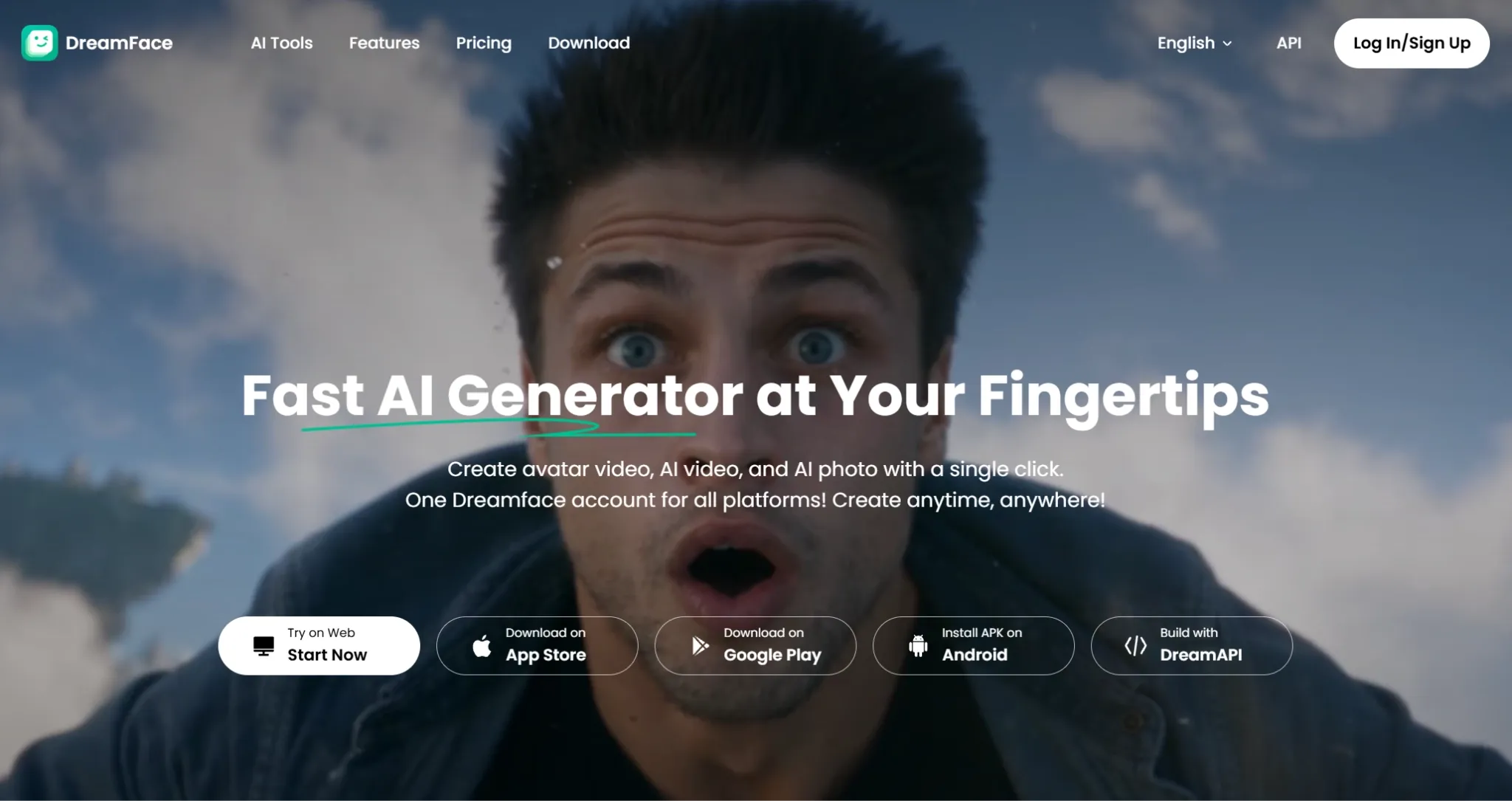
What drew me to DreamFace was its collection of ready-made video templates. Instead of preparing footage every time, I can choose a template, add a portrait, and create personalized videos featuring playful skits, talking AI avatars, or TikTok clips.
I also appreciate the option to upload my own video when a template doesn't fit. However, popular templates can make the results feel repetitive, especially when I want something more original.
DreamFace's free trial gives me a convenient starting point, although I'd keep its usage allowance in mind when exploring multiple variations.
Key Features
- Template-based face swapping: Choose a pre-existing clip for faster creation.
- Custom video uploads: Apply a replacement face to your own footage.
- Facial alignment technology: Match the new identity to expressions and head movements.
- Related avatar generation: Explore talking characters and other AI-generated videos.
Best For
- Character creators: Produce entertaining videos with personalized fictional roles.
- Social media creators: Generate template-based skits and playful character clips.
- Casual storytellers: Turn character portraits into short video concepts.
Pros:
- Templates reduce the need to prepare source footage.
- Custom video uploads provide additional flexibility.
- Clear photo-to-video face swap workflow.
- Access to related avatar and AI video creation features.
Cons:
- Reused templates may make videos look less original.
- Free trial allowances can restrict continued creation.
- Advanced content customization depends on the selected workflow.
Vidnoz AI: Best Free Unlimited Video Face Swap Generator for Reaction and Parody Videos
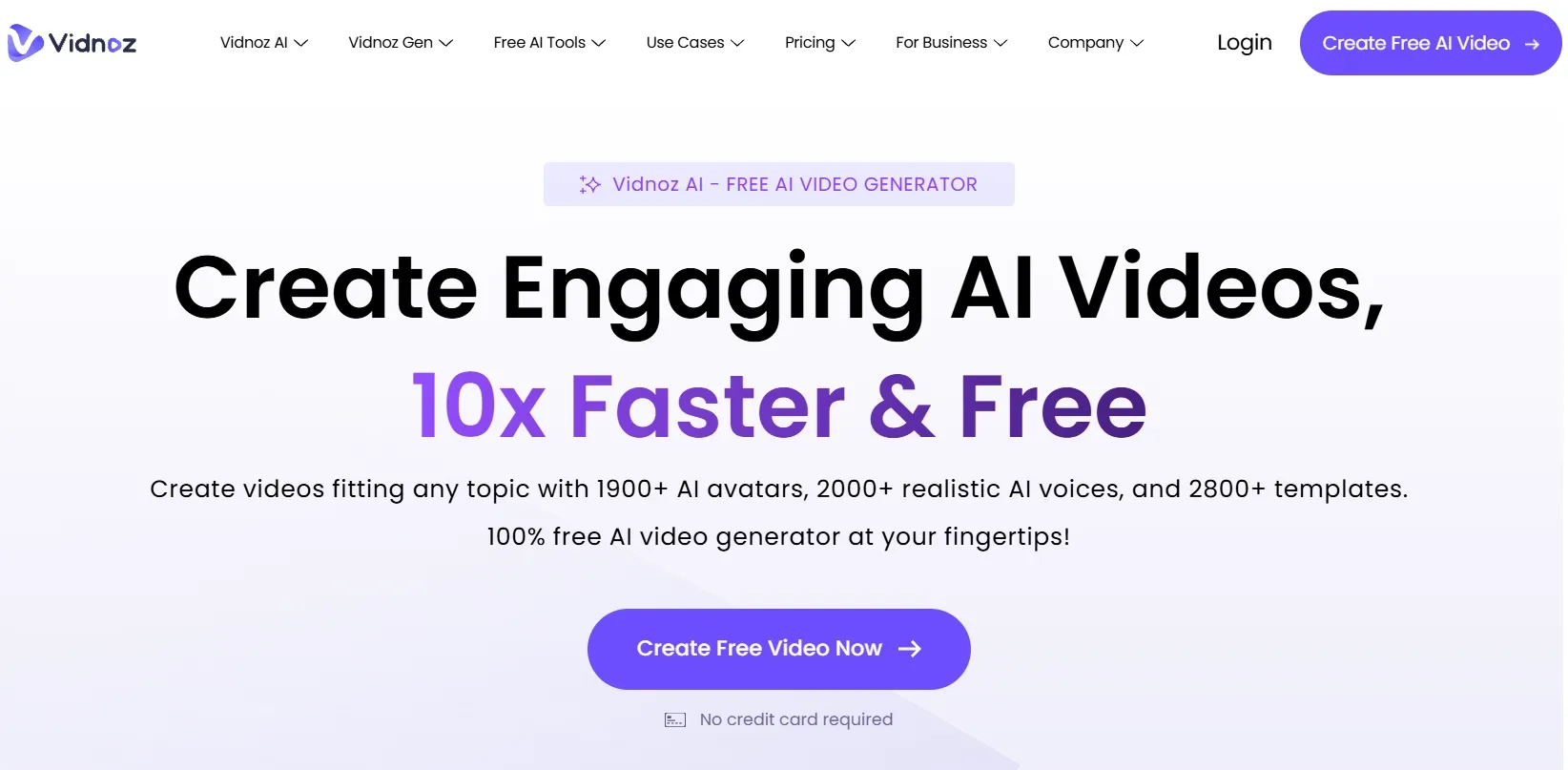
Vidnoz AI strikes me as a practical choice for humorous reactions and celebrity videos. Its face swap tool supports multiple faces and common formats like MP4 and MOV, making it convenient to work with existing social media footage.
I also appreciate its focus on matching expressions and mouth movements, which matters for convincing talking-character videos.
However, some creative tasks require switching between its face swap and AI avatar features, which makes the workflow less seamless. I'd also keep its daily free usage limits in mind when creating multiple variations.
Key Features
- Video face replacement: Swap facial identities while retaining the underlying clip.
- Multiple-face support: Change several faces within compatible group footage.
- Expression-aware processing: Adapt the replacement to facial expressions and mouth movements.
- Broad format compatibility: Upload videos in several common formats.
Best For
- Comedy creators: Make humorous reaction clips and short parodies.
- Social media creators: Rework trending videos into personalized entertainment.
- Group-content creators: Explore conversations and scenes involving multiple characters.
Pros:
- Supports both individual and multiple-face swapping.
- Daily free usage is advertised.
- Compatible with common video formats.
- Additional avatar and video creation features.
Cons:
- Free usage remains limited.
- Source quality can affect the credibility of the facial replacement.
- Some video creation capabilities belong to separate tools within the platform.
GoEnhance AI: Best Free Unlimited Video Face Swap Generator for Anime-Inspired Videos
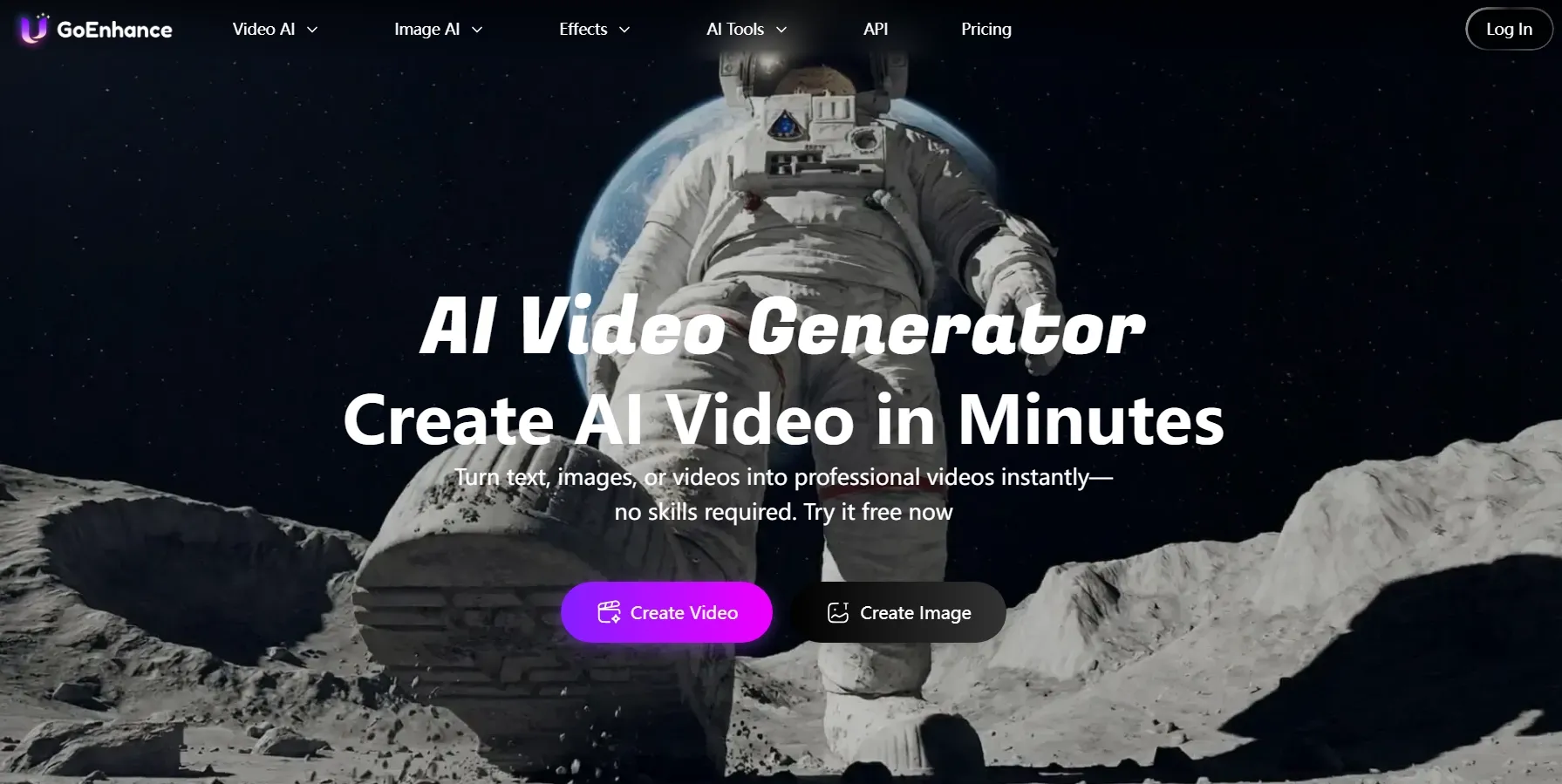
GoEnhance AI interested me because it combines face swapping with tools for stylized video creation.
I could start by swapping a face in an image, then explore image-to-video generation or video to anime AI to create an anime-inspired character clip. That workflow offers more stylistic freedom than a basic face replacement alone.
However, anime transformation requires a separate step rather than happening automatically during face swapping. I also find its standard video face swap less flexible for group scenes, as it applies the same replacement identity to all detected faces.
These limitations make me more selective about my creative experiments. With 30 introductory tokens available, I'd prioritize a few promising ideas before exploring more styles and variations.
Key Features
- Video and photo face swap: Replace faces in uploaded visual content.
- Video-to-animation tools: Explore anime, cartoon, and other stylized video transformations.
- Image-to-video generation: Animate a face-swapped portrait into a moving clip.
- Facial detail blending: Align replacement faces with the surrounding image or video.
Best For
- Anime enthusiasts: Develop character-inspired videos and animated fan concepts.
- Digital artists: Experiment with stylized identity transformations.
- Social creators: Make playful animated clips with customized faces.
Pros:
- Combines face swapping with animation-oriented tools.
- Supports both existing videos and image-based creative workflows.
- Useful for experimenting with character designs and visual styles.
Cons:
- Anime transformation requires a separate workflow.
- Cannot assign a different replacement identity to each detected face in its standard face swap tool.
- Introductory free tokens are limited.
VidMage: Best Free Unlimited Video Face Swap Generator for Multi-Person Videos
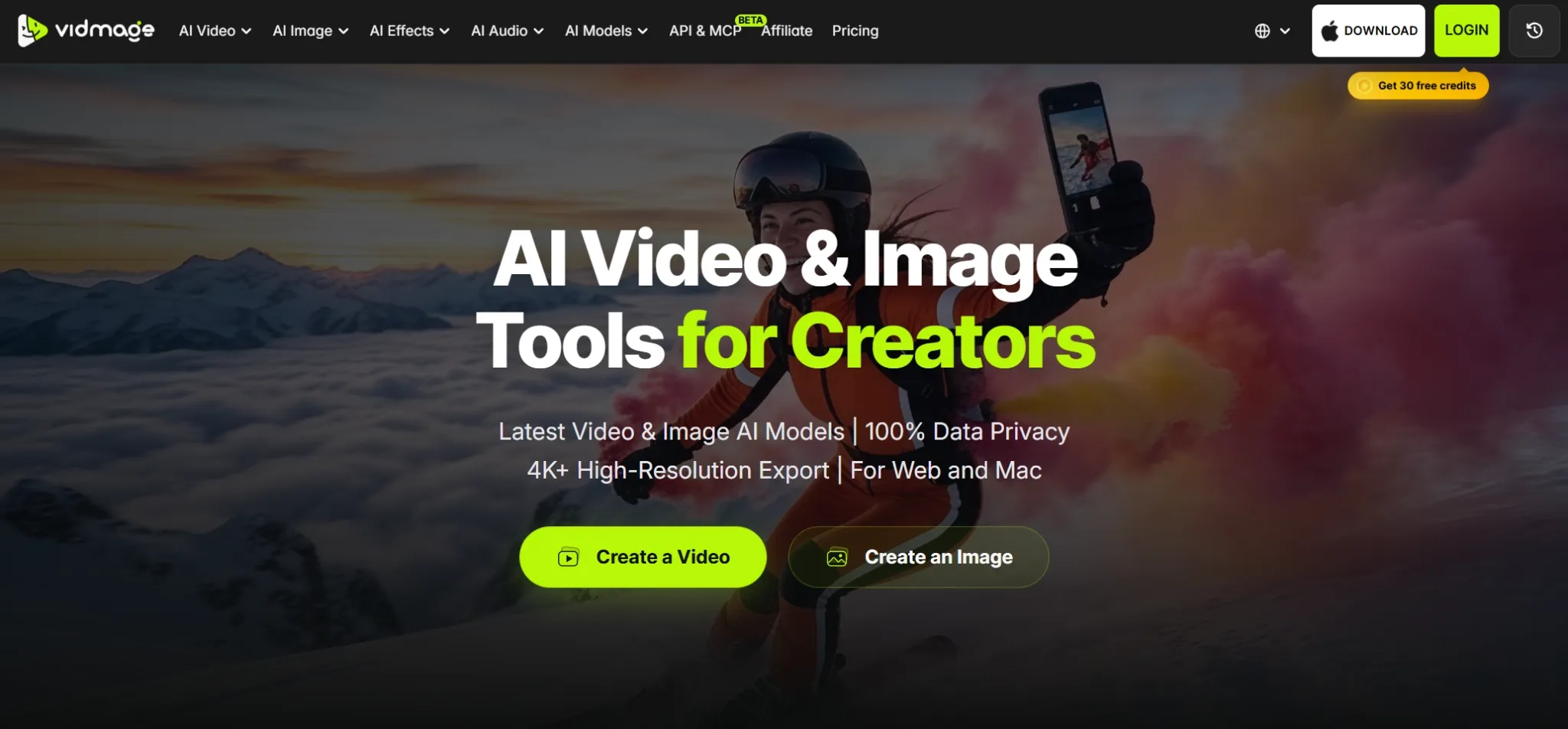
VidMage caught my attention with its ability to replace up to four faces independently in one clip. This makes it appealing for group conversations, scripted dialogue videos, and playful sibling stories, where I want each character's identity to remain recognizable throughout the scene.
I also appreciate its privacy-focused options, including local processing through the Mac application.
For personal projects like birthday videos, its 20 free seconds of watermark-free face swapping per day offer a convenient starting point. However, I'd prefer a more generous allowance when creating longer group scenes or experimenting with multiple variations.
Key Features
- Four-face video swapping: Replace up to four facial identities independently in one clip.
- Facial landmark tracking: Follow expressions, head turns, and movement across frames.
- Local Mac processing: Process footage on-device through the desktop application.
- Watermark-free daily allowance: Generate up to 20 seconds of free video face swaps each day.
Best For
- Comedy groups: Create humorous videos involving several participants.
- Story creators: Produce character interactions and fictional group scenes.
- Entertainment enthusiasts: Explore ensemble cast replacements in existing footage.
Pros:
- Independent tracking for multiple replacement faces.
- Free daily video allowance without a watermark.
- Privacy-focused upload policies.
- Optional local processing through the Mac app.
Cons:
- The daily free allowance is relatively short.
- Additional processing capacity requires an upgrade.
- Handling several moving faces can make source footage more demanding.
Mango AI: Best Free Unlimited Video Face Swap Generator for Short Character Performance Videos
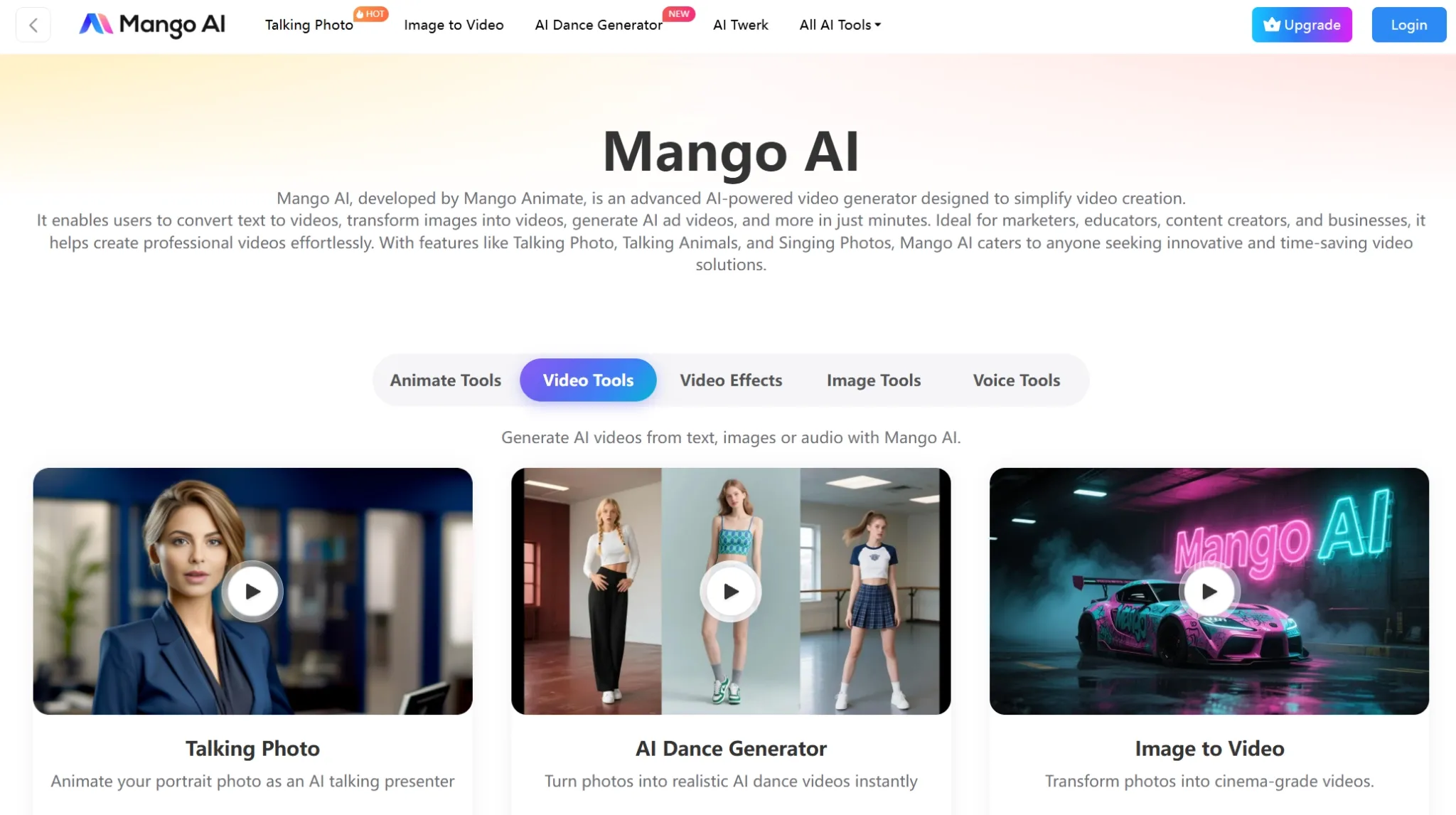
Mango AI takes a focused approach that I find suitable for short, single-character performances. I can upload a video with one clearly visible face and add a replacement portrait, making it useful for quick monologues, short drama clips, and realistic character videos.
I appreciate its straightforward input requirements, especially when I already have suitable footage. However, the 15-second and 30 MB upload limits make it less practical for longer performances.
Mango AI also offers free access to try short face swaps, making it a convenient starting point. However, creating videos regularly or exploring numerous variations may require additional credits.
Key Features
- Single-face video replacement: Swap the identity in footage centered on one character.
- Simple upload workflow: Provide an original video and a replacement face image.
- Short-form video support: Process supported clips up to 15 seconds and 30 MB.
- Related video creation tools: Explore lip-sync, animation generator and talking avatar.
Best For
- Character creators: Produce short performances with a different facial identity.
- Social media enthusiasts: Personalize quick monologues and character skits.
- Casual video makers: Experiment with straightforward face swap concepts.
Pros:
- Focused workflow with clear input requirements.
- Particularly suitable for short, single-character footage.
- Provides access to other character-oriented video generation tools.
Cons:
- The standard tool requires only one visible face in the source video.
- Video uploads are limited to 15 seconds and 30 MB.
- Larger or more complicated performances require different tools or workflows.
How Did I Compare These Free Unlimited Video Face Swap Generators?
When comparing these 10 platforms, I focused on the actual face-swapping workflow, generation quality, and creative flexibility rather than simply counting their AI features.
Since free unlimited access is a major consideration, I also looked at how much I could create for free, whether usage allowances renew, and what restrictions apply to unlimited generation.
These were my main evaluation criteria:
- Facial consistency: Whether the replacement identity remains recognizable across different frames and angles.
- Motion and expression handling: How well the new face follows speech, head turns, and facial movements.
- Visual blending: How naturally the replacement matches skin tones, shadows, and lighting.
- Multiple-face support: Whether I can swap several faces independently within one video.
- Ease of use: How quickly I can upload footage, select a face, and generate a video.
- Free unlimited access: The availability of free credits, recurring allowances, unlimited generation options, and any related restrictions.
- Export quality: Whether watermarks, resolution limits, or video duration restrictions affect the final result.
- Creative flexibility: How easily I can customize face swaps or explore additional video creation features.
Ultimately, I wanted to identify tools that offer a good balance of realistic face swapping, creative freedom, and practical free access, rather than assuming every free plan provides unlimited generations.
Give Every Video a Fresh Face with Pollo AI
Swap faces in your favorite clips with natural expressions and smooth motion. Create entertaining videos without complicated editing.
Try Video Face Swap for FreeMy Final Verdict
After comparing these 10 video face swap generators, I found that each has its own strengths. Some excel at realistic face replacements, while others are better suited for creative parodies, professional videos, or character transformations.
However, free access often comes with limits on generations, video length, or export quality, making truly unlimited free face swapping hard to find.
Pollo AI remains my top choice for its realistic face swapping, flexible video generation, and editing capabilities. I can explore different creative ideas and refine my videos in one place.
Ready to create your own face swap videos? Try Pollo AI for free.