



Best Wan 3.0 Use Cases: How To Put This AI Video Model To Work
Like most of you reading this, when I heard Wan 3.0 was announced, I was simply itching to try it out for myself and see what it was capable of. In the midst of that, I ran numerous tests with different concepts to discover what this AI video generator excels at and what it doesn’t. Want to know what I found out? Read on to learn what Wan 3.0’s best use cases are!
TL;DR
Wan 3.0 excels at identity preservation. So, if a project involves using clear source material of a product, character, or setting to create a draft, then it can be a compelling model. This is why it works well for previsualization, short-form ads, product demos, reference-consistent campaigns, etc. You can feel free to access Wan 3.0 and explore other similar AI models on Pollo AI now.
Use Cases of Wan 3.0 at a Glance
Before we dig deeper into what Wan 3.0 is best suited for, let’s quickly sum up what its core features are and the various video creation projects they would cater well to:
Wan 3.0 Core Features | Practical Aspect | Use Cases |
|---|---|---|
| Native video generation of up to 30 seconds per clip | A complete short-form idea can fit in one generation instead of being split into fragments. | Social ads, short cinematic scenes, product reveals |
| Multimodal referencing that supports text, image, audio, video, webpage, and document inputs | Characters, products, locations, motion, and sound can be anchored to source material; information in text file can become a visual | Branded videos, cinematic teasers, trailers, corporate explainers, onboarding videos, etc. |
| Native audio generation | Dialogue, ambience, effects, and music-like elements can be generated with the video | Sound-on social ads, short brand commercials, music/dance performance |
| 480p, 720p, and 1080p native resolution | Render quick drafts at 480p for character-driven scenes, high action performances, etc, to test physics, adherence, etc, before scaling to HD. | Large-scale video creation for campaign variations, social media ads, marketing clips, etc. |
What You Need To Know About Wan 3.0
Announced on August 6th, 2026, Wan 3.0 is Alibaba’s latest AI video model. Unlike its predecessors, this new release replaces previous task-specific workflows with one unified model that can handle text, image, video, audio, and document inputs in a single pass. But that’s only a taste of the key improvements it brings, so let me quickly break them down:
30-second Video Generation
While previous versions like Wan 2.7 were capped at 15 seconds per generation, I was glad to see that Alibaba’s new model now extends it to 30 seconds per clip. This caters well to longer storytelling, making it easier to produce fuller story arcs and polished cinematic sequences.
In this sense, I like that it now opens up opportunities to create music videos, short films, documentary videos, product stories, and other branded content with fewer fragmented clips. It also makes it easier for us to be more creative with dynamic camera movements.
Unified Multi-Modal Referencing
What I was excited to see most is how Wan 3.0 offers unified multimodal support for text, image, audio, video, webpage, and document referencing. In the previous Wan AI models, these all existed separately, but now I can generate AI videos with multiple references in a single pass.
I find that this new improvement works well in helping users to create more complex visual narratives with fewer iterations than ever before. Moreover, I like that it becomes much faster to prototype ideas since it lets us assemble them all into a single take.
Stronger Temporal Coherence
With previous models, I kept being frustrated by how my generated scenes would present some distortion and drift across frames. In fact, they would often degrade the further into the video you get. But with Wan 3.0, it seems better at maintaining stability, even with its longer duration.
Across multiple tests, I noticed that the character consistency was solid, even with intense movement. Also, object interactions showed minimal warping, so it should be easier to produce realistic film shots that don’t instantly expose themselves as AI-made.
More Realistic Motion Physics
It’s always a challenge to generate videos with natural and fluid dynamics, but this new model has fixed that. I was quite impressed to see how Wan 3.0’s capacity to simulate water, fabrics, and objects in motion has improved, especially when compared to Wan 2.7.
I generated several cinematic scenes with liquids pouring, glass breaking, clothes flowing in the wind, etc, and for the most part, Wan 3.0 performed well. I noticed less flickering in the outputs, so I would recommend it for creating fashion try-on videos, sports scenes, etc.
Interested in learning more about Wan 3.0’s upgrades? Read this article on what Wan 3.0 is.
Best Use Case 1: Character-led Cinematic Scenes
Given how Wan 3.0 can generate 30-second continuous scenes, I was eager to see what kind of cinematic videos I could produce with it. This is an area where visual detail, realism, and resolution play a huge role in determining if the output is even usable or not.
For this test, I decided to keep it a little simple, but instead of generating a basic short film, I wanted to see just how well it could render a travel video of a woman visiting Hawaii. You can see how Wan 3.0 performed in the video below:
Prompt | Output |
|---|---|
| Cinematic 30s tropical travel vlog of a beautiful 20-year-old East Asian woman with dark hair exploring Hawaii in summer. Authentic luxury travel-diary style: handheld camera, soft golden-hour light, dreamy 35mm film look, warm vintage grading, shallow depth of field, natural skin texture. Keep the same woman throughout — dark hair, youthful face, natural makeup, elegant summer outfits, relaxed happy expression. 1080p, 24fps, film grain, realistic handheld, soft focus, warm palette. |
I was surprised to see just how grounded and realistic the final scene is. Even across different settings and locations, it maintains great subject consistency. Plus, the natively generated audio fits each sequence so faithfully that it feels like an authentic travel vlog.
Best Use Case 2: Product Demos & Commercial Ads
This is an area that I find Wan 3.0 performs extremely well in, purely because its capacity for reference anchoring is top-tier. It can lock in character features, objects, and settings, keeping them consistent across shots, which is why I recommend using it for product videos.
Once again, I kept it simple by generating a commercial skincare ad for a fictional brand called Inventiko. For this one, it’s all about seeing how Wan 3.0 performs with typography, visual detail, product consistency, and dynamic camera movements. Here’s what it produced:
Prompt | Output |
|---|---|
| Luxurious cinematic skincare ad for dark green glass “INVENTIKO Bio-Serum 38%” bottle. Extreme close-up of bottle with water droplets on glossy black surface under teal-blue light. Slow-motion macro of golden serum drop from the dropper. Close-up of a young woman’s flawless cheek as the drop lands, showing a hydrated glow. Final hero shot: open bottle on white stone with black cap, warm sunlight through blinds. Photorealistic, macro, shallow DOF, 1080p, vertical 9:16. |
Right away, the result was good. I may not have taken a complex approach with the concept but seeing how clean and sophisticated the commercial is, I’m satisfied. At the very least, it proves that it can deliver a product visual, especially since it rendered the text with no issues.
Best Use Case 3: Fashion Campaigns/Showcases
With Wan 3.0 improving physical dynamics, this is another great use case that I was confident the model would perform well at. It opens up new opportunities to produce fashion try-on videos and campaign showcases that require fabrics to react convincingly to movement, wind, etc.
For this test, I wanted to render a stylish fashion lookbook. To nail such a concept, I would need Wan 3.0 to present a fair amount of realism, subject consistency, and fluid dynamics because warping and shifting across frames tends to be a common issue. This is what it delivered:
Prompt | Output |
|---|---|
| Photorealistic cinematic 15s fashion lookbook of a stylish Asian man in his 20s with a goatee. Outfit: distressed light-blue oversized denim jacket, baggy jeans, crisp white shirt, slim black tie, brown leather belt, black sunglasses, black baseball cap, chunky black boots, silver rings. Quick cuts: boots close-up → torso mid-shot (hands in pockets) → macro rings → tight profile. Tracks him walking away, glancing over shoulder. Urban concrete wall, warm late-afternoon light. Shallow DOF 50mm, realistic textures, moody film-grain grade. Confident poses. 16:9, synced to upbeat hip-hop with heavy bass. |
As you can see, Wan 3.0 really nailed it. This has to be one of the most solid fashion videos I’ve ever seen generated. The level of scene realism and detail is impeccable, with no robotic character movements, identity drift, or unnatural frills/folds to speak of.
Best Use Case 4: Social Ads & Promotional UGC Videos
Creating social ads and UGC videos is another area that I was sure Wan 3.0 would excel in. After all, most of these types of videos are heavily based on maintaining facial and spatial consistency across frames, so naturally, this should be a breeze for it.
In this sample, I wanted to see how it would render a UGC-style commercial ad of a woman promoting a bowl of ramen. Since this scene would demand a certain level of subject motion and fluid dynamics, I was eager to see how Wan 3.0 would handle this.
Prompt | Output |
|---|---|
| Premium 16:9 storyboard infographic for Instant Ramen ASMR commercial. Use uploaded image as exact character ref (perfect face consistency). Show: (1) girl smiling while presenting the ramen cup, (2) opening the lid and adding seasoning, (3) pouring hot water with rising steam, (4) stirring noodles with chopsticks, (5) lifting and slurping noodles, (6) final hero shot with ramen and a thumbs-up. Use cozy bedroom lighting, warm tones, luxury commercial styling, cinematic macro food photography, photorealistic steam, shallow depth of field, elegant brown accents, polished client-pitch presentation, 16:9 widescreen. |
How the hot water looks while being poured and how the ramen interacts with her stirring it inside the bowl; I was glad to see Wan 3.0 deliver such a realistic render with no visible warping. I also saw no facial contortions while she was chewing and eating, so it’s a solid improvement.
Best Use Case 5: Animated Short Film
Given how good Wan 3.0 is at identity preservation, I was curious to see how it handles stylized animation. After all, generating realistic shorts is all well and good, but I know how short animated videos can often produce mixed results.
So, I decided to give Wan 3.0 a slight challenge. I wanted to render a Pixar-style animated sequence that features multiple characters with a mix of different camera shots for extra measure. You can check out the final video it generated below:
Prompt | Output |
|---|---|
| 3D Pixar family animation. Night sky meets ocean, bioluminescent cosmic-aquatic chaos, surreal comedy. Moon hangs “GONE FISHING” sign, surfs off on a shooting star. Temp anglerfish fills in with blinding lure. Owl and rooster panic, tides go sideways, fish fly, jealous lighthouse spins into a disco party. Moon returns furious, yeets the anglerfish back into the sea, restores order, then actually fishes from the sky and catches a cloud. Title: “MOON’S NIGHT OFF”. |
As you can see, the visual style is very much like the real deal. The character rendering is fluid, the voiceovers sound quite realistic, and there is little to no temporal instability. From start to finish, the animation maintained continuity across frames, so I was impressed, to say the least.
Want more hands-on insights into Wan 3.0? Read this Wan 3.0 review.
Where Can You Access Wan 3.0? Head Over To Pollo AI
Now you know what Wan 3.0 is capable of, and I’m sure you probably want to take this AI model out for a spin too, right? For me, the best way I have found to do that is by using Pollo AI.
Try Wan 3.0 Free on Pollo AI Now
Bring your boldest ideas to life with Wan 3.0 and turn them into publish-ready videos on Pollo AI.
Start Creating Free
Built to be the ultimate AI creative suite, I enjoy using this platform because it’s integrated with several leading AI video models, including Wan 3.0, Seedance 2.5, and Veo 3.1. Having seamless access to these options, it creates the ideal working environment for me to effortlessly generate and refine video concepts until I get the best possible results.
For more complex projects, I can simply turn to Pollo Agent, which automates video and visual production for creators, marketers, and sellers. It helps me turn rough ideas and creative notes into full visual narratives. Best part? It’s an iterative agent, so I don’t need to regenerate my videos or images to make changes. I simply describe what I want to adjust, and it handles the rest to deliver a polished result.
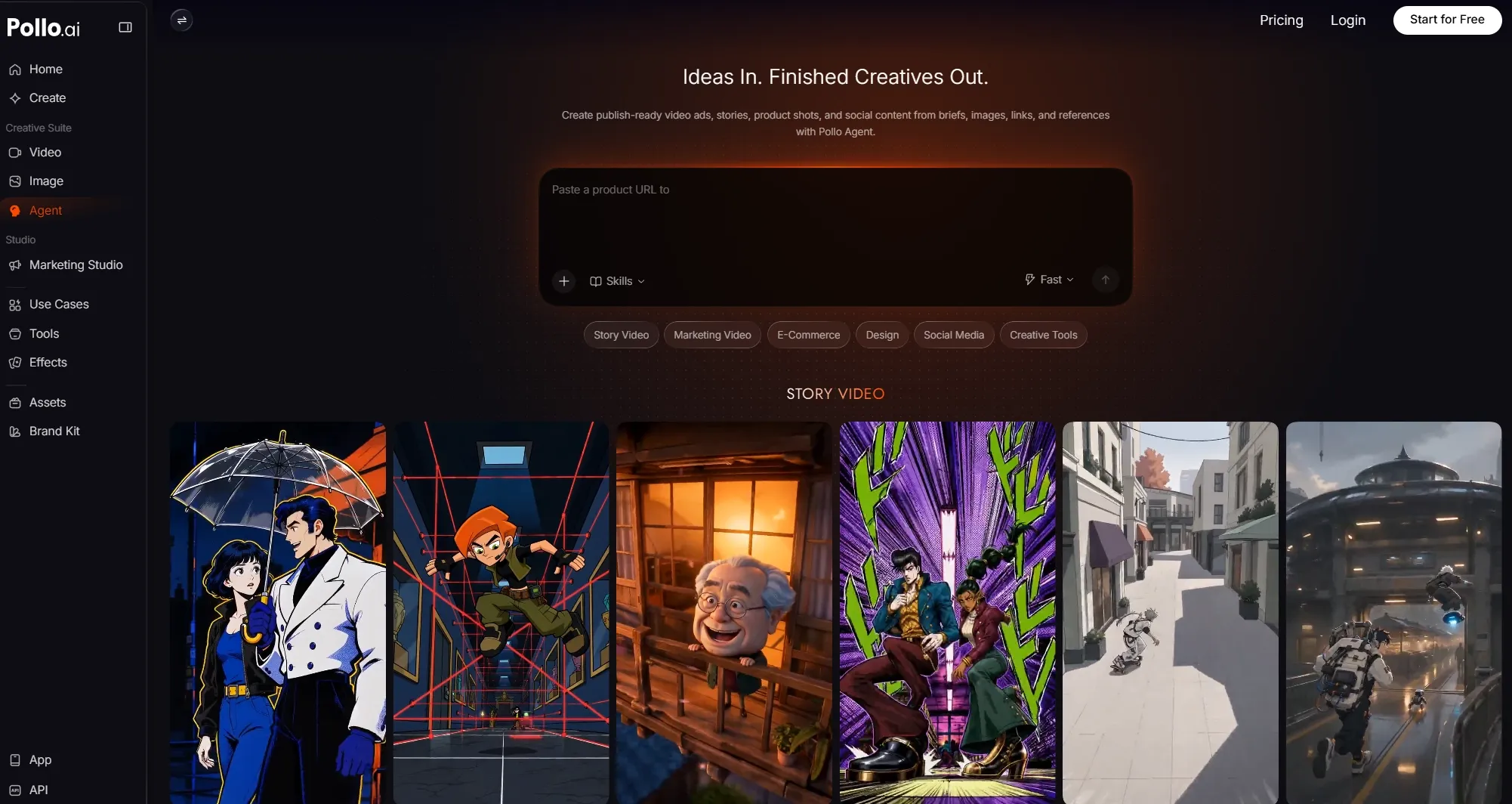
Once I’m done generating with Wan 3.0, there are also several post-editing tools that I can use on Pollo AI, like the AI video upscaler, for example. And that’s not all! If I need help with creating promotional content, there’s also the Marketing Studio. Here, I can create viral videos, clone trending videos, unboxing UGC ads, beauty product visuals, and so much more.
So, instead of dealing with a lot of workflow friction, I suggest using Pollo AI because it's made my life easier through one convenient hub. Try it out today at no cost via the free trial plan!
FAQs about Wan 3.0 Best Use Cases
What is Wan 3.0 best used for?
Wan 3.0 is ideal for video projects that benefit from using reference inputs to preserve the identity of characters, objects, or scenes. Because of this, it can work well for character-led sequences, brand campaign ads, 360° product showcases, fashion try-ons, trailers, etc.
How can brands use Wan 3.0 for product marketing?
Since Wan 3.0 accepts multiple reference inputs, you can craft branded videos like product ads, lifestyle scenes, demos, showcases, and more. To nail the campaign concept, you just need to provide a brief that includes product images, logos, brand guidelines, packaging details, etc.
Can Wan 3.0 help create film and campaign concepts?
Yes. With Wan 3.0, you can benefit from longer video durations, multimodal referencing, native audio generation, and fast rendering. These are all the key elements you need to turn rough scripts, storyboards, and reference images into key previews before actual production starts.
Can Wan 3.0 be used for training and onboarding videos?
Yes. Wan 3.0 maintains temporal consistency within each clip relatively well, ensuring that faces, outfits, and other subject details remain stable throughout. Since it also accepts document inputs, it can easily render first drafts of tutorials, explainer videos, demos, etc.
What use cases are less suitable for Wan 3.0?
Wan 3.0 is not always consistent at rendering perfect typography, heavy dialogue or complex multi-character choreography. For such videos, it may still present a few moments of imperfect lip-syncing or identity/object drift. In such cases, it’s best suited for concept rendering.
Is Wan 3.0 open source?
As of now, Wan 3.0 is a closed, API-based model with no weights publicly available. For local deployment, you will need to choose an earlier Wan AI model. Otherwise, you can feel free to access it via Pollo AI and start generating videos at a cost-effective rate.