



Everygen AI Review: I Tested Viewmax for Shorts, UGC Ads & Video
Everygen AI (formerly Viewmax) is a convenient browser studio for spinning up quick YouTube Shorts, faceless clips, and draft UGC ads. However, after spending a week testing its video generators and ad workflows with real campaign assets, I found that unpredictable credit drain, sudden generation errors, and zero post-production depth hold it back from serious commercial production.
Everygen AI Review: TL;DR
Everygen AI earns a strong 4.5/5 in my 2026 hands-on test. It is an excellent, beginner-friendly launchpad if you want to experiment with viral short-form templates, compare multiple AI video models, or spin up quick UGC ad drafts from a product URL.
However, if you need an all-in-one native creative suite with deeper editing control, multi-scene continuity, and publish-ready campaign workflows, Pollo AI—the best Everygen AI alternative—is a stronger upgrade, uniting top models, viral templates, Pollo Agent, Marketing Studio, and the official Pollo MCP in one workspace.
| Review Criteria | My Hands-On Verdict | Rating |
|---|---|---|
| Ease of Use | Beginner-friendly dashboard built around guided short-form templates | 4.7 / 5 |
| Model Selection | Great access to Seedance, Kling, Gemini Omni, MiniMax & Grok Imagine | 4.6 / 5 |
| Shorts & Viral Formats | One of Everygen’s strongest fits for testing trendy vertical formats (6–10s) | 4.7 / 5 |
| UGC & Product Ads | Convenient URL-to-ad concepting with avatars and voices | 4.5 / 5 |
| Creative & Editing Control | Good for quick single-clip direction, less suited for shot-by-shot timelines | 4.1 / 5 |
| Value & Credit Rules | Solid starter value, though non-rollover credits and occasional resets require care | 4.2 / 5 |
| Overall Score | Excellent for rapid short-form concepts; pair with a fuller suite for scale | 4.5 / 5 |
What Is Everygen AI (Formerly Viewmax)?
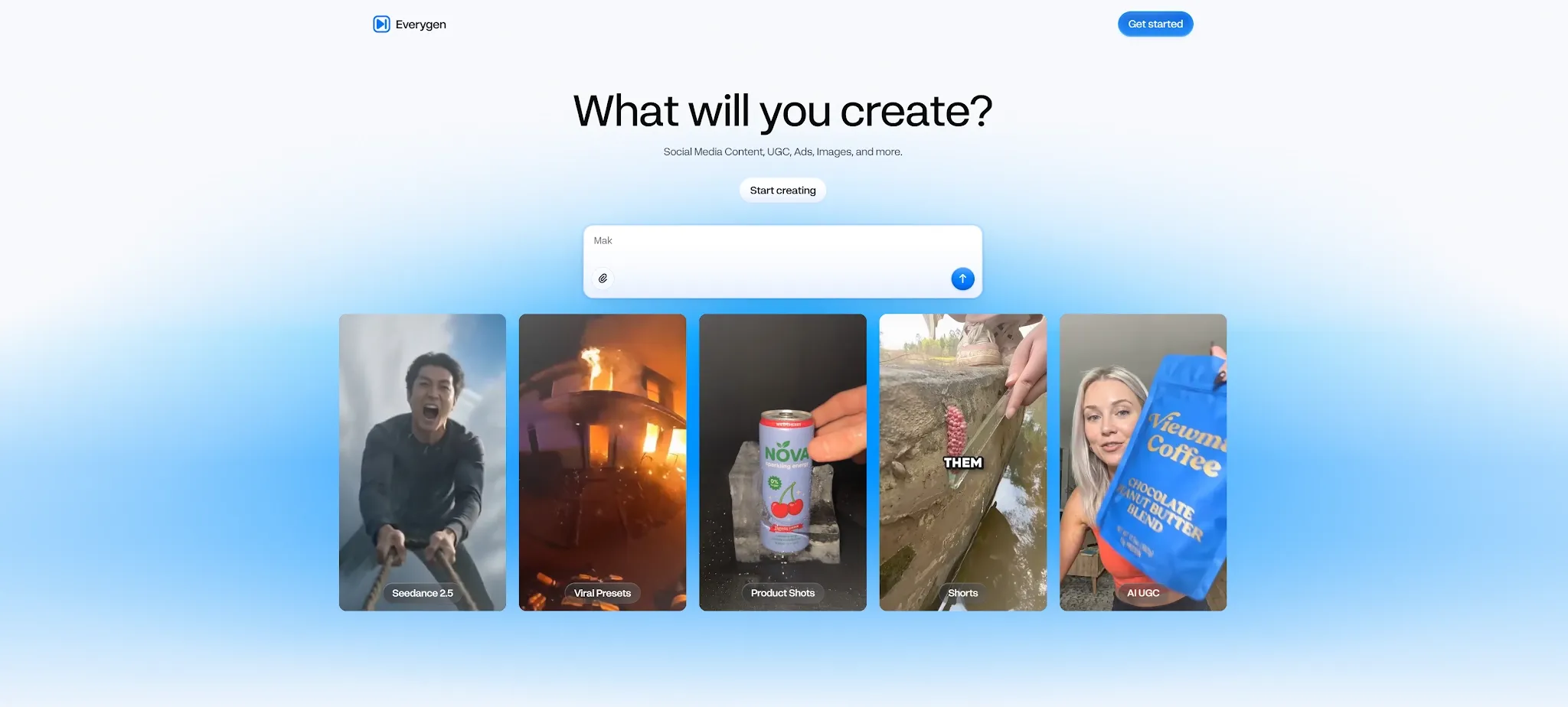
Everygen AI is a browser-based creative platform designed to generate short videos, images, voiceovers, and social marketing content from text prompts, reference images, video clips, or product links. Rather than operating as a complex timeline video editor, it acts as a fast multi-model studio geared toward YouTube Shorts, TikToks, Instagram Reels, and faceless social channels.
Important Note on the Viewmax Rebrand & Lookalike Domains:
If you searched for Viewmax AI or Viewmax Studio, you are looking for the same product now officially hosted at everygen.ai (where existing accounts, subscriptions, credits, and files remain connected). However, be careful when searching on Google: unrelated websites using similar names—such as everygen-ai.com and everygenai.io—also appear in search results. These operate as separate services with different billing systems and features, so always verify you are on everygen.ai before subscribing.
What Everygen AI Worked Best
Instead of judging Everygen from a single promotional demo, I evaluated the platform around the real workflows most likely to influence a buyer's decision—testing how efficiently it moves from an initial concept to repeatable content across four core areas:
Multiple AI Video Models in One Workspace
Everygen’s biggest draw is model variety. Its AI video generator brings Seedance, Kling, Gemini Omni, MiniMax, and Grok Imagine into a single interface. Depending on your workflow, you can generate a new clip from text or an image, edit an uploaded video, or transfer motion from a reference video onto a character image. You can also generate up to four variations from a single prompt, which made comparing camera movement across Kling and MiniMax fast during my test. The main trade-off is that each model handles physics, faces, and audio differently—meaning new users often spend extra credits experimenting before dialing in a reliable look.
Shorts Studio Simplifies Trend-Based Content
Everygen’s Shorts Studio is built for creators who want proven short-form formats without writing complex prompts from scratch. You can choose from familiar viral templates including CCTV, Ring doorbell cams, "Shot on iPhone," ranking videos, anime, nature clips, nursery rhymes, AI court videos, bodycam footage, hydraulic press clips, and 3D explainers. After picking a format and typing a brief direction, Everygen expands the prompt and renders a 6-to-10-second vertical clip (at 720p) with sound. While this reduces prompt fatigue for faceless-channel operators, relying purely on preset templates can make outputs feel visually repetitive unless you add custom editing afterward.
Product Links and Images Become UGC Ad Drafts
For e-commerce marketers and media buyers, Everygen’s AI Ad Generator turns a product URL or uploaded photo into a spoken ad concept. It supports popular direct-response styles such as UGC, Unboxing ASMR, Before and After, Selfie Testimonial, Direct-to-Camera, Product Tutorial, Try-On video, Camera POV, Secret Hack Reveal, and Gadget Saved Me. In my test, pasting a product page quickly produced a structured brief covering the offer, target audience, and hook alongside an AI avatar and voiceover. It is a fast way to test multiple ad openings without hiring creators for every rough draft—though outputs still require human review to ensure packaging details and product claims remain accurate.
Built-In Voiceover, Native Audio, and Captions
Everygen is much more practical than silent video generators because it bundles AI voiceovers, script tools, auto-captions, and caption removal in the same ecosystem. Furthermore, selecting models like Gemini Omni or Seedance allows you to generate native dialogue, ambient background sound, and sound effects directly with the video. For high-volume social testing, this saves significant time, though subtitle pacing and vocal emphasis should still be checked before launching branded campaigns.
Turn Quick Ideas Into Publish-ready Videos
Create, edit, and refine multi-scene videos with Pollo AI, leading AI models, and campaign-focused tools in one workflow.
Try Pollo AI for Free
Where Everygen AI Falls Short (Testing & User Considerations)
While Everygen excels at fast ideation, using it for ongoing campaigns highlighted several practical limitations echoed across both my testing and user feedback:
Credit Consumption and Unexpected Generation Errors
Everygen uses credits across video generation, images, voiceovers, captions, and exports, with costs scaling based on model selection, duration, and resolution. On the official pricing page (covering Starter, Pro, and Creator plans), monthly plan credits do not roll over, and headline rates reflect annual billing commitments. Beyond fast credit burn during multi-model trial and error, some users have reported frustrating technical hiccups—such as paid credits being consumed by unexplained, copyright-related generation errors without delivering usable output, or losing unsaved progress after switching browser tabs.
Short Clips Still Need a Finishing Workflow
Because Shorts Studio caps outputs at short vertical clips and the broader workspace focuses on individual scenes, Everygen is not a complete post-production environment. To publish a polished campaign asset, you will often need a separate AI video editor to stitch multiple clips together, fine-tune audio mixes, or maintain frame-accurate brand styling.
Multi-Model Variety Does Not Guarantee Continuity
Having five models in one menu is convenient, but they do not produce interchangeable results. Even when using reference images, keeping character faces, product logos, and lighting consistent across a multi-shot sequence is difficult. Everygen is built for single-clip speed rather than scene-by-scene storyboard continuity.
How Does Everygen Across Real Use Cases?
Because AI video tools perform differently depending on what you are actually trying to publish, here is how Everygen AI held up across eight common creator and marketing workflows during my test:
| Use Case | Suitability | My Hands-On Take |
|---|---|---|
| YouTube Shorts | Strong Fit | Guided templates and vertical outputs cut down the time needed to test viral hooks. |
| TikTok & Reels | Strong Fit | Great for quick 6–10s visual experiments, especially with built-in captions and voiceover. |
| Faceless Channels | Good Fit | Practical for spinning up recurring preset formats (like CCTV or ranking clips) fast. |
| UGC Ad | Good Fit | Convenient for generating multiple early hooks and avatar drafts from a product URL. |
| Product Videos | Mixed | Useful for early ideation, but packaging text, logos, and product accuracy need careful review. |
| Cinematic Scenes | Mixed | Multi-model access helps, though outputs remain isolated clips rather than connected sequences. |
| Long-Form Story | Weak Fit | Short clip caps and model shifts make character and scene continuity difficult to maintain. |
| Full Brand Campaigns | Weak Fit | Fine for rough brainstorming, but lacks the editing depth and stability needed for final delivery. |
Everygen AI Is Right for You If: You run a faceless channel, publish daily Shorts or Reels, or want guided templates to test quick UGC ad concepts without learning complex prompting.
Skip Everygen AI If: You need predictable credit usage, strict product and character consistency, multi-scene storytelling, or an end-to-end commercial production system.
Why Pollo AI Is the Best Everygen AI Alternative
Everygen is a great starting point for testing short-form concepts. However, when you need to carry those concepts all the way to finished, commercial-grade videos without switching tools, Pollo AI stands out as the best Everygen AI alternative.
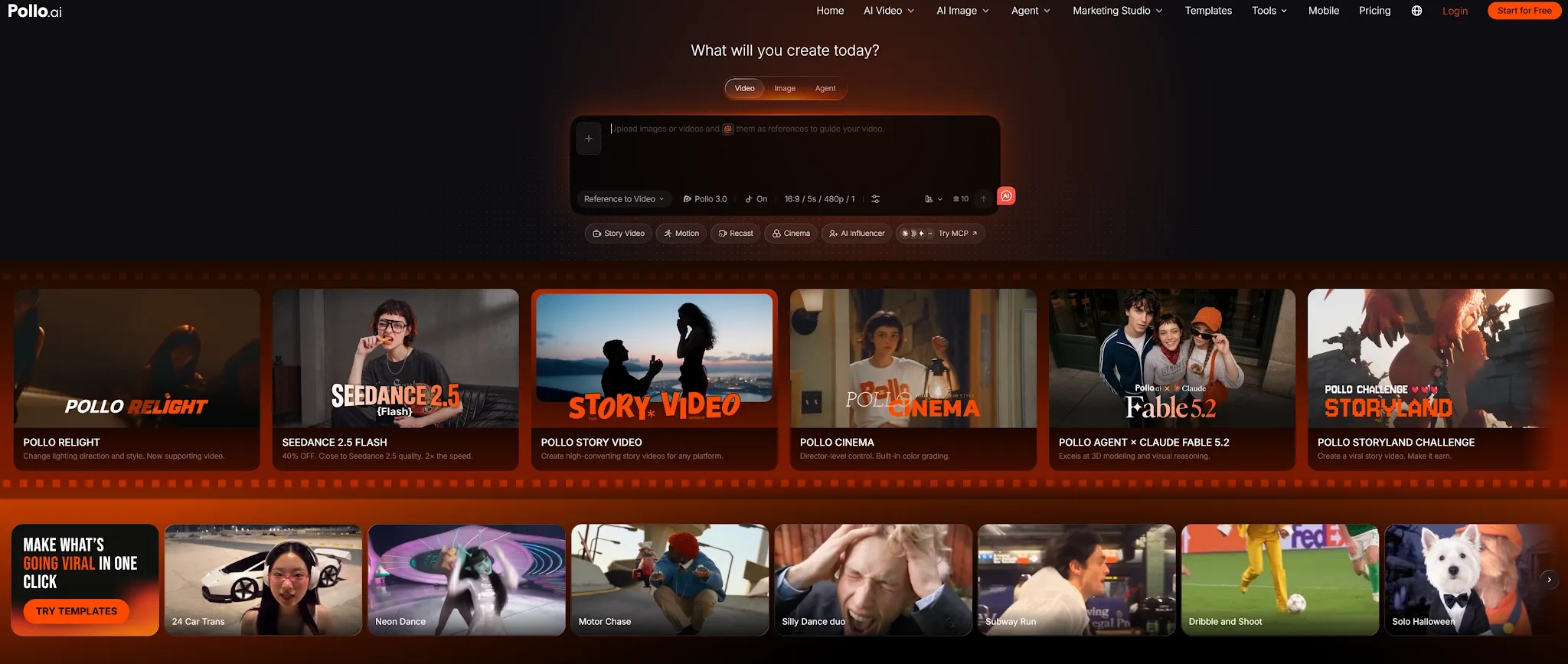
Instead of focusing only on isolated clips, Pollo AI operates as an all-in-one native creative suite and one-stop multi-model platform—combining world-class generation engines, editing tools, avatars, audio, and marketing workflows in one reliable workspace.
Here is why creators and marketing teams upgrade from Everygen to Pollo AI:
A More Complete AI Video Workflow: Pollo AI supports text-to-video, image-to-video, video-to-video, reference-based generation, AI avatars, viral effects, and editing tools in one environment—letting you turn a single idea into a story video, product demo, or social ad seamlessly.
Pollo Agent for Autonomous Production: Rather than burning credits guessing which settings work best, you can drop an idea, script, image, or URL into Pollo Agent. It automatically plans scenes, pacing, visuals, and sound to deliver a structured, production-ready video with minimal manual assembly.
Advanced Video & Image Models in One Hub: Access leading foundation models including Vidu Q4, Kling 4.0, Seedance 2.5, Seedream 5.5, and GPT Image 2.6 under one roof.
Marketing Studio for Repeatable Ad Scale: While Everygen helps draft early ad concepts, Marketing Studio by Pollo AI is built for full campaign execution—supporting UGC video ads, URL-to-video ads, photo-to-video product showcases, script-to-video ads, and viral ad cloning across multiple hooks and ratios.
Pollo MCP: Technical teams and power users can connect Pollo AI directly to Claude, Cursor, and developer workflows via the official Model Context Protocol (MCP).
Final Verdict: Is Everygen AI Worth Using?
Everygen AI (formerly Viewmax) fully earns its 4.5/5 rating as a fast, accessible studio for short-form experimentation. Its Shorts Studio templates, URL-to-UGC ad drafts, and multi-model menu make it a fun, productive tool for solo creators and marketers brainstorming early social concepts.
However, once your workflow demands multi-scene consistency, deeper post-production control, or scalable ad output, isolated short clips are only the beginning. Use Everygen when you want quick creative drafts—and choose Pollo AI when you want an all-in-one system that takes your ideas through multi-model generation, Pollo Agent planning, Marketing Studio ad production, and final content delivery.
FAQ about Everygen AI
Is Viewmax now called Everygen AI?
Yes. Viewmax (and Viewmax Studio) officially rebranded to Everygen AI at everygen.ai. Existing Viewmax accounts, subscriptions, credits, and project files remain connected after the rebrand. Be sure to avoid unrelated lookalike domains such as everygen-ai.com or everygenai.io.
Is Everygen AI free to use?
Everygen AI primarily operates on paid credit plans (Starter, Pro, and Creator), where generating videos, voiceovers, captions, and exports consumes monthly credits that do not roll over. If you want to test multi-model AI video generation, viral templates, and agent workflows for free first, Pollo AI offers free credits for new users to get started.
What are the main drawbacks of Everygen AI?
While Everygen is easy to use for 6-to-10-second Shorts and quick UGC drafts, its main limitations include non-rollover monthly credits, occasional credit loss from strict copyright filter errors, lack of a full post-production timeline editor, and difficulty maintaining visual consistency across multiple shots.
Everygen AI vs. Pollo AI: Which should I choose?
Everygen AI is a good fit if you want guided preset templates (like CCTV or ranking videos) for quick short-form experiments. Pollo AI is the better choice if you want a complete AI creative suite featuring top models (Sora, Veo, Kling, Runway, Flux), Pollo Agent for automated multi-scene video creation, Marketing Studio for scalable UGC ads, and Pollo MCP integration.